Week 9 - Project 1 - Door Trim Lower with Engineering Features
AIM: Create the Door Trim Lower Plastic component through the given Class-A surface. To begin with, the tooling axis for the given Class-A Surface should be created meeting the requirements of the draft angle and at the end perform the Draft analysis on the model.
Draft Angle:
- Draft angle is the degree of taper that is incorporated into the side wall and part, core, and cavity of the die-cast tool to aid in the removal of a part. Primarily, their function is to reduce the friction between the part and the tool as it is ejected. Without draft angles, parts can be stripped, dented, or get stuck in the tool.
- Draft angle also reduces the friction between the part, core, and cavity and also reduces the production time as it is easy to reject the part from the core and cavity.
Draft Analysis:
- As the name suggests, draft analysis is nothing but checking the draft angle range i.e., whether the angle is in the ideal range of 3 degrees or not.
- In this analysis we have a colour scale where we can see the range of a specific colour and we can even change the range by double-clicking on the number.
- To do draft analysis go to insert-Analysis-Featured Draft analysis.
Steps to create a tooling axis :
Tooling axis creation-
The steps to follow for creating a tooling axis:
Open the file which contains the Class A surface,after creating a geometrical set "Tooling Axis" then select the most appropriate position which can clear the part in one short for manufacturing.For the given class a surface I have created tooling axis by using point with direction in line command.
For this first i have created a point on the class A surface using point command.
Then using line command with point direction drawn line .
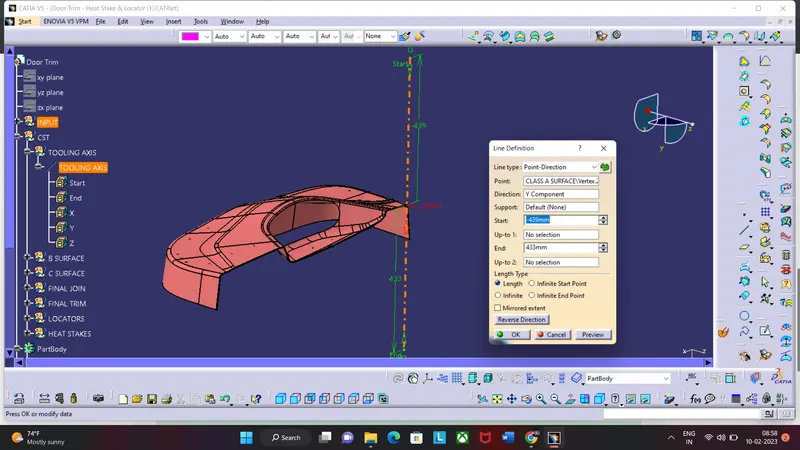
Tree Structure
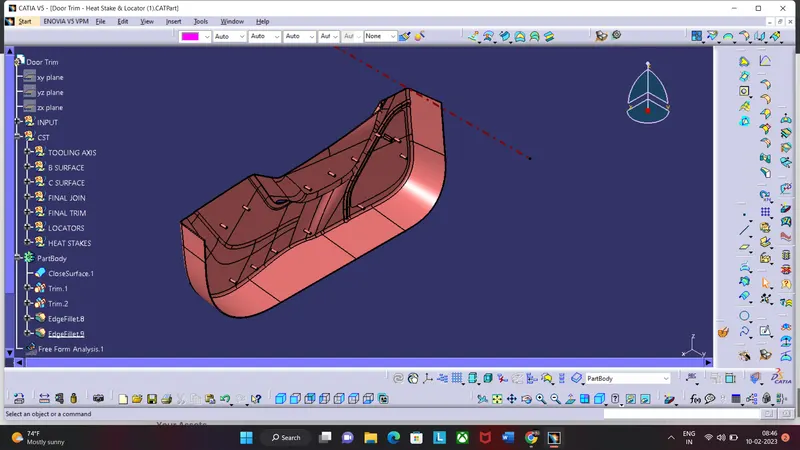
Screenshots of the completed design in various orientations
ISOMETRIC VIEW
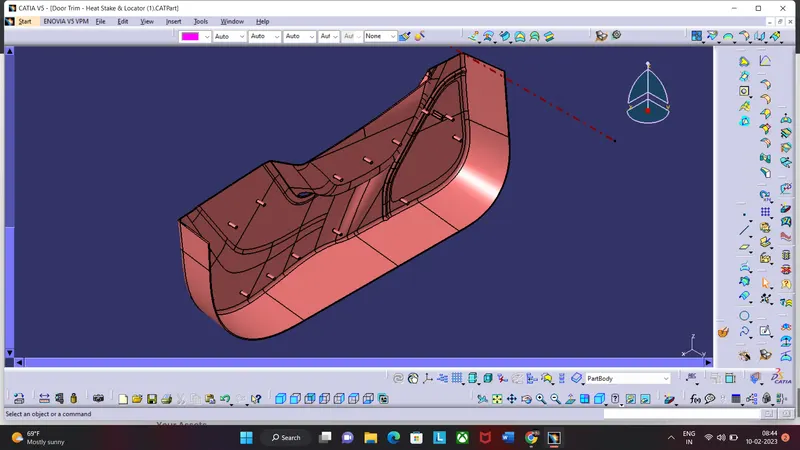
FRONT VIEW
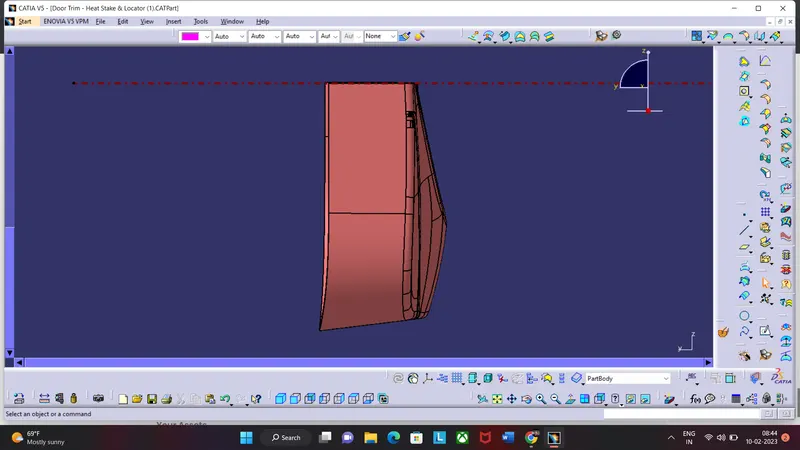
SIDE VIEW
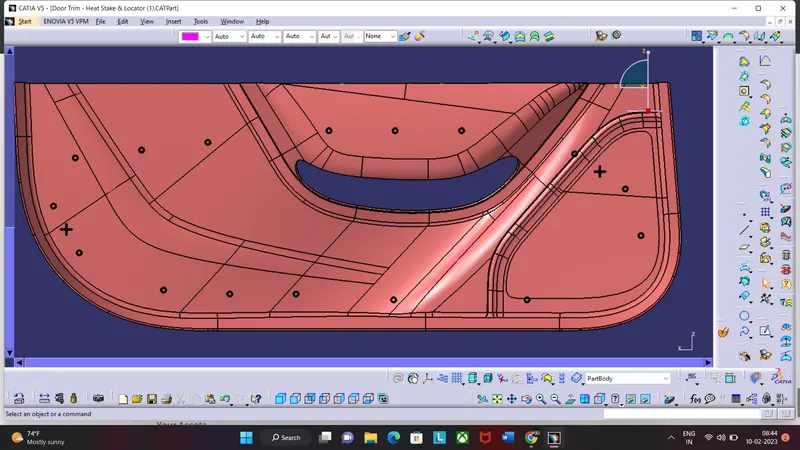
TOP VIEW
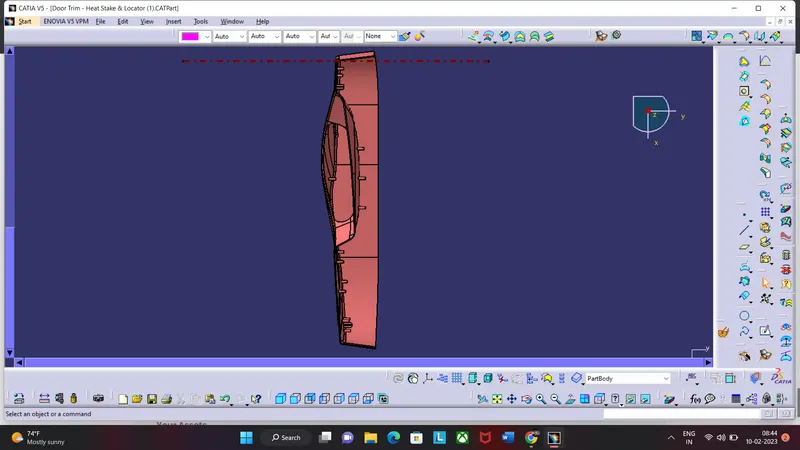
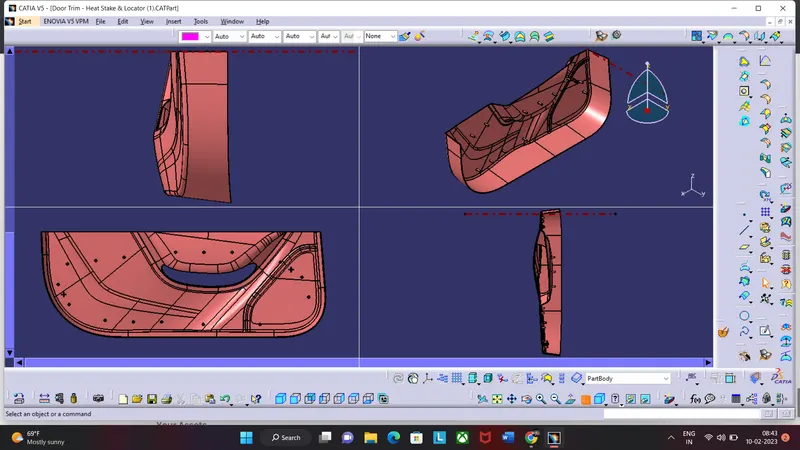
DRAFT ANALYSIS FINAL COMPONENT
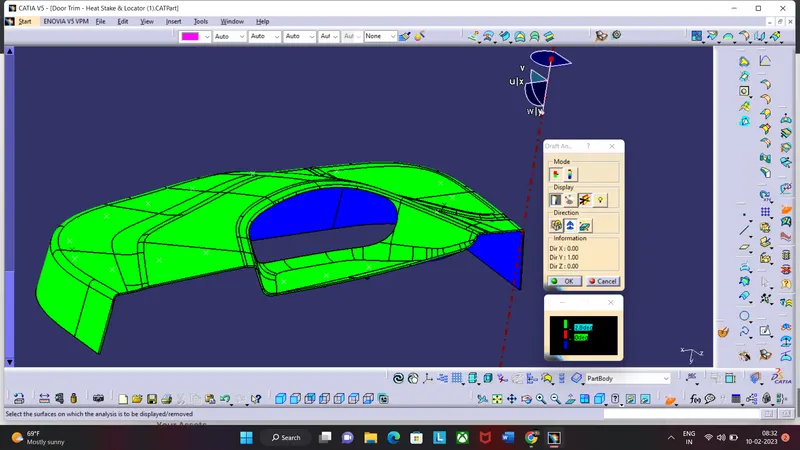
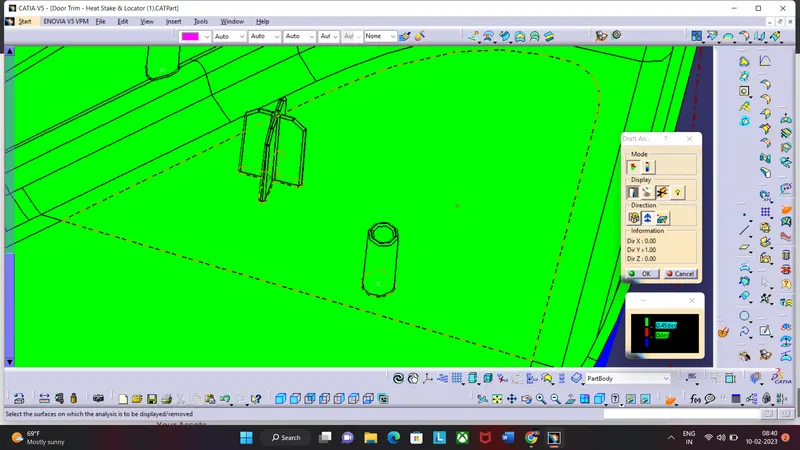
DRAFT ANALYSIS FOR LOCATORS AND HEAT STAKES
Conclusion:
- Hence all the submission requirements are successfully done and the CATPart file is attached below using the Browse option.