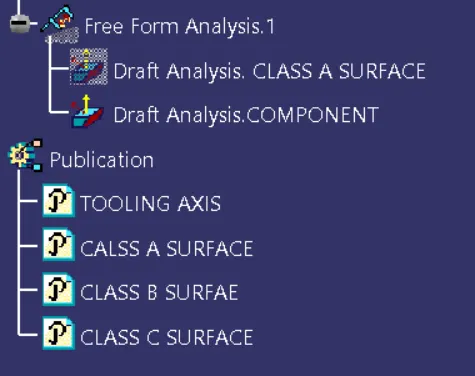
Week 9 - Project 1 - Door Applique Design with Engineering Features
PART 1
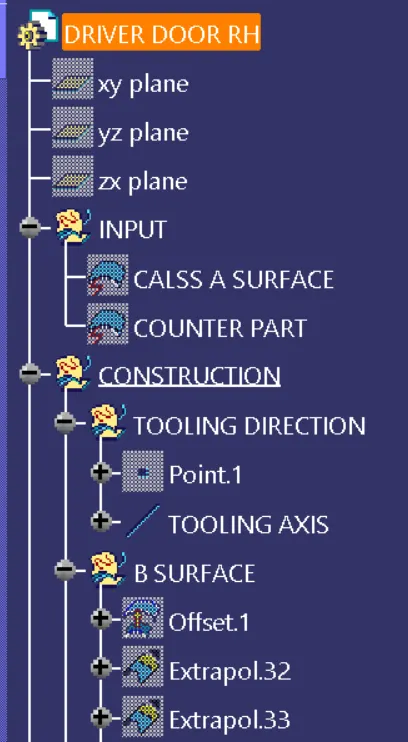
Creation Of Tooling Axis
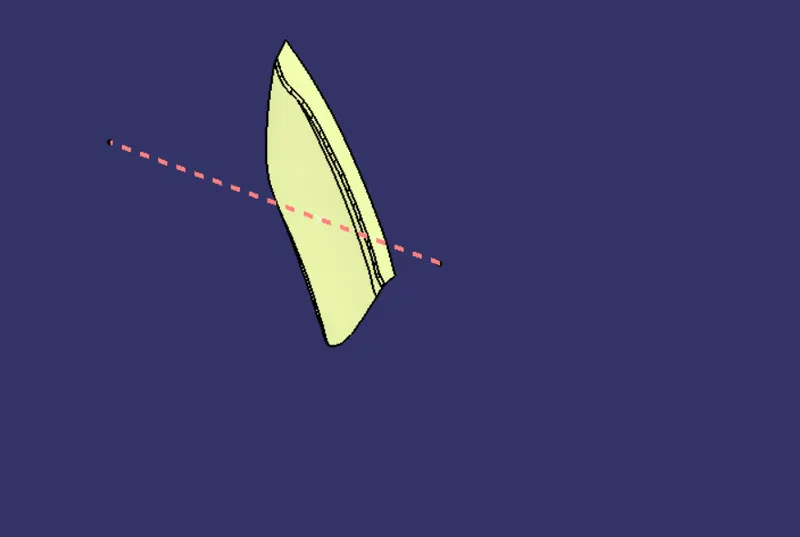
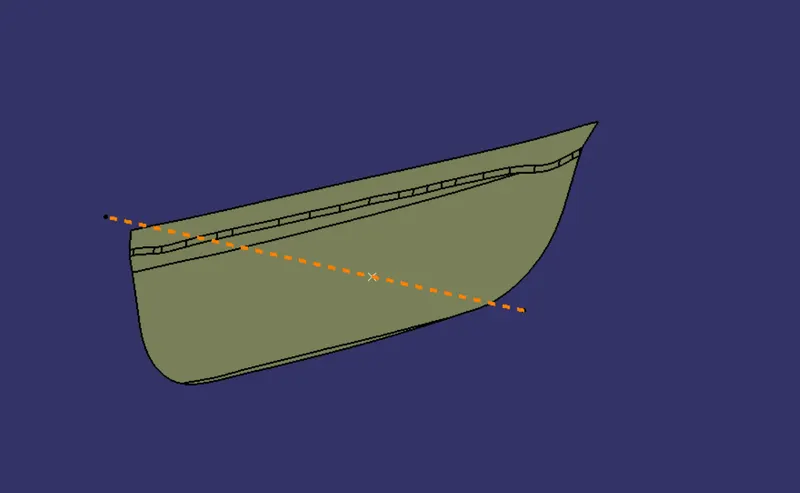
To create the tolling axis a take poing selct the class A surface, then create point over a surface in 0 distance.
Then use line command select the point choos normal to surface option select the class a surface and create a line, name it as a Toooling AXIS.
We are going to create every component with respect to this Tooling Axis.
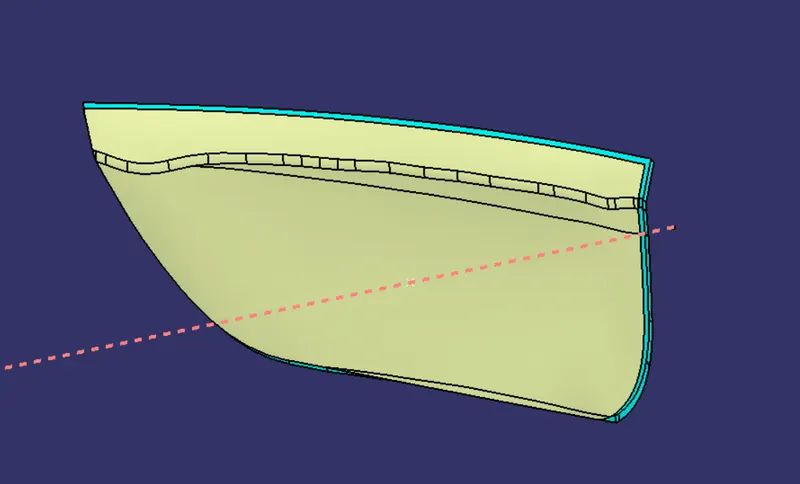
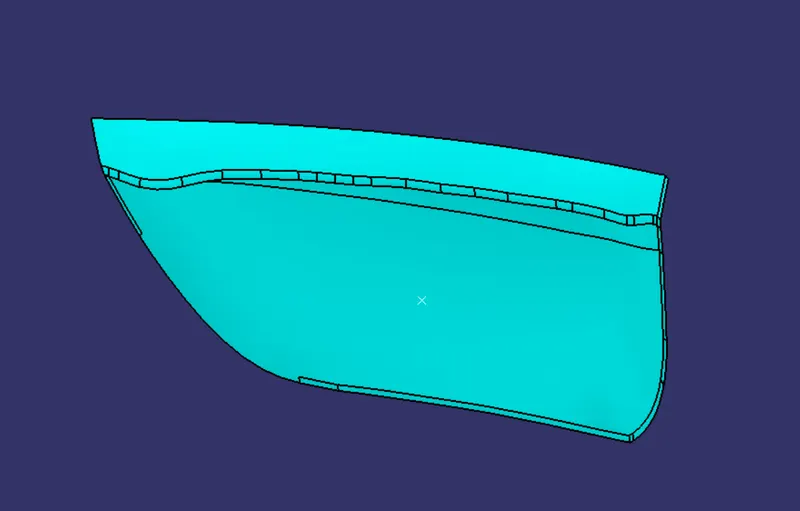
Creation Of Class B Surface
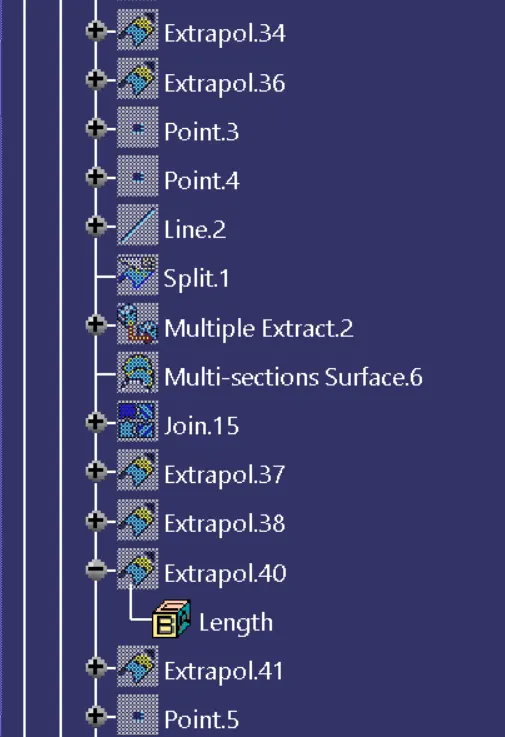
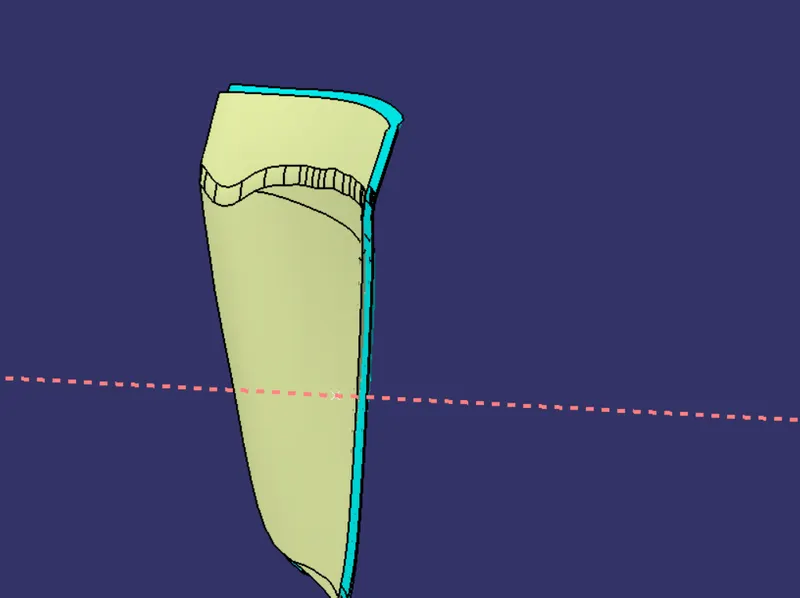
Offset the class A surface by 2.5 mm outside/in upward direction and exten it well using Extrapolate so it can intesect with class B surface while triming.
Creation of Class C surface
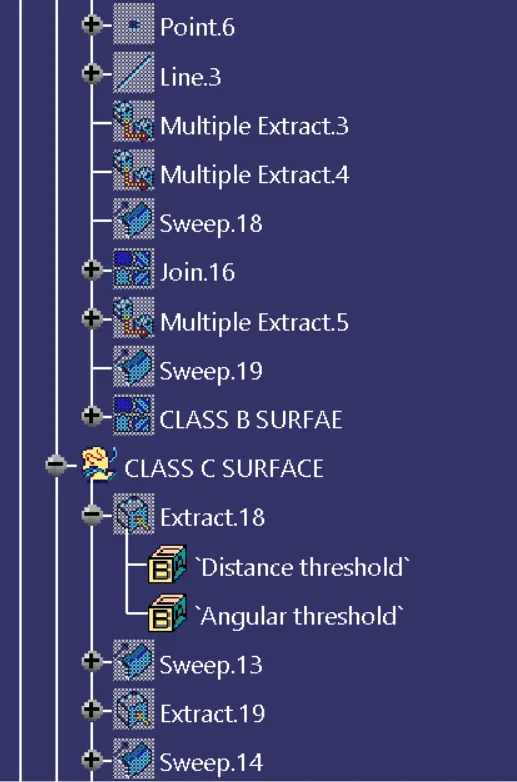
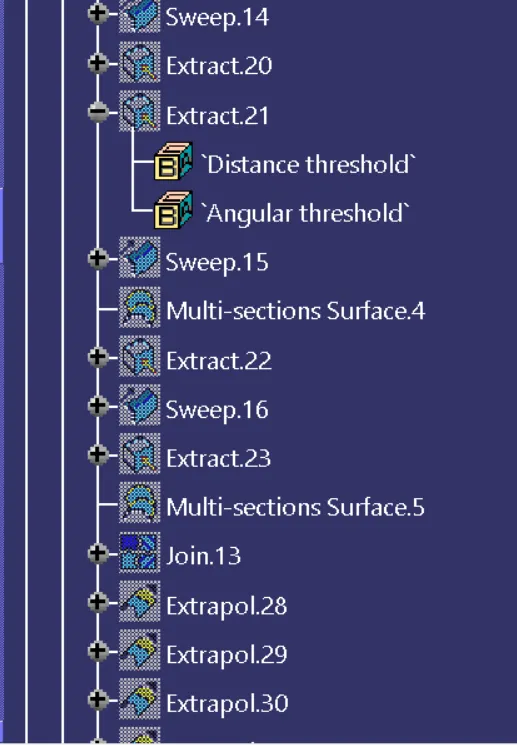
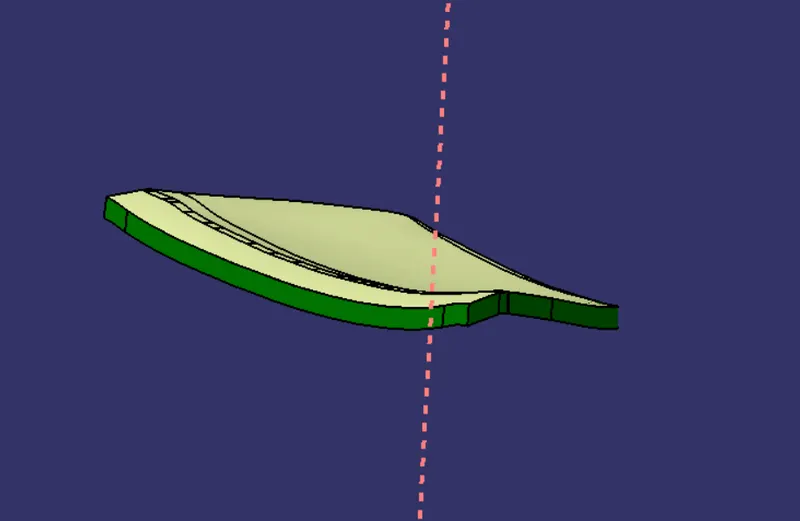
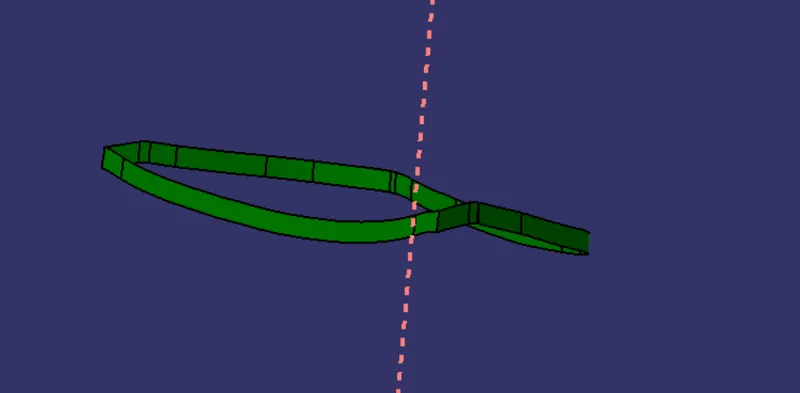
To create class C surface extract the edges of the class a surface then using Sweep and Multisections in pacht and the join them together. create the c surface with respect to the tooling axis.
Final Time and Join
Join class A surface with class C surface.
Then trim the class Join with class B surface.
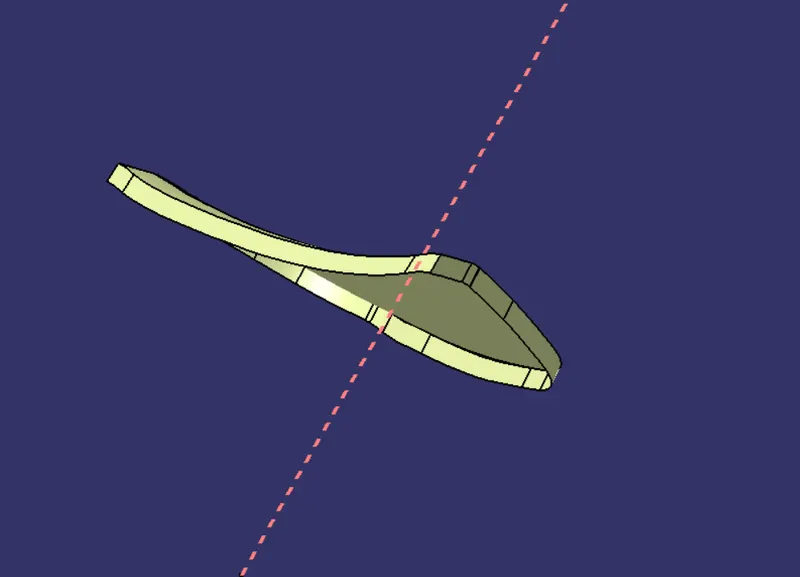
Final Surface
Front View
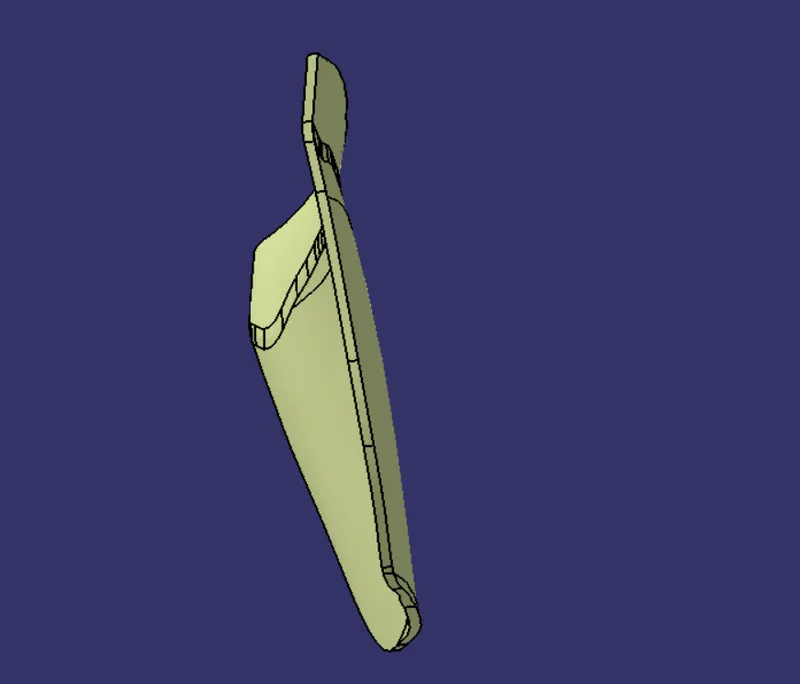
Side View
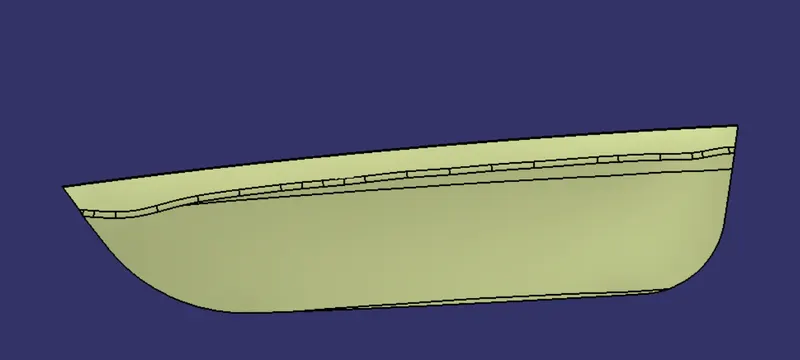
Top View
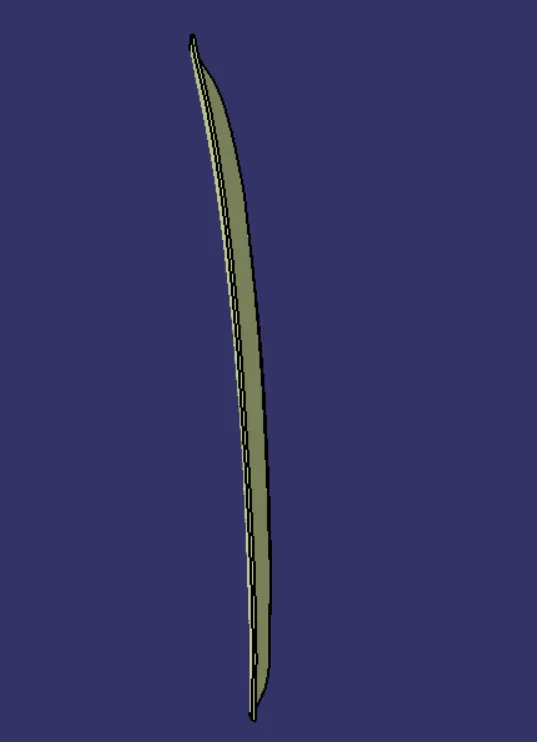
Isometric Viwe
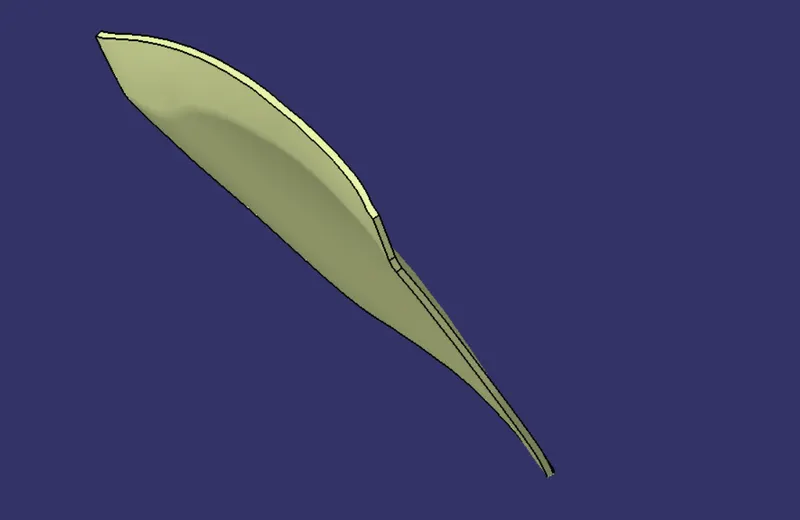
Creating Close Body
To create the colse boy switch the wotkbench in to part desig use the closesurface command select the final surface we created.
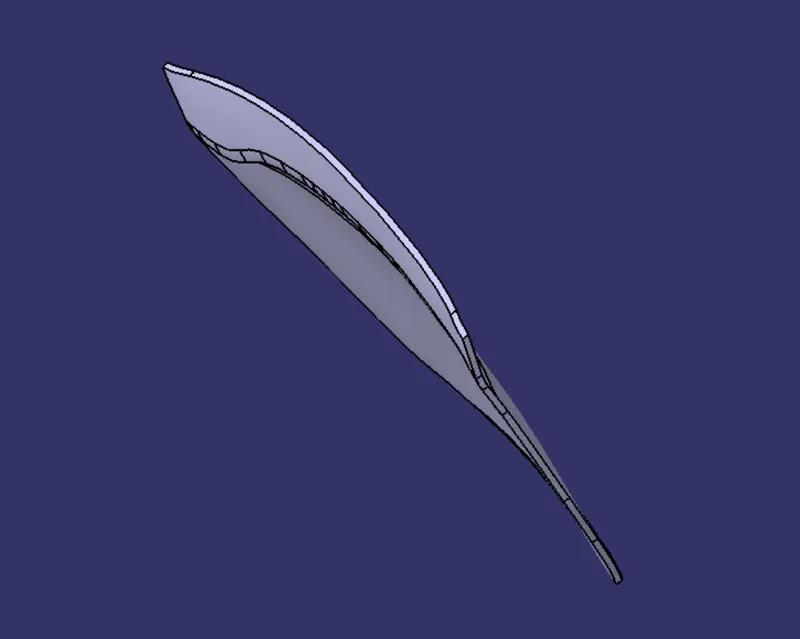
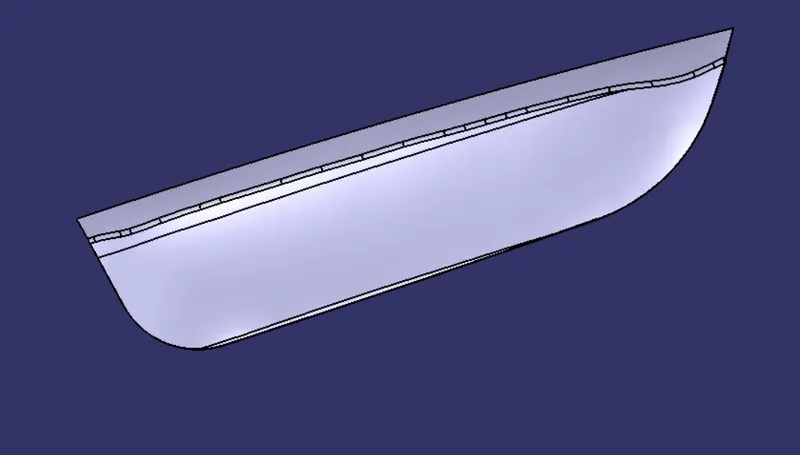
PART 2
LOCATORS
Locators are the attachment Features which hold the child part with the parent part/component which arresting then movement of the child component in variouse direction.
HEATE STAKES
Heat Stakes are also the attachment feature which can be welded on the parent compinent. it is molded with the child part and the introdused into the parent compent by the hole with respect to the heat stake and the apply heate the tip of the heat stake so it can spred over the parent component and lock the position of it so altimetly it fixed to child part with the parent component.
Cration of Locators and Heat Stakes
Locators
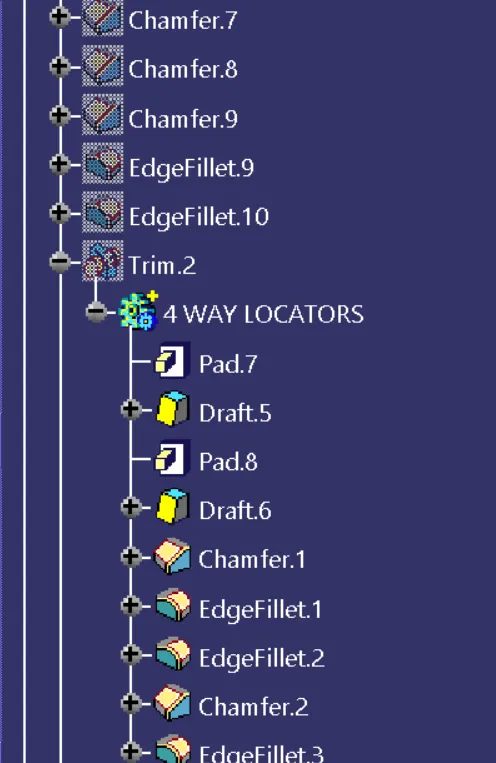
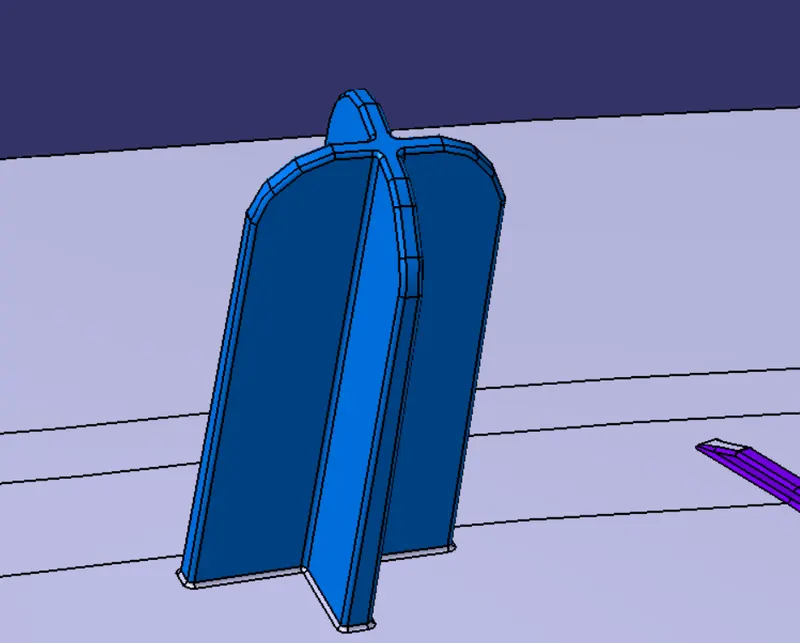
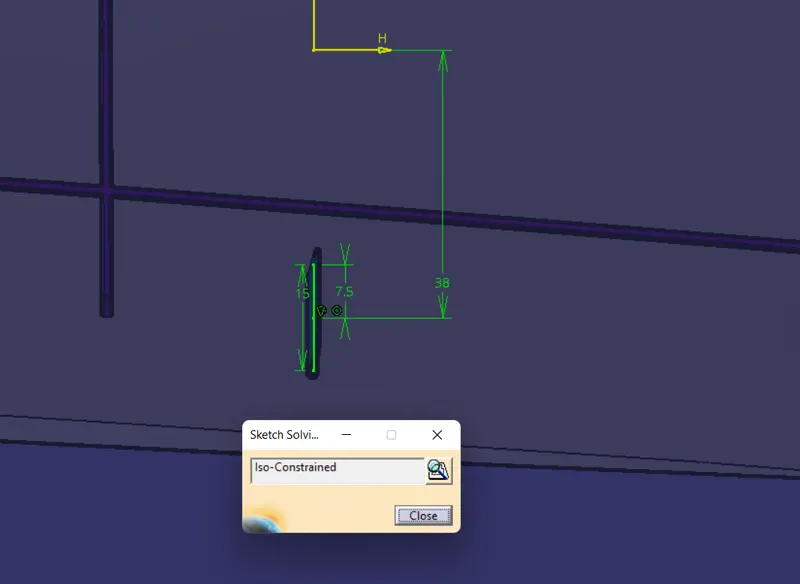
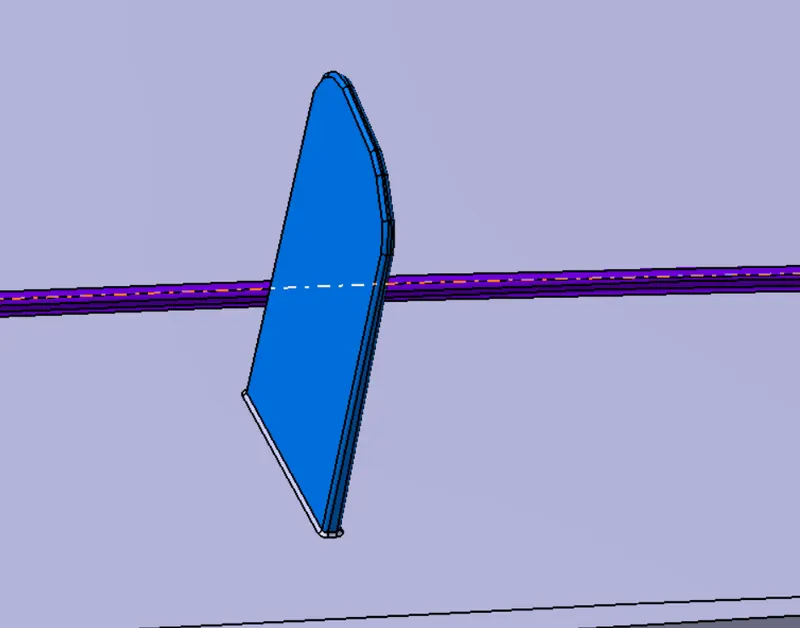
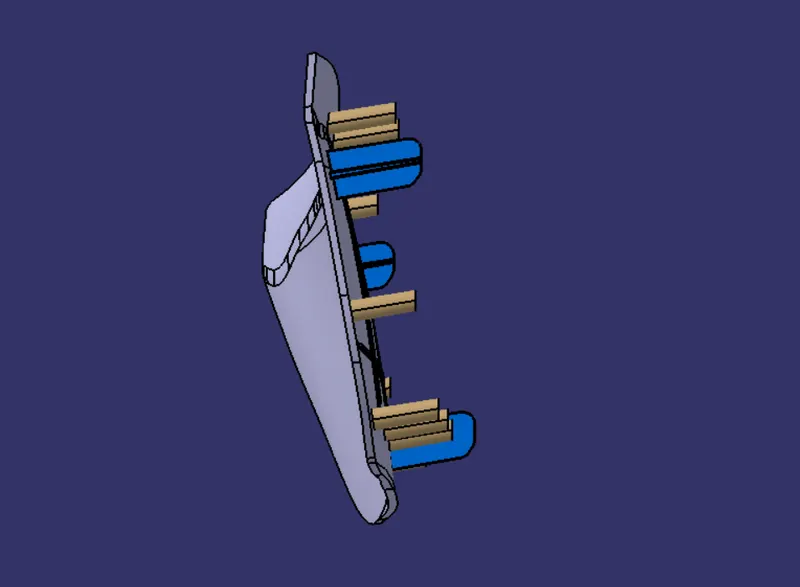
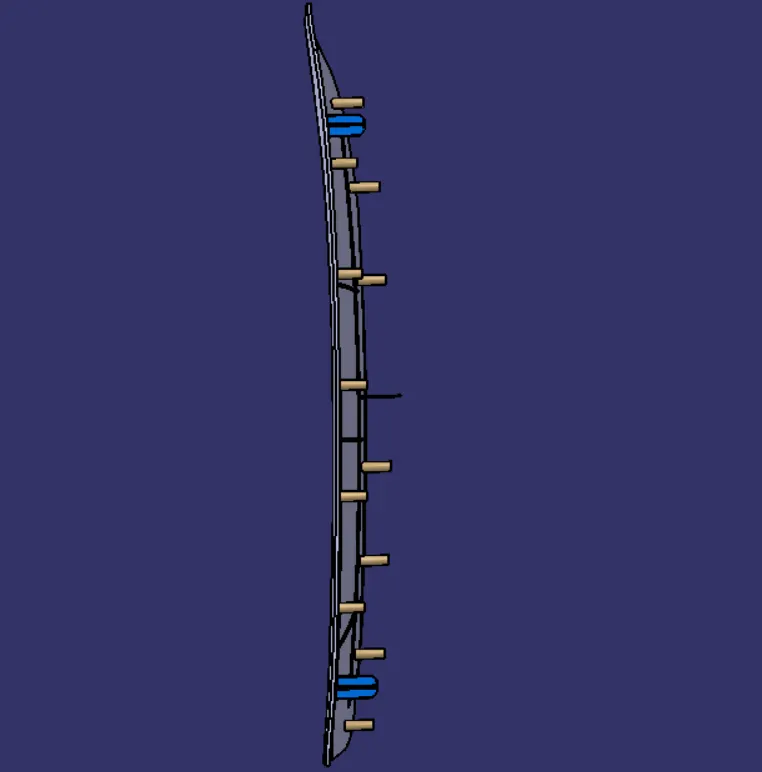
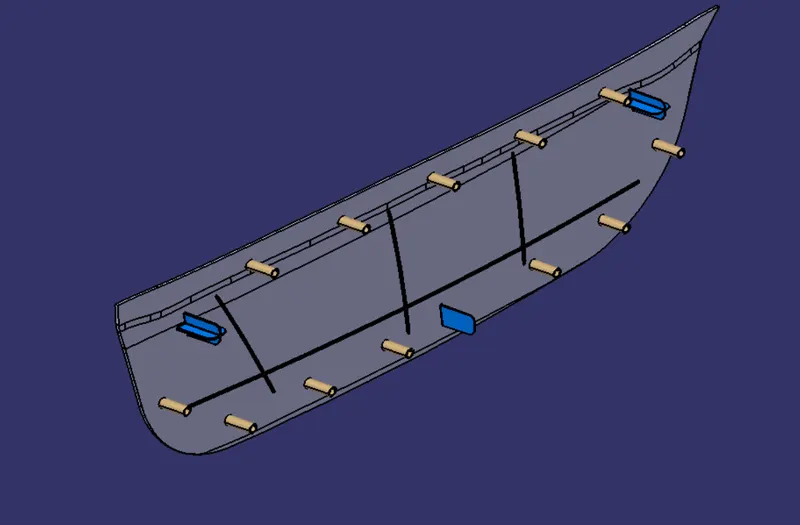
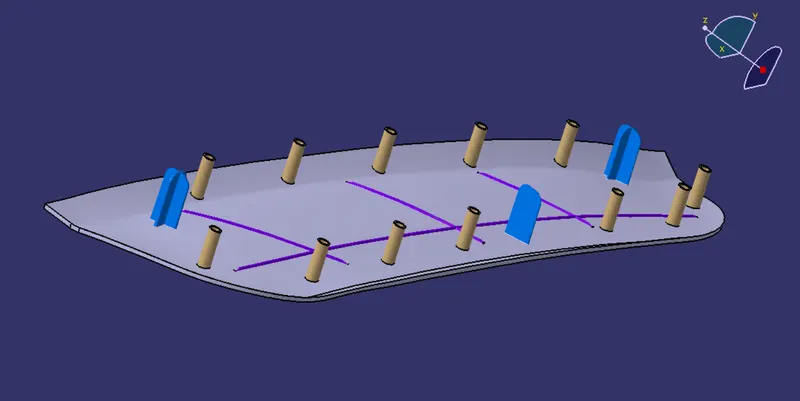
to create locators sketch the zx plane use positioned sketch. used 15mm lines. then pad them along the tooling direction with thickness of 2.5*0.6 = 1.6mm, drafted them by 0.5 degree using tooing axis as draft direction. then apply chanfer at tip edes to create entry chamer so it will easily go through the hole respect to the locater in the parent component.
4 Way locator
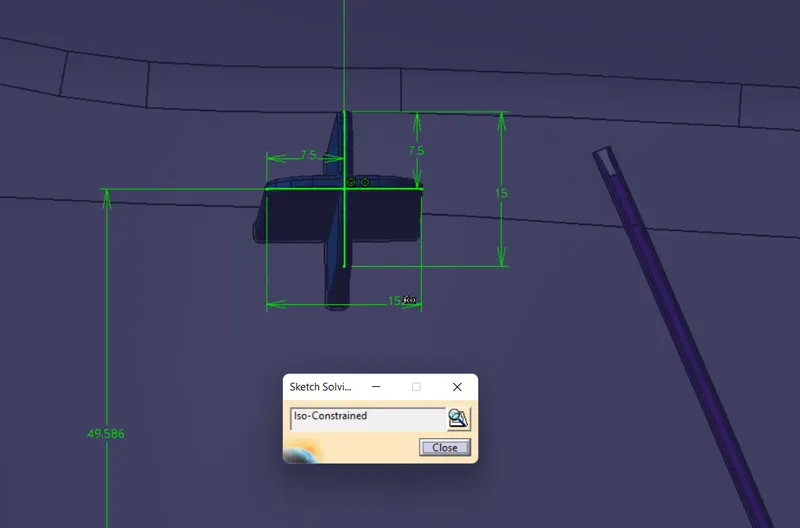
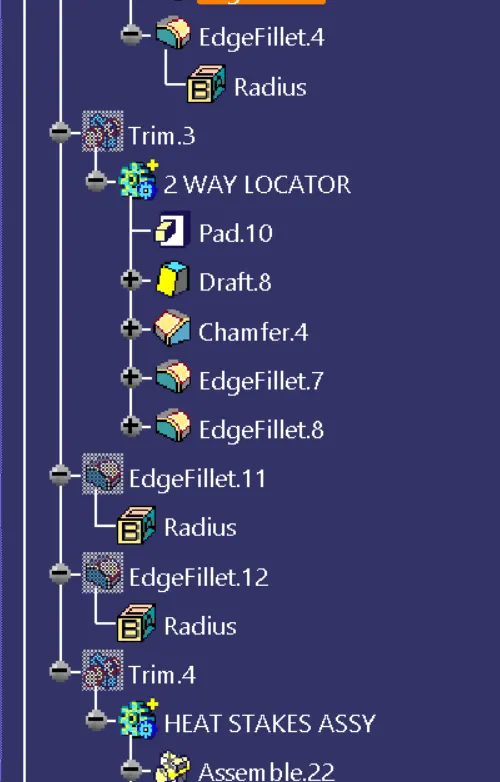
2 Way Locator
Then prform boolean aperation union trim them with the main component.
HEAT STAKES
To create the heat stakes the should be appropreate amount so it can fixed the child part with the parrent component and arrest the movement in XYX + ve & - ve direction as much it can.
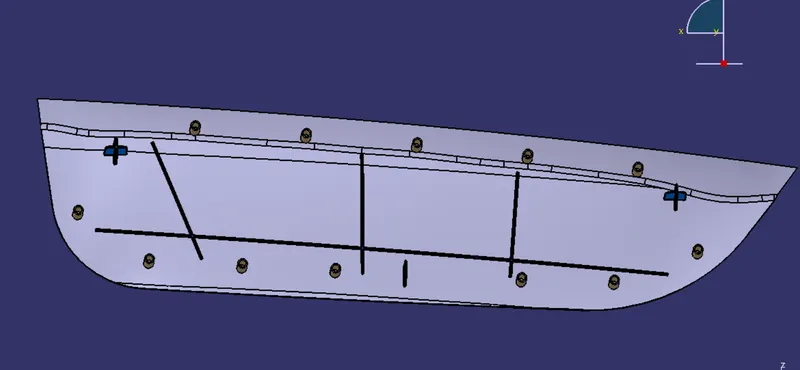
For that we need the points where it should be placed so we created reference edge took from the class A surface then offset the ilne 15mm inside usind the parellel curve command, used the class a surface as a refference and the placed point over the edge to give a appropriate positione to heate stakes.
Created refference plane from ZX plane and select the point on the edge.
Then sketch over that plane. drawa a circles 2 circle the wall thicknes should be 0.6 or 0.8 times of component thicknes so give the appropriat diamentions. there is no concern provide for the sizes of the heat stakes. so we created the wall thickness according to the thickness of component.
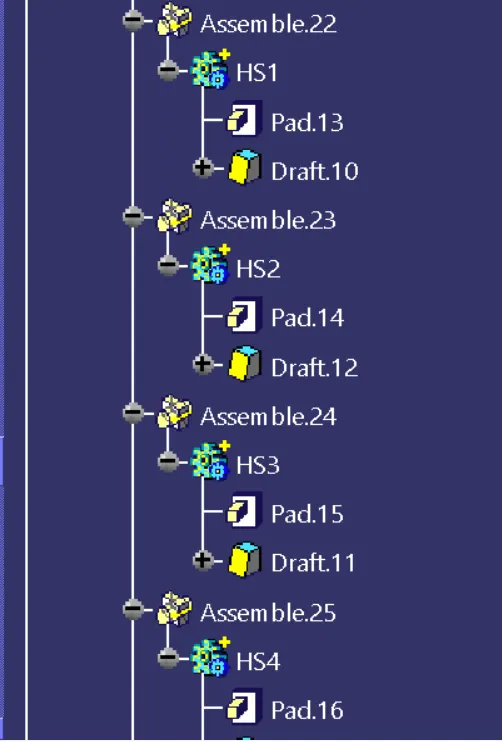
Then pad them with respect to the tooling axis and. draft it by 0.5 degree using tooking axis as pulling direction.
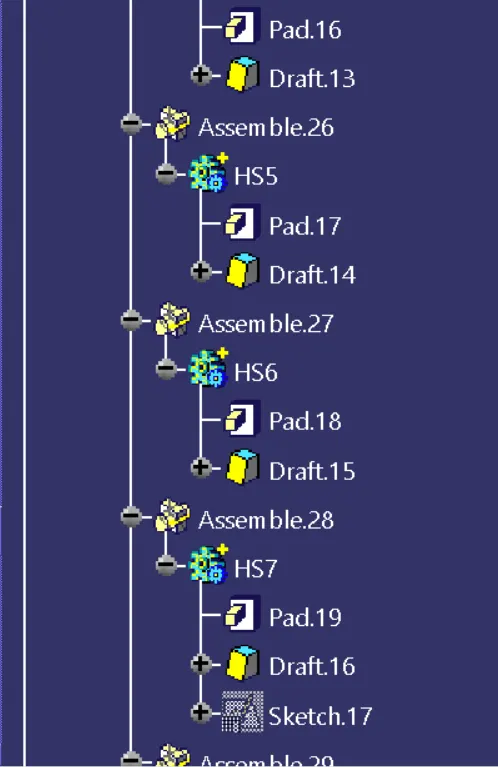
create each of them using the same procedure. then join them using union trim by Boolean Operation to the main component.
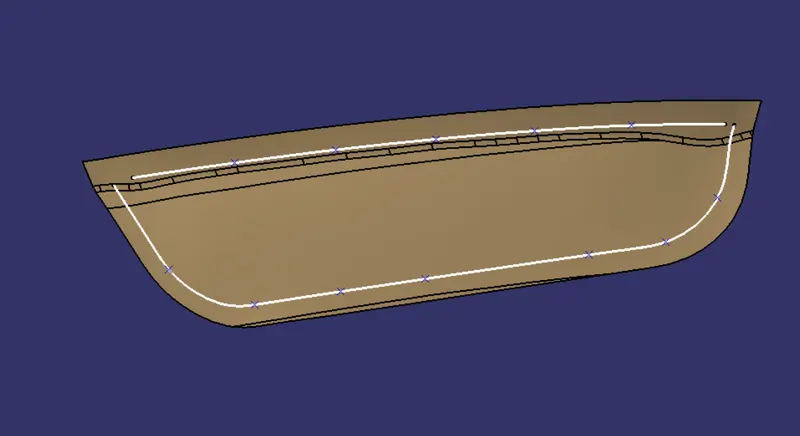
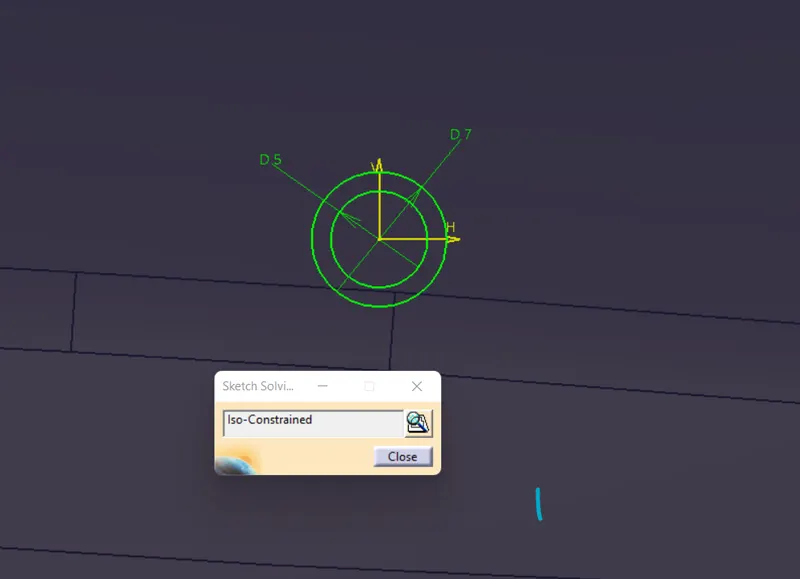
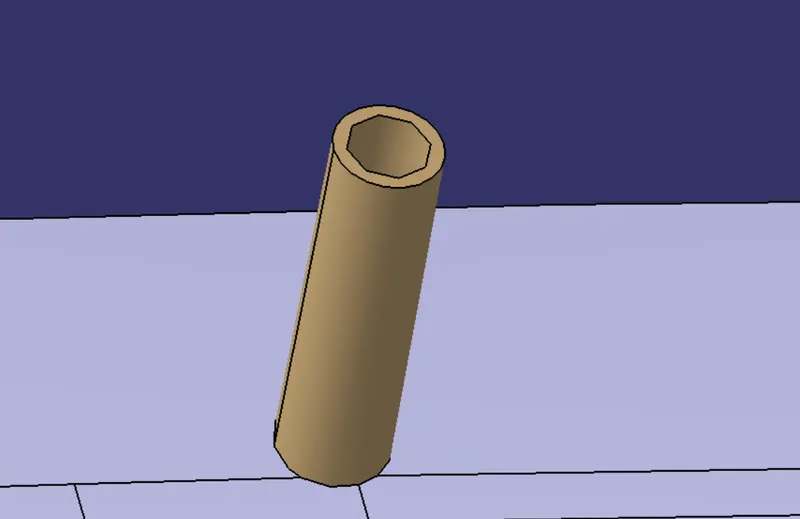
FINAL PART WITH LOCATORS AND HEAT STAKES FEATURE
PART 3
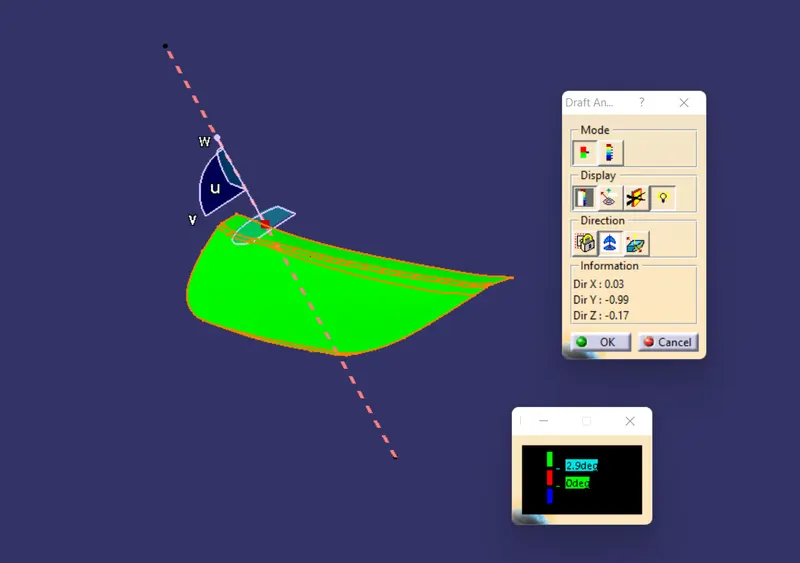
DRAFT ANALYSIS
CLASS A SURFACE
PART DRAFT ANALYSIS
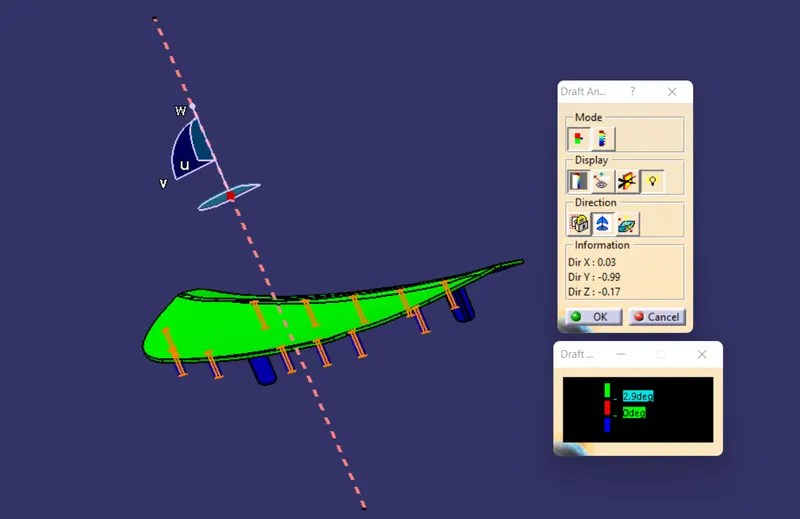
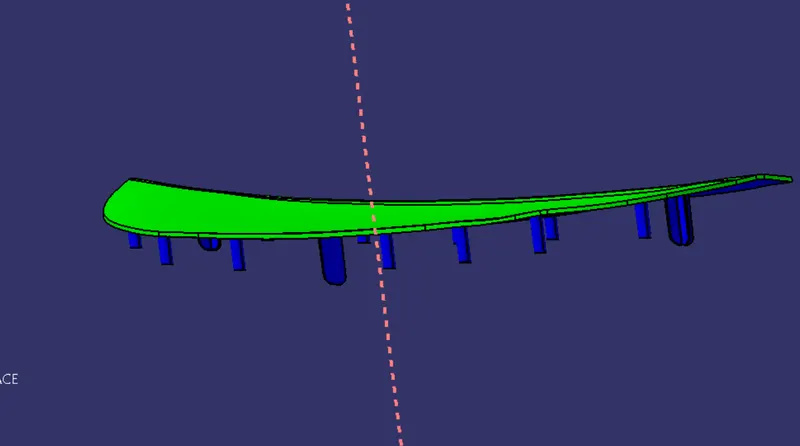
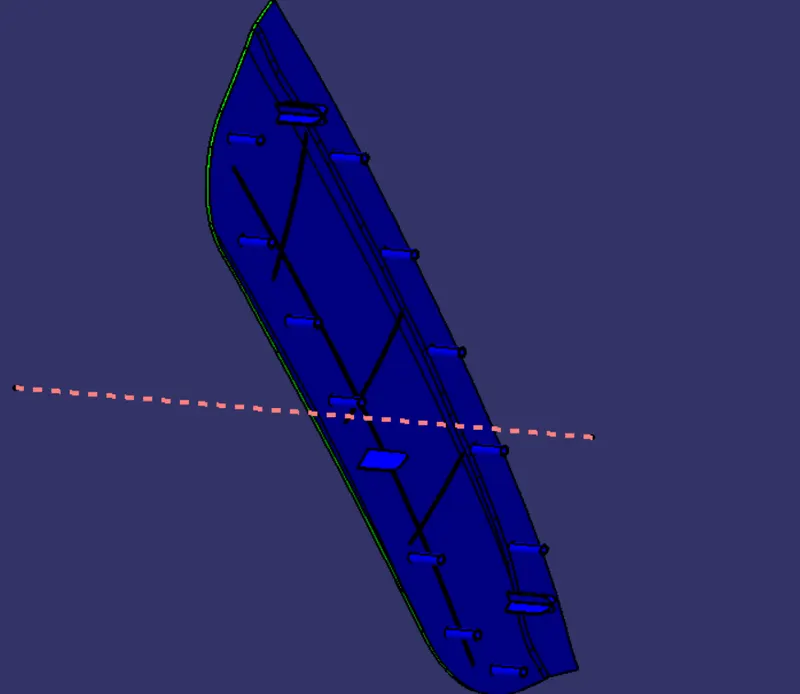
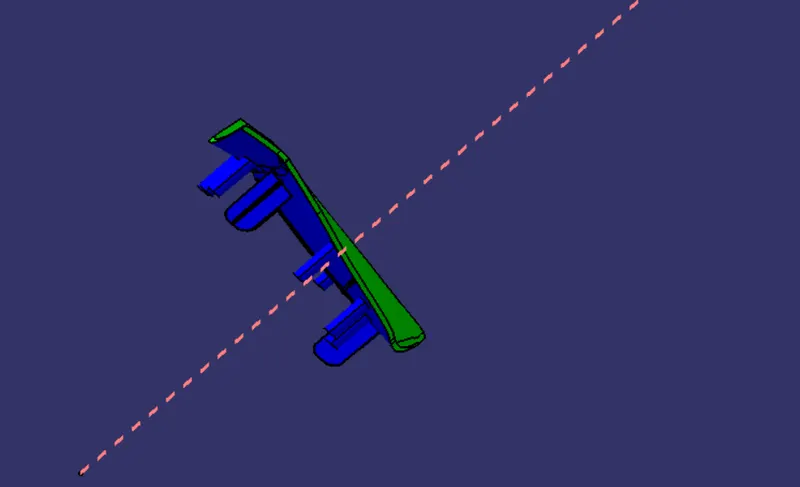
Green Colour reprents the angle of the part area is greater than 3 degree with tooling axis.
Red colour represent the angle of the part area is between 0 to 3 degree with tooling axis.
Blue Colour represent the angle at that are is negavtive with the tooling axis
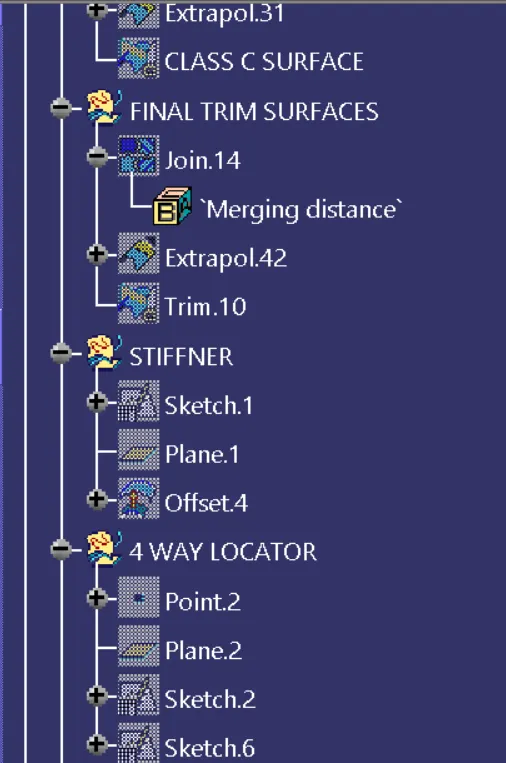
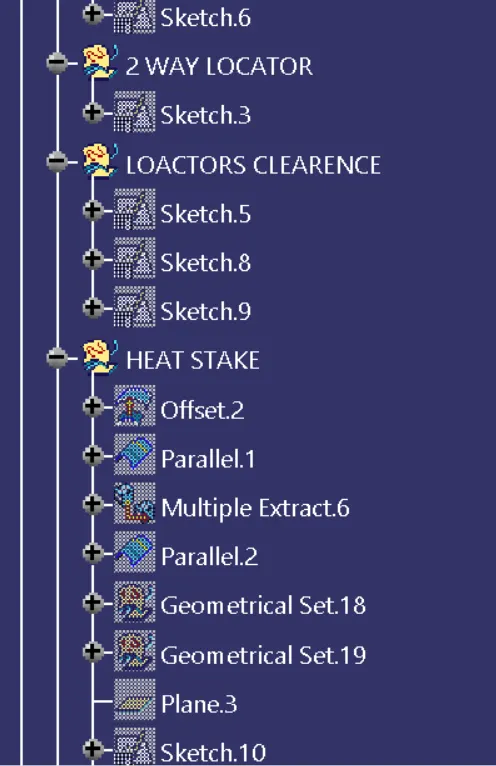
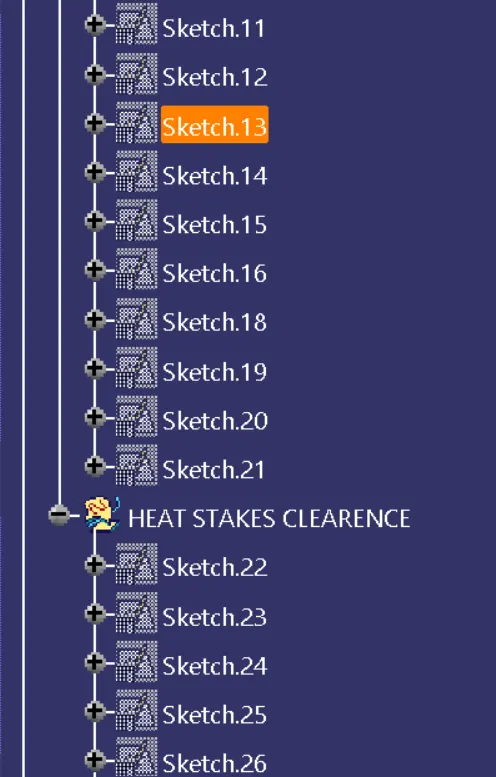
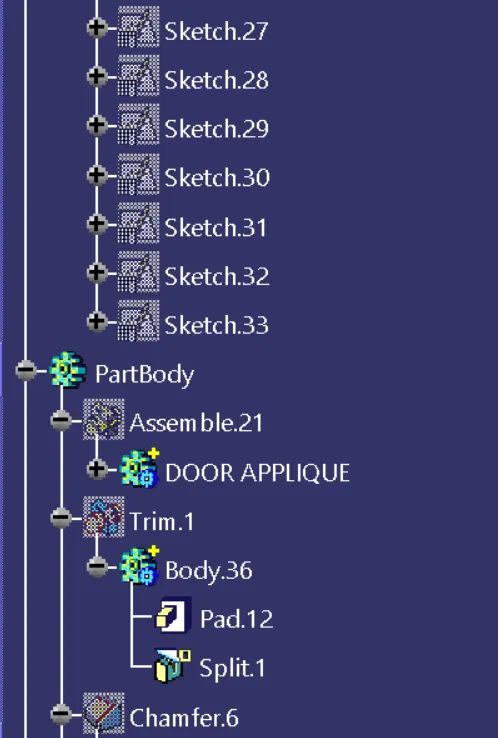
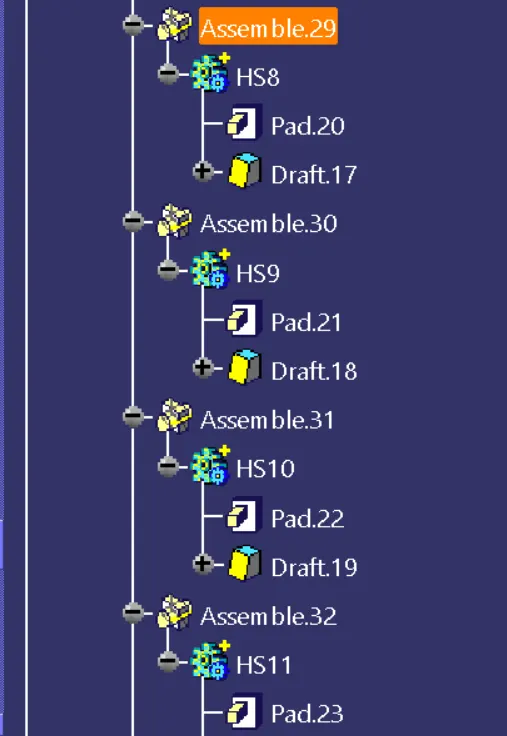
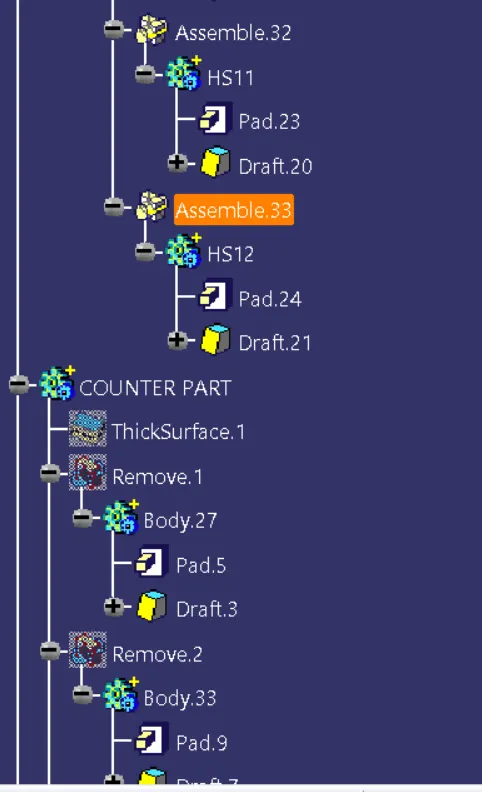
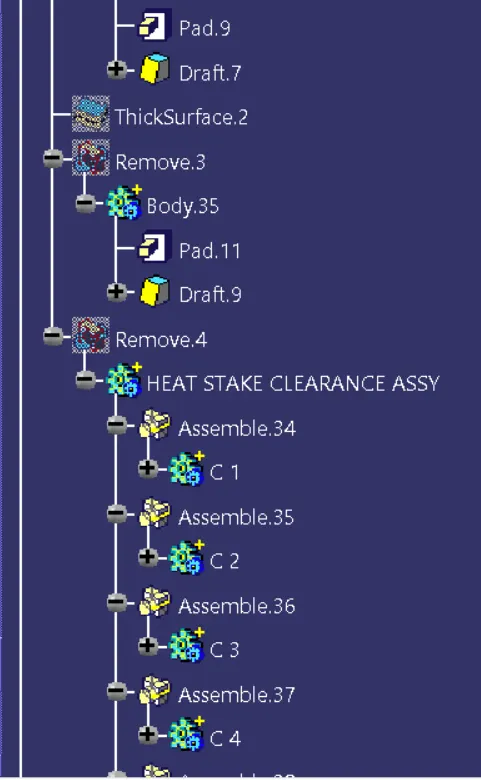
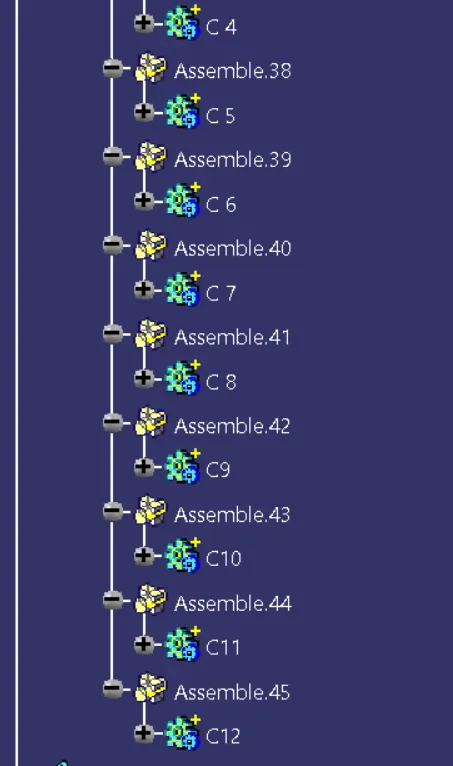
TREE STRUCTURE