Week 9 - Project 1 - Door Applique Design with Engineering Features
HELLO SIR,
OBJECTIVE:-
Create the Door Applique Plastic component through the given Class-A surface. To begin with, the tooling axis for the given Class-A Surface should be created meeting the requirements of the draft angle and at the end perform the Draft analysis on the model.
Take the Thickness of the component to be 2.5 mm
First, I check the connectivity of the (Class A) Door Applique design. Click on the join command & boundary command to check, and to ensure that there is no gap between the surfaces.
After that,
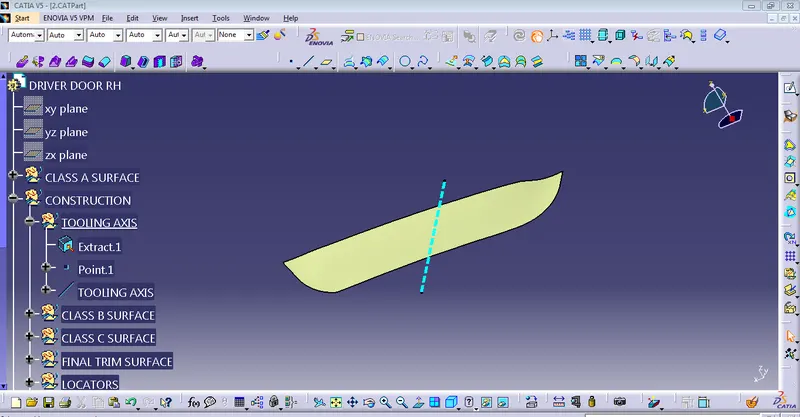
Creation of Tooling Axis
First of all, click the multiple Extract command to extract the base of the CLASS A surface, then create a point using the point command, and then use the line command to create a tooling axis.
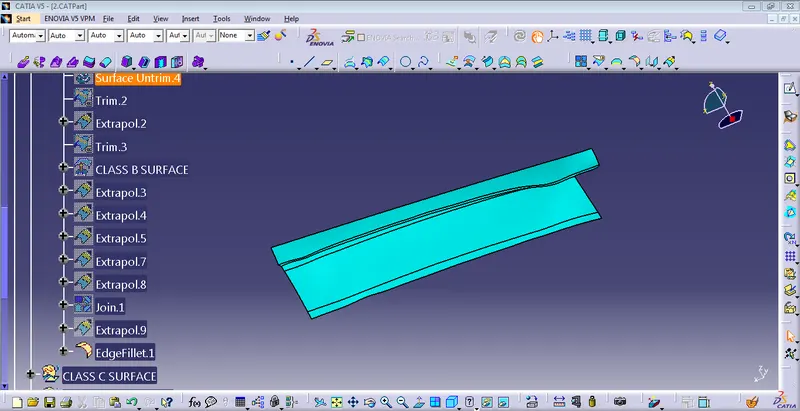
CLASS B SURFACE CREATION
Extract the surface from Class A surface then untrim the surfaces then go to extrapolate a surface of both walls and trim the unwanted surface. after that Add fillet for the edges.
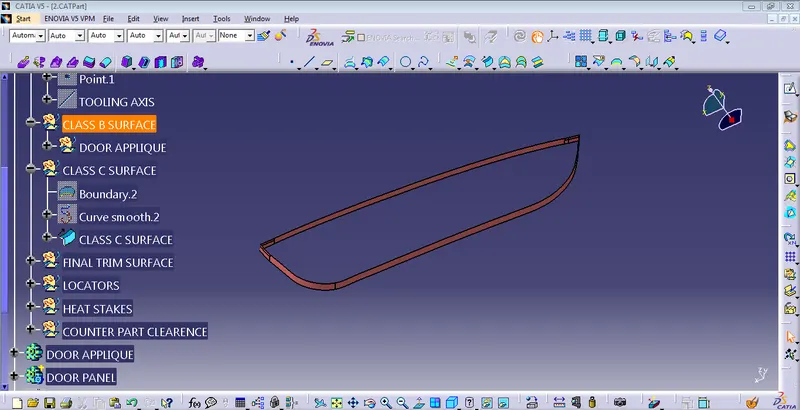
CLASS C SURFACE CREATION
Select the CLASS A surface and then go to the multiple extract command to extract the boundary.
and then go to the smooth curve command to smooth the boundary and the go-to sweep command to sweep them with an angle of 3 degrees.
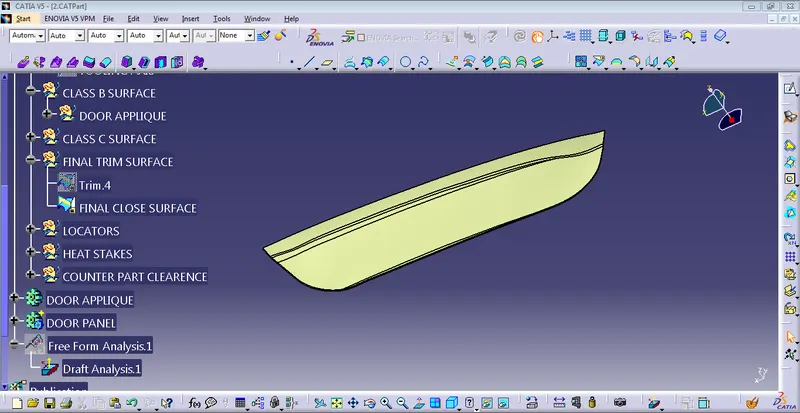
FINAL CLOSED SURFACE
join all the CLASS A & C surfaces and then, finally trim it and join the CLASS B SURFACE
CREATE THE CLOSED BODY PART FROM THE FINAL CLOSED SURFACE
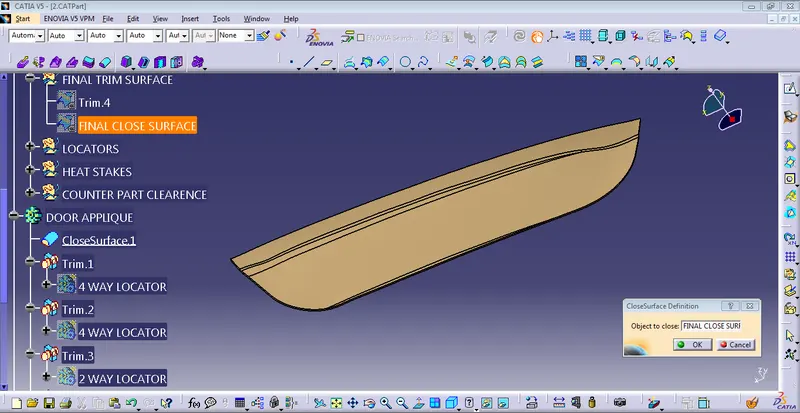
CREATE LOCATOR & HEAT STAKES
Create the z-x plane on the B surface. then create the sketch for 4-way & 2-way locator and the sketch should be fully constrained.
After that, Extrude the sketch maintaining a thickness of 1.25 mm as per rib design rules. then create another 4-way locator and use the translate option we placed equally.
using the same procedure we are making a 2-way locator.
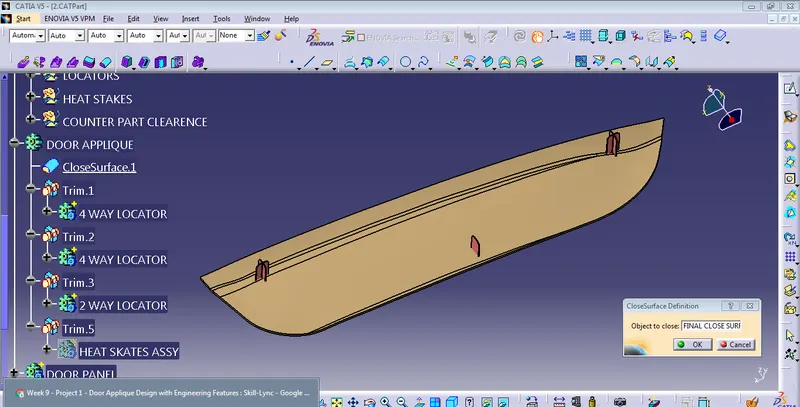
HEAT SKATES
Create the boundary lines for the surface, to offset the boundary curve parallel by 15mm.
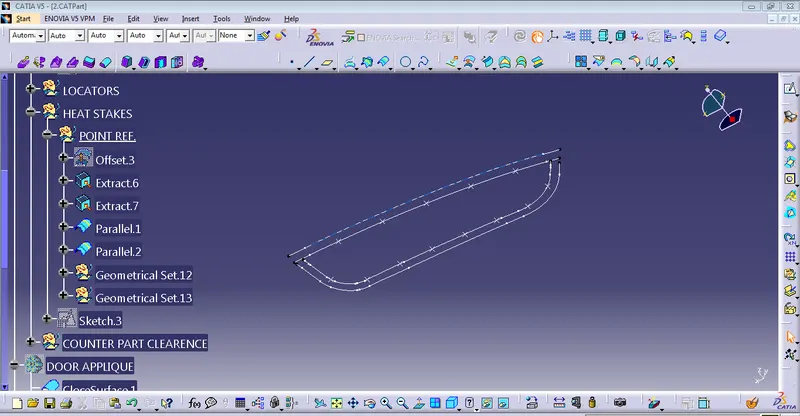
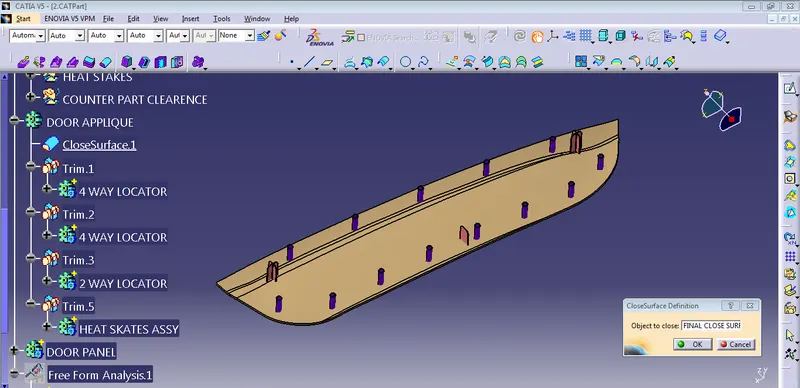
DESIGN OF COUNTER HOLES
The counter holes allow the protection of heat stakes into it. copy and paste the profile which is already used heat stakes. and the clearance between the 0.5 mm. using the boolean operation to remove the unwanted parts.
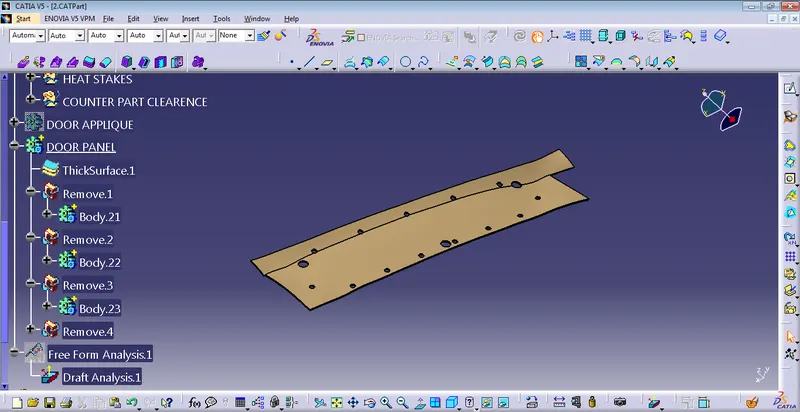
DRAFT ANALYSIS OF Door Applique Design
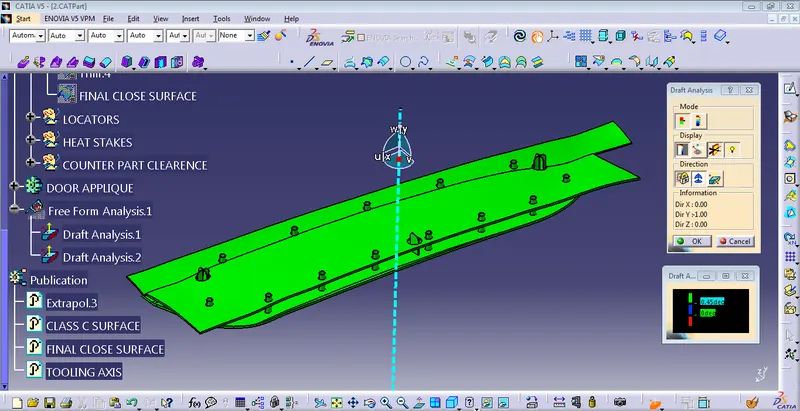
First, we have to customize the view parameter, I select the materials option, and go to the draft analysis command it will appear on the screen.
The draft analysis is done along Z -direction. The given draft angle is 0.49 degree.
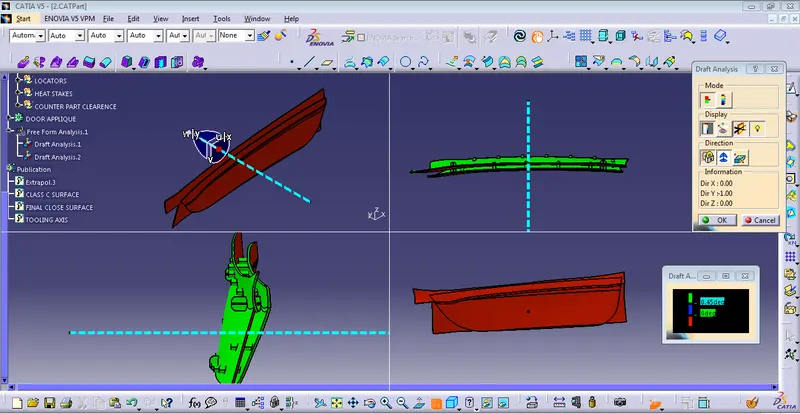
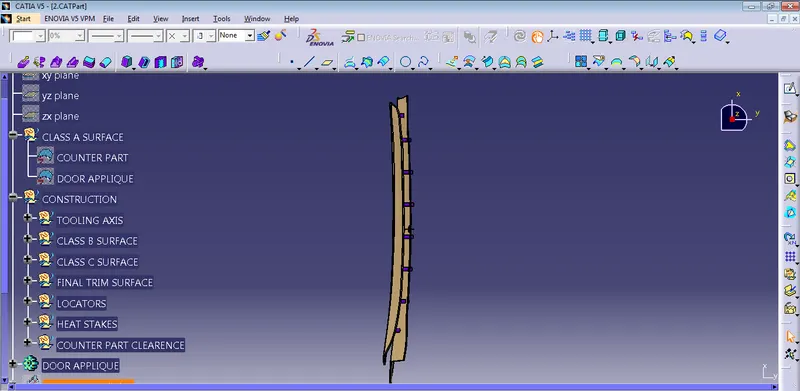
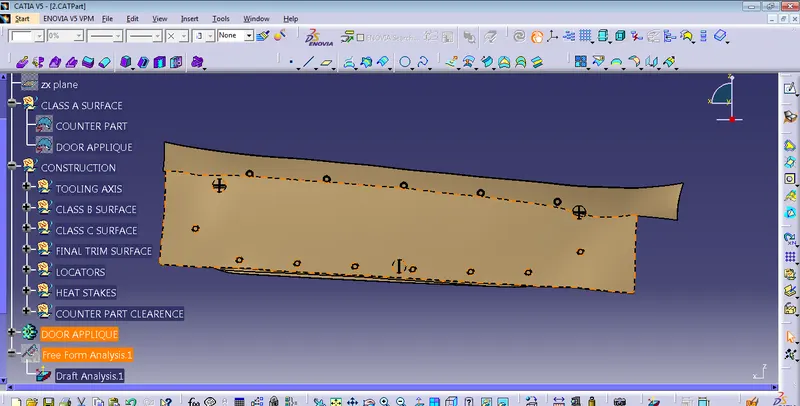
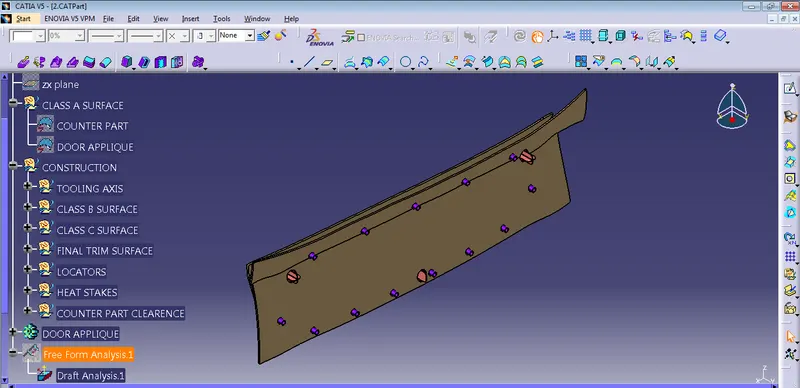
Top view, Front view, Side view & Isometric view OF Door Applique Design
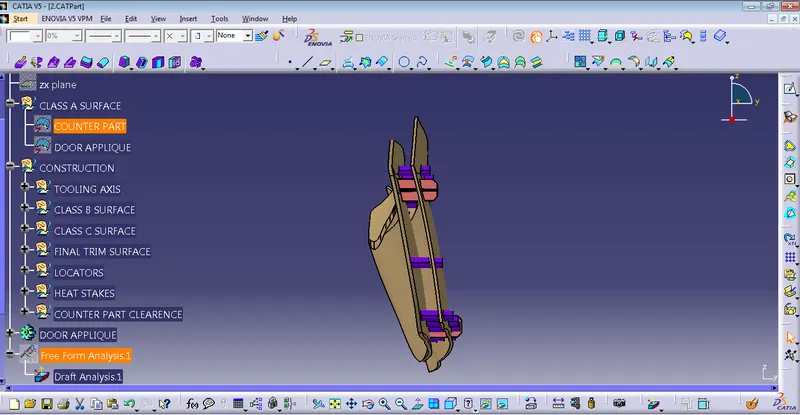
THANKU