Week 9 - Project 1 - Door Applique Design with Engineering Features
Ojective:
1) To Create a Class B and Class C surface from Class A of Door APPLIQUE .
2) To Create 4 Way Locator, 2 Way Locator and Heat Stakes on the Class B surface.
3) To Create Clearance on the Counter Part.
Procedure:
1) Tooling Axis Creation:
- Identify the proper Axis for Tooling Direction
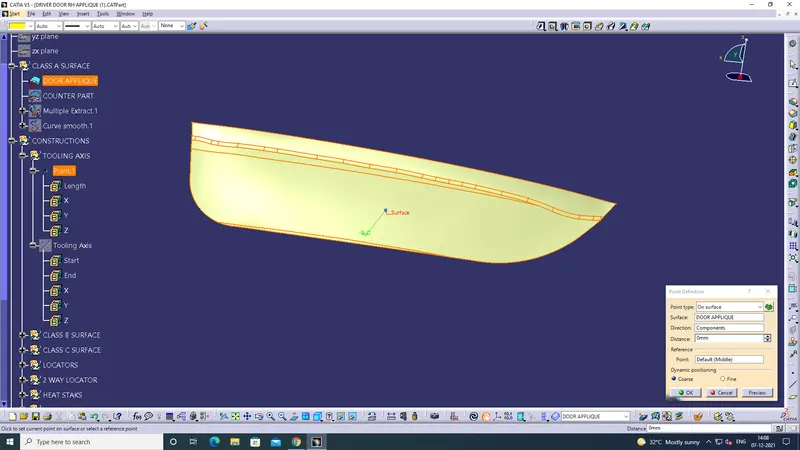
- Create a Point on the surface.
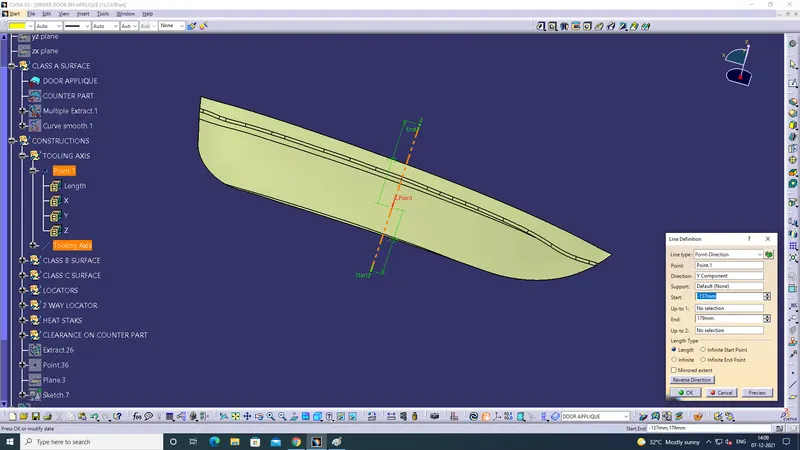
- Create a line on the surface along Y direction to a certain distance.
- Publish the Tooling Axis
Screenshot of Point creation:
Screenshot of Line on the surface(Tooling Axis):
2) Creation of Class B:
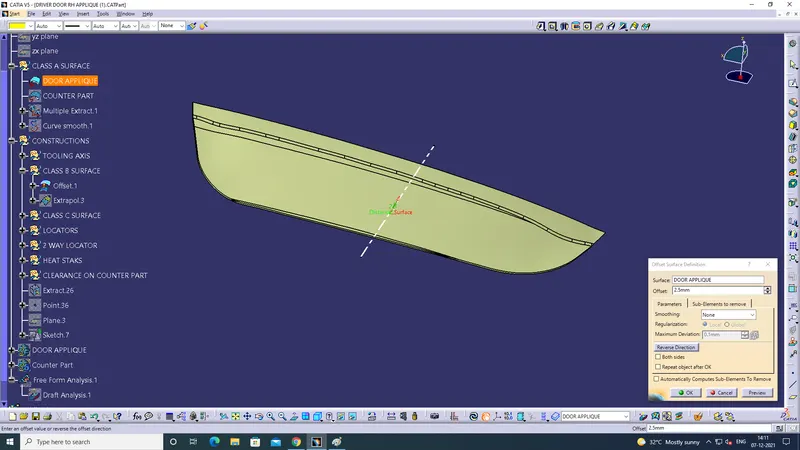
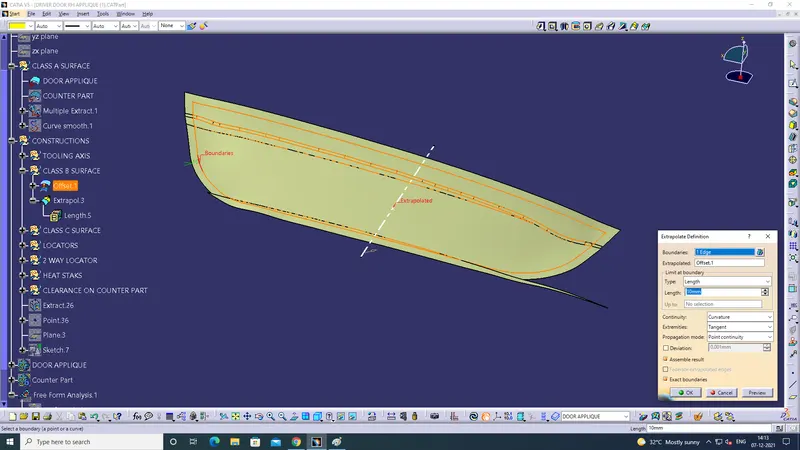
- Offset the Class A to 2.5mm thickness to create Class B Surface.
- Extrapol the offset Surface.
Screenshot of offseted Class A:
Screenshot of EXTRAPOL Class B Surface:
3) Class C CREATION:
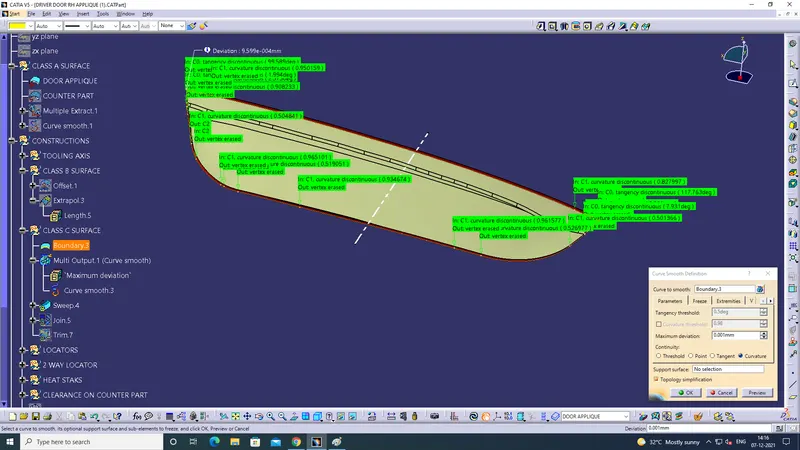
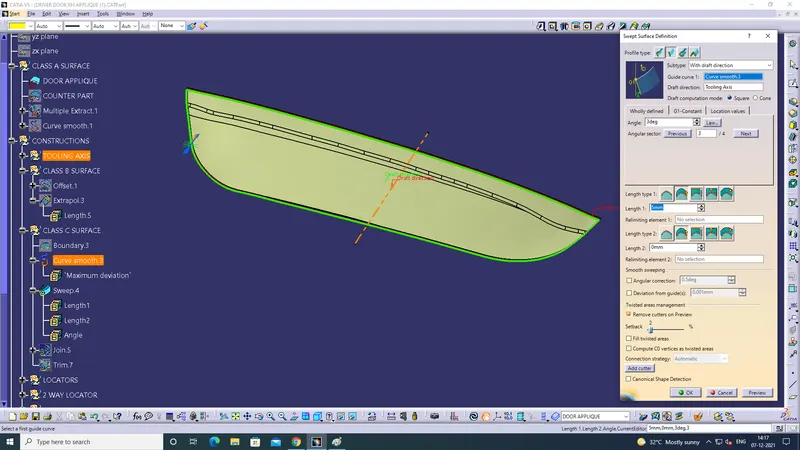
- Select the outer boundary+Curve smooth+Sweep
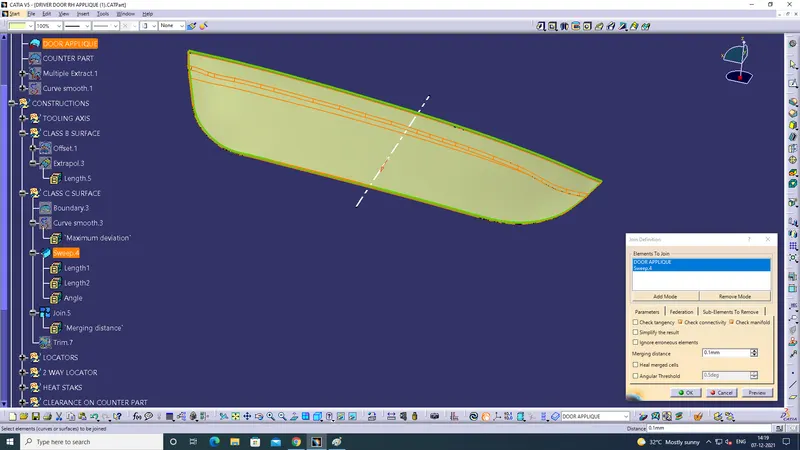
- Join the door aplique and sweep.
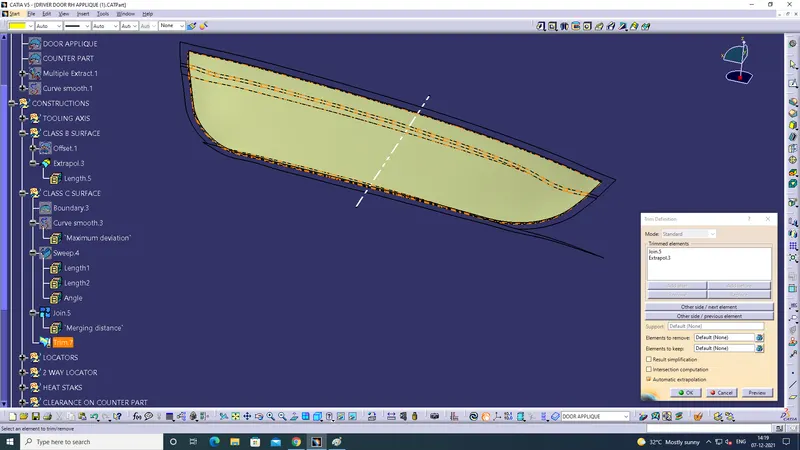
- Trim the unwanted parts.
Screenshot of Curve Smooth on the boundary:
Screenshot of Sweep:
Screenshot of Join Command on the door aplique and sweep:
Screenshot of TRIM APPLIED:
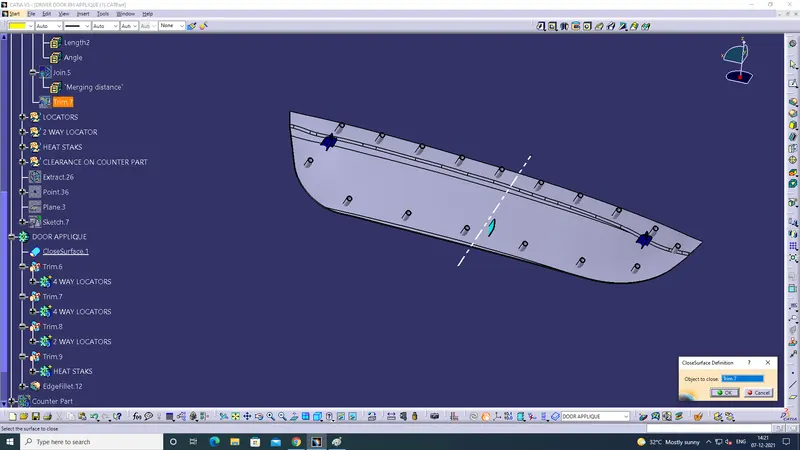
Screenshot of a closed body:
4) Creation of 4 Way Locators:
- Create a sketch for 4 WAY LOCATOR.
- Check the sketch is ISO-CONSTRAINED.
- Use PAD COMMAND on the sketch.
- Draft the sketch
Screenshot of 4 WAY LOCATOR:
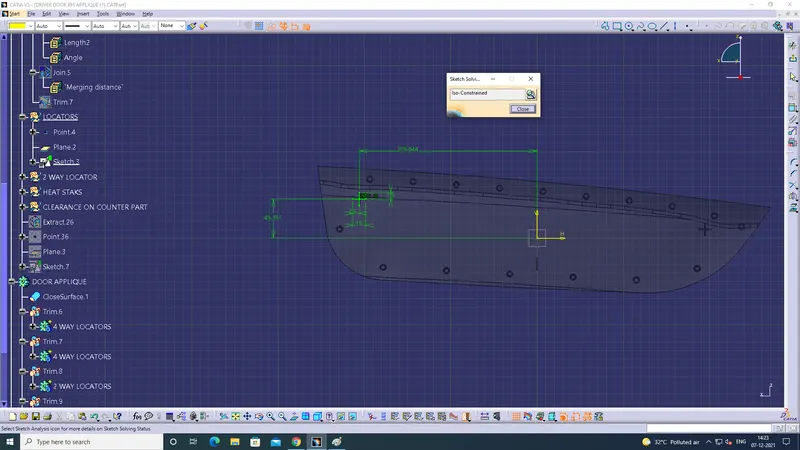
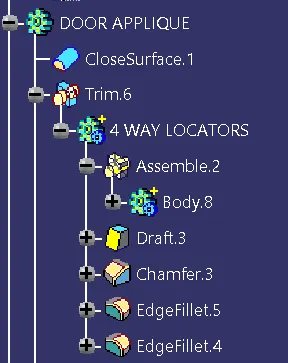
Screenshot of Tree Structure of 4 WAY LOCATOR:(Sketcher Workbench)
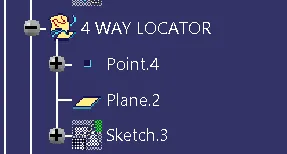
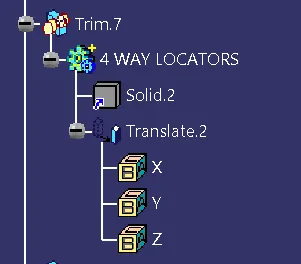
Screenshot of Tree Structure of 4 WAY LOCATOR: (Part Workbench)
5) Creation of 2 Way Locators:
- Create a sketch for 2 WAY LOCATOR.
- Check the sketch is ISO-CONSTRAINED.
- Use PAD COMMAND on the sketch.
- Draft the sketch
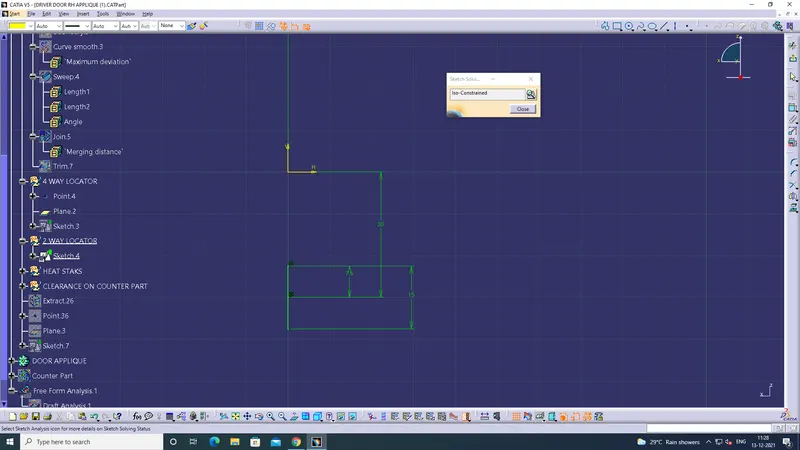
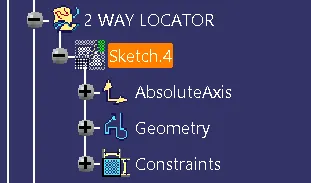
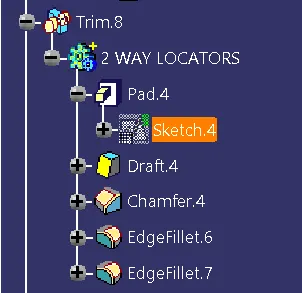
Screenshot of Tree Structure of 2 WAY LOCATOR:(Sketcher Workbench)
Screenshot of Tree Structure of 2 WAY LOCATOR: (Part Workbench)
6) Creation of Heat Staks:
- Extract the outer boundary of the top half part by selecting edges with no propogation.
- Join the extracted boundary
- Use Parallel curve to offset the extracted boundary for 15mm
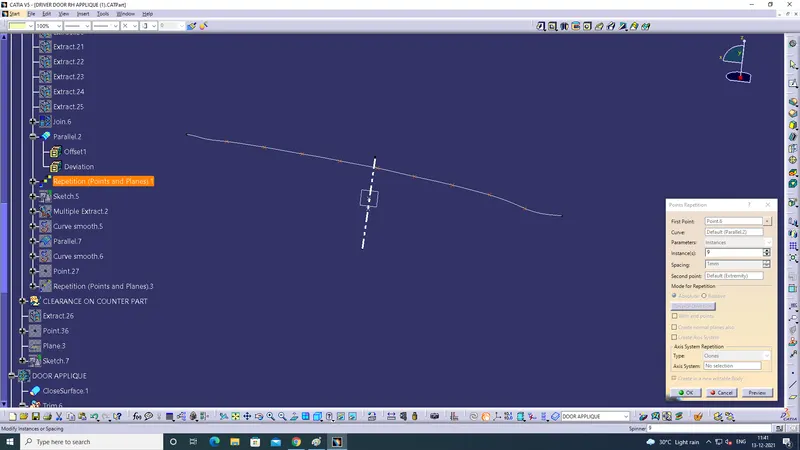
- Use Repititions of point on the parallel curve check for instances.
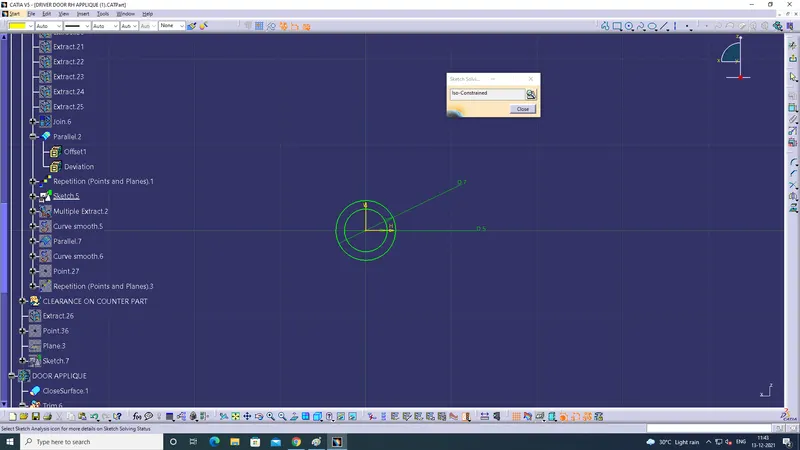
- Draw a sketch of Heat Staks make sure that is Iso-Constrained.
- Use Mutiple Extract on the other region and Curve Smooth the boundary .
- Use Parallel curve+Curve Smooth+Point Repitition to find the instances.
Screenshot of Parallel curve from the extracted boundary:
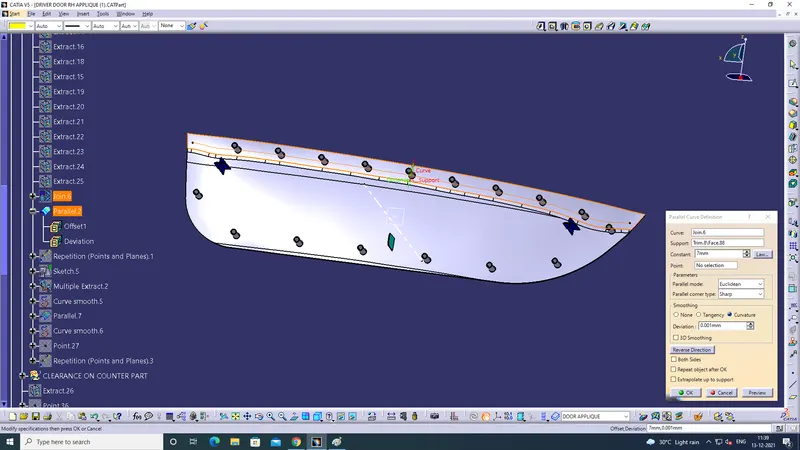
Screenshot of Repititions of point on the parallel curve:
Screenshot of sketch of Heat Staks:(Iso-Constrained)
Screenshot of Mutiple Extract-Curve Smooth-Parallel curve-Curve Smooth-Point Repitition:
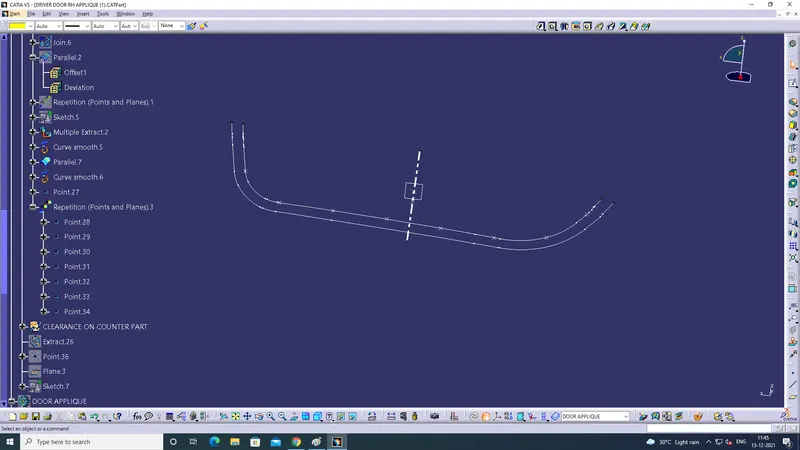
Screenshot of Heat Staks: ( Sketcher Workbench)
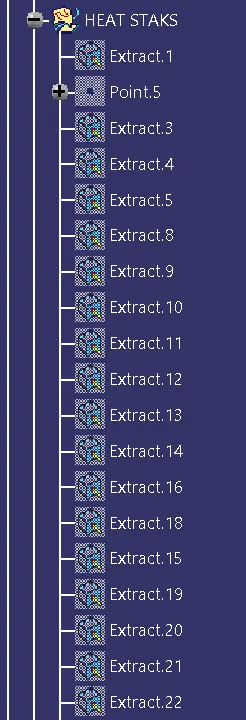
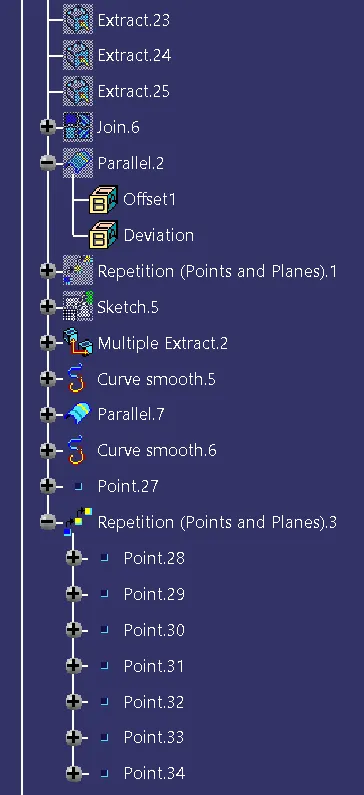
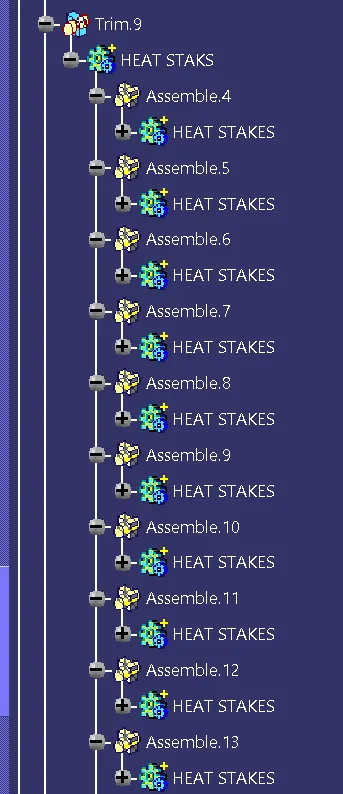
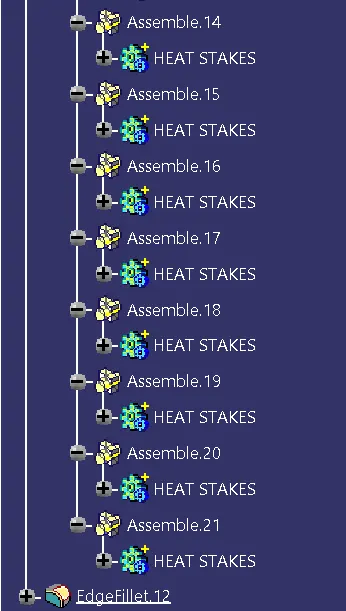
Screenshot of Heat Stakes:(Part Workbench)
7) Creation of Clearance on counter part:
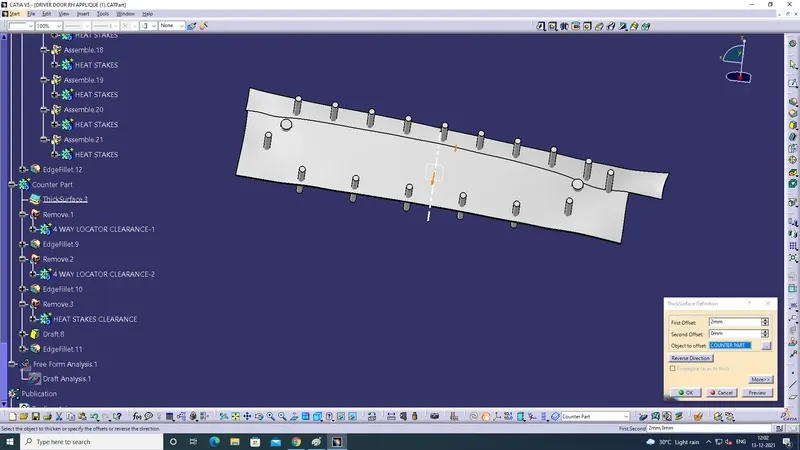
- Make the given counter part to a Thick surface using part workbench
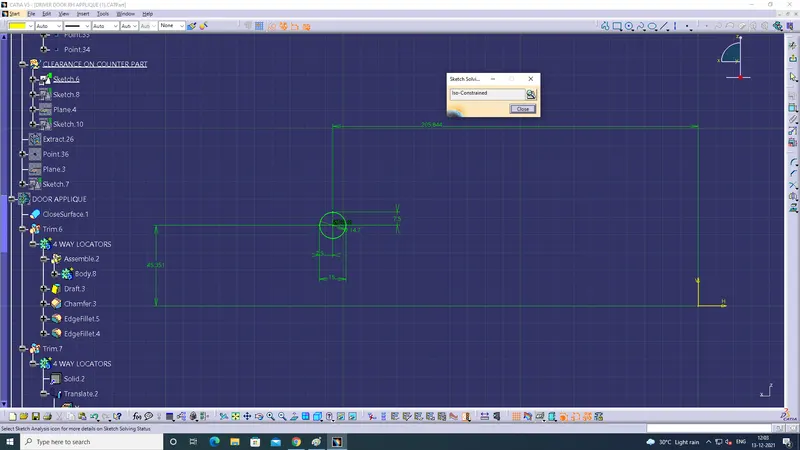
- Draw a Sketch for Clearance given to 4 Way Locator on the counter part the clearance should have a gap of 0.10mm per side.
-
Clearance given to 2 Way Locator on the counter part
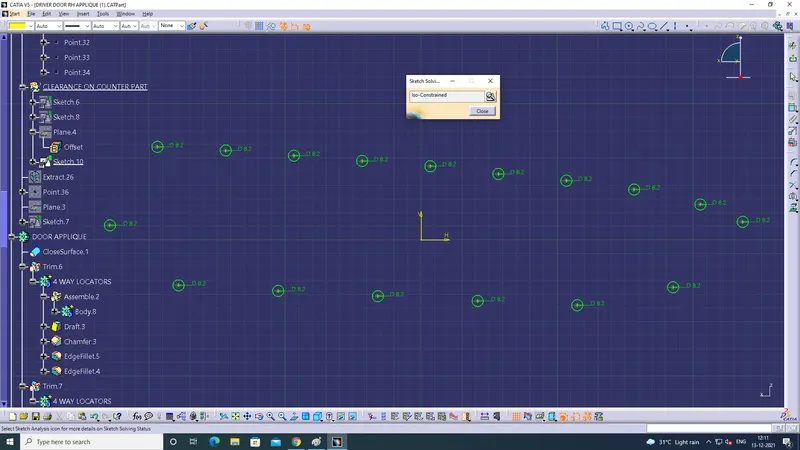
- Clearance given to Heat Staks on the counter part
- Use draft- edge fillets on the parts using part workbench
- Remove the created body form 4 way locator, 2Way locator and Heat Staks from the main couter part body.
Screenshot of Counter part to a Thick surface using part workbench
Screenshot of Sketch for Clearance given to 4 Way Locator on the counter part:
Screenshot of Clearance given to 2 Way Locator on the counter part:
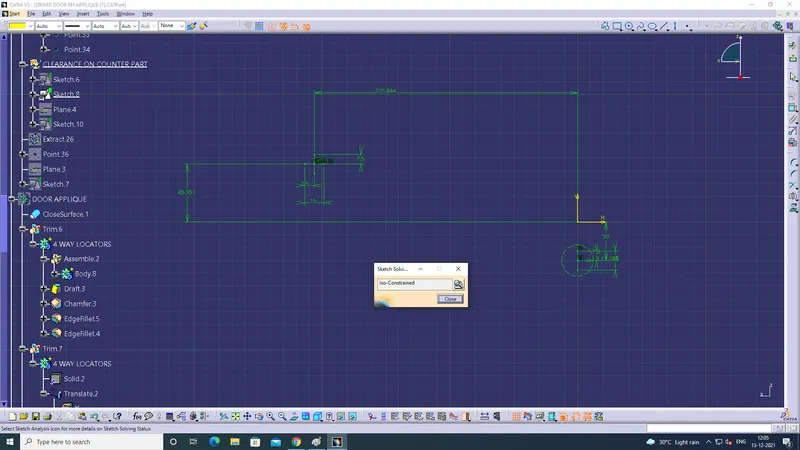
Screenshot of Clearance given on the 2-Way Locator:
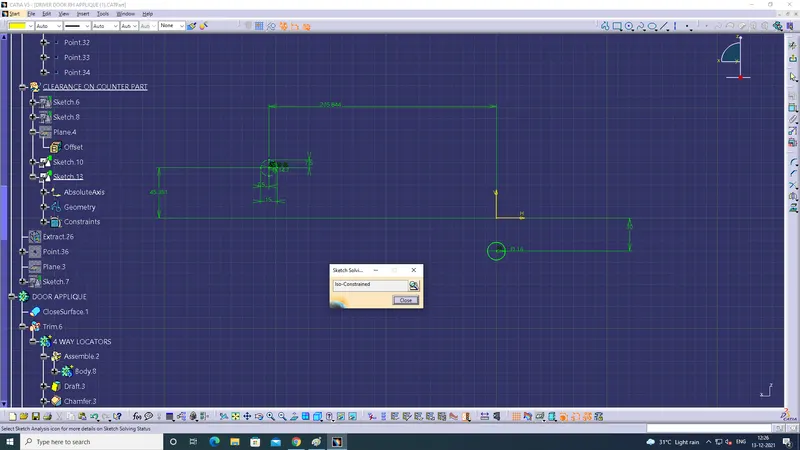
Screenshot of Clearance given to Heat Staks on the counter part:
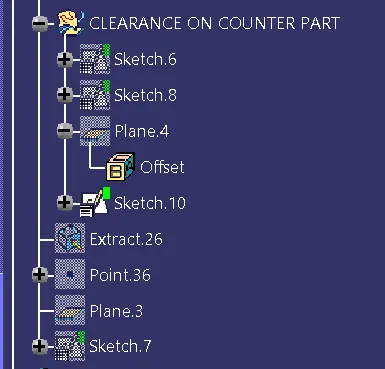
Screenshot of Tree Structure of Clearance on Counter Part:
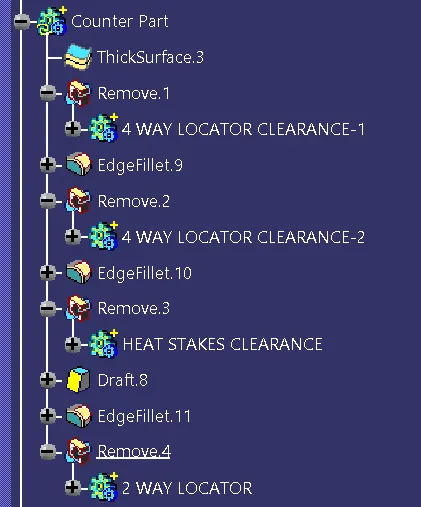
Screenshot of Tree Structure of Counter part:
7)Draft Analyis on Door Aplique:
Screenshot of draft on Door Aplique:
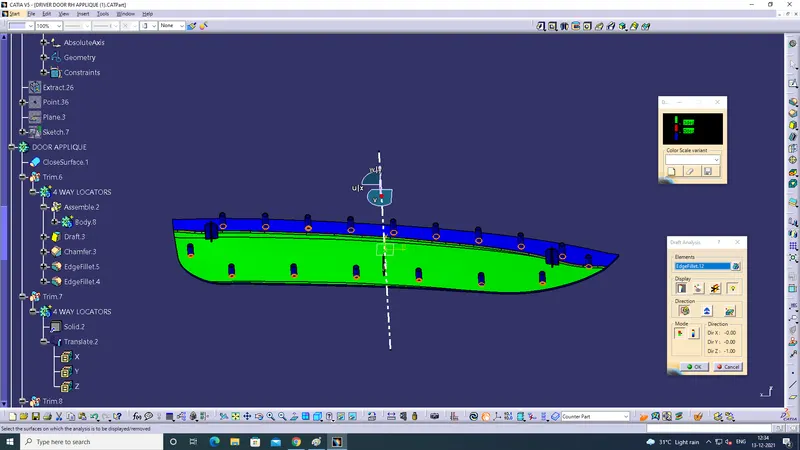
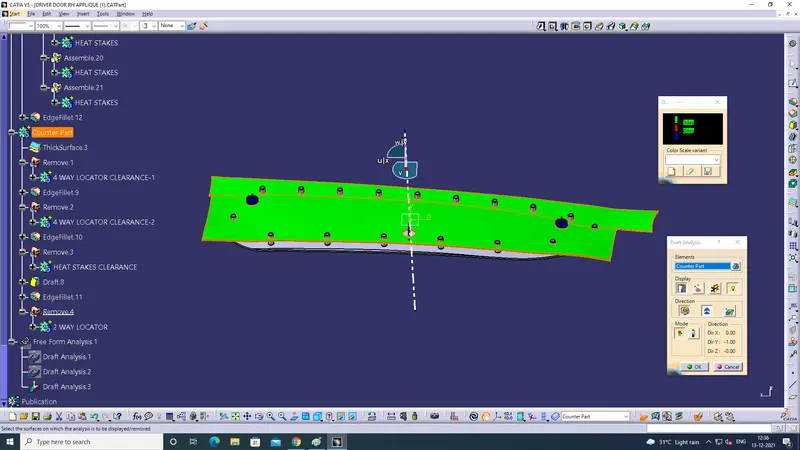
Screenshot of Draft Analysis on Counter Part: