Week 9 - Project 1 - Door Applique Design with Engineering Features
Objective:- We will Create the Door Applique Plastic component through the given Class-A surface. To begin with, we will create tooling axis for the given Class-A Surface should be created meeting the requirements of the draft angle and at the end we would perform the Draft analysis on the model.
We will create Heat Stakes and the locators considering the design rules.
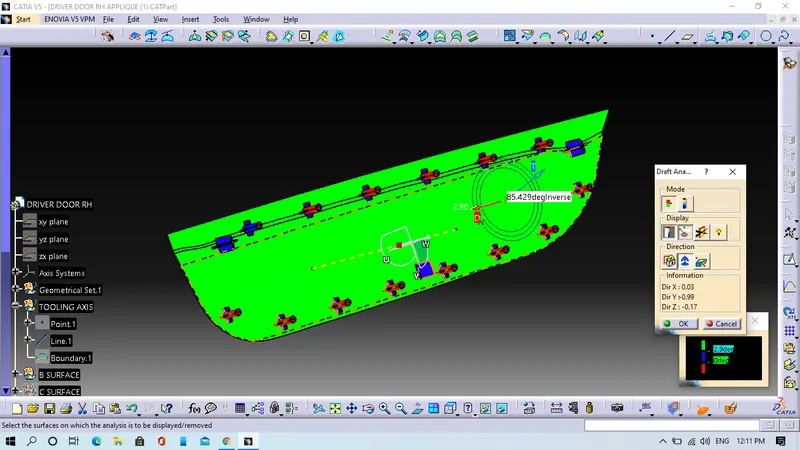
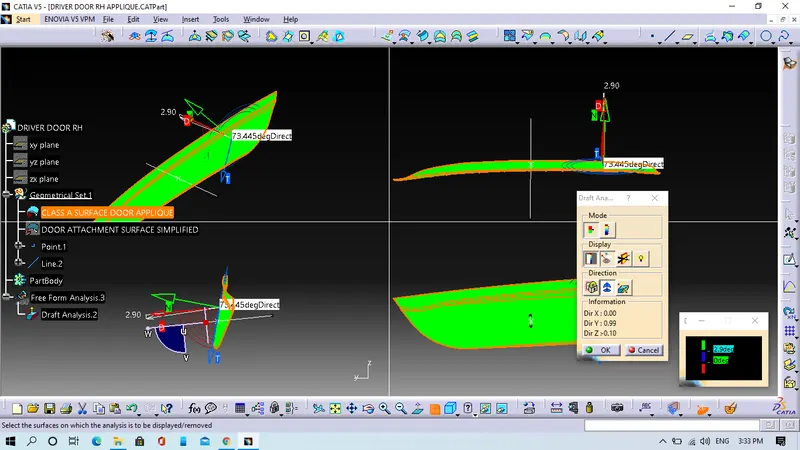
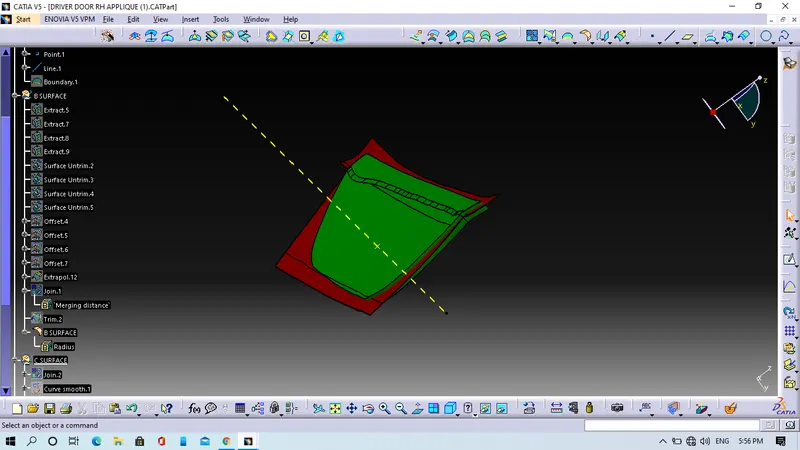
Step 1. We will perform Draft analysis on the given class A surface.
- We will create a point at the centre of the surface.
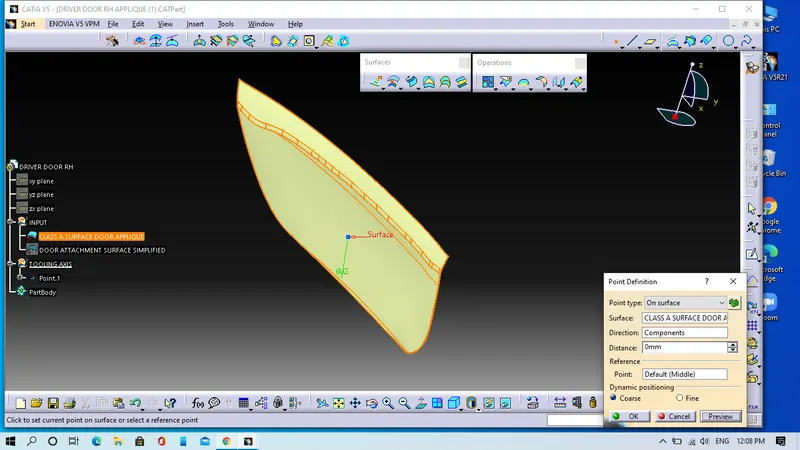
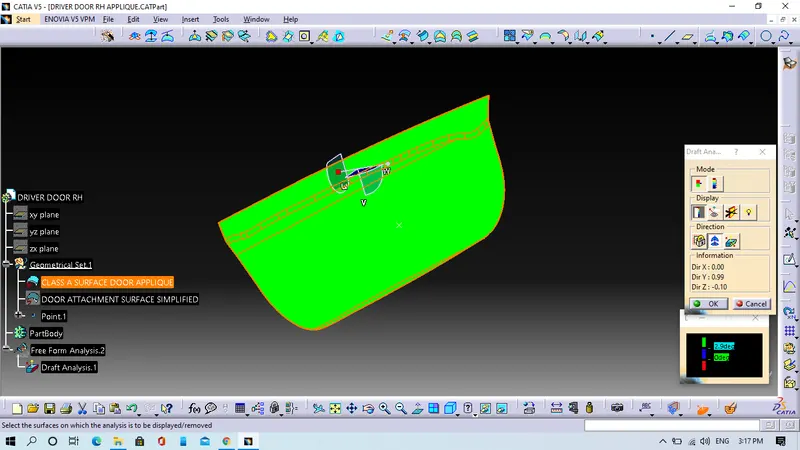
- We will click on the draft analysis command, click and hold the campus as well as drag it and align with surface after that we will lock the compus by right click of the mouse then click on the surface which will show the draft angle of the surface.
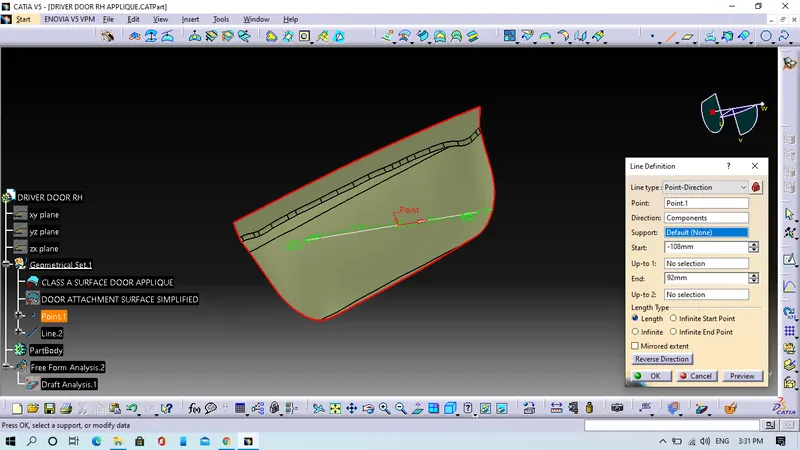
- We will choose line command and select the point-direction. In point-direction option, we will select the the point after we will the select the direction and the direction should be campus direction then click ok.
- Now we will extend the lenght of the which will be the Main tooling axis.
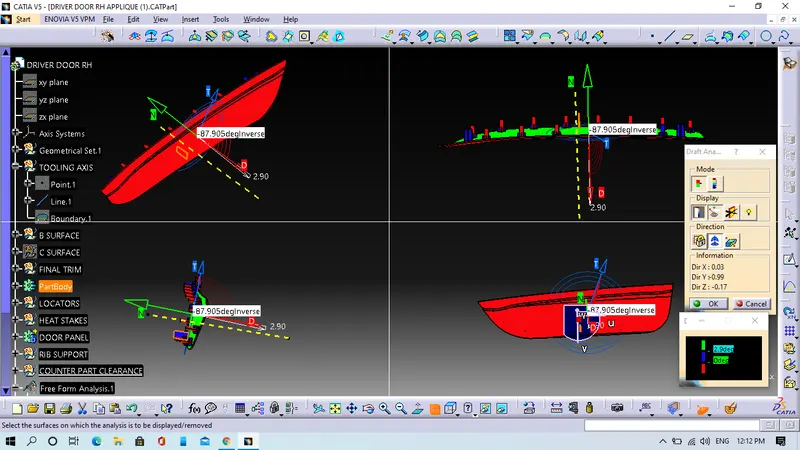
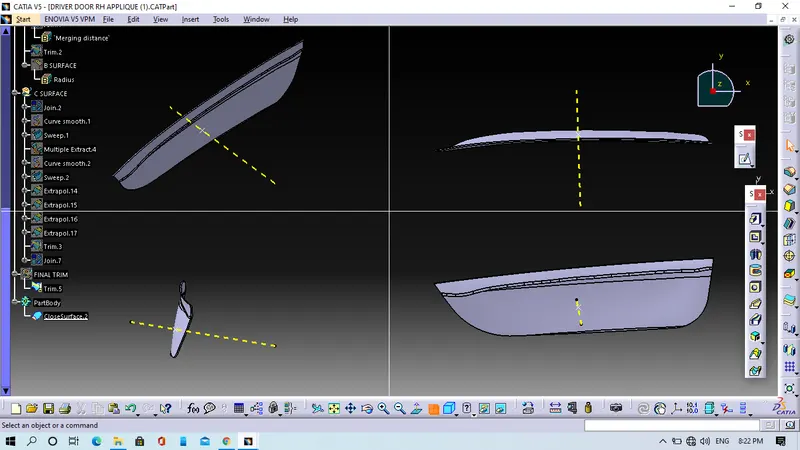
- We will perform draft analysis on this Main tooling axis for checking purpas.
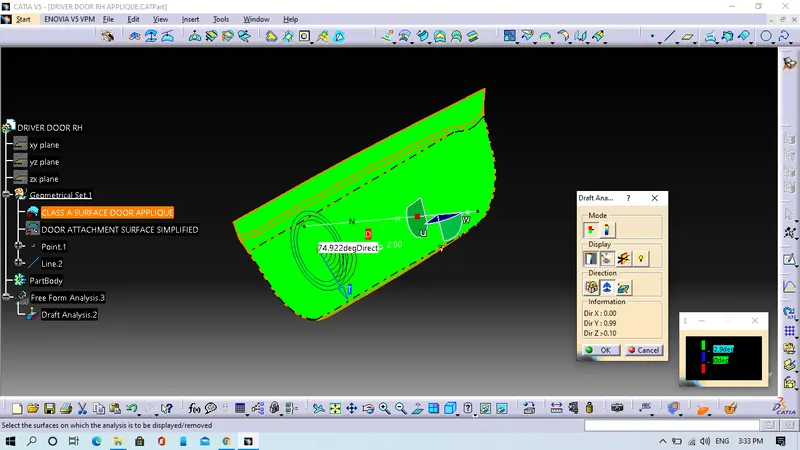
- In various orientations
Step 2. We will create the B-Surface of the Door applique.
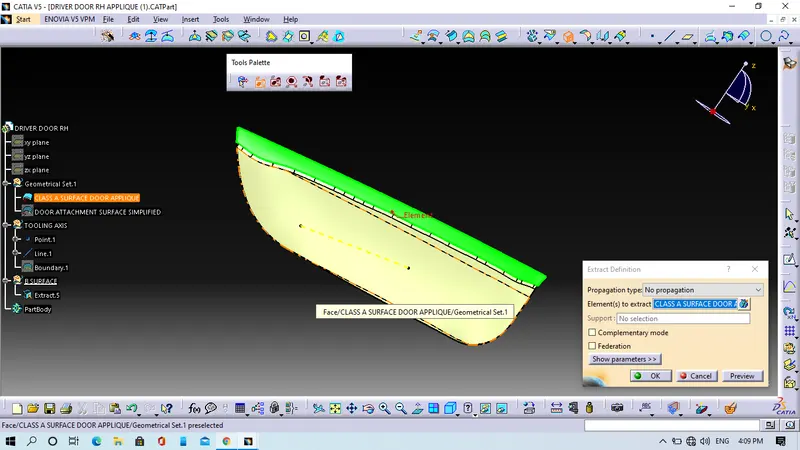
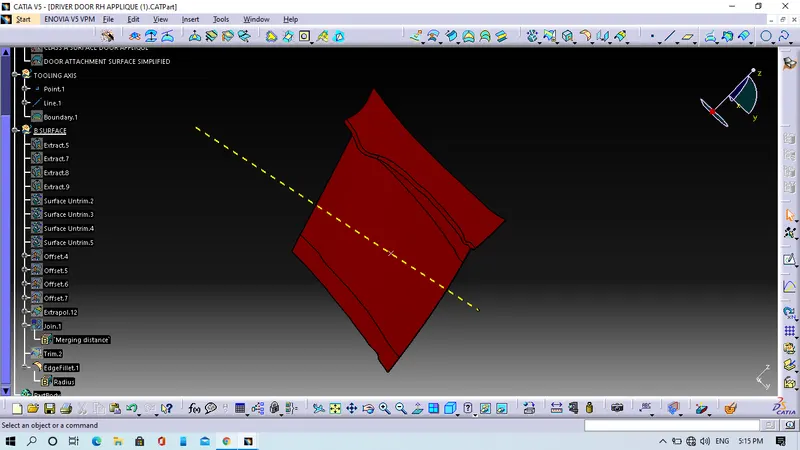
- We will extract the Class-A surface after that untrim it and then offset the untrimmed surface of 2.5mm.
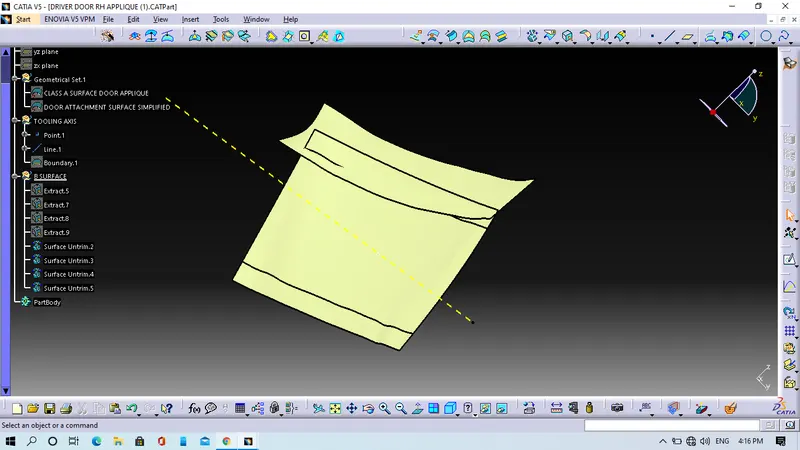
- We wil combine the trim and extrapolat command to get final Class-B surface.
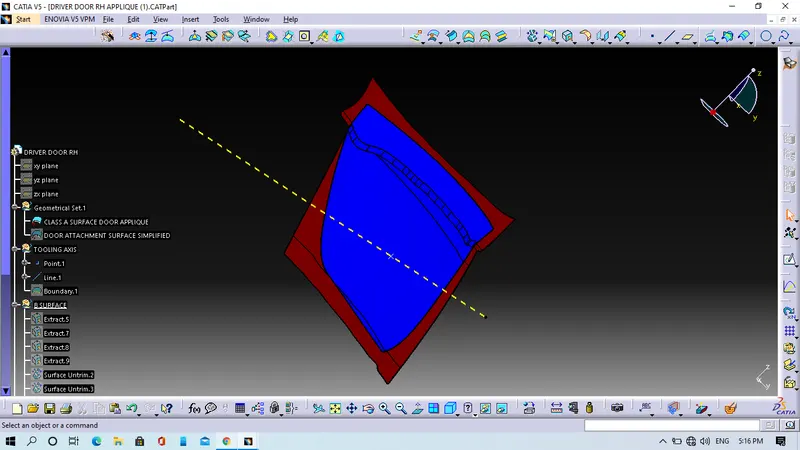
- we will give fillet value on it.
Step 3. We will create C-Surface.
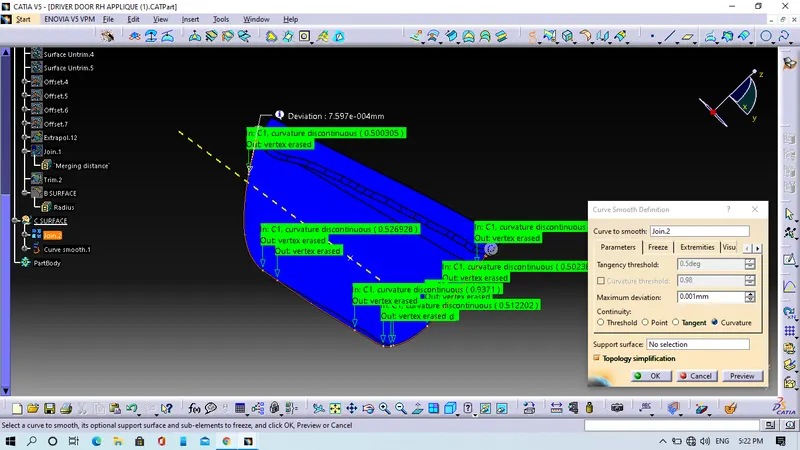
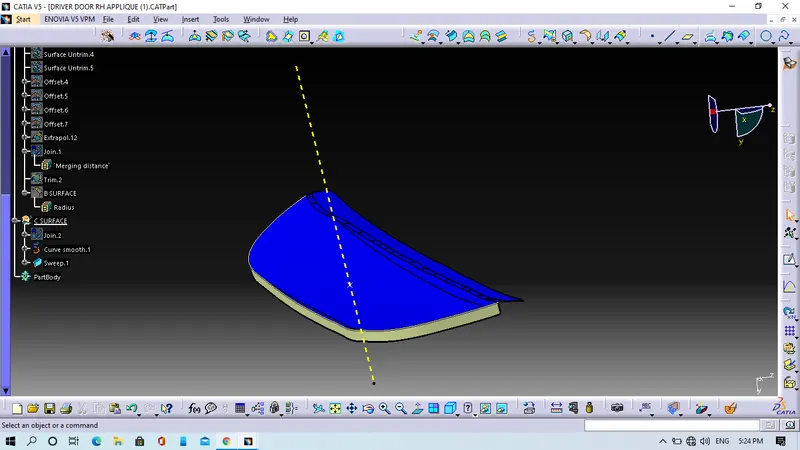
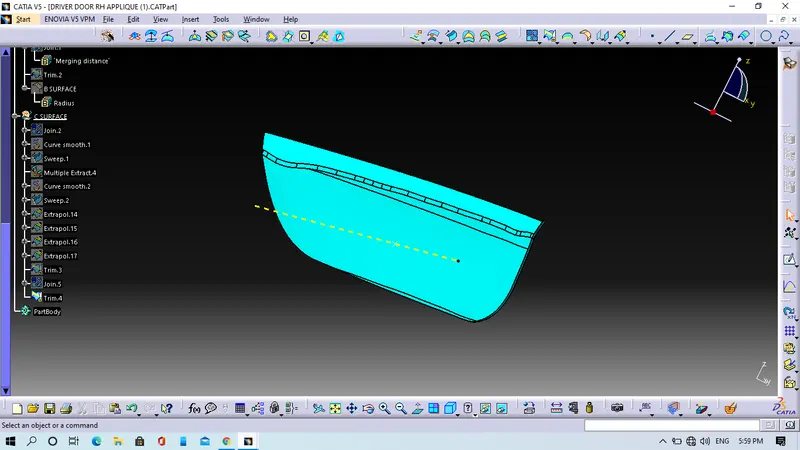
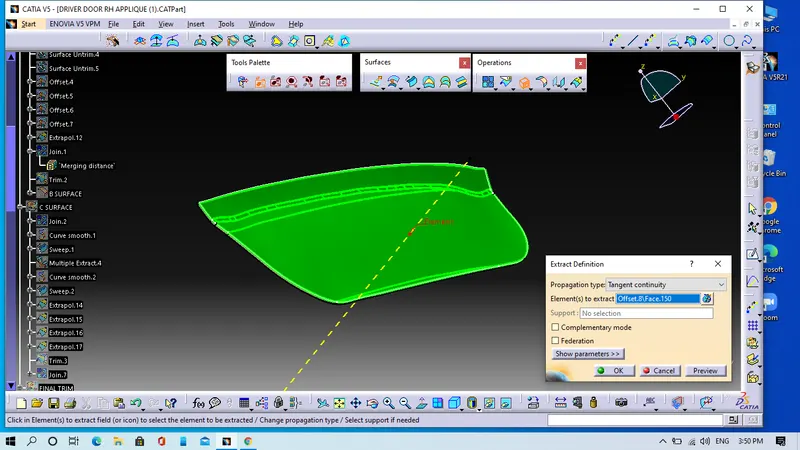
- We will extract the whole boundary of Class A surface and we will use sweep with draft direction command to get C-surface.
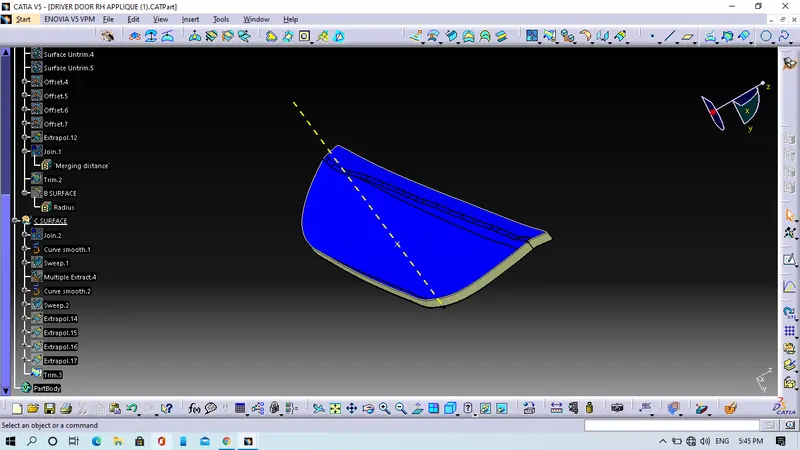
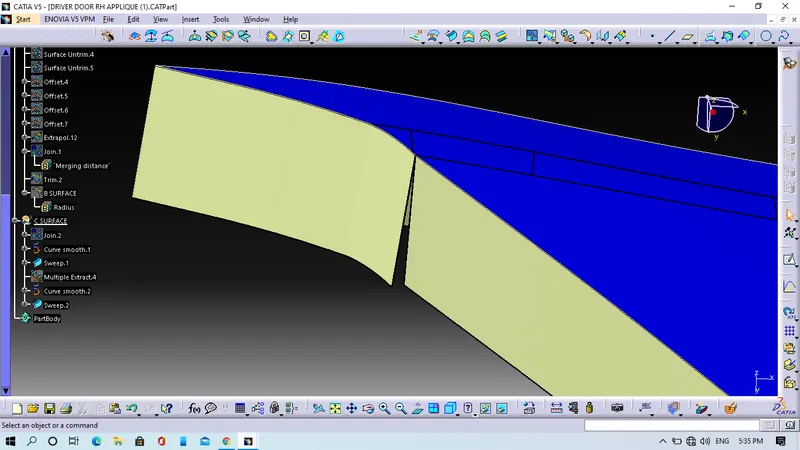
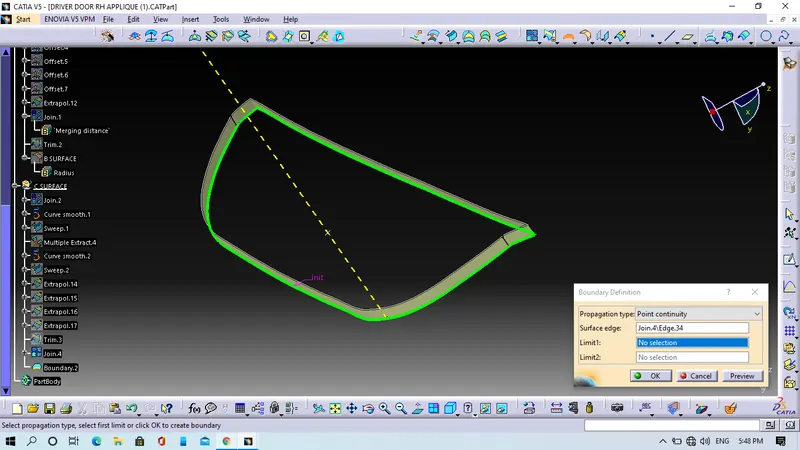
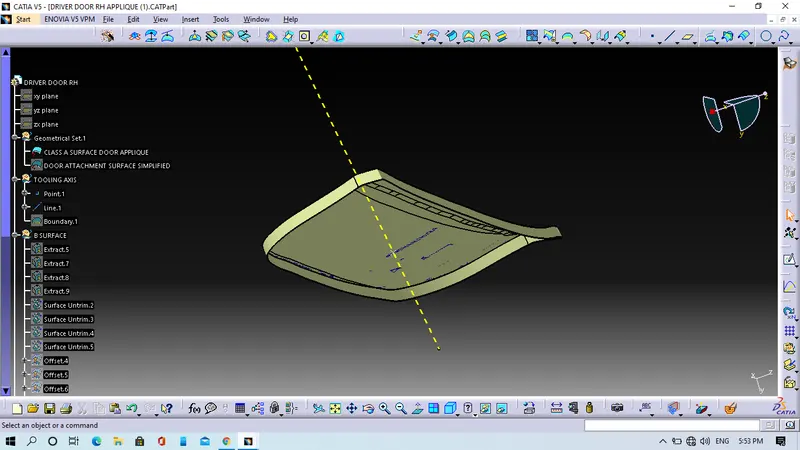
Step 4. We will do final trim to get model.
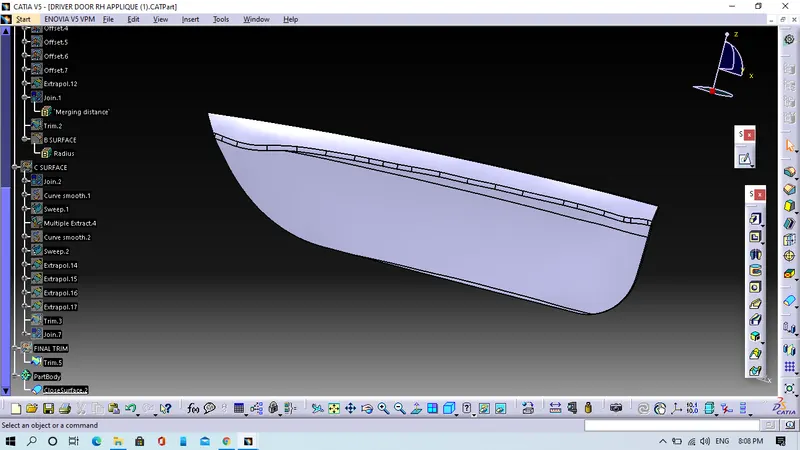
- We will join the Class A surface with Class C surface and trim with Class B surface to get the final model.
- We will make Close surface for that we will use close surface command in part workbench.
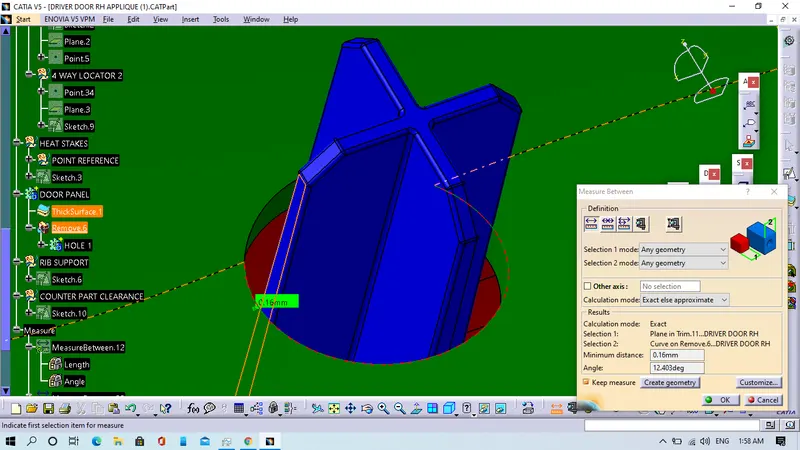
Step 5. We will add the locators in the Door applique.
- We will create a point and a plane on the B surface of door applique.
- We will enter in the sketcher work bench and then we will draw the locators.
- After that, In the part design work bench, we will pad the sketch then neutral fibre command to align it properly.
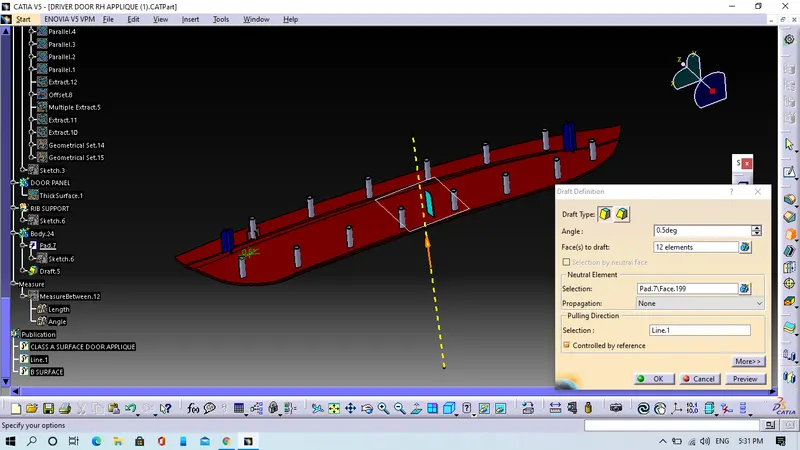
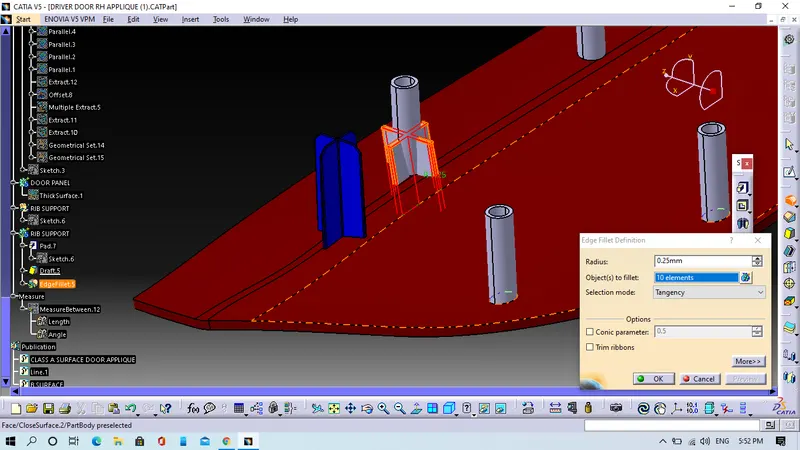
- We will give entry chamfer and then we will give fillet in the edges before that we will draft angle to all the surfaces.
- We will use boolean opertion, in boolean operation we will use untrim command to get locators.
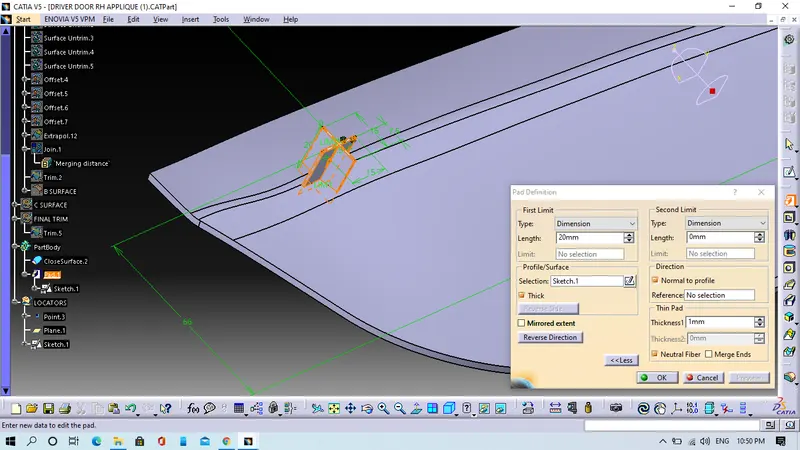
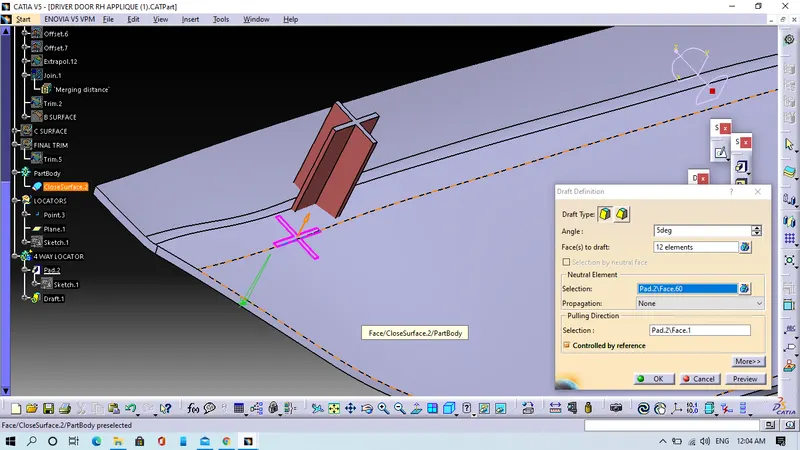
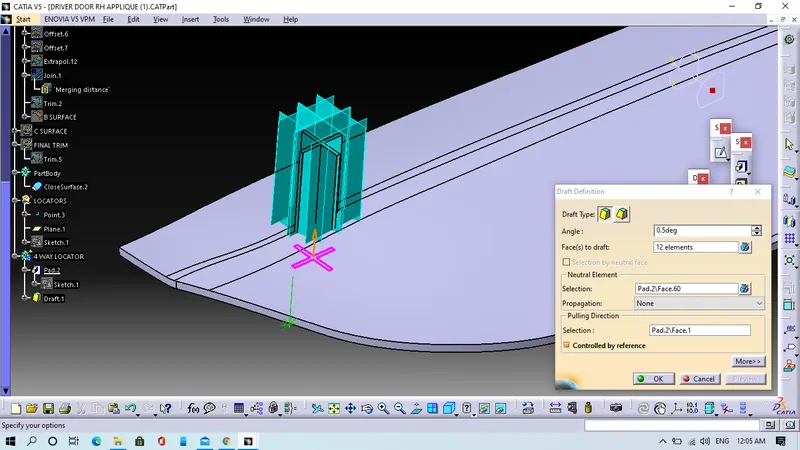
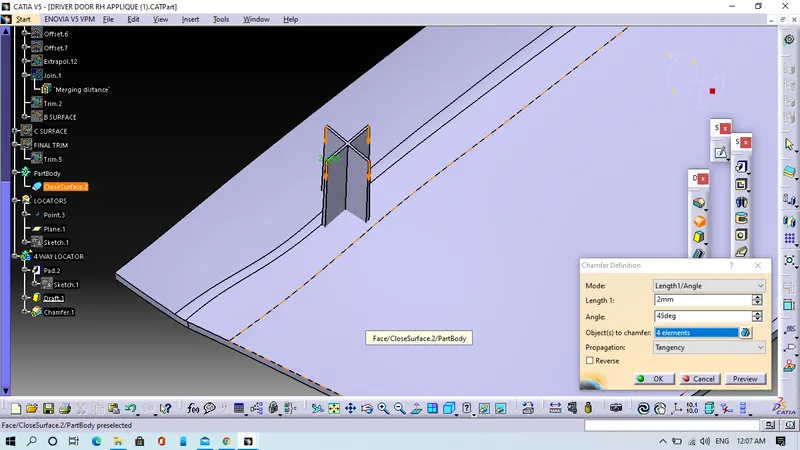
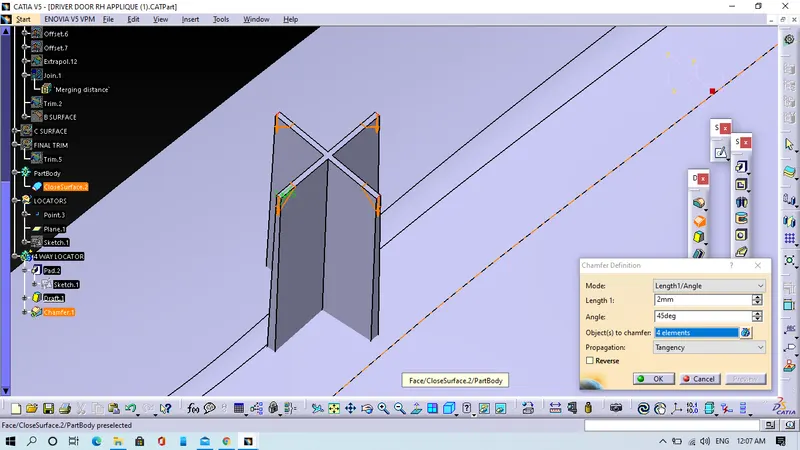
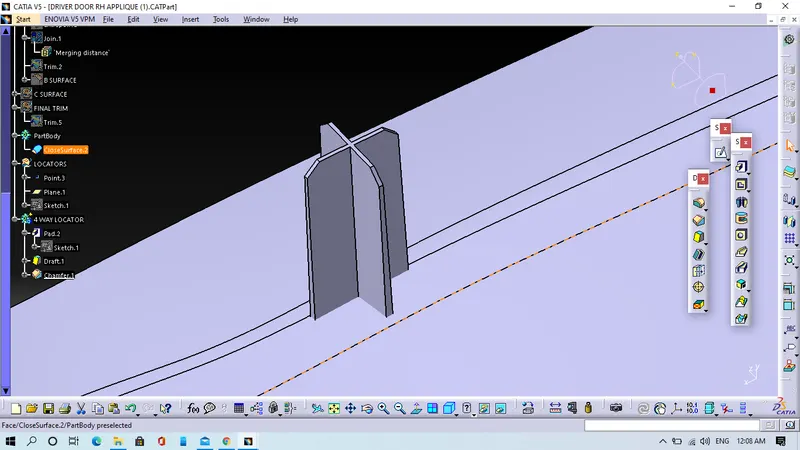
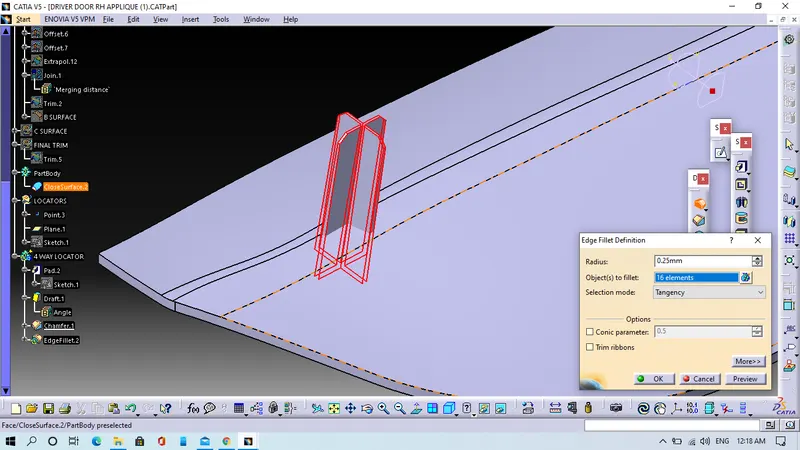
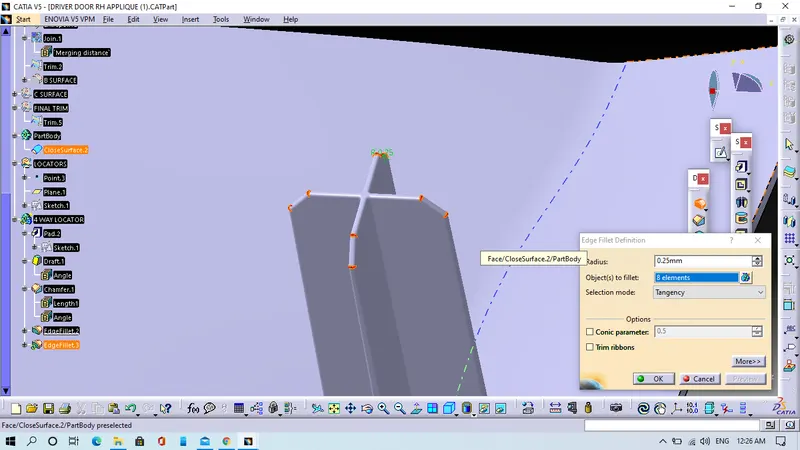
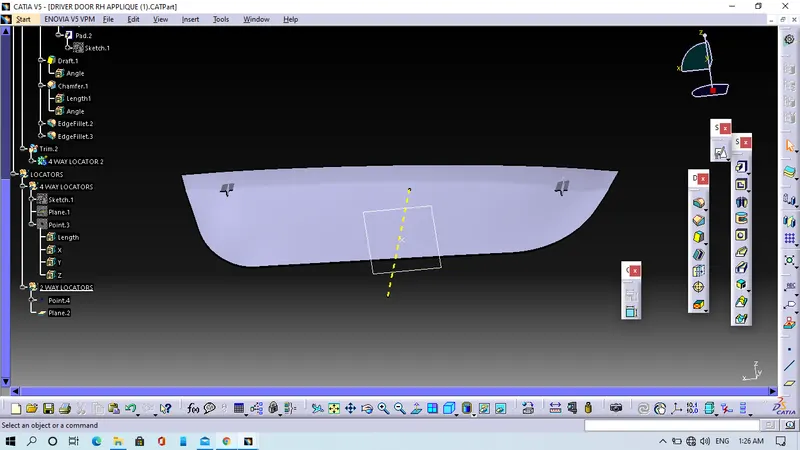
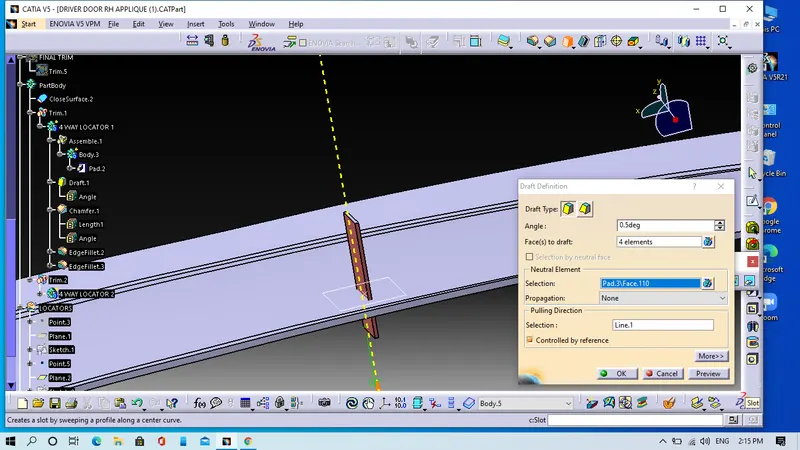
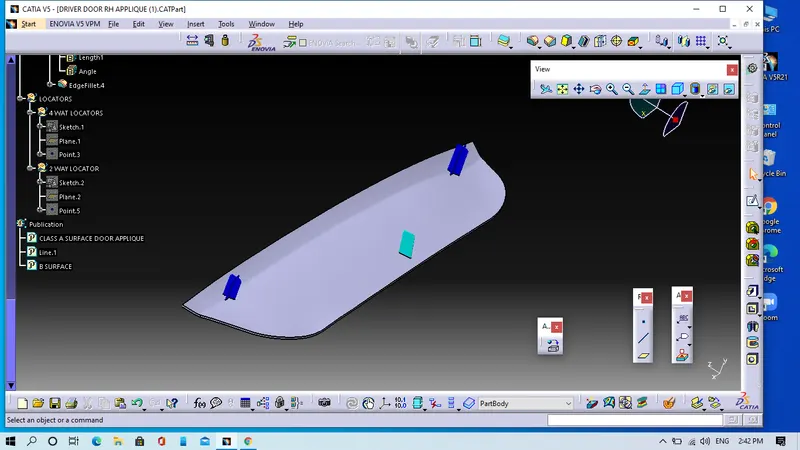
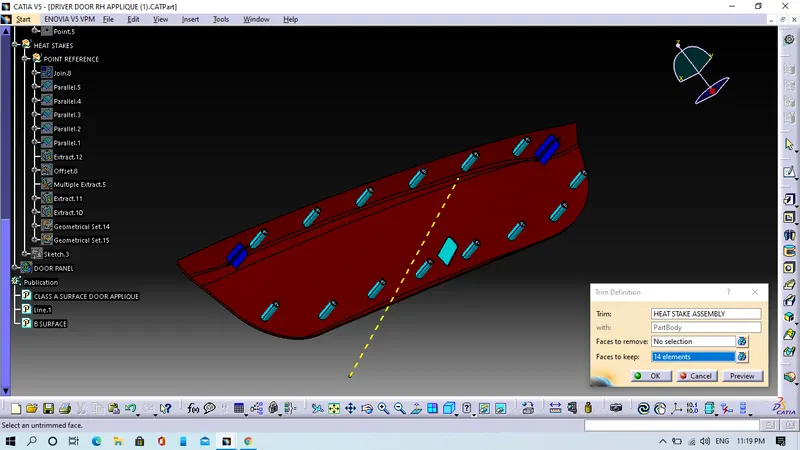
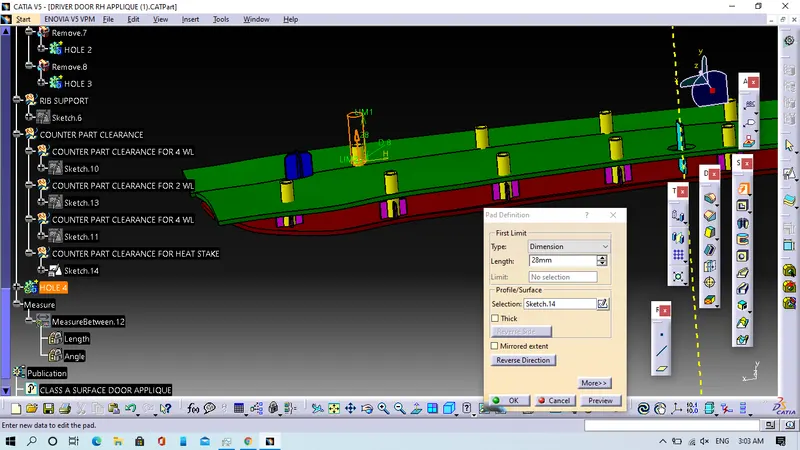
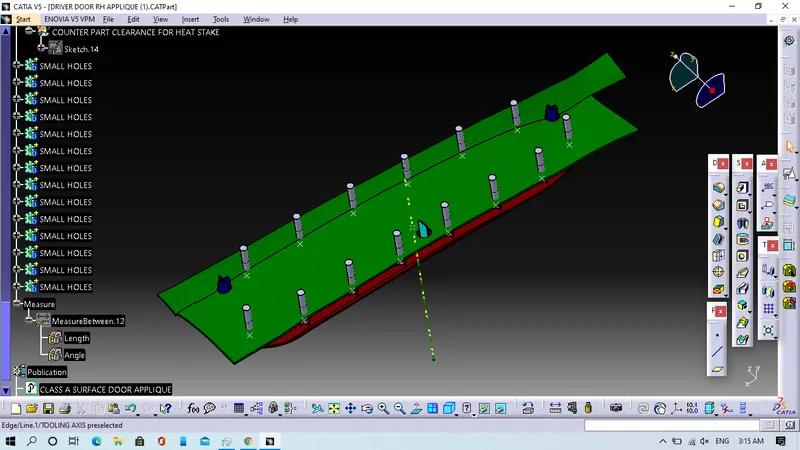
Step 6. We will Heat stakes
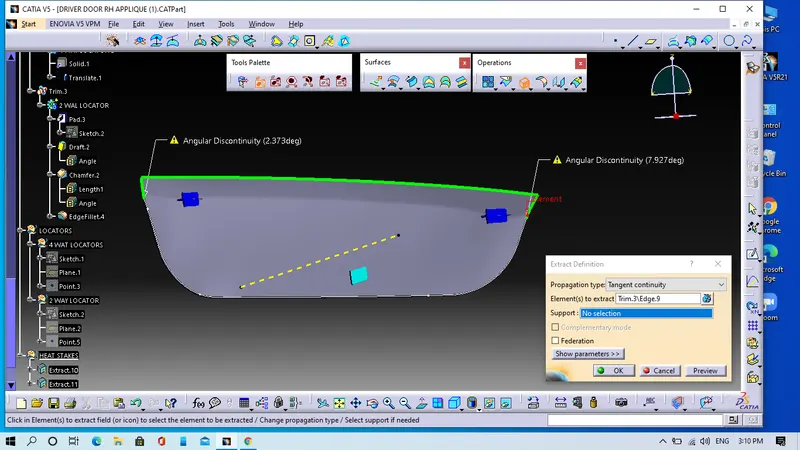
- We will extract the B surface which will be the support surface.
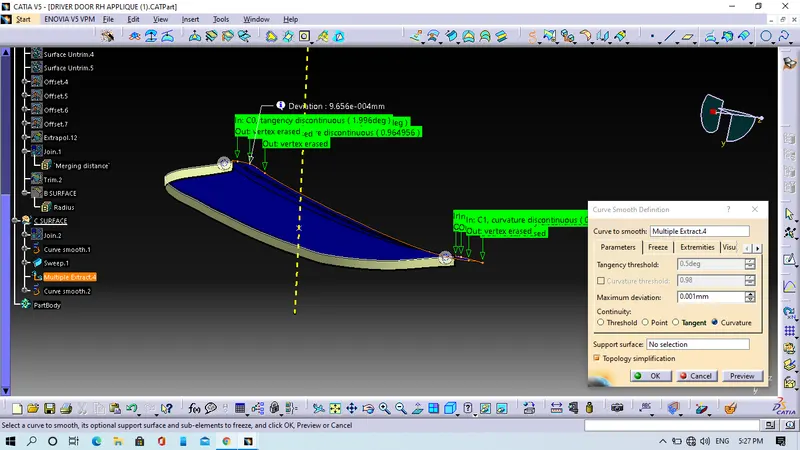
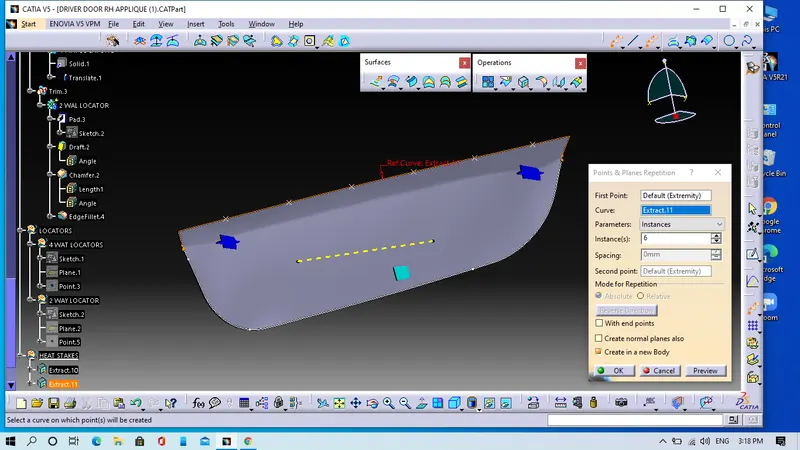
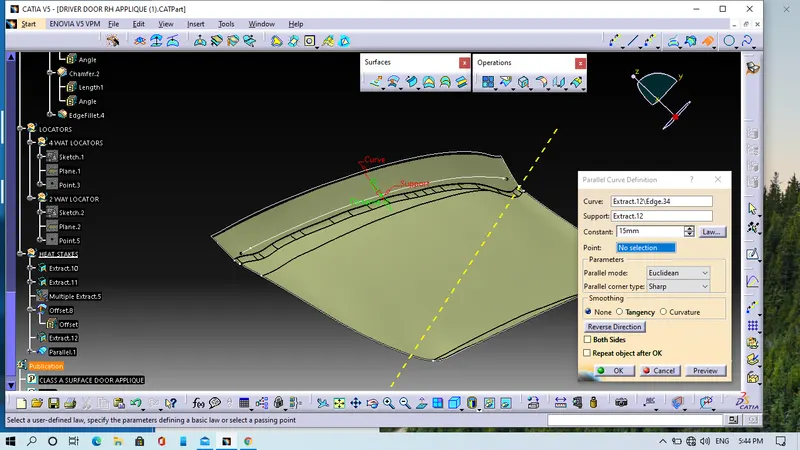
- We will extract the outer edges of the model using Multiple extract command and we get the parallel curve command.
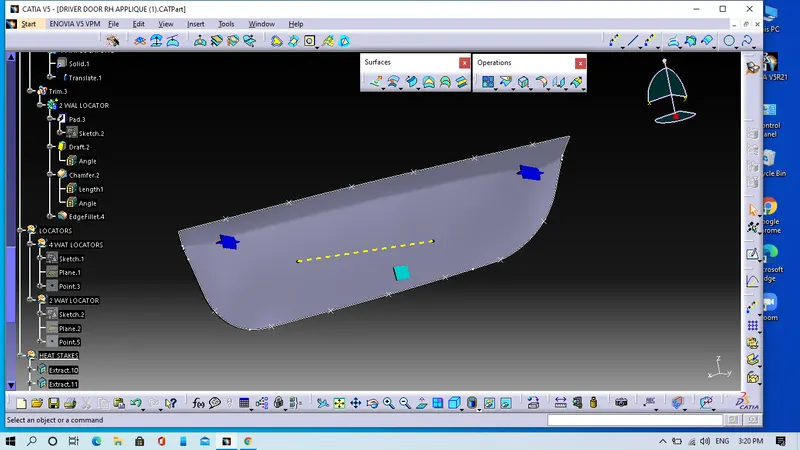
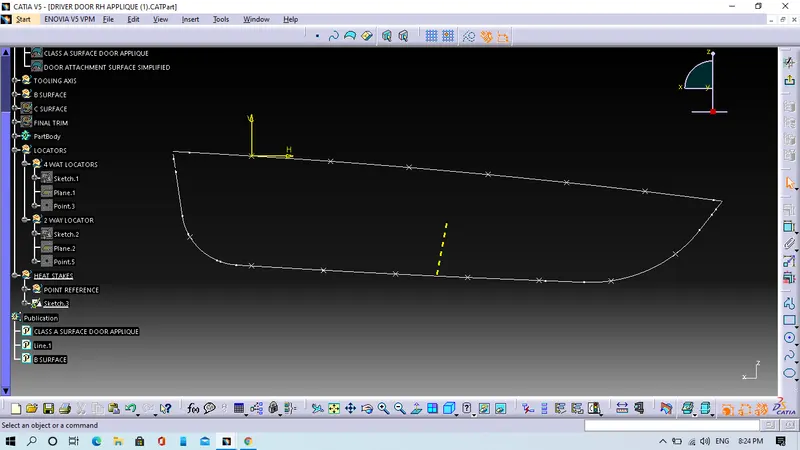
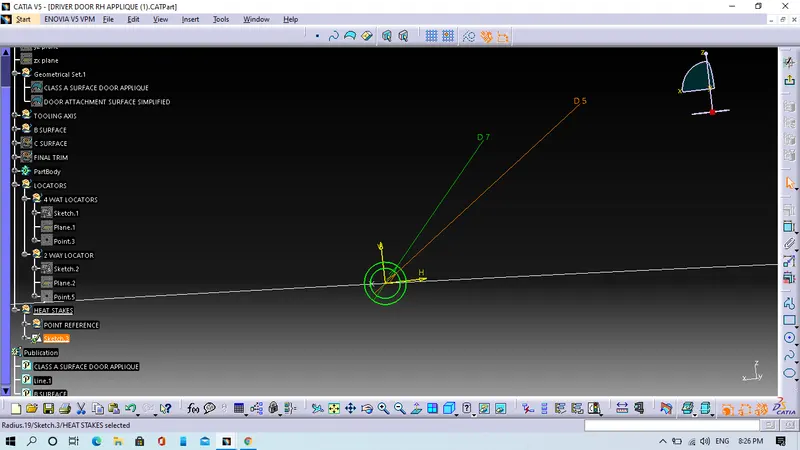
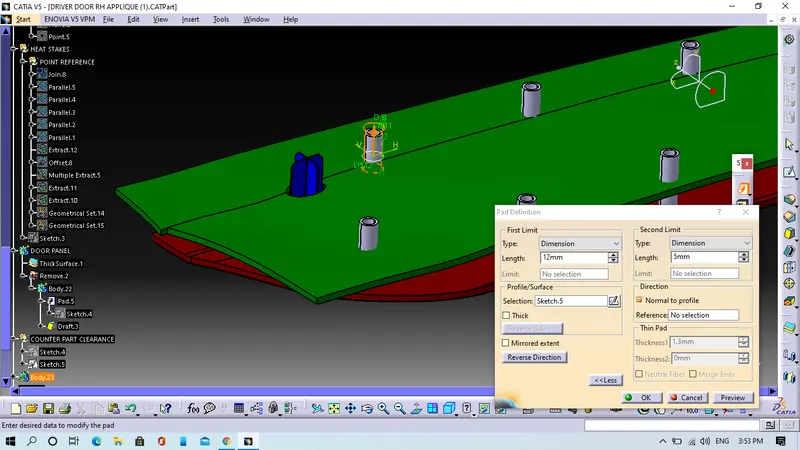
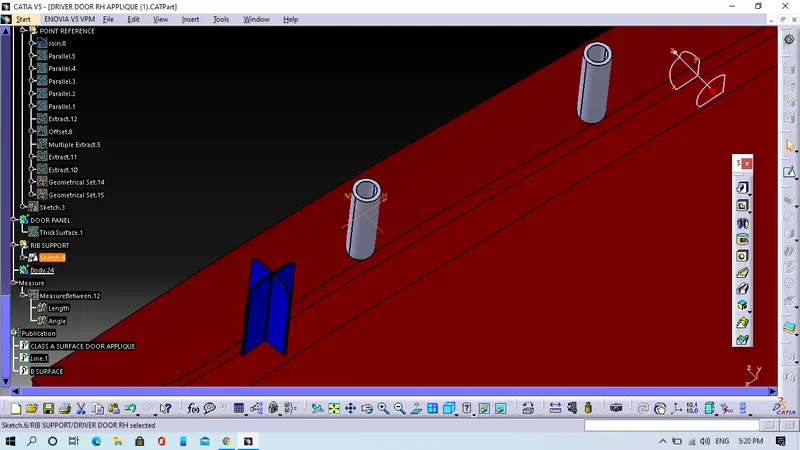
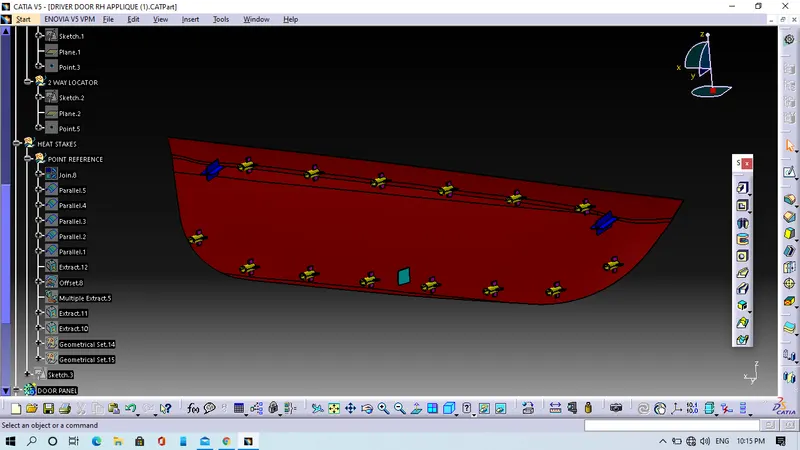
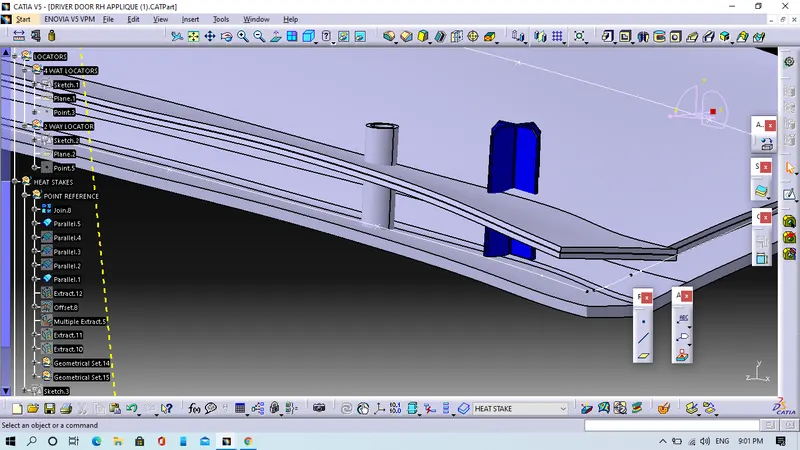
- We will use Point and Plane after that we will use Paste special option create clones, which are linked with the parent profile as per requirment. Then tranlate each one into the points created.
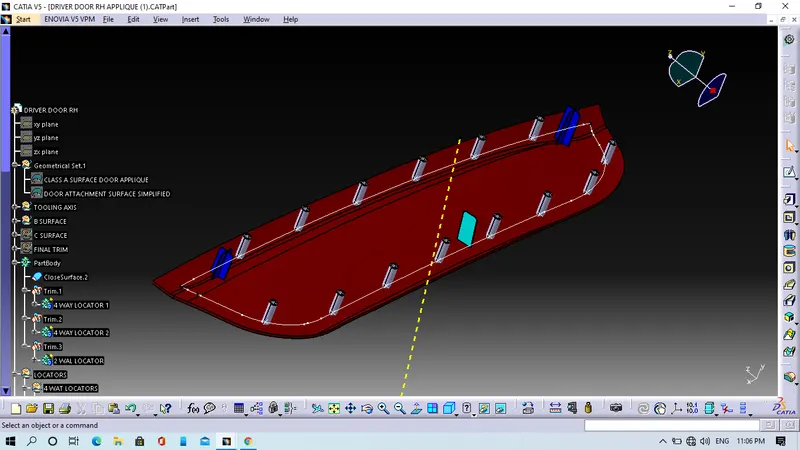
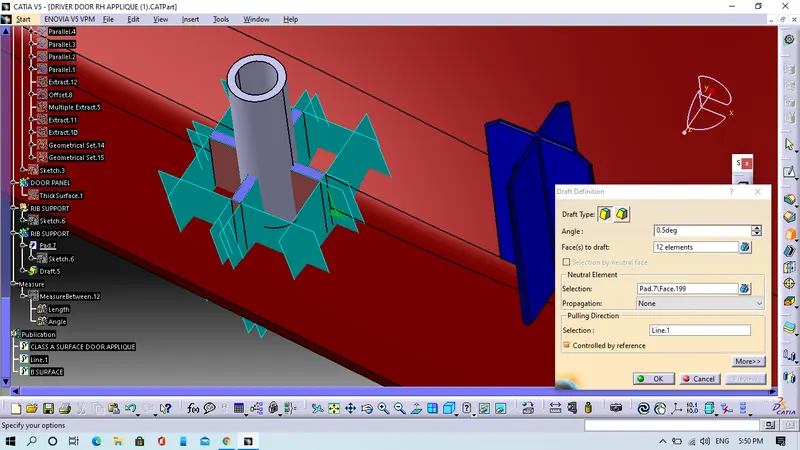
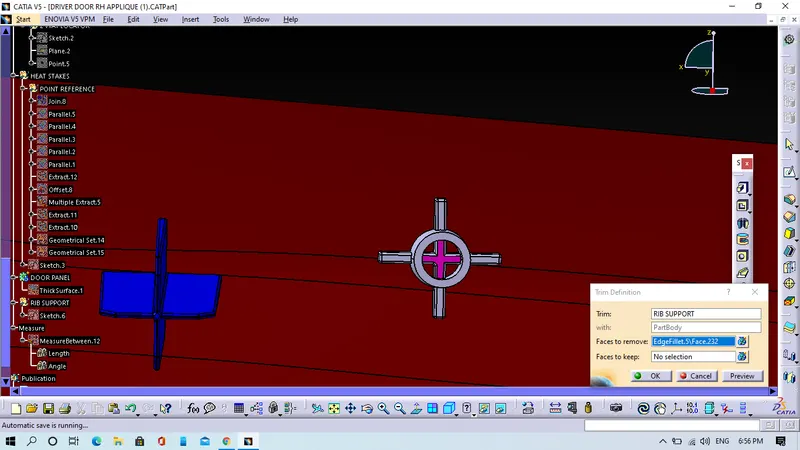
- We will pad it, add draft to it and finally we will perform boolean operation on the model.
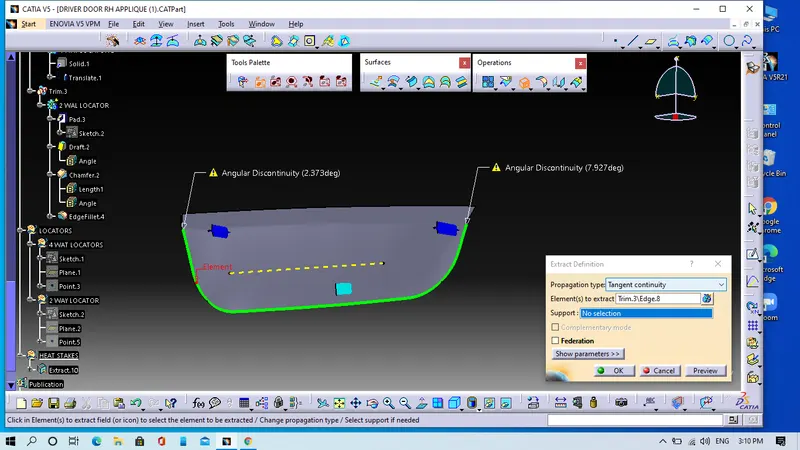
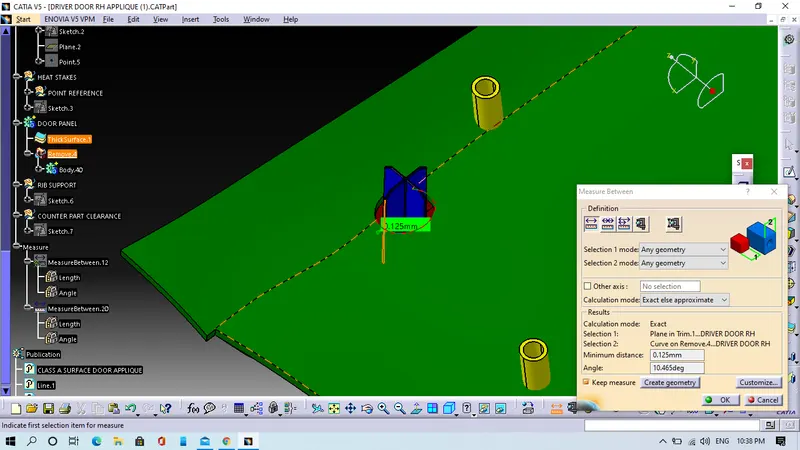
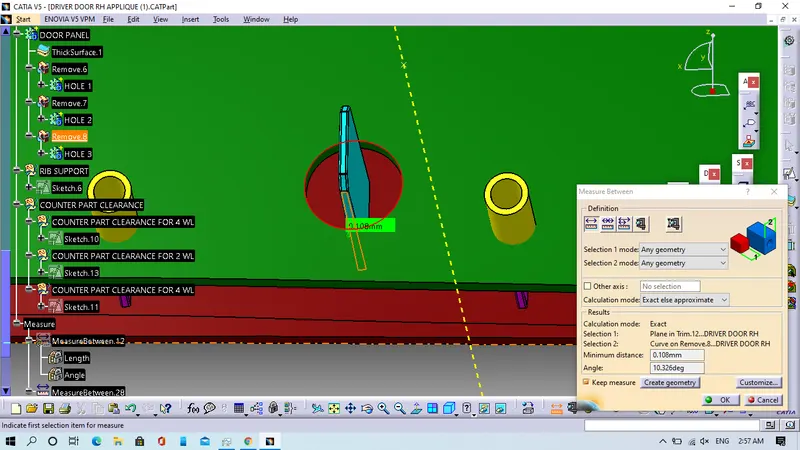
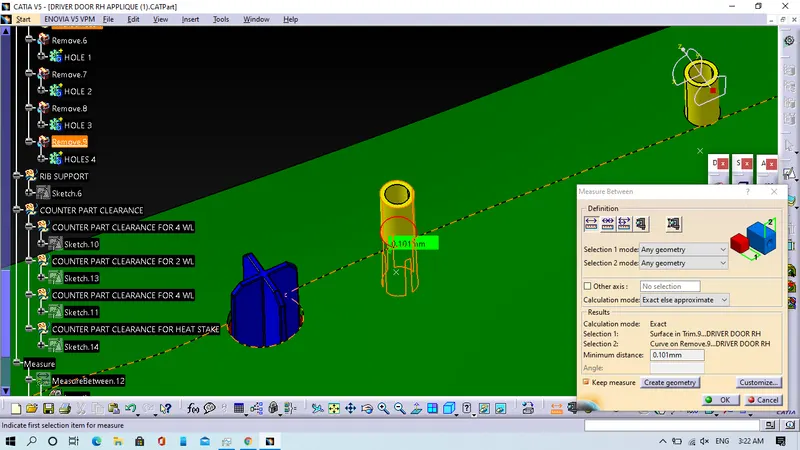
Step 7. We will give Counter part clearance to Door attacment surface.
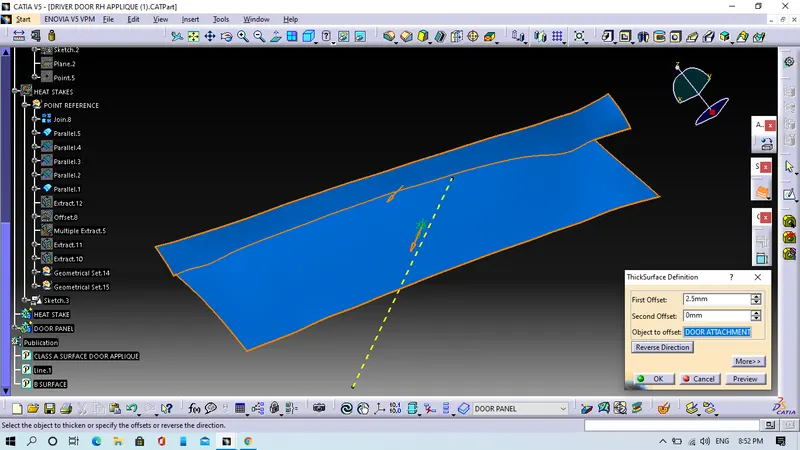
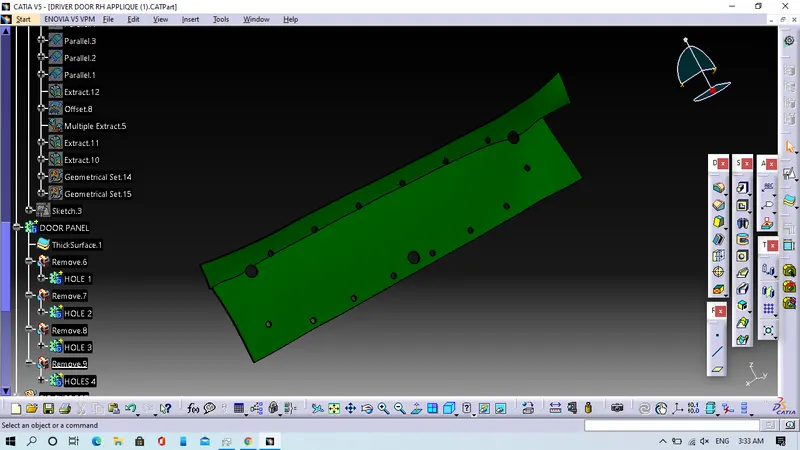
- We will convert the Door attachment surface to solid by applying the thicken option.
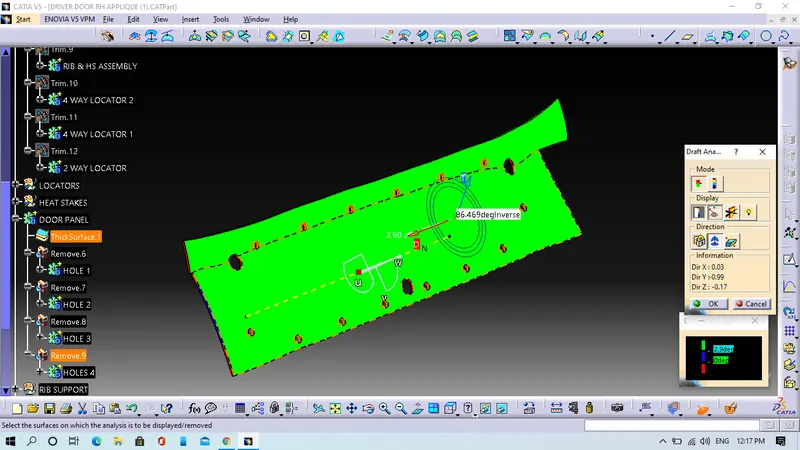
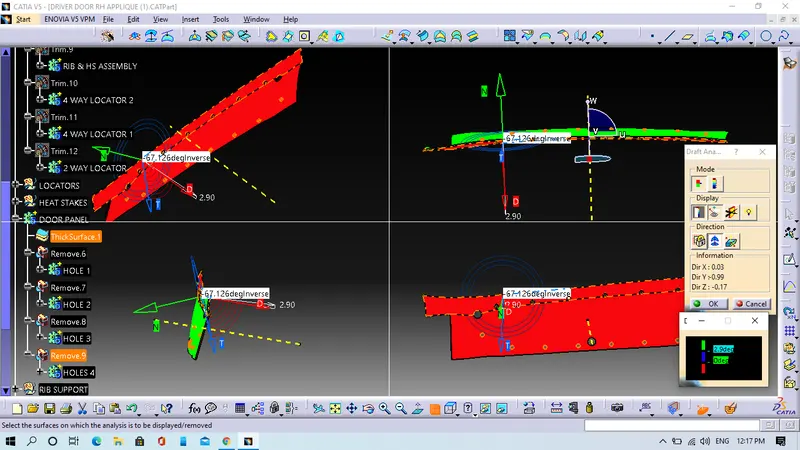
Step 8. We will Draft analysis on final model.