Week 9 - PCB Thermal Simulation
Problem 1: Conduction heat transfer modeling of PCB.
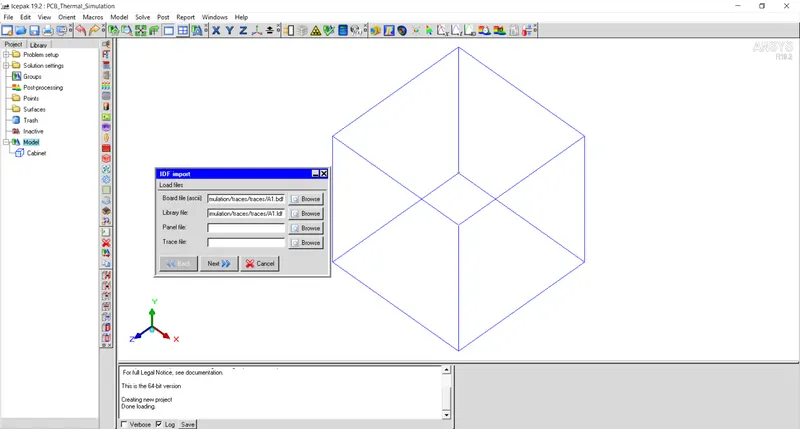
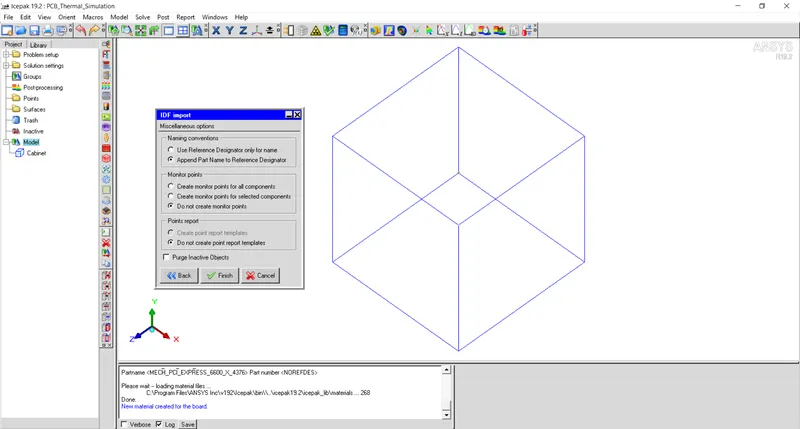
PCB board along with mounted componens is imported in Icepak using File > Import > IDF file > New.
Select A1.bdf file that contains the details of PCB board dimensions, components etc using Browse button of Board file.
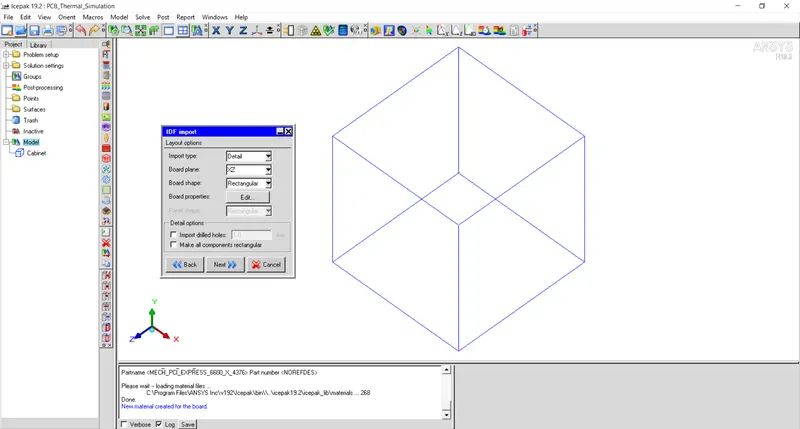
Select detailed type in import and set XY plane as board plane.
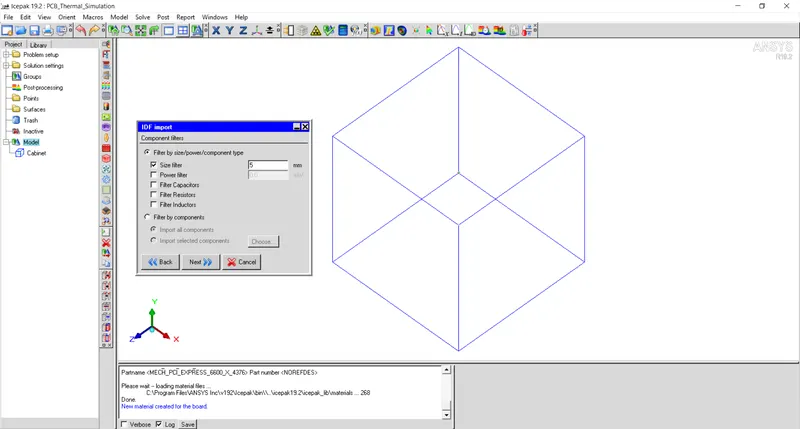
Set component filter as 5mm.
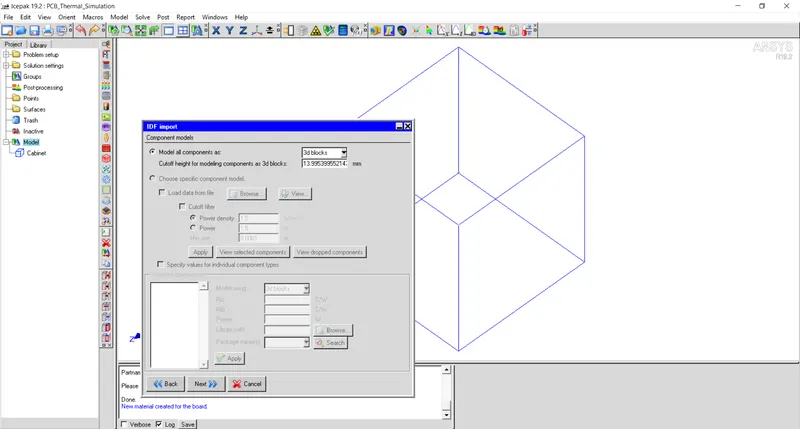
Use default value for height.
Select radio button Append Part Name to Reference Designator.
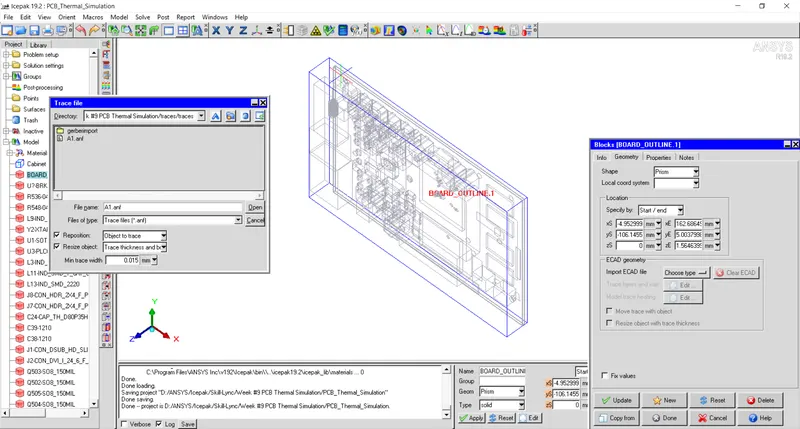
Import ECAD file and select A1.anf file to import details of PCB layers.
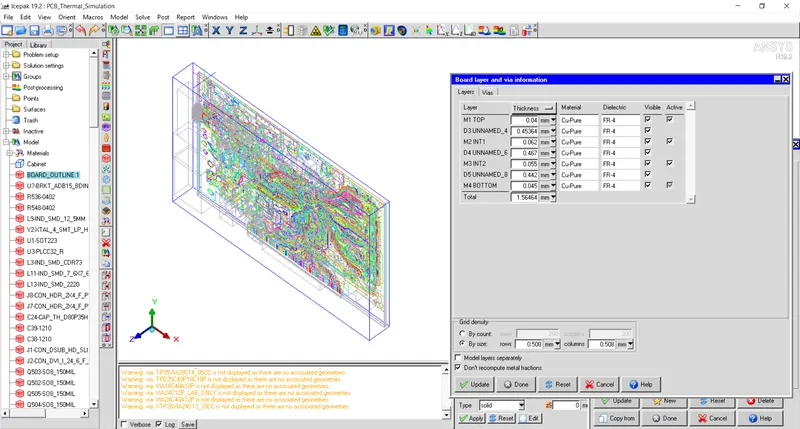
Specify Layer Thickness and layer material along with material of dielectric.
Specify grid density as 0.508mm for rows and columns.
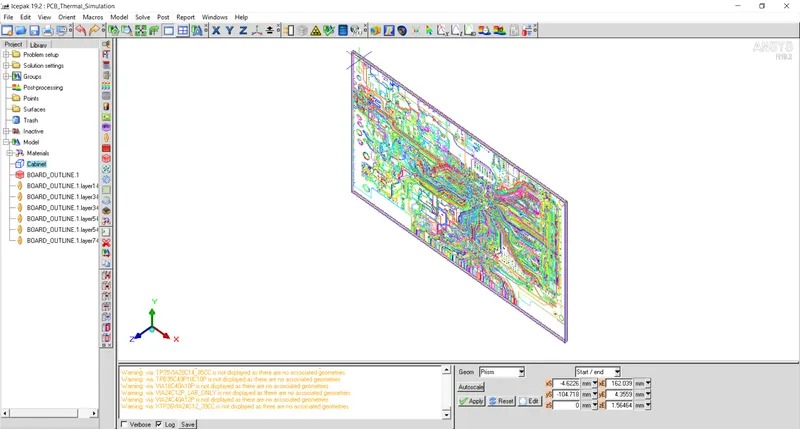
Inactive all the components mounted on PCB board and autoscale cabinet.
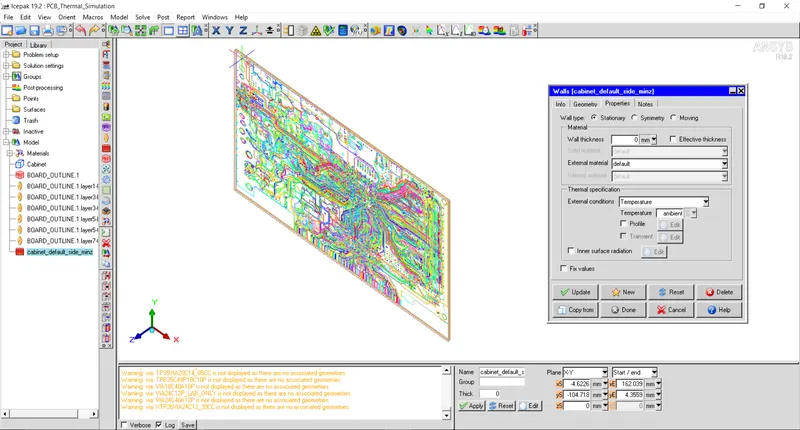
Specify constant ambient temperature for Min Z wall.
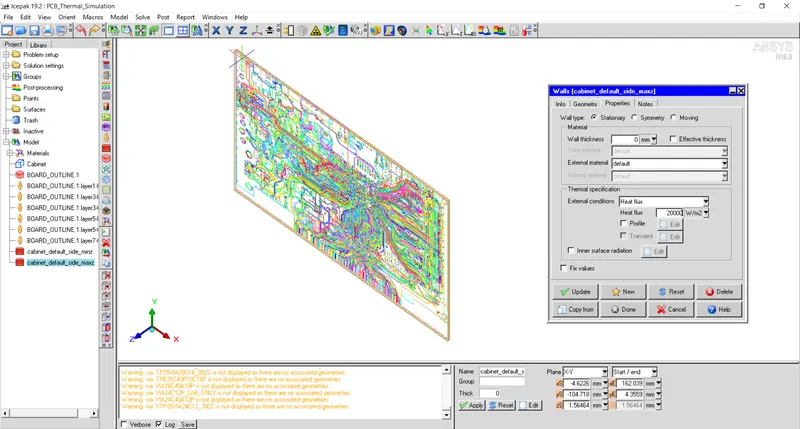
Specify heat flux of `20000W/m^2` for max Z wall.
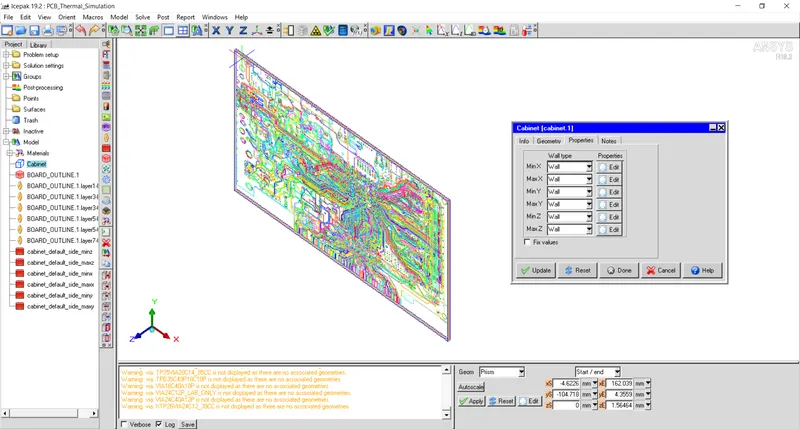
Specify wall for other sides of cabinet with zero heat flux.
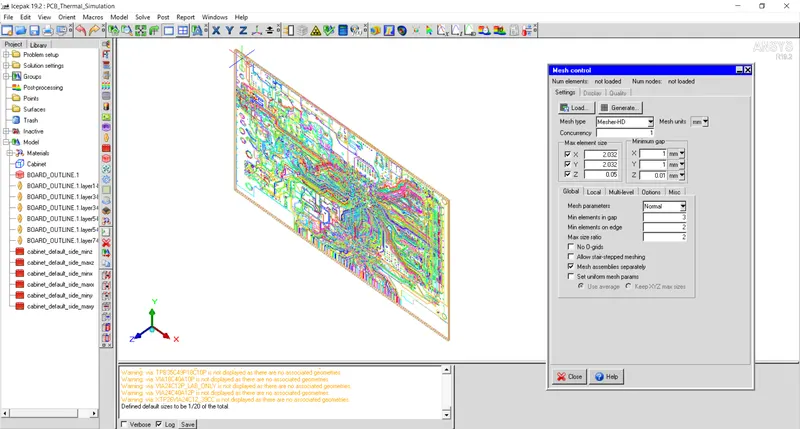
Specify mesh parameters as shown in figure below and generate mesh using MesherHD.
Mesh details:
Number of elements: 137268
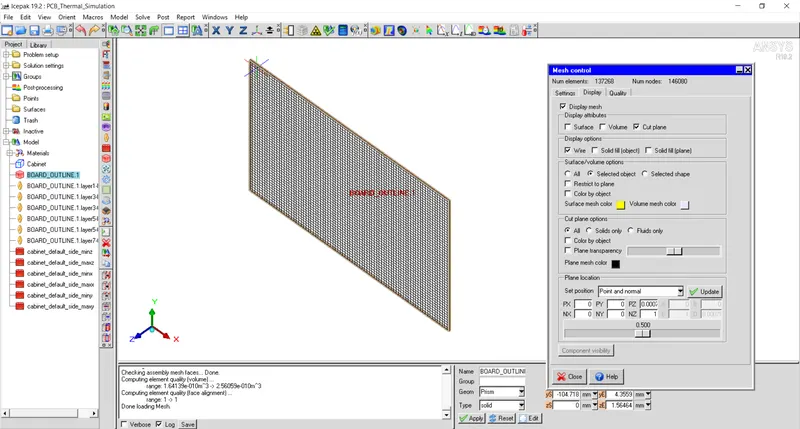
Mesh Details:
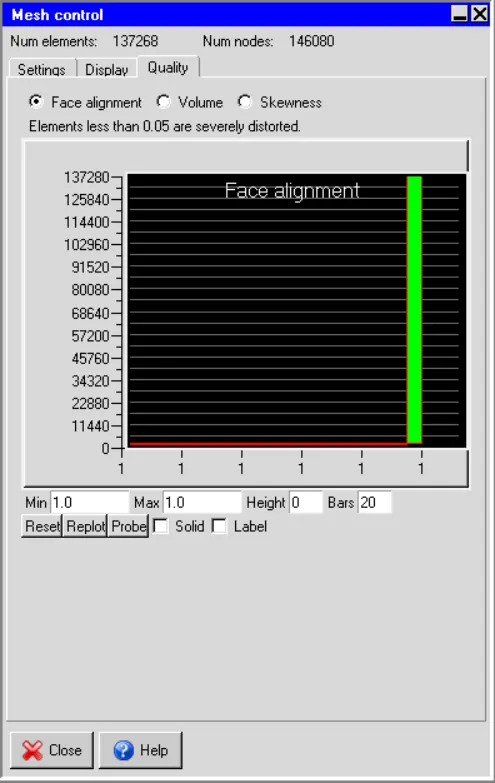
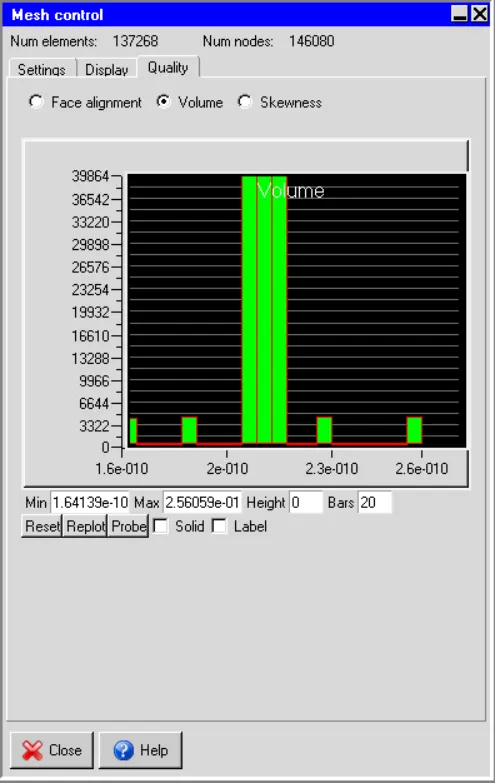
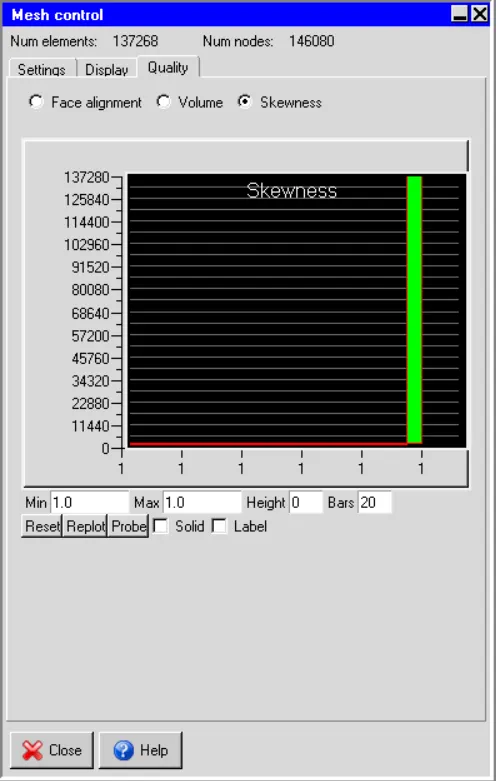
Solver Setting:
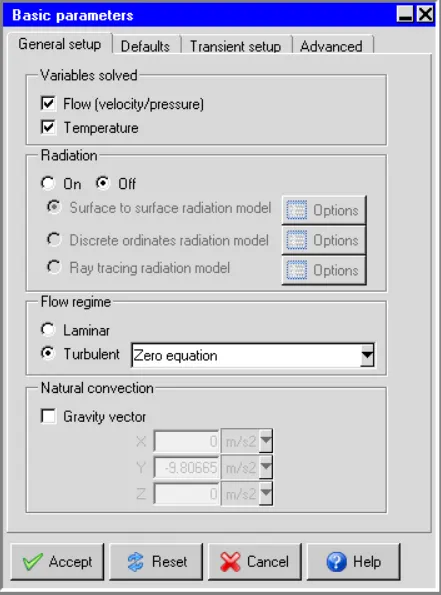
Turn off flow and radiation as only conduction is being studied in this case.
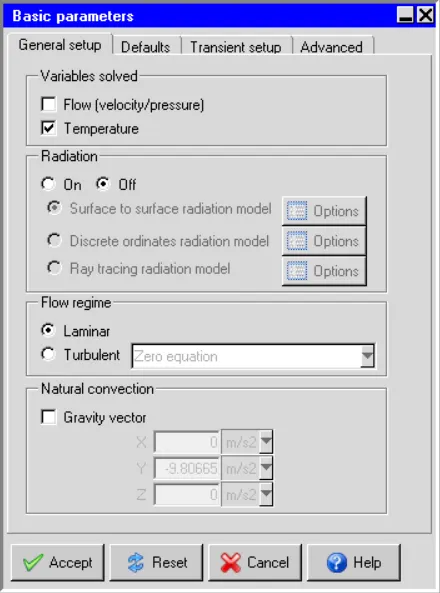
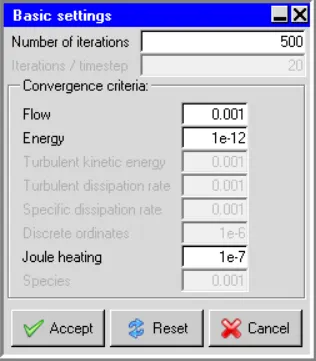
Set number of iterations 500 and convergence criteria for energy as 1e-12.
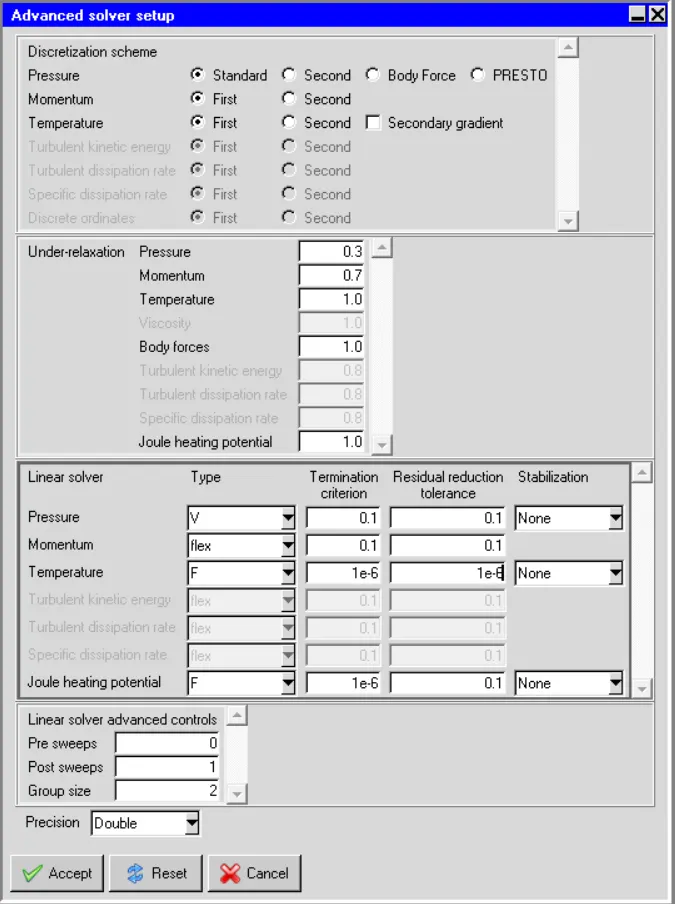
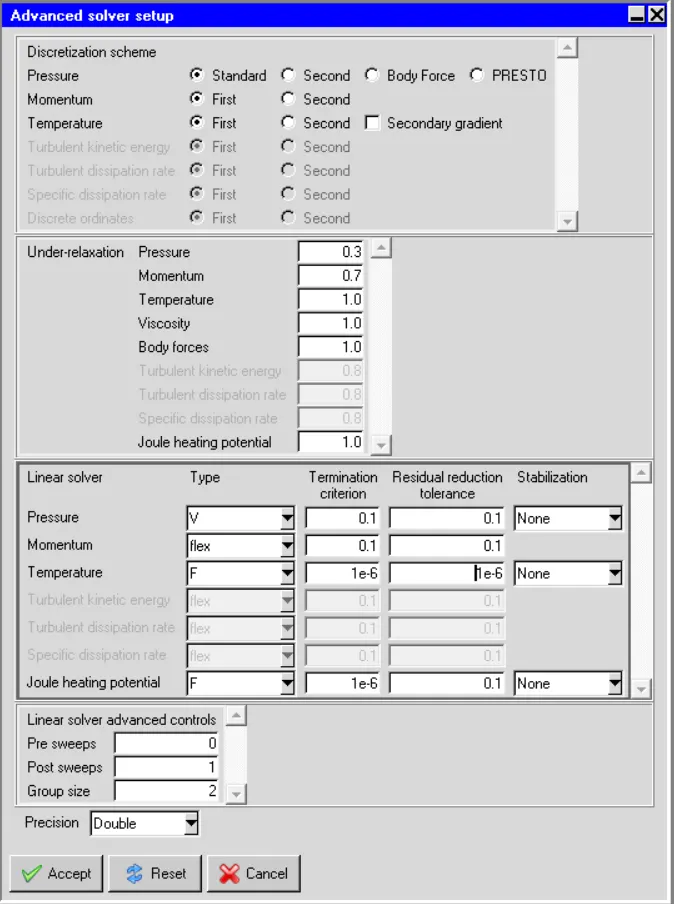
Specify F type in temperature and 1e-6 for Termination criteria and Residual reduction tolerance.
Examining the results:
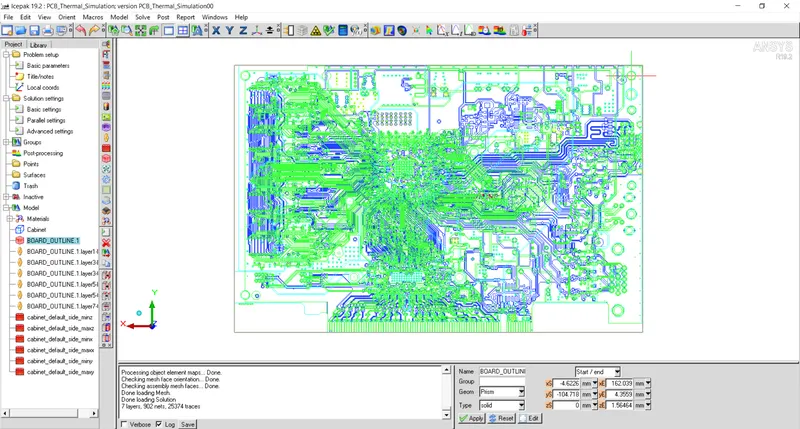
1. Viewing the traces by different types:
- By single color
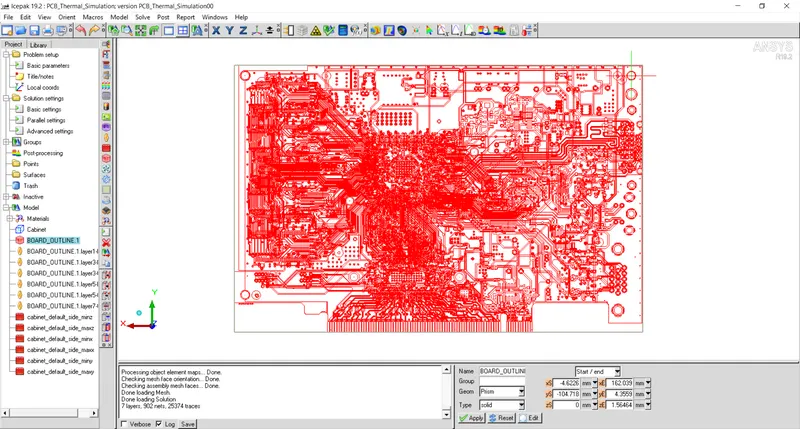
- By color by trace
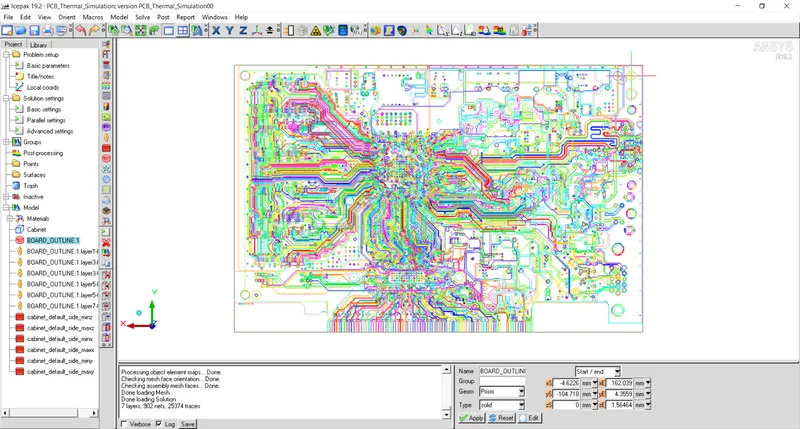
- by color by layer
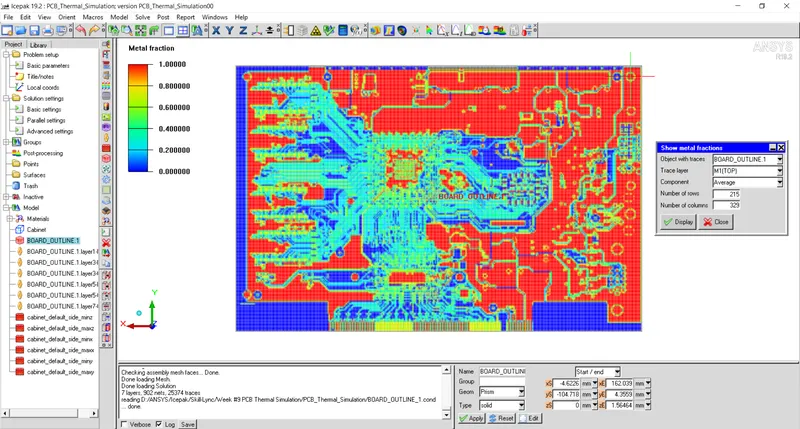
2. Fraction of metal traces
3. Plane cut
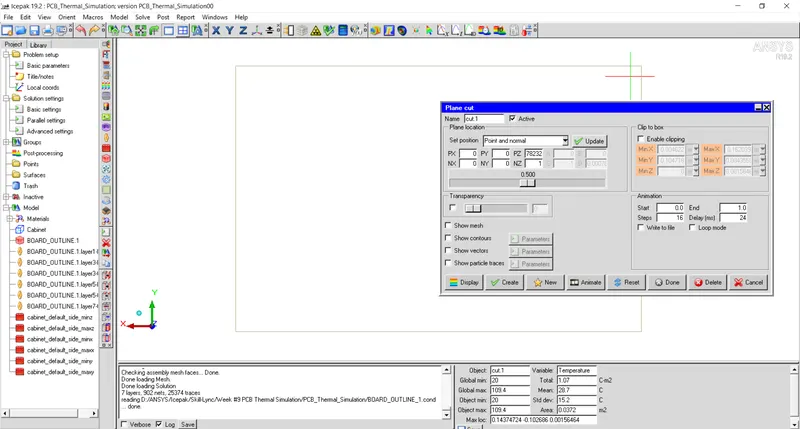
4. Temperature contour on cut plane
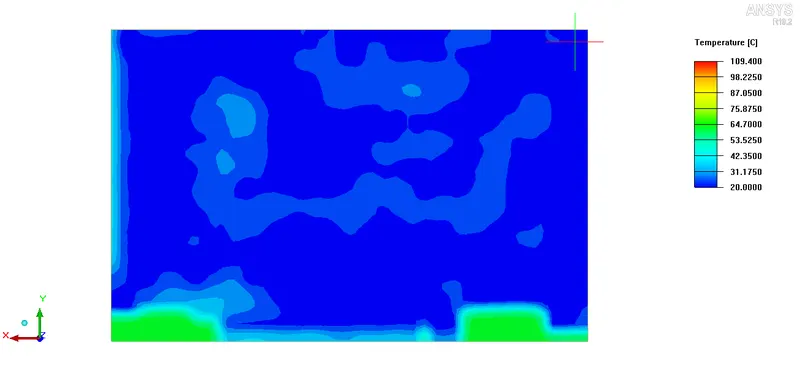
5. K_Z contour on cut plane
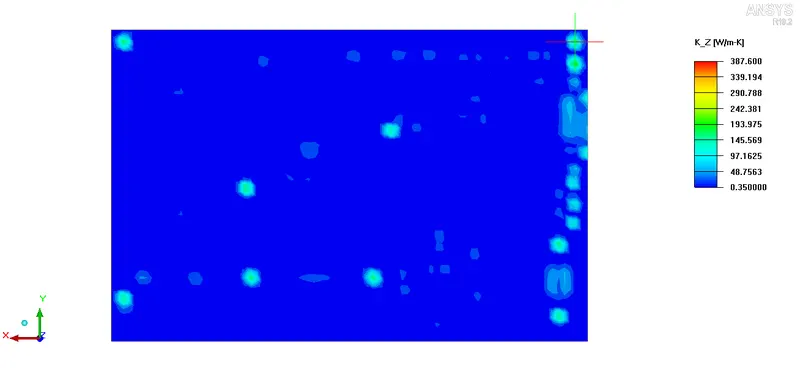
Problem 2: Forced convection heat transfer modeling of PCB.
Make all the components mounted on PCB active and remove all the small components that will not affect the flow physics significantly.
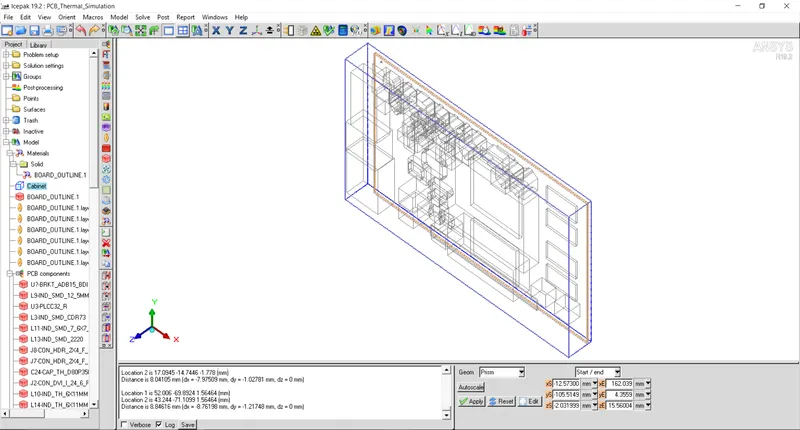
For Min X side of cabinet set static pressure to ambient.
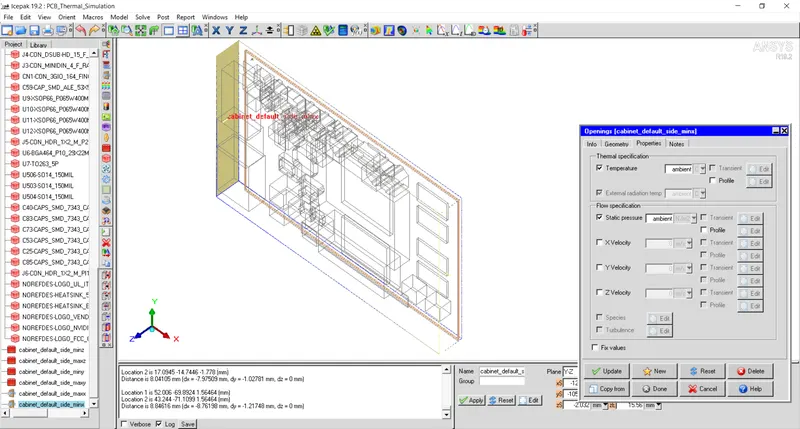
For Max X side of cabinet, set X velocity to `-1.5m/s`.
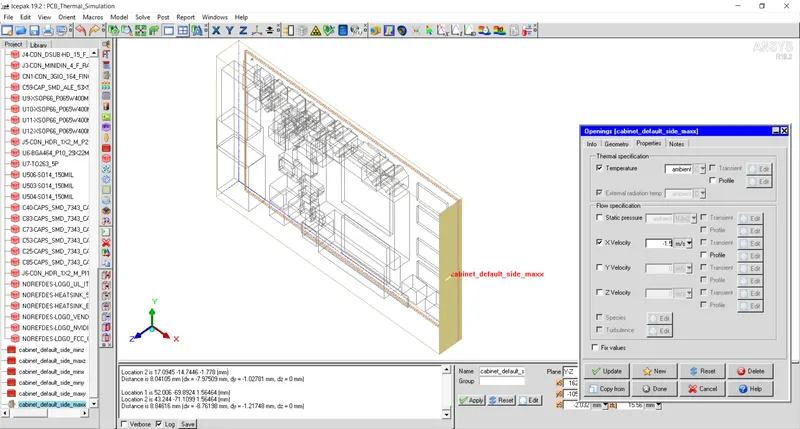
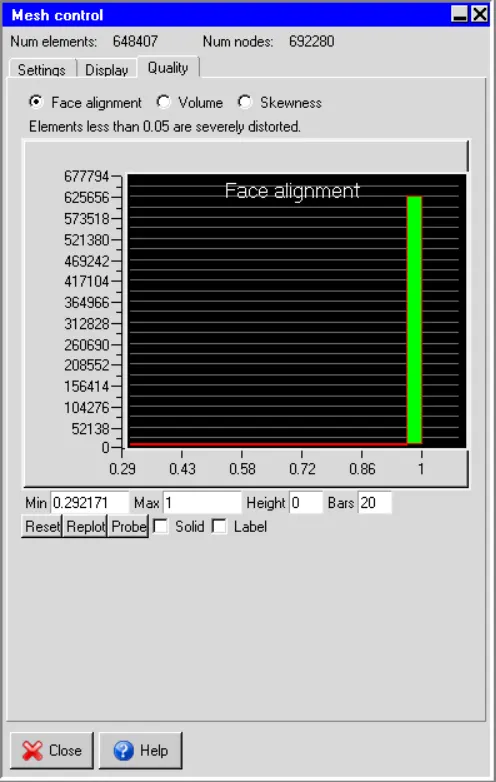
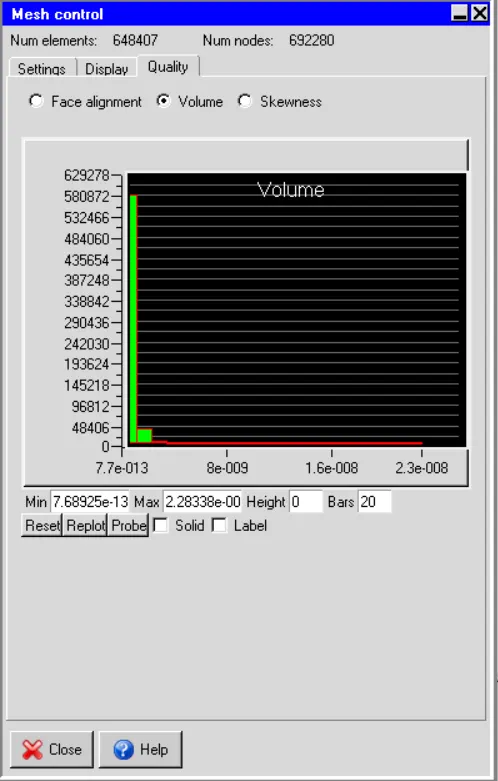
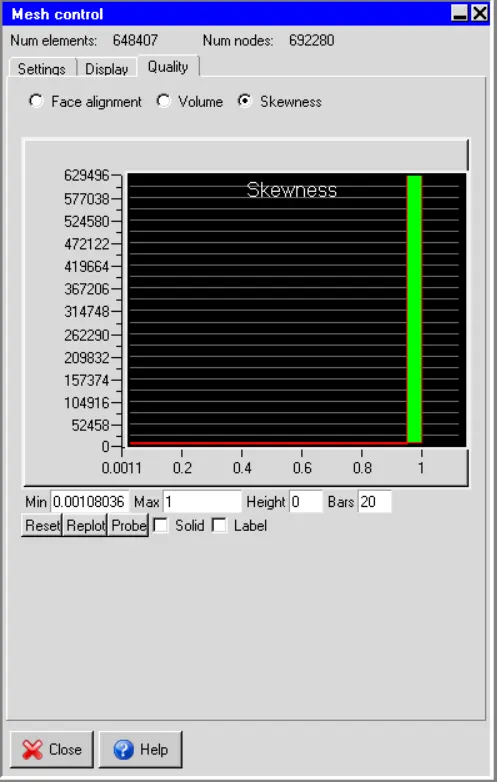
Mesh Details:
Number of elements: 648407
Turn on Flow so that momentum equation is solved in the domain to get velocity field.
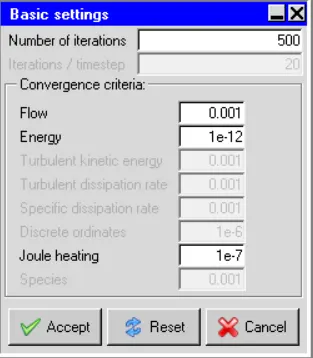
Set number of iterations 500 and energy residuals to 1e-12.
Convergence Plot
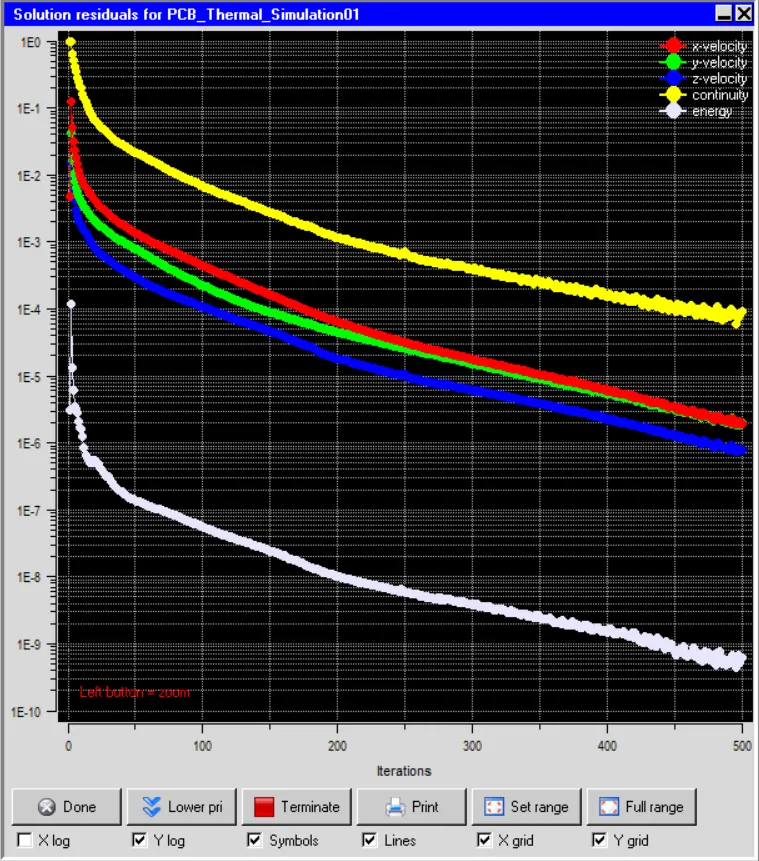
Residual plot is plotted for velocity and temperature variables is shown in the figure below.
Results and Discussions
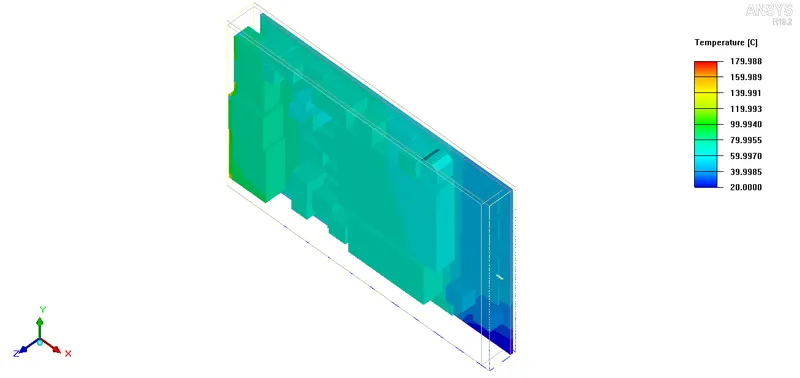
a. Temperature contour
Temperature contours are plotted on the faces of all the components of the model. Maximum temperature of `180^oC` is observed in the model.
Problem 3: Joule heating of PCB.
Joule heating is enabled to take into account heat generated due to current flowing. To sort trace layer, minimum `4124mm^2`, max length `135` and min length `1m` is specified in joule heating edit panel.
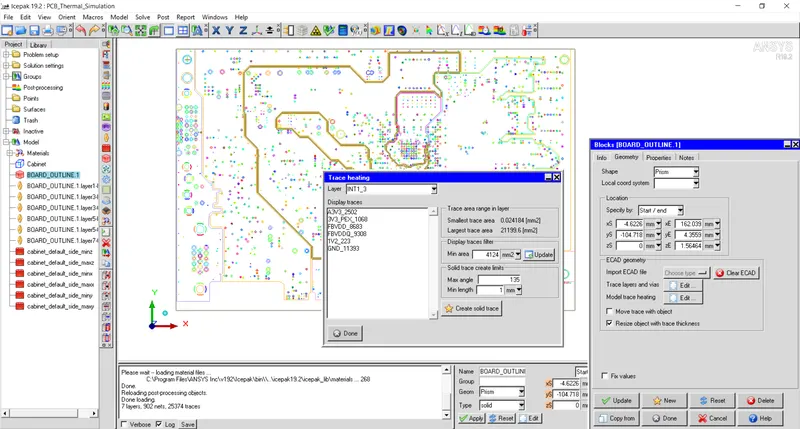
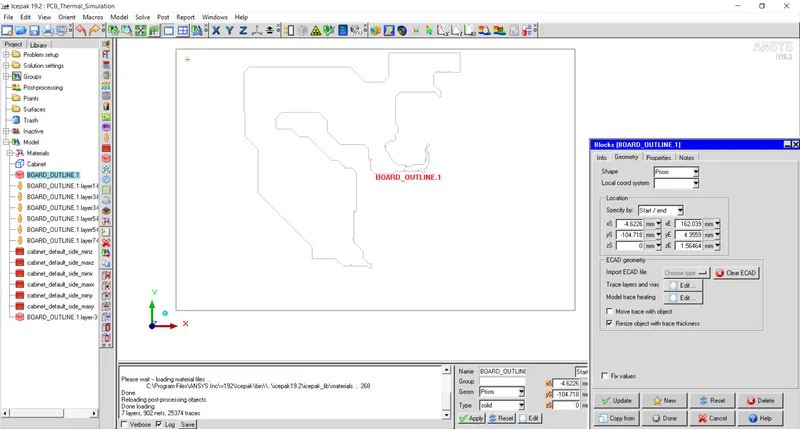
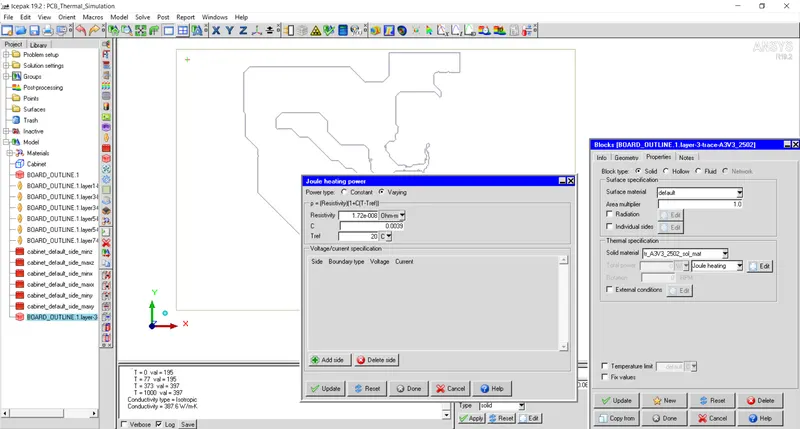
Solid trace layer is generated from sorted trace in the previous step. Copper material is assigned in the joule heating power panel.
Mesh Generation
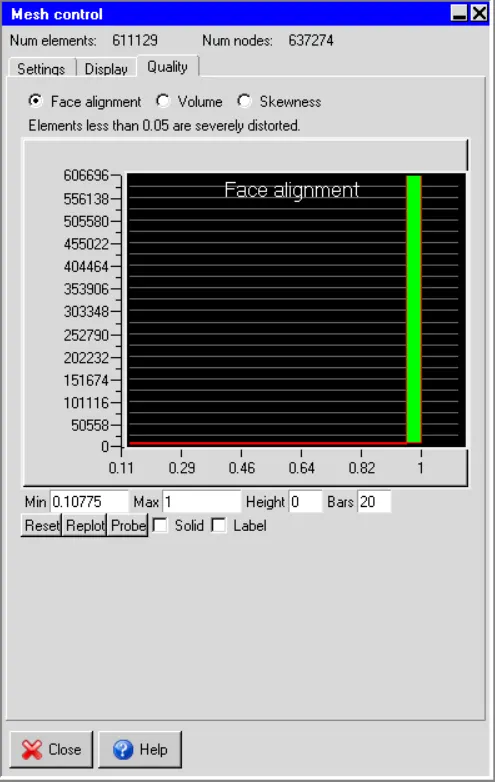
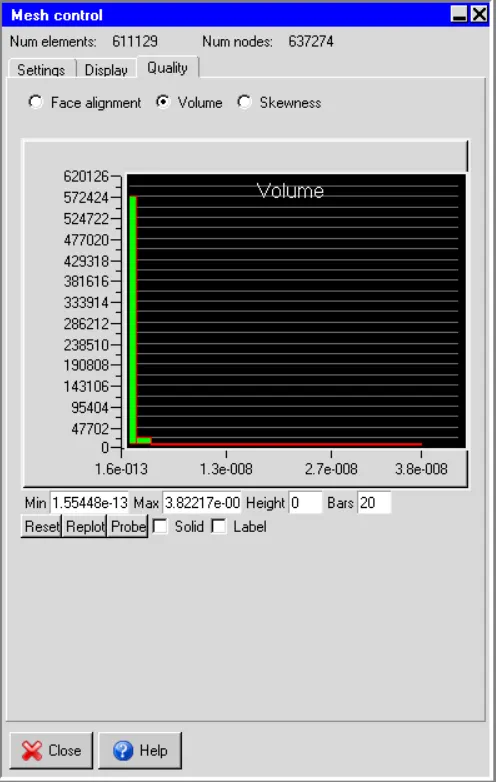
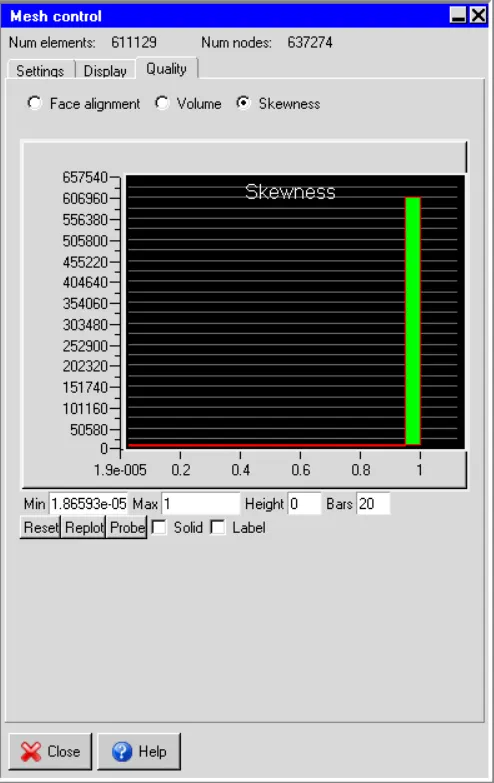
Non-conformal mesh is generated for the trace. Mesh details is shown in figures below.
Convergence Plot
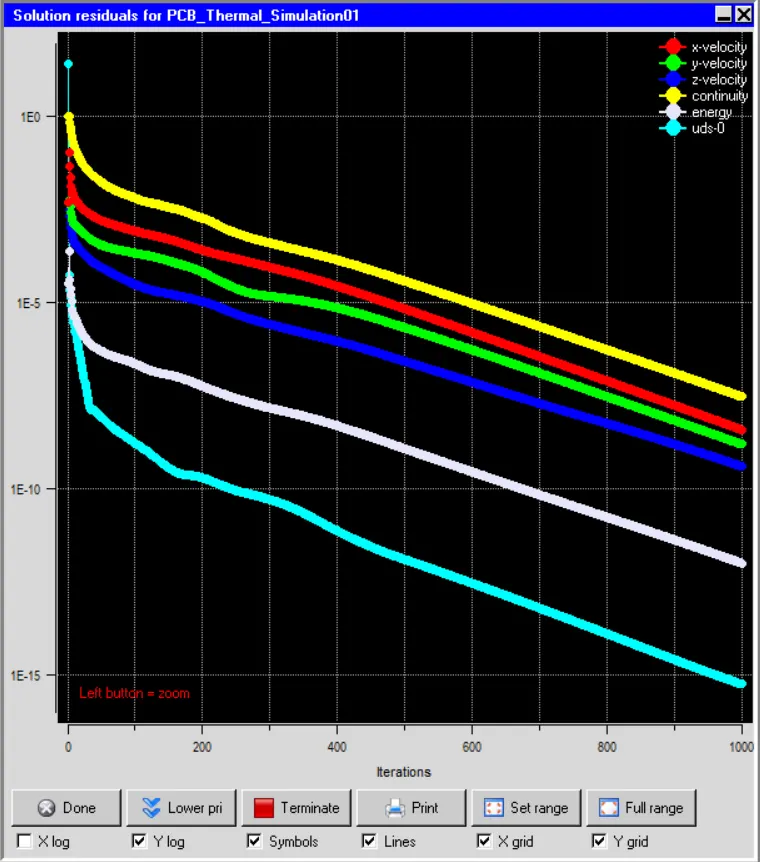
Residual plot is plotted for velocity, temperature variables as shown in the figure below. After 1000 iterations, residual values are below specified values in the basic settings that indicates steady state condition is reached.
Result and Discussion
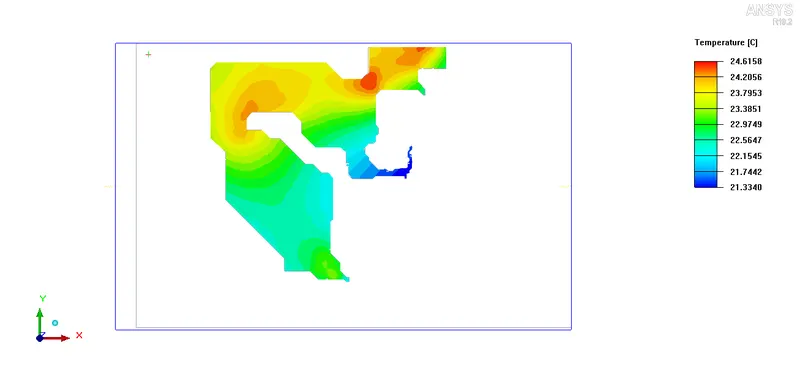
Figure below shows temperature rise due to current flowing through the copper traces in PCB board. Based on the current flowing and the electrical resistance of the copper trace, heat is generated called as Joule Heating. Resistance of the copper trace is inversly proportional to the cross sectional area and hence generates more heat at those sections. From temperature contour it can be seen that higher temperature is observed at the narrow section of the section. Maximum temperature of `24.6^oC` is observed in the trace.
Conclusion
From above results it can be observed that the joule heating is produced because of current flowing through the copper trace. In PCBs where number of components are mounted, copper trace area reduces and hence chances of hot spot increases and chances of PCB failure due to thermal runaway increases.