Week 9 Machining with Planer Challenge
Aim - Simulate machining with planar
Procedure
1. Import Explicit dynamics. Select materials.
2. Import geometry. Rename if needed
3. Assign materials to geometry.
4. Delete contacts, set frictionless body interactions.
5. create mesh. edge sizing for workpiece - 10 mm, tetrahedron method for cutter.
6. Explicit Dynamics analysis settings: End Time = 7.5e-4
7. Add velocity to cutter
8. Add fixed support to bottom surface of workpiece.
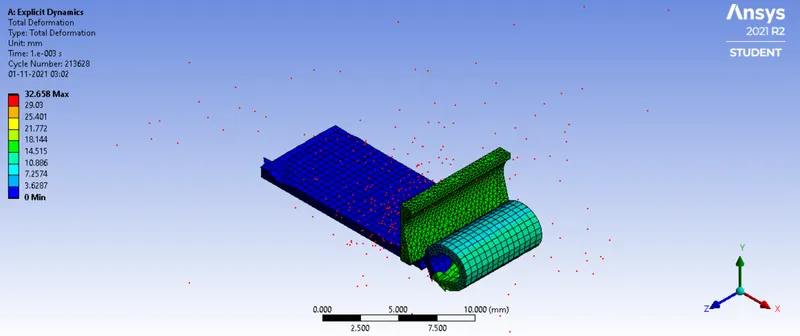
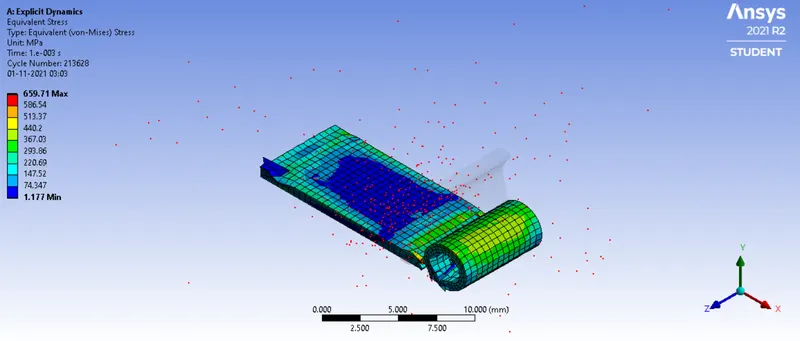
Results
Case-1
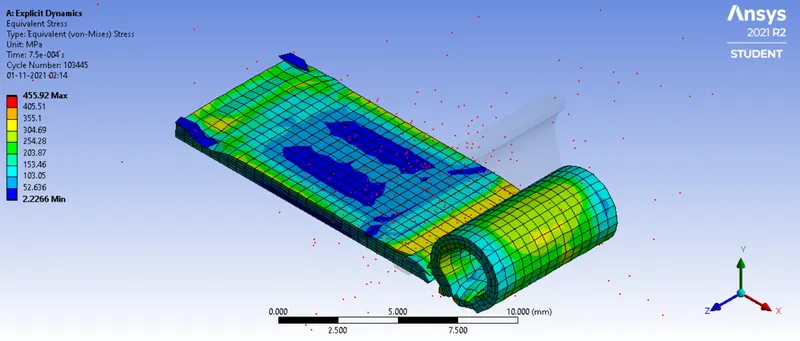
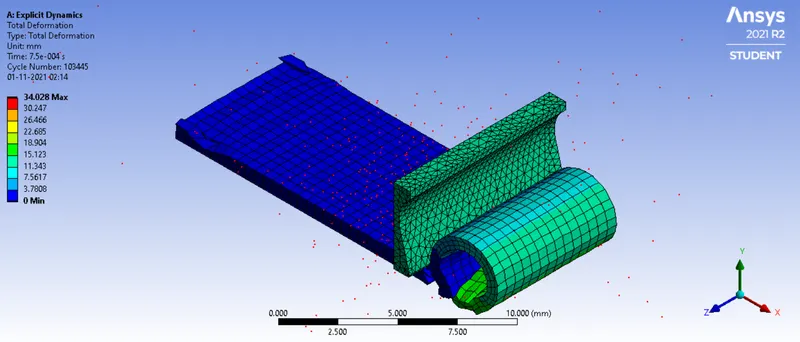
Case-2