Week 9 Machining with Planer Challenge
Aim :
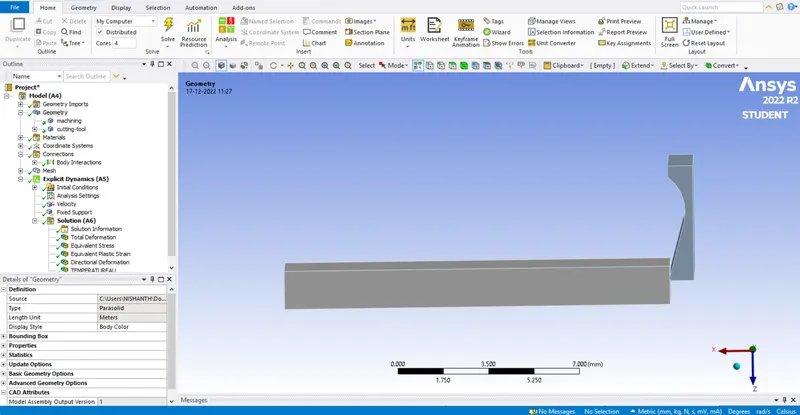
To perform meshing with planer challenge on given component using ANSYS software.
Objective :
To apply velocity load on the tool and fix the workpiece to remove the face of workpiece for given velocity values.
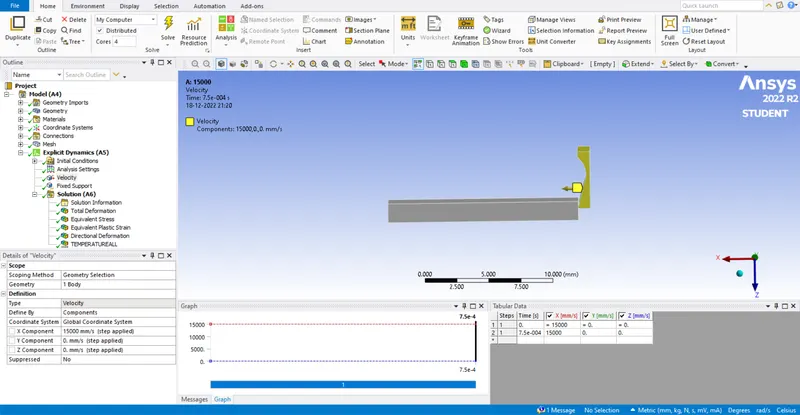
Case 1 : 15000 mm/s,
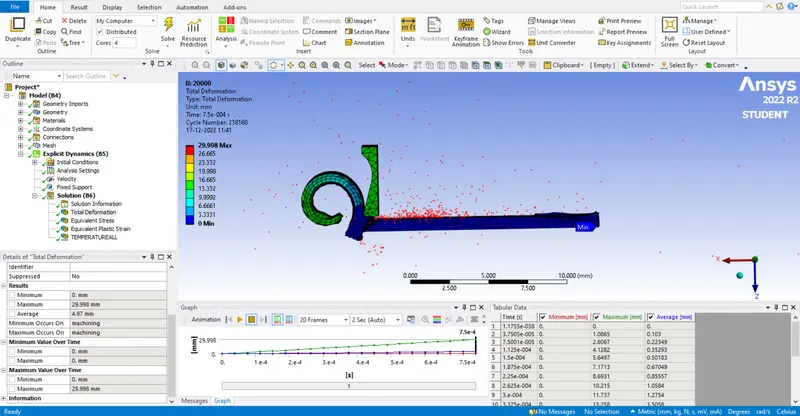
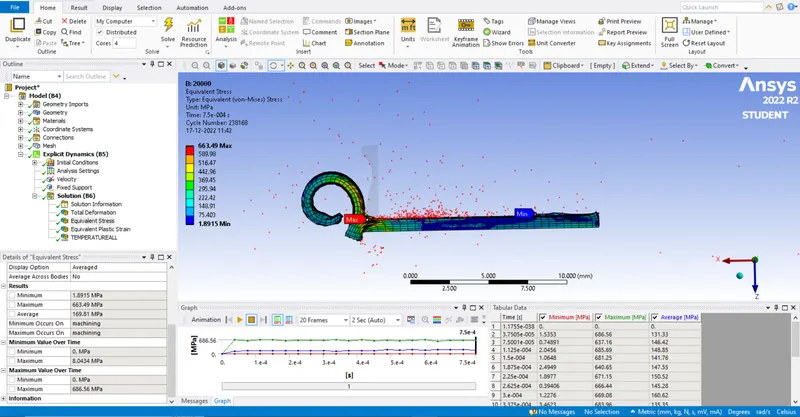
Case 2 : 20000 mm/s.
About :
Planer Machine is a machine in which unwanted material is cut from the workpiece to produce a flat surface on the workpiece. Unlike Shaper Machine, in this machine, more than one tool can be set and perform an operation.
All the operations done in planning machines can be done in the shaping machine. Stroke length, larger size, and higher rigidity enable the planning machines to do more heavy-duty work on large jobs and their long surfaces.
Procedure :
We start from workbench and choose explicit dynamics to perform the analysis.
From explicit dynamics we add the material property in engineering data tab.
Import the given geometry to the geometry tab. We can go through the geometry using edit spaceclaim.
We set the model for analysis we move to mechanical module by using edit model.
We rename the geometry and assign the material property as it asked to assign.
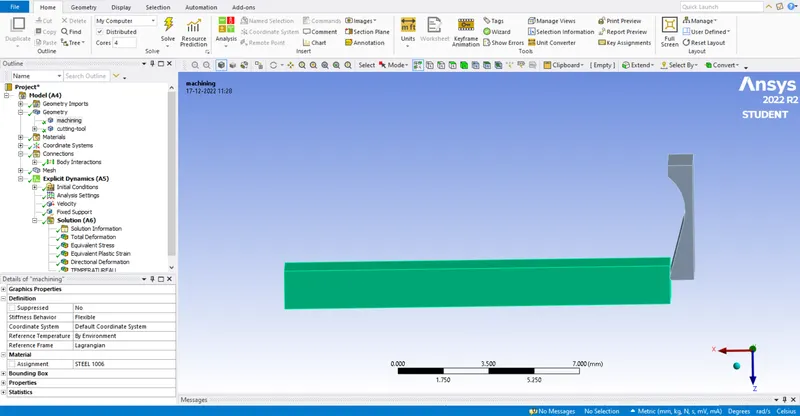
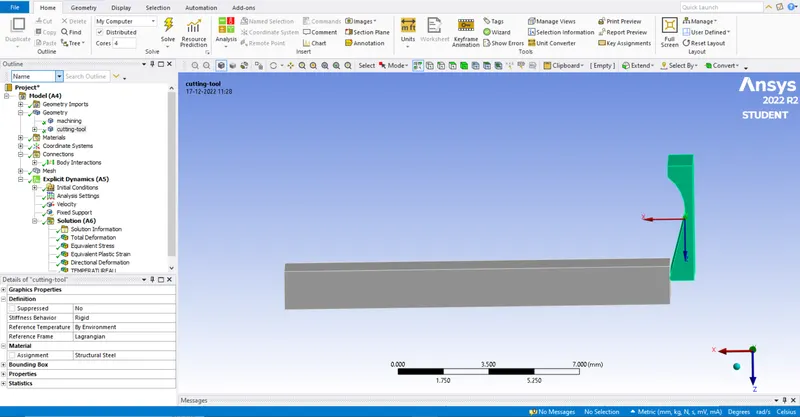
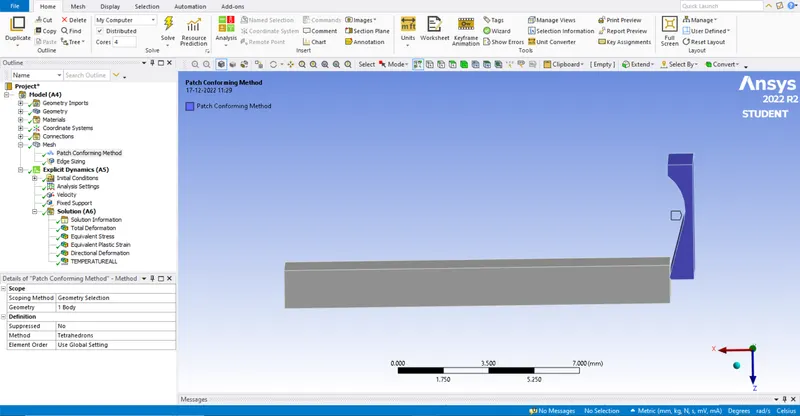
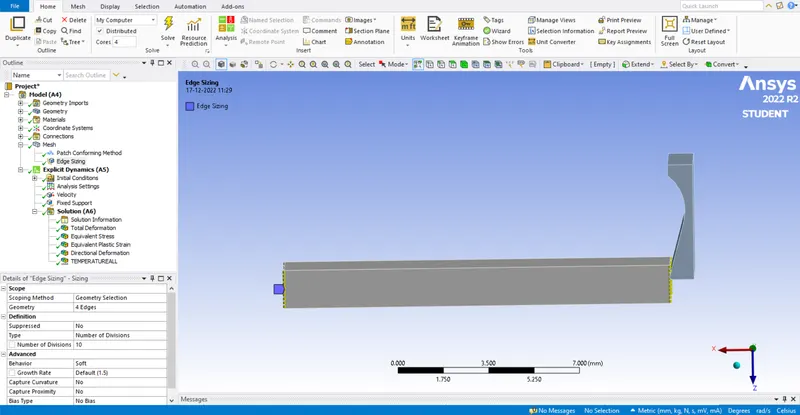
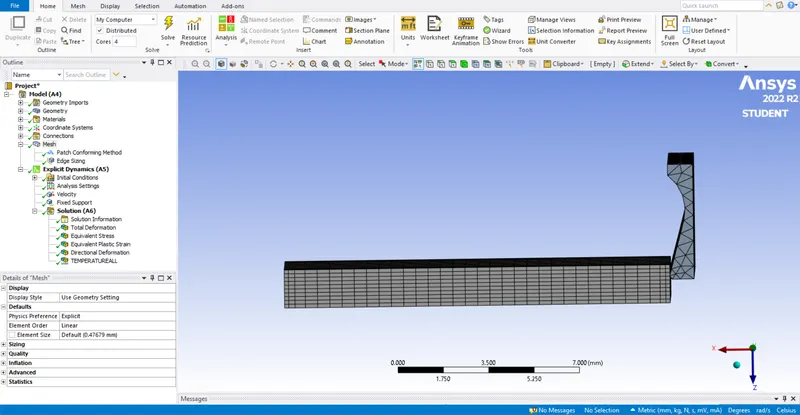
We select the edge selection and select the smallest edges of the workpiece and apply 10 division at the edges and we define the tool body as tetrahedrons.
We refine the mesh from the default value to get better solution values.
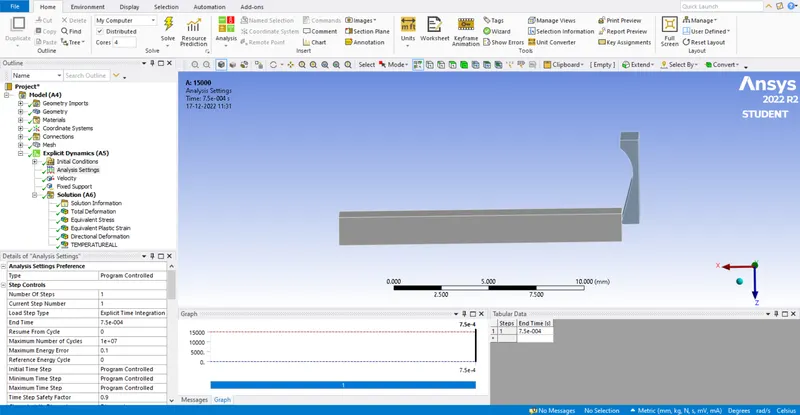
In analysis settings we do for 1 step with end time as 0.00075 and rest of settings will be default.
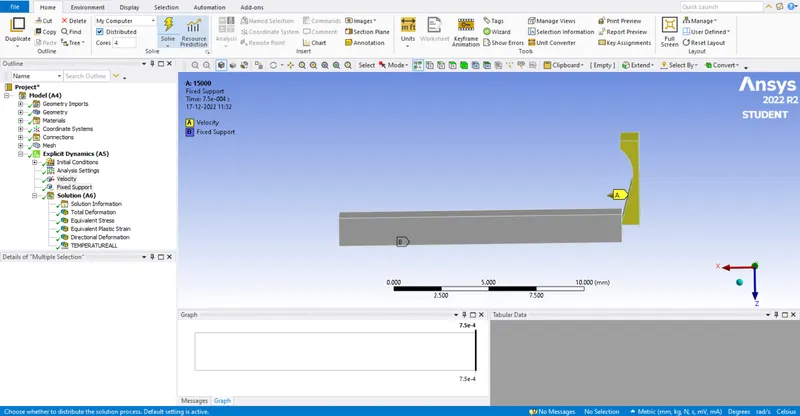
We define fixed joint to the base of the workpiece and we define the velocity to the tool body.
In solution tab we select the solution values which is required for the given model.
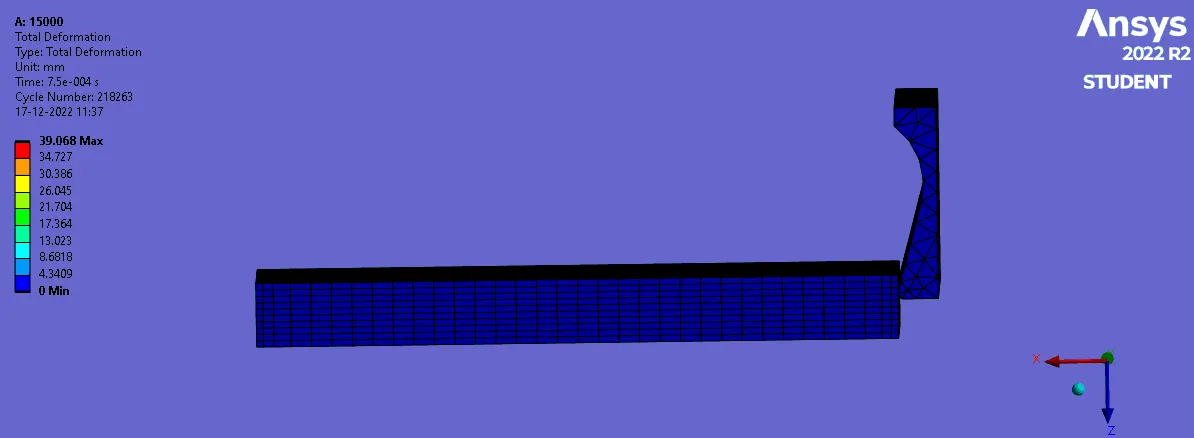
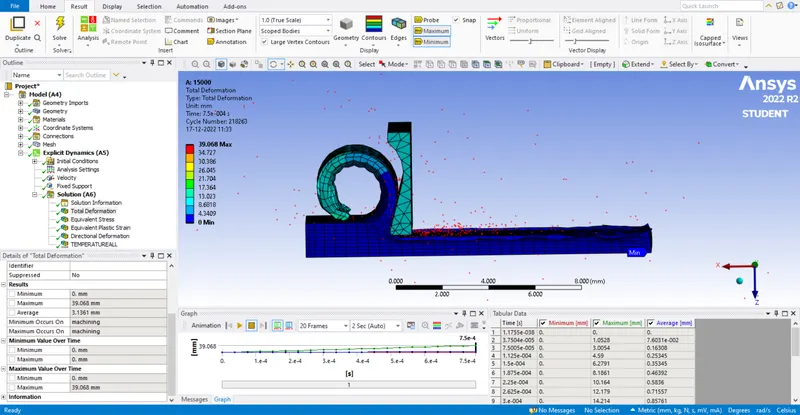
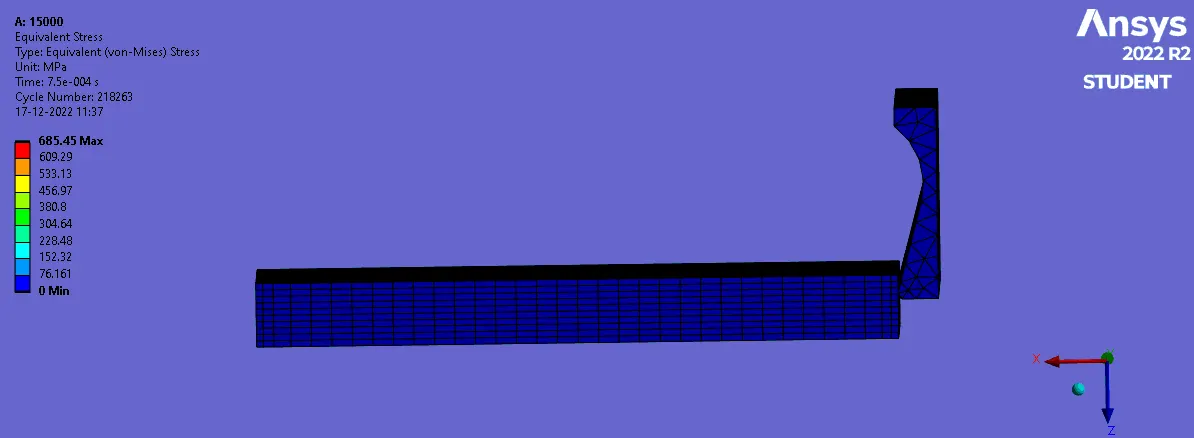
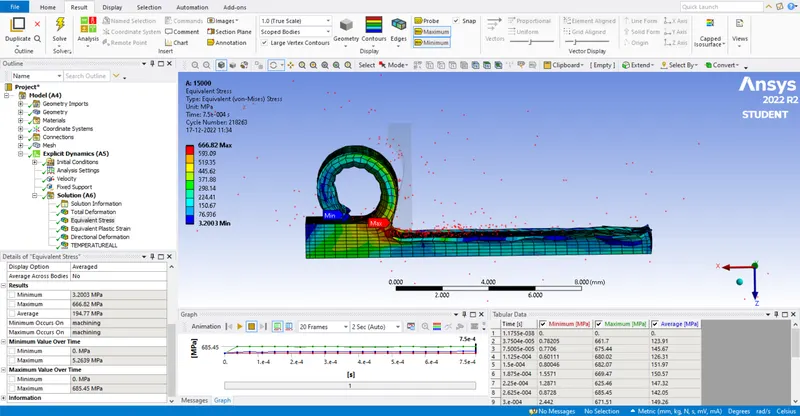
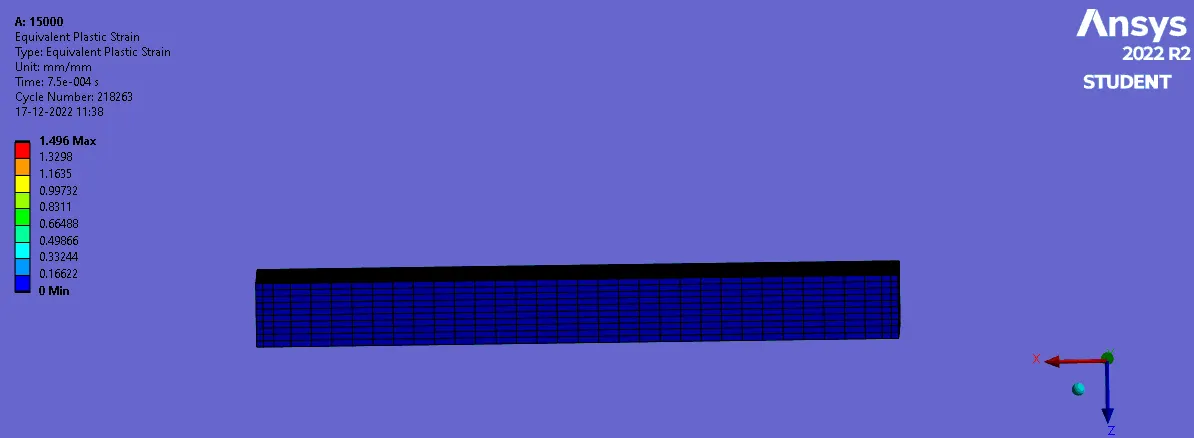
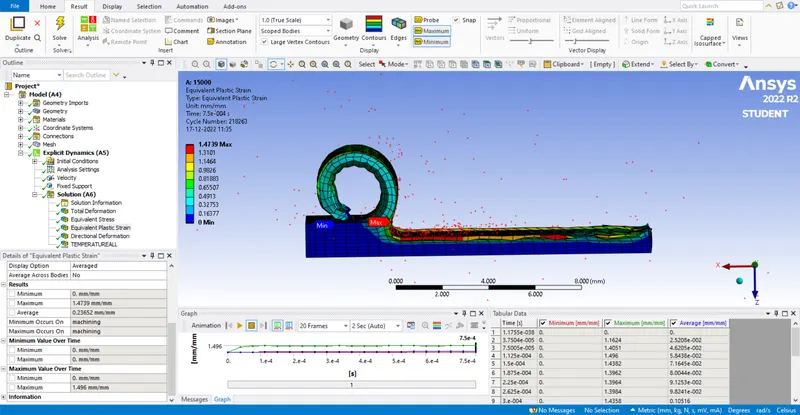
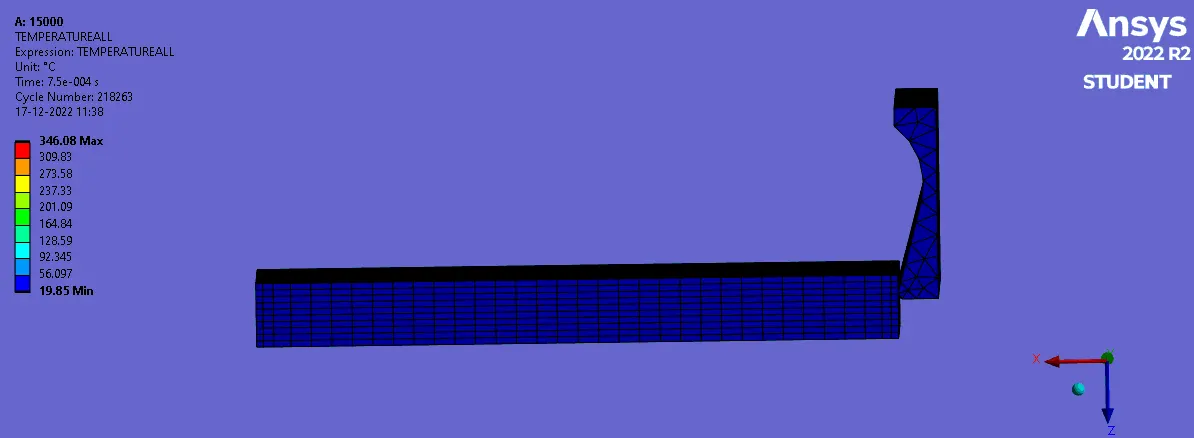
Case 1 : 15000 mm/s,
Total deformation :
Equivalent stress :
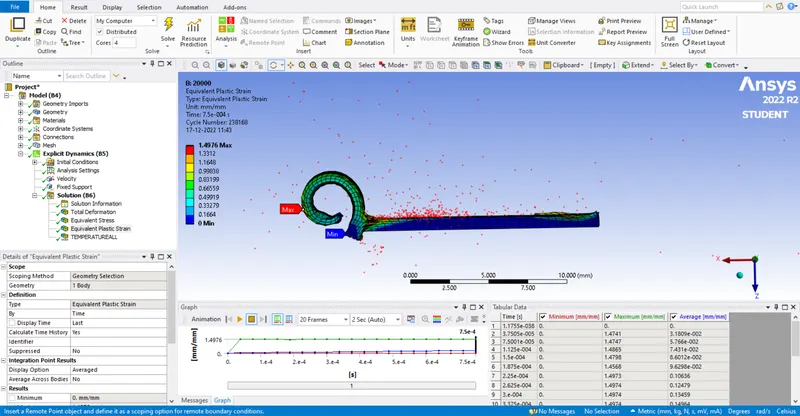
Plastic strain :
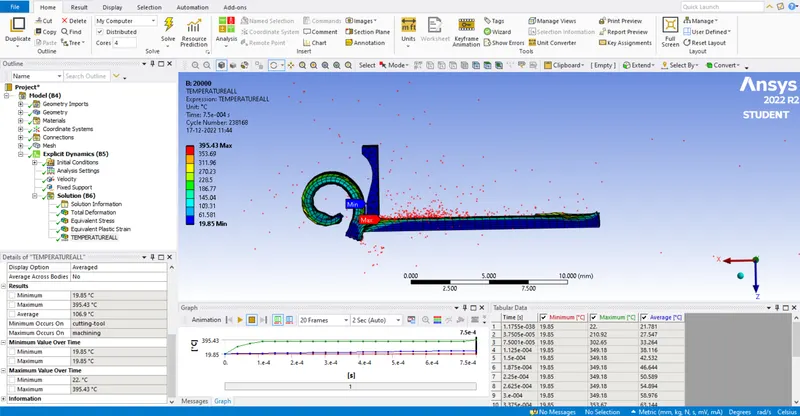
Teperature user defined :
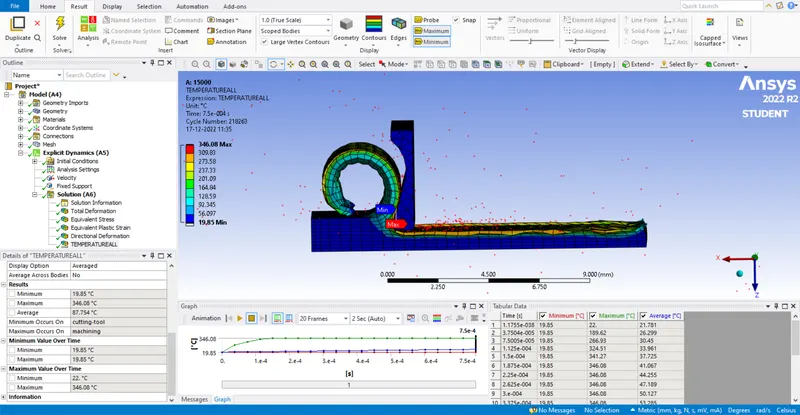
Case 2 : 20000 mm/s.
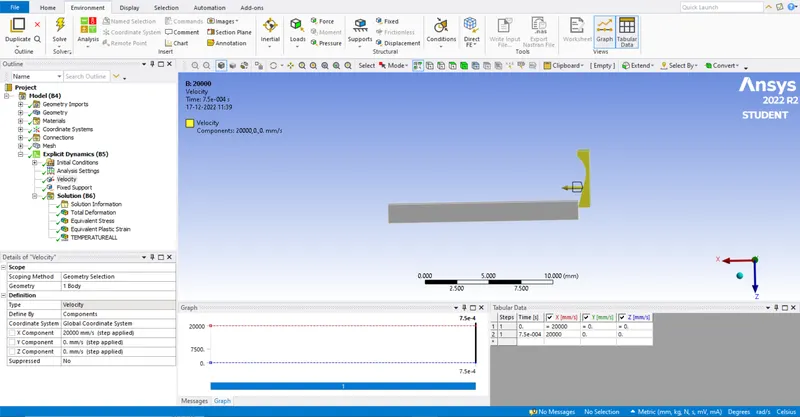
Total deformation :
Equivalent stress :
Plastic strain :
Teperature user defined :
Conclusion :
We ran the analysis for the specified velocity values and solution values with images are attached above. the images shows that how much amount of work is done for the given velocity input.
Result :
The given machining with planer model is analysed successfully using ANSYS software.