Week 9 Machining with Planer Challenge
Machining with Planer
AIM :
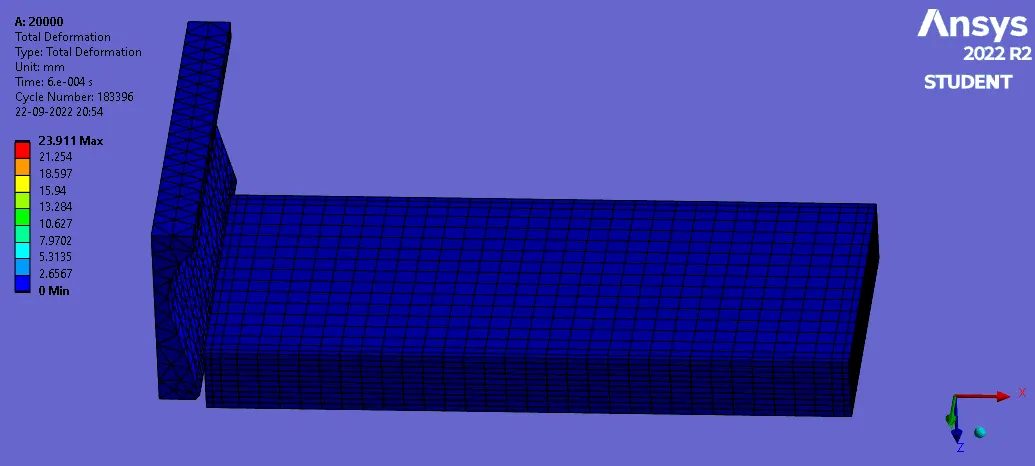
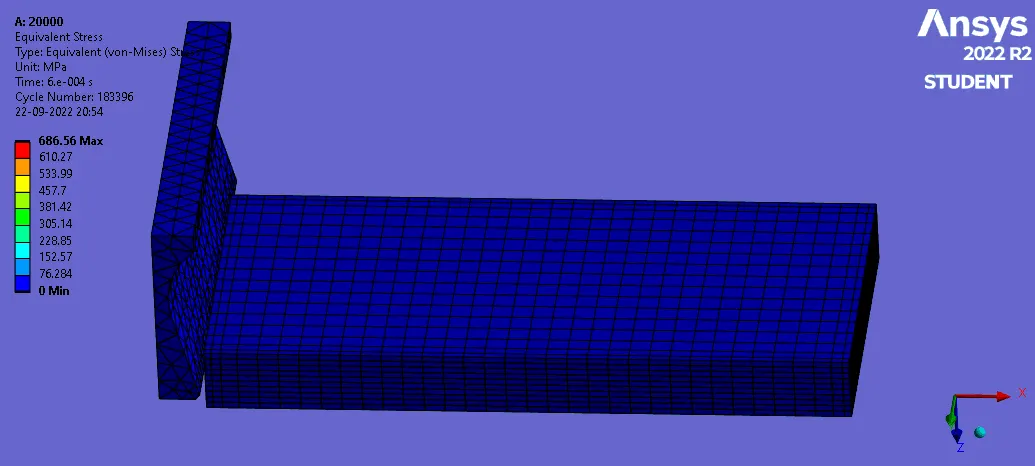
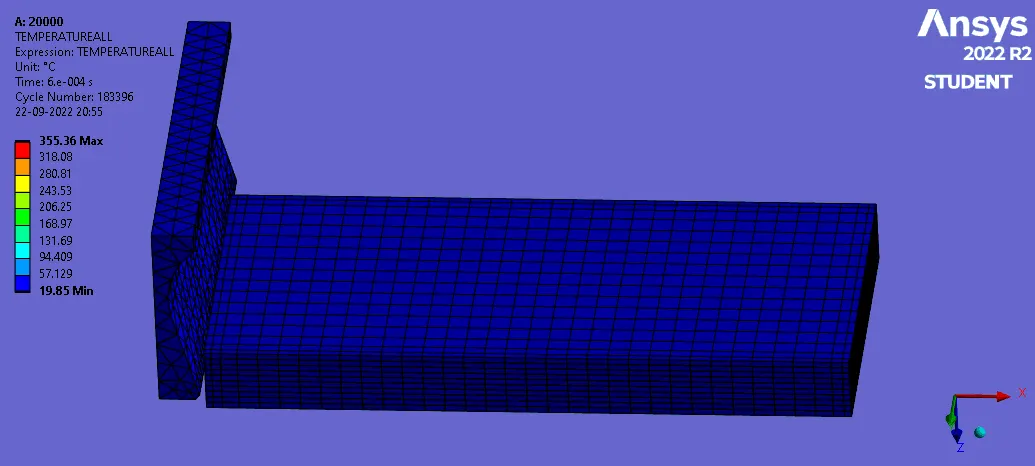
You will have to perform an explicit dynamics simulation to find out the Equivalent Stress, Total Deformation and also insert a User defined result to calculate the temperature of the body. You need to perform this for 2 cases. One will be with a cutting velocity of 20000mm/s and the other will be with a cutting velocity of 15000mm/s.
PROCESS:
- Download the model and import into ansys Explicit workbench
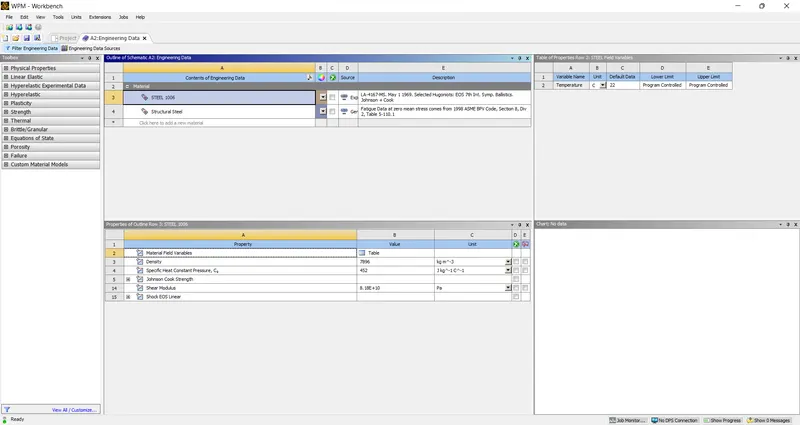
- In engineering data add the Explicit materials
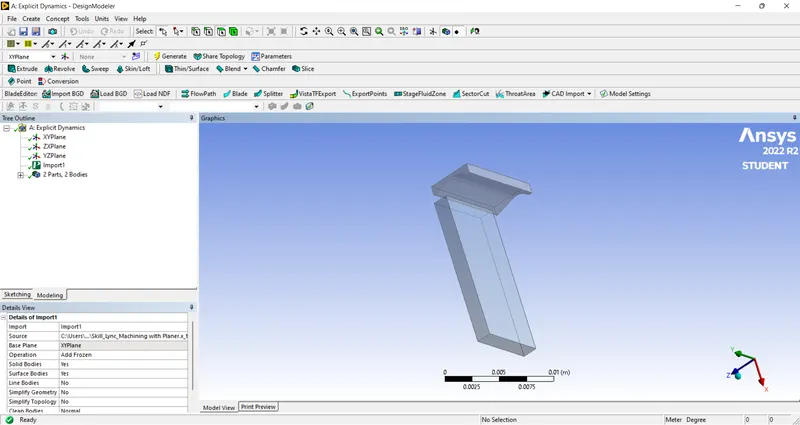
- Check the geometry
- Update & open the model
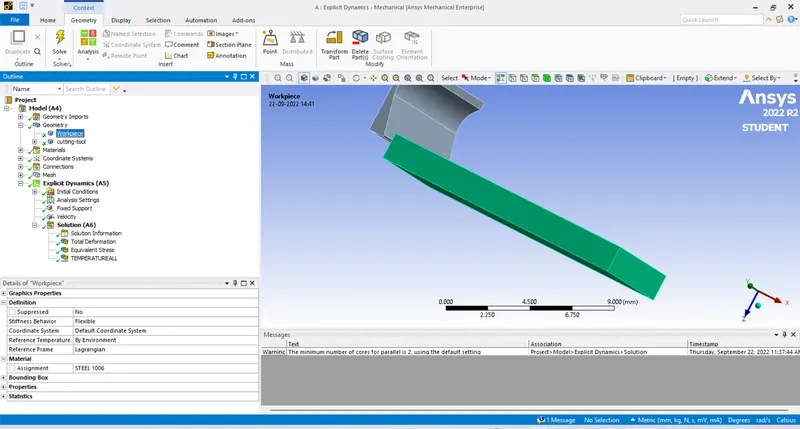
- In geometry rename & assigne the Materials
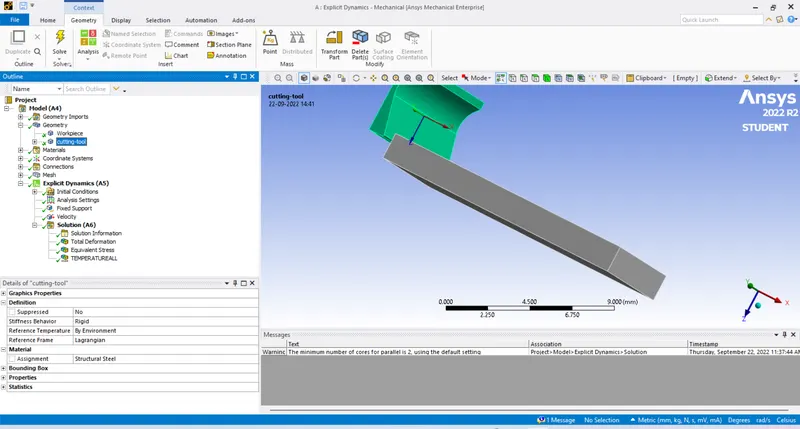
- For CUTTING TOOL Keep it Rigid
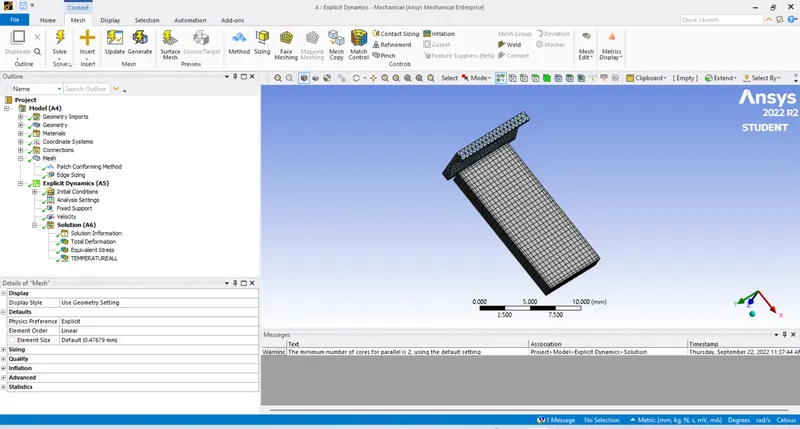
- Make a edge sizing For workpiece give density as 10
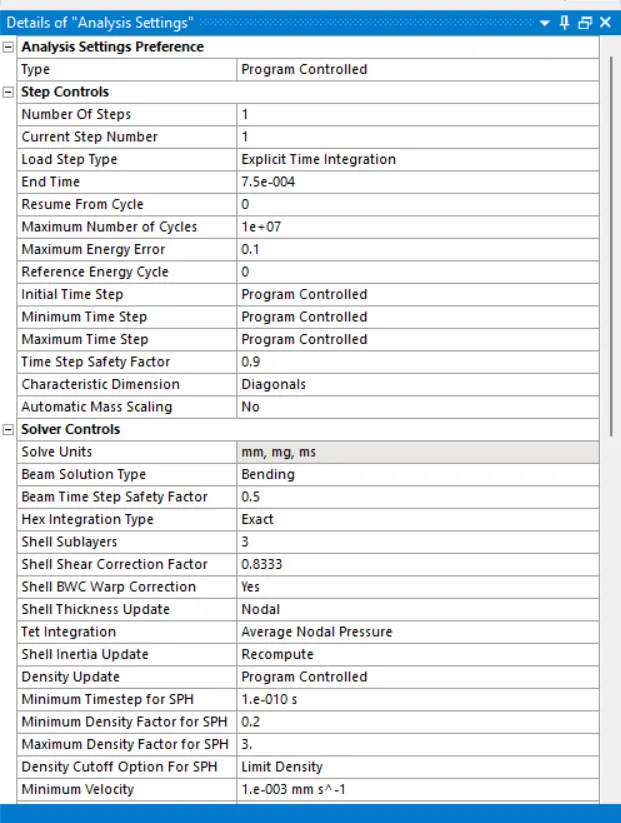
- Follow the analysis settings as shown
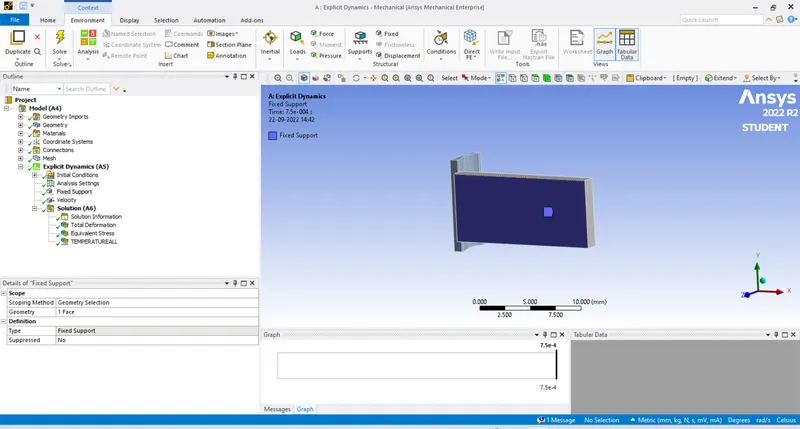
- Fix the base of the workpiece
- CUTTING TOOL is given with velocity
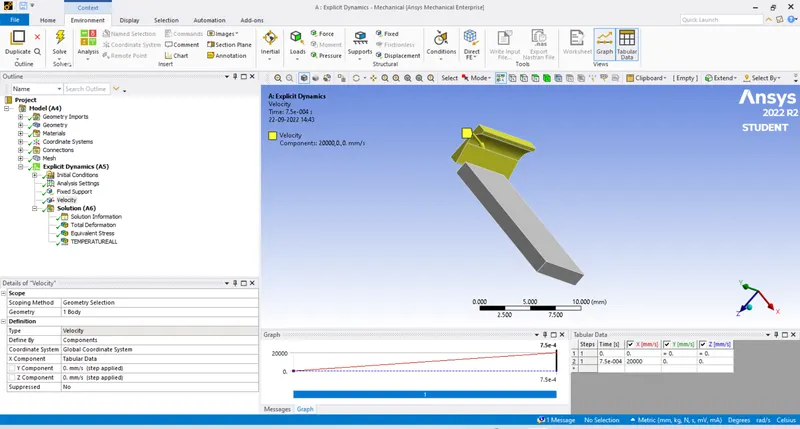
- Go for the required solution
SOLUTION:
- TOTAL DEFORMATION
- EQUIVALENT STRESS
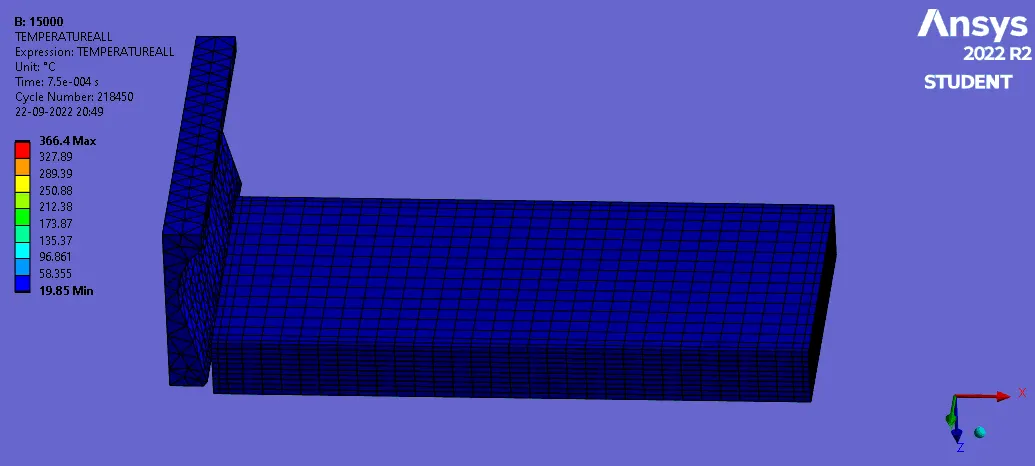
- TEMPERATURE
CASE 2 : cutting velocity of 15000mm/s.
PROCESS:
- DUPLICATE THE CASE 1 AND OPEN THE MODEL
- CLICK ON THE VELOCITY CHANGE THE cutting velocity of 15000mm/s.
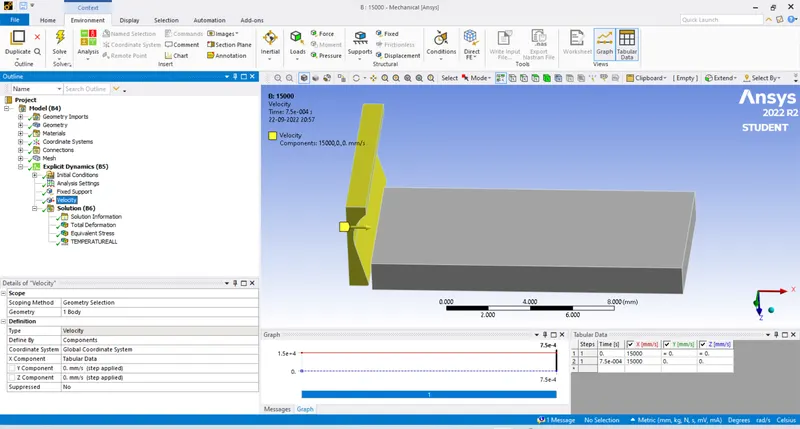
- CLEAR THE DATA AND GO FOR SOLVE
SOLUTION:
- TOTAL DEFORMATION
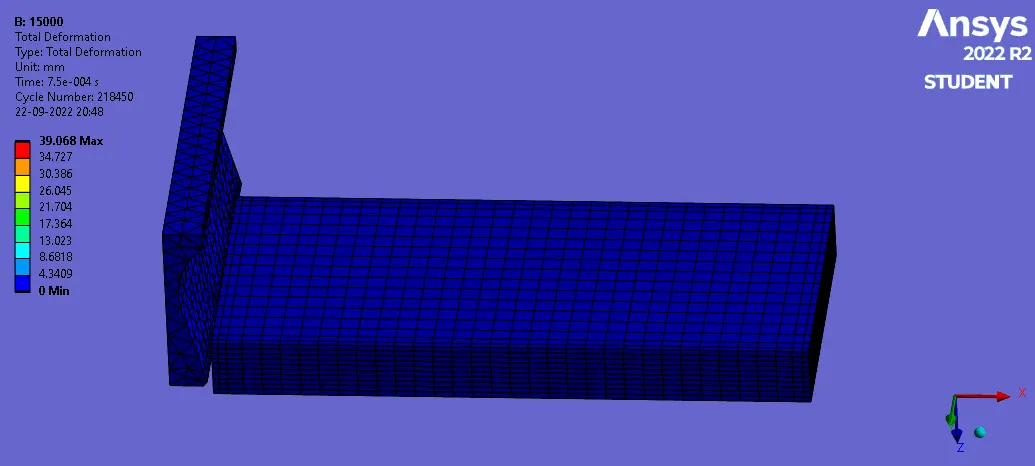
- EQUIVALENT STRESS
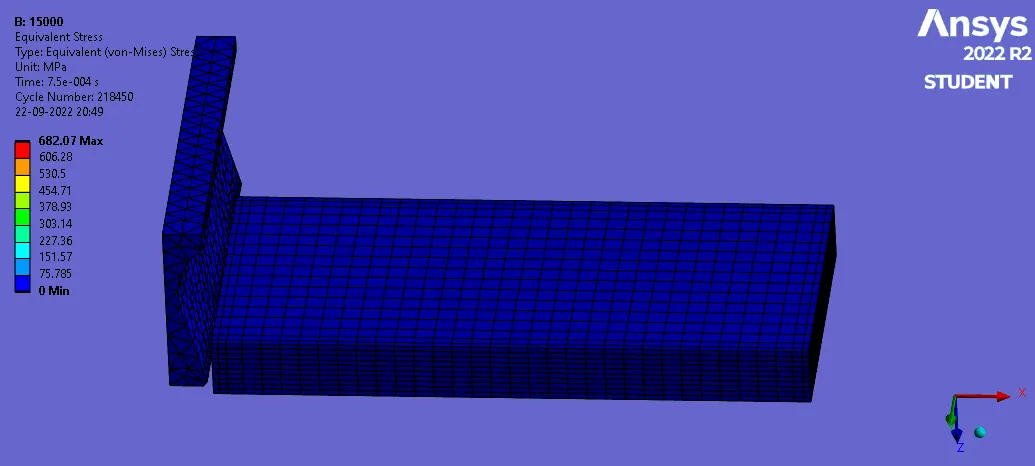
- TEMPERATURE