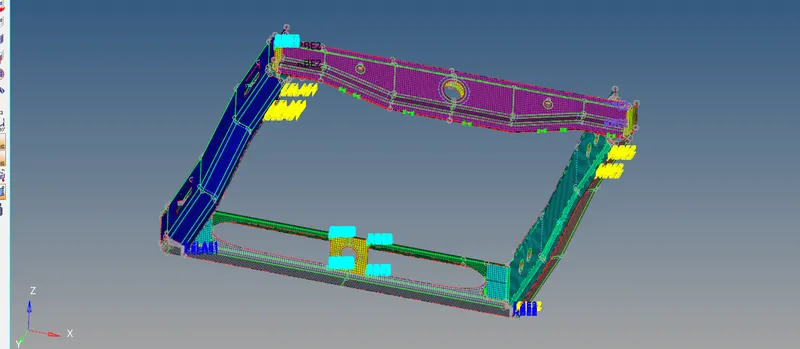
Week 9-Creation of 1D Connectors Challenge
WEEK 9-CREATING OF 1D CONNECTORS CHALLENGE
In this challenge 2 steps are there first one generating mesh on the components with given criteria, and creating the 1-d connectors between the components.
Step-1
imported the geometry into hypermesh, found total 9 components in the given file, begin with front truss_1 checked for any free edges and missing the surface in the component found no missing surface, surface was uniform thickness and symmetric, split the surface into 2 surfaces at midpoint, done the mesh element size 5mm, mesh type mixed , reduced the tria elements with re-mesh and cleanup tools. checked the element quality found some elements are failing, reduce the failing elements with re-mesh, element optimization. after done the element cleanup reflect the element to other side if the component by reflect and duplicate. done equivalence between elements. front rtuss_1 mesh completed.
comes to the front truss_2 it was same exactly like front truss_1 component, so reflect the mesh by creating nodes between the components, and reflect the mesh to this component. front truss_2 mesh done
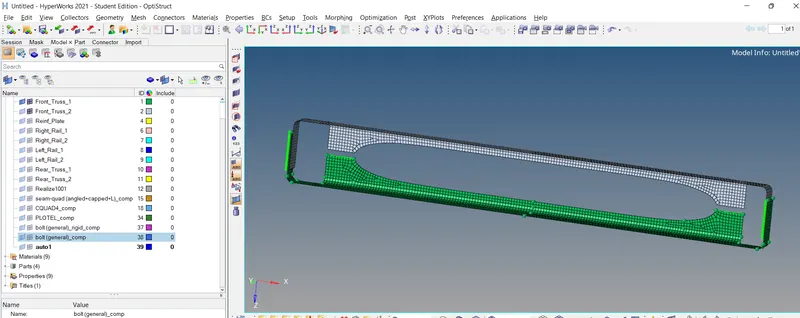
reinf plate done the mesh
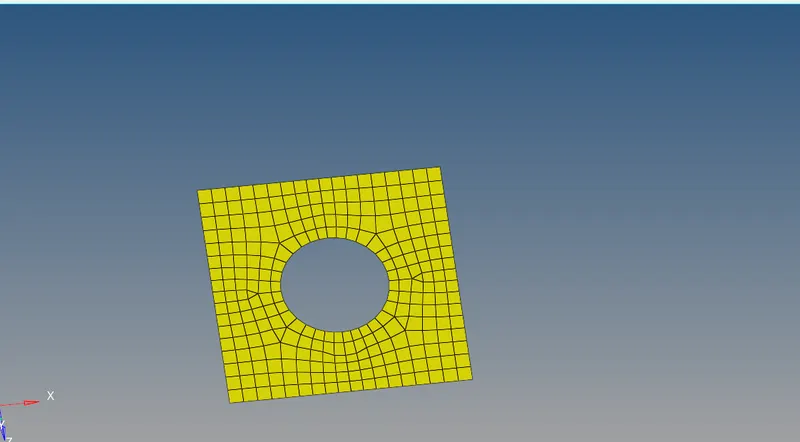
right rail_1 surface was symmetric done the mesh on the half surface and reflected to other side.
right rail_2 generated the mesh on the component.
left rail_1 this component same as like right rail_1 reflect the mesh from right rail_1 to left rali_1 by crating nodes between the component and duplicated elements.
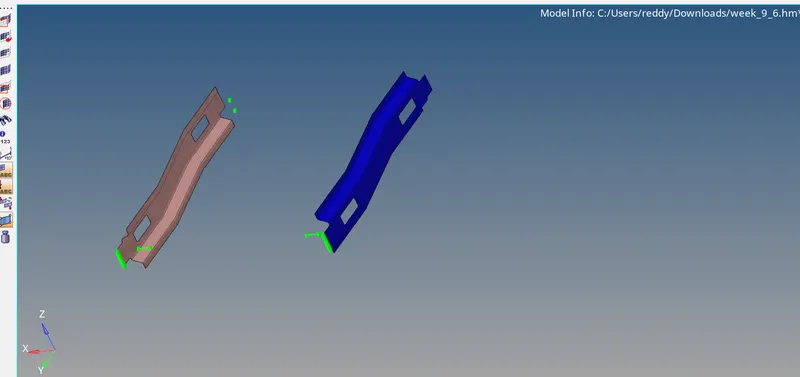
left rali_2 this component same as like right rali_2 so reflect the mesh by creating nod between the component and generated the mesh.
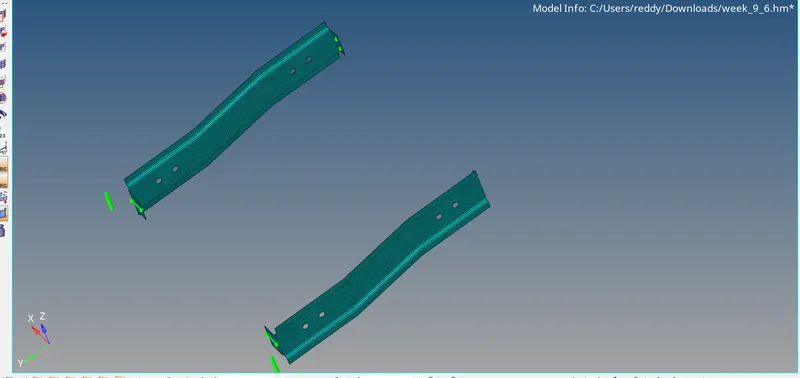
rear truss_1 surface was symmetric done the mesh on half of the surface reflected to another half.
rear truss_2 done the mesh as like previous surfaces.
meshing part completed, now need to create the connectors between the components.
STEP-2
Creating 1-D connectors.
seam-quad(angled-capped-L) to create the connector between Right rail_2& front truss_1 are selected. command 1d-connectors-seam-type-seam-quad-angled-capped-L- location-node list-spacing 5mm-weld angle 60 -cap angle 75- run off angle 10-search tolerance 20, -selected the 2 components. connector created also it created the duplicated elements, deleted the duplicated elements by face.
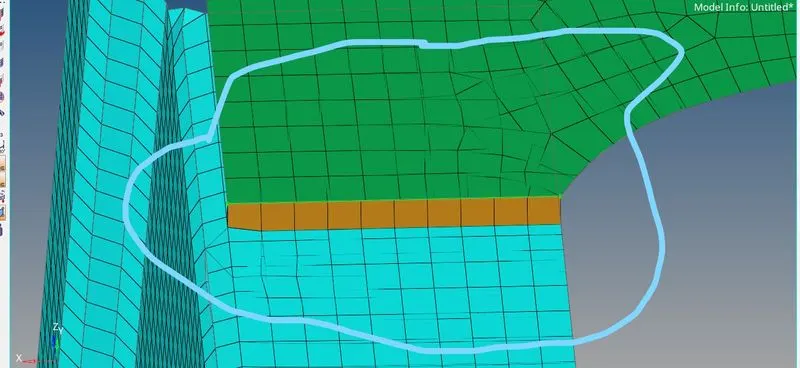
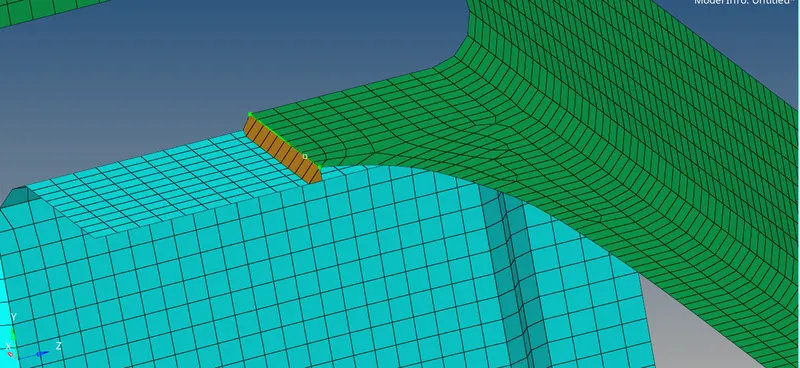
quad elements on left rail_2 & front truss_1 in seam weld selected type quad-selected components and created the connector deleted the duplicated elements.
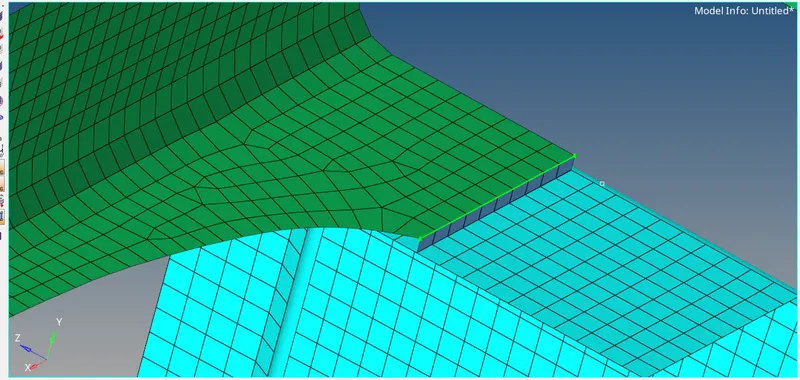
spot weld with 2 layers & dia 5mm on front truss_2 front truss_1 & right rail_1 command 1D- connectors- spot- type weld- dia 5mm- no of layers auto- location by nodes- selected the 3 components, and created the connector.
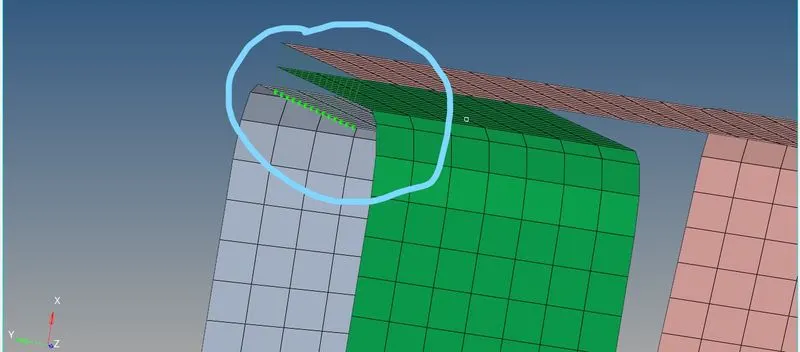
hexa(adhesive) on front truss_2. front truss_1 & left rail_1 command- 1D- connectors- seam- type hexa adhesive-selected the components- given node list and created.
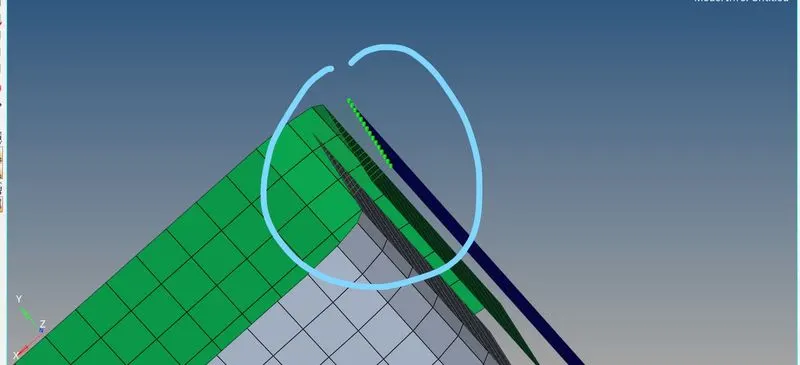
bolt connector between rear truss_2 & right rail_2 command 1D- connectors - bolts- bolt type general - search tolerance 20- changed to consider exiting holes to create holes- given 2 nodes- and selected surface, created holes between surfaces.
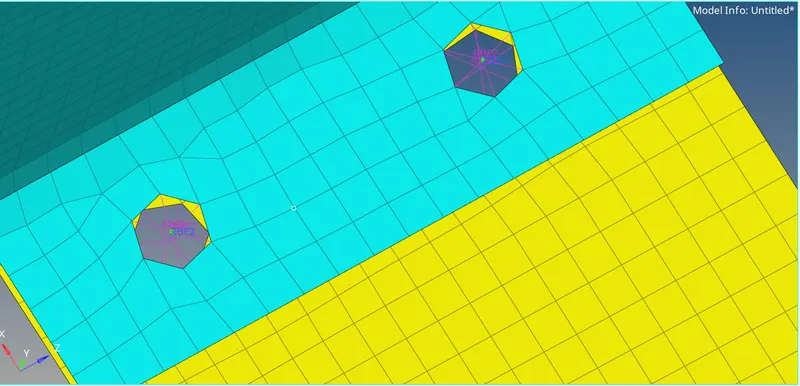
after creating holes mesh flow was disturbed, to clean that used the smooth and cleanup tools.
bolt connector-2 between the rear truss_2 & left rail_2 this time changed the bolt type into bolt(spider) holes created with Rbe2.
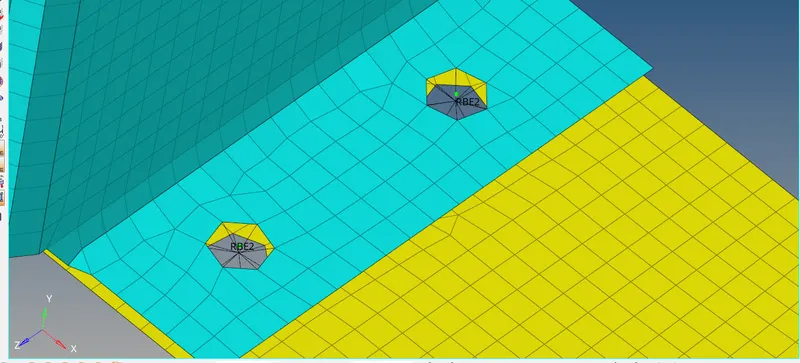
spot weld with rigid elements on right rail_1 & right rail_2 command 1D - spot weld - using elements- selected the elements & nodes- element configuration rigids -and created.
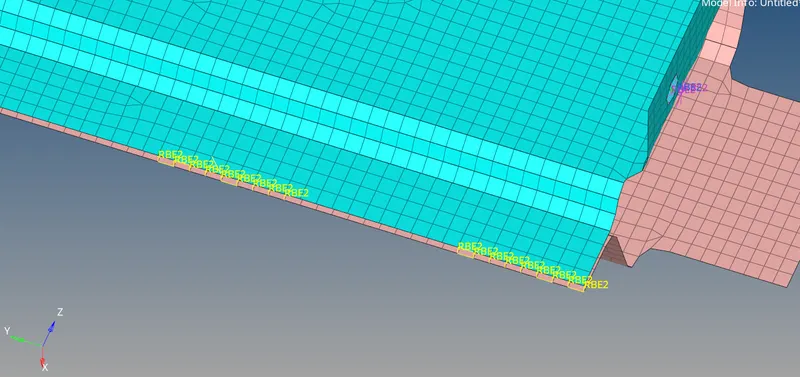
spot weld with spring elements on left rail_1 & left rail_2 changed the weld type to spring and created in spot weld option.
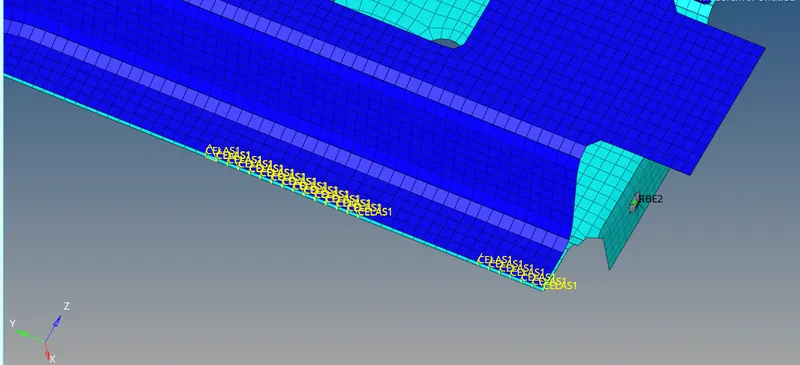
created the connectors between the components which are listed in the challenge, no need to create the connectors between components which are not given in the challenge.
other components. creating connectors between reinf plate and FT_1 & FT_2 for this component adhesive hexa preferred , adhesive ae rbe3 elements.
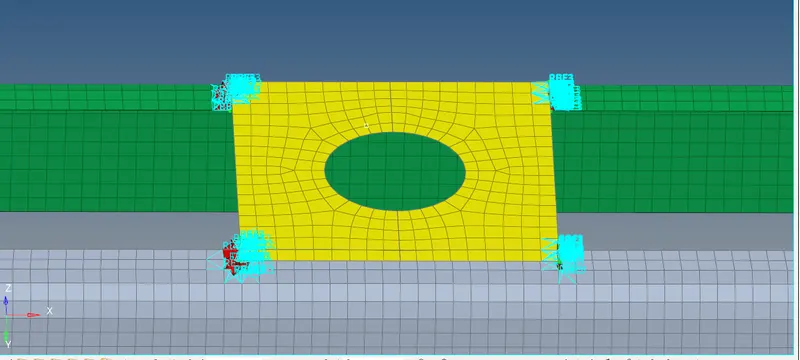
created the quad connector between the rear truss_1 and rear truss _2
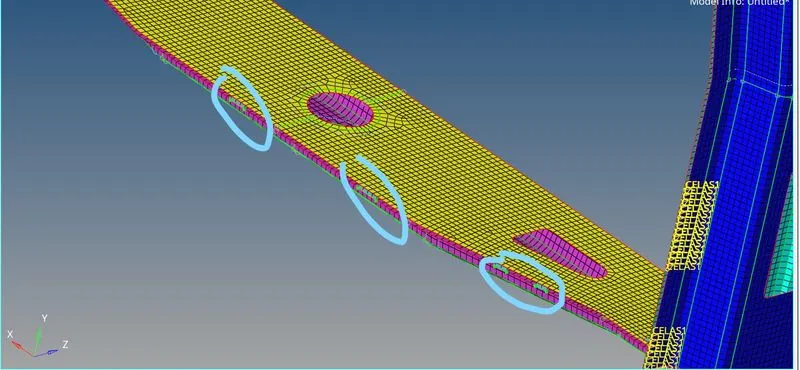
conclusion:- all the components are connected with suitable connectors, and got the idea about connectors and types in it.