Week 6-Meshing of Hood Challenge
week-6 meshhing of hood challenge
Aim:- generating the mid surface and mesh the component.
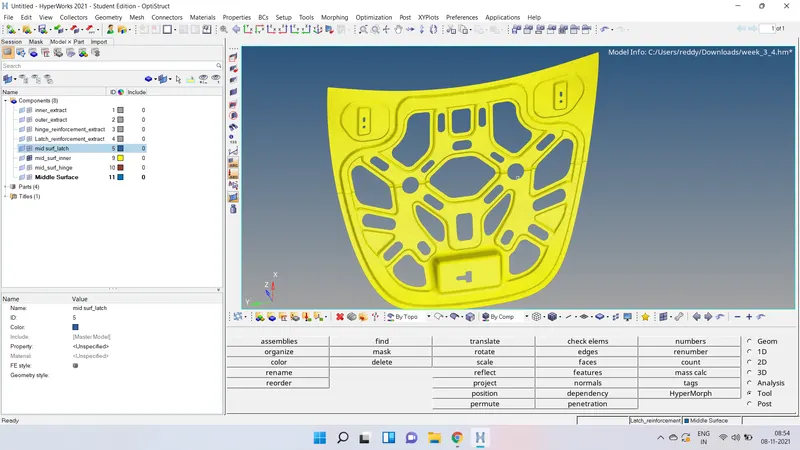
step 1:- importing the model in to the hypermesh, in the given model 4 components are there.
inner extract_body
outer extract_body
hinge_reinforcement_body
latch_reainforcement_body
now we can start with latch
latch_reinforcement_body:- changed the colour of the component and checked for any
surface missing and done the geometry cleanup. and created the mid surface and assign the thickness to the component. now need the mesh the component, for mesh go to 2d panel-auto mesh-select mesh type- skin offse- element type mixed- element sixe 5mm. and done the mesh.
now need to check the element quality first need to check the edged between the elements, foound no edges b/w the elements, now go to the quality indedx in 2d panel checked for any element fail and worse if fail need to done the remesh or smooth or using clean up tools need to remove the failed elements. now go for the check element and the quality criteria and values are in the given challenge.
some elements are not matched the given the criteria for that elements need to remeshed and smoothed finally given criteria values are achieved.
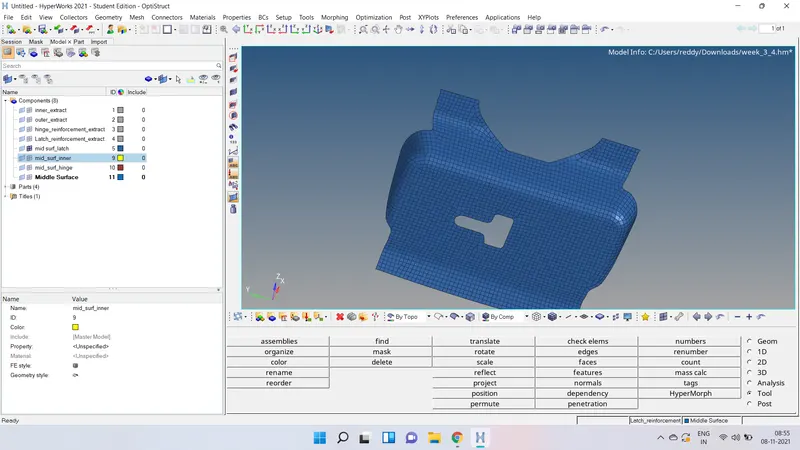
Hinge_reinforcement_body:- mask the other components and display the hinge component,
and done the geometry cleanup and extract the mid surface, and checked for any errors in the mid surface and the assign the thickness to the mid surface.
now need to generate the 2d mesh on the mid surface and checked for the element check, some elements are not in the given criteria so need to do the mesh again on the elements and done the smoothing and element cleanup.
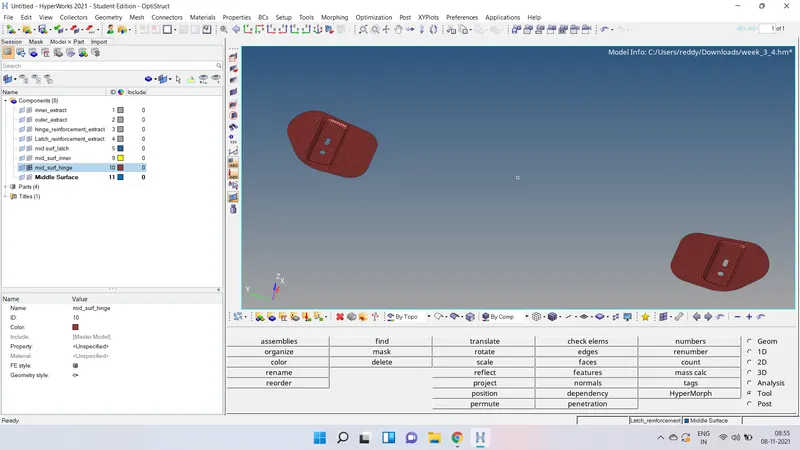
Outer_extraction_body:- in the outer extraxtion body hemming is there so need to toggle the
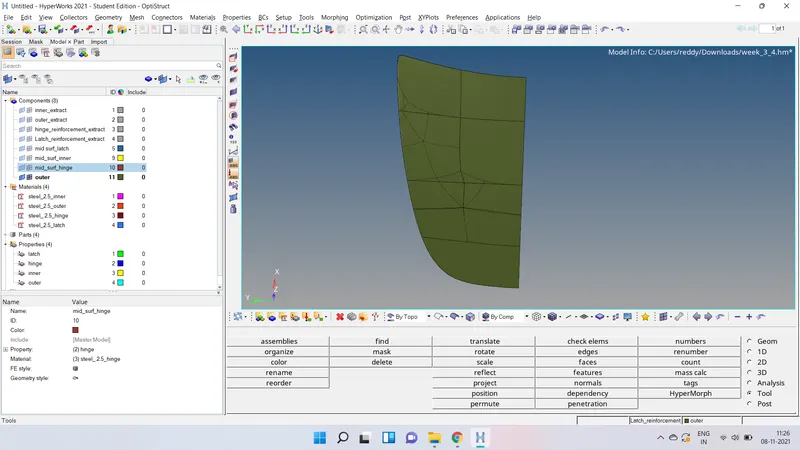
lines along the hemming. deleted the hlaf off the surface because of the surfacce is isometric, and it wiil save the tiime and process. now the surface lines are not in good which wiil give the bad mesh, to avoid that rectangular lines are created on the surface and toggled the original lines. now mid surface was generated. checked for any surface errors on the midsurface.
no erros in the mid surface now need to generate the mesh on the comonent, generated the mesh and checked for qualty of elemennts some elements are out of the given the conditions, for that need to remesh the elements in auto mesh & smoothed the elements and using the element cleanup tools given conditions are achieved.
now need to reflect the componet for that command tools-reflecr-select elements-seclect plane- y axis plane-given the base node. now need to check the any gap between the surfaces if gap is there use the equalance the tool for remove the gap.
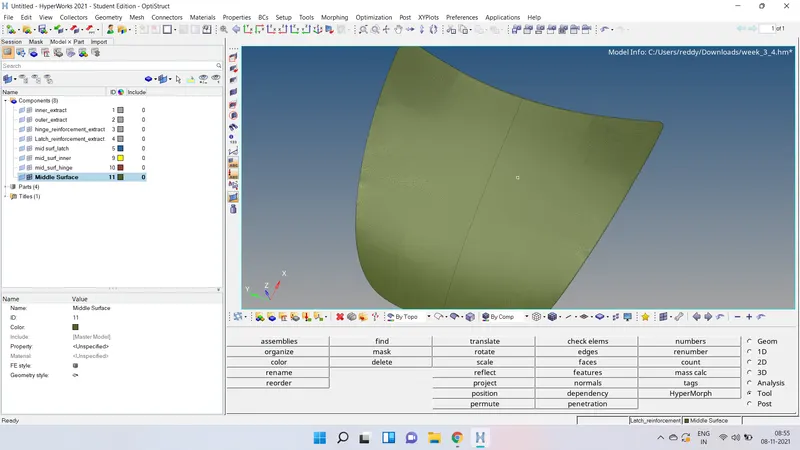
Inner_extract:- done the geometry cleanup extract the mid surface checked for any errors found no errors, given the thickness and need to done the mesh, 2d-auto mesh-select surface-and mesh the componet.
checked for the edges on the componet found no edges, checked the element check as per given conditions some elements are not in the given criteria , done the remesh on the elements and done the smoothing operation also using the cleanup tools eleminate the erros in the component.
CONCLUSION:- in this challenge got the idea about the hemming and how to do a proper mesh.