Week 8-3D Tetra Meshing Challenge
WEEK 8-3D TETRA MESHING CHALLENGE
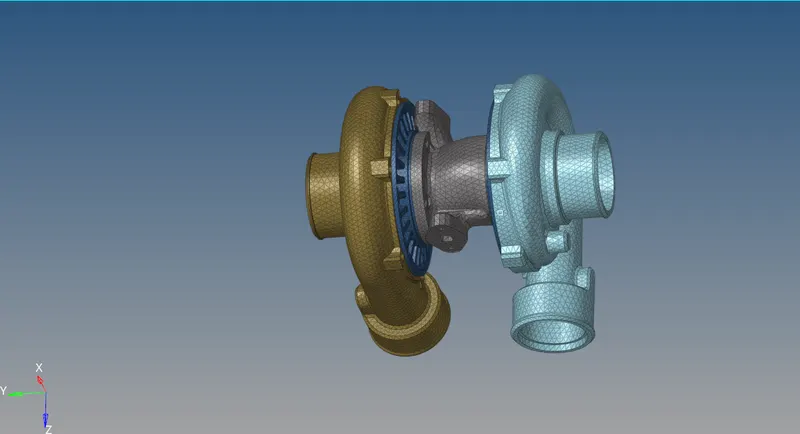
Model-1 :- to begin with model 1 imported the model into hypermesh checked for any free edges and missing surface found no missing surface, deleted the solids in the surface. now done the 2d mesh with Trias only, element size 5mm. done the mesh checked the for minimum and maximum length found some elements are failing the given criteria (min-2mm, max-7mm). save the failed elements and retrieve the elements in the mask, increase the length for which are failing the minimum length by using distance, decrease the length which are failing the maximum length.
now need to convert the 2d elements into 3d elements, command 3d- tetra mesh-tetra mesh- select elements done the mesh. checked for tetra collapse found some elements are failing the given criteria (0.150). saved those elements and used the translate option for increase the magnitude by select nodes and n1 n2. checked again for tetra collapse found no elements are failing the given the criteria. deleted the 2d elements by config-tria3.
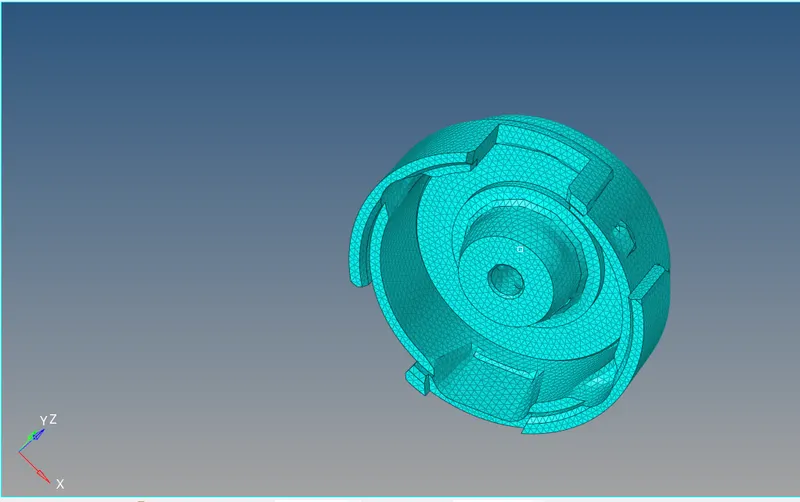
now the model was completed.
Model-2 :- imported the model 2 in to hypermesh checked for any free edges found no free edges. togged the some lines which are very near to each other. tried to do the 3d tetra mesh from 3d panel shown error surface not enclosed, tried with volume tetra mesh this time also mesh not generated. done the mesh by using quick tetra mesh on view panel-browser-hypermesh-utiliti-geom/mesh-quick tetra mesh, selected the surface given the element size as per given in the challenge- element type tria. now 3d quick tetra mesh generated, checked for tetra collapse found some elements are failing, save the failed elements and increase the height of the elements by magnitude.
checked for tetra collapse found no elements are failing, model-2 was completed.
Model-3 :- in model 3 total 6 components are there in that 6 one component deleted, which was
duplicated. deleted the solids in the component. hide the remaining components start with model body_0 toggled some lines which are very near to each other also to avoid tet collapse.
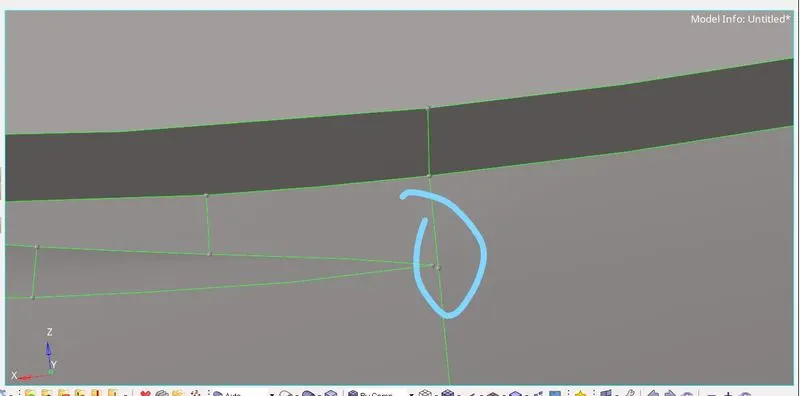
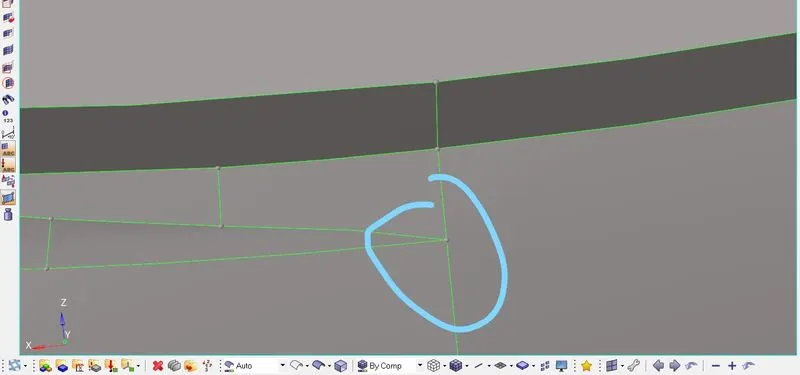
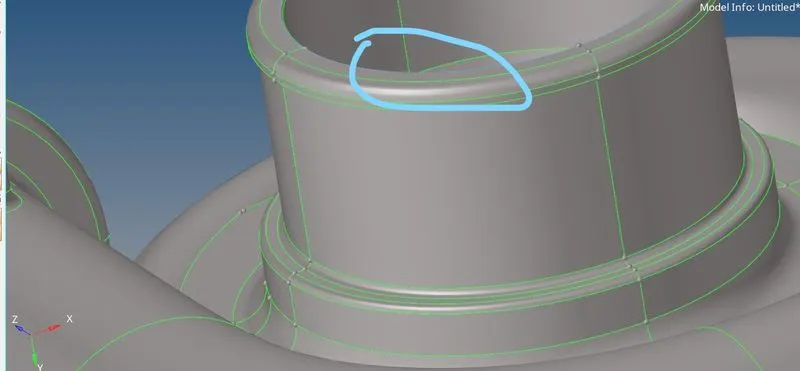
to do mesh 3d-tetramesh-volume tetra-select component-element size 4mm, now mesh was generated, after mesh need to check the tet collapse found some elements are failing the tet collapse, use the magnitude to reduce the element failing.
come to the second component found on line out of the surface toggle the line
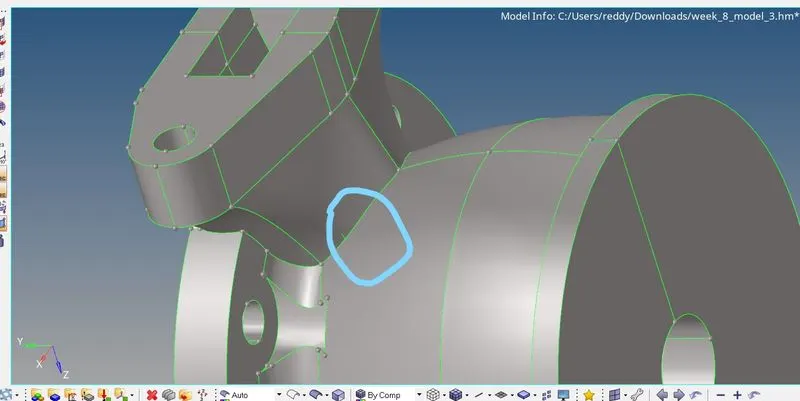
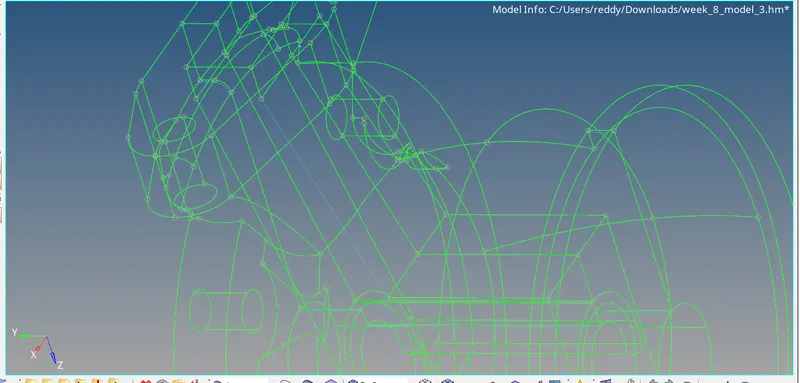
also toggled the some lines which are near to each, after done the geometry cleanup generated the 3d mesh with volume tetra, eliminate the failing elements with magnitude.
component-3 in this component some lines which are very near to each other toggled those lines to eliminate the tet collapse.
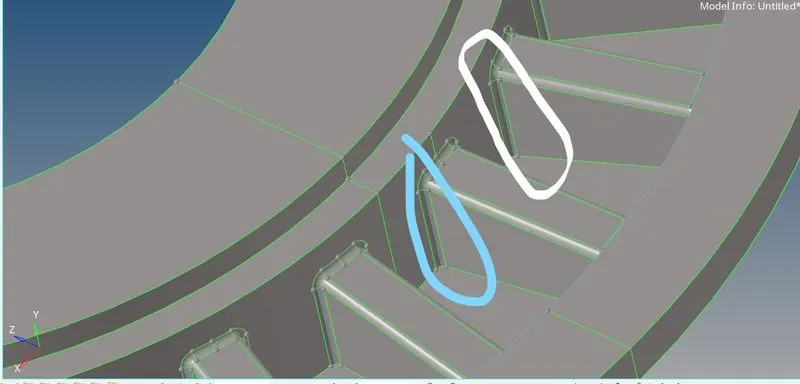
3d mesh was generated, found some elements are failing tet collapse due to geometry cleanup not done properly.
component-4 done the geometry clean up properly this time after mesh found less number
elements are failing, increase the height to avoid tet collapse.
component-5 as like component-1 toggled the some lines to avoid tet collapse. mesh the
component, and use the magnitude option (shif f4), to reduce the tet collapse.
conclusion all 3 model are meshed with given criteria, and attached below.