Week 9 - Creating connection for Rear door
AIM
given Rear door FE model, Create and Apply different PIDs for different components. By using the same technique and the elements as shown in the video, Perform suitable connections.
OBJECTIVE
Create and Apply different PIDs for different components
Perform suitable connections
BODY OF CONTENT
- Importing the component
- assign components into different pid
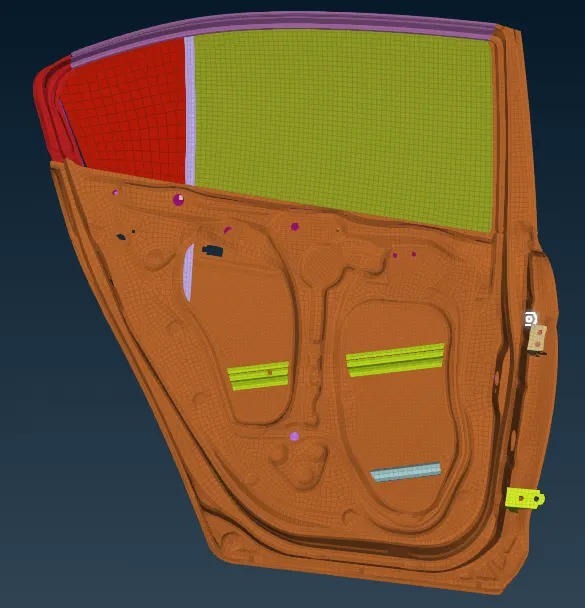
- create COG for bolt in hinge part of door
- use convert to change 3Dpoint into bolt
- use connect manager and select parts to be connected(p1,p2,p3)
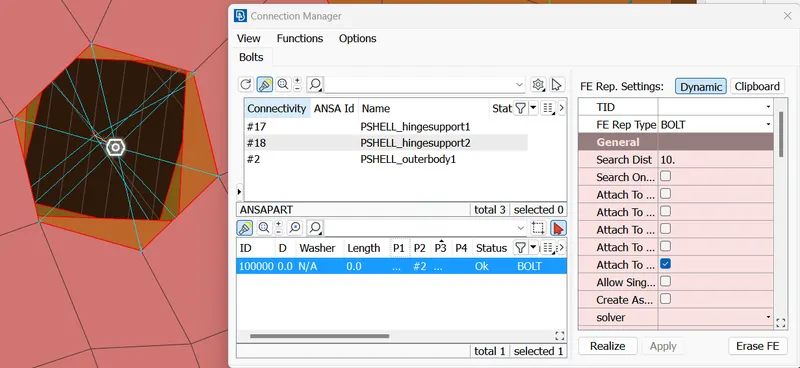
- input search distance-->apply-->realize
- next use RBE2 from NASTRAN mode for rigid connection
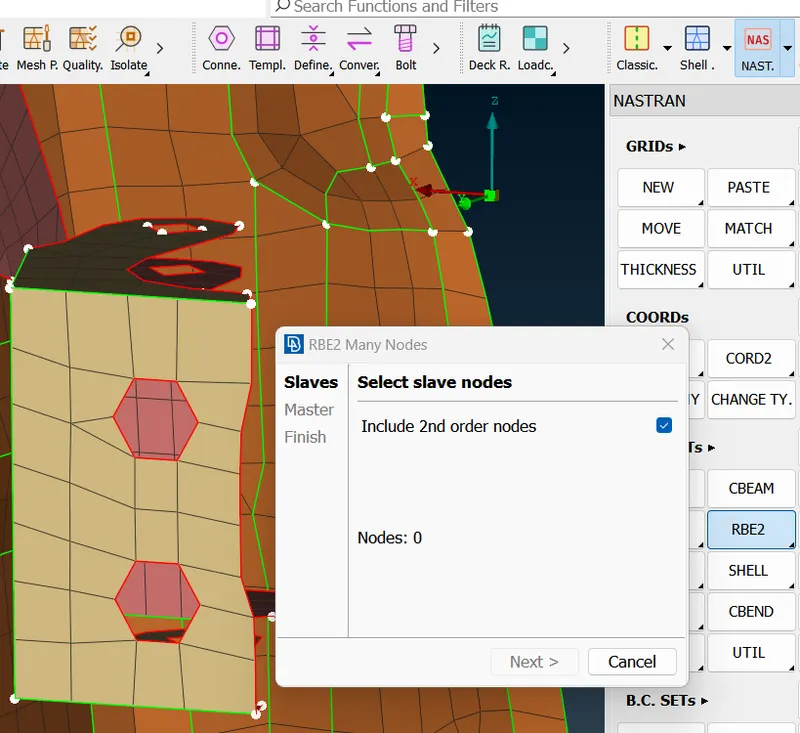
- select slave node(dependent) and master node(independent) gets select automatically
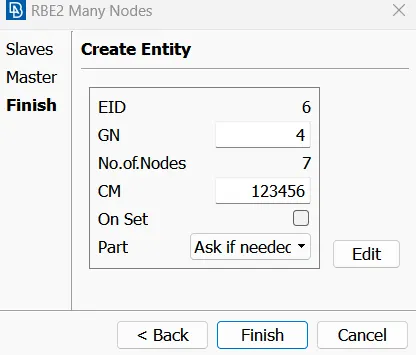
- cm is degree of freedom 1,2,3 translational and 4,5,6 rotational
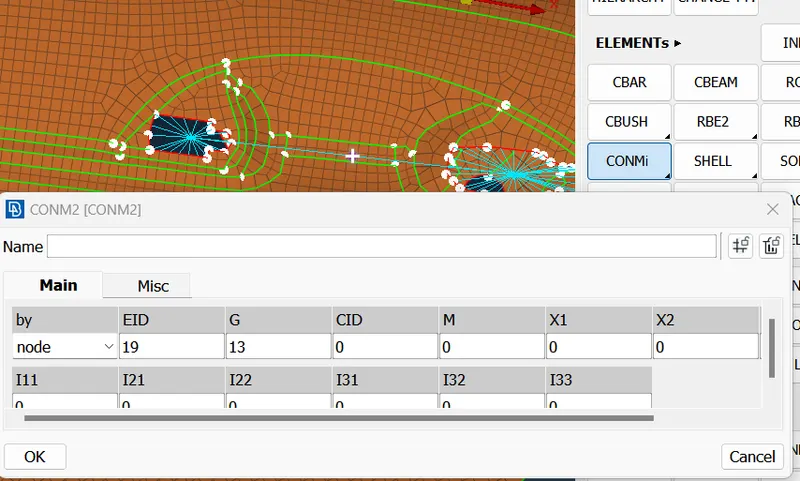
- above is for handle part ..use many nodes and make 2 master points then use conmi-->
- conm2 and enter mass in tonnes.
- for spot weld create cog-->convert-->spotweld-->connection manager
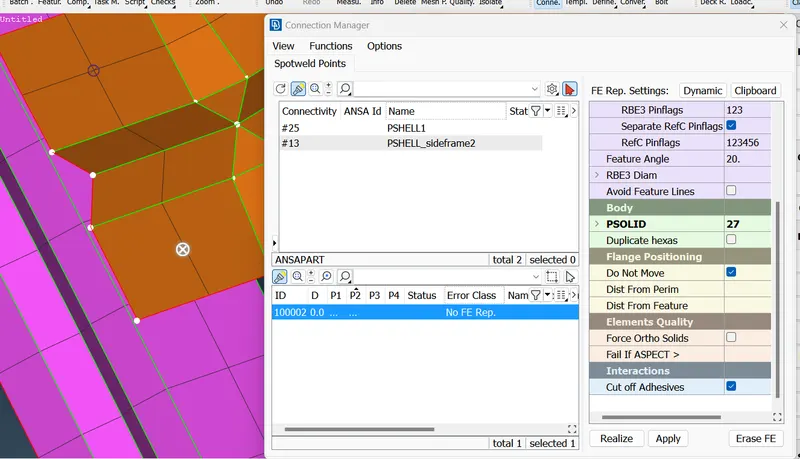
- select p1 and p2 in modify using f1
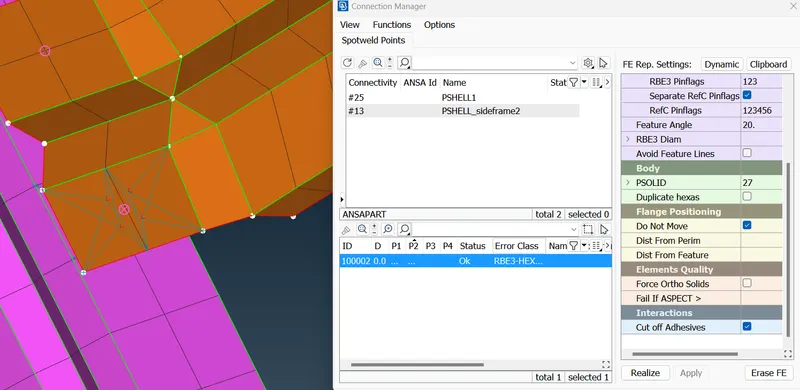
- select rbe3 hexa ,add search distance , degree of freedom, psolid ( using shift ?) create new solid component
- apply and realize
- seam weldiing can also be done same way
- for window part we use cbush connection
- feat2curve-->convert-->spot weld-->transform compt (copy)in middle of 2 components and use connect manager,, enter all necessary values (shift ?)and apply and realize
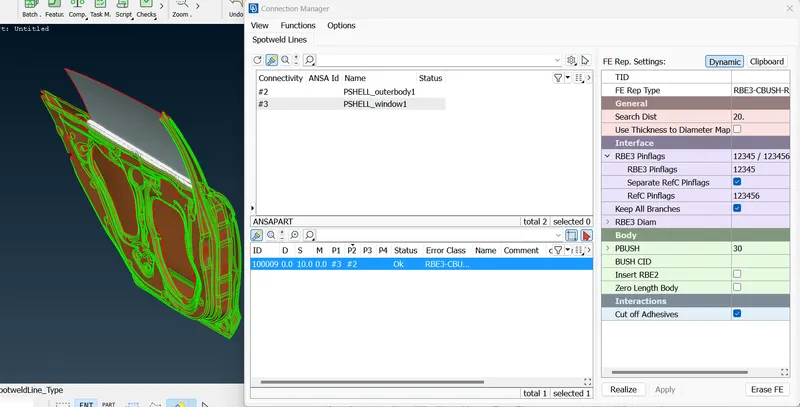
- similarly connect all other portions and connection model is complete ans save file