Week 9 - Creating connection for Rear door
Aim: To create a connection to Rear Door
Steps:
- Load the model.
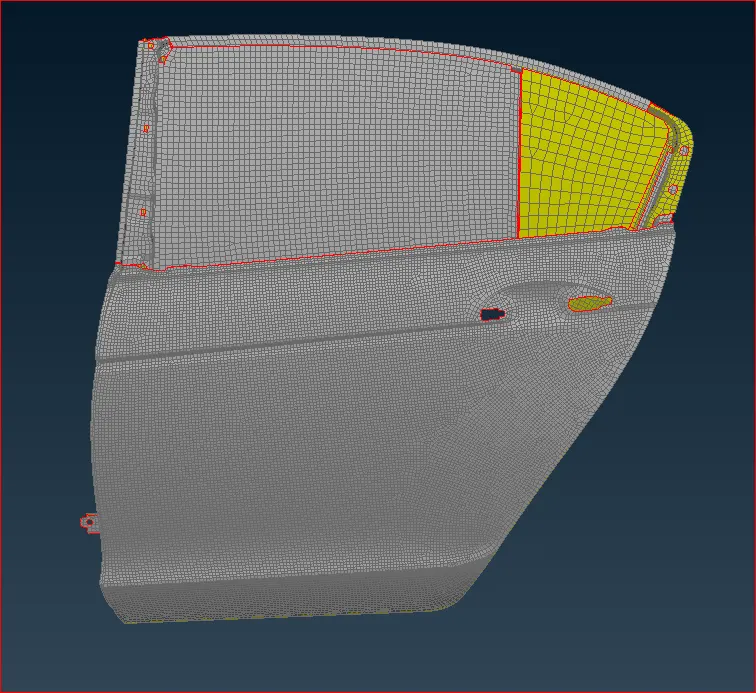
- The mid suface is extracted and the model is meshed. But all the parts are in single property. Which needs to separrate. So, by using Set PID Properties can be assign.
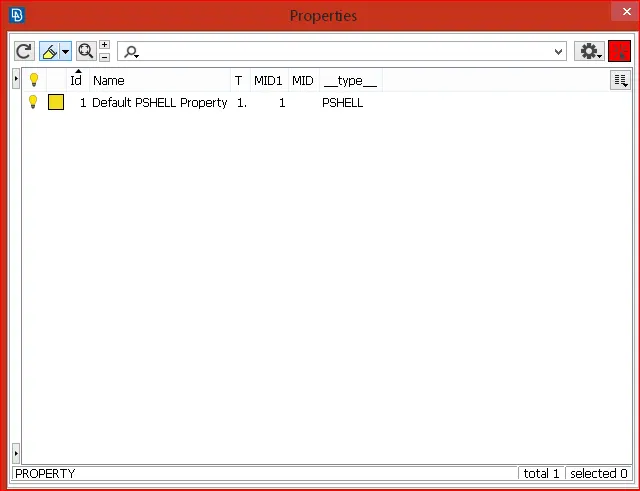
- Apply COG point where ever required. You can use Loop tab to select the close curve.
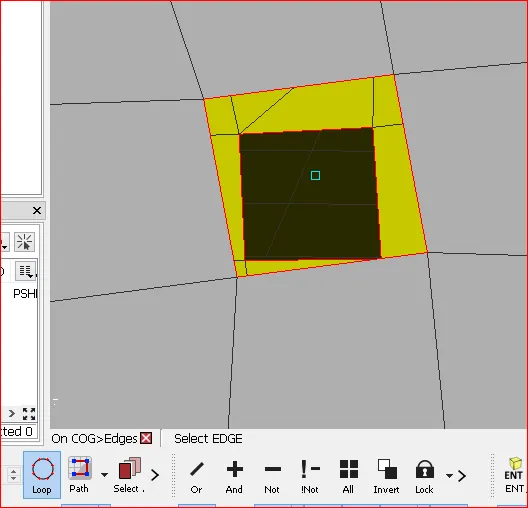
Convert the COG into required connection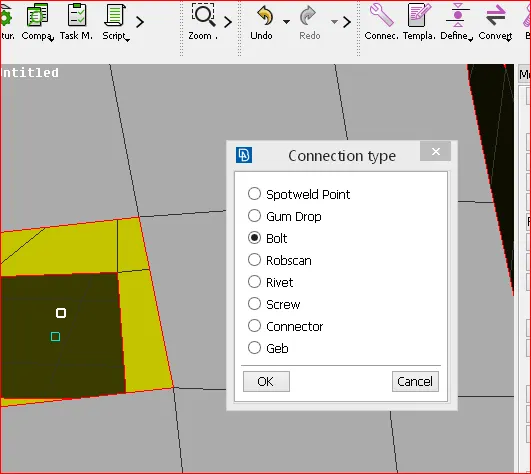
Open Connection manager, Select COG created.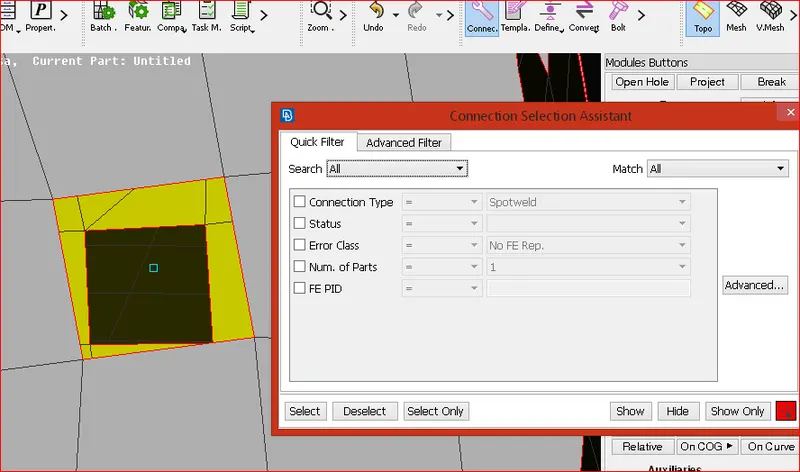
Assign Properties to the COG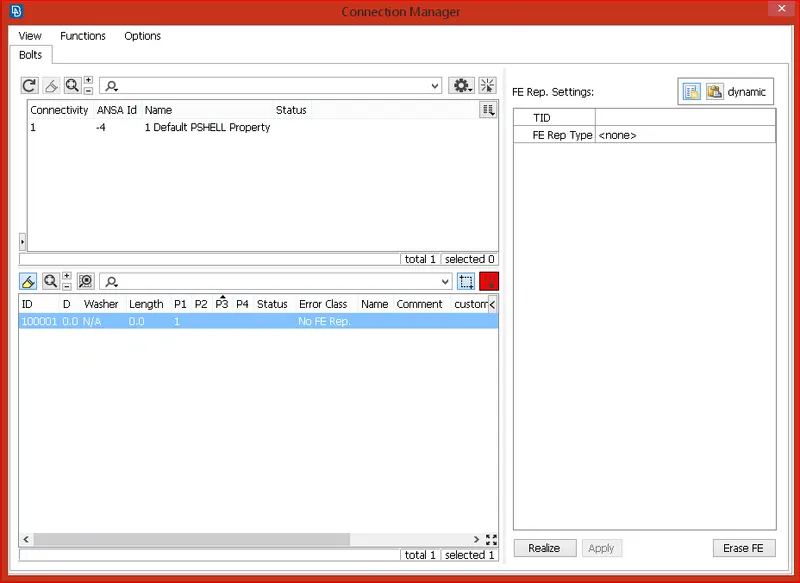
Bolt Connection is done
Similarly, all other connections are made.