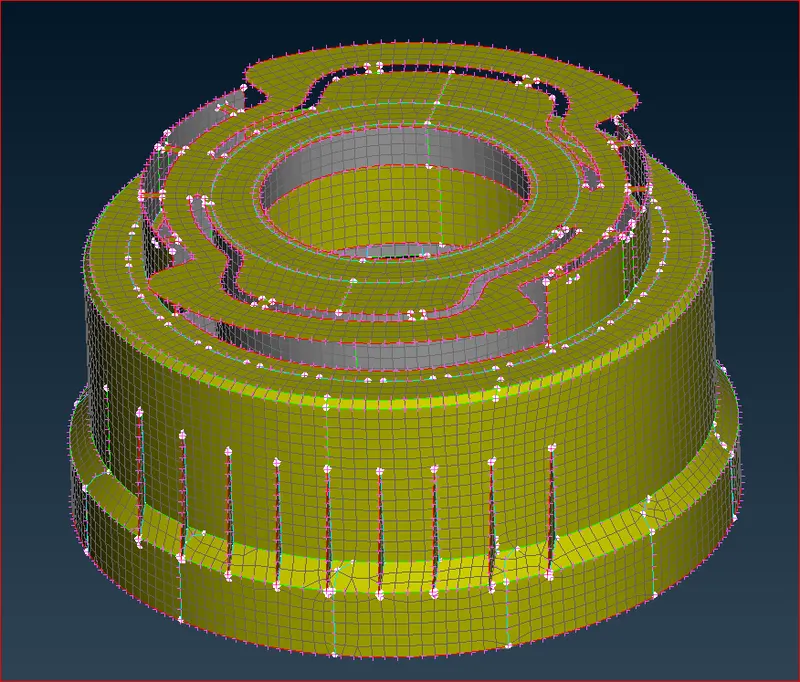
Week - 5 - 2D meshing for Plastic components
Aim: To create a proper mesh flow considering the quality criteria provided after cleaning Geometric errors.
Steps:
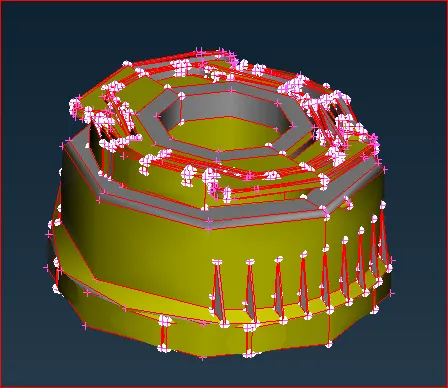
- Load the model.
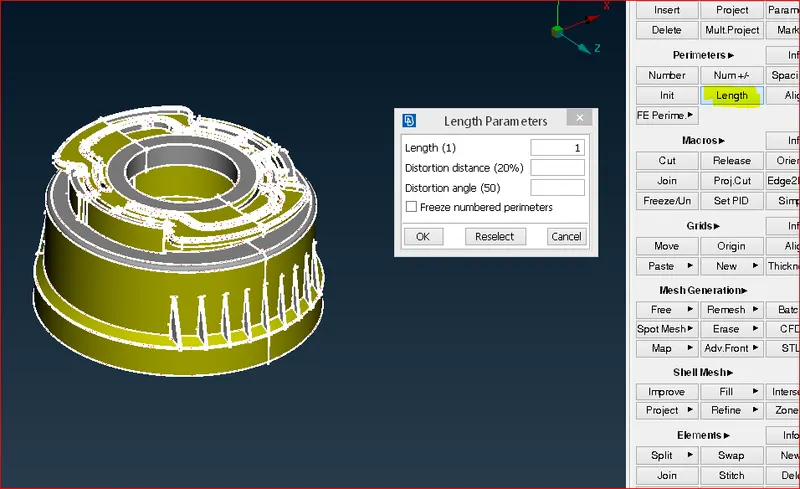
- Assign the length. This helps to maintain the target length.
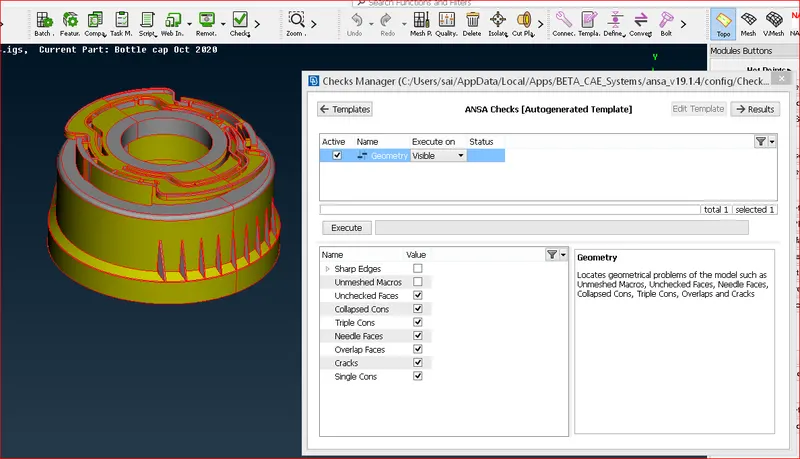
- Clean the geometric errors.
- Extract the mid surface using the Offset command, mid-face, and con2curves method. Since the components are Plastic components, the thickness is not uniform all over the component therefore New PID is created for a separate Thickness mid-surface. Wherever thickness is changing is a single wall itself, average Thickness is assigned to that mid surface.
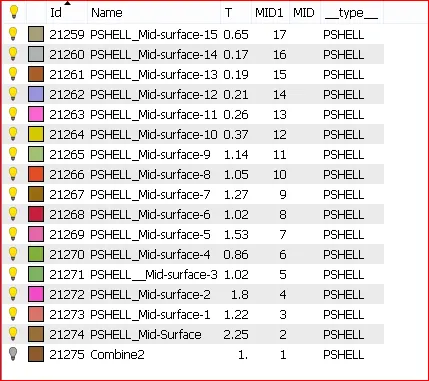
- Assign Quality parameters and Mesh Parameters
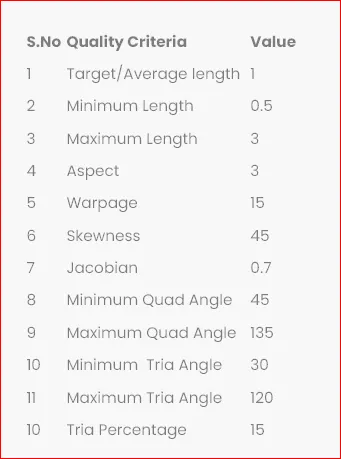
- Meshing. By using various commands such as CUT, JOIN, and DELETE under MARCOS surfaces are cleaned for smooth flow of mesh as well as to satisfy Quality parameters. While meshing we have to avoid trias and quads.