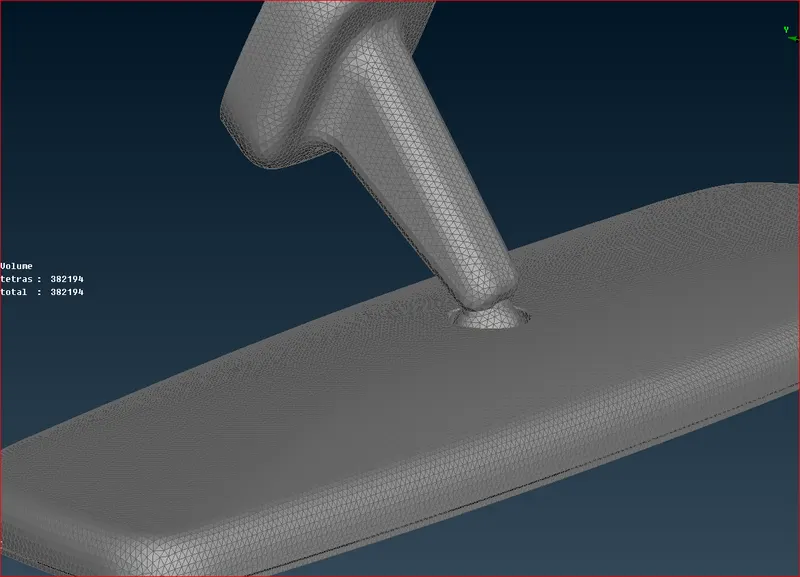
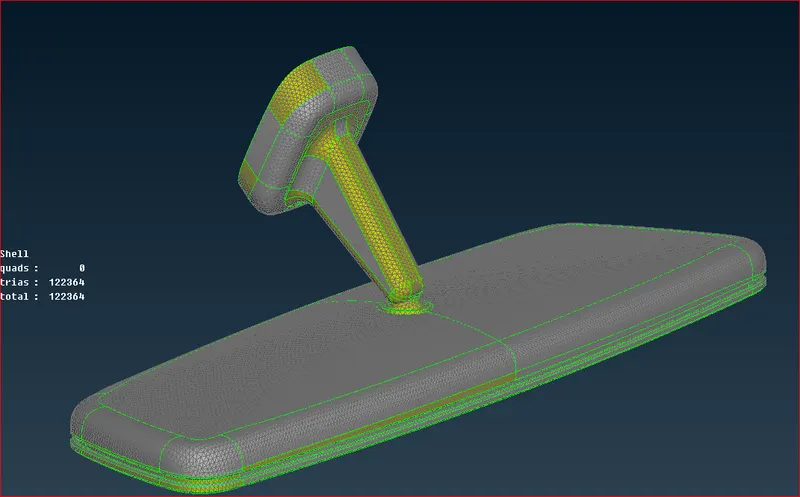
Week- 8 - Solid meshing
Aim: To create a proper Solid mesh flow considering the quality criteria provided after cleaning Geometric errors.
Steps:
- Load the model.
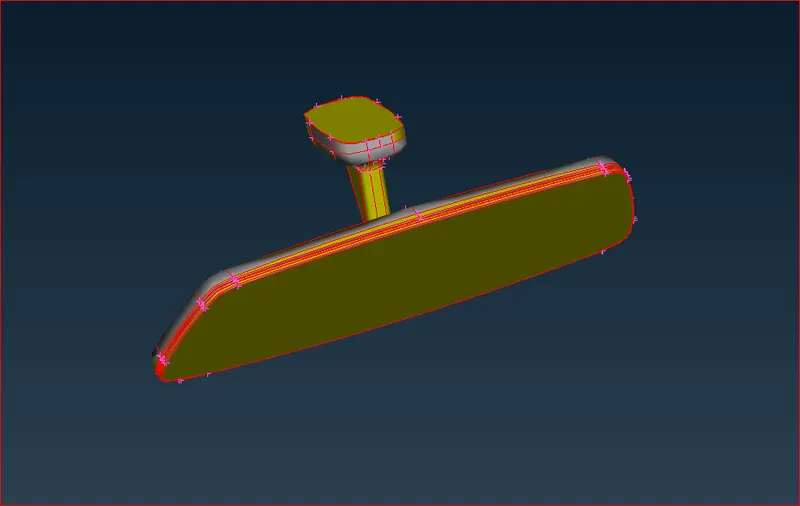
- Assign the length. This helps to maintain the target length.
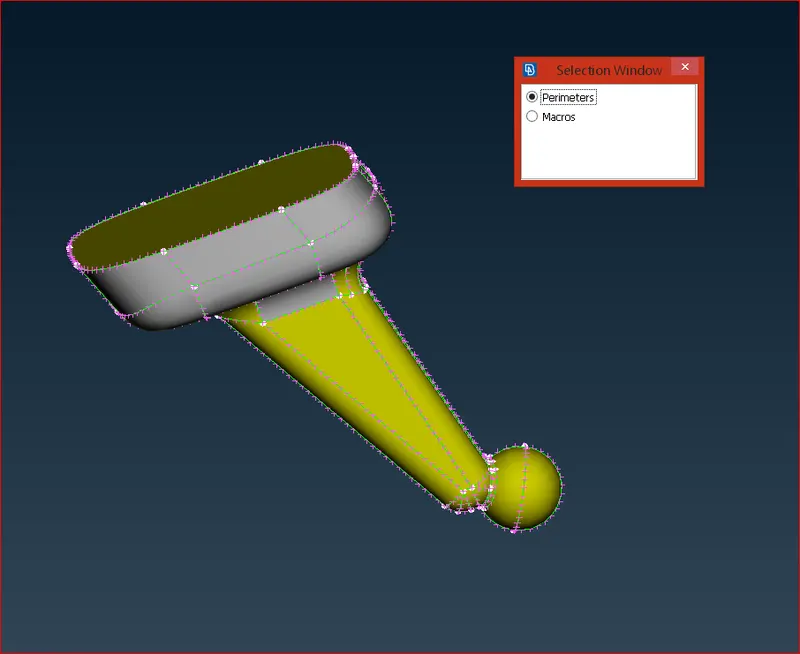
- Clean the geometric errors.
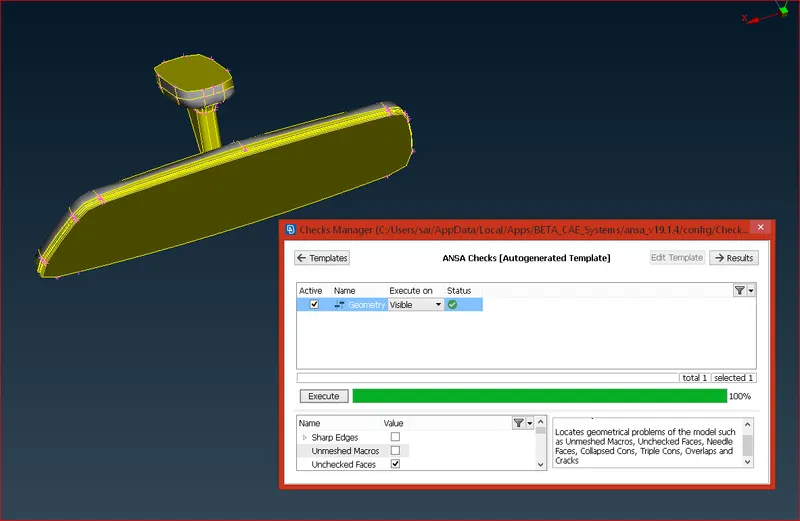
- Assign Quality parameters and Mesh Parameters
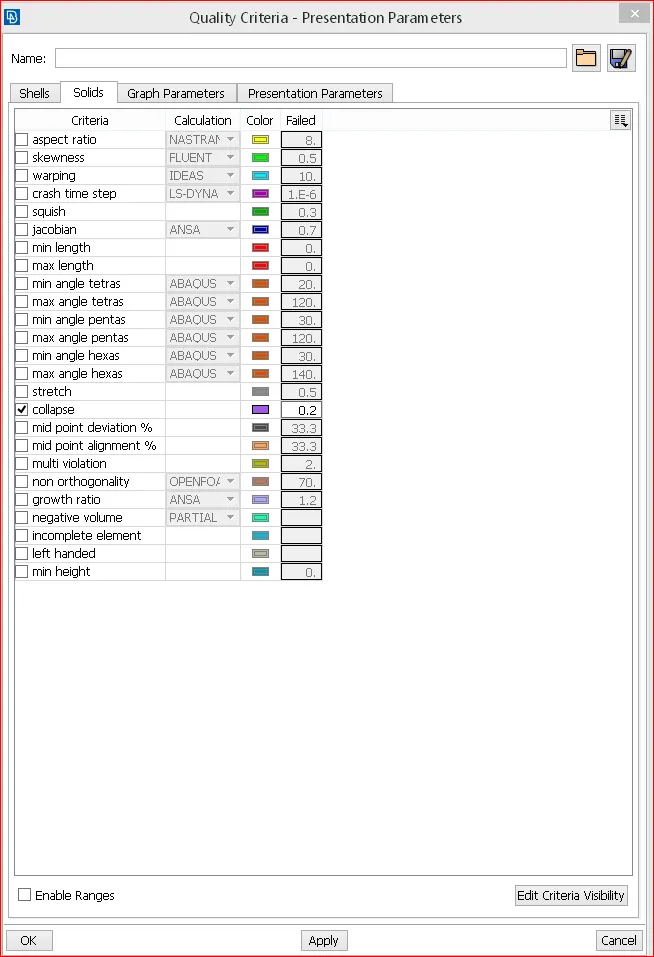
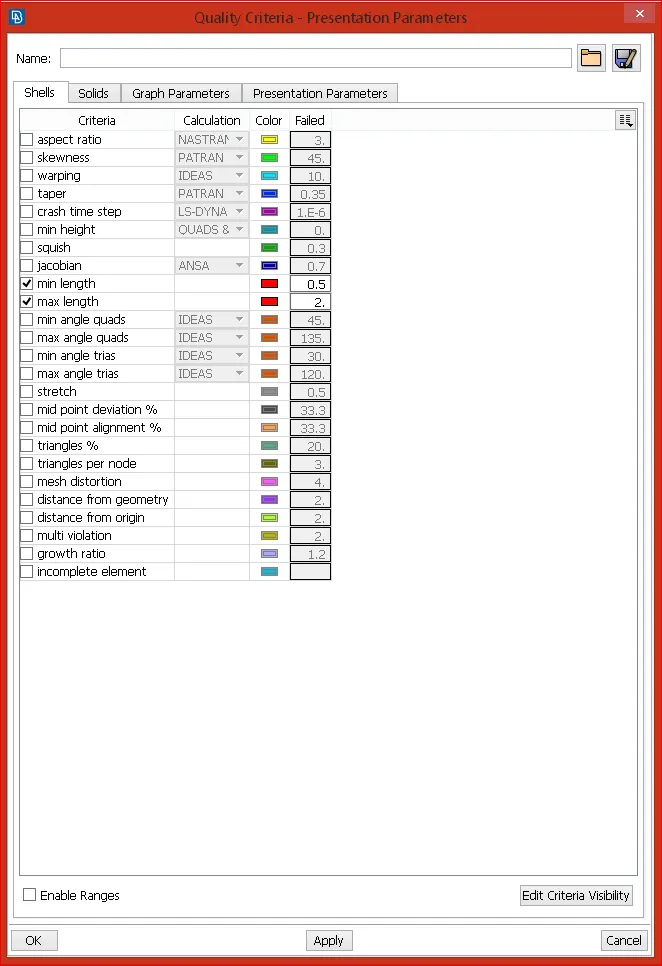
- Now, Go to VOLUMES > DEFINE > MANUAL > SELECT THE PROPERTIES > NEW PID > SOLID PID > OK.
- Each volume needs to be defined separately as per the no of properties.
- Go to VOLUMES > LISTS > RIGHT CLICK > REMESH > TETRA RAPID > OK.
- Now, the volume mesh is done.
- We can also use TETRA FEM instead of TETRA RAPID for volume meshing.