Week 9 - Creating connection for Rear door
AIM:
Creating the connections for the rear door of a car.
PROCEDURE:
- Open the Ansa work bench ANSA v22.1.0.
- Import the given model from the downloads
- In ANSA we can import all the CAD Software file formats like IGES,STEP,etc.
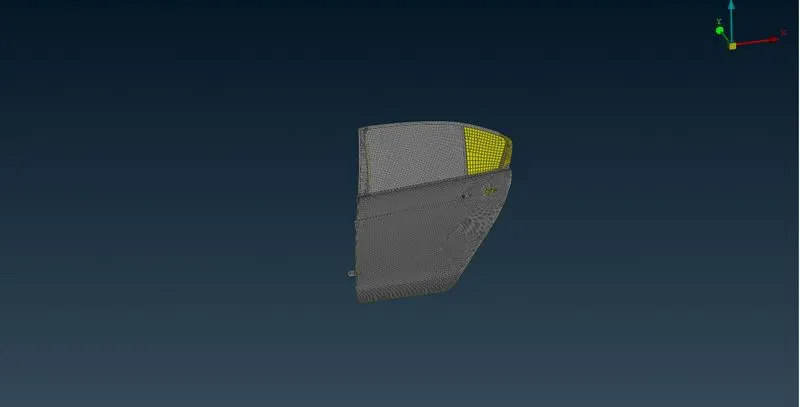
- The model consists of the many Region.
GIVEN MODEL:
CREATE SUITABLE CONNECTIONS:
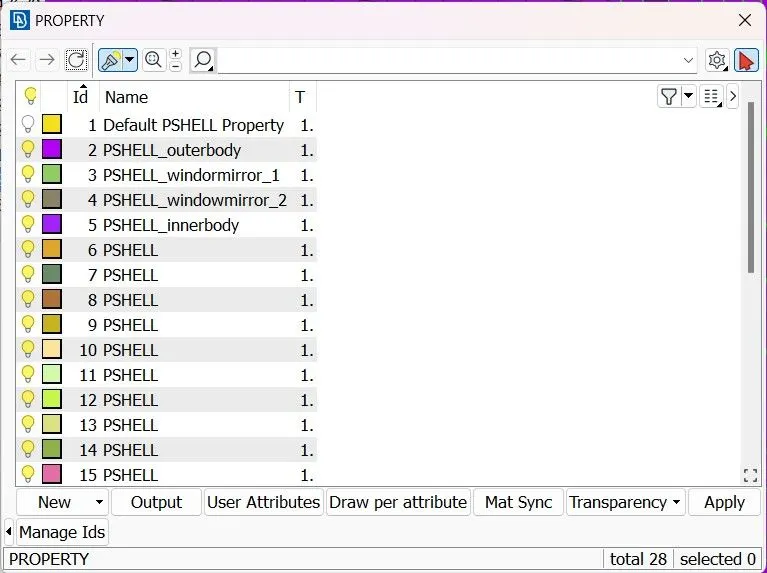
- First we have define the each region into PID.
- And then we have go for connecting it.
CREATING RBE2 CONNECTIONS:
- RBE2 can be used to define the rigid body and is used in bolts connection .
- NASTRAN DECK>>ELEMENTS>>RBE2>>MANY NODES>>SELECT NODES>>OK
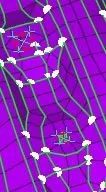
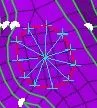
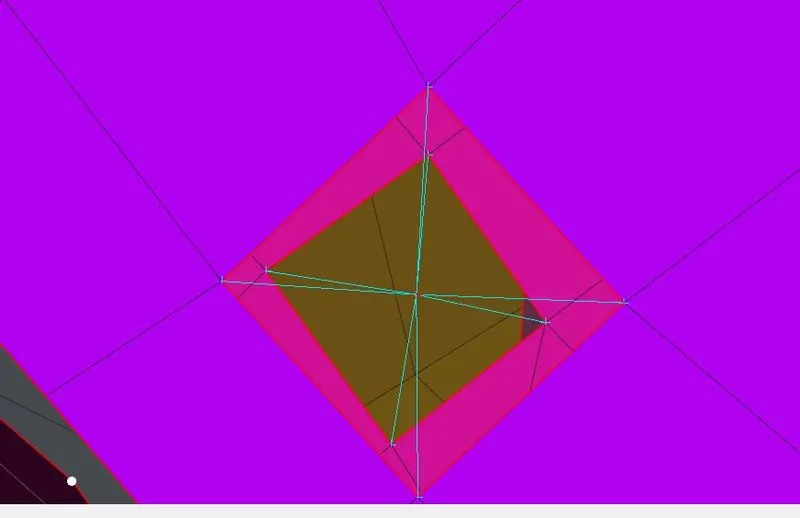
the below image is the connection between 2 master nodes using rbe2>>two nodes
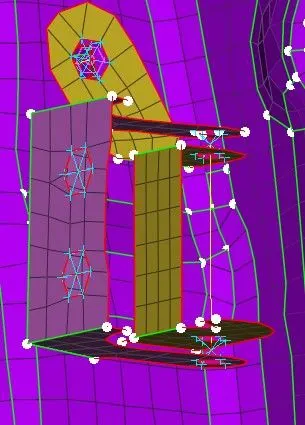
CREATING RBE3 CONNECTION:
- RBE3 connection is done for cbush and spot weld .
CBUSH CONNECTION:
- first make curve by using Feat2curve from Classic mesh
- make curve on both sides of glass by 10 mm gap on each side by using copy option from Transform.
- and then assign the curve as spot line.
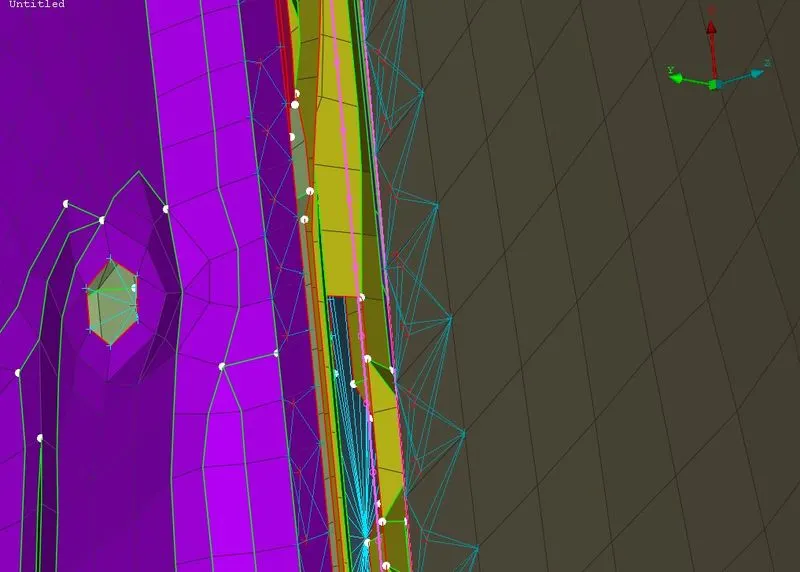
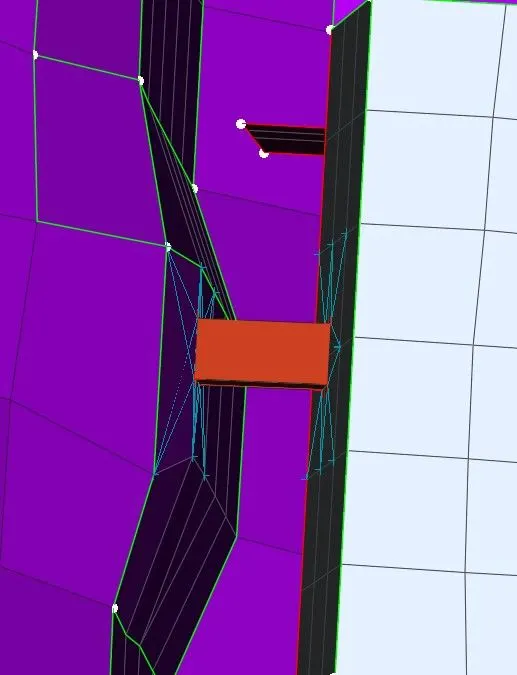
- after assigning the spot line in connection manager select the spot line ,select the RBE3>>CBUSH>>RBE3 and create a cbush pid and given necessary data.
- after that cbush is created.
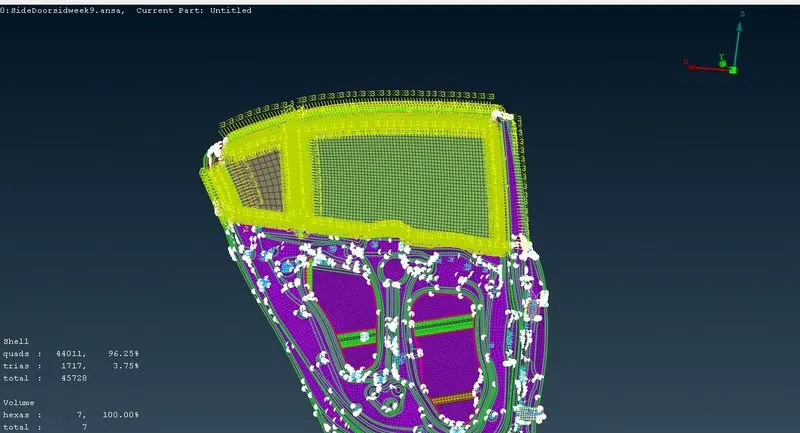
SPOT WELD CONNECTION:
- for spot weld first we have to create the cog point after that assign the point as spot weld point.
- after assigning the spot weld go to the connection manager and select spot weld point.
- after selecting it,select RBE3>>hexa>>RBE3 and provide the necessary data .
- the spot weld is created.
LEARNING OUTCOMES:
- Learned new tools related to connections.
- Learned to assign weld,bolt and cbush points and curves.
CONCLUSION :
Therefore the connections are made for the given rear door of the car.