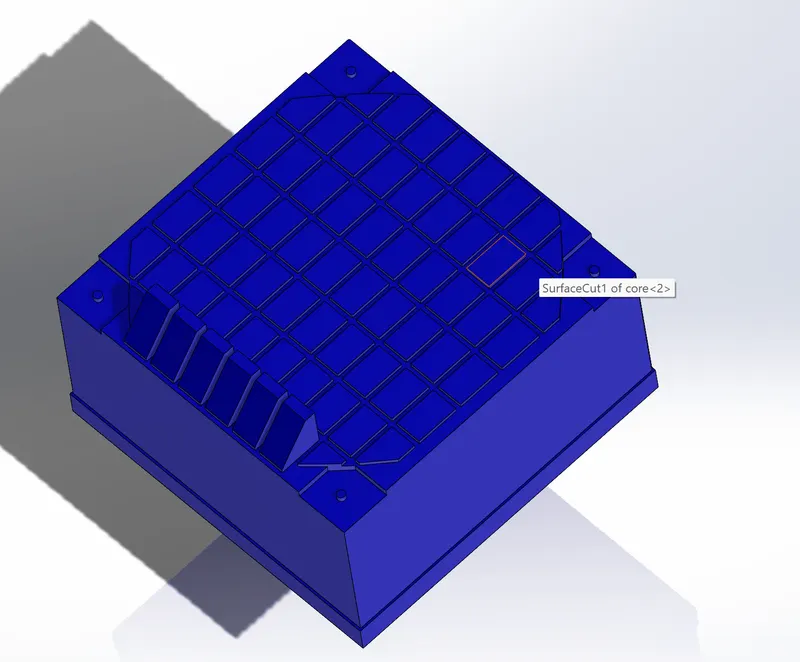
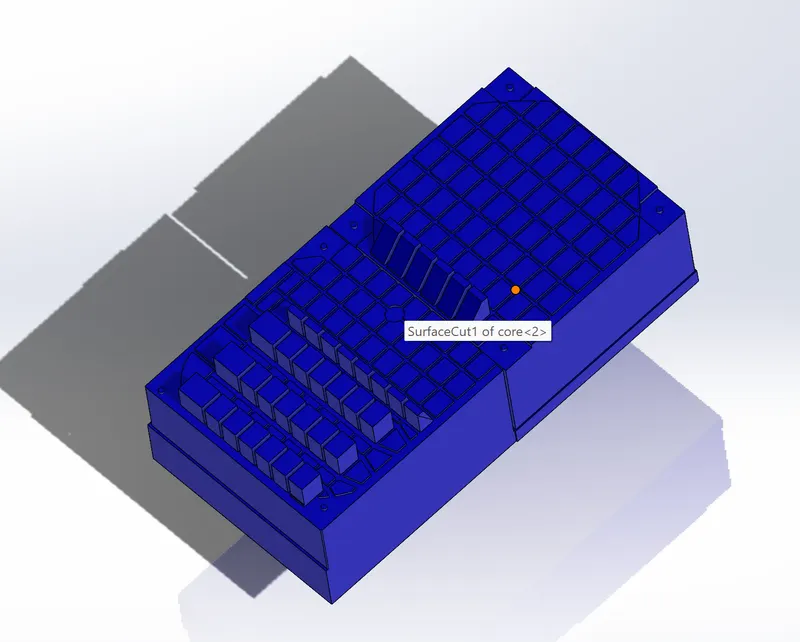
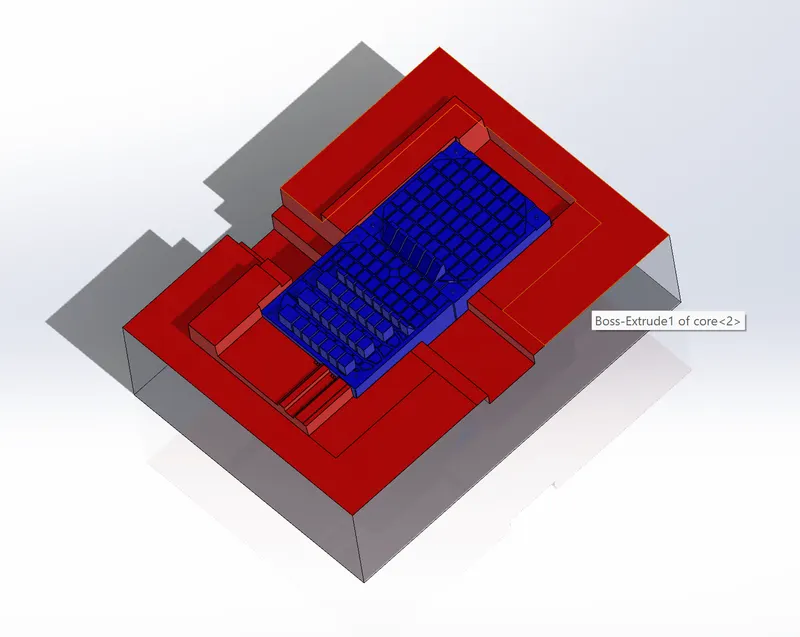
Week 9 Challenge
This report is continuation of the previous challenge:-
where i have created until the mold blocks, In this report i am going to explain sliders and inserts.
- After creation of mold blocks,the undercut analysis takes place,we finalize the size of the slider and position.
- Drawn a sketch to split the slider block from the molds by using the direct editing tool such as split command,after separating the slider block it must have the undercut positions with in the slider block,finally the sliders must be at as smaller as possible,finally i have provided some wedge and collar to it.and saved in a part file and imported into a current assembly.
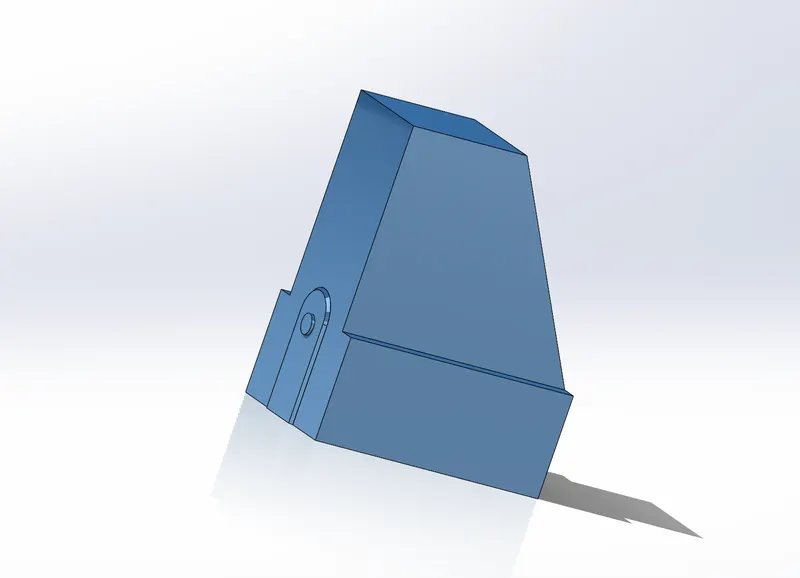
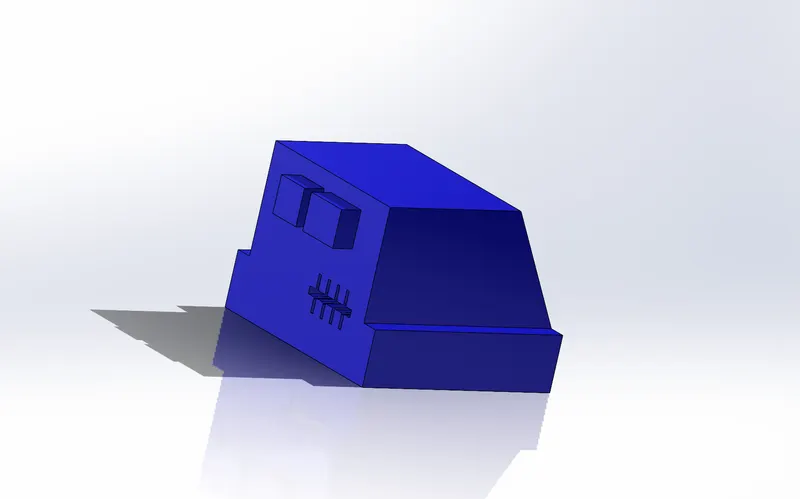
- The same process repeats for the second slider,the only differance is the whole slider will be created separately in 2 bodies and added into a one.
- After creation of sliders the extra material from the molds must be removed,that can be done by saving the slider file before and do use the combine option to substract the slider body from the mold.
- Reapeated the same process for both the sliders,and give a separate color for better apperance and easy to find it.
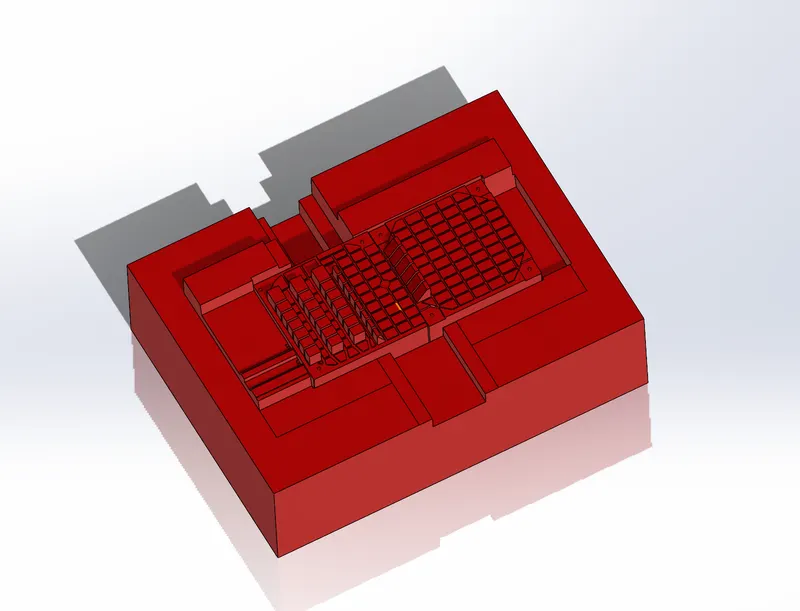
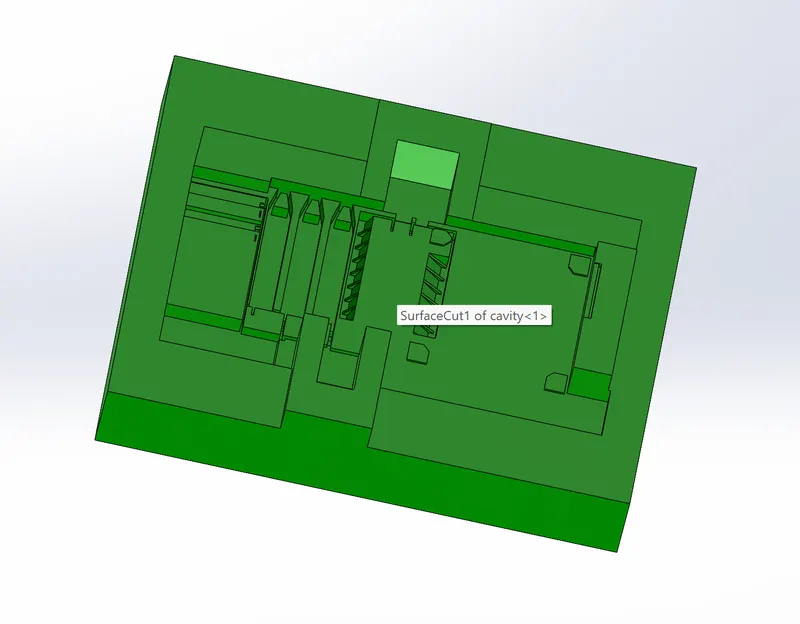
- The next step would be creating the inserts,because the portion is present which the tooling team cannot be removed the solid from the mold,since it is very difficult to make the mold it is better to have inserts separately and add thrm into a mold.
- These inserts and mold are made separately and added them and have a proper bolt and nuts to it.