Week 7 Challenge
The report for the door bezel model follows:-
- The process until making the core and cavity blocks are same ,as i have explained in the lat challenge,it is continuation of the last part.
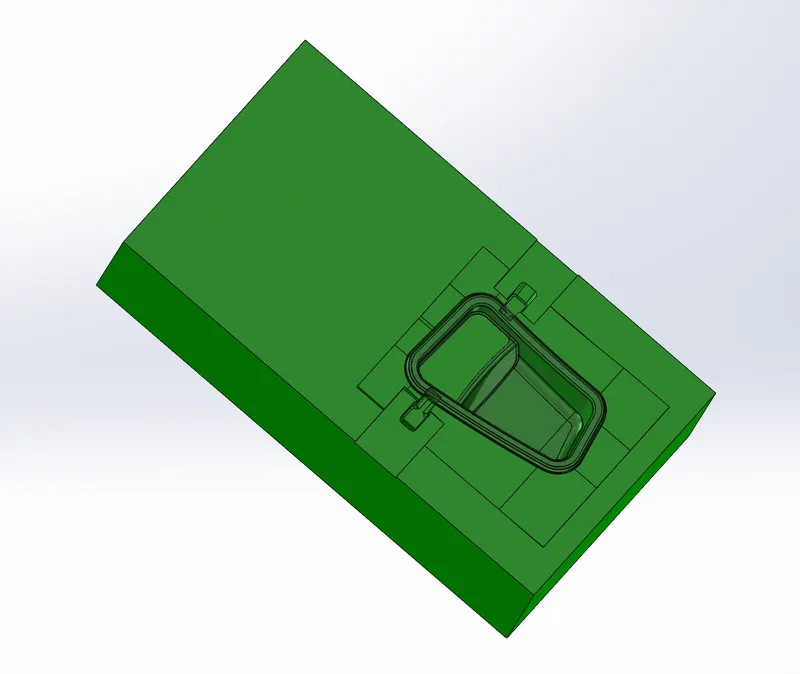
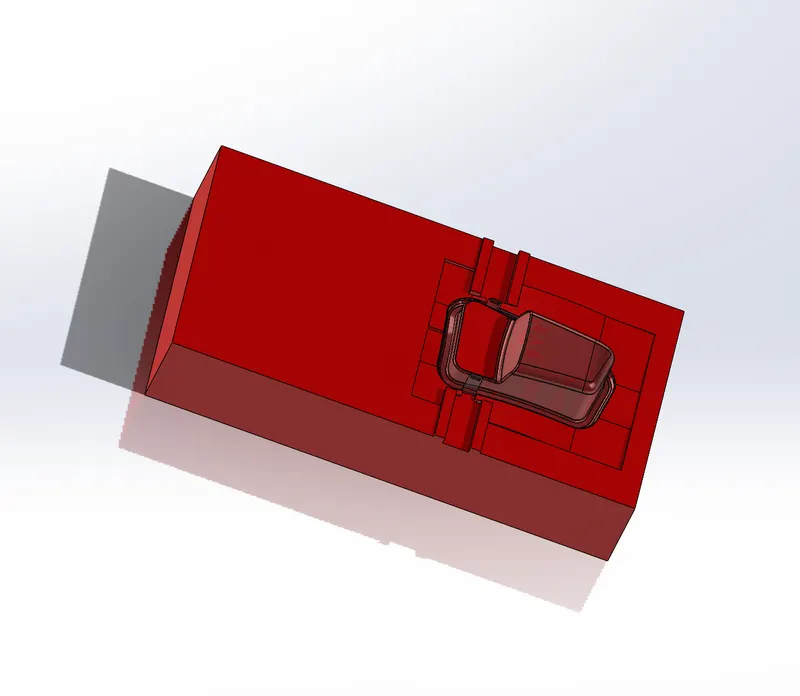
- Initial step would be analysing the undercuts.if any,the sliders are used to avoid the undercuts in the solid.
- Sketch profile of the slider is made as suitable as the undercut profile,by creating the plane perpendicular to the slider movement and on one side of the undercut.
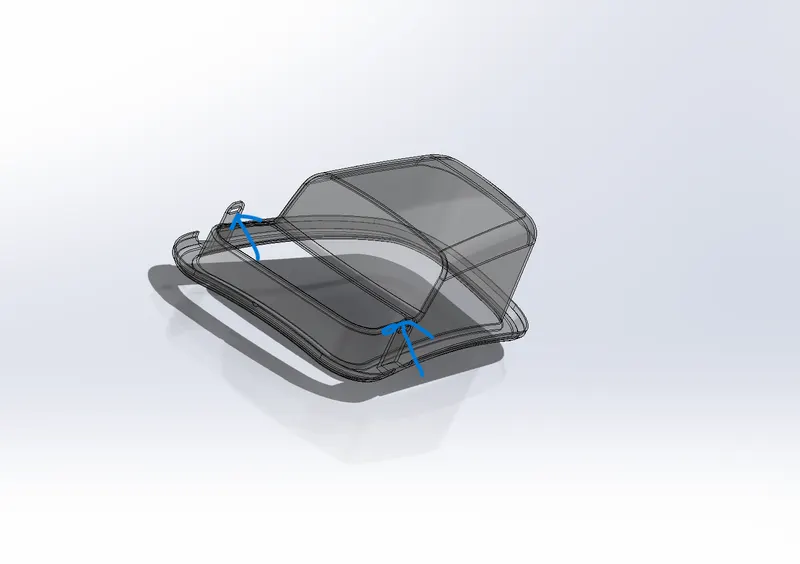
- Usethe command called split,to split the slider body from the cavity body,since all the undercut profile is presented only in the part of cavity block only.
- Make sure there is no gaps between the slider body and profile of undercut solid,made the appropriate calculations on the size and length od the slider,accordingly maintained the shape of the slider.
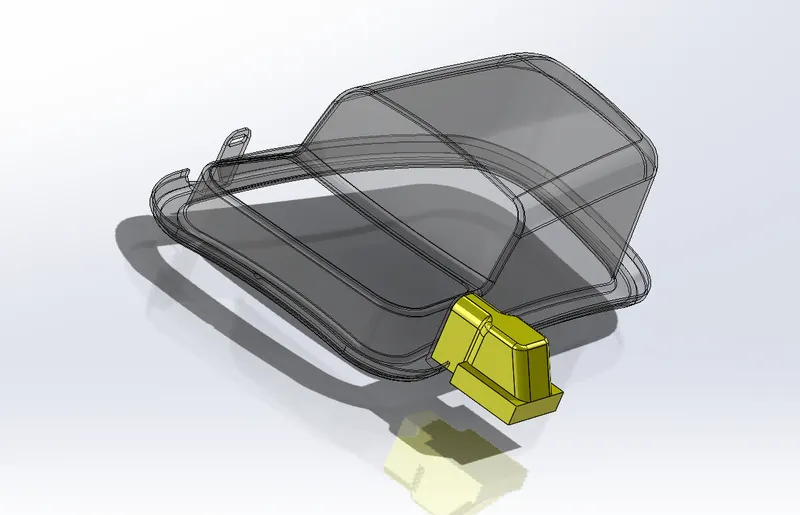
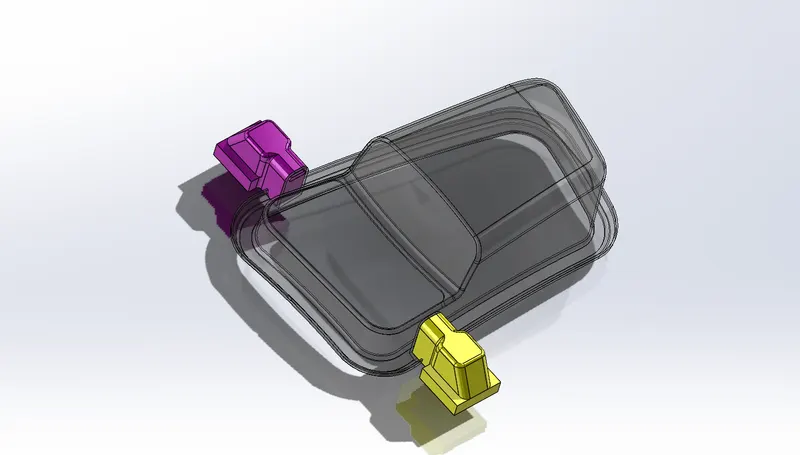
- Now the mold creation is done,the core and cavity blocks need to be edited as per the shape of the slider.
- By using the direct editing command we perform the removal or addition of the material in the core and cavity.
- We must be provided the guide rails and collor to accommodate the washer and the nuts over a slider and guide.
- The slider part file must be saved on the assembly file path only,create a new part under assembly ,named it as slider_01,and add the slider into it perform some actions.
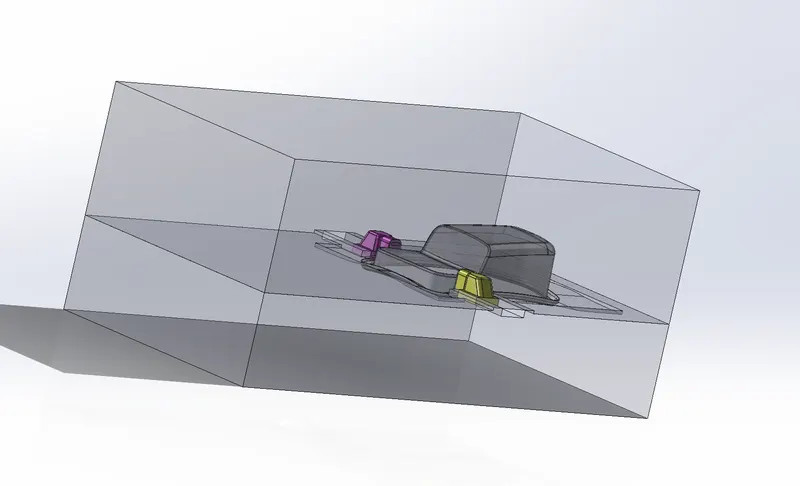
- The fillets is applied on all edges of the slider, and the removal of material from the core and cavity block happened accordingly
- Reapeat the process for the second slider to avoid the undercut on the other side with same process and values according to its position.