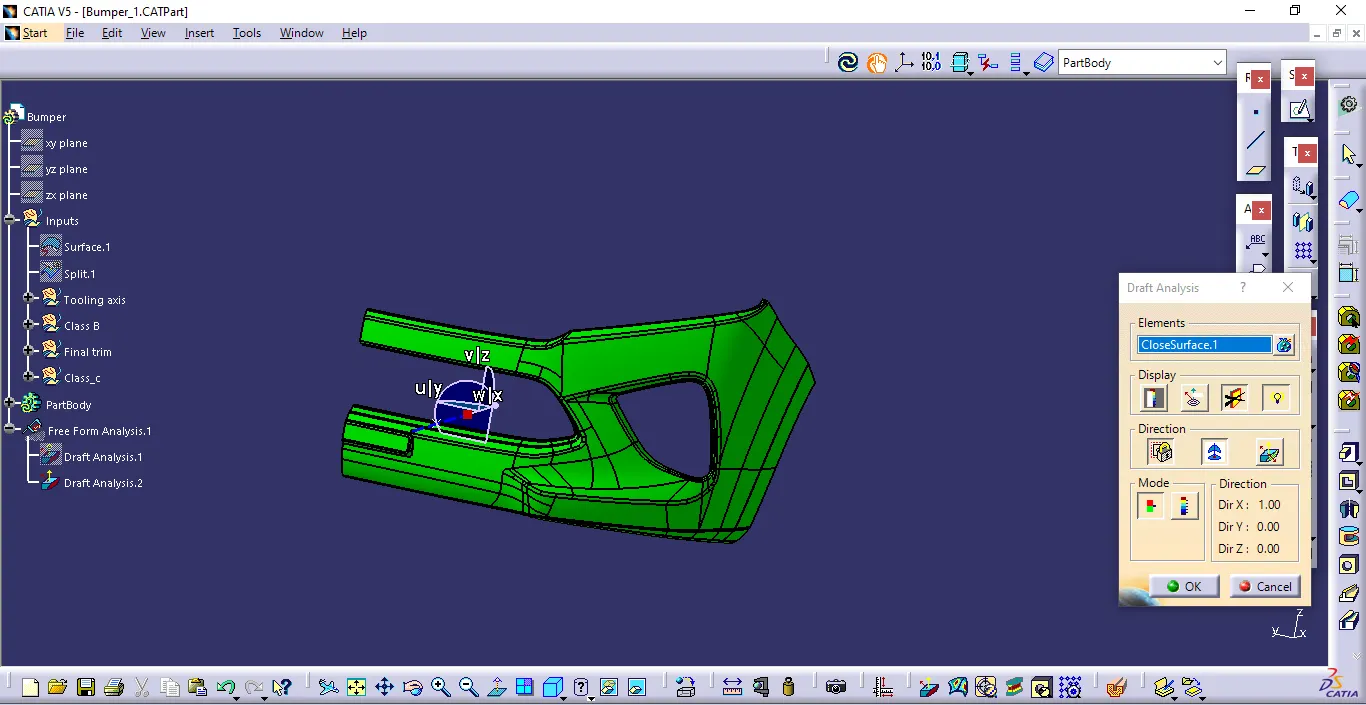
Week 9 - Challenge 3 - Bumper
Aim
create a bumper Class B and Class C surfaces of a given classA model
Tooling axis
to create a B&C surface of the bumper first we have to create a tooling axis which used to create the surfaces
Draft analysis
before creating the class b&c surface we have to verify the draft analysis of the claa a surface to understand better to create the remaining surfaces
Class B
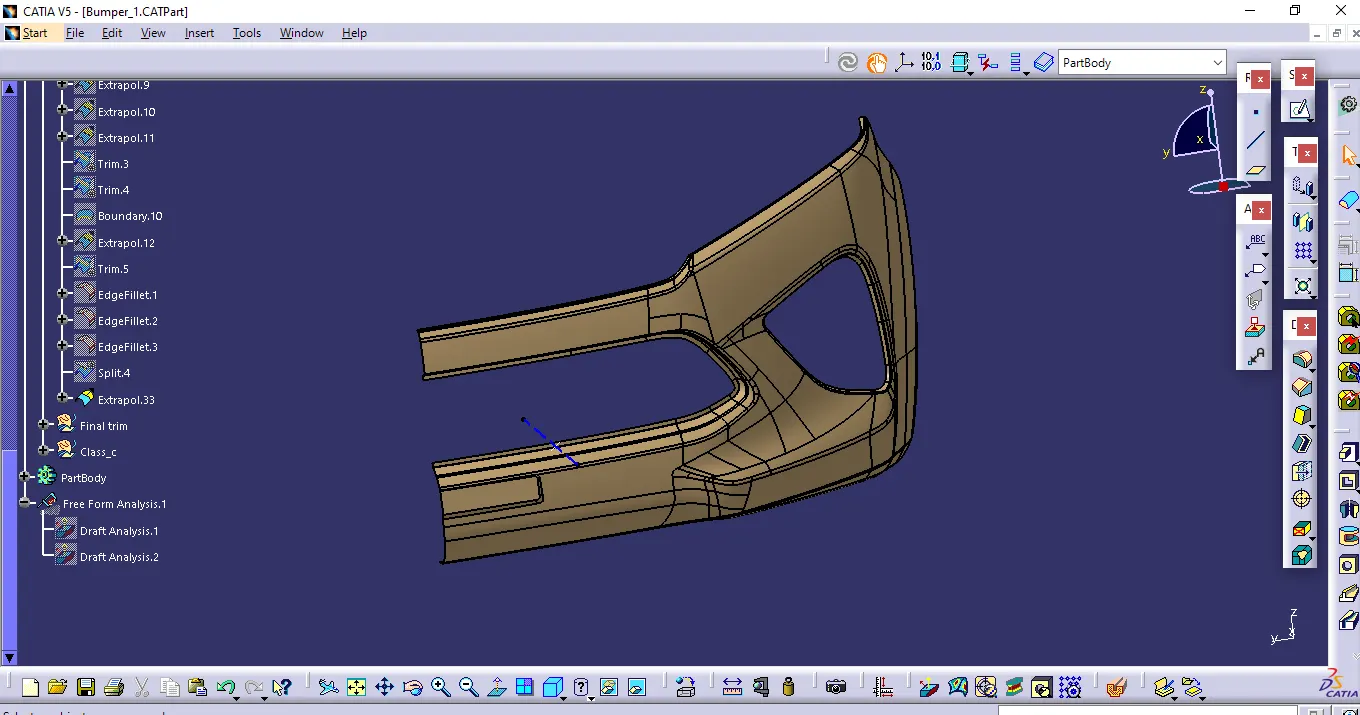
to create class b first we can use the multiple extract command to extract the boundary to extrapolate to use as a base for the b surface
after that we can trim it to the surface and with use of fillet command to apply the fillet to the surface
Class C
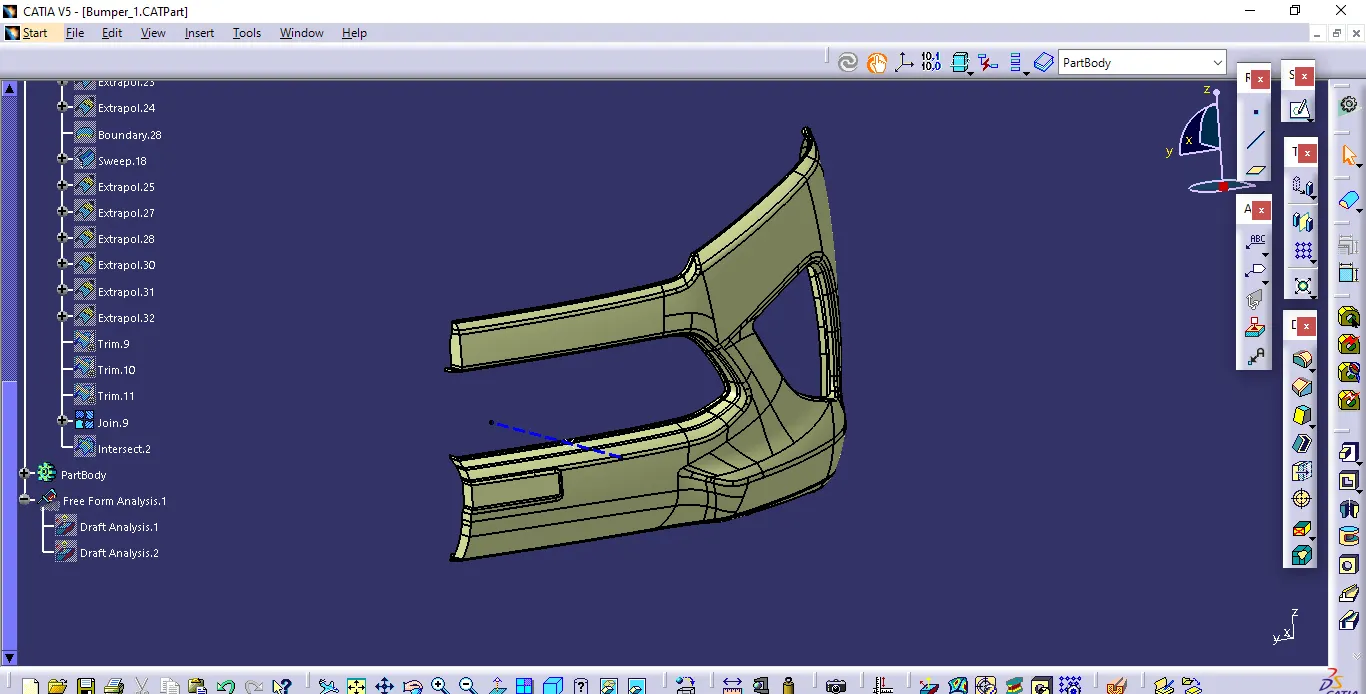
for class c by using the boundary command able to create the boundary between the limits wanted and after using sweep command we can sweep the boundaries with respect to daft direction and reference surafce after that we cantrim it to a single part and join with the class a surface using join command
Final trim
after joining the surfaces with using trim command to trim the class c and class b surfaces after that by using close body command in part design workbench create the closed body of the bumper
Final draft analysis
after creating closed body with using draft analysis by placing the compass respect to tooling axis we can able to find the draft analyse the final part
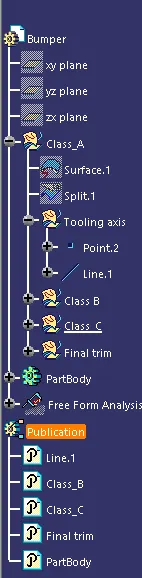
Tree Structure
Class B
Class C
Final Trim
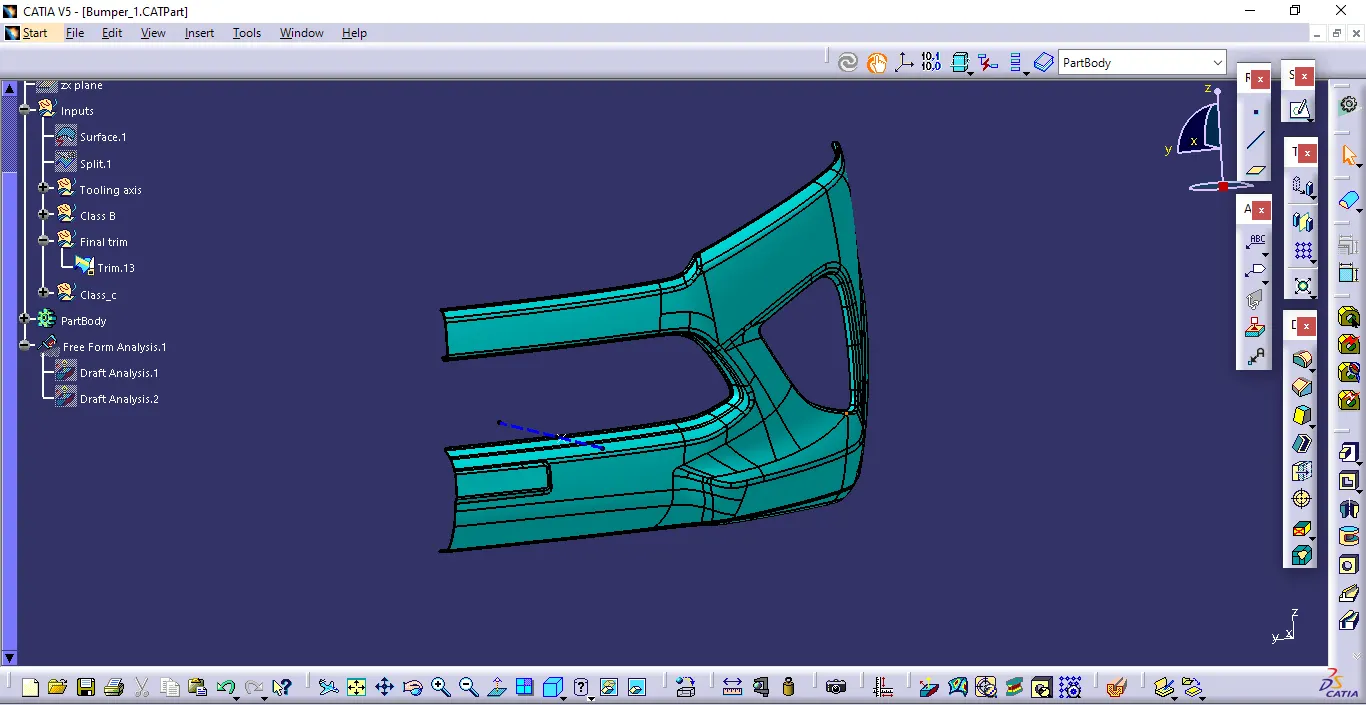
Closed body
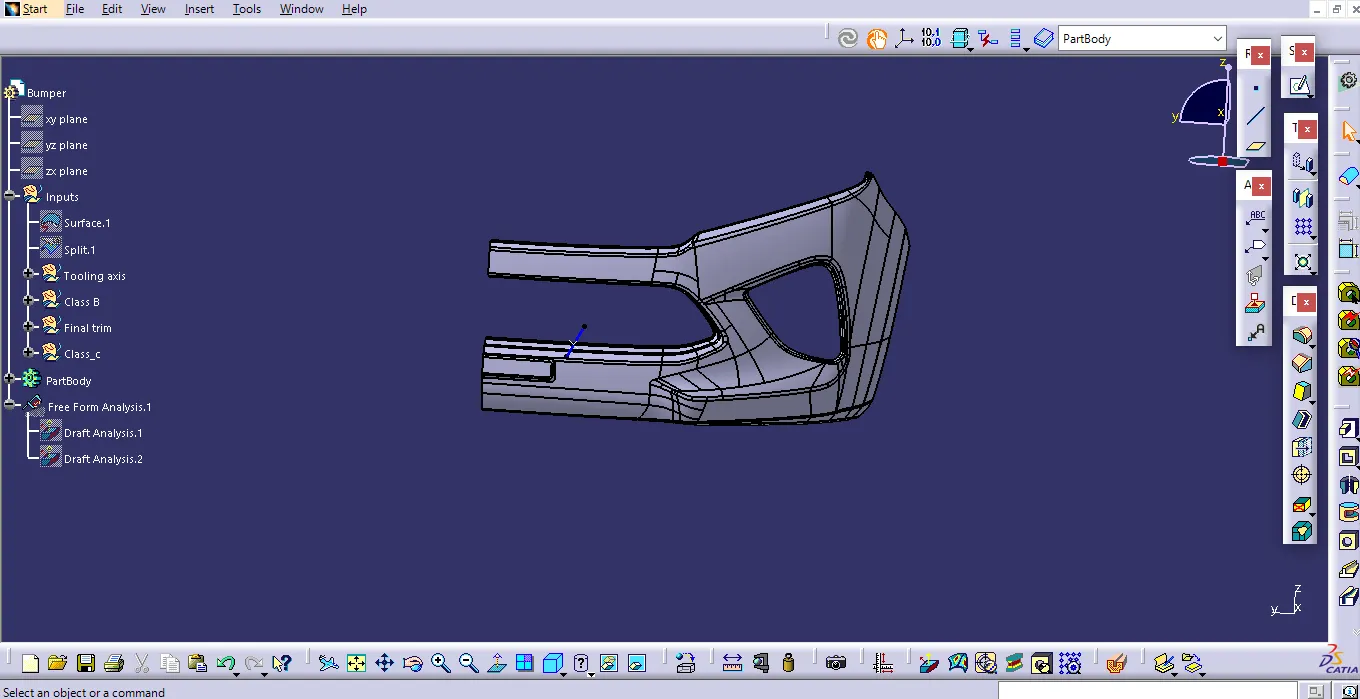
Side view
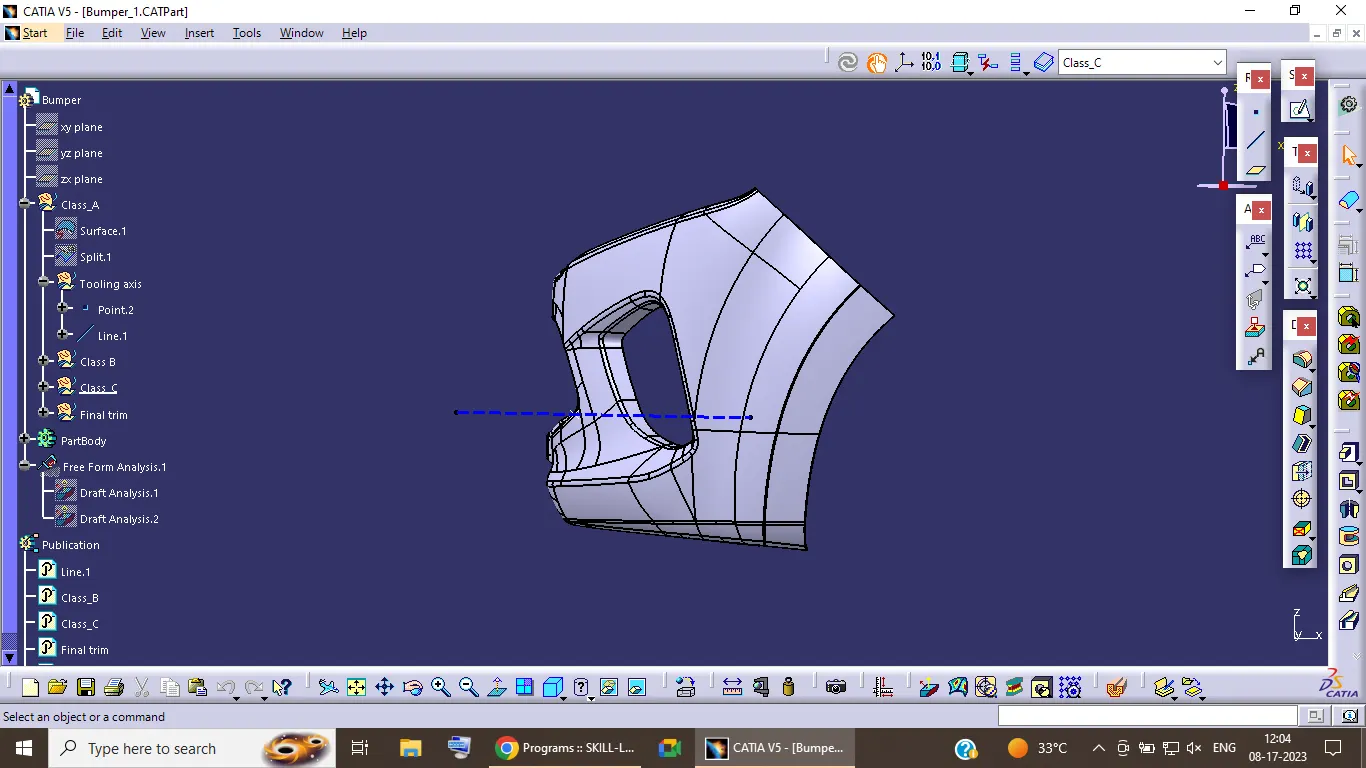
Top view
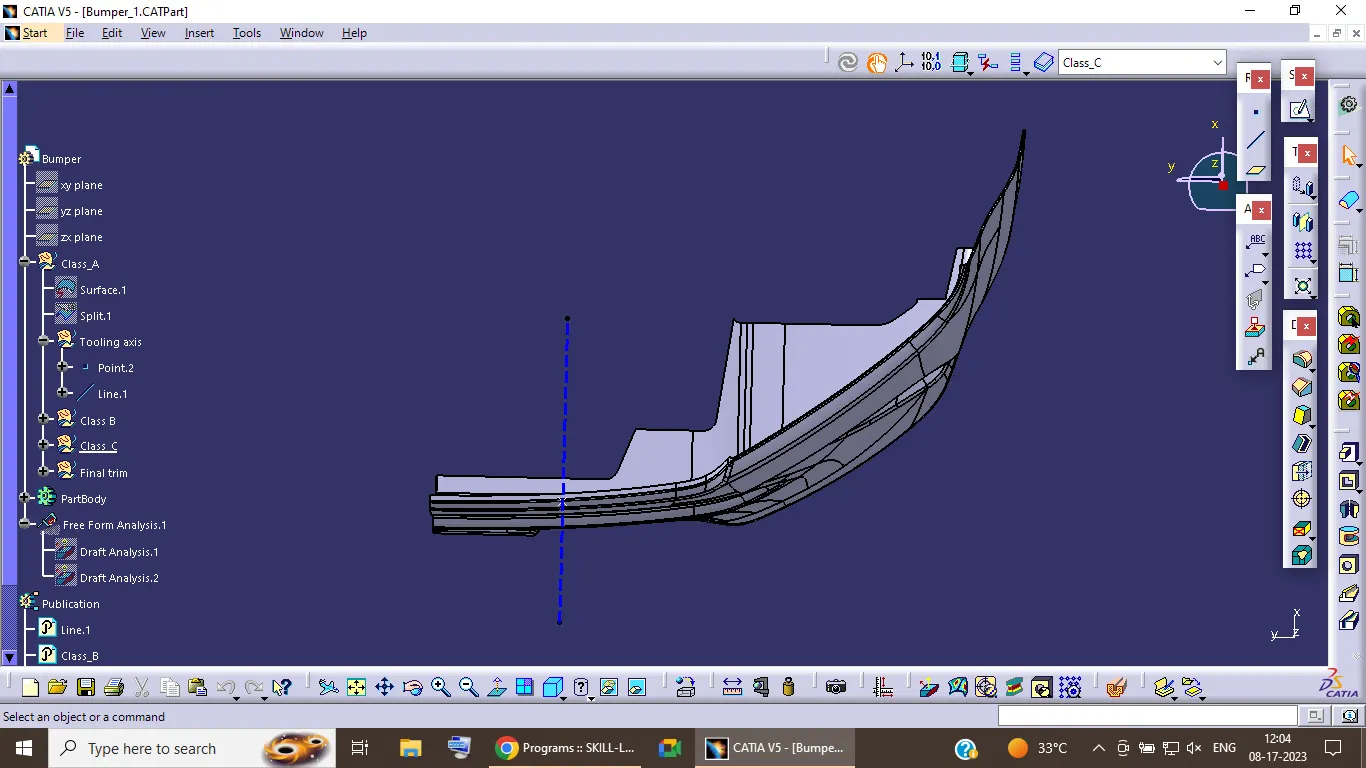
Final draft analysis