Week 9 - Challenge 3 - Bumper
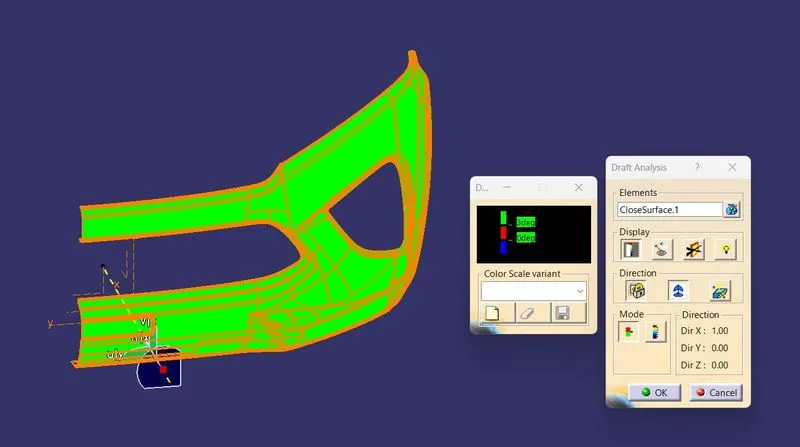
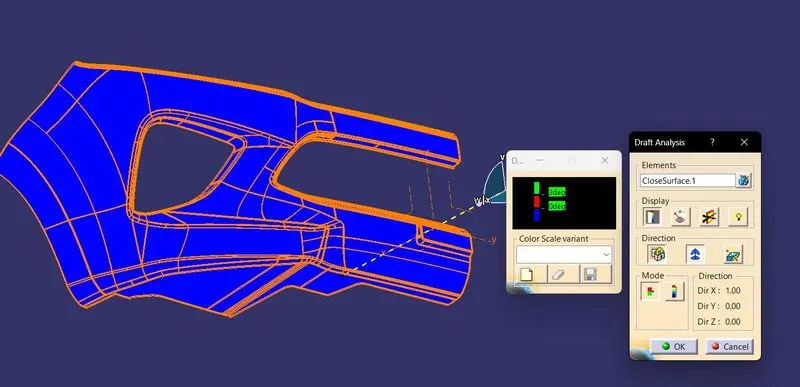
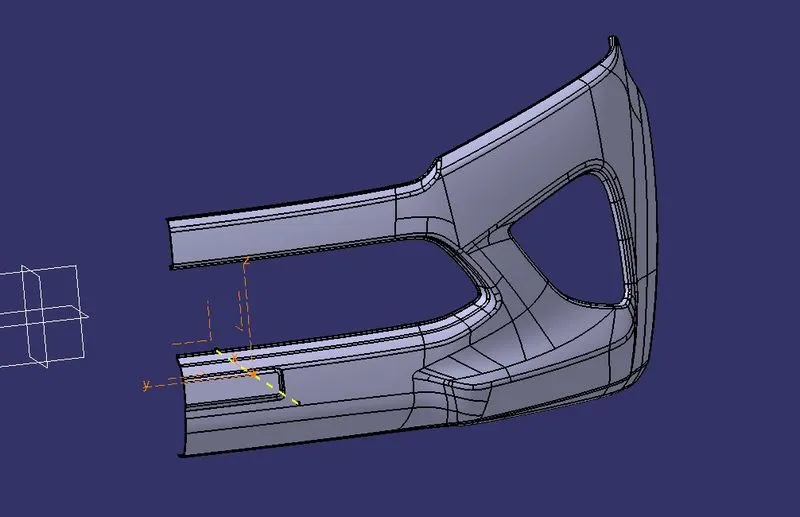
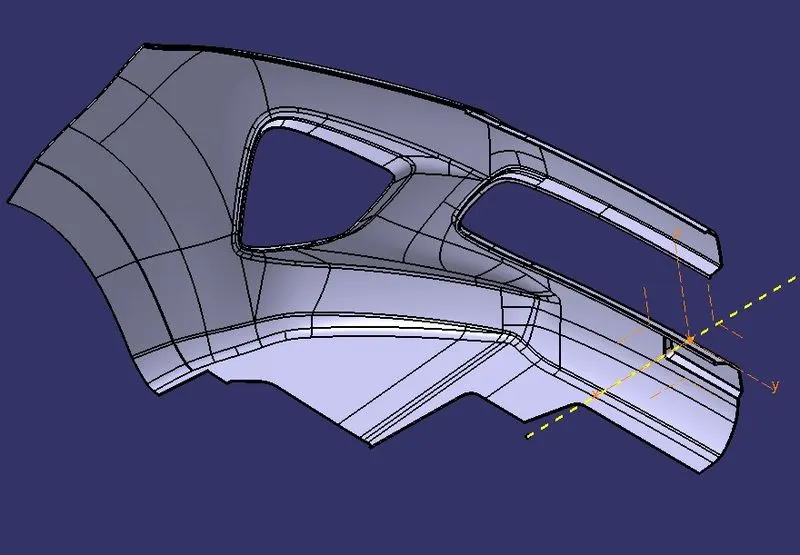
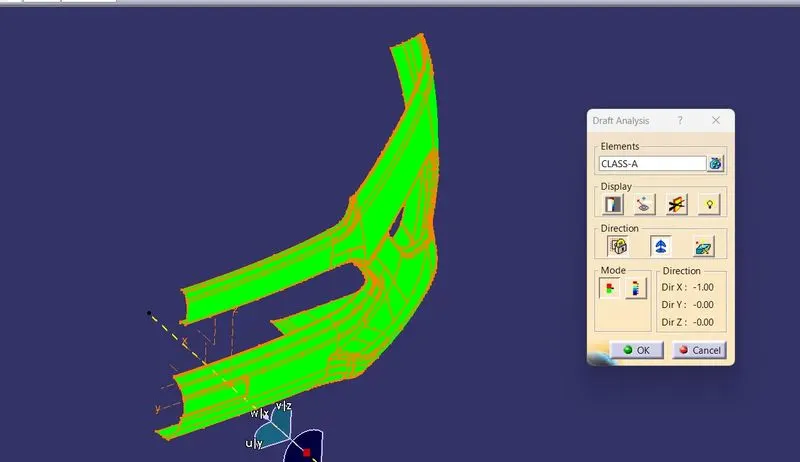
Steps for Bumper Part Creation are as follows:
1) Create a point taking any point as reference using point command.
2) Create dummy axis in X Direction, use draft analysis tool to check weather this dummy axis can be used as main tool axis. As, all surface is above 3 deg w.r.t dummy axis , so we can use it as main tooling axis. Rename & Publish the line as Tool Axis.
3) Take offset of A-surface, some surfaces might not get created. We have to create it manually. Accept the offset without the error elements.
4) Now, extract all boundary faces of error elements, extrapolate them and trim them to combine as one. Then provide the necessary fillet at the required edges.
5) For, Class-C surface use boundary tool to create open boundaries of class-A surface. Use Swept with draft direction for perpendicular A-surface boundary to create C-Surface with req. angle & direction as tooling axis. If the boundary of A-surface is parallel to tool axis then use sweep with reference surface tool and bulid surface perpendicular to the Class-A surface. You may have to extrapolate Class-A & Class-C then trim them to combine inot one.
6) Trim & Join Class-A,B,C surfaces. Use close surface to get solid.