Week 9 - Challenge 3 - Bumper
As from the given Bumper CAT Part.Firstly I downloaded Bumper CAT Part File After that I started doing Tooling Axis.
Tooling Axis:-
For Tooling Axis I took point optin then I selected point on curve and i selected middle Point.By using this point I used line by direction I selected X direction.
Class B:-
To get class B surface I took Class A Surface(Downloaded CAT PART file) I offset at 3mm.I got some errors due to the fillets.
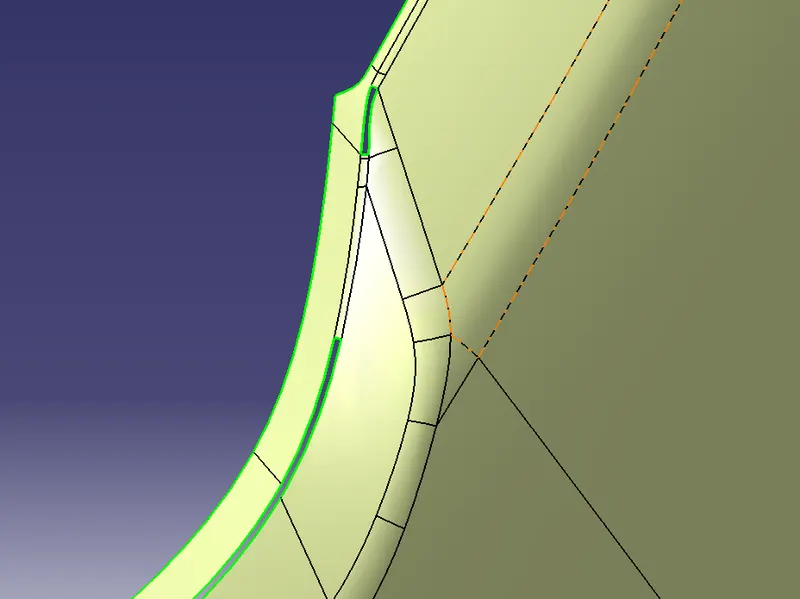
As we can see above image that some uneven fillets.For this uneven fillets I seperated by using multiple extract.
To selected other I just want to remove unven surface for that i used multilpe extract i selected as complementary mode.Thus
It got selected other side. I used Boundary command one after another to extrapolate.After that I trimmed unwanted
surfaces.At center I got same Issue with the fillets I used different approach.Firstly I took multiple extract I selected at
borders then i select split command I splitted as shown in below.
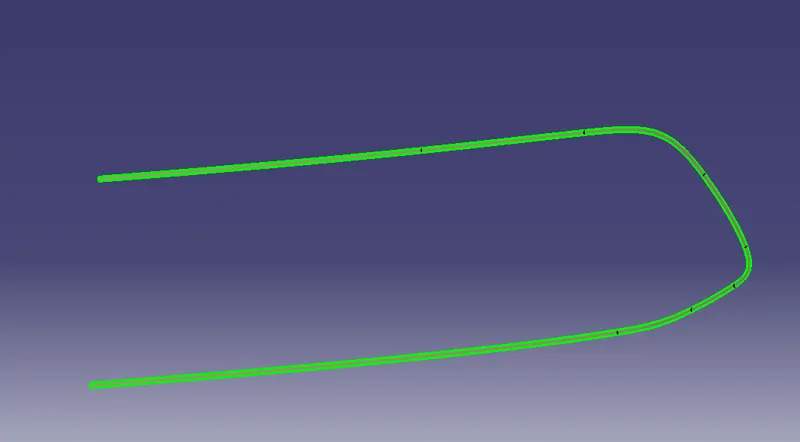
I used same procedure as extrapolate command to extract above part and another part aswell.
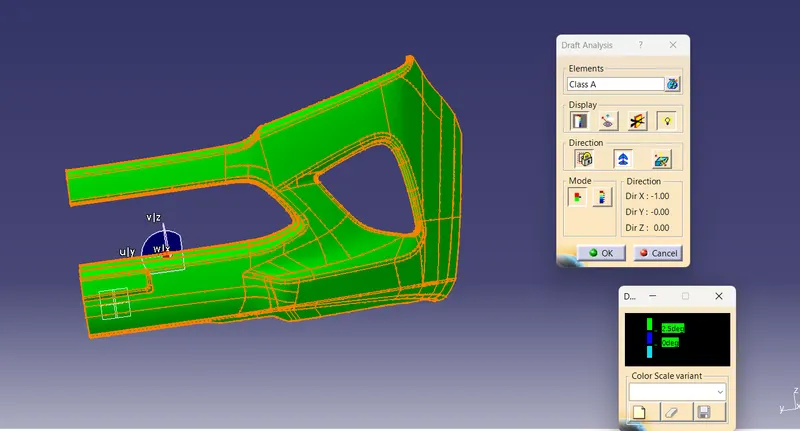
Class A Draft :-
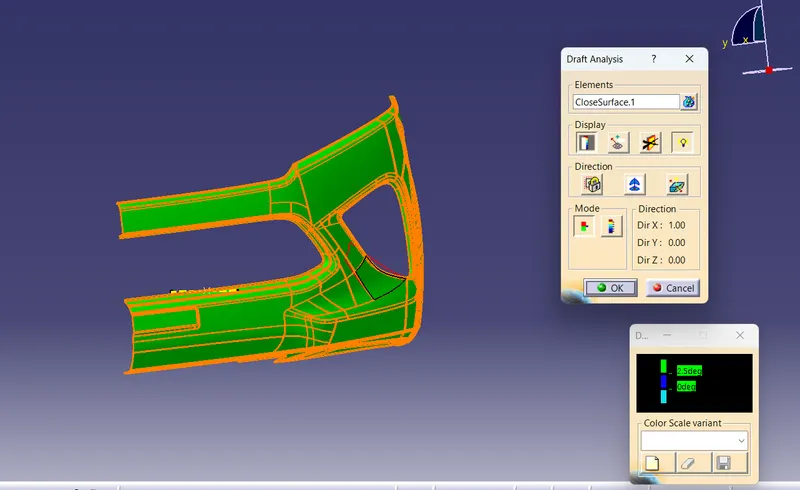
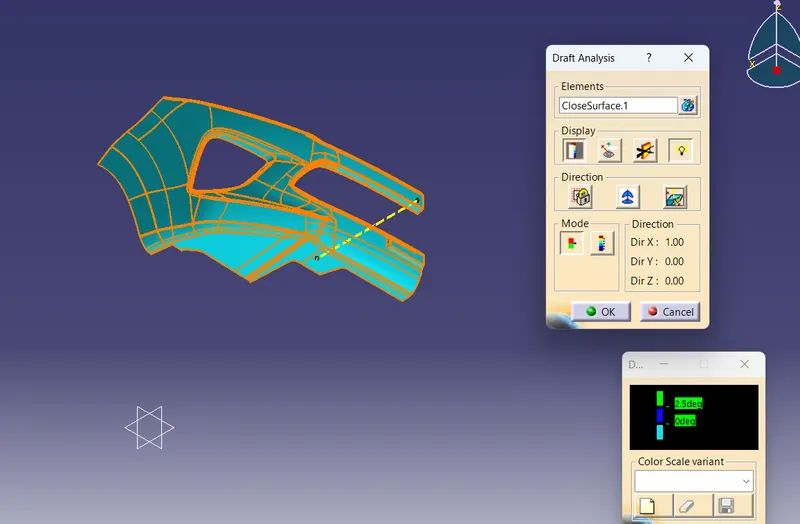
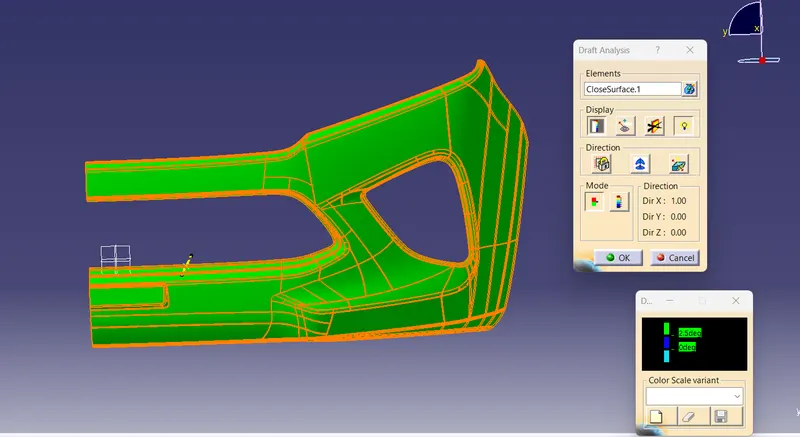
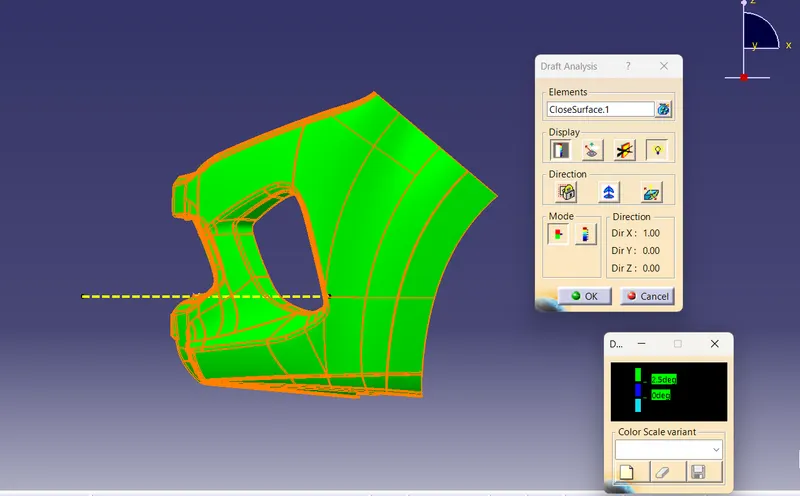
Final Plastic Draft Analysis:-
Views:-
Isometric Views:-
Front View:-
Top View:-
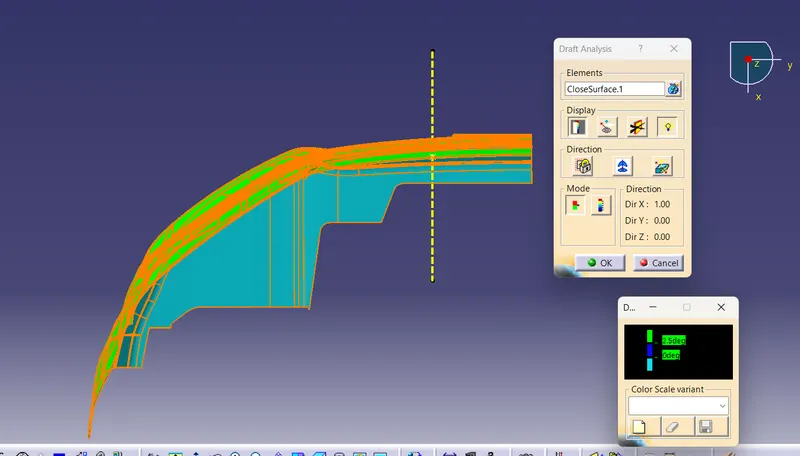
Side View:-
Extrapolate and trim unwanted surfaces.
I insert new geometrical set as Class c.I created Boundary using Class A surface I used sweep command.
If Boundary is parllel to tooling Axis can go with sweep with reference with surface and angle as 90 degree.
If Boundary is perpendicular to tooling axis go with draft direction.For draft direction I took tooling axis and angle as 3 degree.
After I completion of all Sweep I used to get one sweep.
After that I took B surface I Trim unwanted surfaces Thats my output is Final Component.
After that I used close surface and I got draft analysis as Expected.