Week 9 - Challenge 3 - Bumper
BUMPER CHALLENGE
Object:- Create a tooling axis in a proper way for finding a better draft analysis from the given class A surface. Create a draft analysis of the class A surface and create the class B and class C surface from the class A surface. And finally, create the draft analysis of the finished body.
Consider the thickness of the component 3 mm.
Class A Surface:-
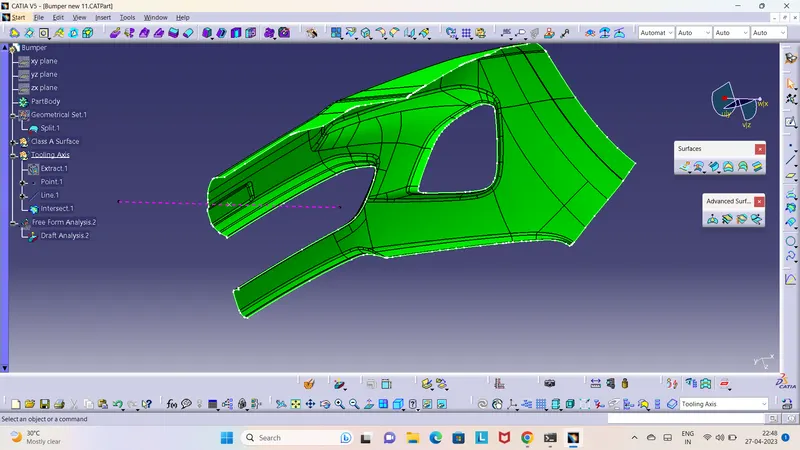
Given Class A Surface
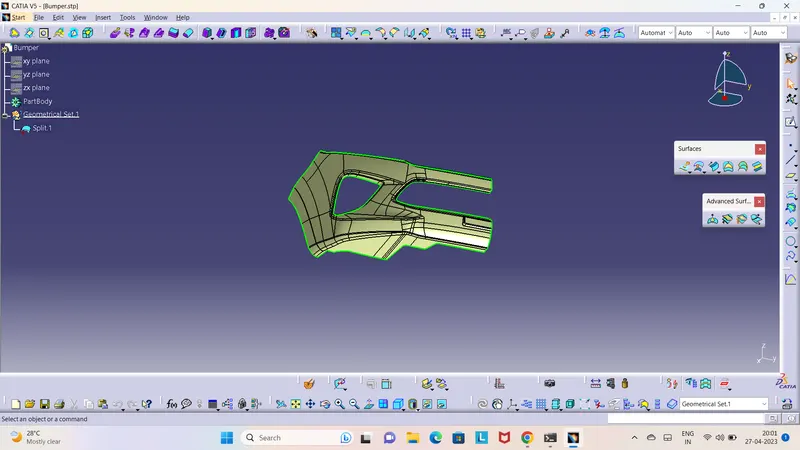
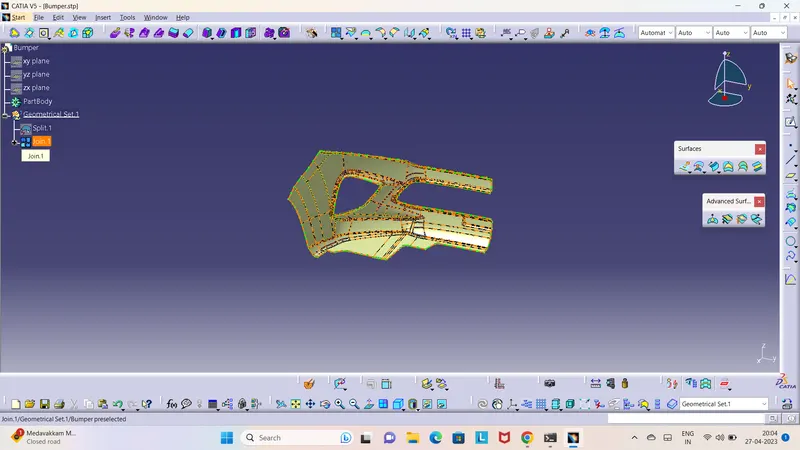
Checked the given Class A Surface element by a joint command
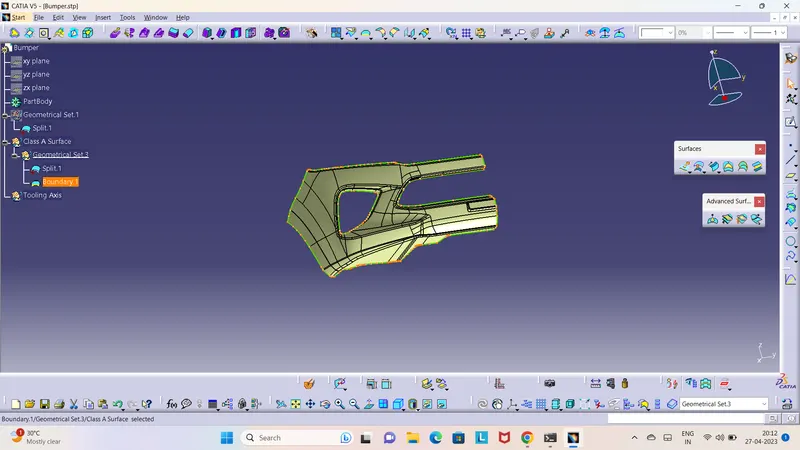
Checked the boundary continuity using boundary commend
Tooling Axis:-
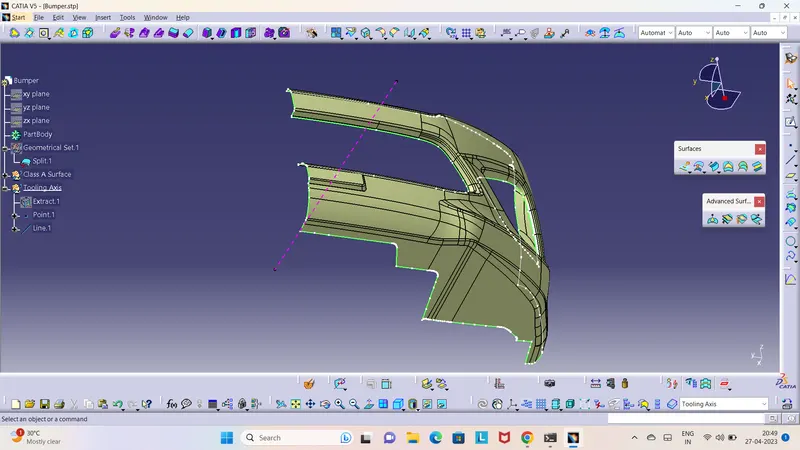
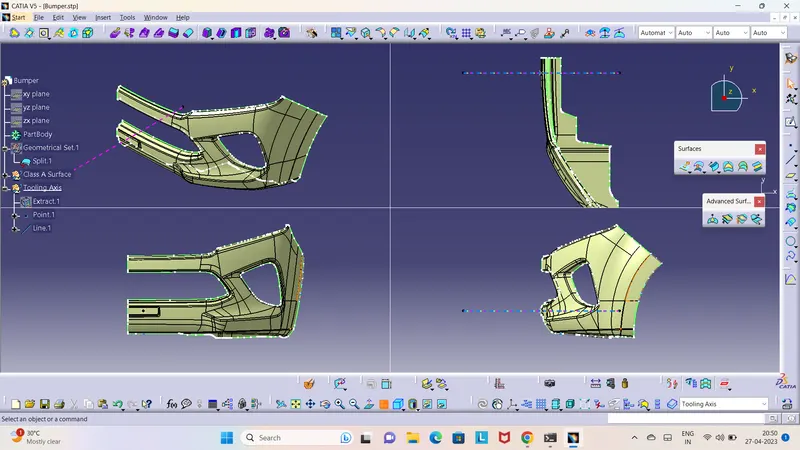
Here I have created a tooling axis. I extract a base surface and create a midpoint on it. And then I create a line through this point perpendicular to the base surface. And then I performed a draft analysis and I saw everything is ok. Then finally it is my tooling axis.
Draft Analysis of Class A Surface In CATIA:-
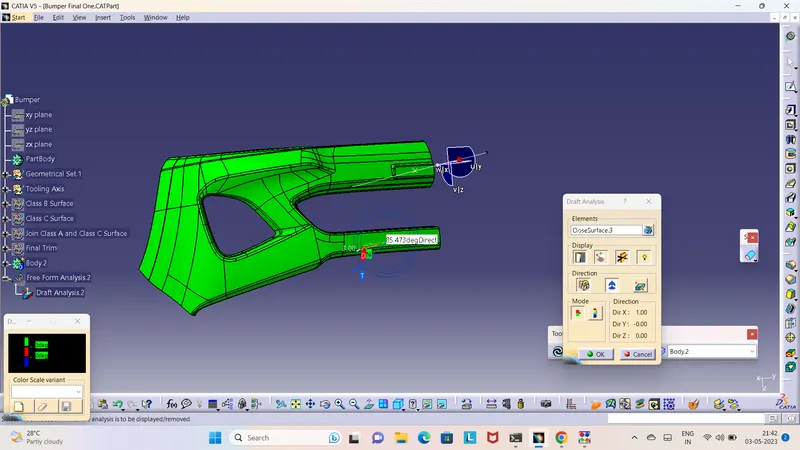
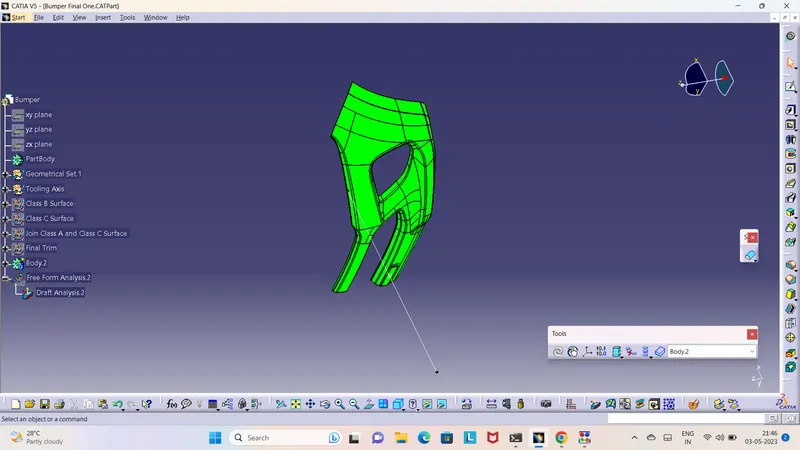
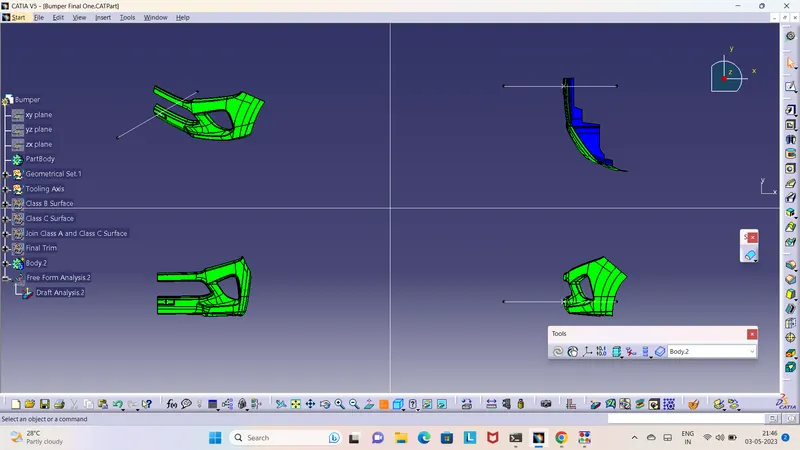
It provides colour-based identification. With the help of this, we can easily find which surface is clear and which is stuck by colour changes. Here I give the draft angle 3 degrees. The result in colour is based that the surface which is green. And where the colour is blue mean draft angle is 3 degrees to 0 degrees if this surface area is low then you can go. If you find a red colour zone then it means the draft angle is less than 0 degrees. Then you will have to create a tooling axis in another way if possible, otherwise, you can say your design engineer to correct for design.
Class B Surface:-
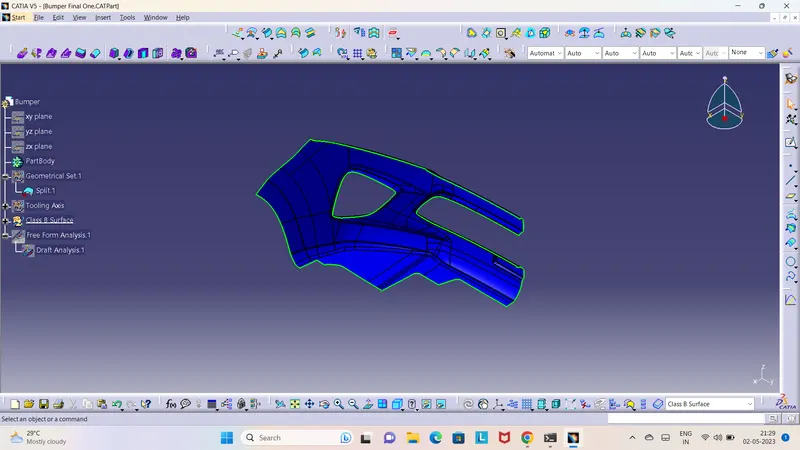
Here I created a Class B Surface of 3mm from a Class A Surface.
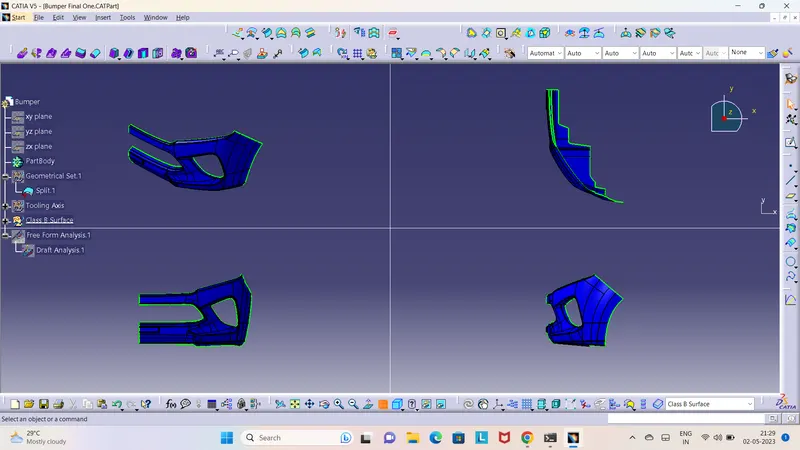
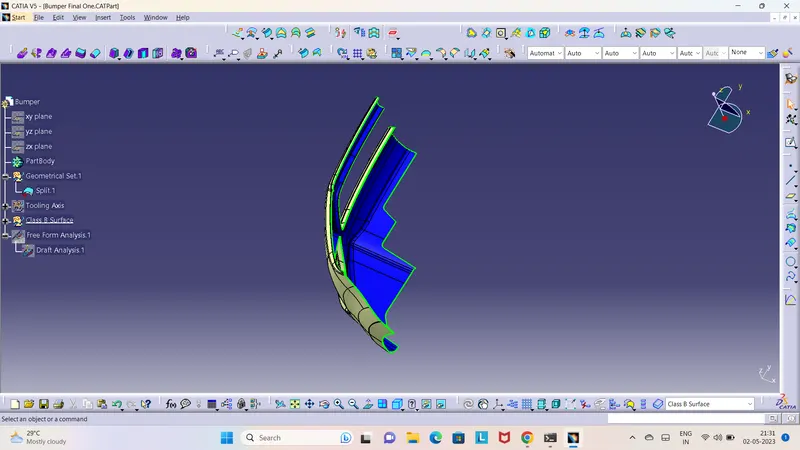
Class B Surface with Class A Surface
Class C Surface:-
Here I created a Class C Surface using Tooling Axis.
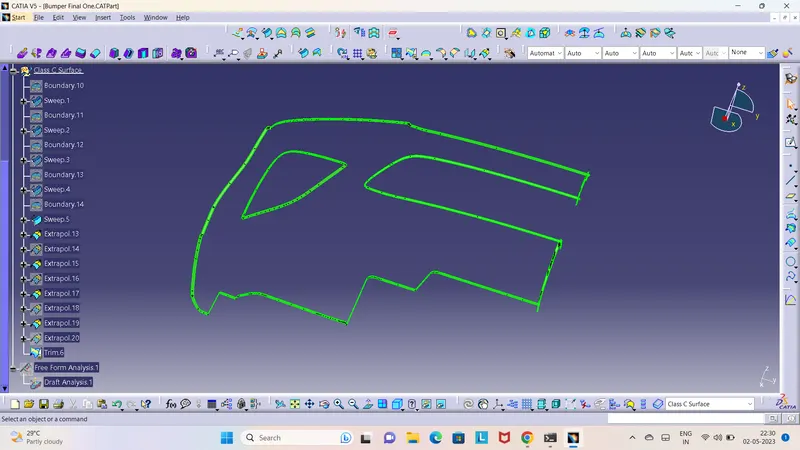
Joining Class A with Class C Surface
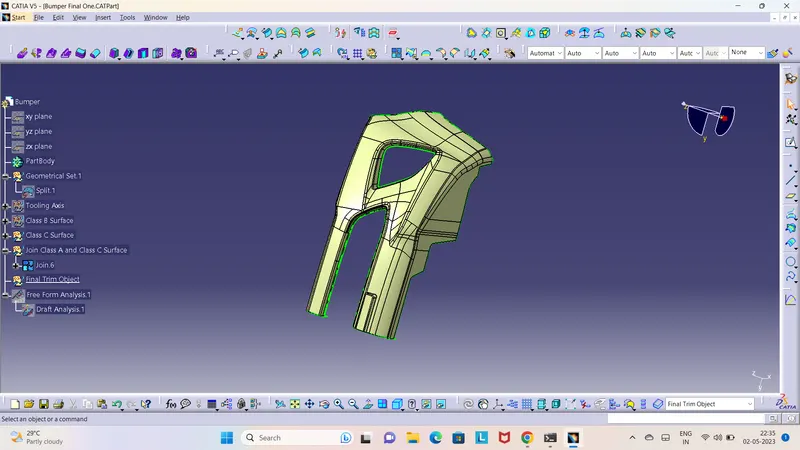
Final Output
Give Class A Surface with Class B and Class C Surface
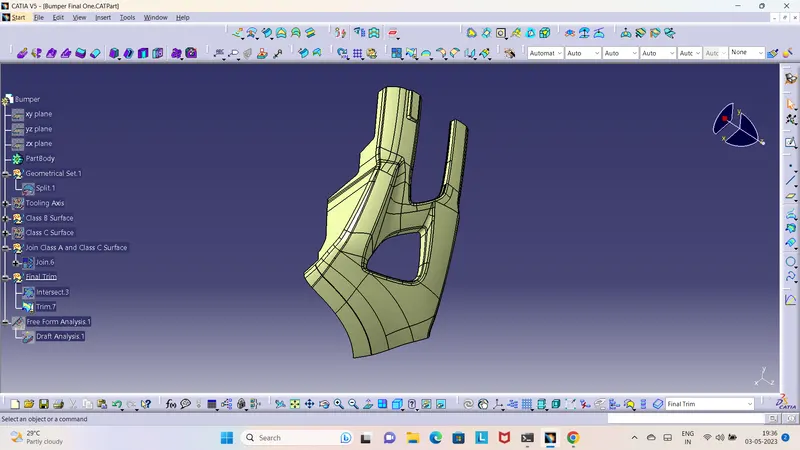
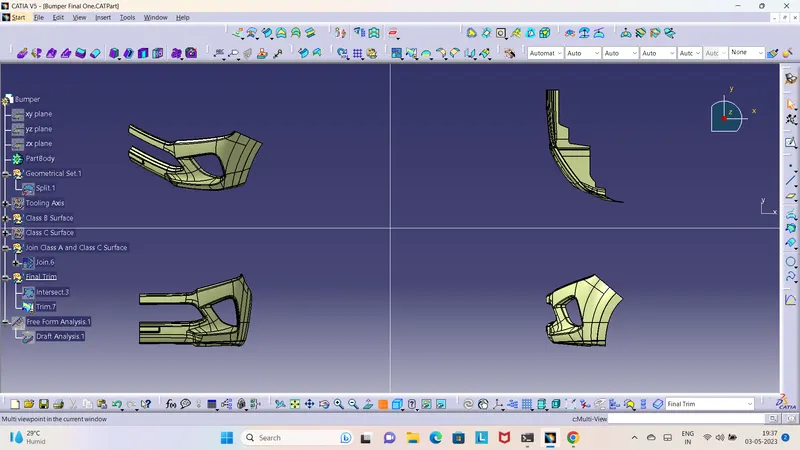
Checking
Boundry commend whether it is closed or not
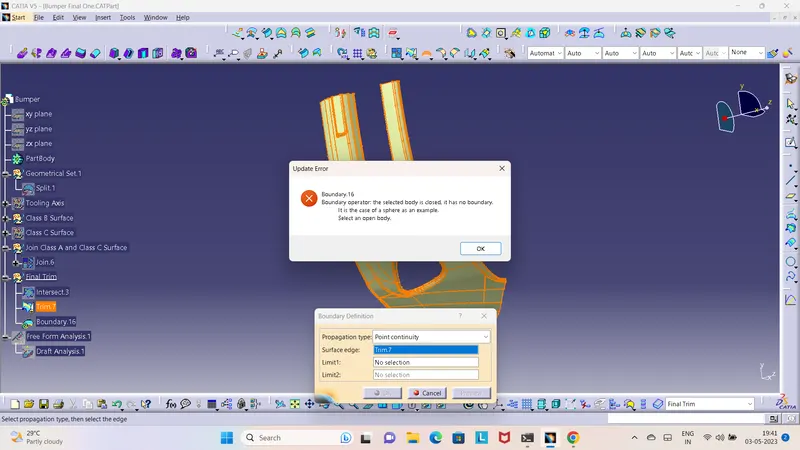
Closed Surface
Created the surface using Colsed body
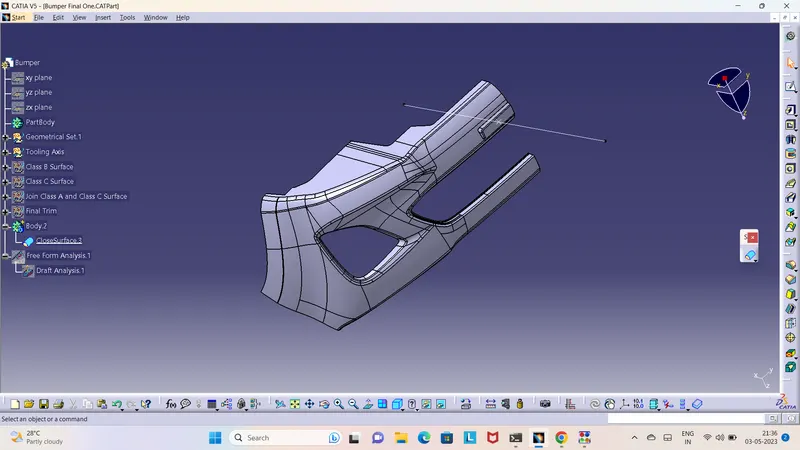
Draft Analysis of Final Output Surface:-