Week 9 Challenge
1. Generate seismic loading-based IS codal provisions and zone II. Any other data you can assume and input accordingly.
AIM
To generate seismic loading based on Is code by using tekla software.
PROCEDURE
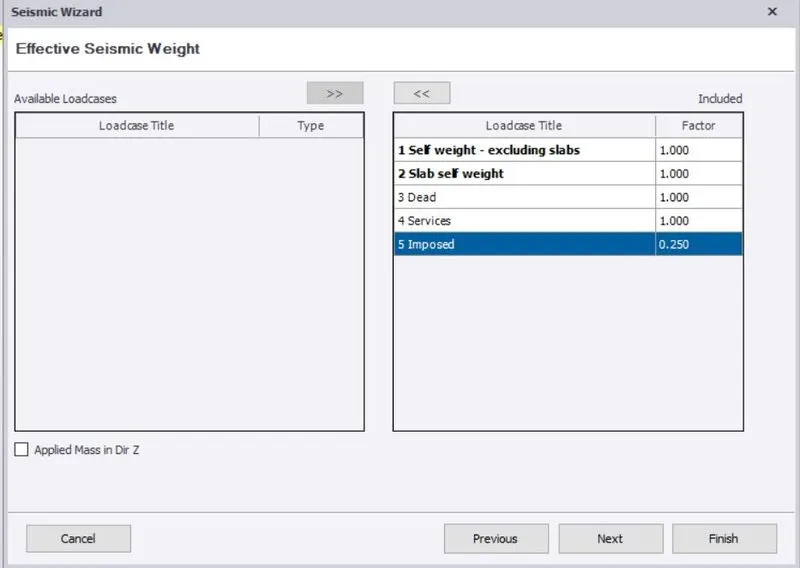
- To add the load cases of Seismic factor as per Indian standard.
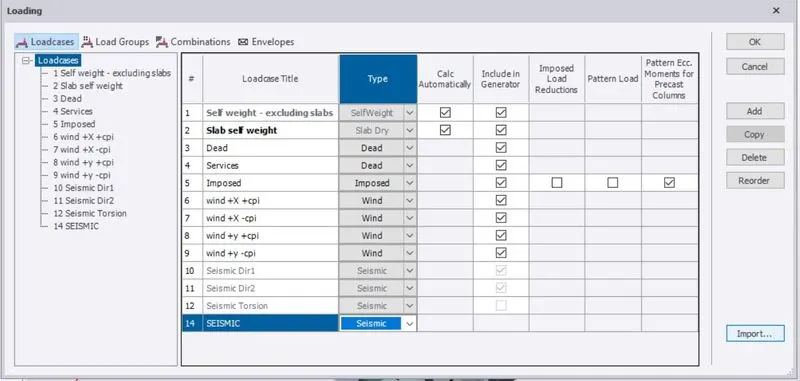
- Go to Load > Seismic load > seismic wizard .
- To give site specific spectra and basic information of model.
- To check all data of basic building information.
- To check structure irregularities.
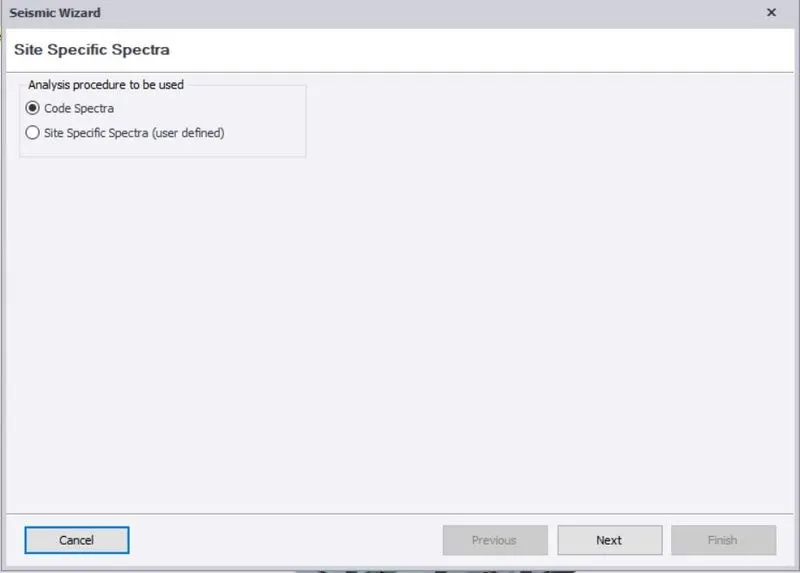
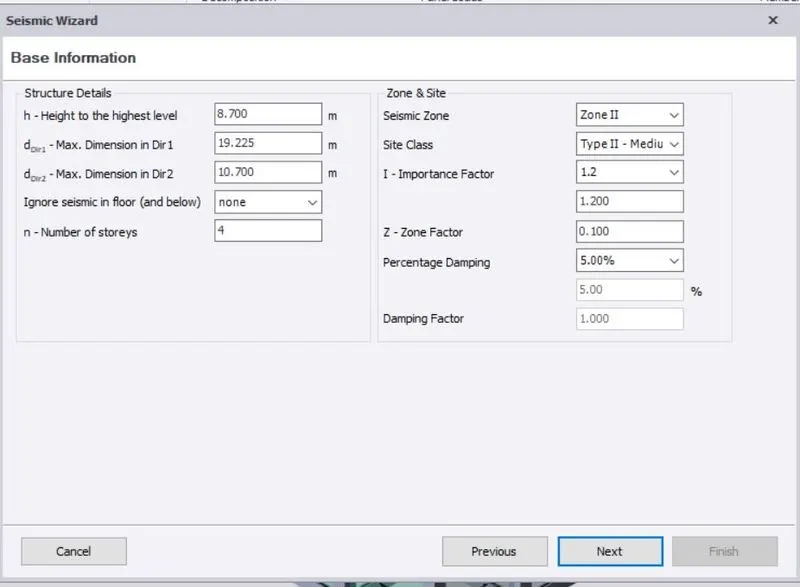
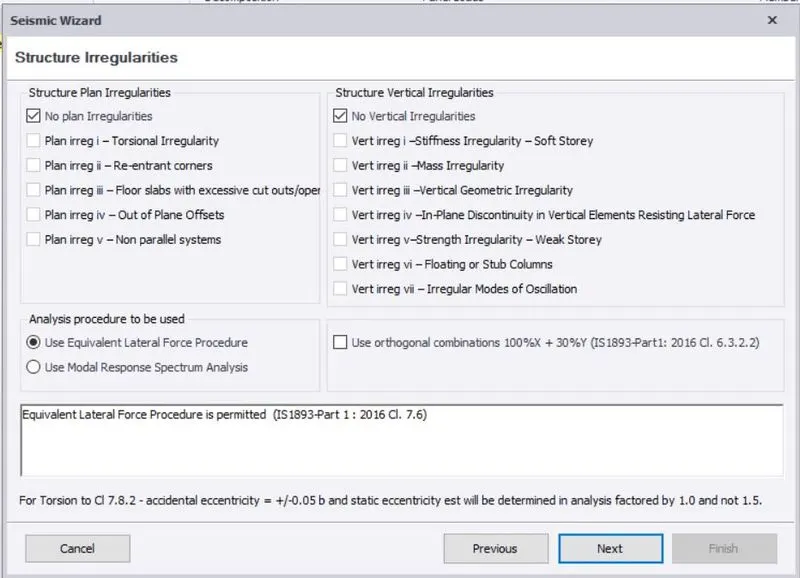
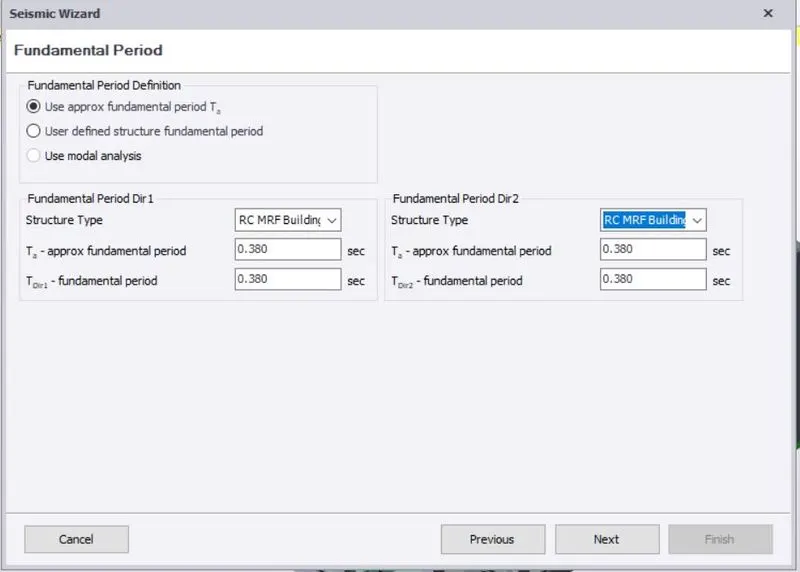
- To add the fundamental period of Directions 1 and 2 and to change RC MRF.
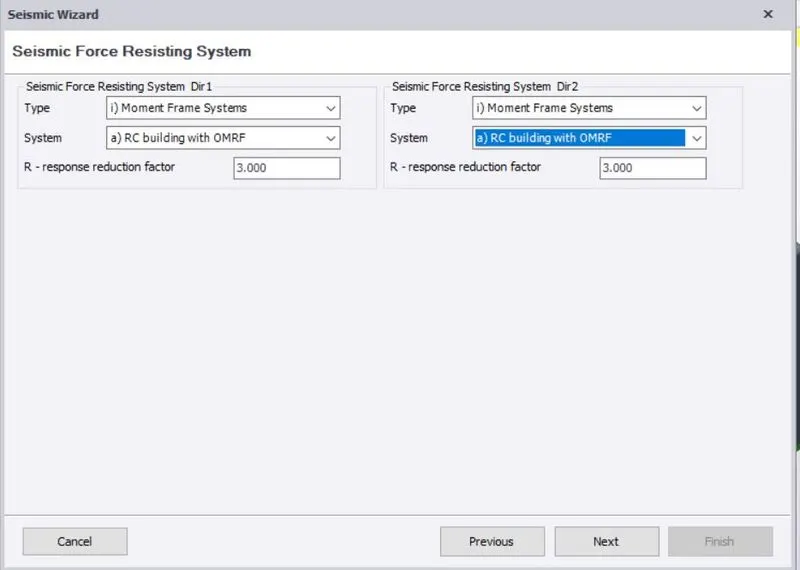
- To add the Seismic force-resisting system and type and system of the model.
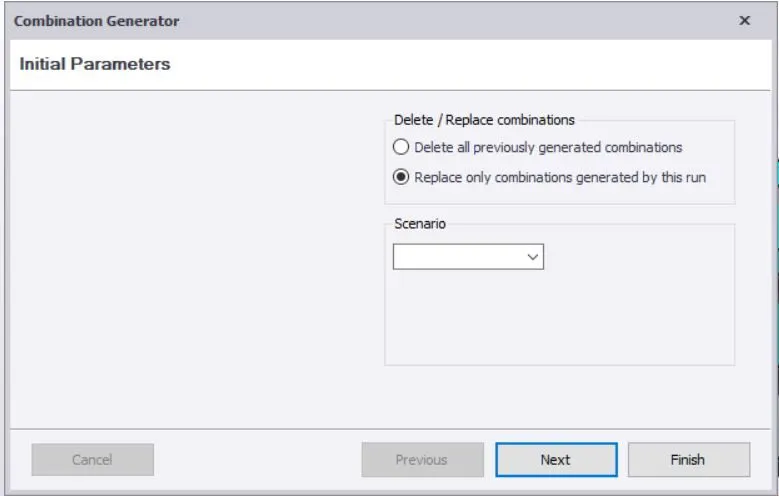
- To generate the load cases and Load combinations as per the Indian standard.
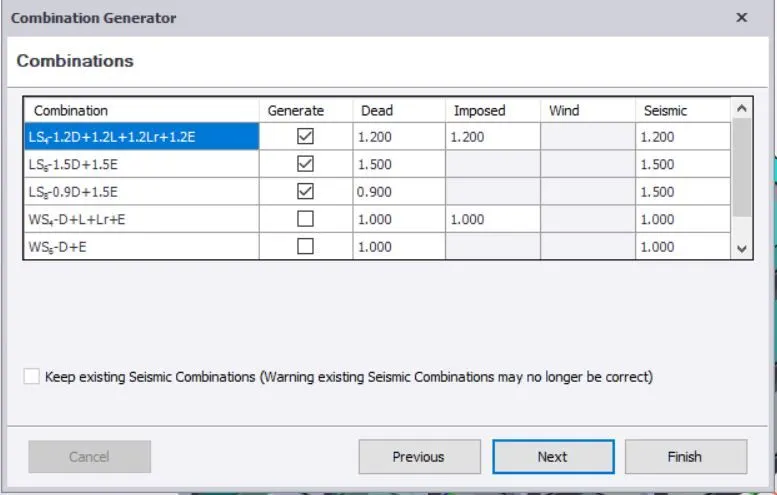
RESULTS
Successfully added the seismic load on the structure.
2. Run the analysis. Summarize your understanding of the analysis results
AIM
To check the model and Run the analysis.
PROCEDURE
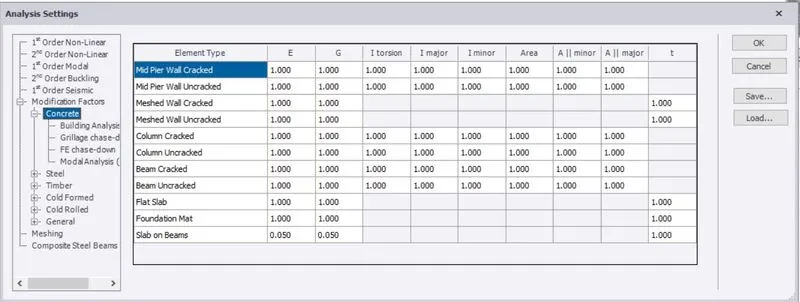
- To Check the model and Go to Review of model.
- To check all structure members should be in switch off the Autodesign.
- For all categories of load and combinations should be properly applied.
- To check pinned and fixed joints about a frame.
- And also to be check the section and material grade, for all materials could be in same assigned material properties..
- To view the substructure and property sets structure.
- Finally, Go to Analyze > choose 1st Order Linear > ok.
- Then, we get the Result of analyzed structure.
- Choose one frame and Go to Result view.
- To check frame at all load cases and combination of axial load, shear major, moment major.
- And also to check deflection under all direction and all loading factors.
- similarly, as we check all frames and 3D structure of our model.
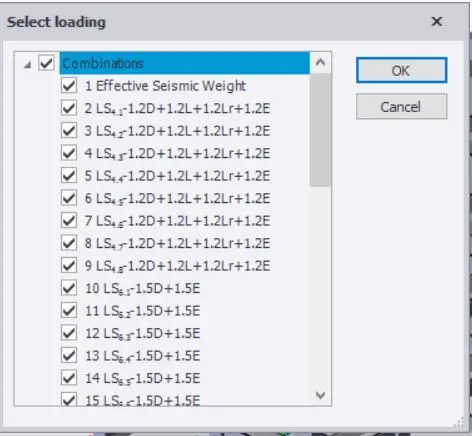
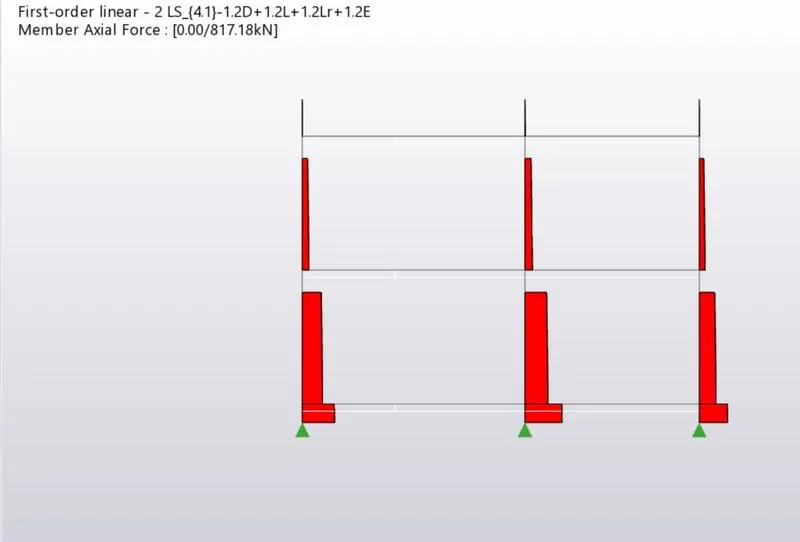
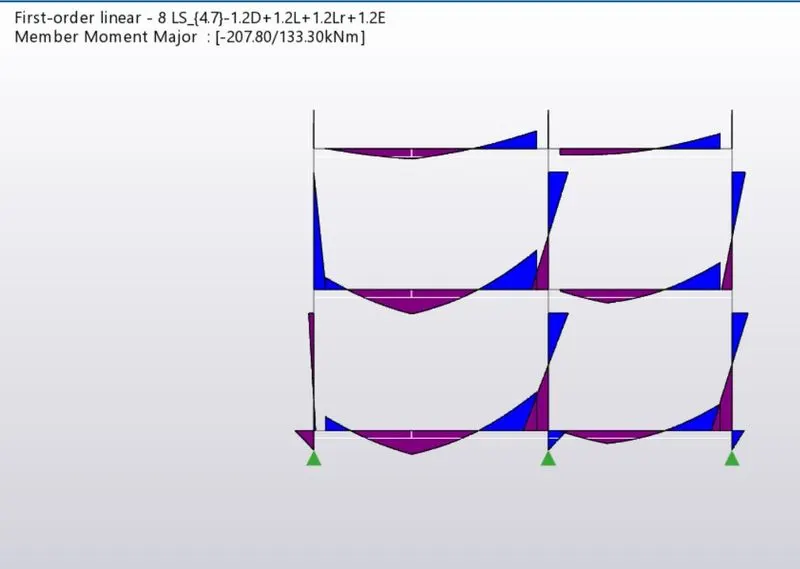
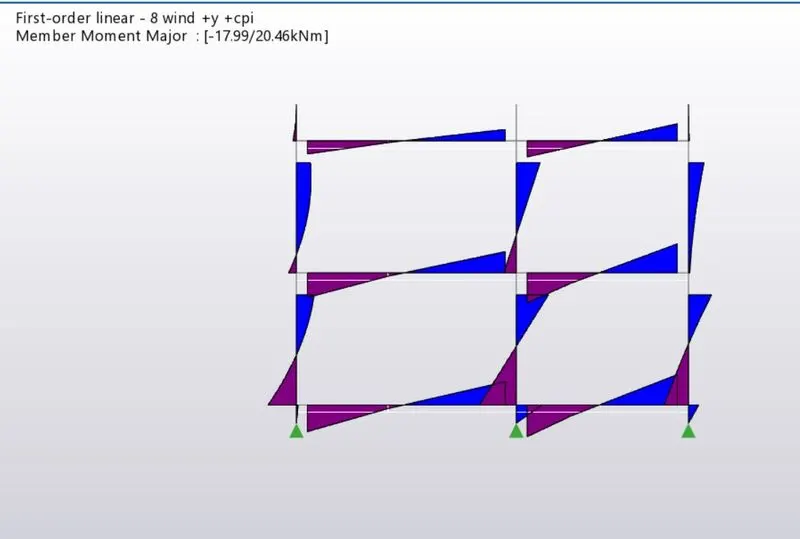
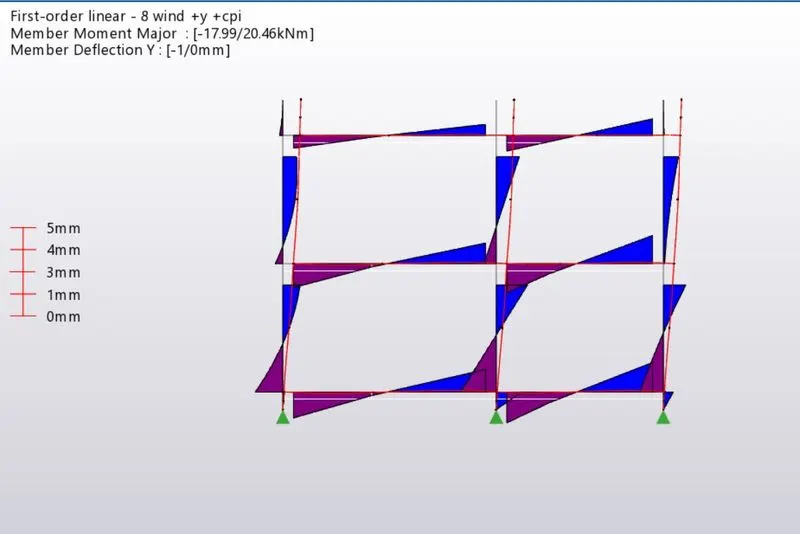
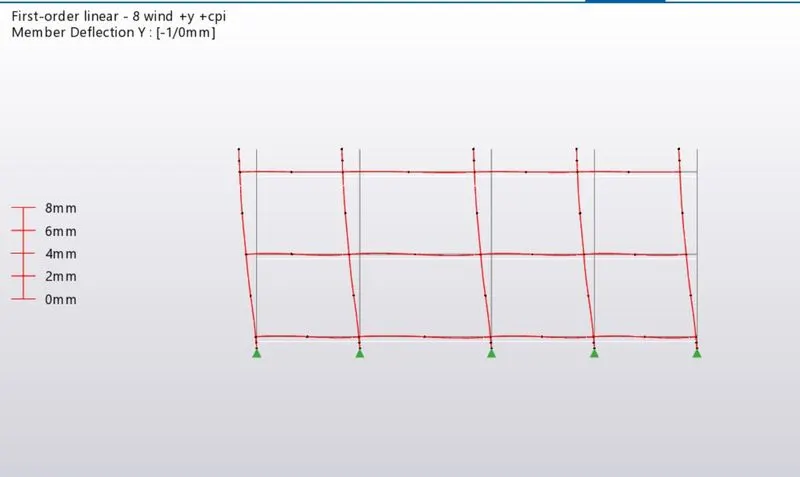
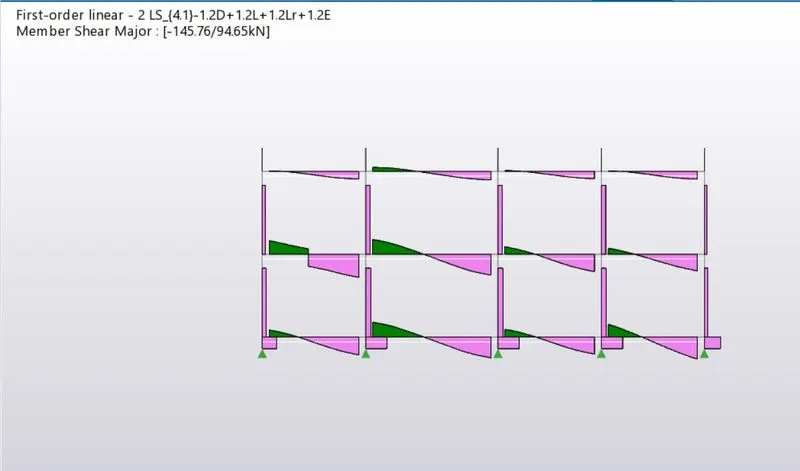
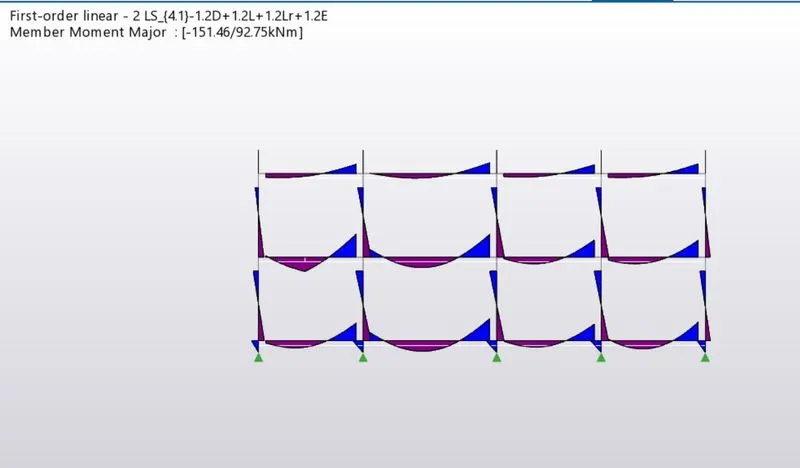
RESULTS
Check and analyzed the model of all categories properly.