Week 9 - Challenge 2 - Switch Bezel Design
Objective:
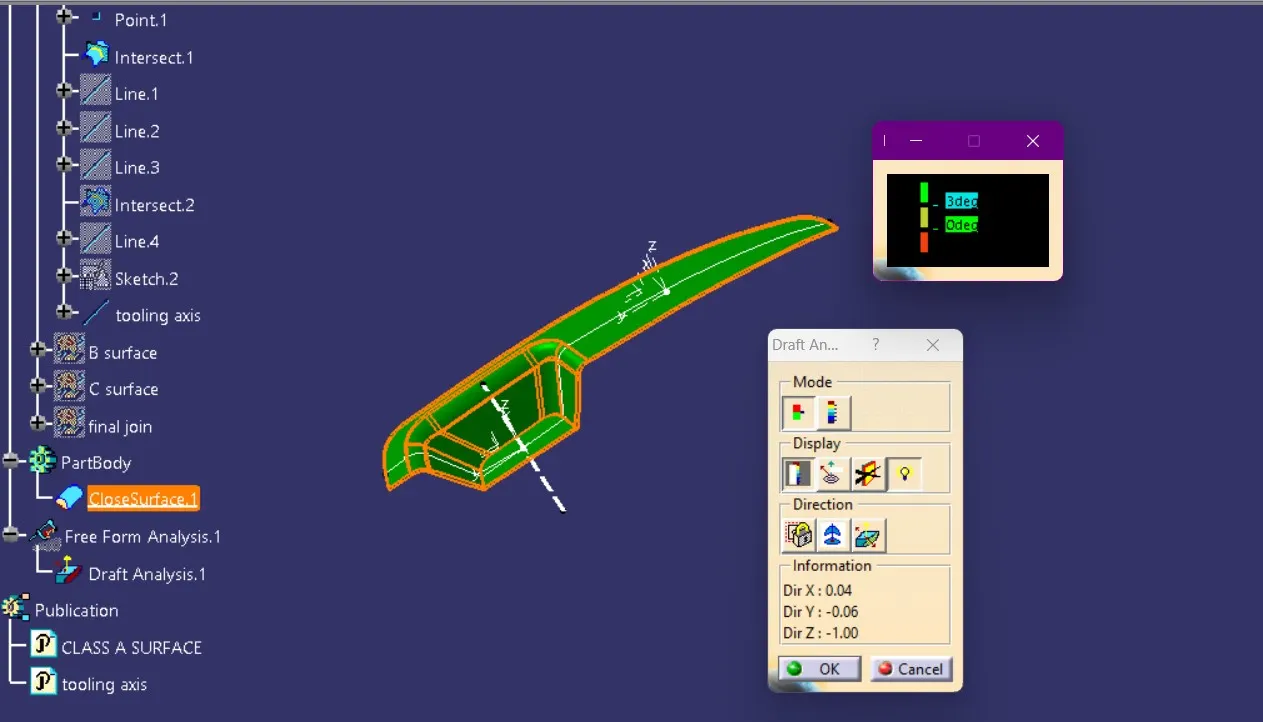
The project aims to design the switch bezel and perform a draft analysis by establishing the necessary tooling direction using the Bisecting method.
Introduction:
The control panel bezel is the frame that secures the window switch covers and buttons. Molding is the standard method used by most OEMs to manufacture automotive plastic trims, and the switch bezel is designed with this manufacturing process in mind.
Design Steps:
Create Tooling Axis:
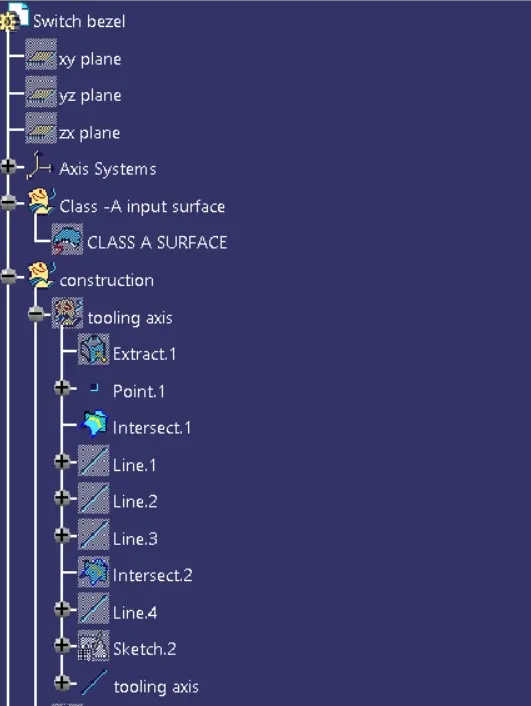
The first step in designing a plastic product surface is to establish the tooling axis. The Bisecting command is used to create the tooling axis, which is crucial for the moulding process.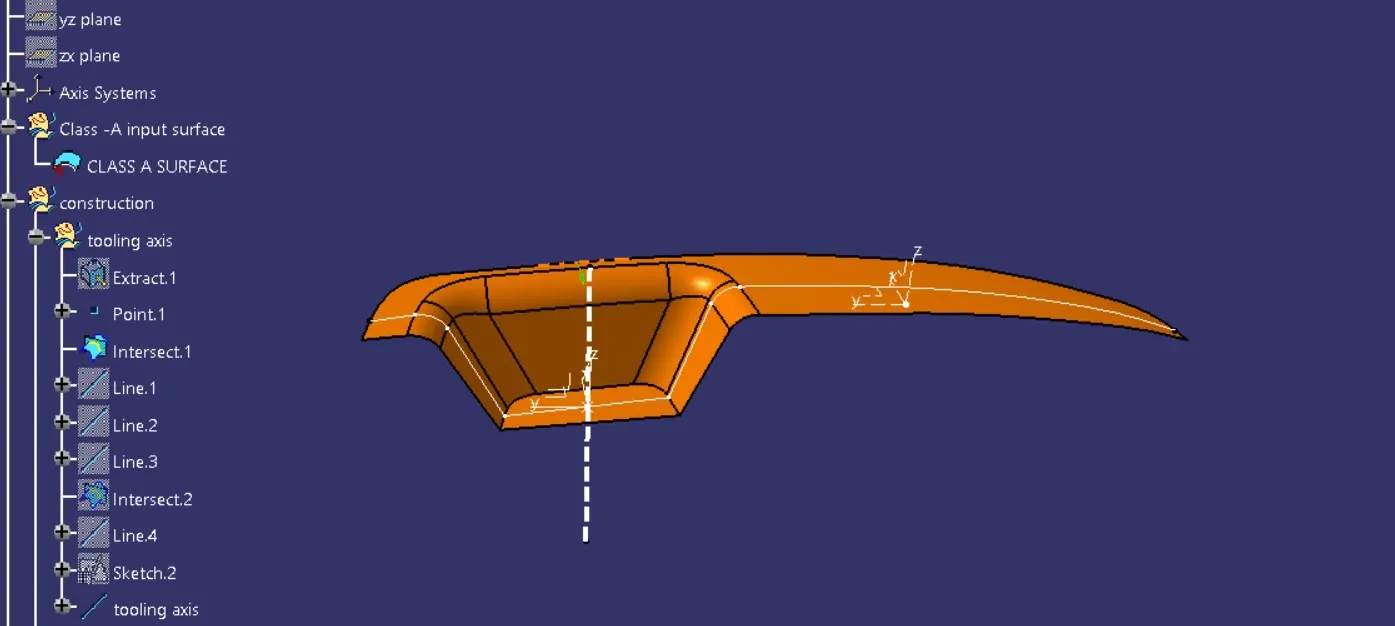
Create Class B Surface:
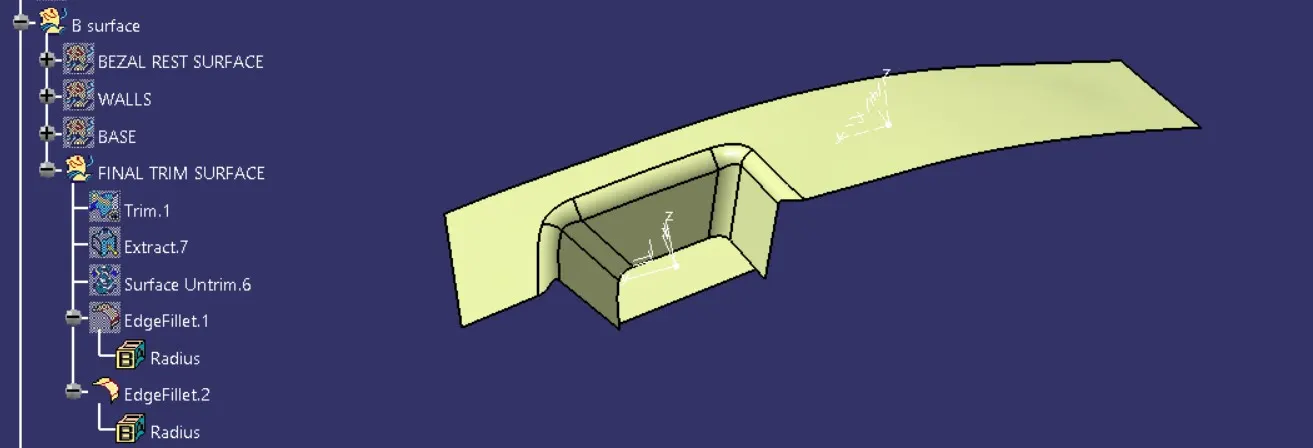
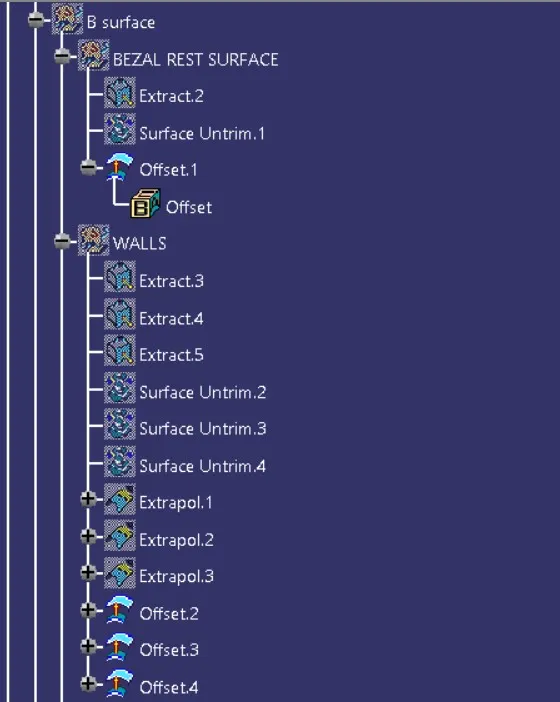
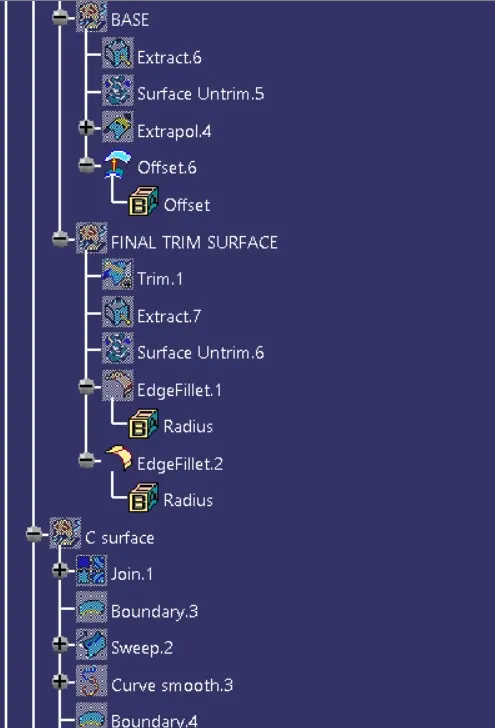
Once the tooling axis is created, the next step is to generate the Class B surface using the Class A surface. Commands like Extract, Offset, Trim, Extrapolate, and Untrim are used to develop the Class B surface.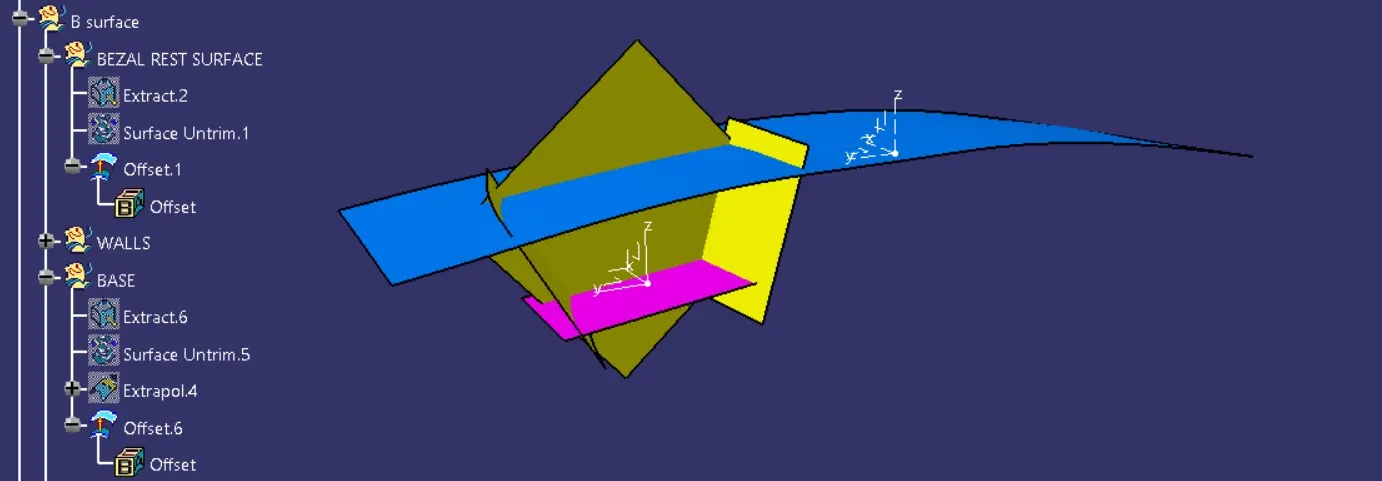
Generate Class C Surface:
Using Multi-Extract, the boundary line of the Class A surface is generated, which helps in creating the Class C surface. The Smooth Curvature command is applied to the boundary line to ensure smooth and continuous curvature.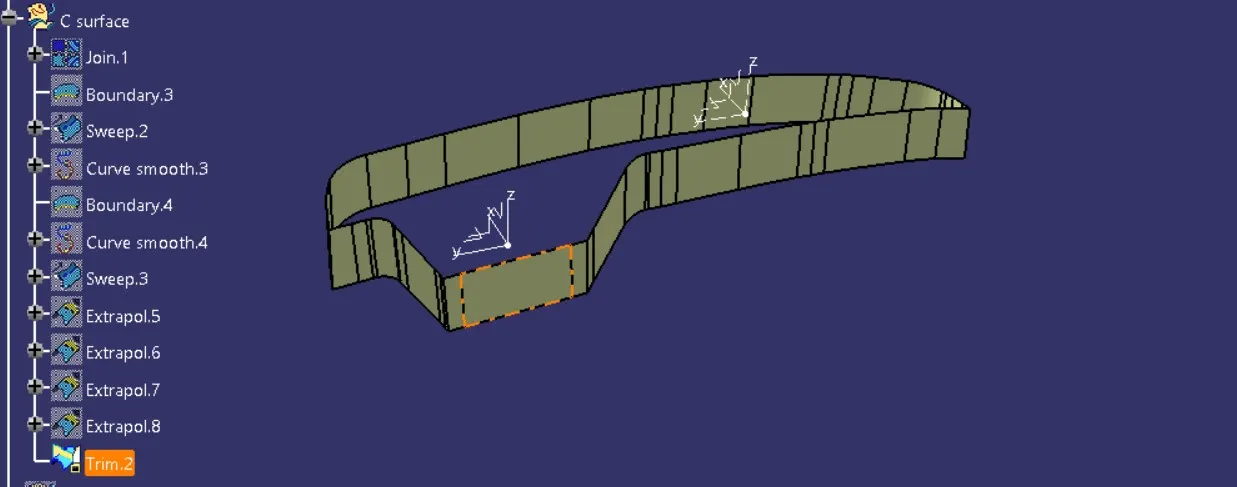
Join Class A and Class C Surfaces:
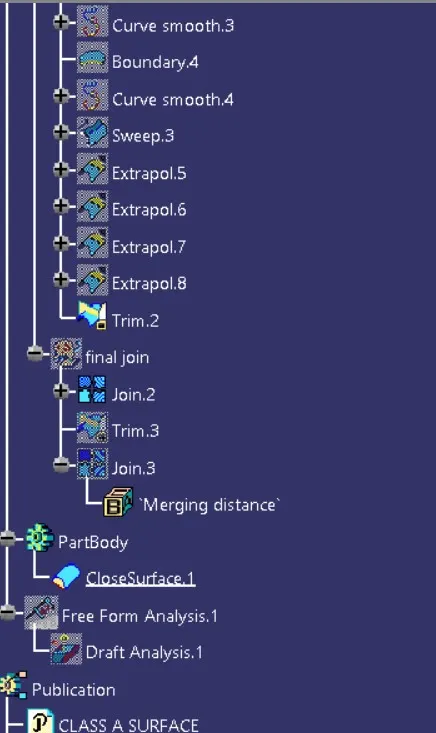
Class A and Class C surfaces are then joined, and trimming is done with the Class B surface to form the final body of the part.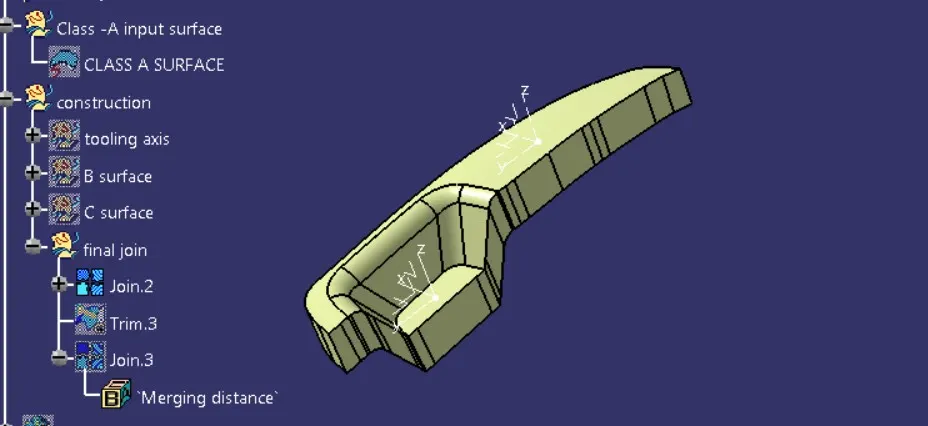
Create Final Solid Body:
Finally, the Closed Surface command is used to create the solid body of the component, completing the surface design process.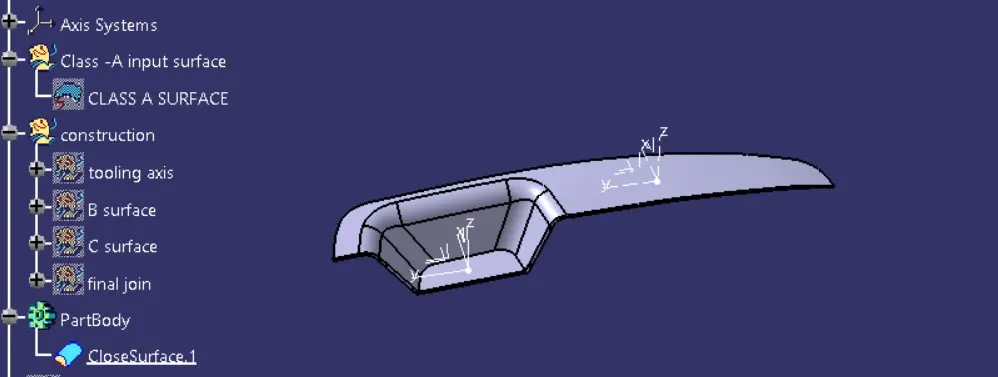
tree structure:
draft analysis :