Week 9 - Challenge 2 - Switch Bezel Design
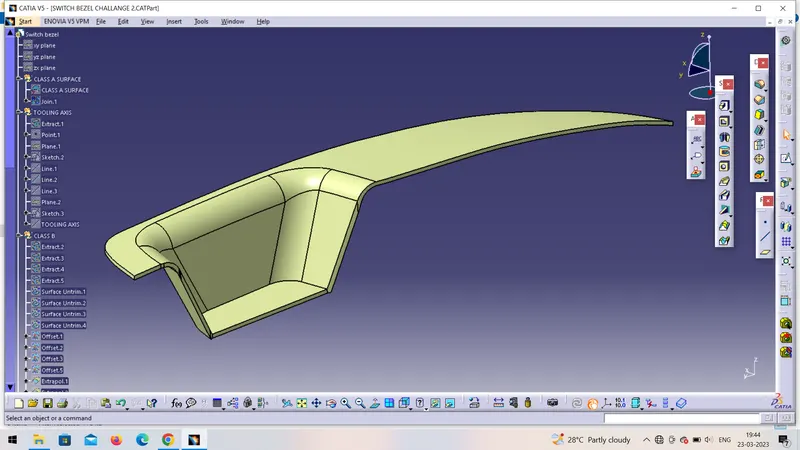
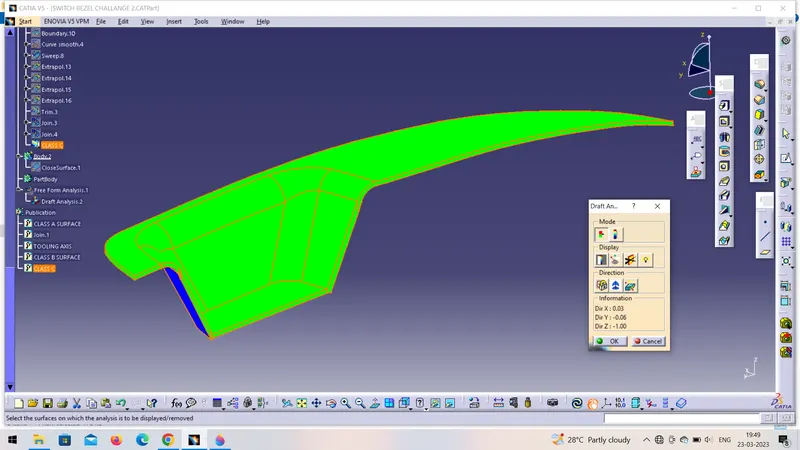
Create the Switch Bezel Plastic component through the given Class-A surface. To begin with, the tooling axis for the given Class-A Surface should be created meeting the requirements of the draft angle and at the end perform the Draft analysis on the model.
Thickness of Plastic Part - 2.5 mm
Step 1:- First open Given CAT file in catia.
Step 2:- check draft analysis and boundry Continivity.
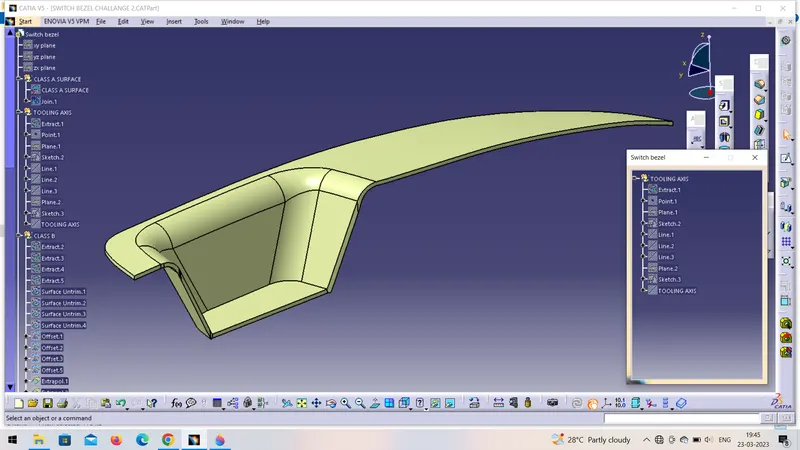
Step 3:- Now add tooling axis by using bisecting method. Add point plane and axis.
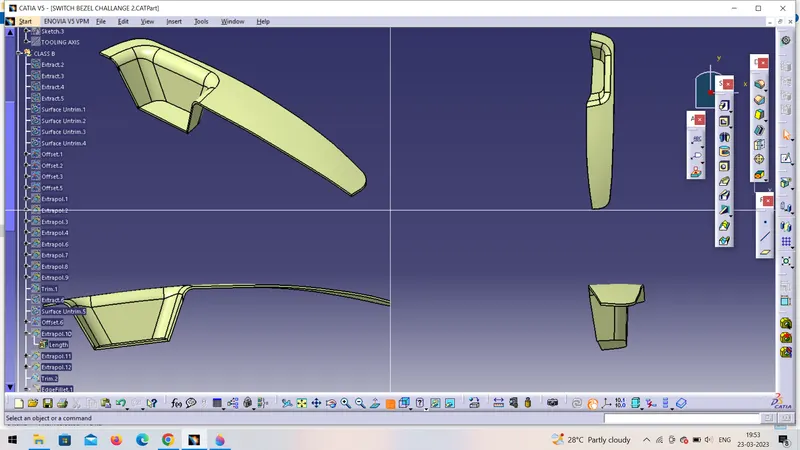
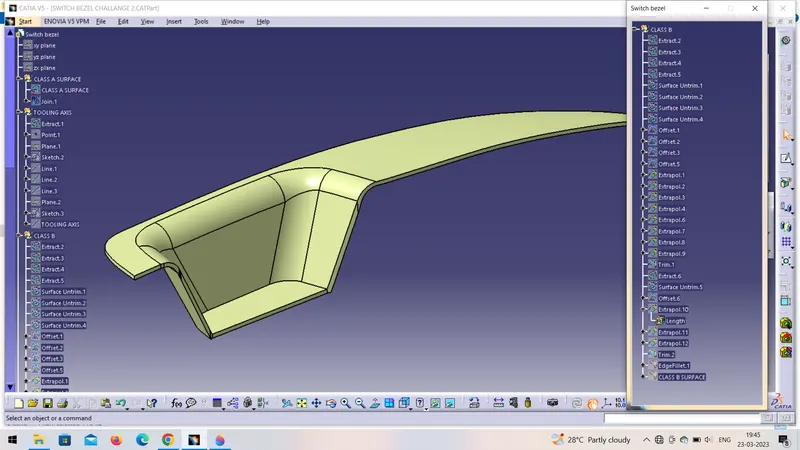
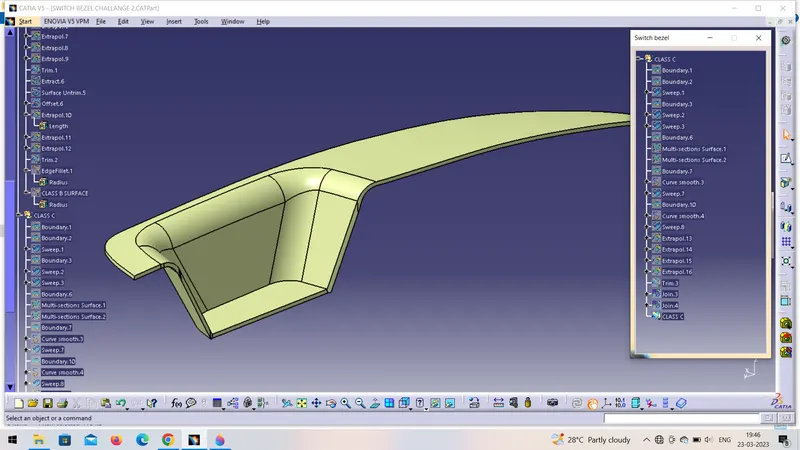
Step 4:- Now add class B surface, extrect that 3 surface then offset it by 2.5 mm then hide extract and the untrim that 3 surface . Then extrapolate that boundries and trim them.
Step 5:- now repeat same process to other surface.
Step 6:- Now add Class C Surface. Add boundry and swept it at the angel of 3 degree...
Step 7:- Repeat it on every boundry and add the swept.
Step 8:- Then join C and A surface
Step 9:- Then unhide both A and B surface if any boundy is open then extrapolate it and increase the length.
Step 10:- Then trim it and join it
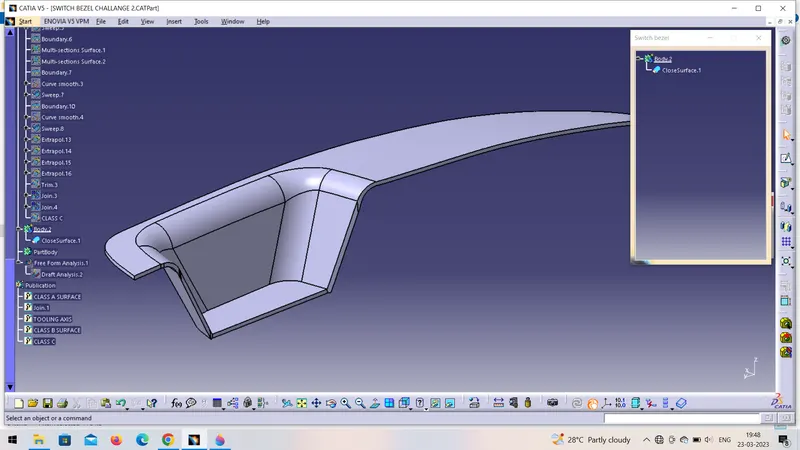
Step 11:- Then add part body and then apply close body command.
Step 12:- check draft analysis.
In this way I done the assignment