Wiring harness design in CATIA V5 - 3D modeling Week 5 & 6 Challenge
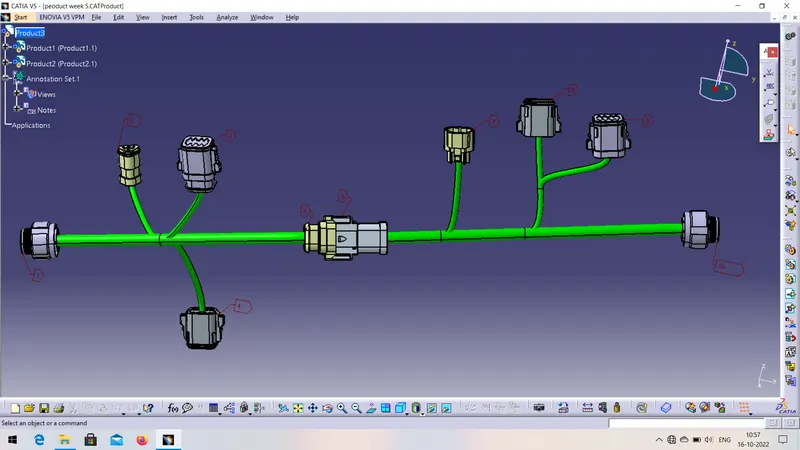
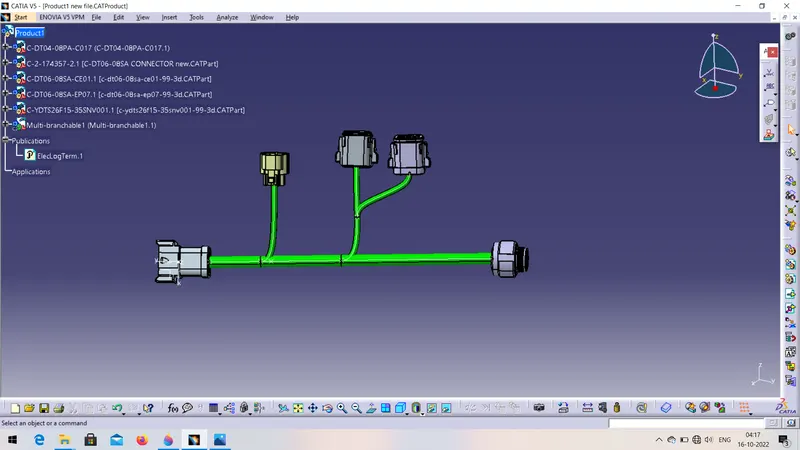
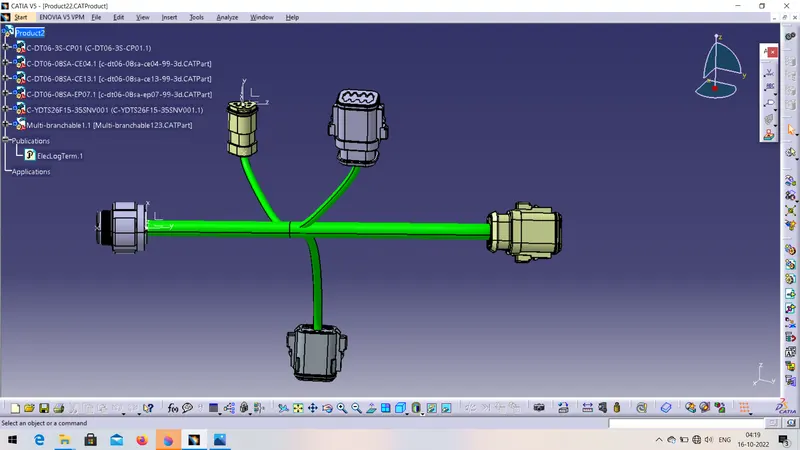
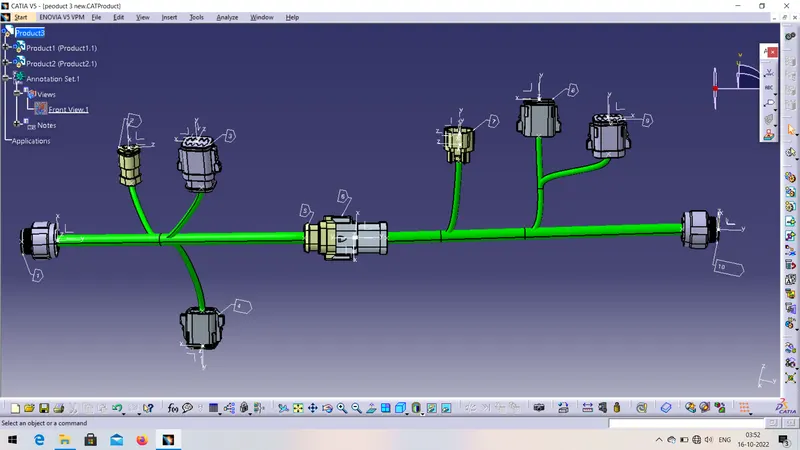
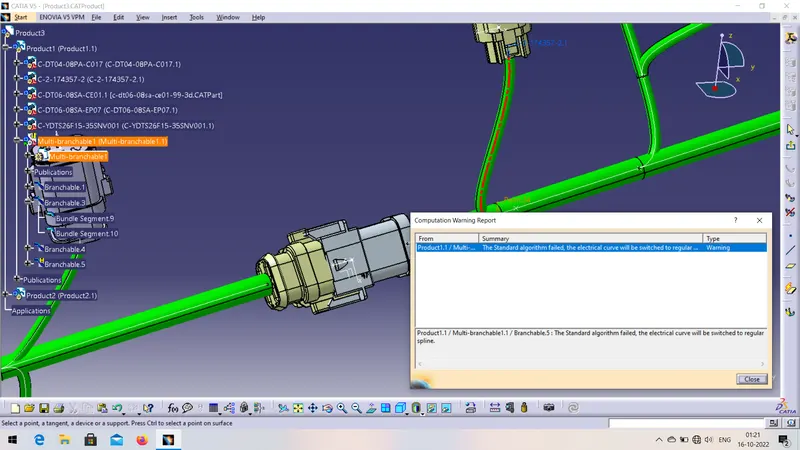
Step:- 1) Download all the CAD drawing from the given link. Then add all the geometrical parameters like point axis bundle connection point, connector connection point, cavity connection point etc and define all the parameters electrically and store it in the device.
2) then draw the sketch of harness A & B for positioning the connector during routing the harness.
3) now for making harness assembly we need to change workbench ( electrical harness assembly) . Position all the conector on the given position and define it as a geometric bundle.
4) then after add branch by using multi branchbranchable command. Add Main branch and sub branches create bundle segment.
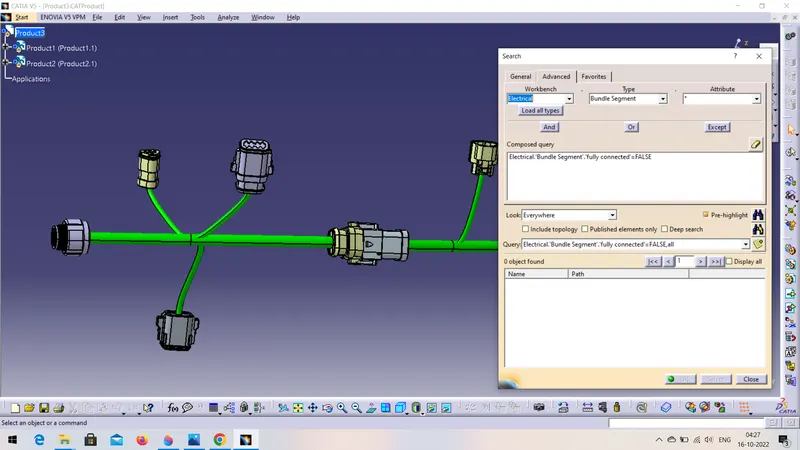
5) after creating bundle segment check the bundle connectivity by following ( edit option - search - advance - electrical (workbench) - bundle segment- fully connected - true / false - search )
6) here we can able to see which branch is in Conectivity or not . If there are some branch that are not in connectivity then route them once again and then check once the bundle connectivity by following given steps.
7) Now add 3D annotations to both the harness assembly connectors.
8) connect both the harness assembly to make the product. Change the workbench as electrical harness assembly. Then By using snap command join both the harness connector. Update it and save the product.
9) then chenge the workbench as mechanical design assembly and Generate CAT part file and save it.
In this way my week 5 & 6 challenge completed.