Wiring harness design in CATIA V5 - 3D modeling Week 4 Challenge
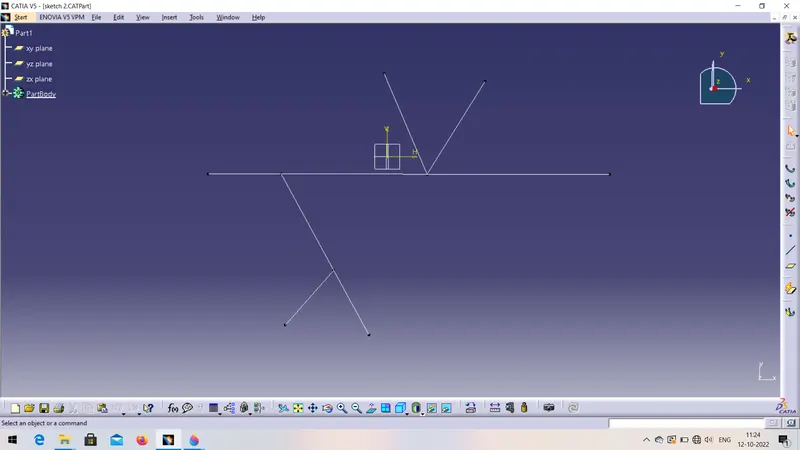
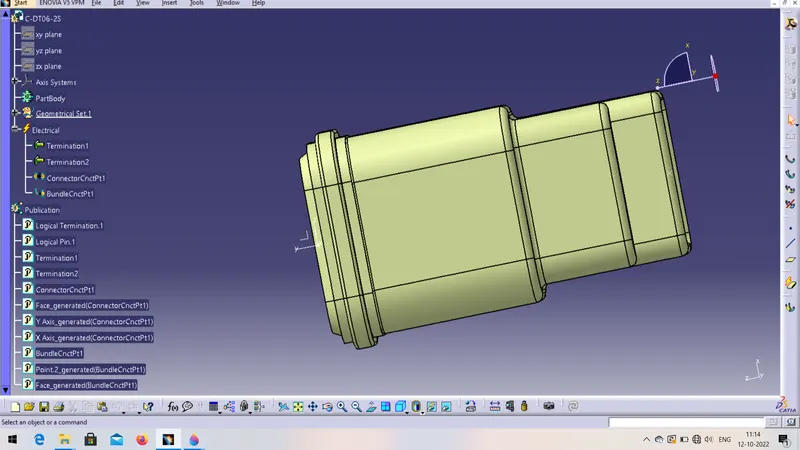
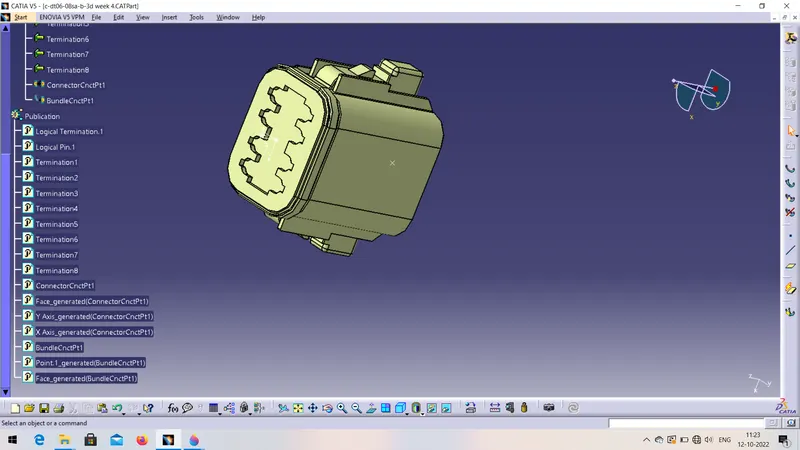
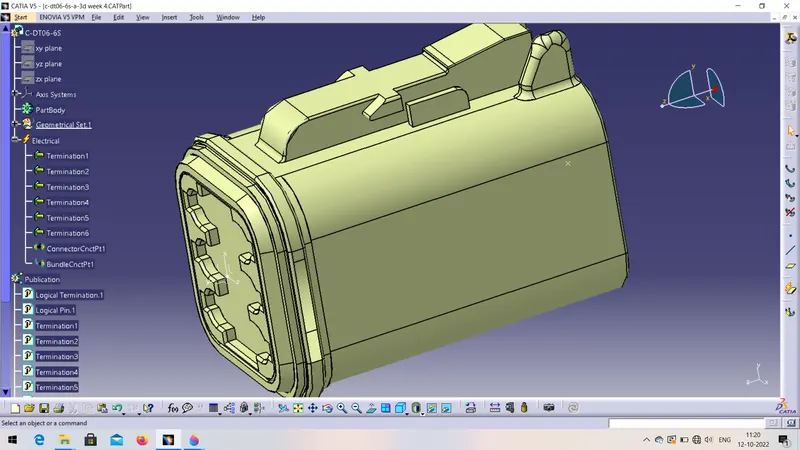
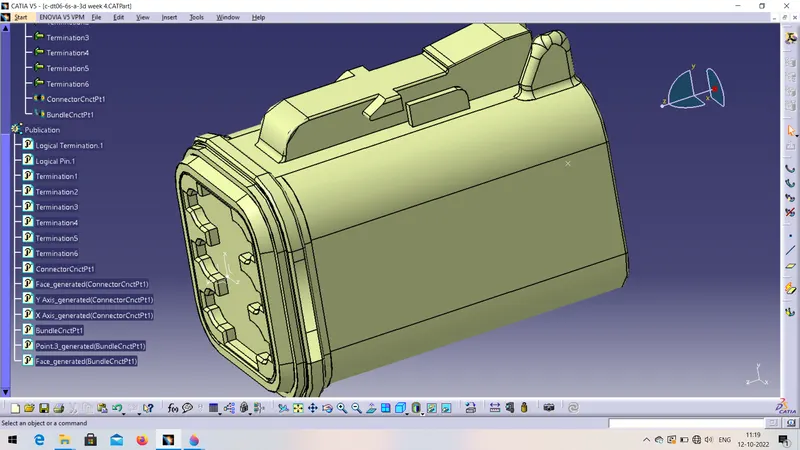
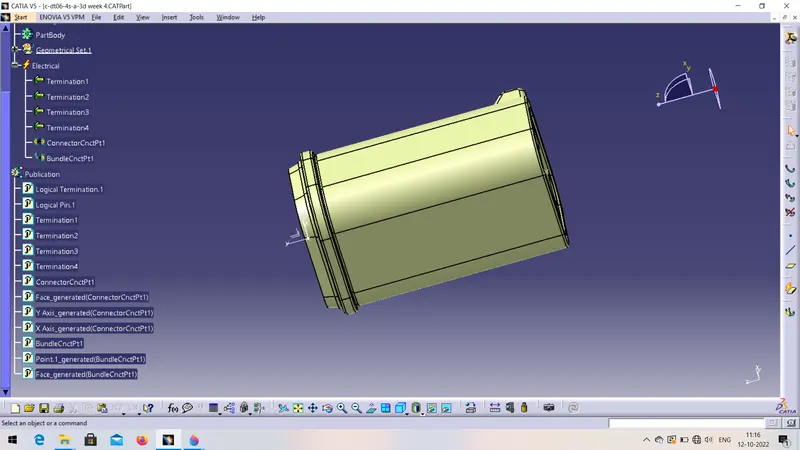
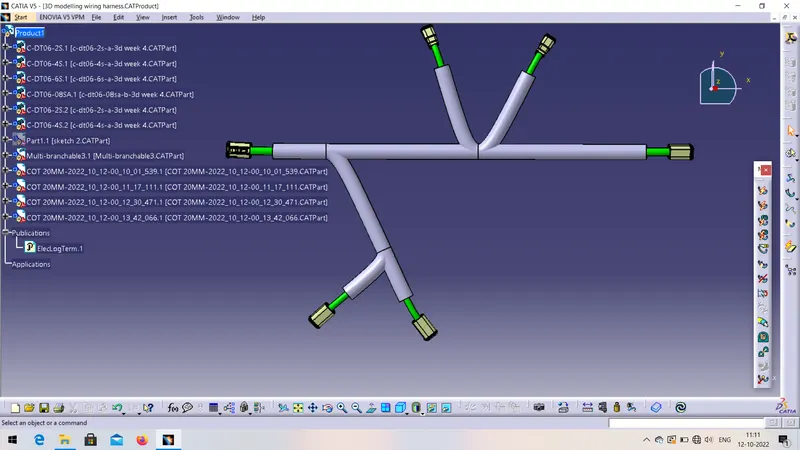
Report on :- Route the harness layout in Electrical workbench.
- First download the given CAD drawing of connectors by using links.
- Then opne it in catia software
- Mention all the mechanical and electrical properties of connector by using part design and assembly design workbench.
- Represent Its point and axis system on the connectors and then add electric properties like connection connector point, bundle connection point etc.
- Then save it.
- Then click on file then new then open product file.
- Add all the connectors in product.
- Adjust all the connectors on their position
- Switch to the electrical harness assembly workbench
- Make sure your all the components will be electrically define.
- Add branchs by using multi branchable command. From one connector to other.
- Add sub branches also.
- Add protection covering by using protection covering command and save it.