Week 9 - Challenge 2 - Switch Bezel Design
Week 9 - Challenge 2 - Switch Bezel Design
Aim
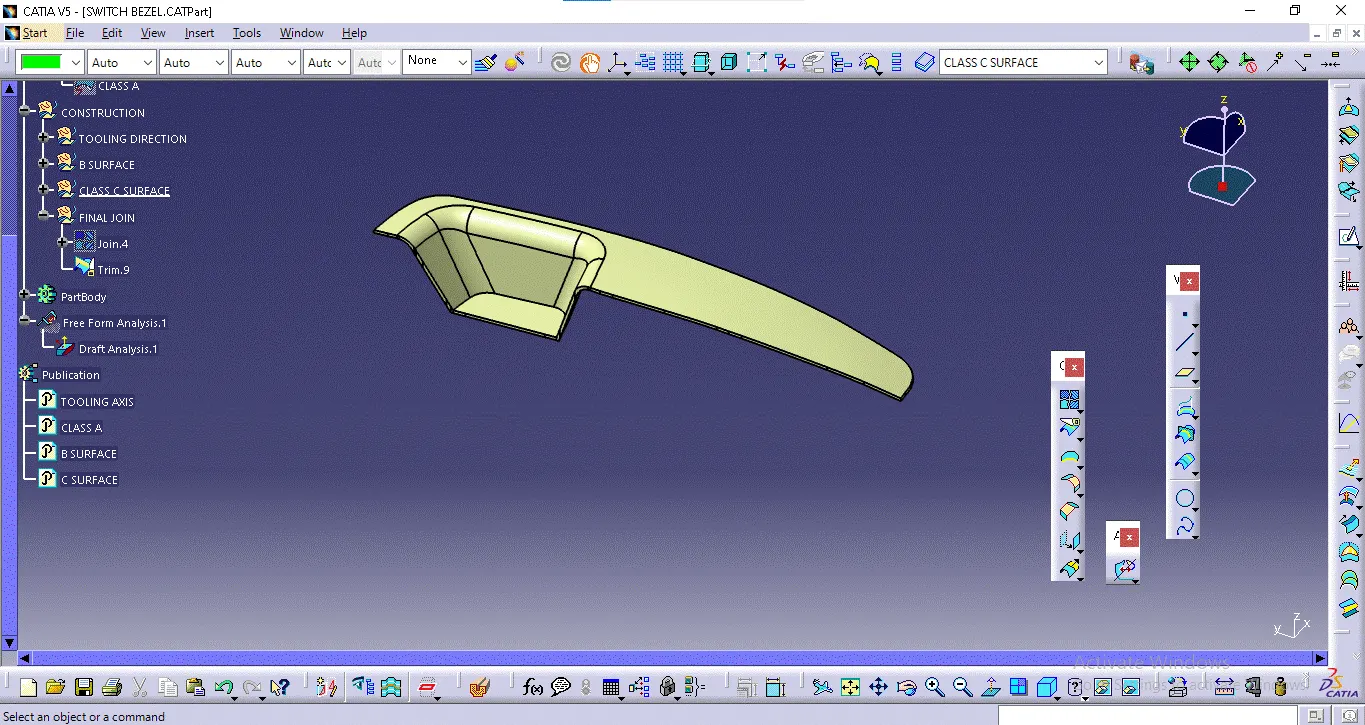
Creation of proper tooling axis considering the required draft angle of a component Performing draft analysis on the given Class A Surface and then final component Creation of Class B and Class C Surface
Tooling axis
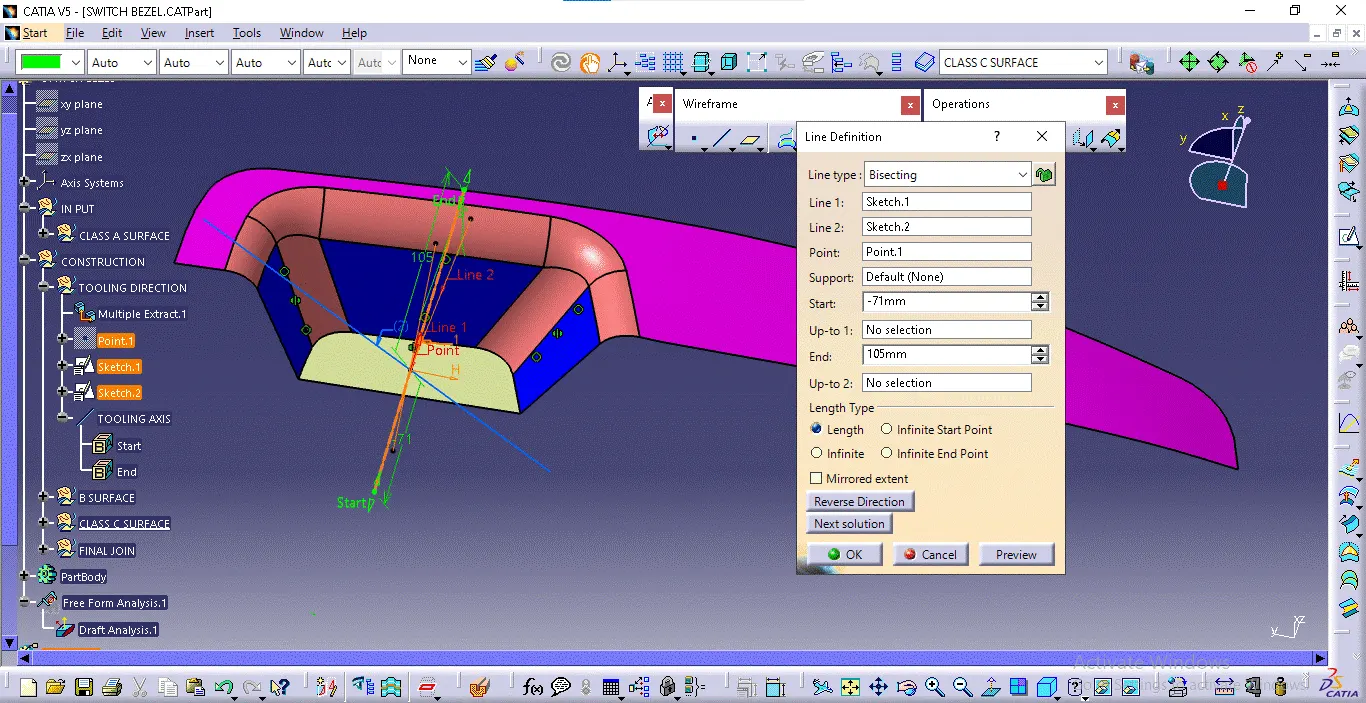
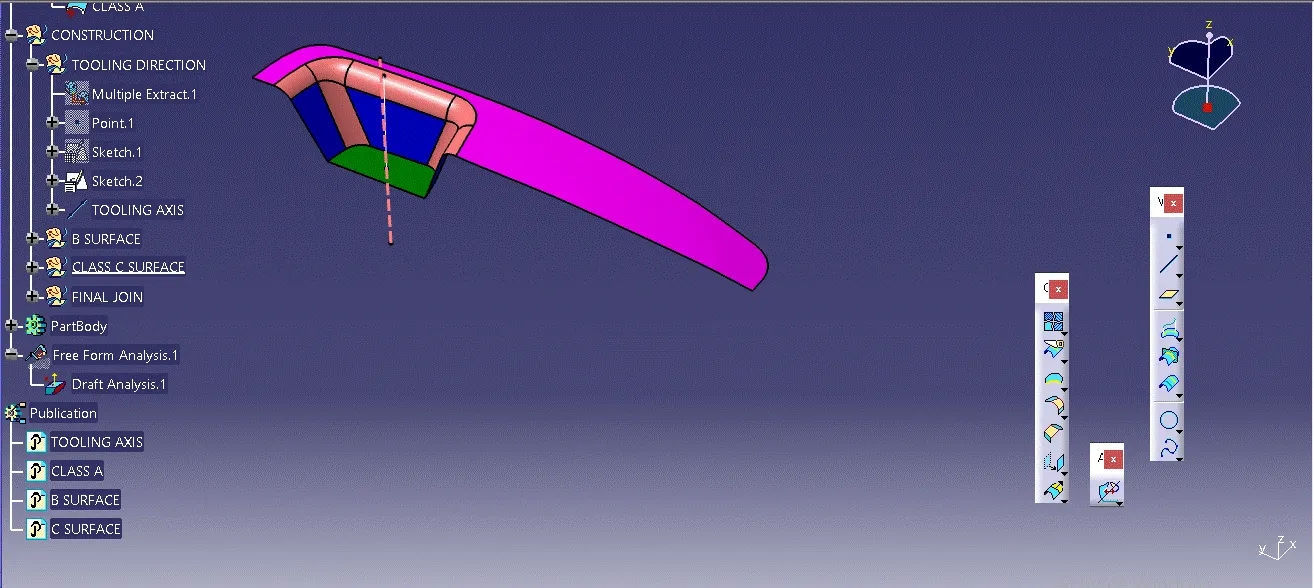
Create a tooling axis by extracting the base surface, creating a point and axis system, drawing intersection lines on YZ and XZ planes, bisecting lines, and then using these lines and the point to define the main tooling axis.
Draft analysis
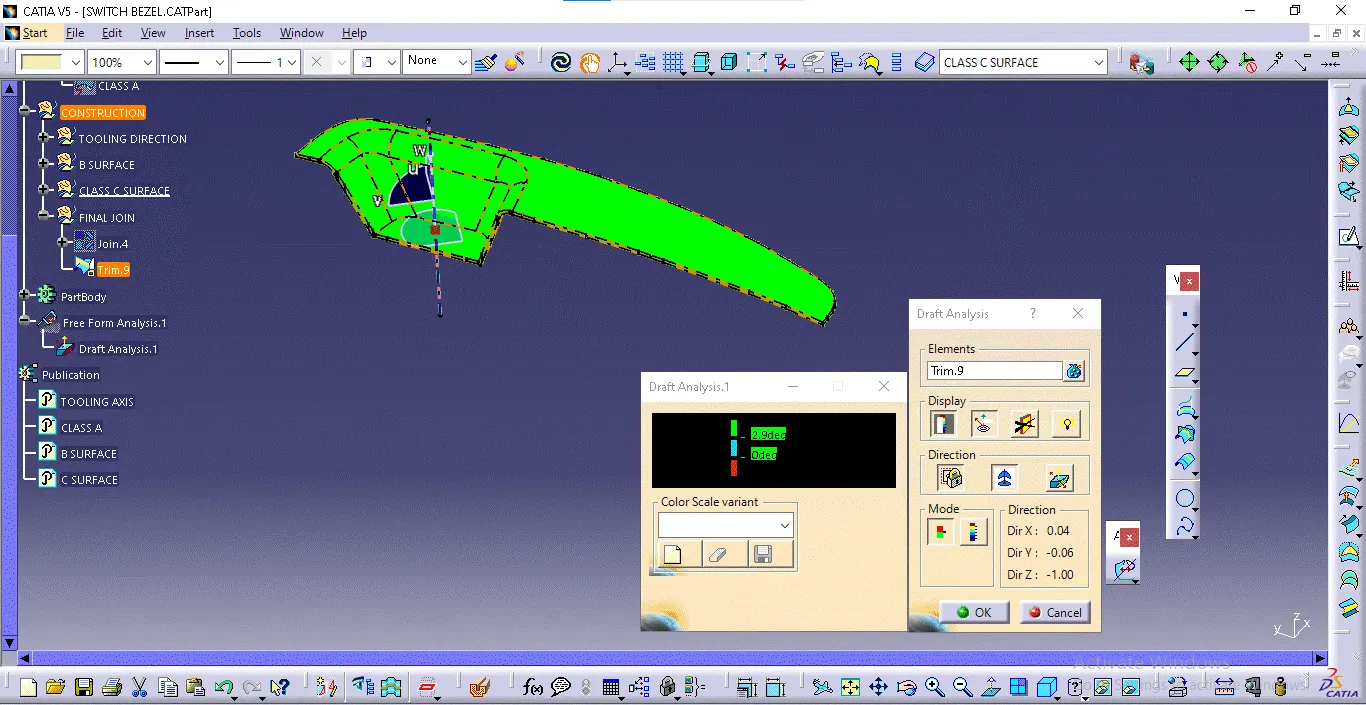
To perform draft analysis, click Insert > Analysis > Feature Draft Analysis. Open the Draft Analysis toolbar, go to the display block, and select Analysis under the Running Point to check angles on the Class A surface. The color scale indicates if the draft angle meets the 3-degree requirement using colors green, blue, and red. After analysis, align and fix the compass to the tooling axis by selecting Use the Compass to Define the New Current Draft Direction in the Direction block, aligning the compass with the tooling axis, and clicking the lock symbol. Finally, click OK on the Draft Analysis toolbar to complete the process.
Creating Class B Surface:
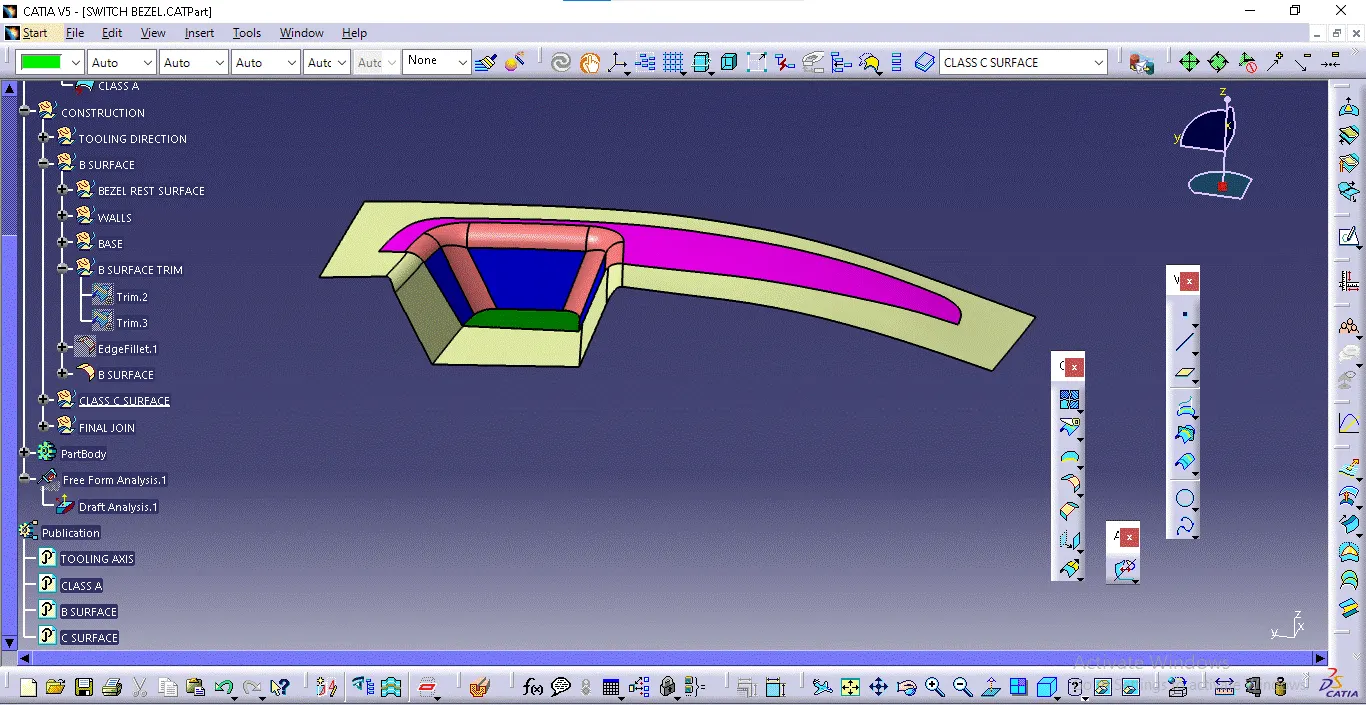
To create the Class-B surface, extract the non-filleted faces of the Class-A surface, untrim and extrapolate these faces, then trim the surface with other faces. Offset the resulting surface by 2.5mm to achieve the required thickness.
Creating Class C Surface:
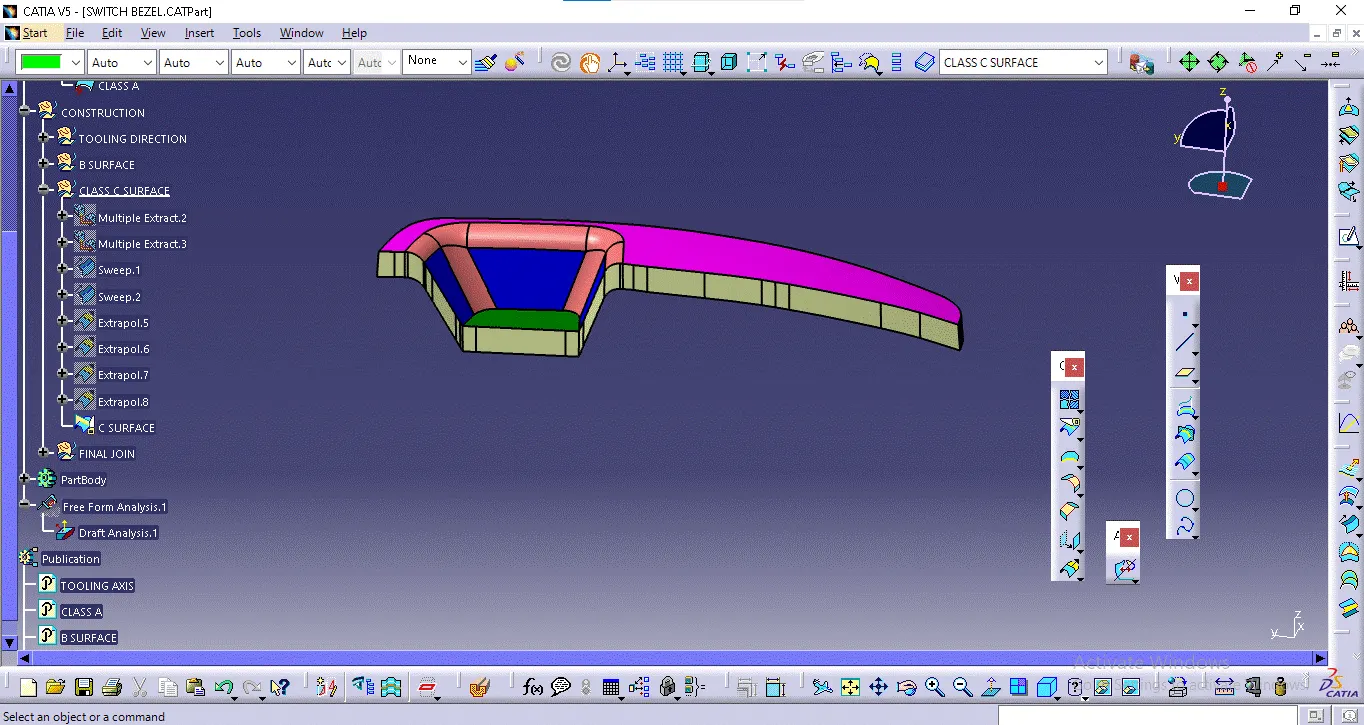
To create the Class-C surface, extract the boundary of the Class-A surface using the multiple extract option, divide it into two parts for easier sweeping, and apply the sweep command with a 3-degree draft angle. Use the boundary as the guide curve and the tooling axis as the draft axis
Switch Bezel