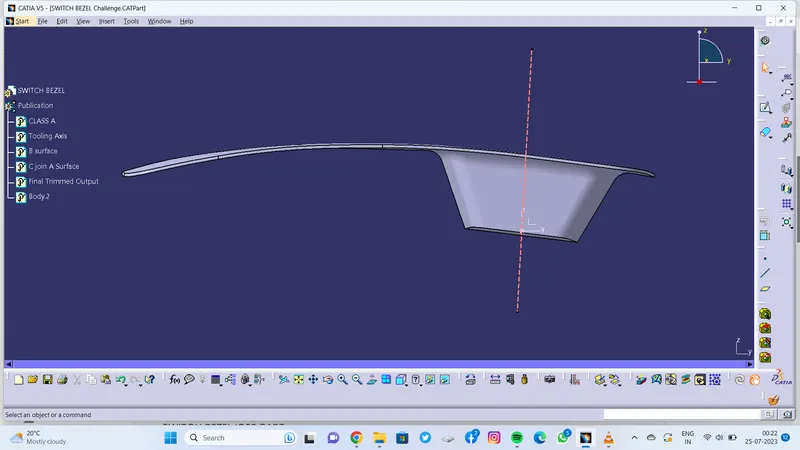
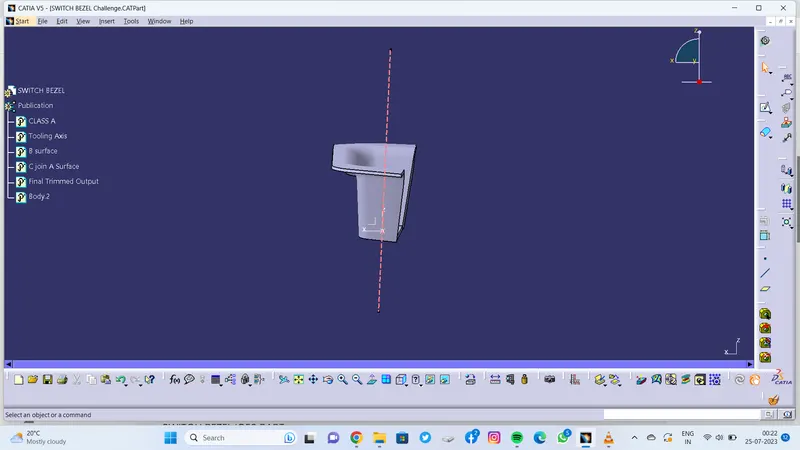
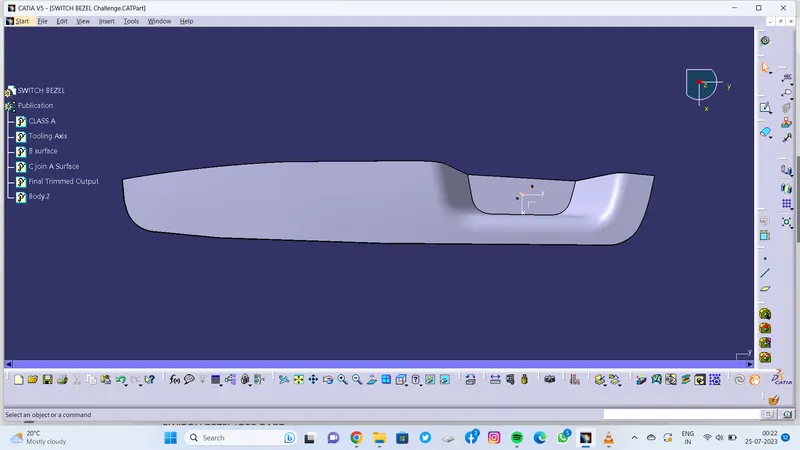
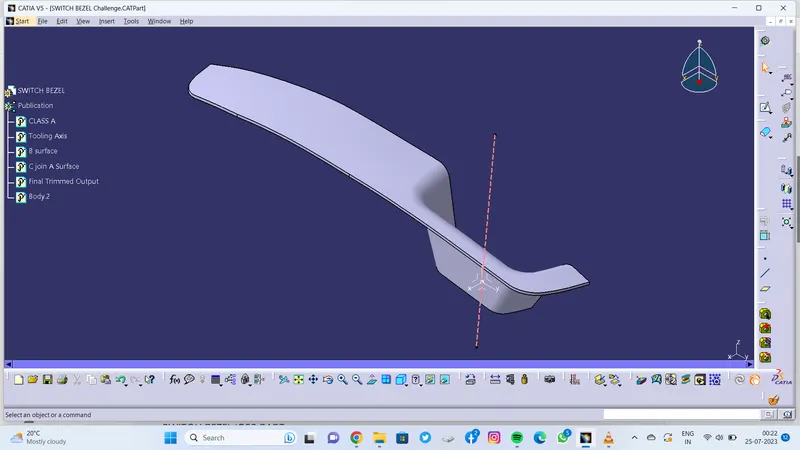
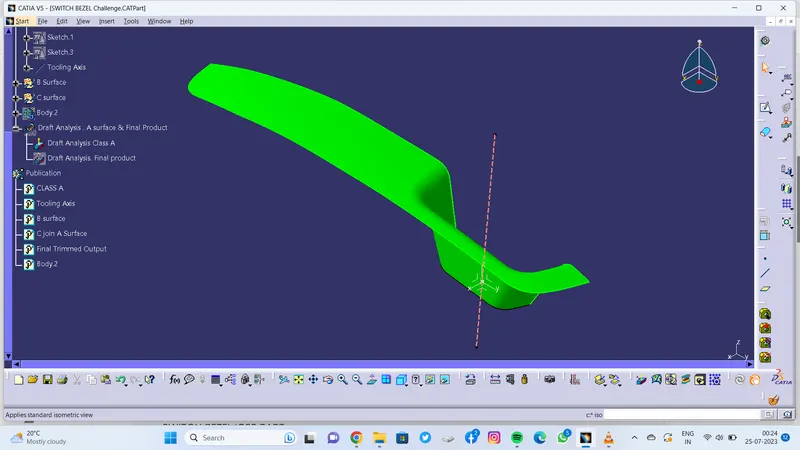
Week 9 - Challenge 2 - Switch Bezel Design
Greetings !
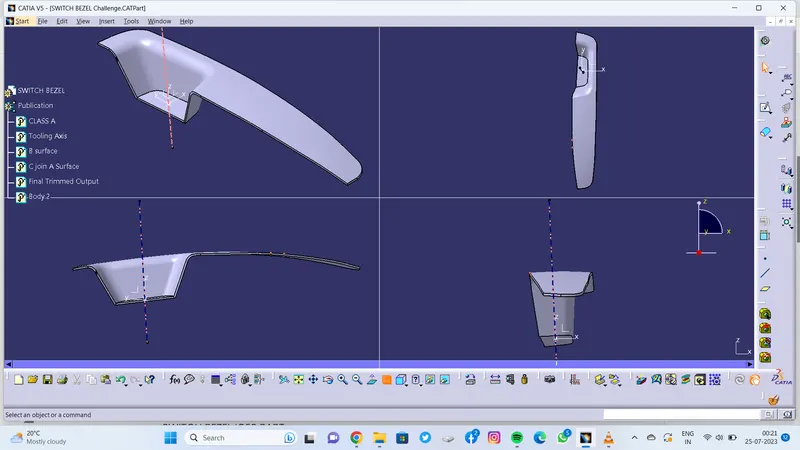
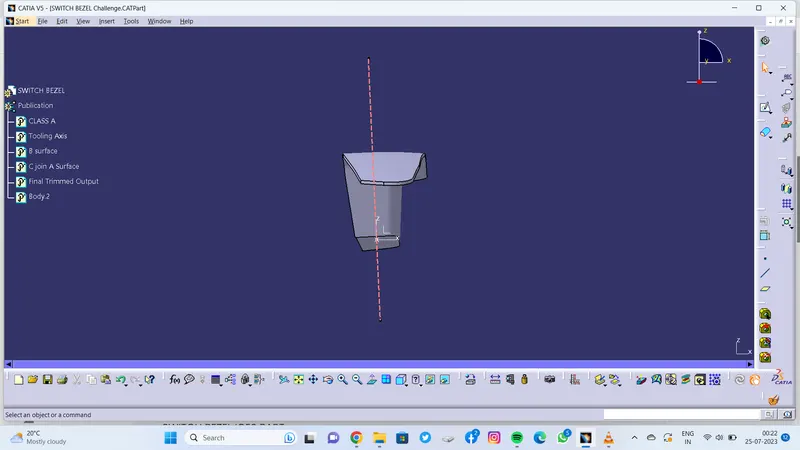
1. Report on Tooling Axis:
- Tooling Axis is created by Creating two positioned Sketches..
- First Created Point & axis system on extracted base Surface
- created 1 sketch on YZ plane and using intersection of class A surface created a bisecting line between two lines which seem to create problem while tooling.
- Created 2 Sketch on ZX plane and created line on one side of surface.
- Using this two sketches created a Bisecting Line which is Tooling Axis for this Switch bezel.
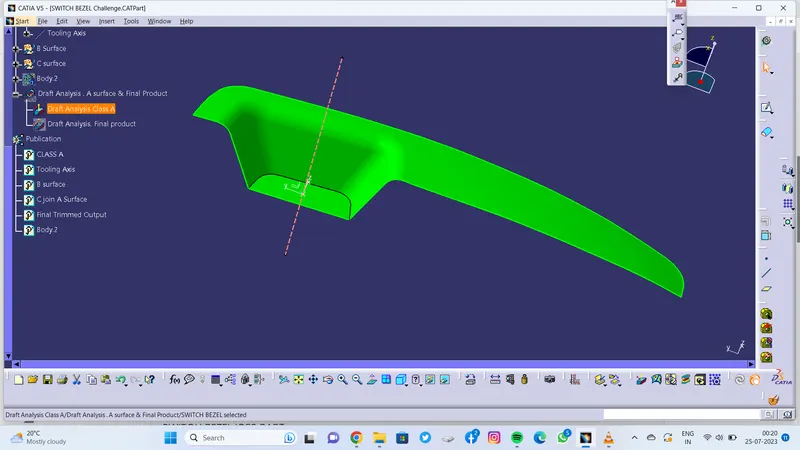
2. Report on Draft Analysis of Class A Surface :
- Class A Surface recieved as input and Draft Analysis done on it .
- Using Compass toolbar draged compass to the tooling axis which i created.
- And Checked for the surface to meet minimum 3 degress on all areas which is indicated by Green colour.
- Used Analyses under running point and analyzed all over the surface and found ok.
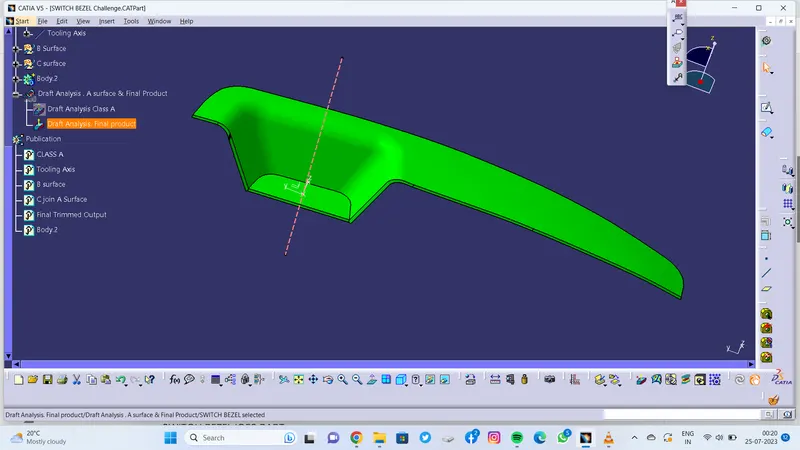
3. Report on Draft Analysis of Final Product :
- Using Compass Toolbar draged compass to the tooling axis
- And pressed lock and checked for Colour Scale Variant .
- Used analyses under running point and checked all areas to meet the draft angle.
- And Found Ok.