Week 10 - Challenge 2- Attachment Feature Creation (Dog House)
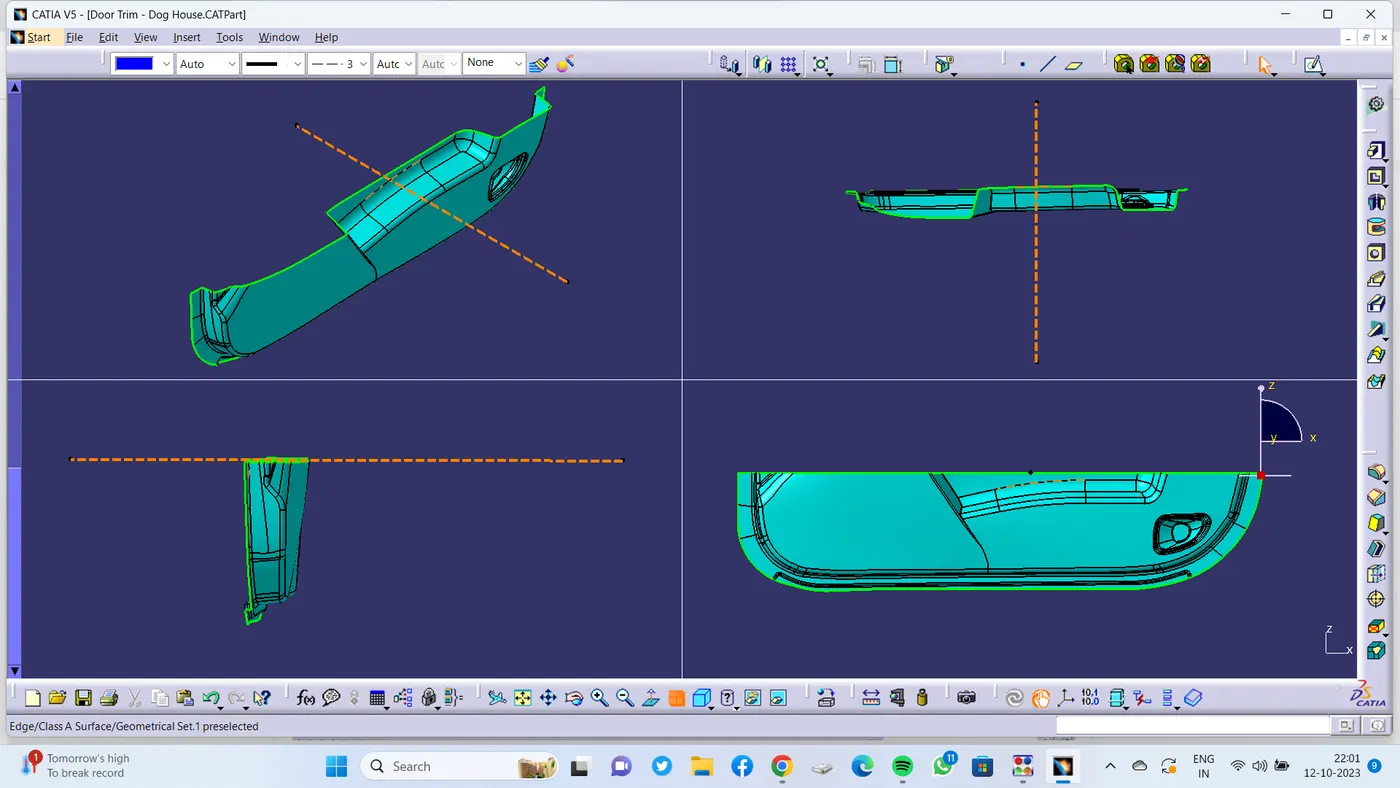
1. Creation Of Main Tooling Axis :
- First checked for suitable direction for tooling .
- A line normal to surface is created which is clearing the tooling�
- Hence consider as Tooling axis. Before drafting we have to make sure that in the view mode it is selected for the materials
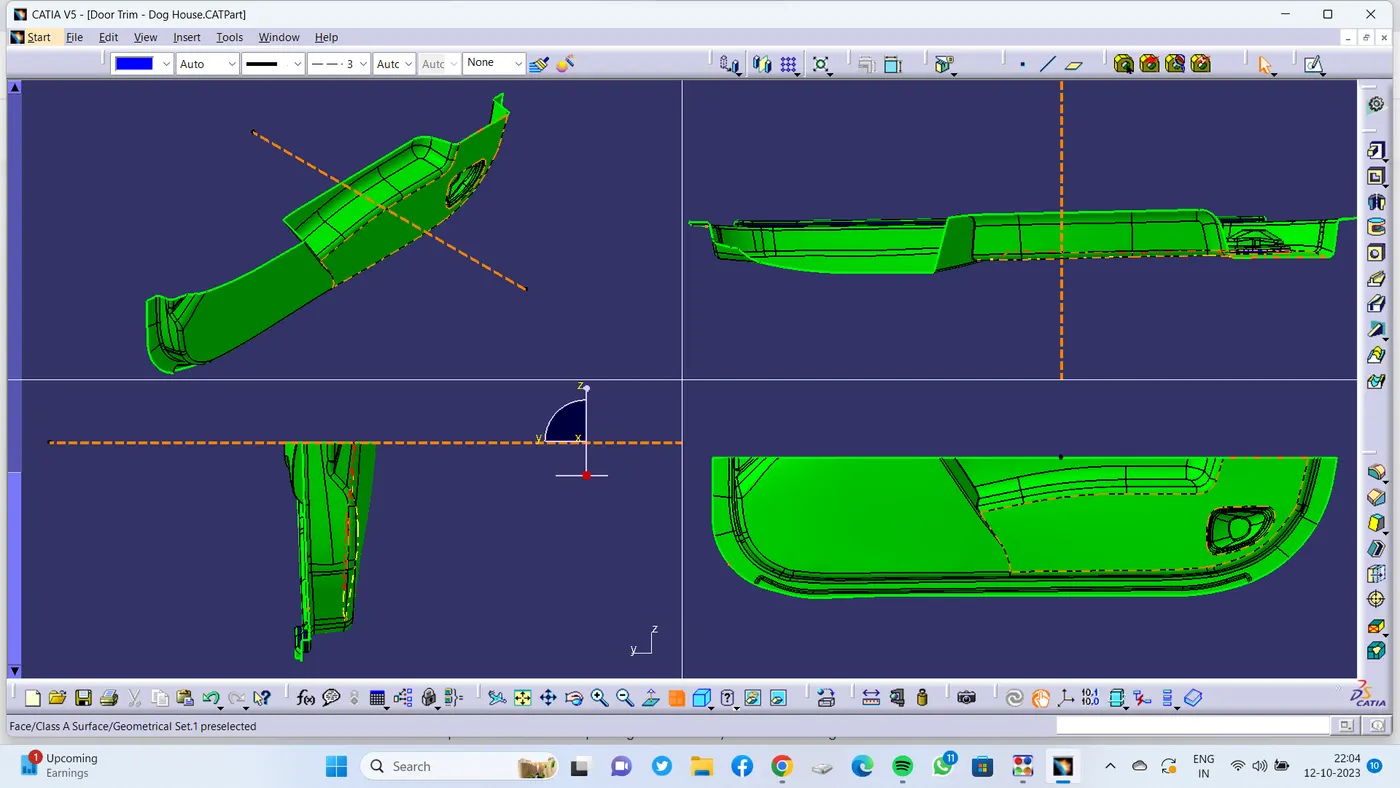
2. Draft Analysis of class A :�
- ��Before drafting we have to make sure that in the view mode it is selected for the materials
- �After selecting draft analysis tool need to drag the compass and� position it to the main tooling axis
- lock the compass and select on the component
- change the minimum draft to 3deg
- use running point tool to check the component.�
�
3.Creation Of Side CoreTooling Axis :
� �Created Line on the same point of main tooling axis in X direction and Created Side core tooling axis.
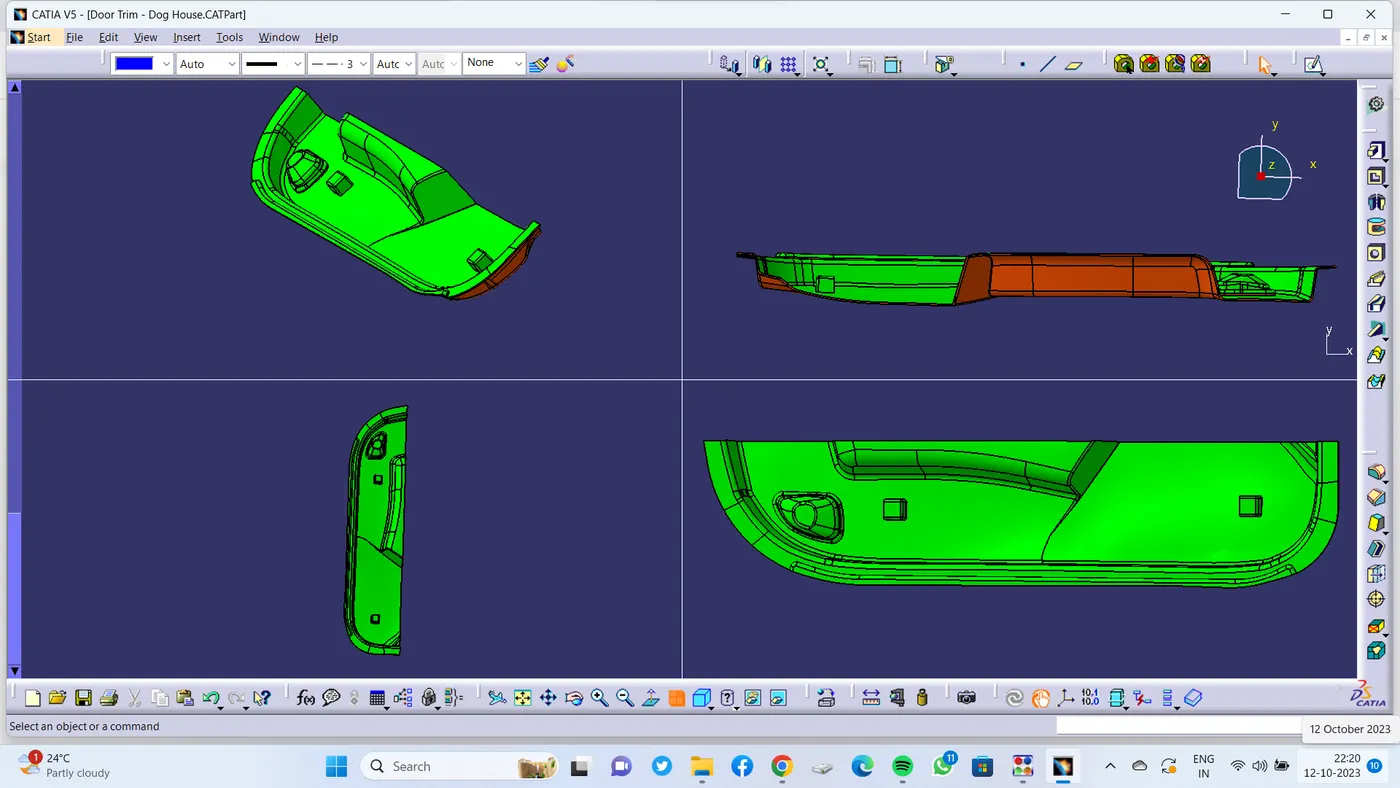
4. Draft Analysis of Final Component :
- we have to make sure that� the view mode is in materials.
- Drag the compass and� position it to the main tooling axis
- Fix the compass using lock option.
- Draft Angle of 3 deg is given .
- use running point tool to check draft.
- Using colour codes checked the draft and found good
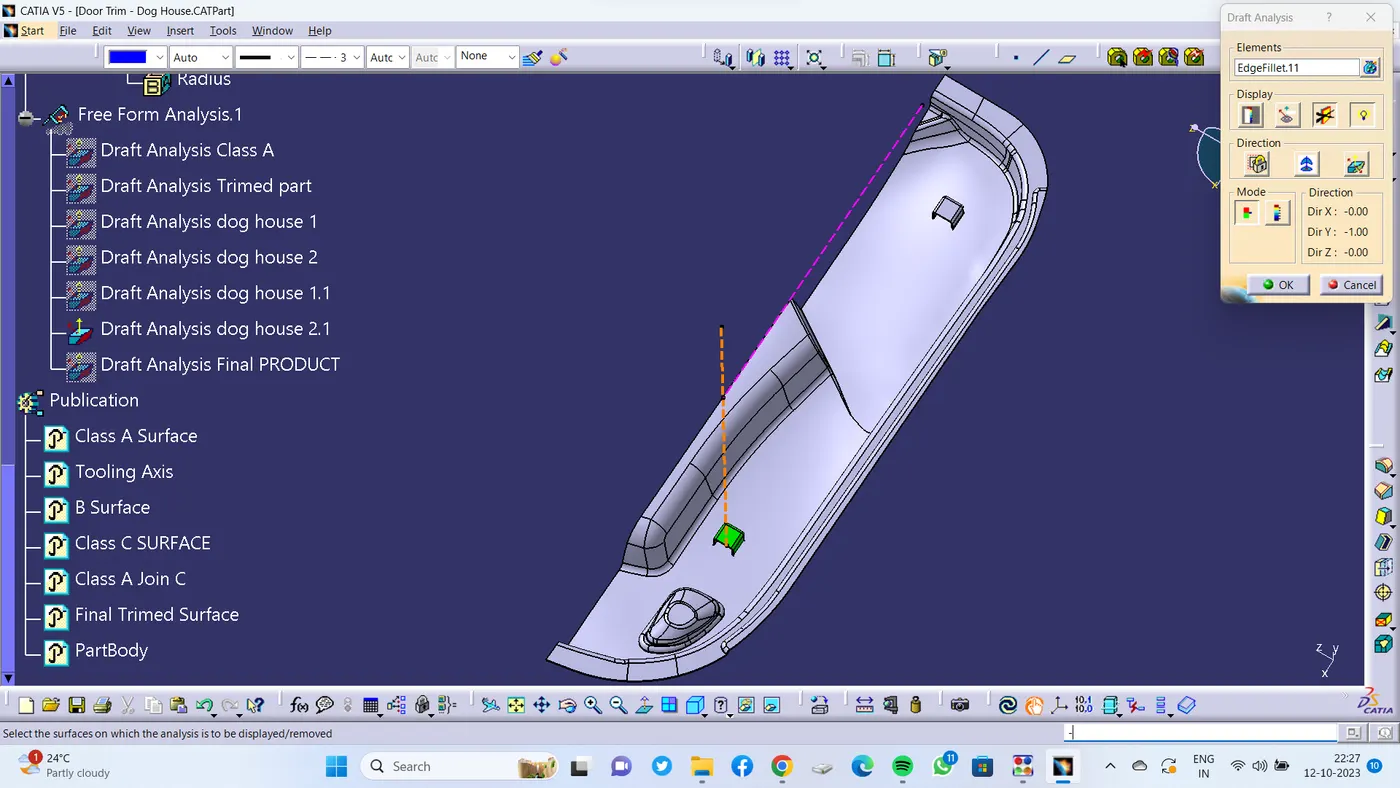
- compass is positioned on main tooling axis to check the dog houses in main part.
- Draft angle of 1.5 deg is given.
- used running point tool to check�
- Using colour codes checked the draft and found good.
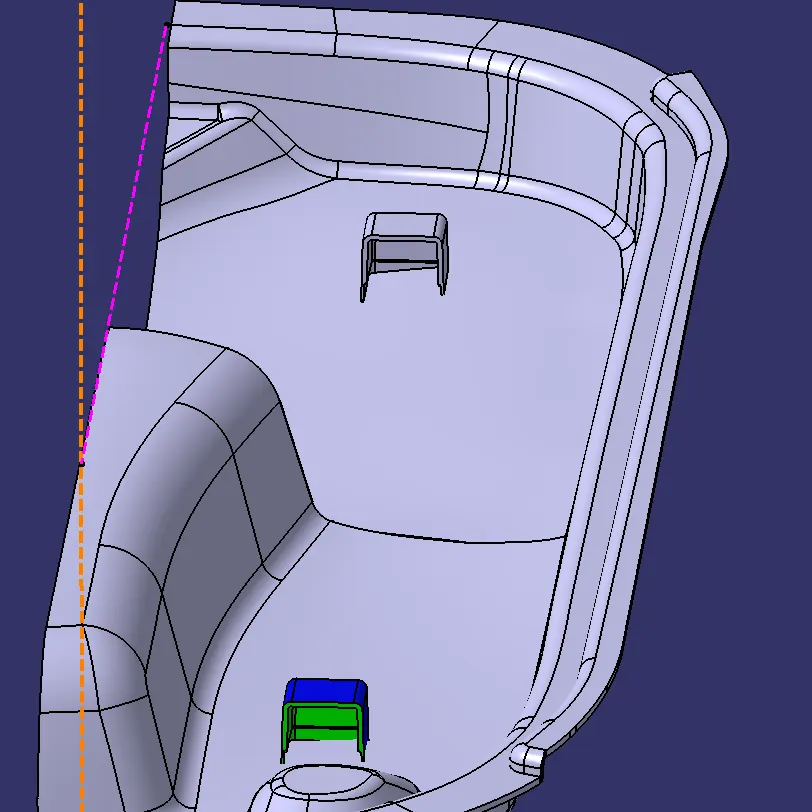
- Compass is positioned on side core tooling axis to check the dog houses inside surfaces.
- Draft angle of 0.5 deg is given.
- used running point tool to check�
- Using colour codes checked the draft and found good.
5. Tooling Axis :
�
�
6. Draft Analysis of CLASS A Surface :
�
�
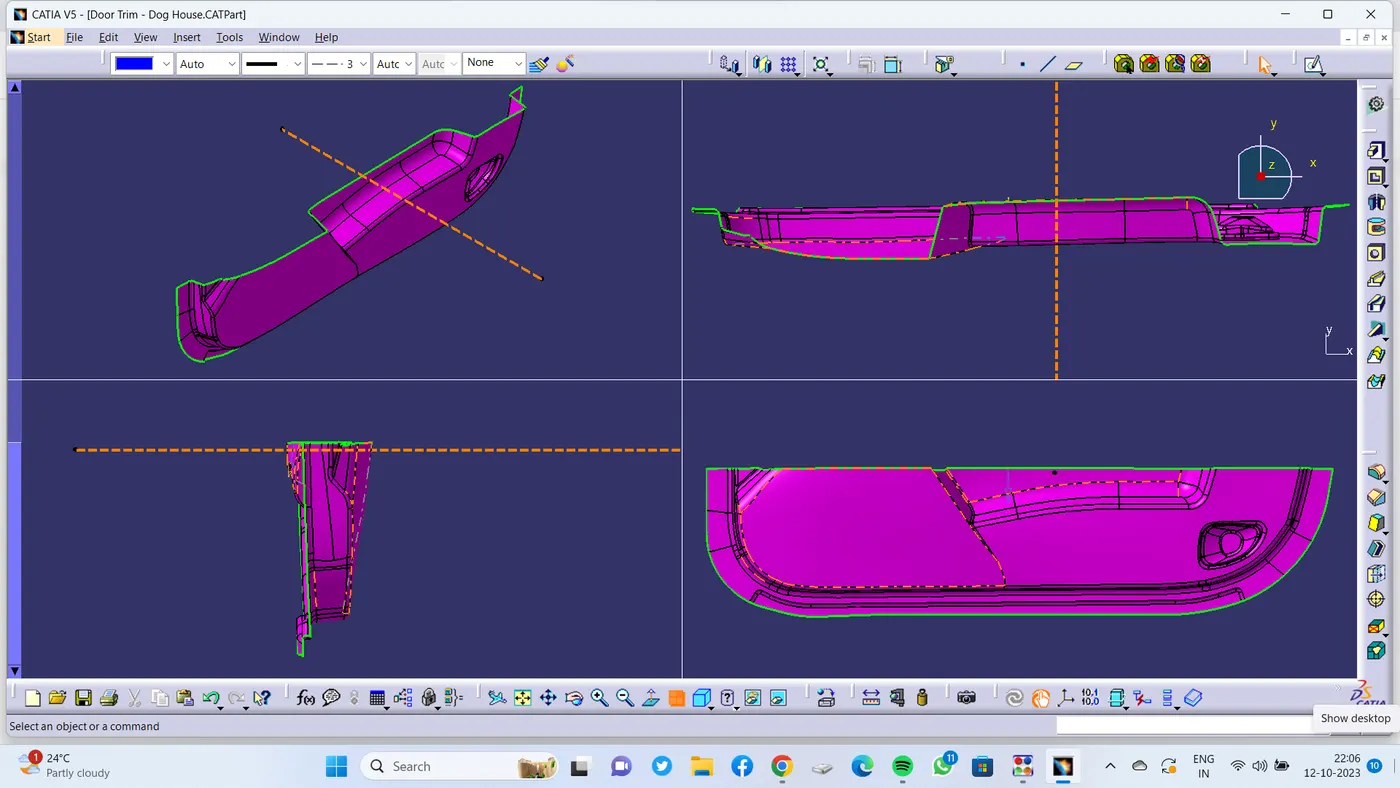
7. B SURFACE Creation :
�
�
�
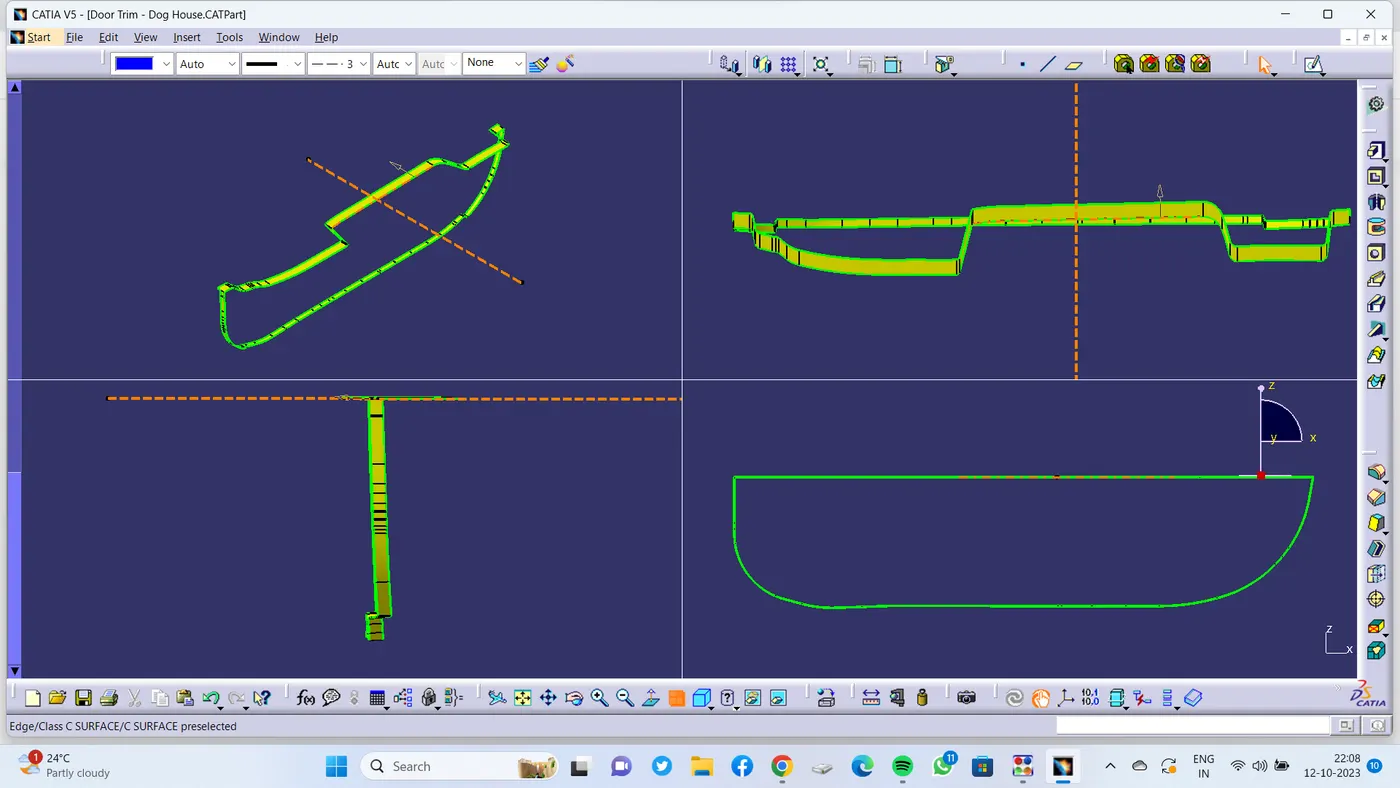
�8. C SURFACE :
�
�
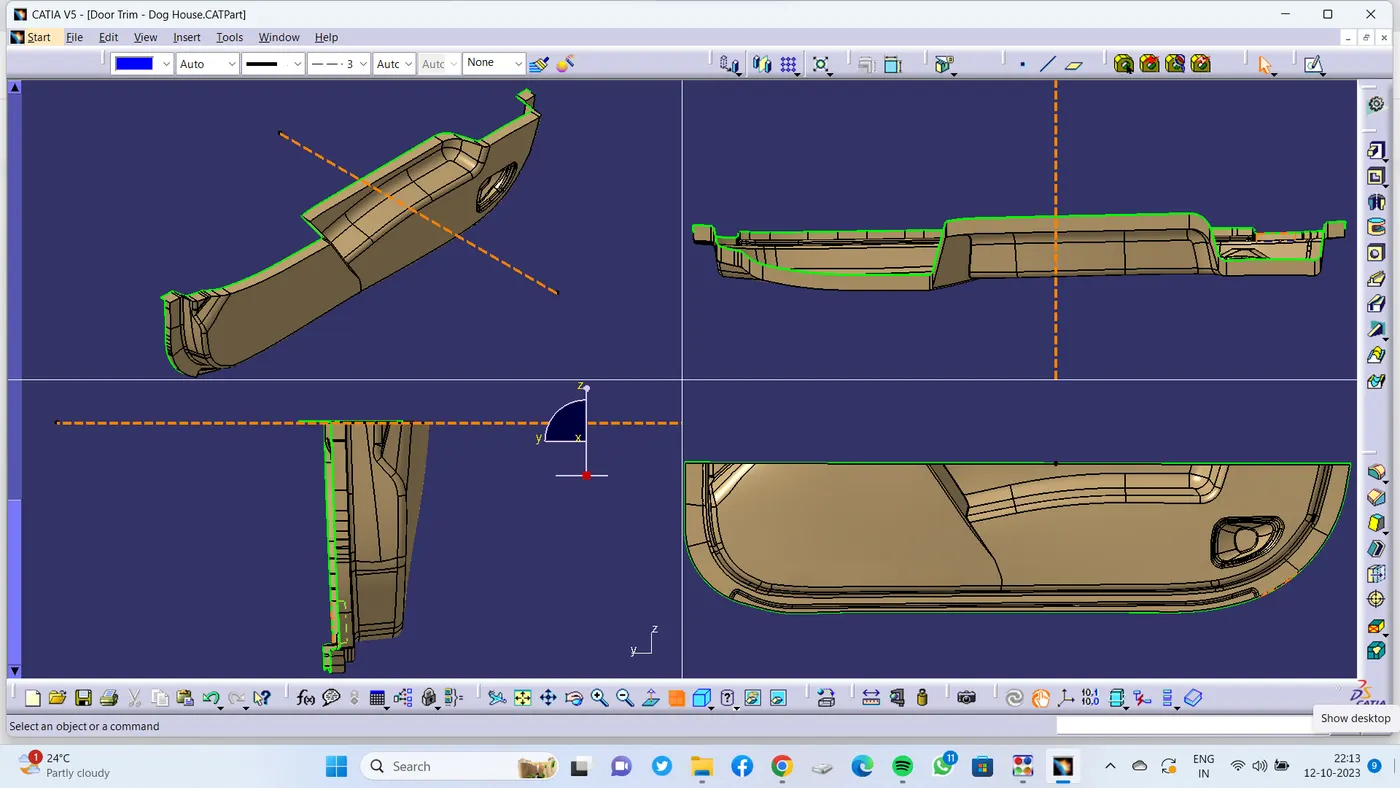
�9. C JOIN A :
�
�
10.Final PART DRAFT ANALYSIS :
�
�
11. DRAFT ANALYSIS OF DOG HOUSE 1�
�
Main Tooling Axis :
�
SIDE CORE AXIS :
�
�
12. DRAFT ANALYSIS OF DOG HOUSE 2 :
�
MAIN TOOLING AXIS :
�
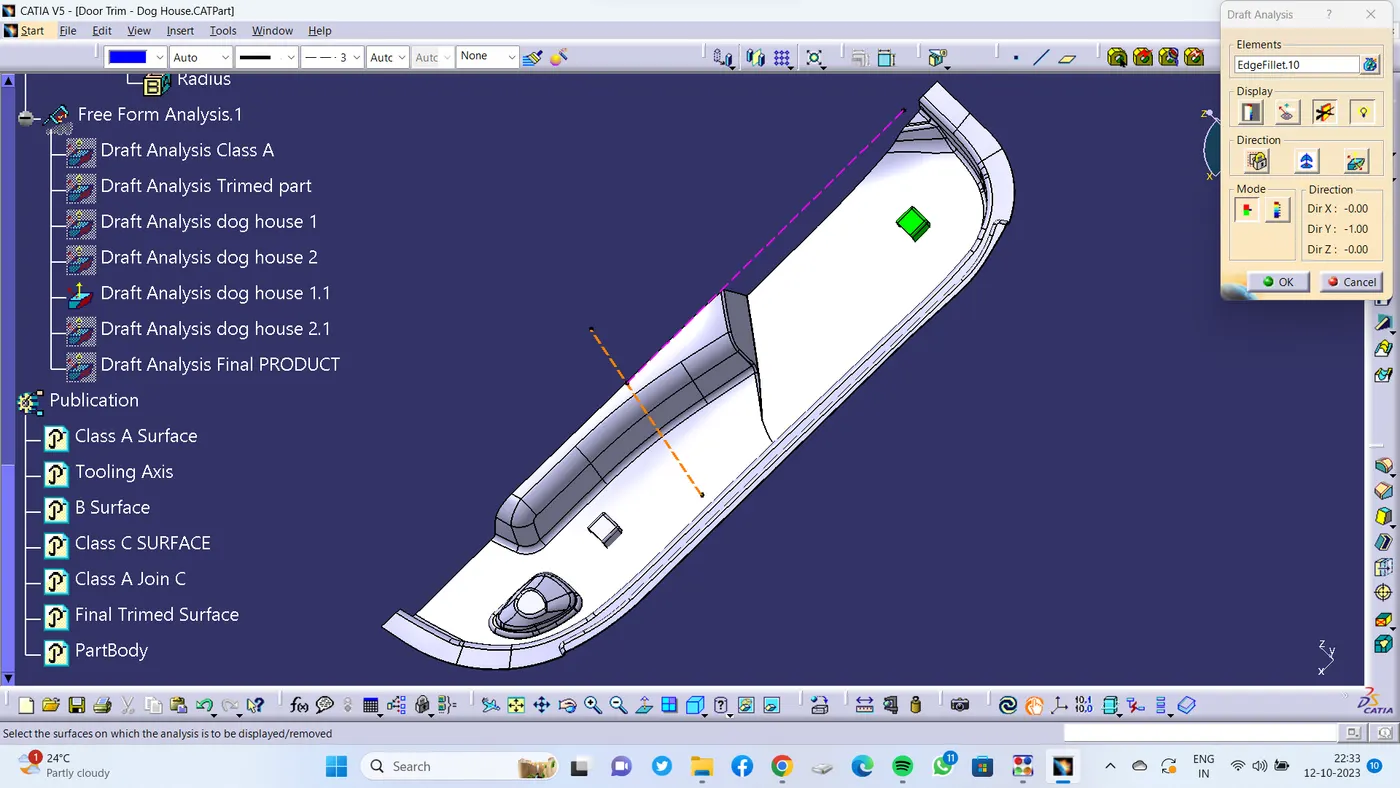
�
SIDE CORE AXIS :
�
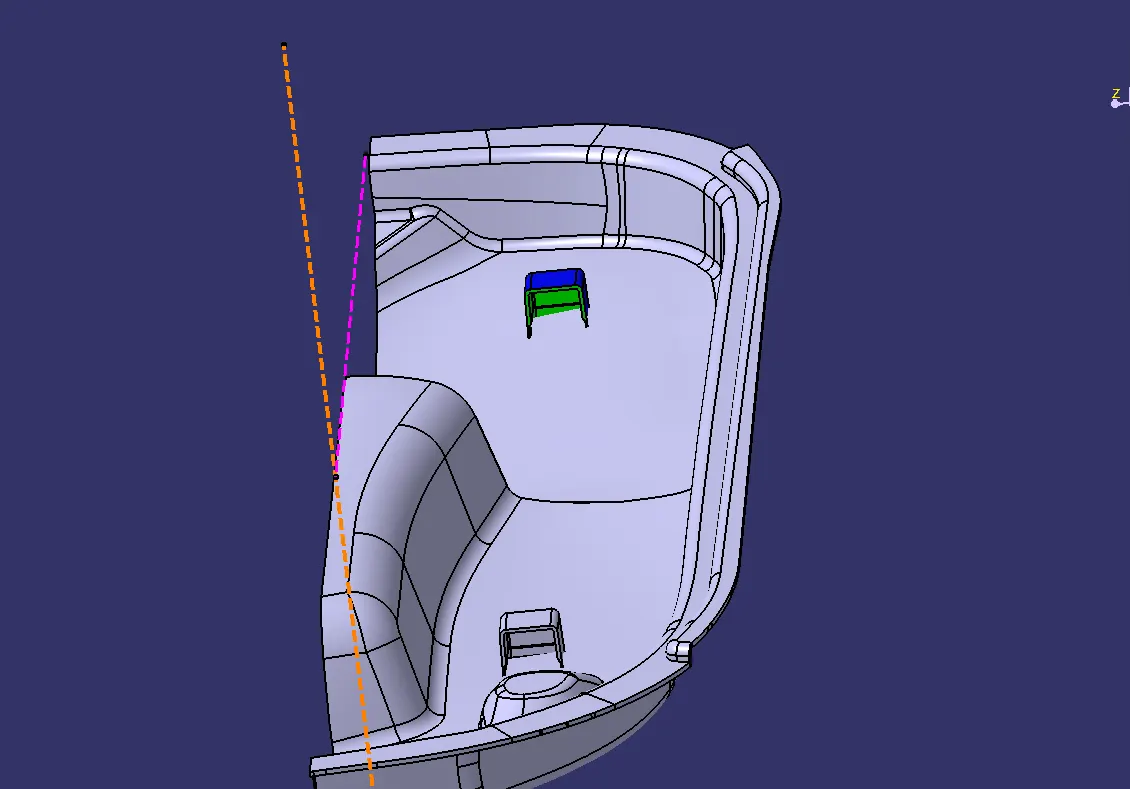
�
13. FINAL COMPONENT :
�
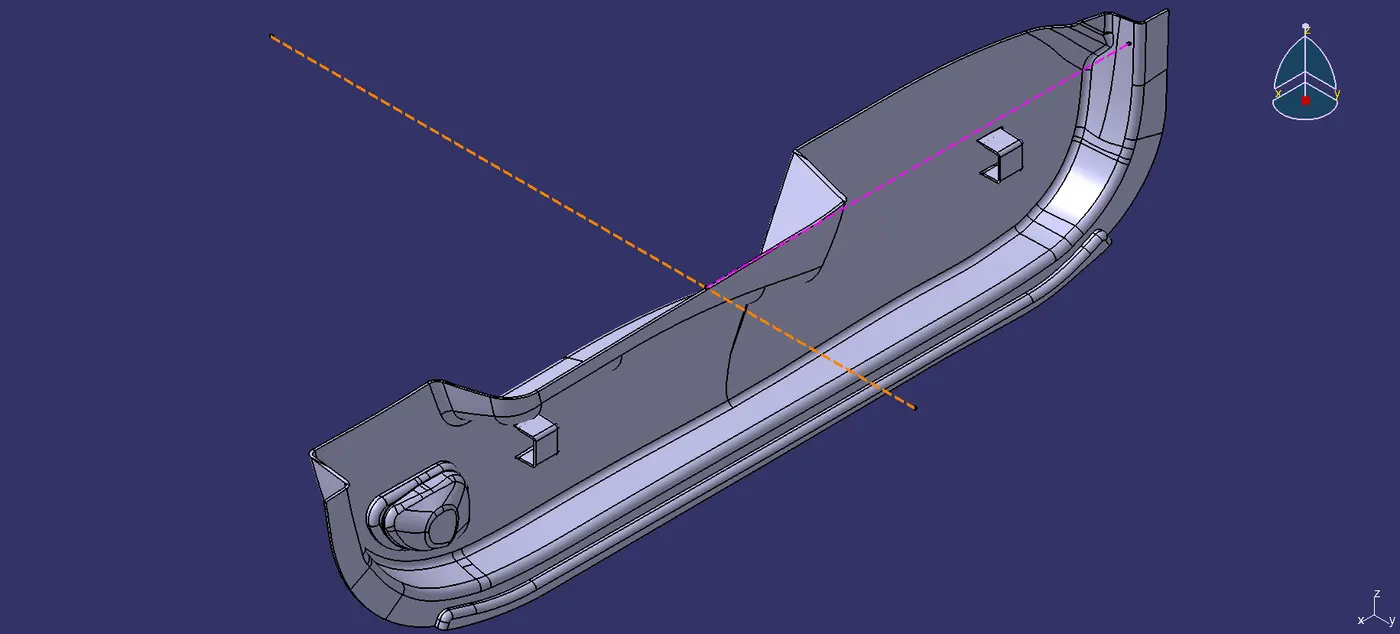
�
THANK YOU.
�