Week 9 - Challenge 2 - Switch Bezel Design
SWITCH BEZEL:
Objective:
To create a plastic solid switch bezel components using a given class A surface.
Objective:
A given class A surface tool was used to create the mold. A Class B surface is formed at a distance equal to the thickness, which is the same surface formed as the wall of the Class A. Class C specimen, then the three surfaces are joined together and the draft analysis is carried out.
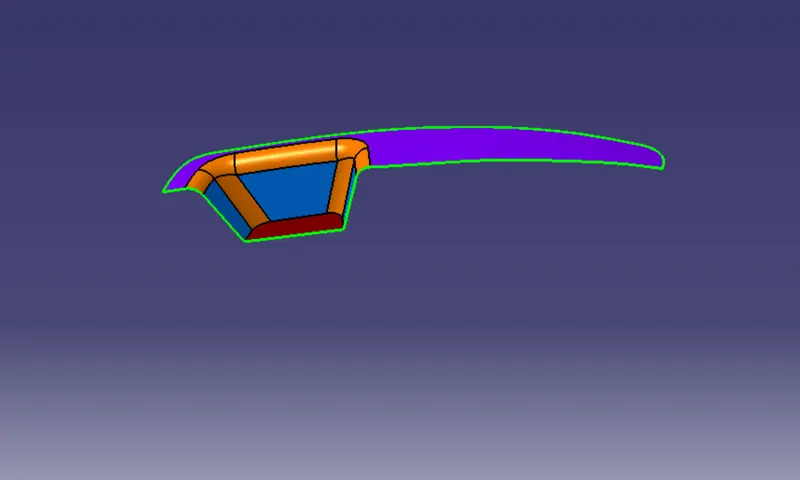
Design procedure:
- To create a bisecting method tooling axis on a Class A surface.
- To check the feasibility of Class A surface by 3 degree draft analysis.
- To create a B surface & C surface.
- To create a trimmed surface.
- To create a solid model part.
- Analyze and check if the draft of the solid component obtained is more then degrees.
Bisecting tooling axis:
First the given stylized surface is checked for any irregularities if any irregular surface is found and then corrected using trim, extrapolate, split and join commands.
Then base surface of class-A is extracted and create a reference point on that surface.
Then create an axis system at that point.Then using project intersection along yz plane is created and the two inclined lines were drawn inside the positioned sketch.
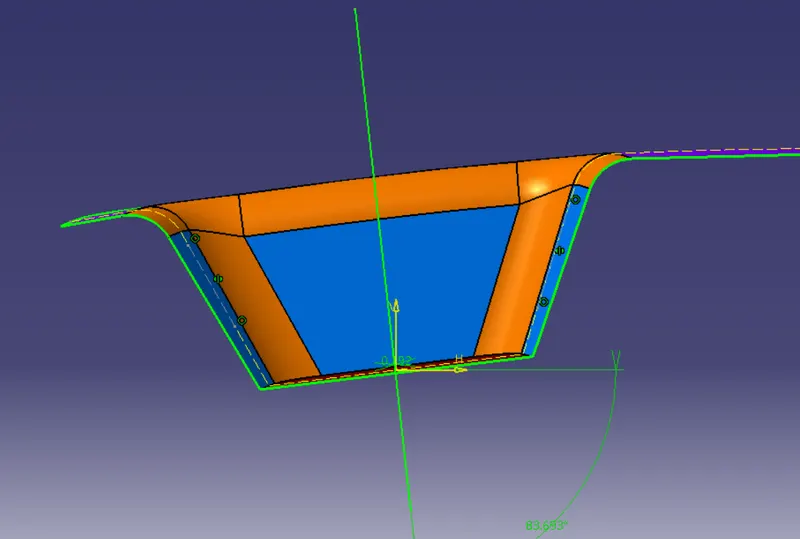
Then bisecting lines with the two inclined lines were drawn.Now the same process is done in the xz plane position sketch, but there are no inclined lines on one side, so the center point is used to create a line in the z-direction and a measurement of 6 degrees is given.
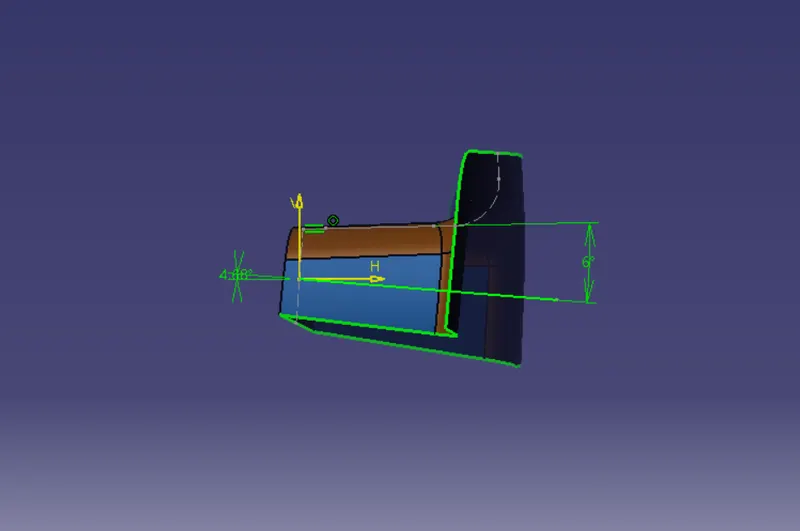
With these two lines from sketches 1 and 2,the bisecting line is created and published as tooling axis.
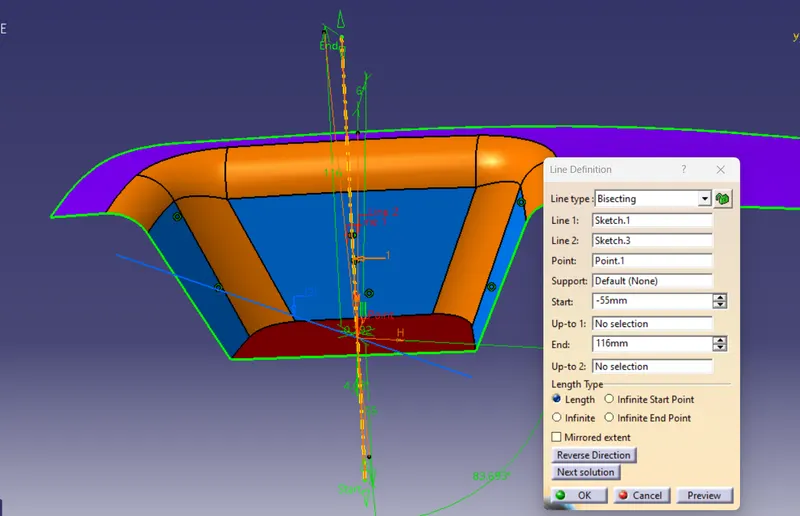
Draft Analysis :
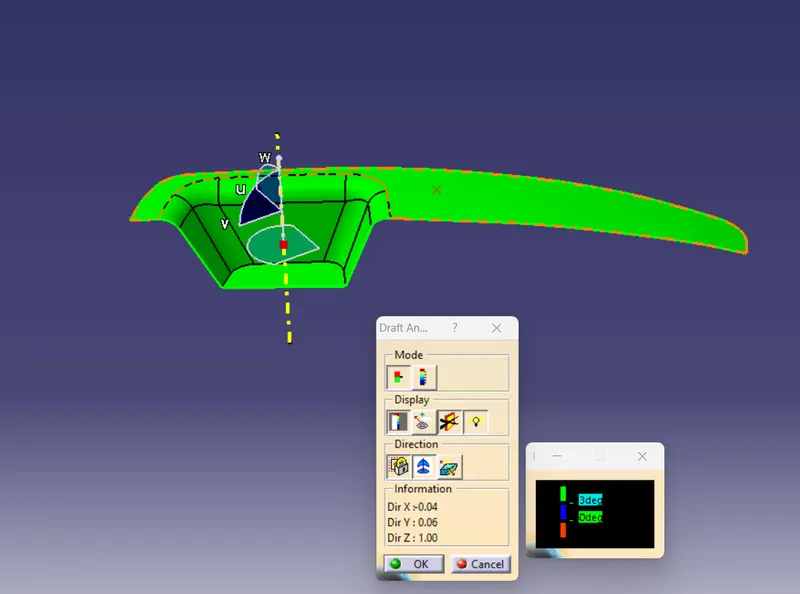
Draft analysis is used after determining tool axis on class-A surface Draft analysis is used on class-A surface to check whether minimum draft angle of 3 degree is maintained or not.
Given a surface angle of minimum 3 degerees, the whole component truns green. If the component truns green, we go to next operation.
Class B surface:
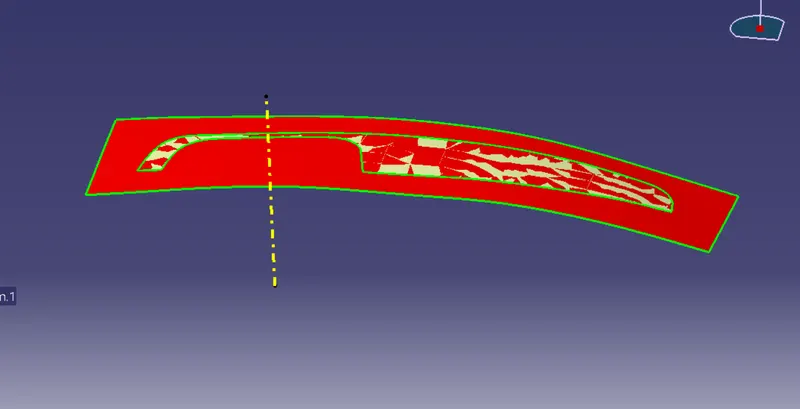
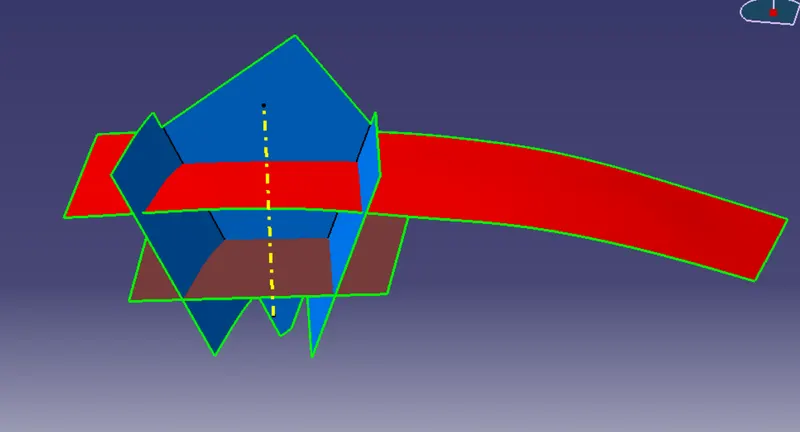
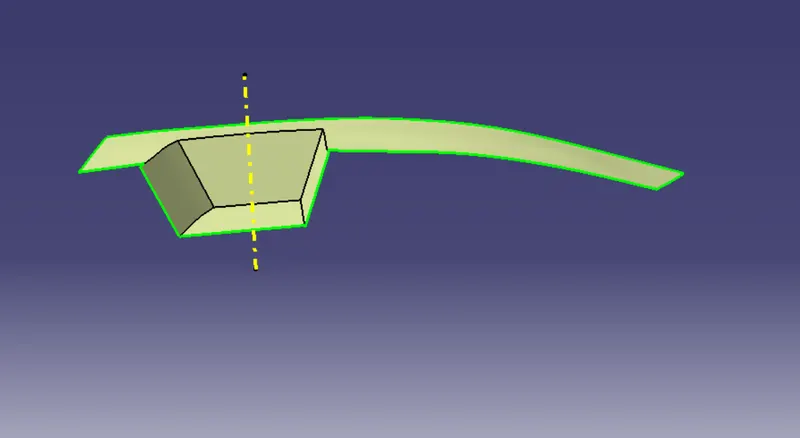
The Class-B surface is the secondary surface in the plastic component.
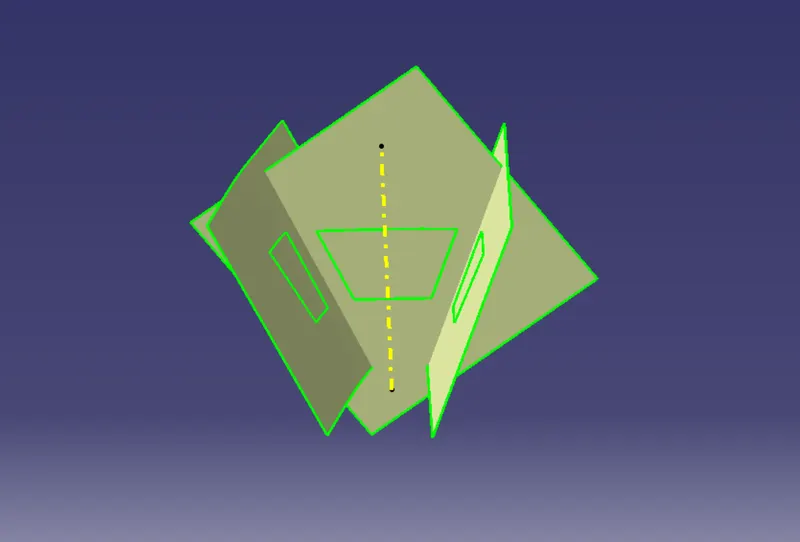
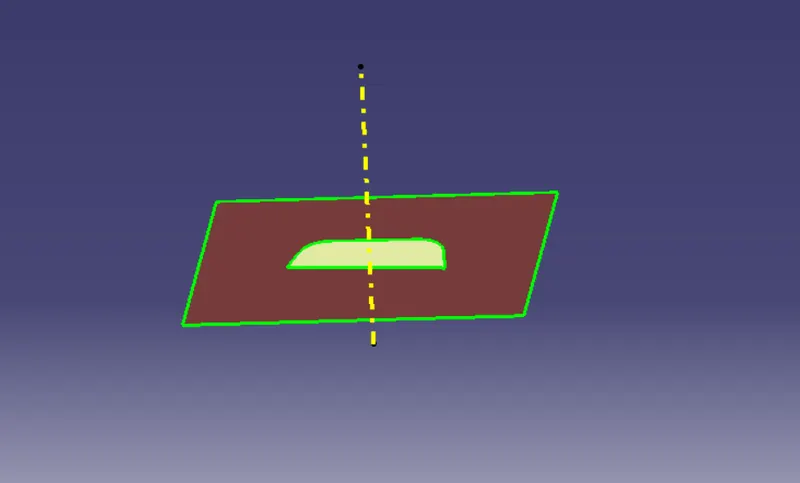
Class B surface is created step by step as top surface, side wall and base surface.
The Class B surface is extracted from the A-surface and offset by 2.5mm in the downward direction using it.
Untrim and extrapolate the created surfaces and trim the unwanted part and finally a Class B surface obtained.
Class C surface:
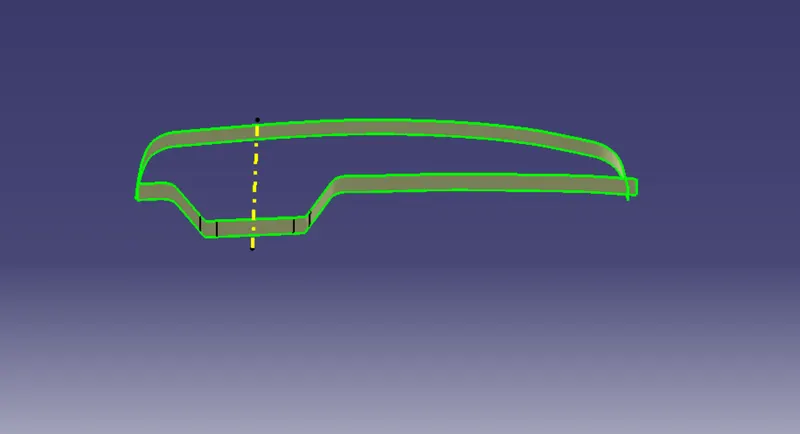
The required outer edges of the A-surface were extracted using Multiple Extract.
Then for avoiding the patches the curve is smoothened using the curve smooth option.Then by using the sweep command the surface was created.
After using the extrapolate command the edges were intersected between the surface cornors which eases the trimming operation.Now the required portion of the C-surface were trimmed out.
Trimmed surface:
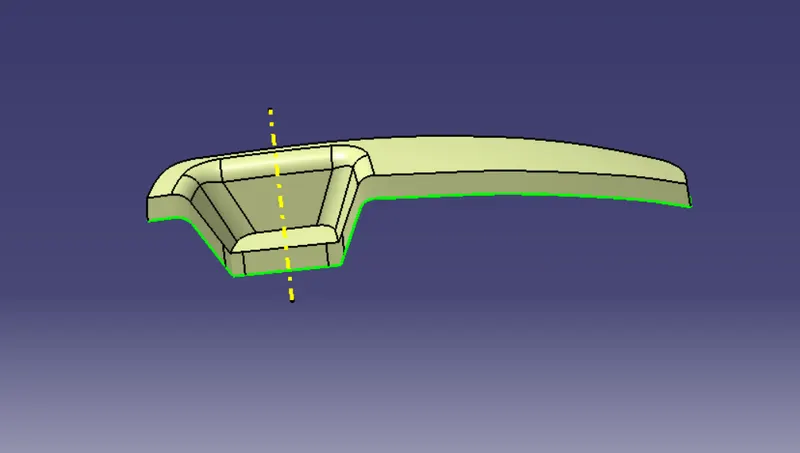
Now the class-A and class-C surfaces were joined together by removing the gaps in-between them with the help of extrapolation and Trim surface.
Closed surface:
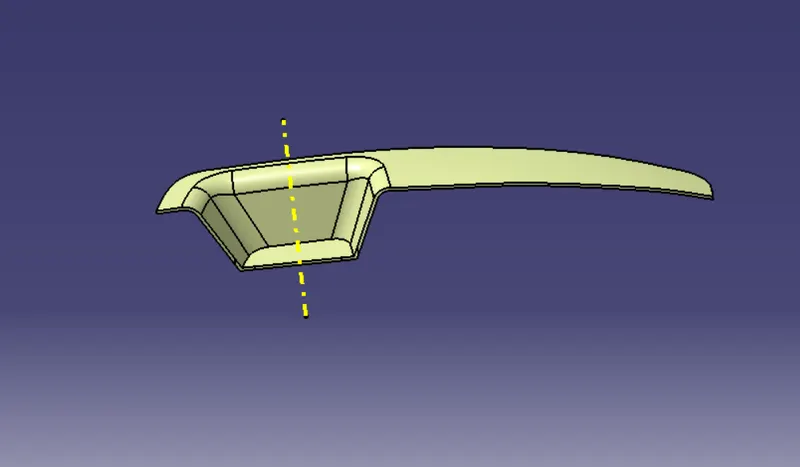
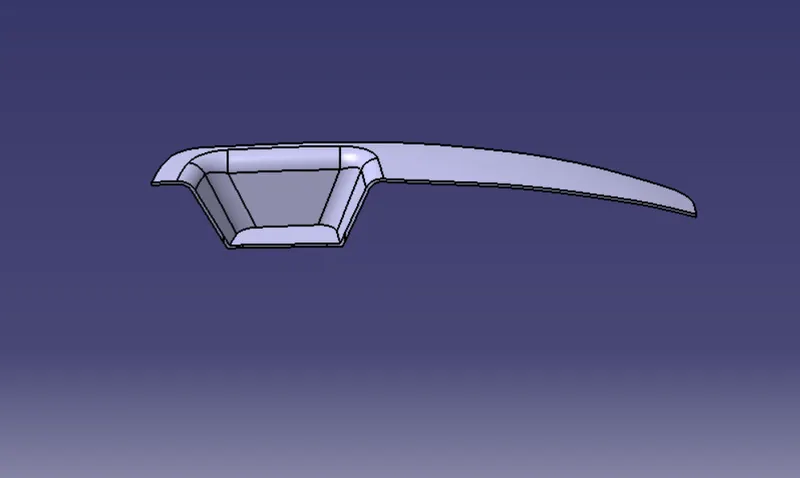
A class-B surface is trimmed from the created trimmed surface. this results in a closed surface. Then go to the part workbench by using the Close Surface feature we created a solid body from the surface.
Draft Analysis of solid body:
First go to custom view parameters-material mode then select the material mode clik ok.
Then the compass was activated and placed with the tooling axis by dragging the red pointer and then locking it.
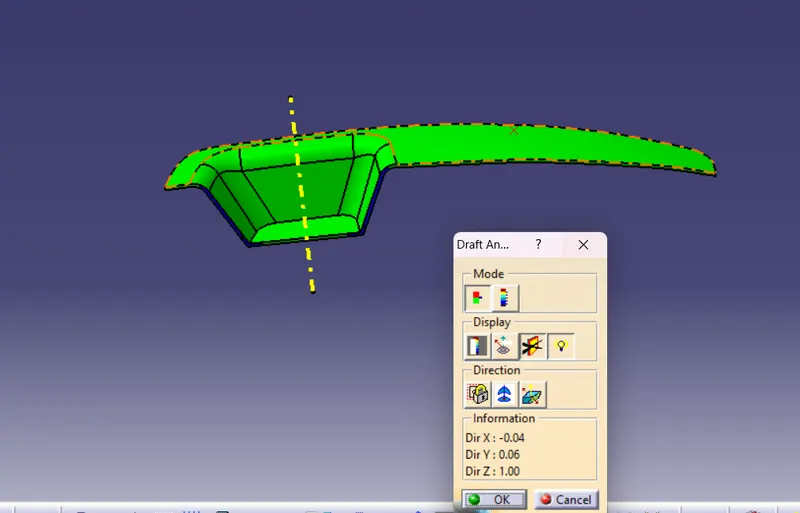
By selecting the quick analysis mode, the nominal value will be 3 degrees and checked for the component's draft angle.
The green color area shows that it satisfies the 3-degree draft angle. If not satisfied then by using the Running point tool the area is measured and then altered to get a successful draft for the created tooling direction.
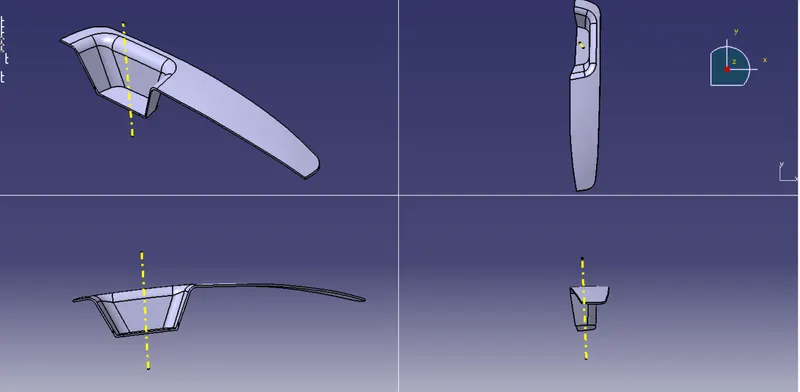
Isometric, Front, Side, and Top View:
Conclusion:
Successfully created switch bezel plastic components using Class-A surface and draft analysis was performed on Class-A surface and final plastic components.