Week 9 - Challenge 2 - Switch Bezel Design
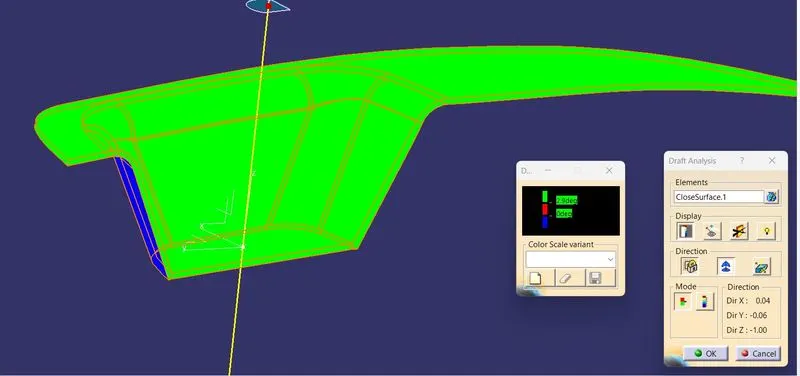
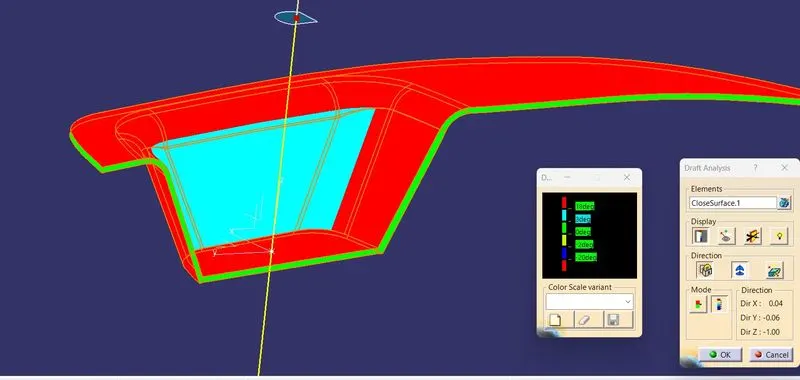
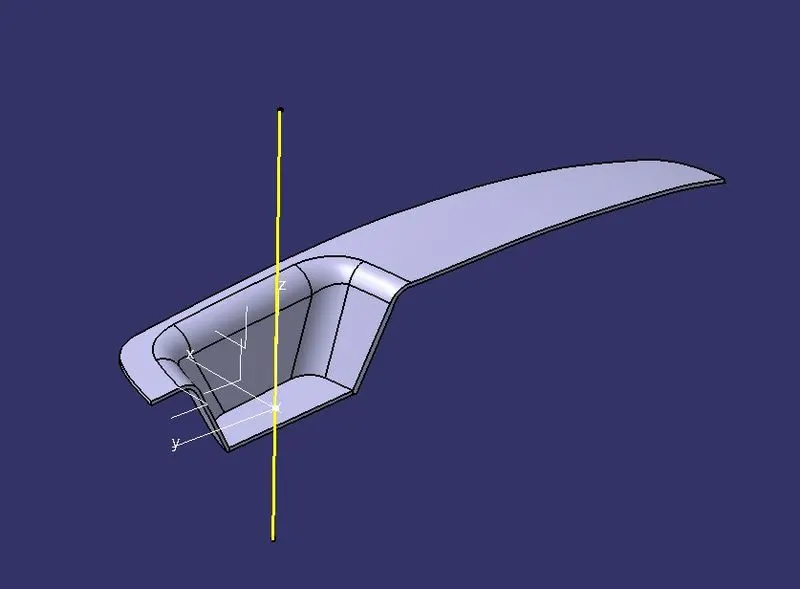
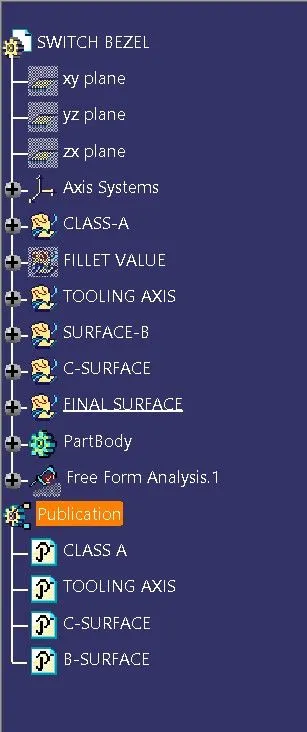
Steps for Plastic Part Creation are as follows:
1) Create a point on the flat surface using point command and in drop down select "on the surface" enter the value 0.00mm so you can gat its geometiric center.
2) Create intrsections of every draft surfaces which is required to examine. Use the bijection line tool to create bijection between them. For single face create a line at the angle with surface suh that the final axis will be 3 deg to the face. The final line you will get will be tool axis.
3) Extract all planar & curved surfaces excluding fillets. Untrim then & them trim them to combine as one surface. Now give proper fillet as required.
4) Take offset of created surface and extrapolate them atleast 10mm outside the boundary of Class-A surface.
5) For, Class-C surface use boundary tool to create open boundaries of class-A surface. Use Swept with draft direction to create C-Surface with req. angle & direction as tooling axis. You can use smmoth curve to reduce patches but it will cause deviation. You have to extrapolate Class-A & Class-C then trim them to combine inot one.
6) Trim & Join Class-A,B,C surfaces. Use close surface to get solid.