Week 9 - Challenge 2 - Switch Bezel Design
A Report On Switch Bezel Design
Draft Analysis:
- The draft analysis determines whether the part is manufacturable or not. The forming processec which uses the core and cavity to manufacture the parts always required some draft. Draft allows the formed part inside mold to get eject from the core and cavity.
- It helps the part to leave the mold surface in the erlier stage of ejection or mold opening. Hence reduce the friction between the part and mold which results long life of core and cavity and production of finished parts.
Draft analysis of Class A and Tooling Direction in CATIA:
1) Process to create tooling axis in CATIA
- Tooling direction is the direction of opening and closing of the core and cavity.
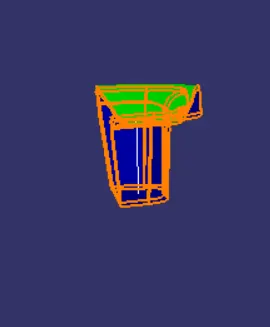
- To create the tooling axis, two sketches are created as shown in below images among which in first one two lines are drawn inline with the walls on either sides and one middle line is drawn using bisecting method.
- In second sketch there is only one wall of the switch bezel along which a line is created and another line is drawn through the origin at an angle 5deg with the first line.
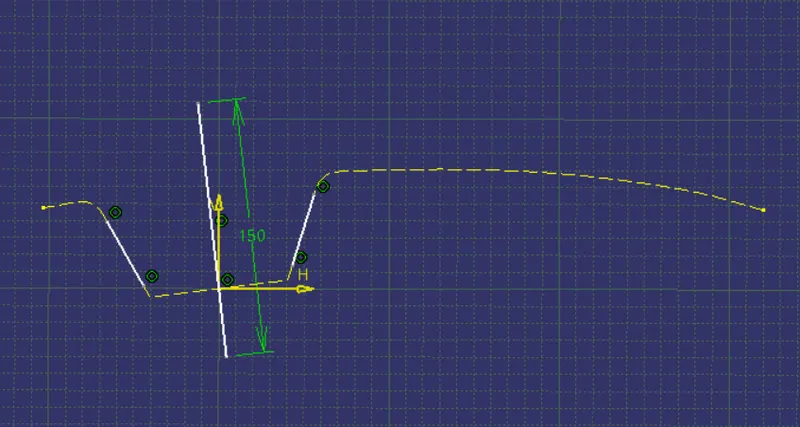
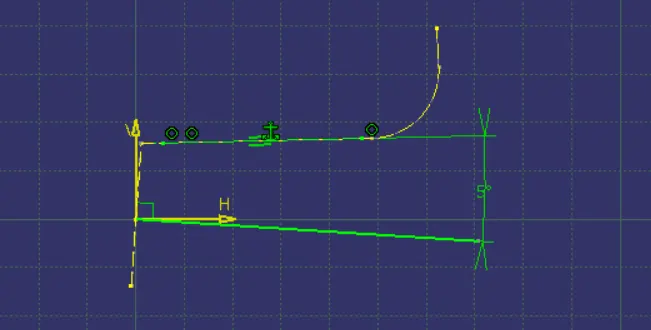
- Then, from these two lines from two different sketches another line is created by bisecting these two lines which is going to be the tooling axis.
-
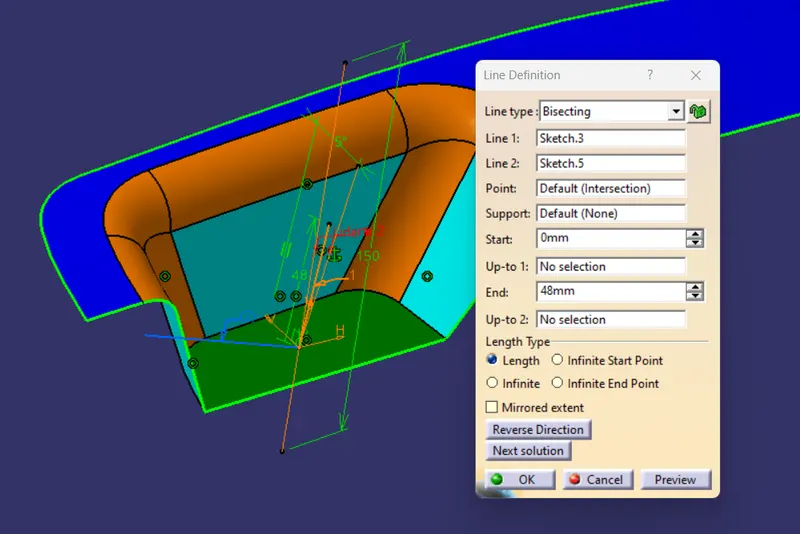
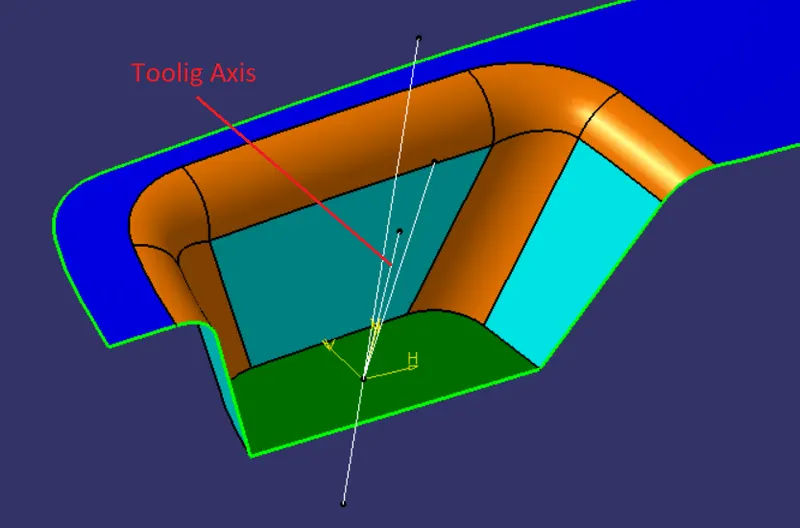
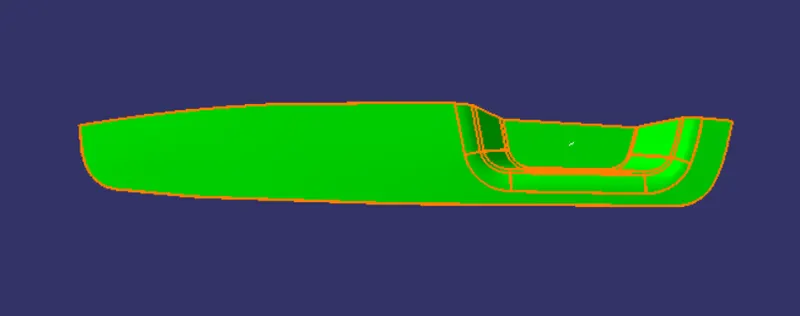
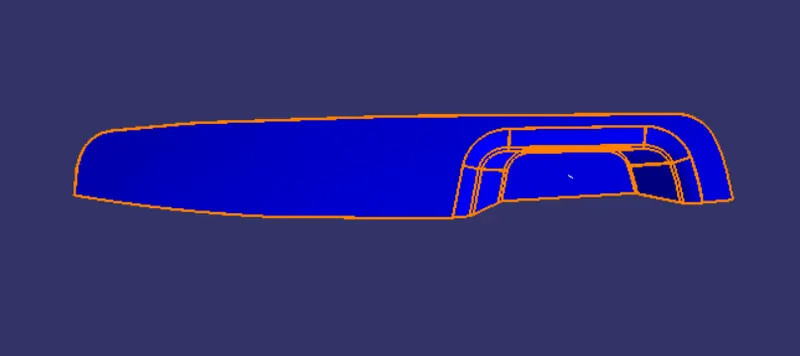
Process To Do Draft Analysis On Class A Surface And The Part:
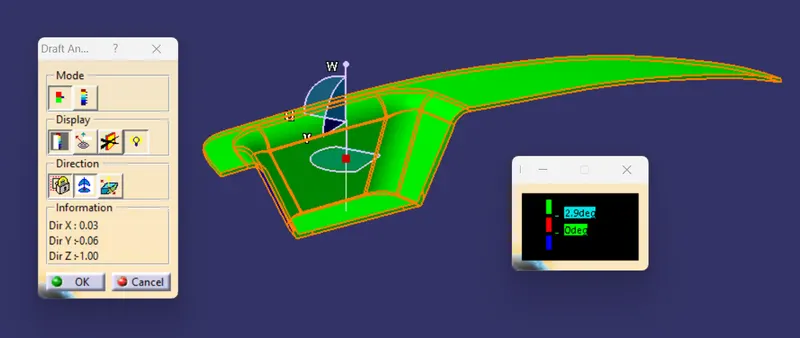
- Draft Anlysis Option : insert -- analysis -- feature draft analysis
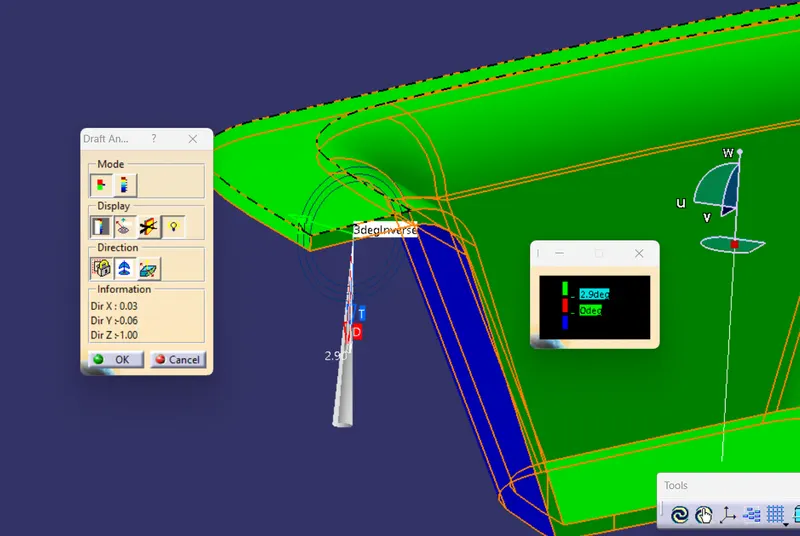
- In draft analysis window select the compass option and place the compass on the tooling axis by draging it then click on the lock option.
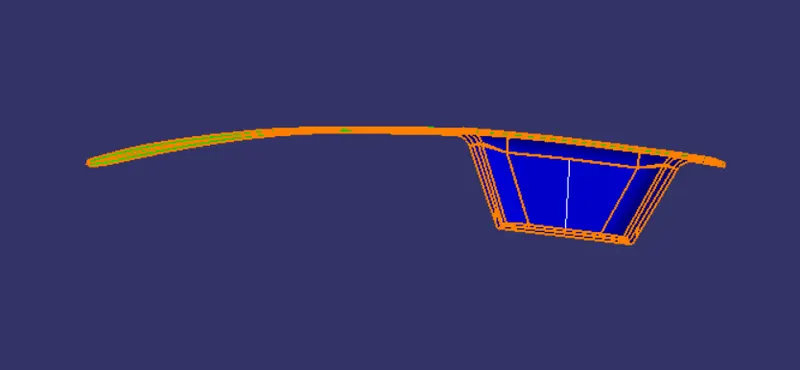
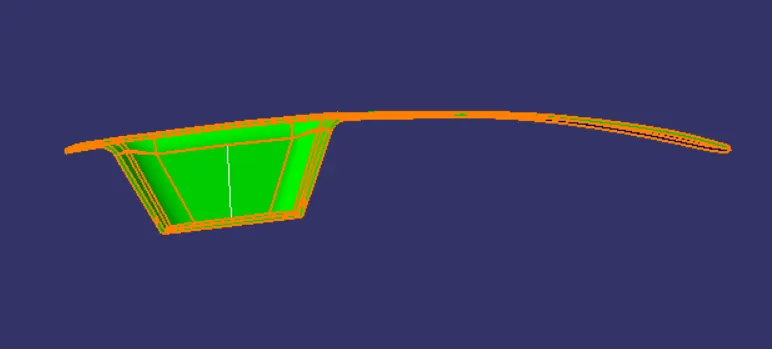
- Now click anywhere on the surface and switch the draft direction using direction option.
- The same method is applicable for draft analysis of the part, just make sure that the view mode of the part is in material mode.
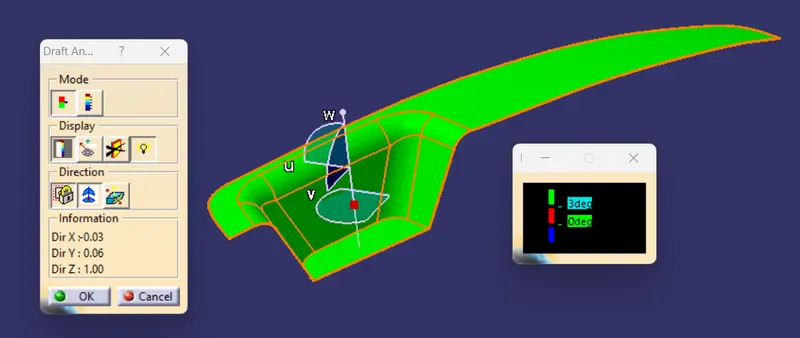
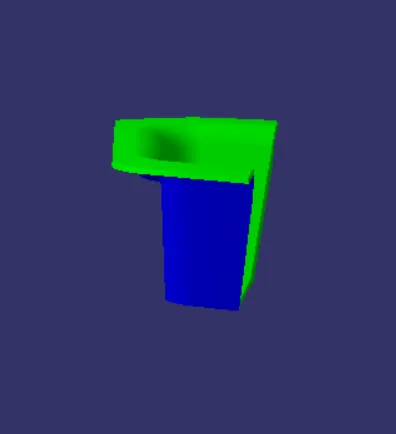
Draft analysis of final plastic component: