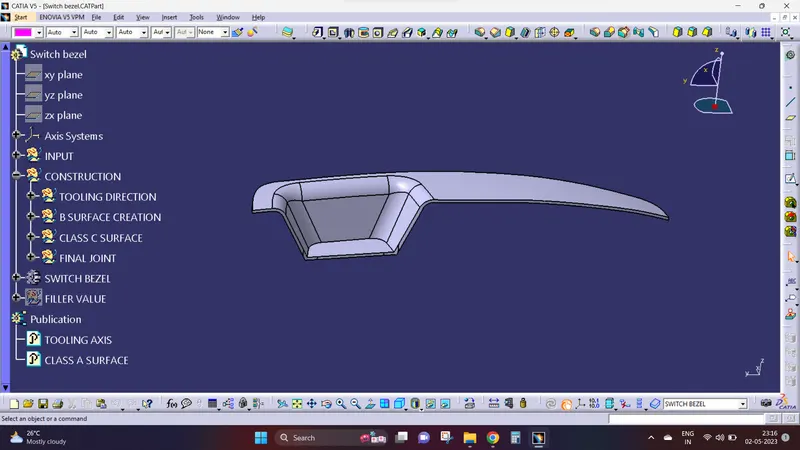
Week 9 - Challenge 2 - Switch Bezel Design
Procedure:
- i create my own surface by using your Switch bezel.
- i mention your Switch bezel as classA.
- i create a clas surface that is denote as B and the 1st step i create a base using offset commnd.
- by using a offset i creating a wall.
- utilize the extrapol to expand all the base and wall with aid of trim tool i trim all the extrapol that i created a wall.
- then i created a class surface that is denoted as C.
- select the class A boundary lines then use thesmooth curvature to even those boundry line then use the smooth curvature to even those boundary with the aid of sweep tool select the draft direction on top of that select a guiding curve & choose the face.
- again the utilizing an extrapol i offset the sweep.
- finally i joined the both class B&C by using joun command.
- finally the whole surface should be shown as closed surface.
Screenshots: