Week 9-Challenge
AIM:
To create connecter and attach the various parts of the given model.
PROCEDURE:
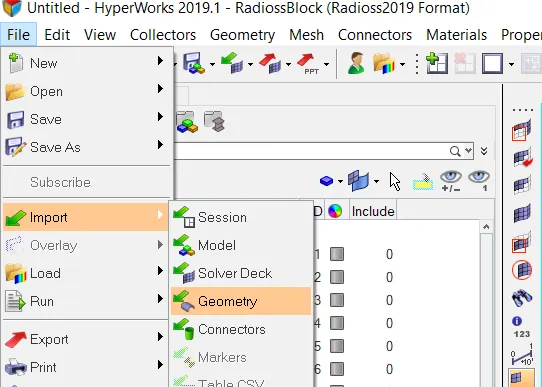
- Import the given model into the hypermesh.
- Mesh all the parts of the given components with the correct element size.
- Then correct the mesh flow in the given components and reduce the trias.
- After meshing the given component, connect all the parts with the connectors.
- That connection on the parts are based on the given coonection details .
- Then remaining parts are connected with the suitable connectors.
STEP 1: IMPORT THE GIVEN COMPONENT
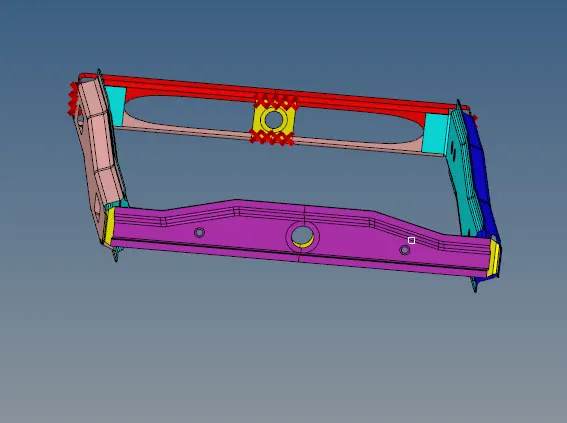
CAD MODEL IMAGE :
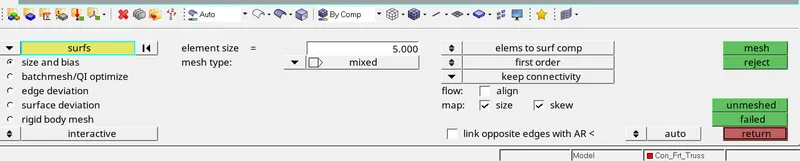
STEP 2: MESHING THE COMPONENTS
Meshing the components based on the proper flow and reduce the tia element.
STEP 3: CONNECTER OPTION
This option is used connect various parts by welding, bolts and adhesive etc.

STEP 4: SPOT CONNECTION
2D > CONNECTER > SPOT
In spot welding, there is lots of types in there. Based on the connection details and number of layers give the value and get it.

STEP 5:SEAM CONNECTION
2D > CONNECTER > SEAM
In seam option, there are lots of type in there .Based on the connection details select and get it.

STEP 6: BOLT CONNECTION
2D > CONNECTER > BOLT
For creating bolt in the given component, if there is no hole in the given component where we want to bolt for that change the option into
'create hole if none'.Then set the tolerance value and select create to get hole.

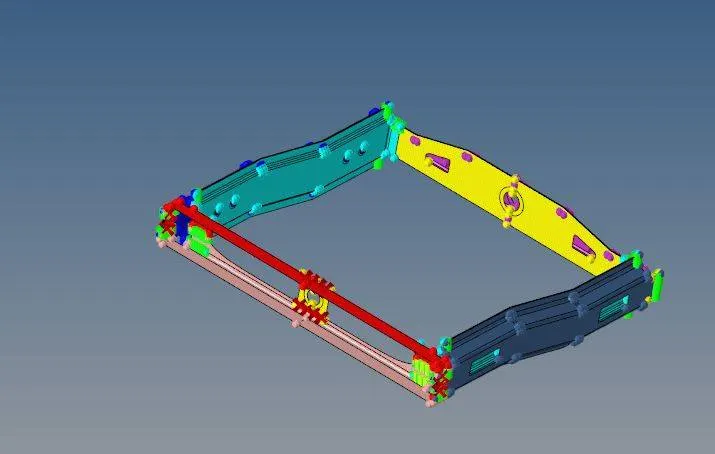
FINAL MODEL IMAGE:
RESULT:
Create connecter and attach various parts in given model are completed.