Project 2
AIM :
To create mesh on the given component and check the quality parameter.
PROCEDURE:
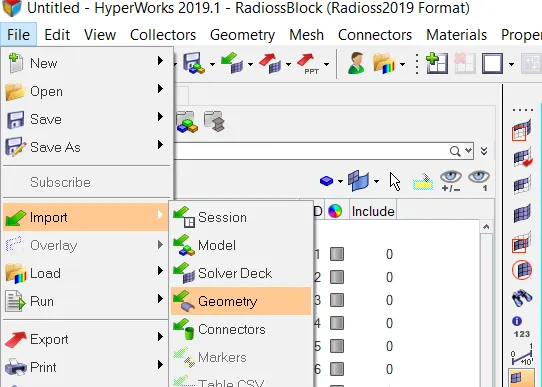
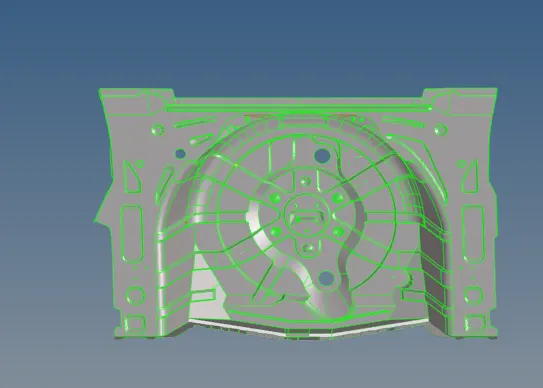
- Import the given back wheel panel body into the hypermesh.
- Find the geometry error in the side door compoent.
- Geometry cleanup the parts which have the error by using cleanup tools.
- Then extract the midsurface component by using offset option because of auto midsurface option give more error.
- During manual midsurface, some parts are not connected ell for that using the extend option in the surface edit panel.
- Remove or toggle the unwanted line that affect the mesh flow.
- Meshing the given side door component and reduce the trias to make proper flow on the component.
- After meshing, check the quality parameter on the side door component based on given parameter value.
- Then assigning thickness to the meshed component based on the each part thickness.
STEP 1: IMPORT THE BACK WHEEL PANEL
CAD MODEL IMAGE:
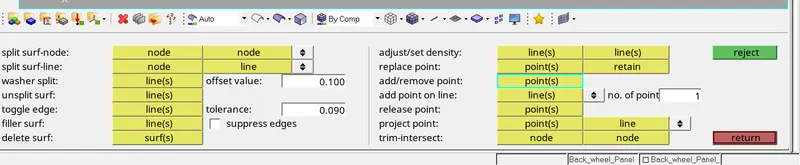
STEP 2: GEOMETRY CLEANUP TOOL
Geometry cleanup the given back wheel panel body by using this option for toggle lines and filling surfaces etc.It will also used
after midsurface the component because some error created during midsurface.
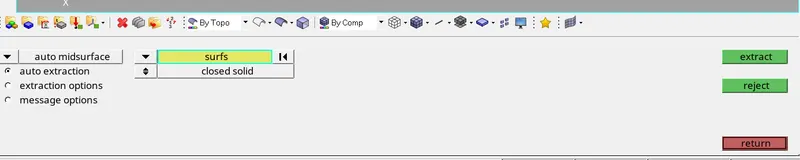
STEP 3: AUTO MIDSURFACE
This option is used to taking midsurface for the given components.Selecting the surface and giving the auto midsurface option.
STEP 4: OFFSET & EXTEND OPTION
This option is used for manual midsurface.For this component auto midsurface contain many errors so i use offset option to
extract the midsurface for the given component. manual midsurface option not connecting the component well for that using
the extend option.

STEP 5: CHECK ELEMENTS
This option is used to check the quality parameter based on the given quality parameter value.

STEP 6 : CLEANUP TOOLS
2d > quality index > cleanup tools
After meshing the given component to reduce trais to making proper flow on the mesh.


FINAL MODEL IMAGE :
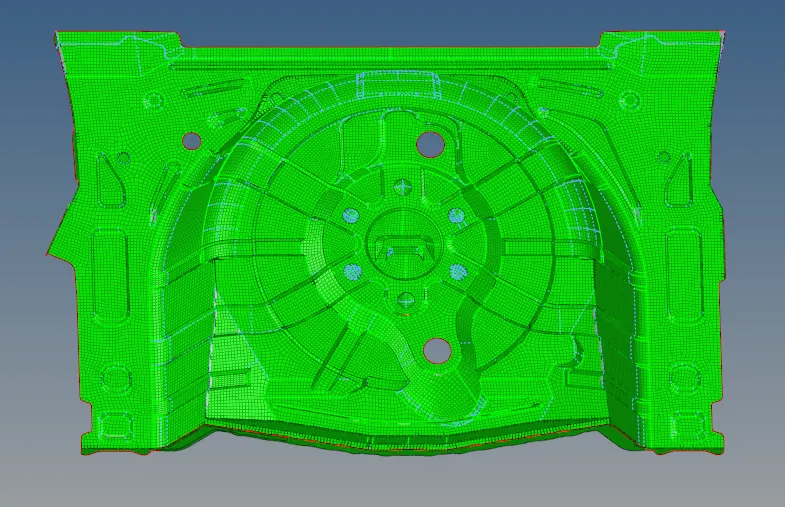
RESULT : Mesh the given component with proper mesh flow and within the given parameter value are completed.Then assigning the thickness to the component.