Week 8-Challenge
AIM:
To perform the 3d mesh on the given models and check with the given parameter value.
PROCEDURE:
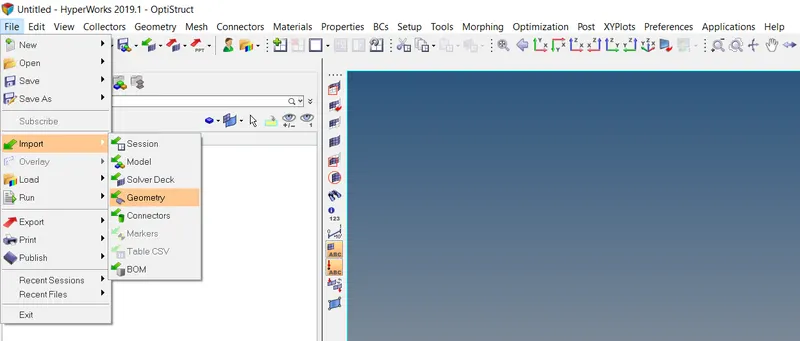
- Import the given models into the hypermesh.
- Geometry cleanup the given models by using the cleanup tools in the quick edit panel.
- After geometry cleanup, meshing the given model in 2d by using auto midsurface option in 2d panel.
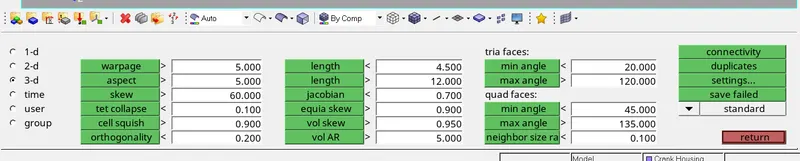
- check the quality quality parameter of the component by using check elements in tool panel and correcting the mesh within the given parameter.
- Meshing the components into 3d mesh by using the tetramseh option in 3d panel.
- Then check the elments in the check elements option by set value into it.
- If the elements are not into the value remesh it and correct it with the tools.
STEP 1: IMPORT THE MODEL INTO HYPERMESH
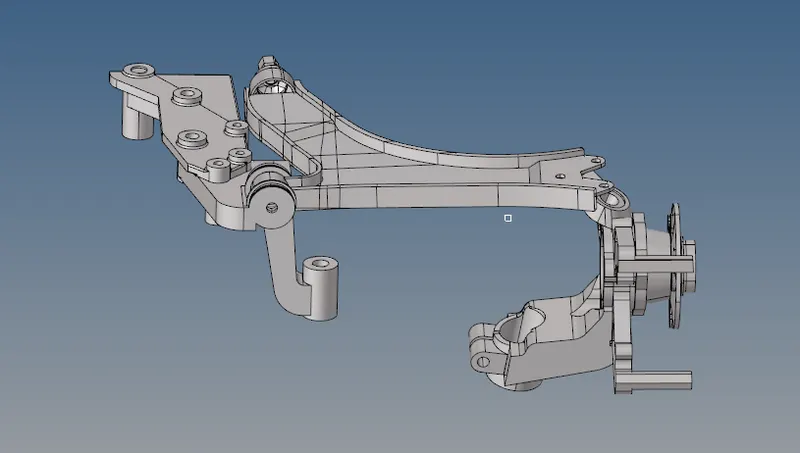
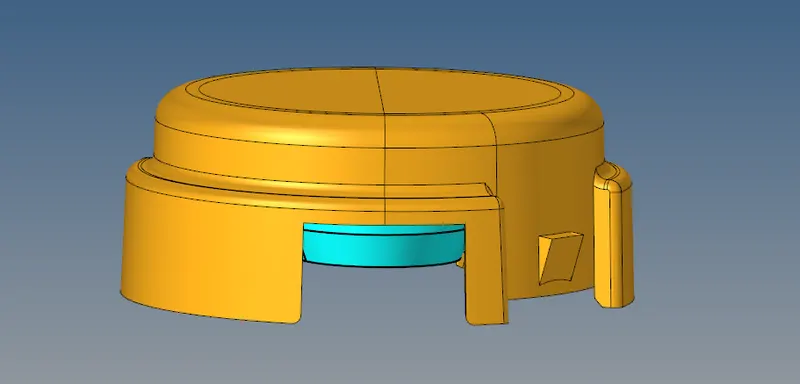
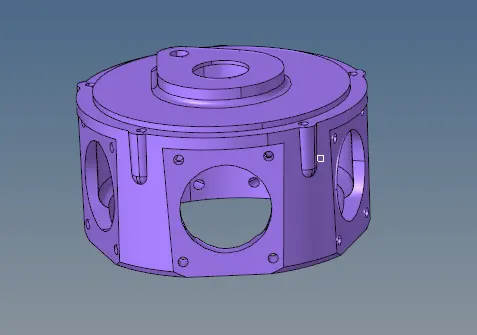
CAD MODEL IMAGE:
STEP 2: GEOMETRY CLEANUP OPTION

STEP 3: MESHING THE COMPONENTS INTO 2D BY AUTO MIDSURFACE

STEP 4: QUALITY CHECK OPTION FOR 2D & 3D
This tools are mainly used for geometry cleanup the parts.

STEP 5: MESHING THE COMPONENTS INTO 3D

STEP 6: MASK OPTION
After 3d meshing is completed , check the mesh is converted into 3d or not by using this option.

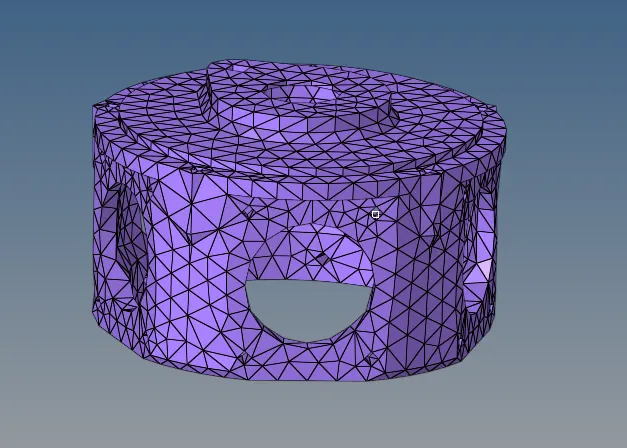
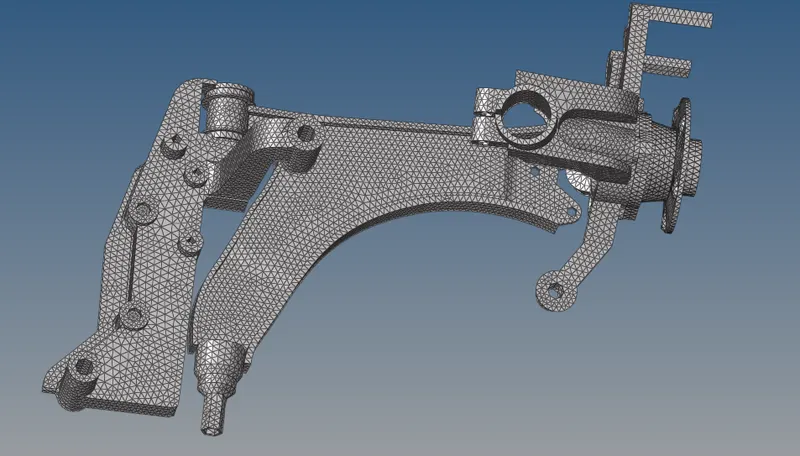
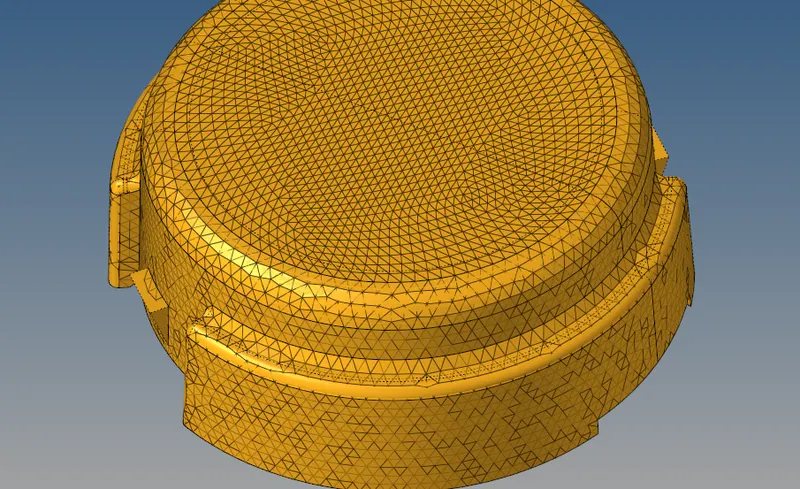
FINAL MODEL IMAGE:
RESULT :
3d meshing of three components are finished and the quality parameters of the meshed components are with in the given parameters.