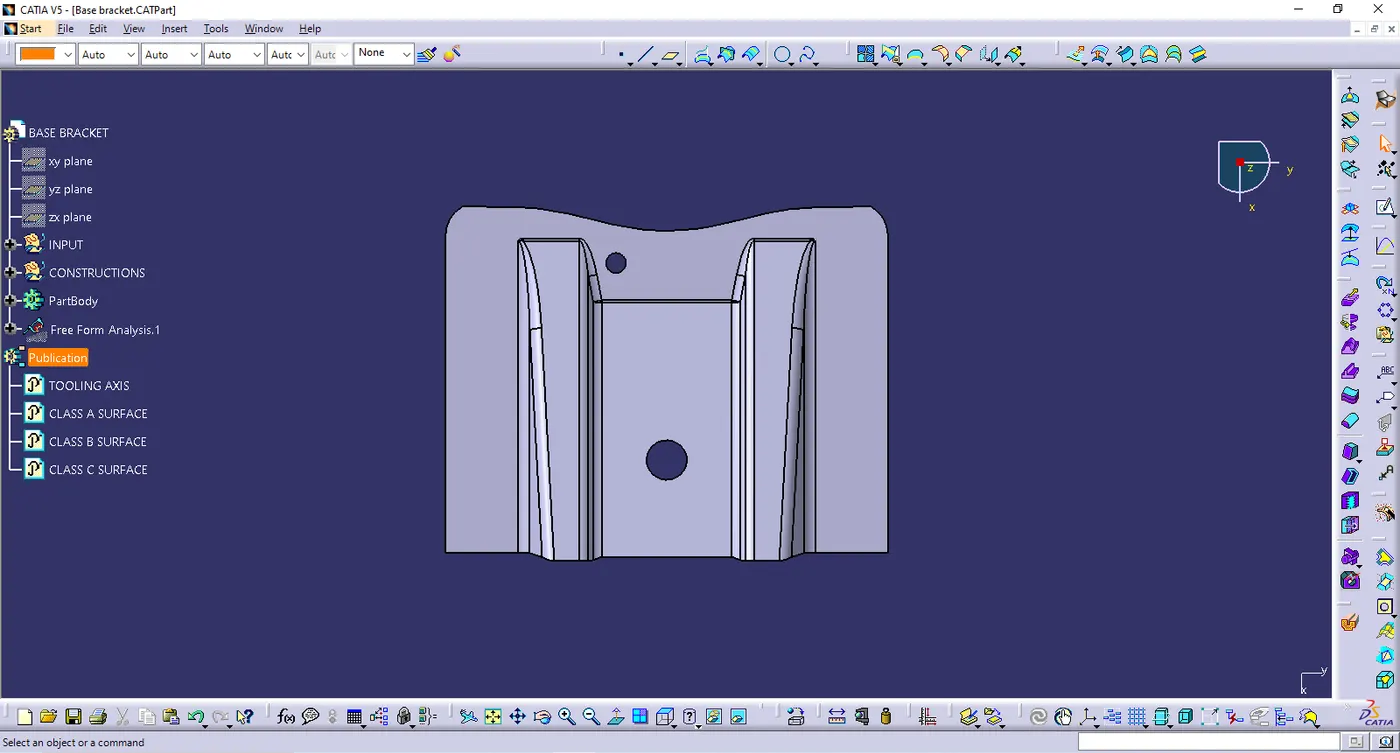
Week 9 - Challenge 1 - Base Bracket Design
- BASE BRACKET DESIGN
AIM : To Create the Base Bracket Plastic component through the given Class-A surface
- TOOLING AXIS
- Ensure the class A surface is properly joined
- Analyse which direction is suitable for tooling axis
- Reference point was created in the center of a circle & created the plane with reference of yz plane & intersect the surface & created dummy tooling axis
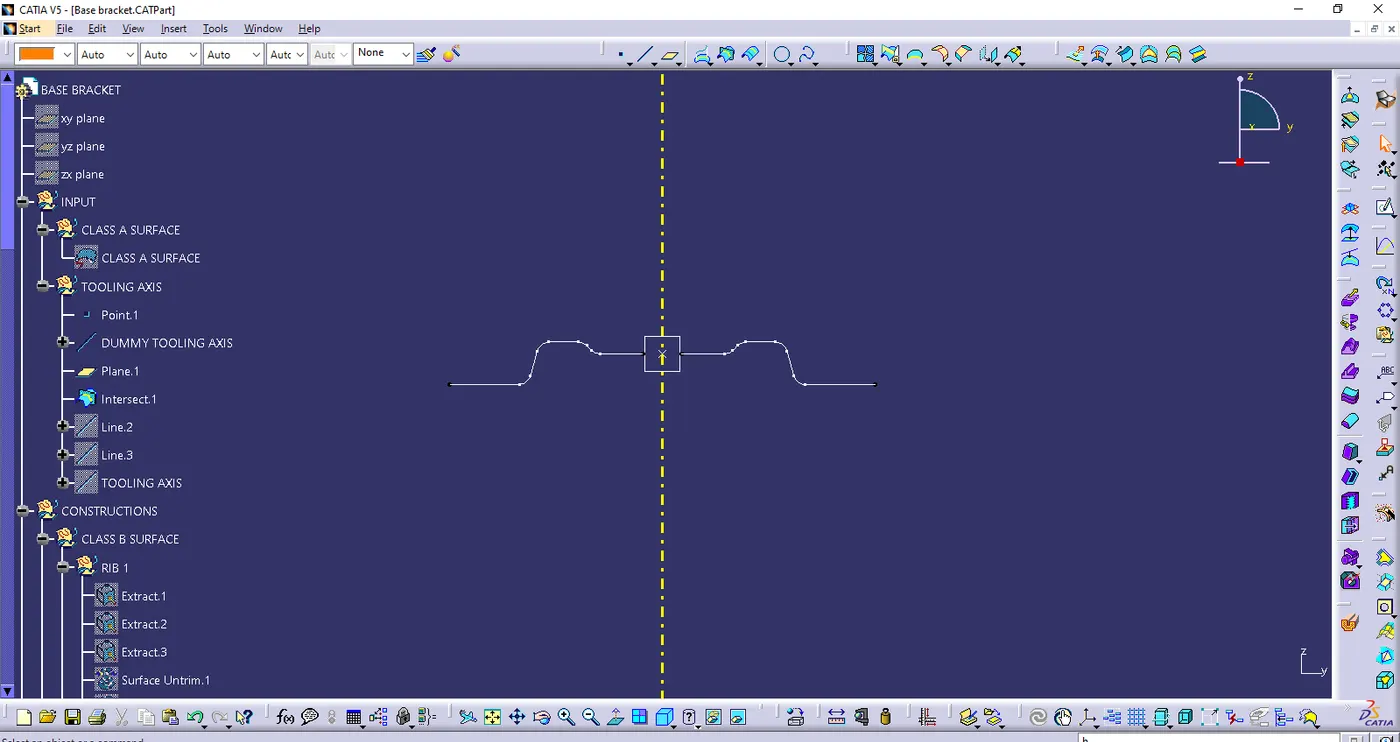
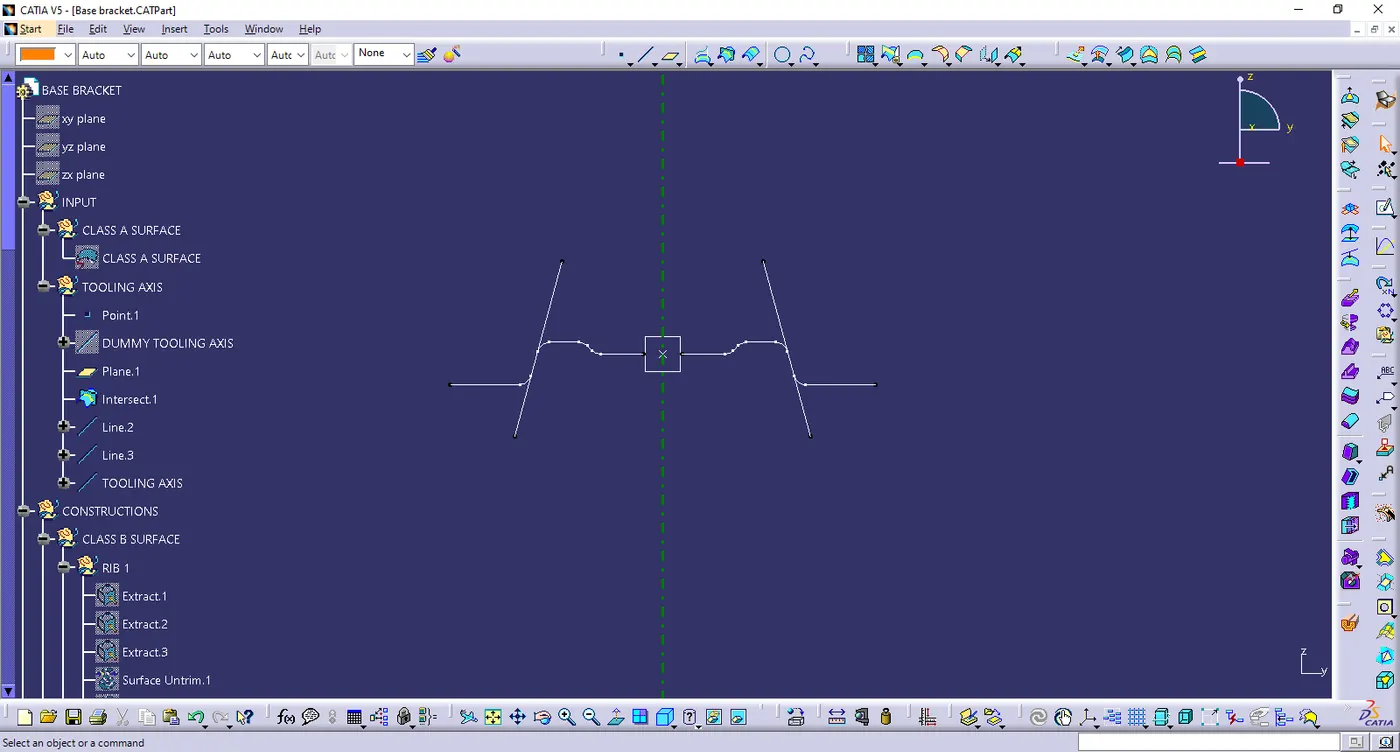
- creating the line with point-point reference on bothsides
- Finally created the biscecting line with help of line 1 & line 2 & point to get the final tooling axis
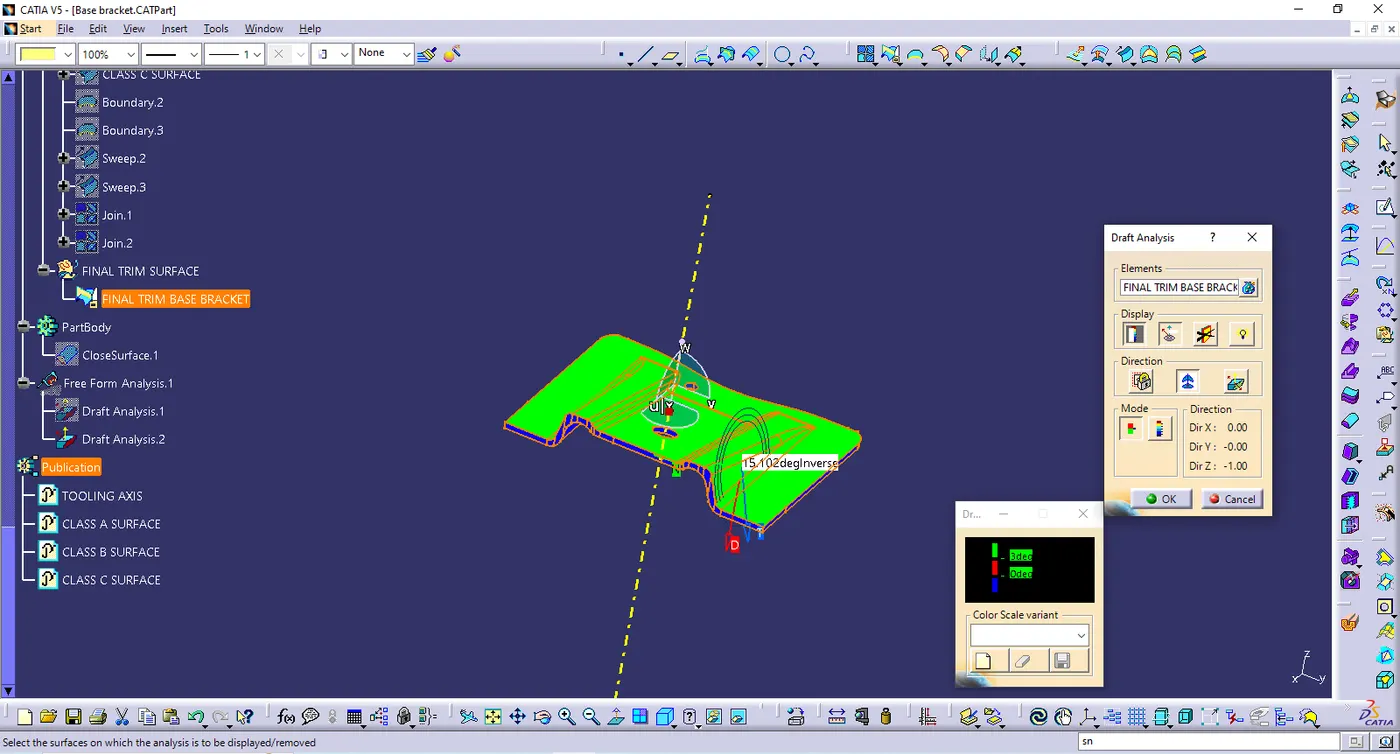
- DRAFT ANALYSIS
- Ensure it in MATERIAL mode
- Select feature draft analysis tool
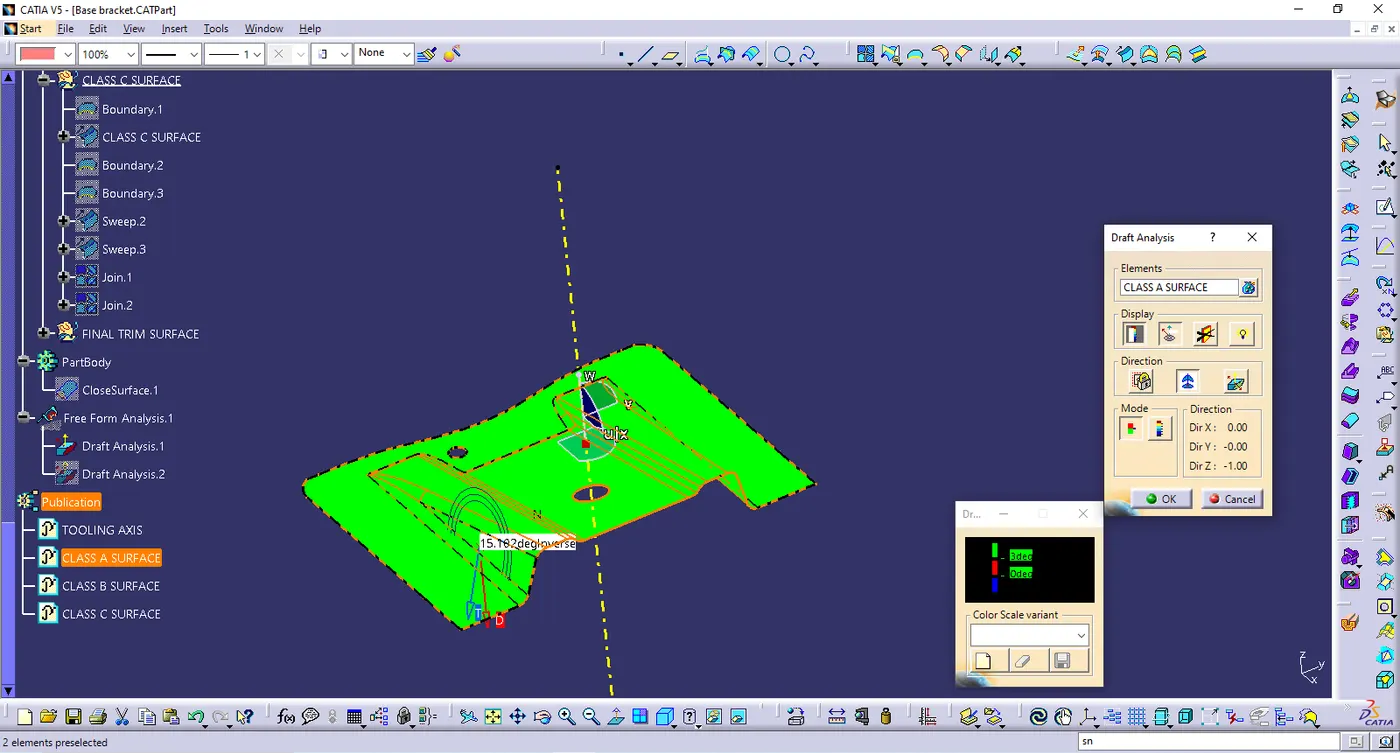
- WIndow shows the complete the draft analysis
- Then click the compass & drag the compass & placed it along the tooling axis and locks the draft direction
- click the surface & it turns to green & analysis the draft angle in different faces
- ensure the draft angle in 3 degree
- CLASS B SURFACE
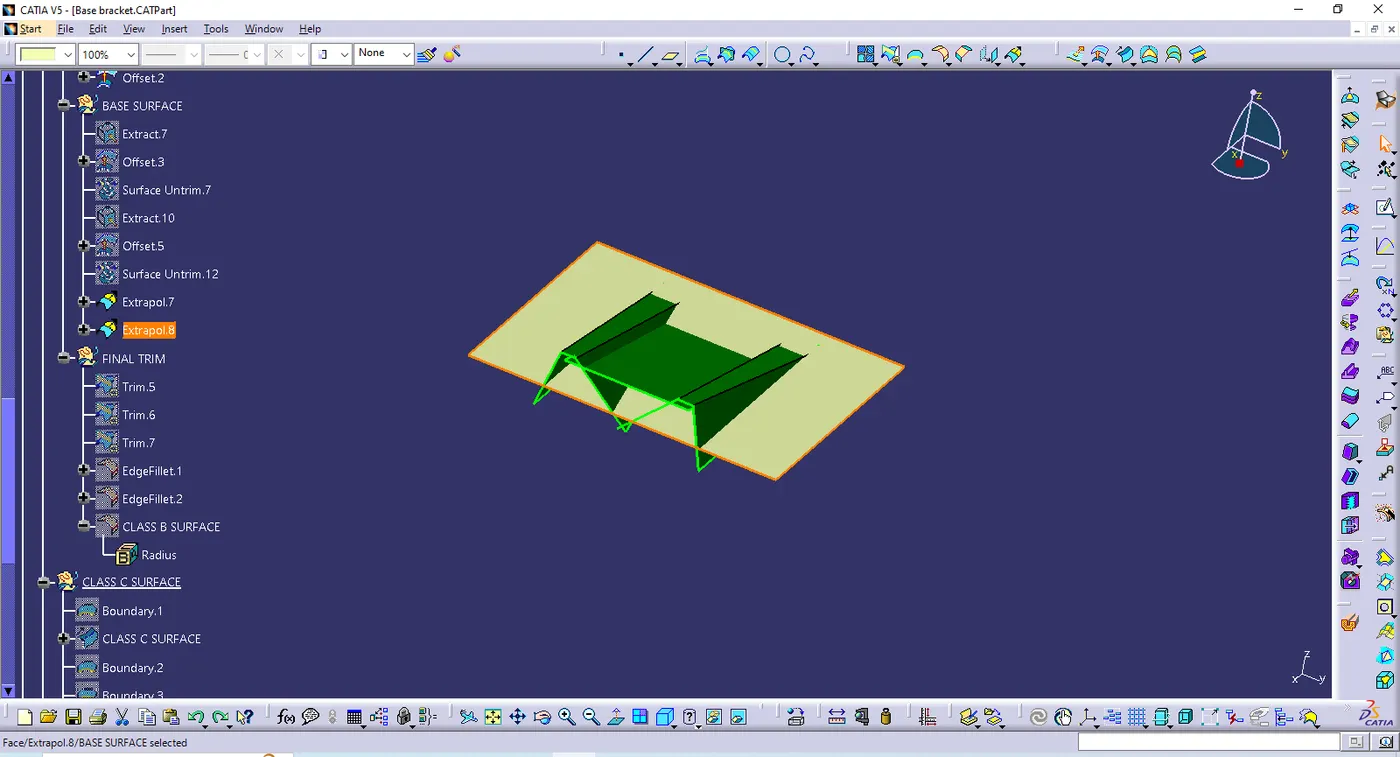
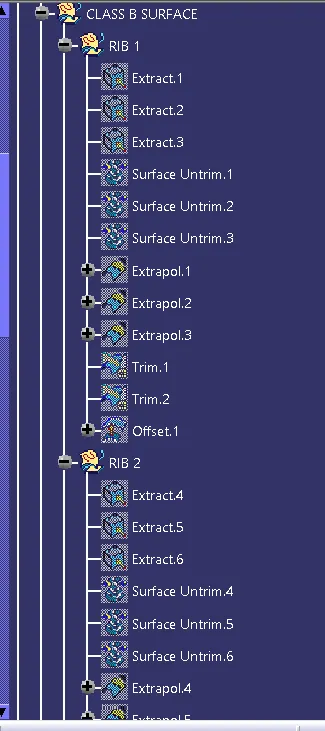
- Extract all the faces & untrim it
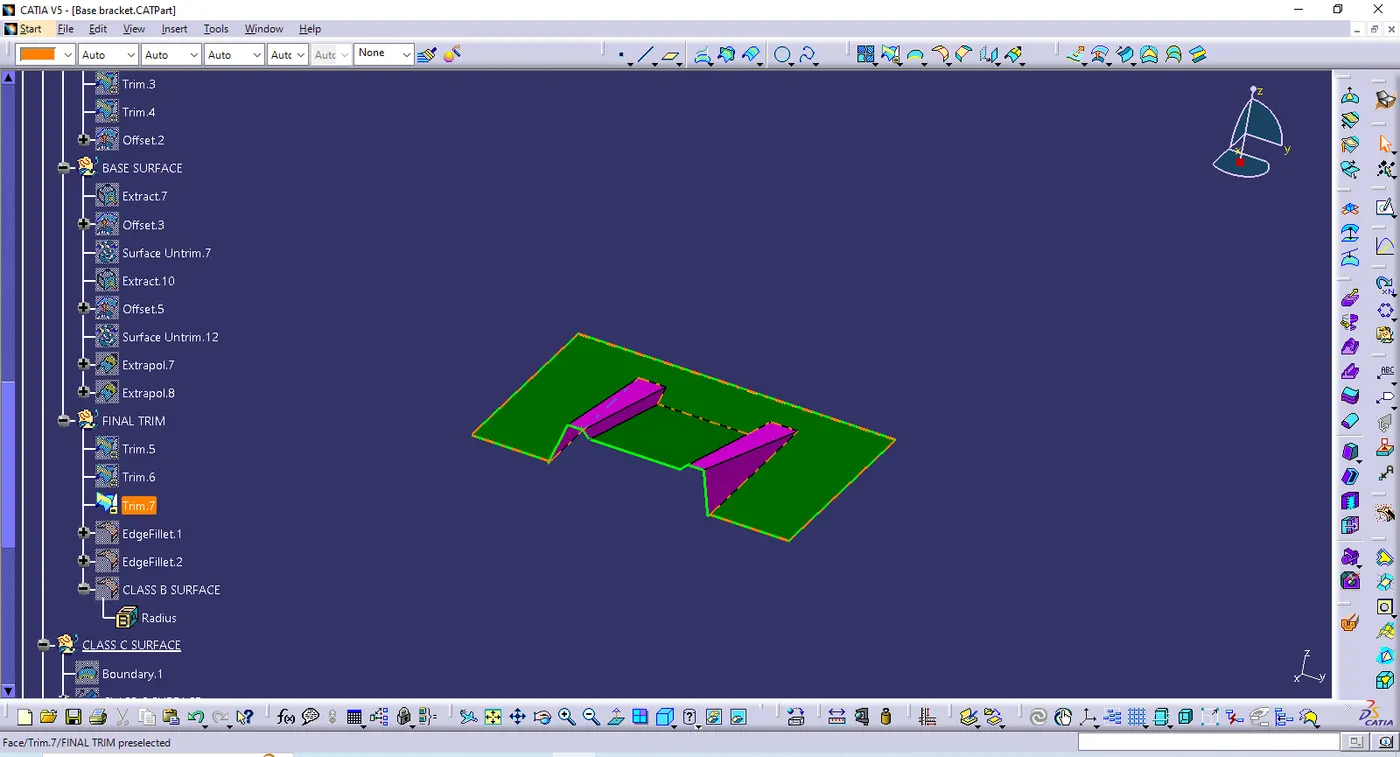
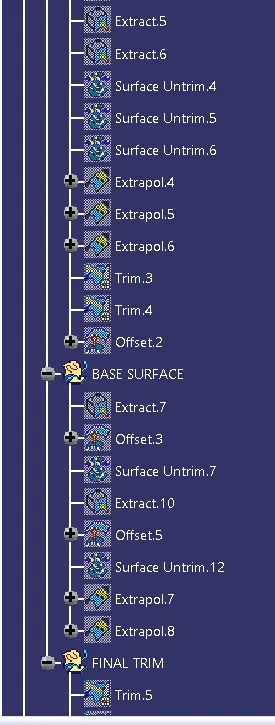
- extrapolate the each faces & trim it
- offset with the given thickness value
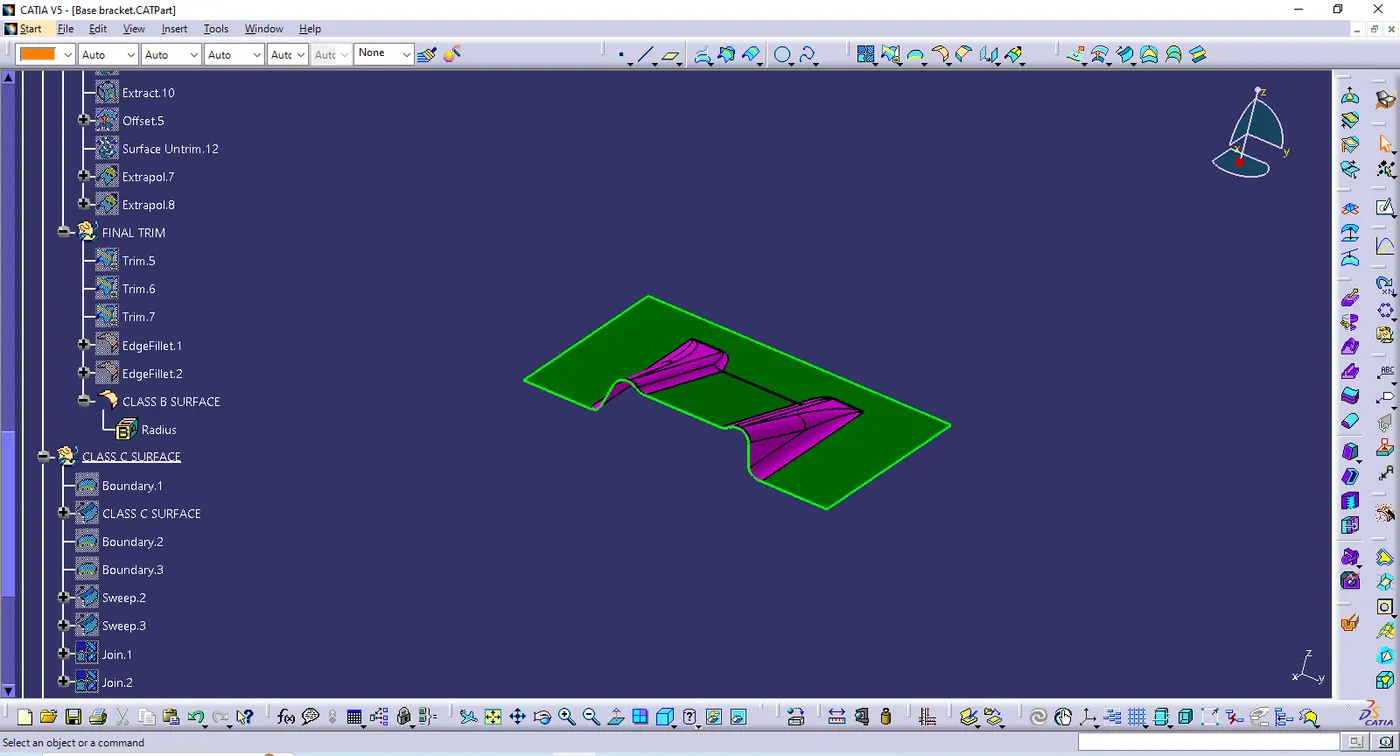
- input the fillets value
- CLASS C SURFACE
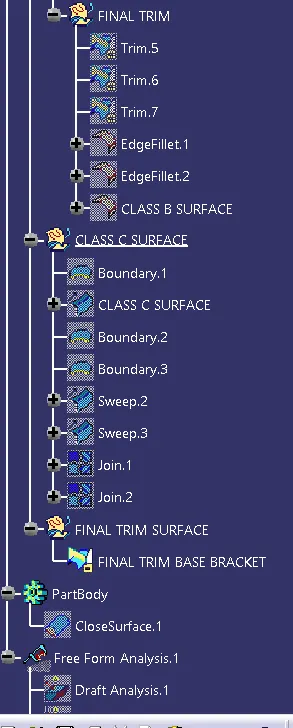
- Create the boundary of the class A surface
- class c surface created using the sweep comand with the help of draft direction
- join the class A & C surface
- trim the join & class B surface
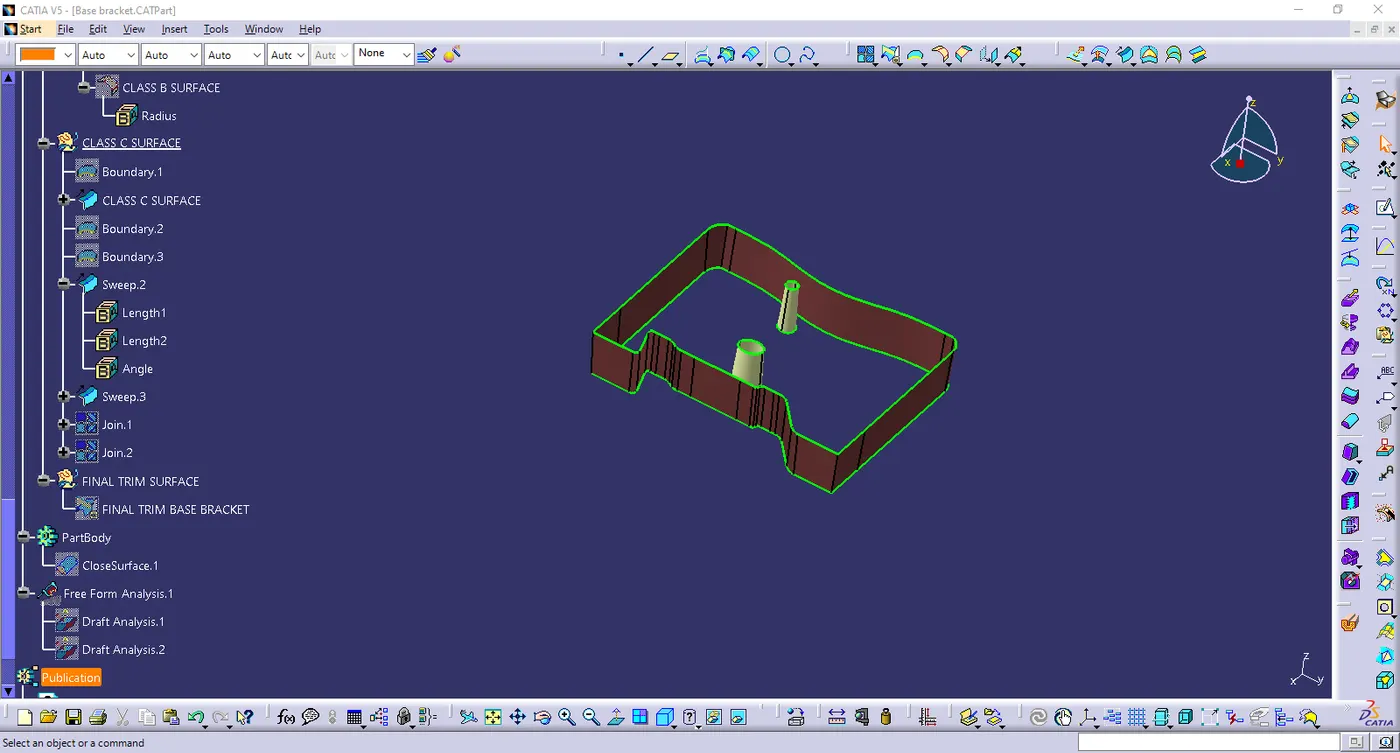
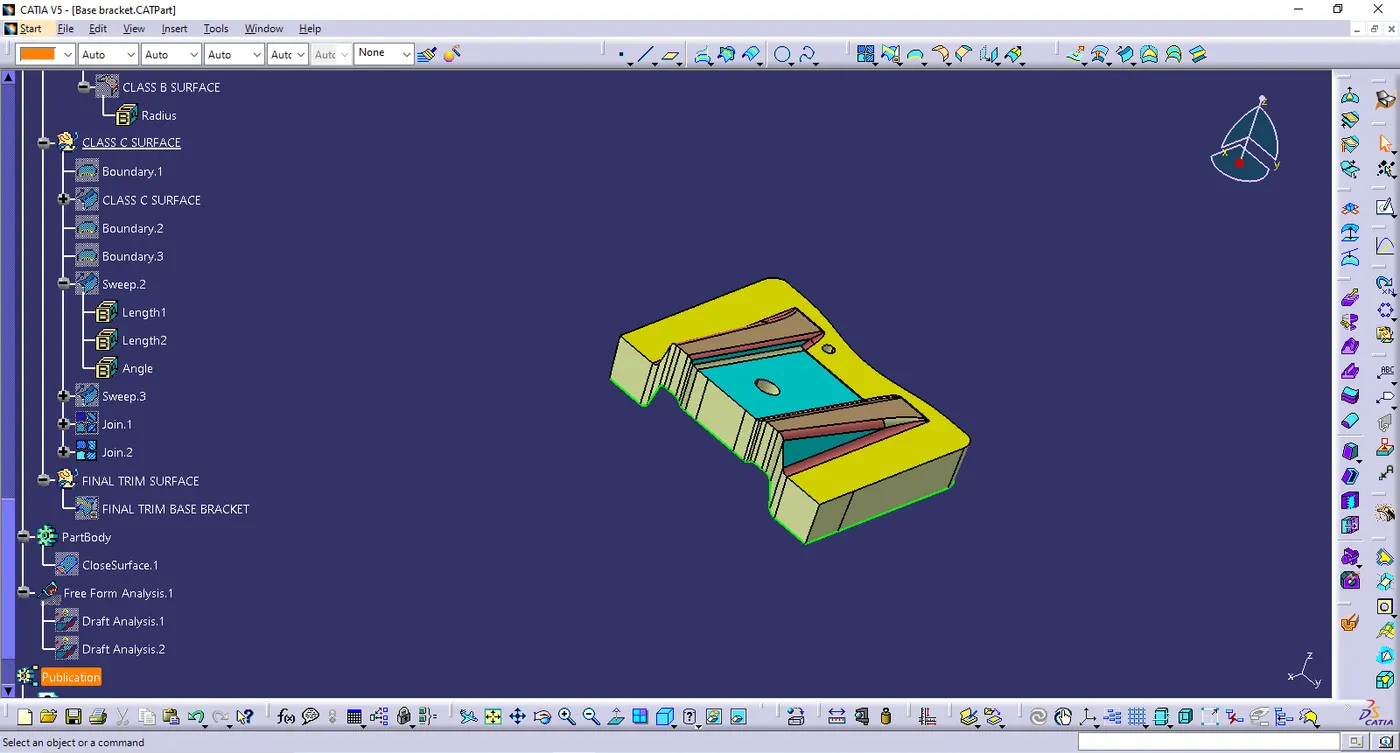
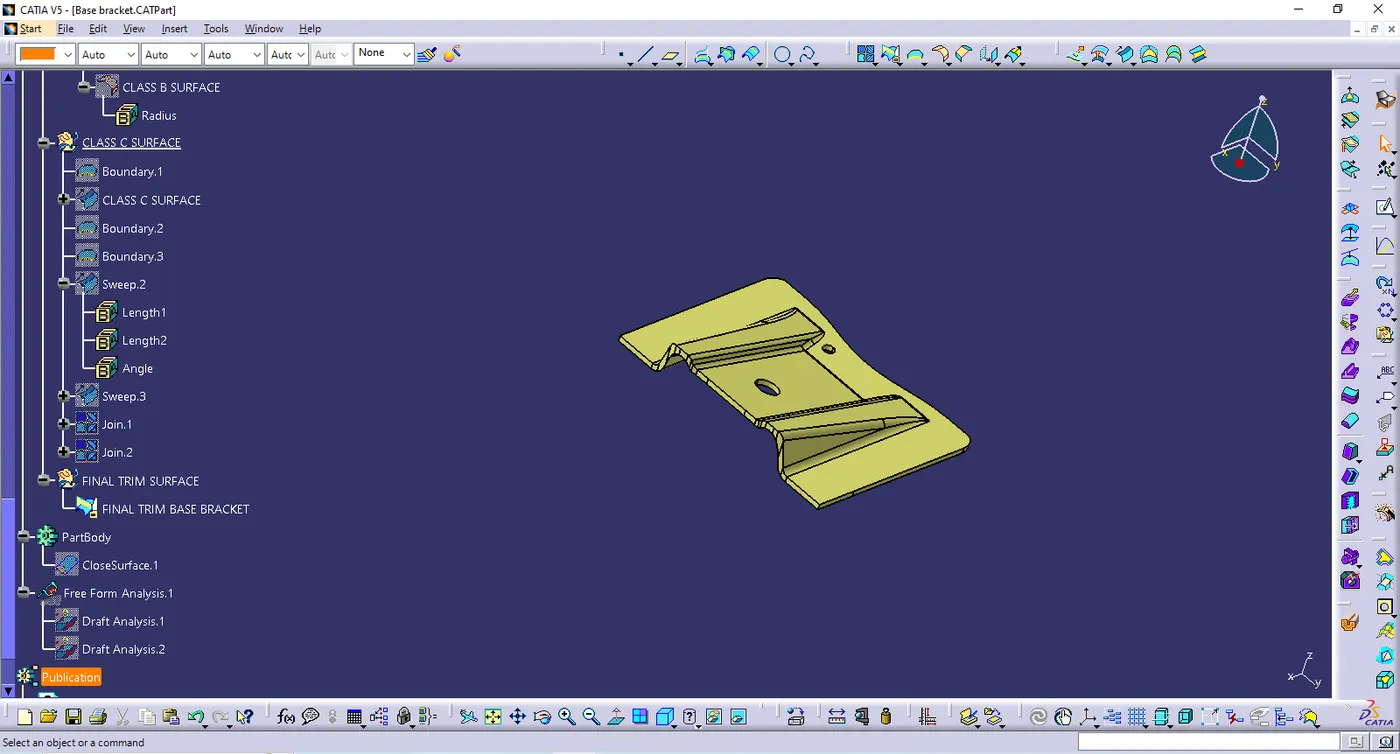
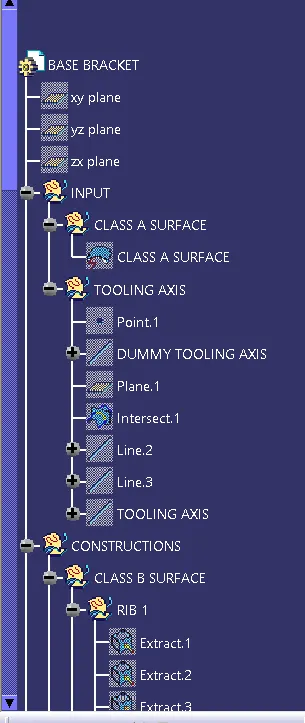
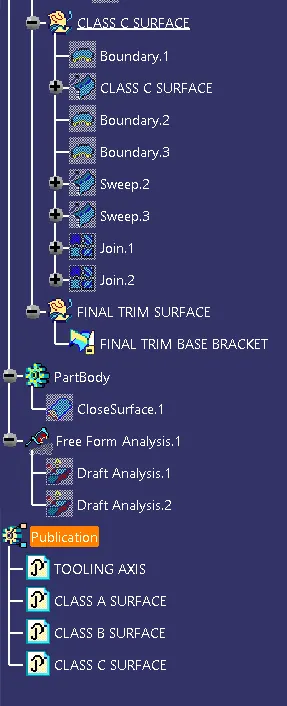
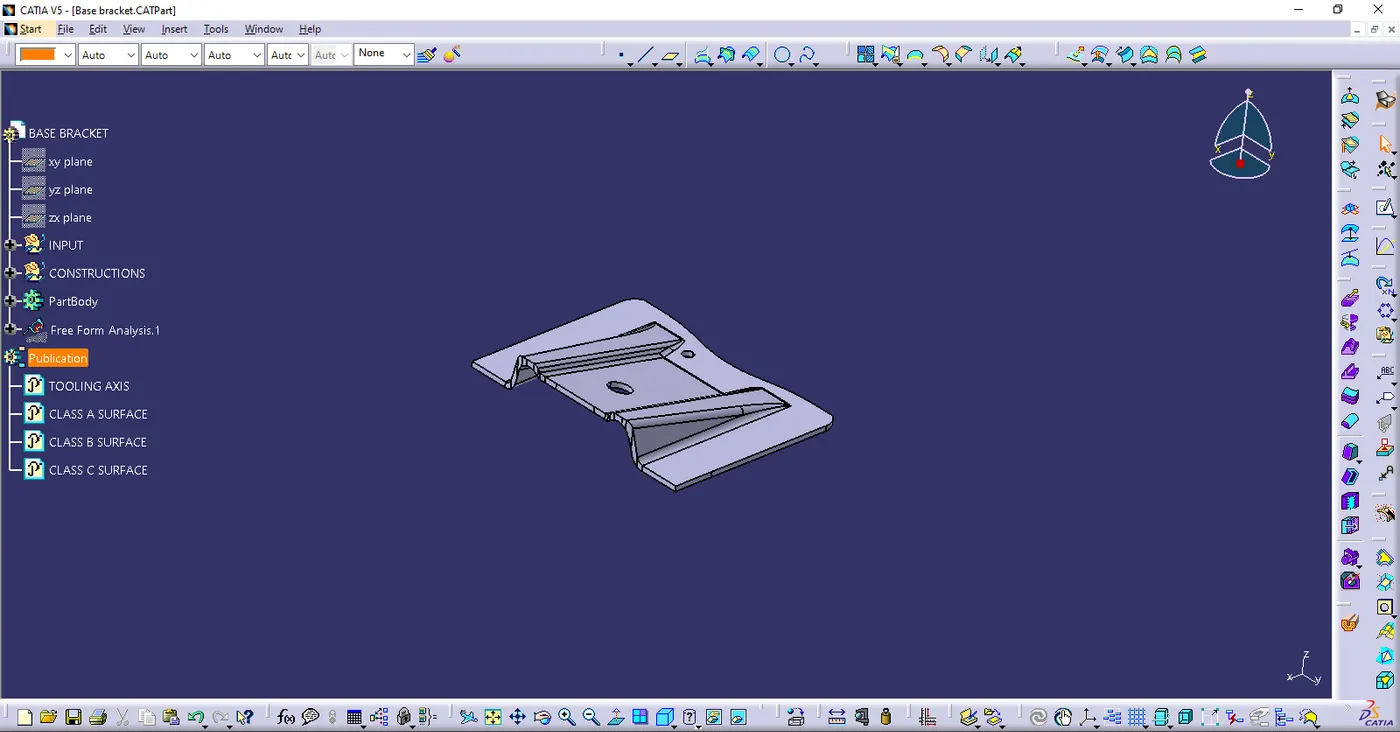
- TREE STRUCTURE
- CLOSE SURFACE FEATURE
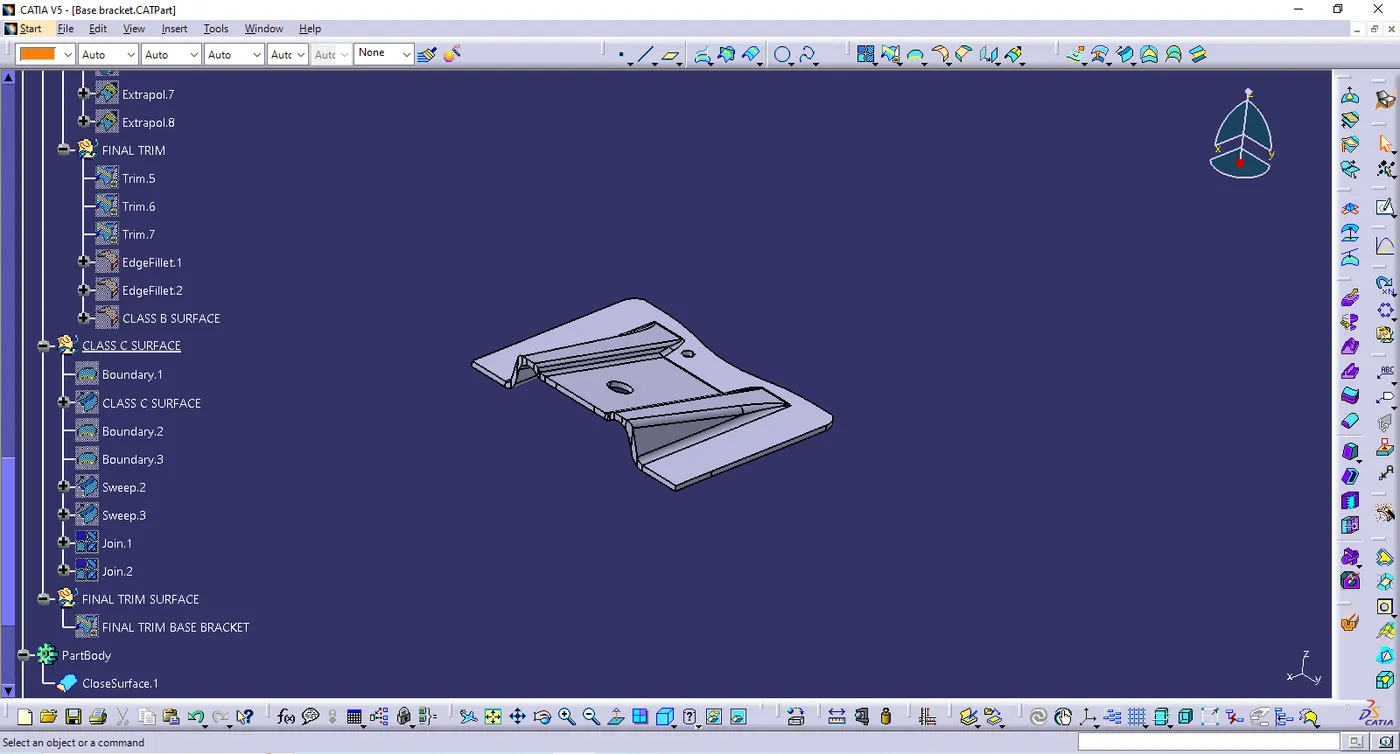
- ISOMETRIC VIEW
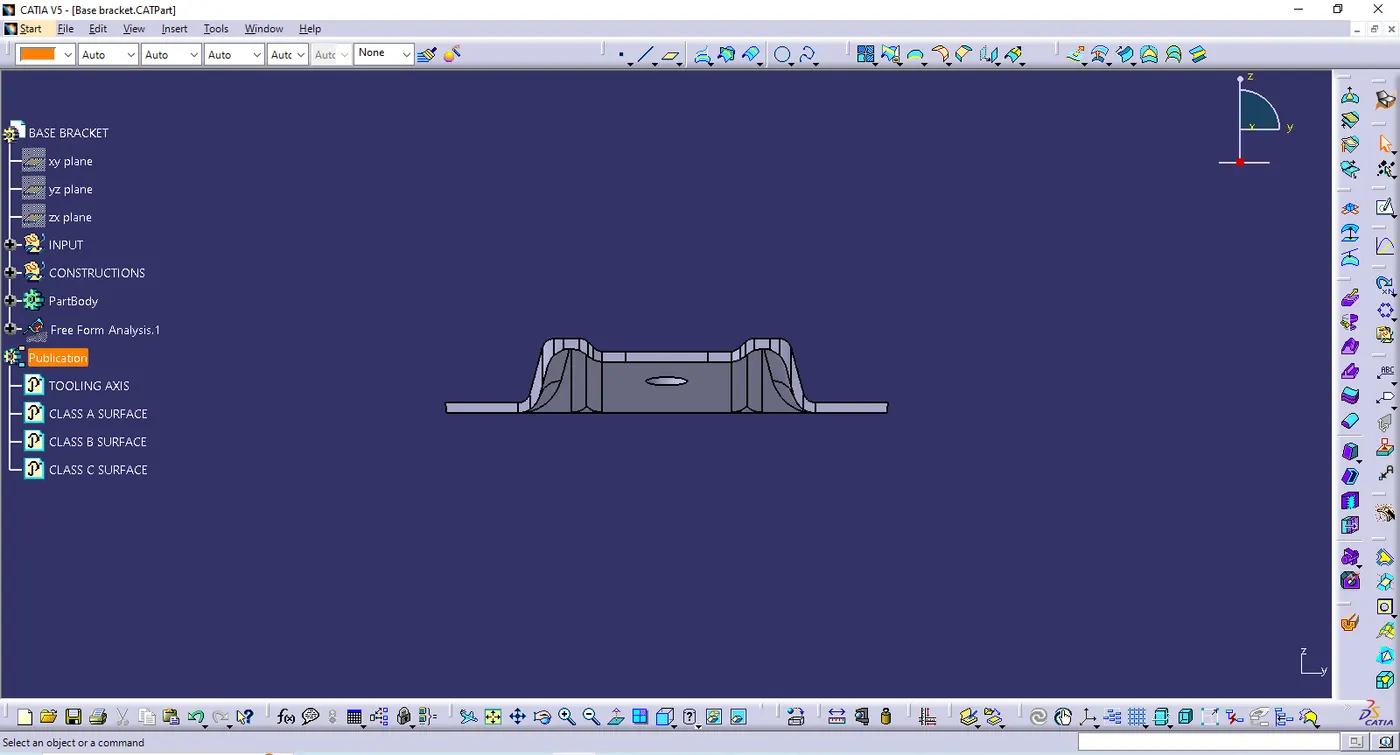
- FRONT VIEW
- SIDE VIEW
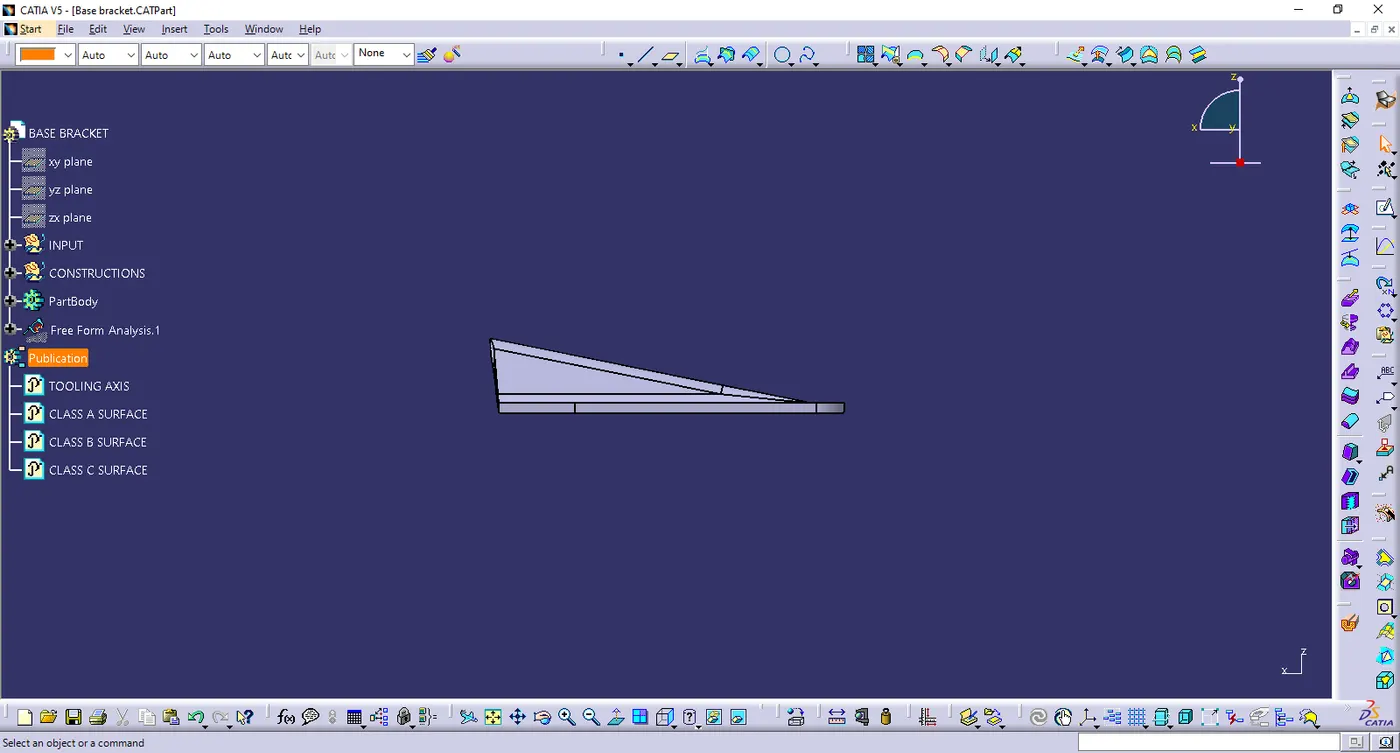
- TOP VIEW