Week 9 - Attachment Feature Creation (Ribs & Screw Boss) - Challenge 1
Attachment Feature Creation (Ribs & Screw Boss)
AIM:
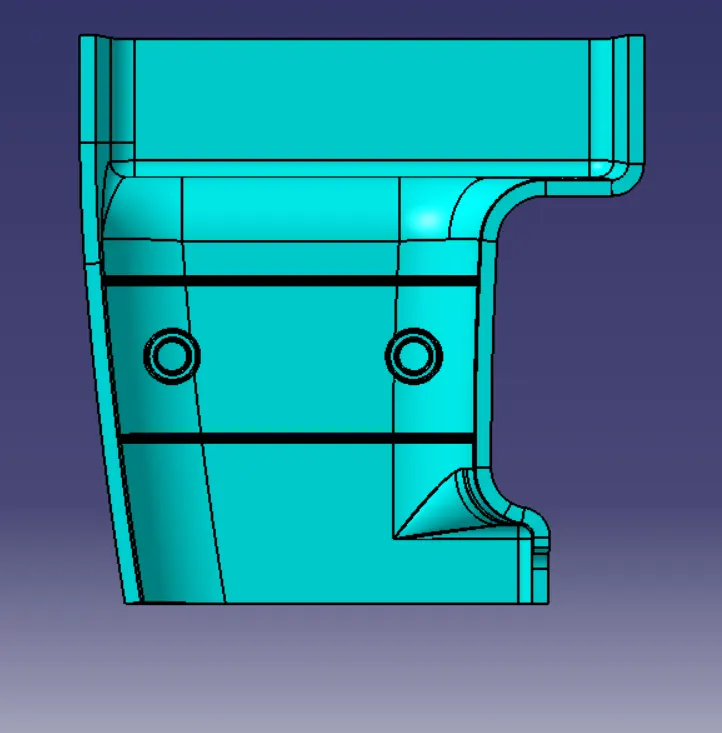
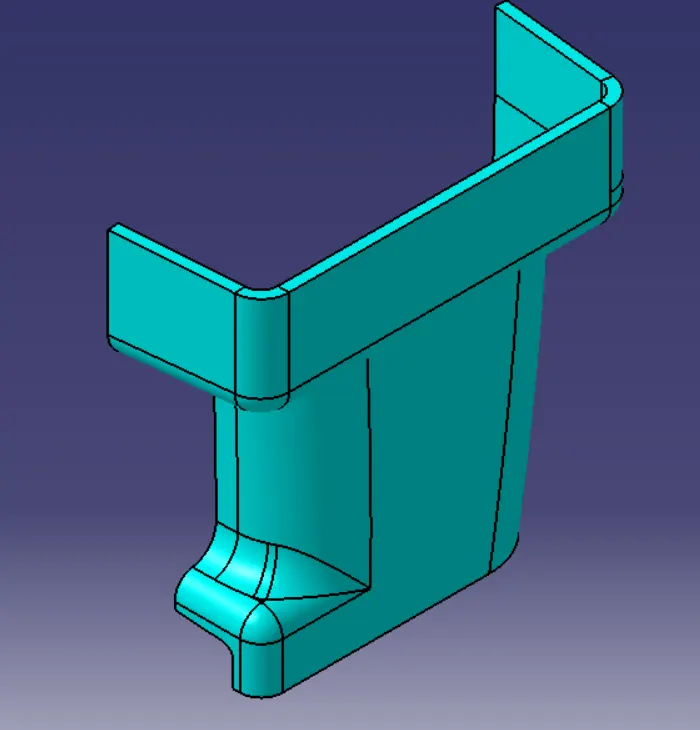
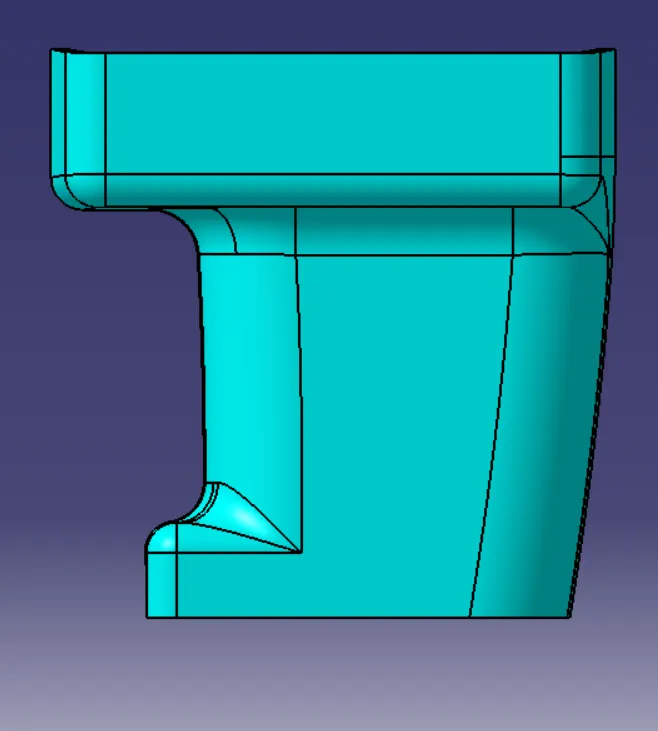
- To Create the Door Handle Component from the given Class-A surface and attaching B side feature to the component.
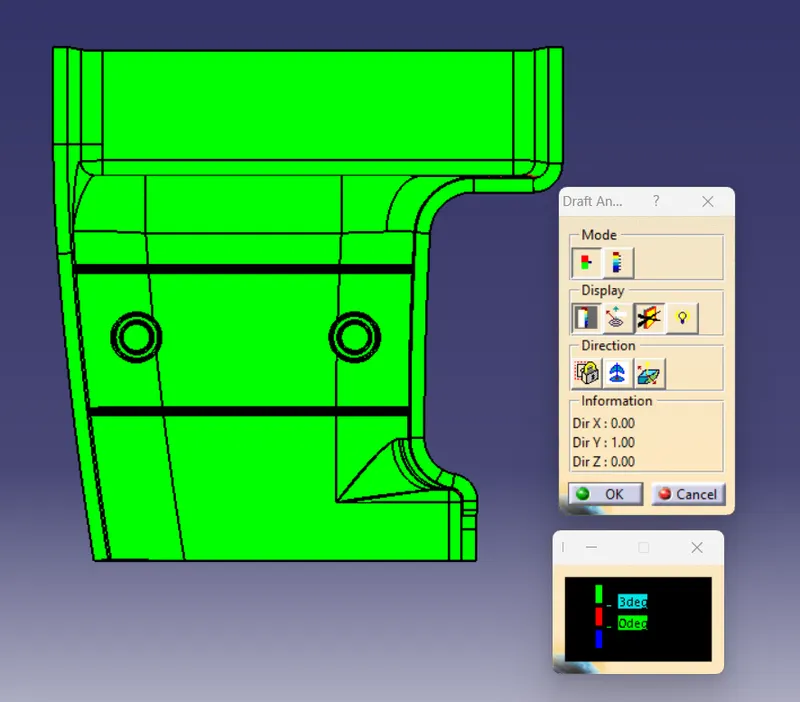
- To perform draft anlysis of the component.
CLASS A SURFACE-
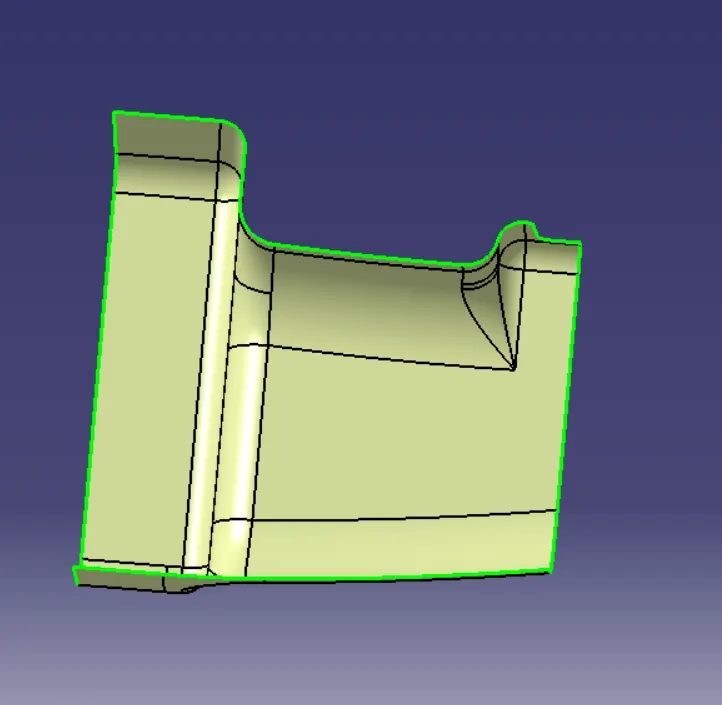
1. CREATING TOOLING AXIS - The Tooling Direction is basically the direction that the mold pulls a part.
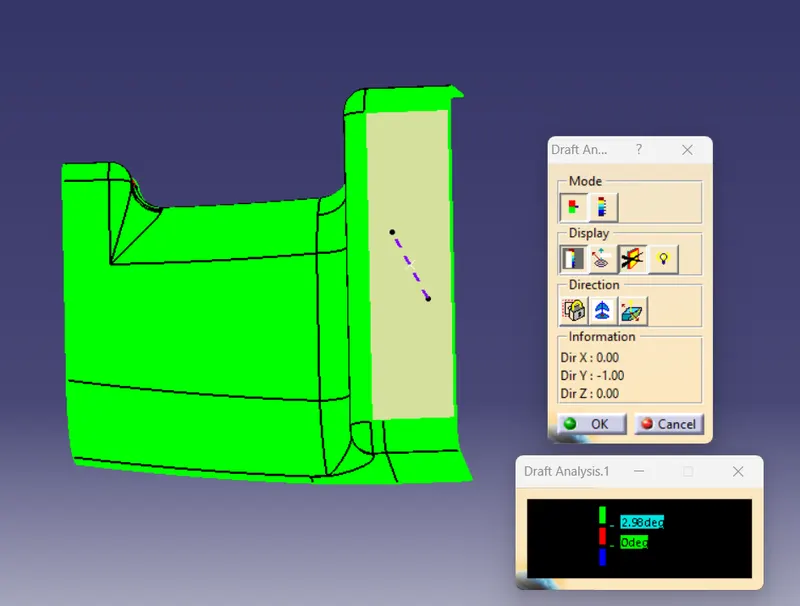
CLASS B SURFACE-
- Extract the surfaces from the class A using multiple extract and untrim them.
- Use Extrapolate to make sure that all the untrims are properly intersected to trim and offset the surfaces to 2.5 mm to create the thickness.
- Trim the extra surfaces using trim command and applyg fillets to the model after creating the entire surface.
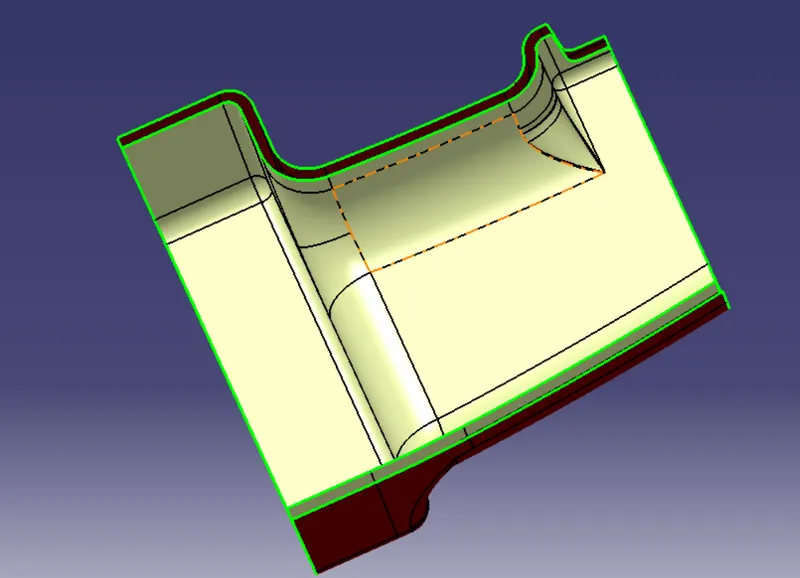
CLASS C SURFACE-
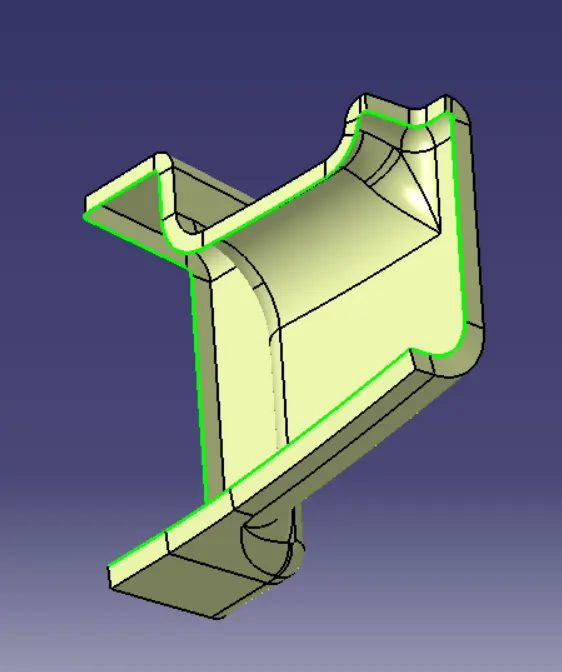
Extract the boundary from the class A surface using boundary command then join class A and class C surface together after that trim with class A to get the final product.
class A+C surface
Class A+B+C ( closed surface)
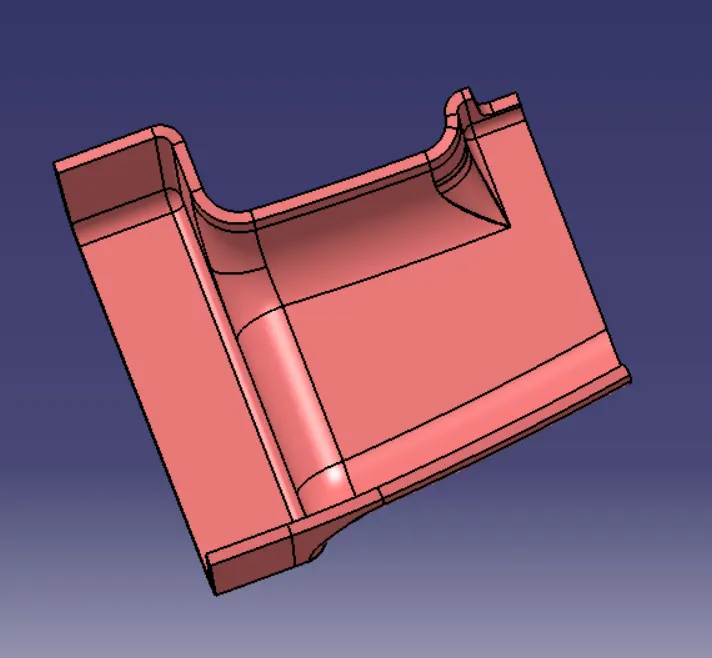
- Now open part design workbench and using close body surface create a solid of the component.
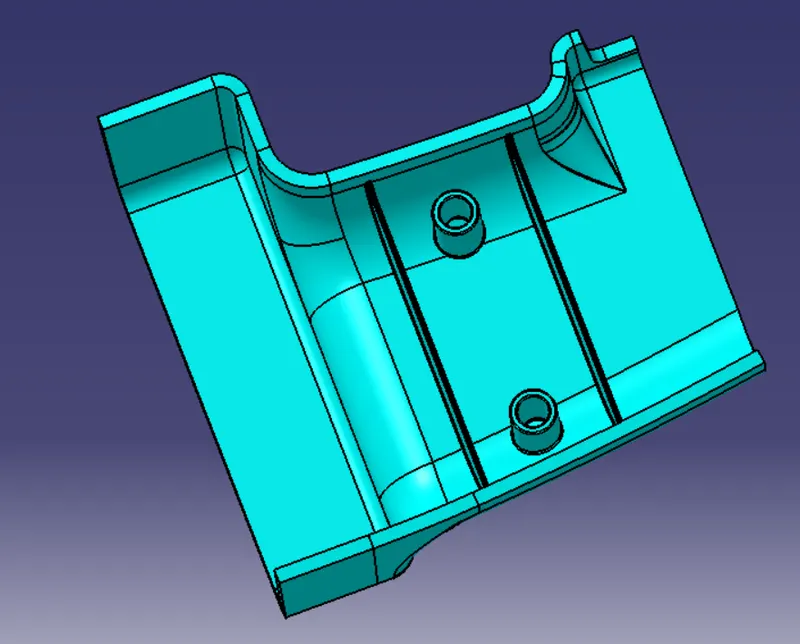
B SIDE FEATURES CREATION
RIB CREATION-
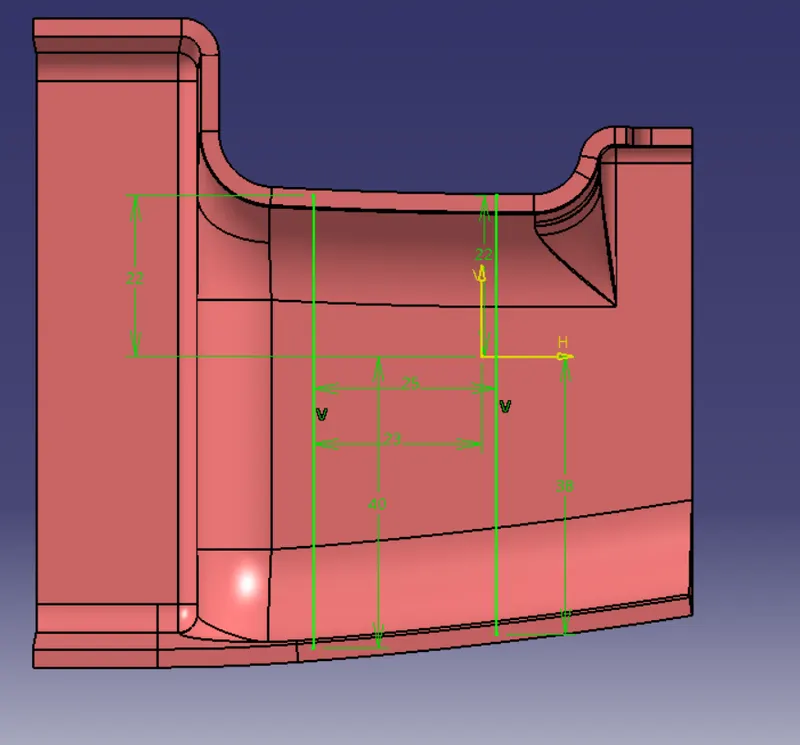
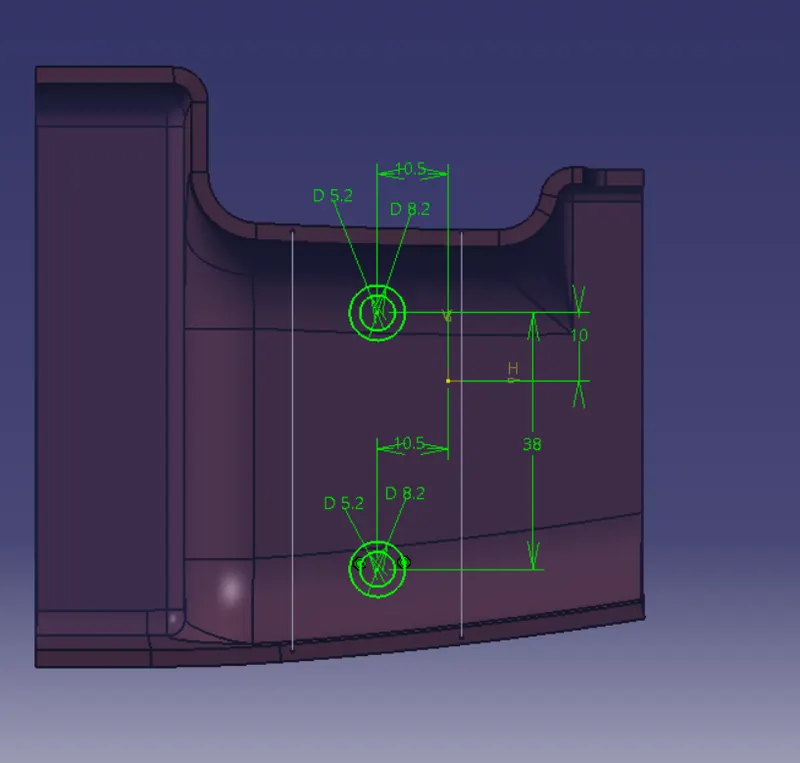
SKETCH FOR SCREW BOSS
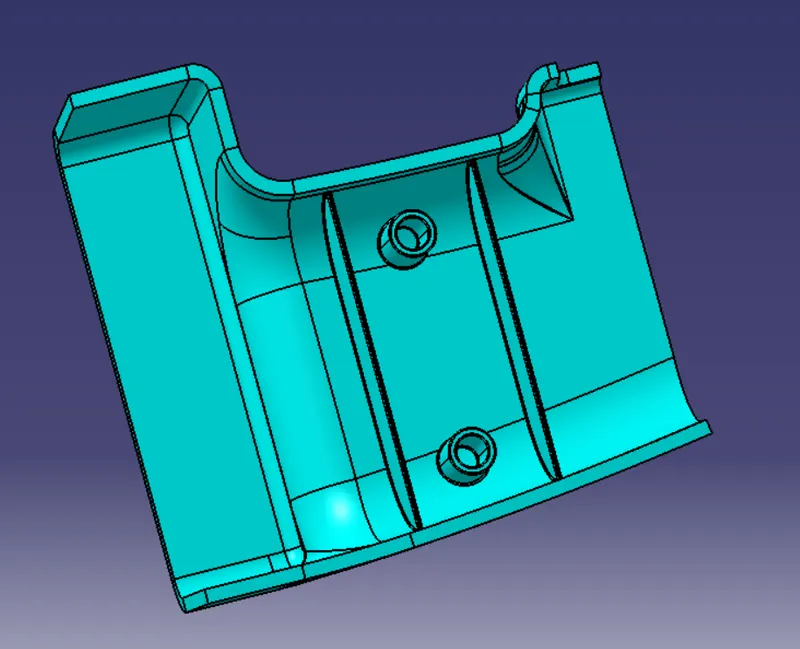
FINAL BODY AFTER ATTACHING B SIDE FEATURE-
FINAL DRAFT ANALYSIS-
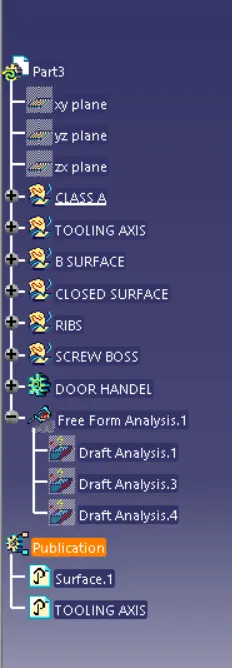
FEATURE TREE STRUCTURE--
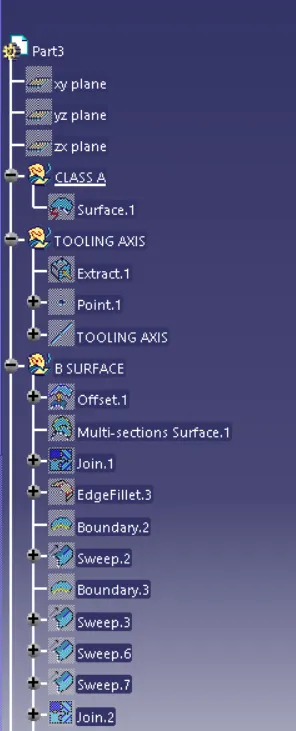
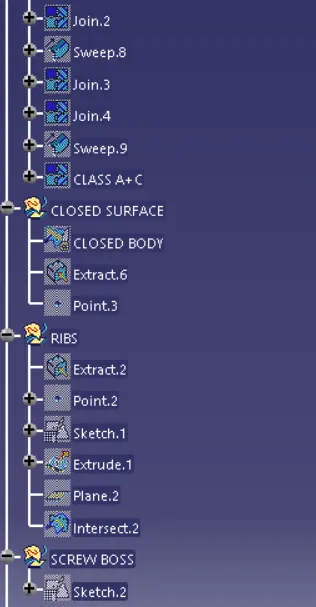
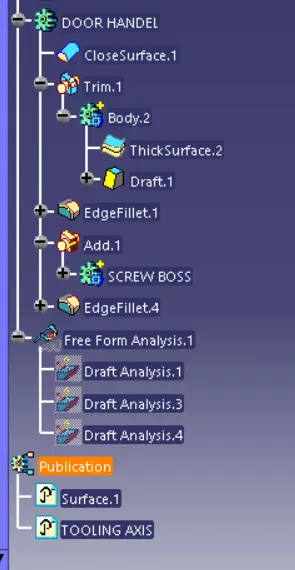
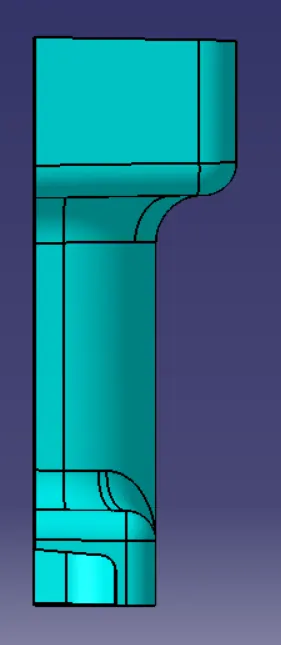
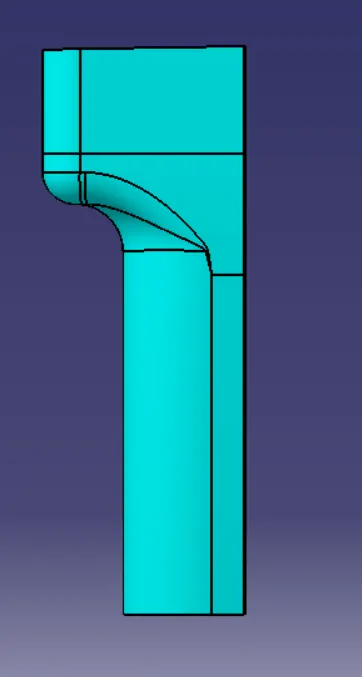
DIFFRENT VIEWS THE FINAL BODY--