Week 8 - Challenge 3 - Coin Holder Design
TO DESIGN A COIN HOLDER BY USING CLASS A SURFACE
AIM:
- To design a coin holder Plastic component from the given Class-A surface by creating a tooling axis and draft analysis of the given surface.
DESIGN PROCEDURE:
- To setup the class-A surface and to creating a tooling axis
- add draft angle
- To create a base surface of model
- To create a B-surface
- To create a C-surface
- To use close surface for creating a solid part model
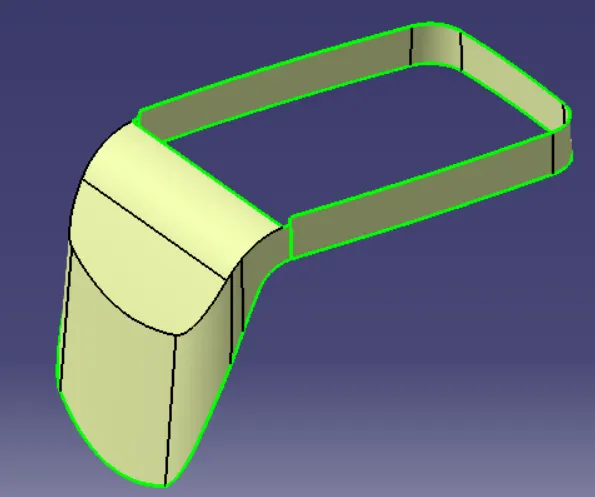
CLASS-A SURFACE:
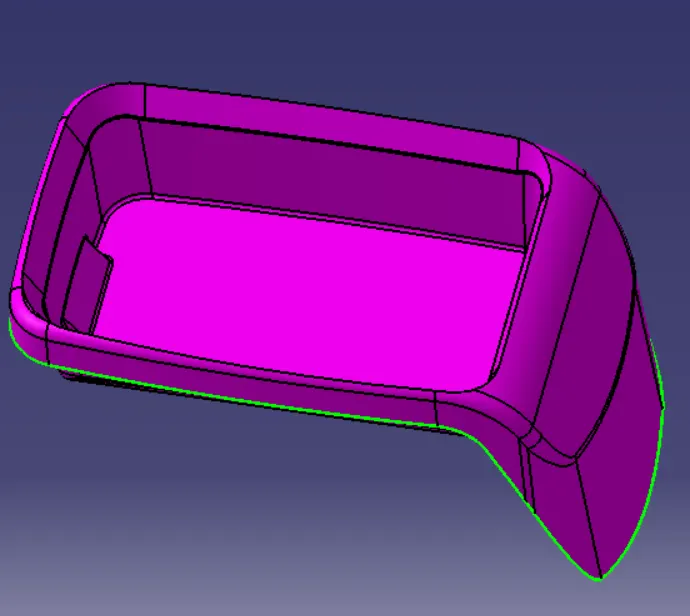
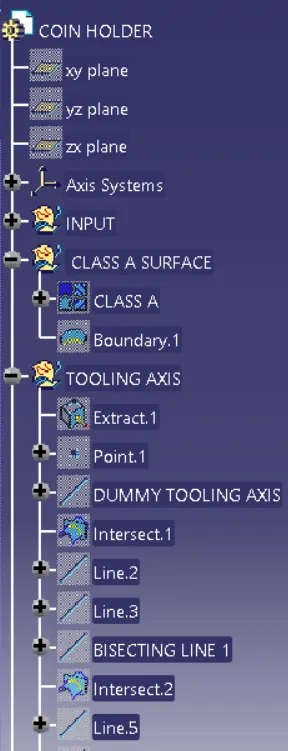
CREATION OF TOOLING AXIS:
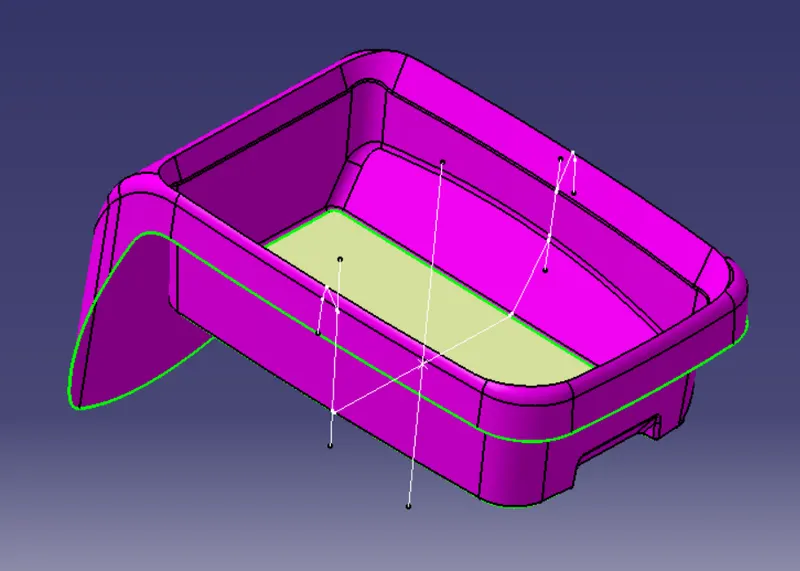
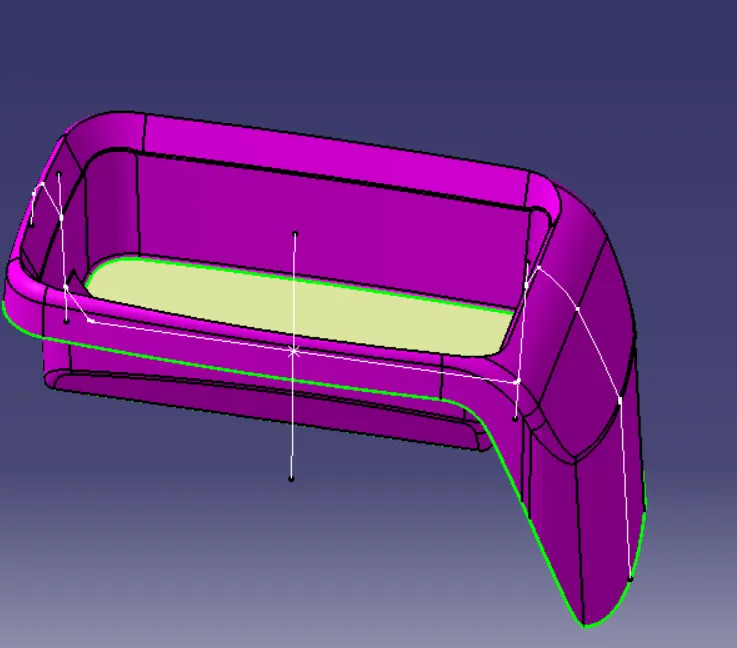
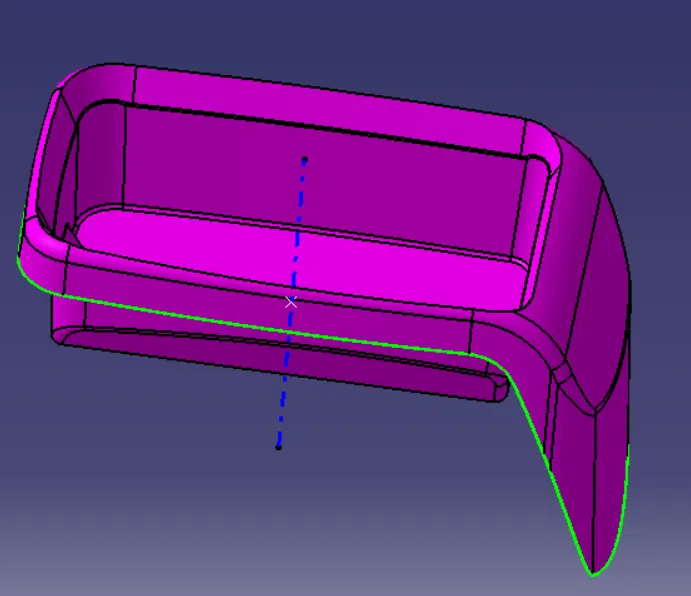
DRAFT ANALYSIS ON CLASS A SURFACE:
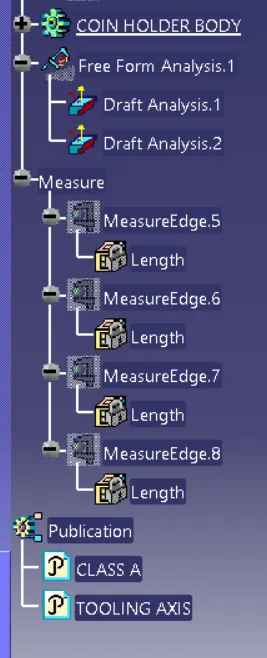
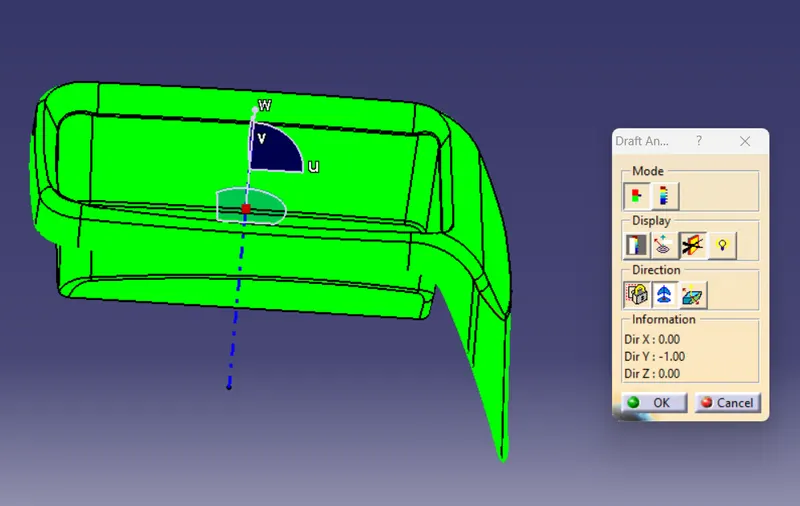
- The Drafting analysis was performed on the class-A surface by using the Feature Draft Analysis command.
- Using this command, the compass was set on the main tooling axis and the Draft angle was changed to 3 degrees.
CREATING CLASS-B SURFACE:
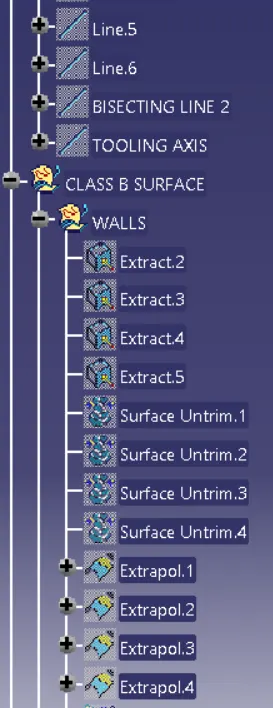
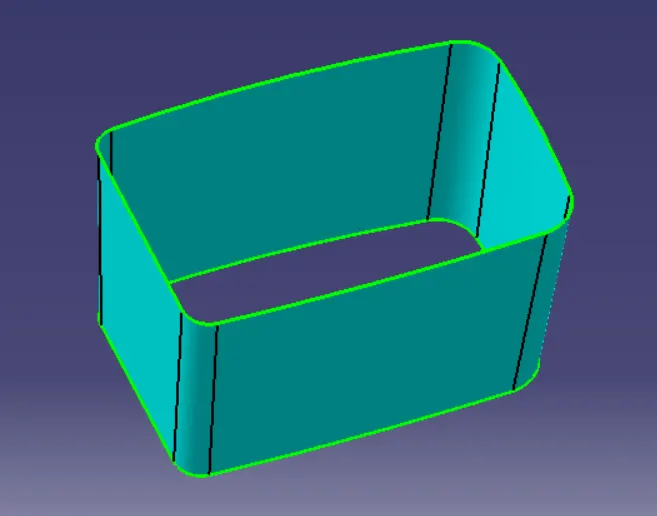
- SIDE WALL
To creat side walls first extract the side wall off class A surface then untrim and then extrapulate after this offfset the surface by thickness off the part nad then apply required fillet.
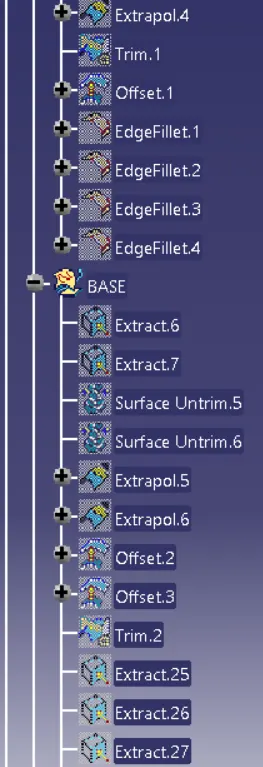
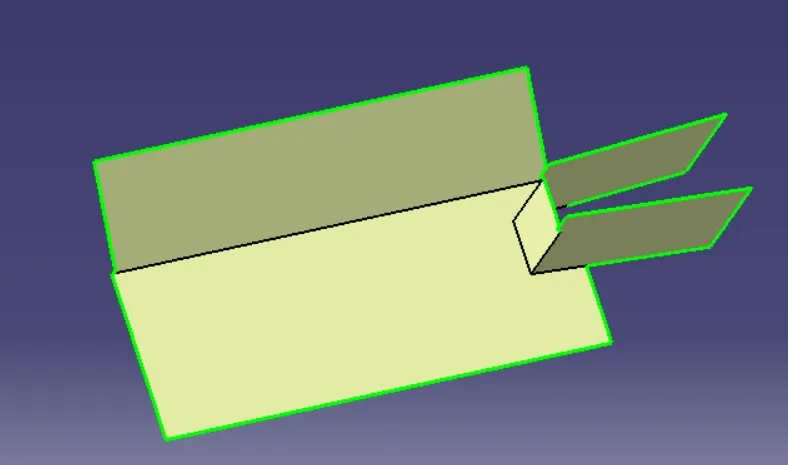
BASE:
following the same procedure creat base
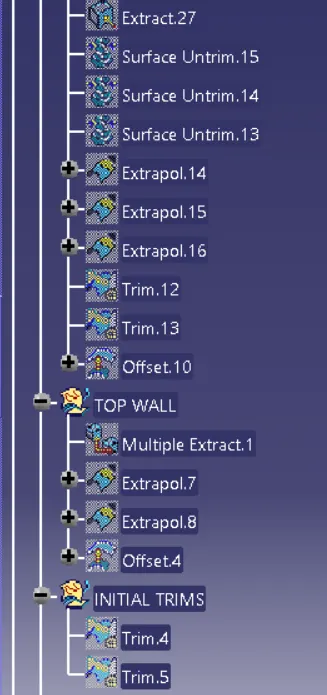
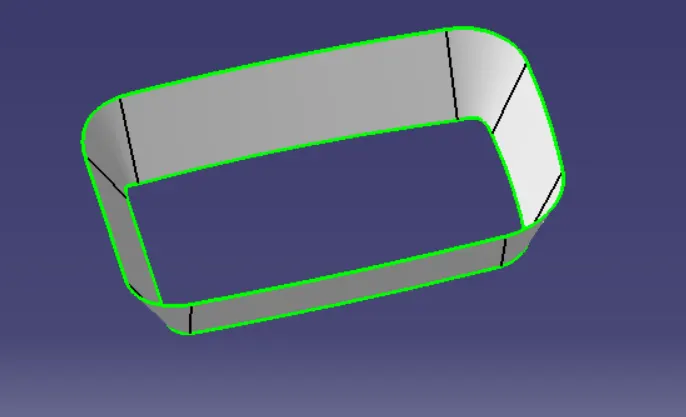
TOP WALL:
following the same procedure as above explained
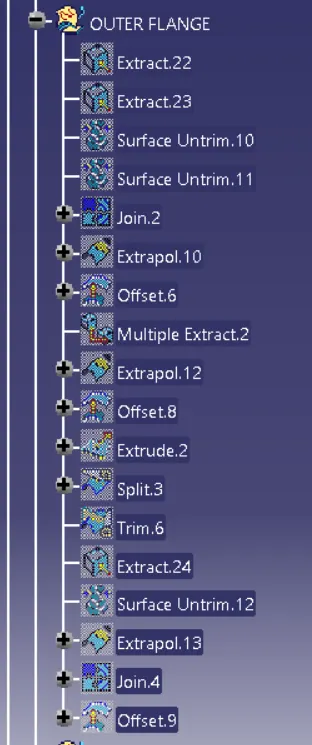
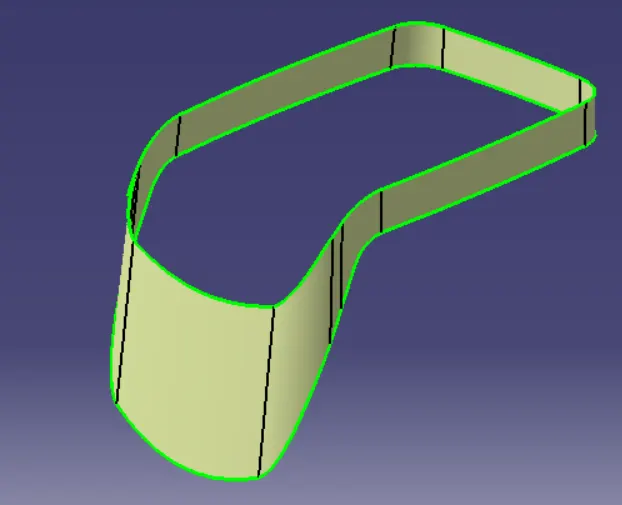
OUTER FLANGE:
following the same procedure as above explained
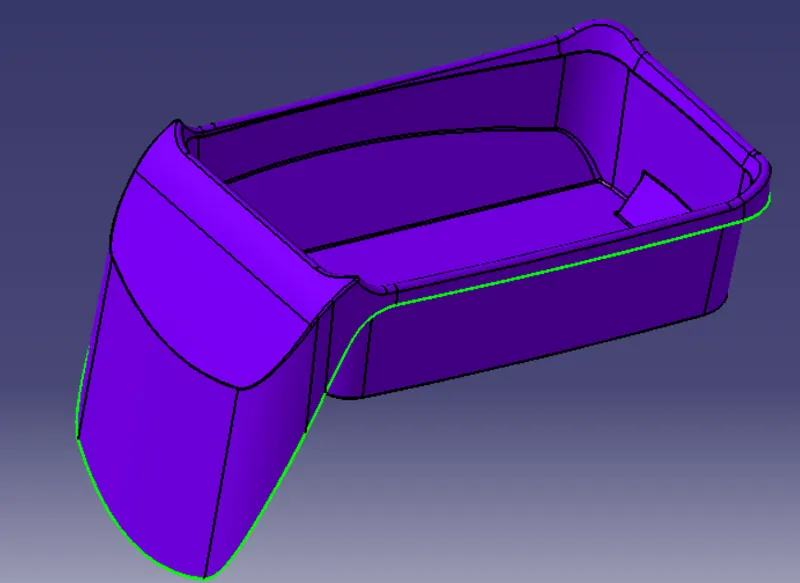
B SURFACE:
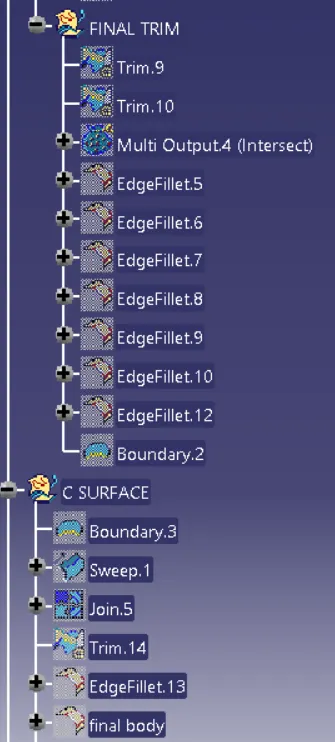
trim all the above surface and creat B surface
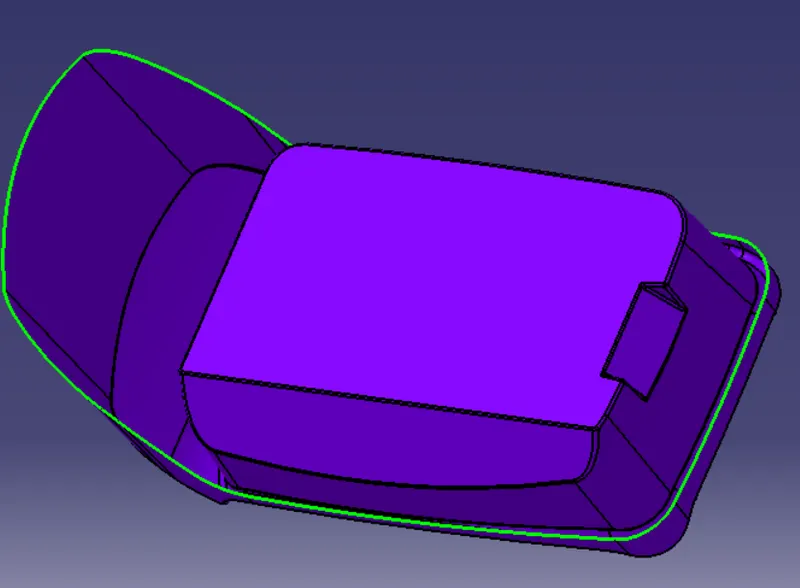
CREATION OF C SURFACE:
sweep the boundary created froum A surface by giving appropreate angle, sweep length and direction according to tooling axis.
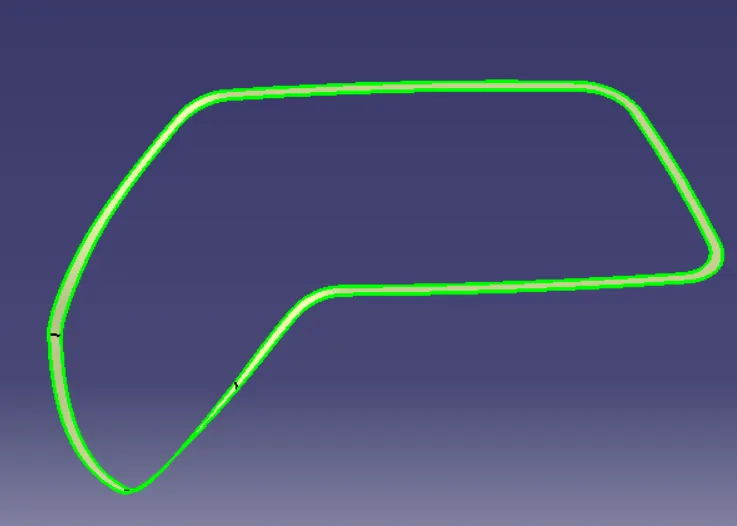
CLOSED SURFACE CREATION:
Firstly join class A with class C and then trim with class B surface .
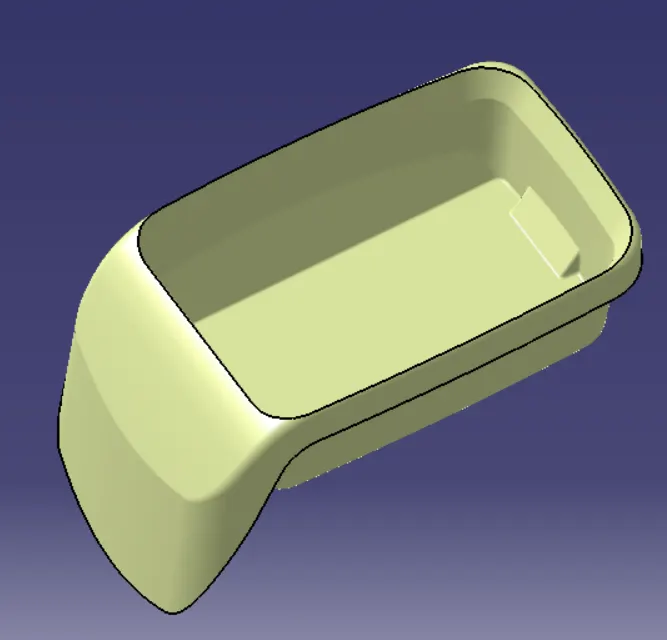
CLOSED BODY CREATION:
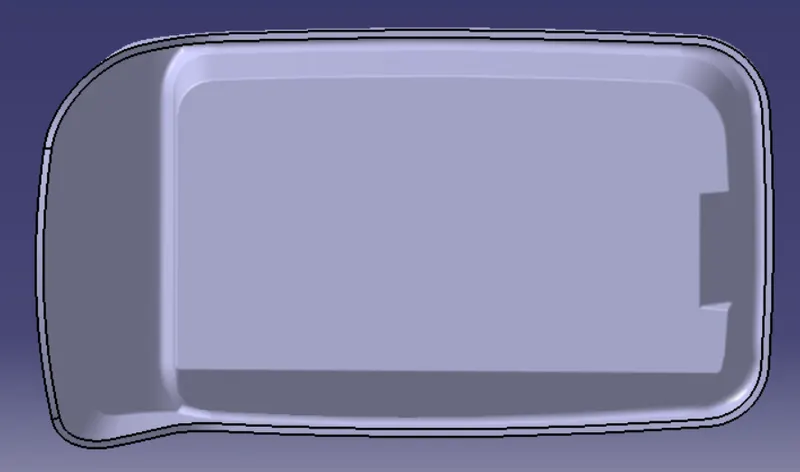
Go to partworkbench used command closed surface and creat solid body
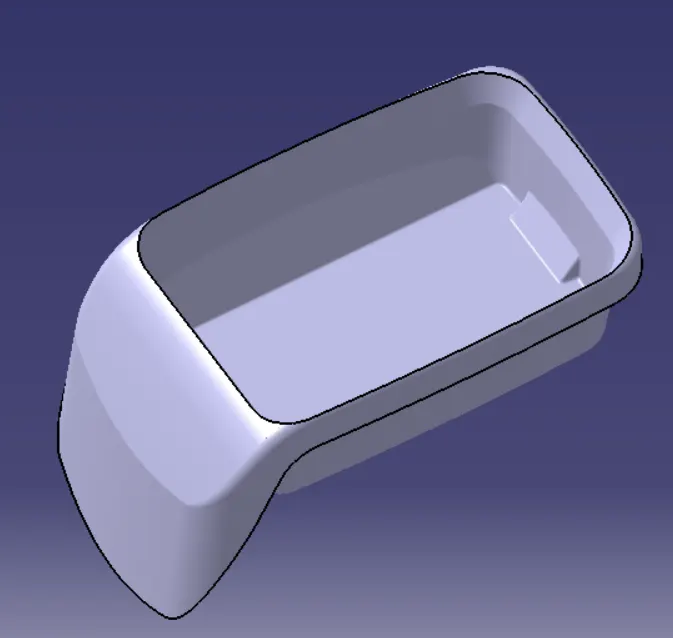
FEATURE TREE: