Week 9 - Attachment Feature Creation (Ribs & Screw Boss) - Challenge 1
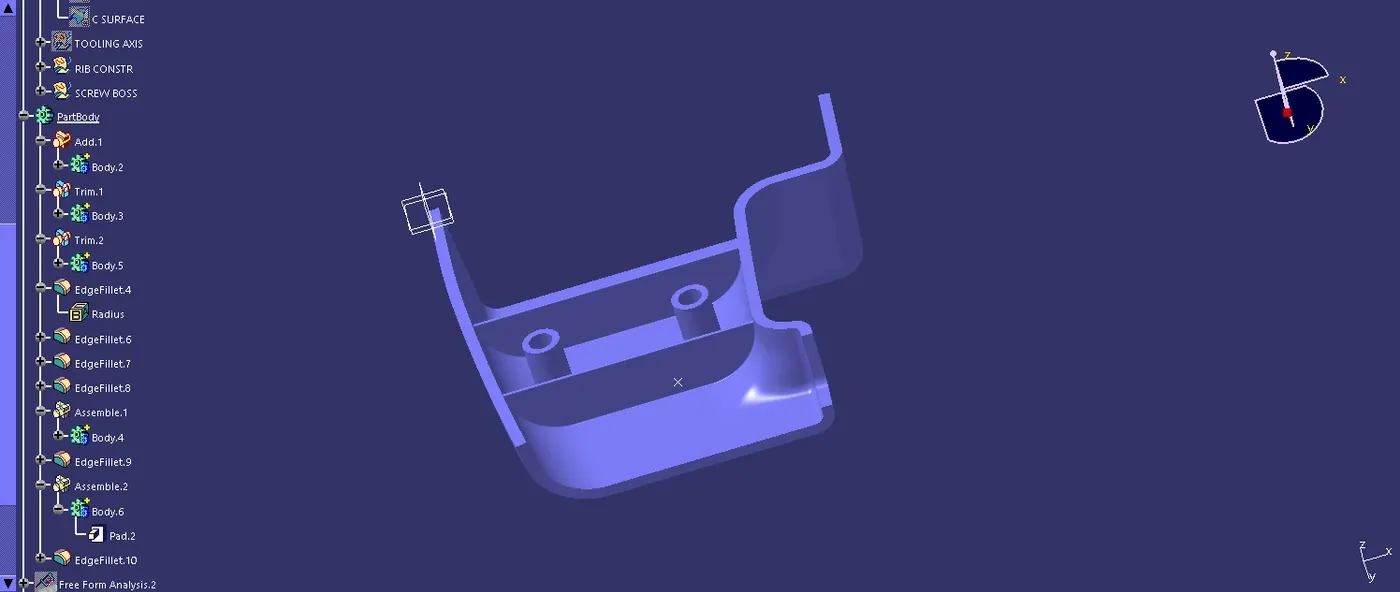
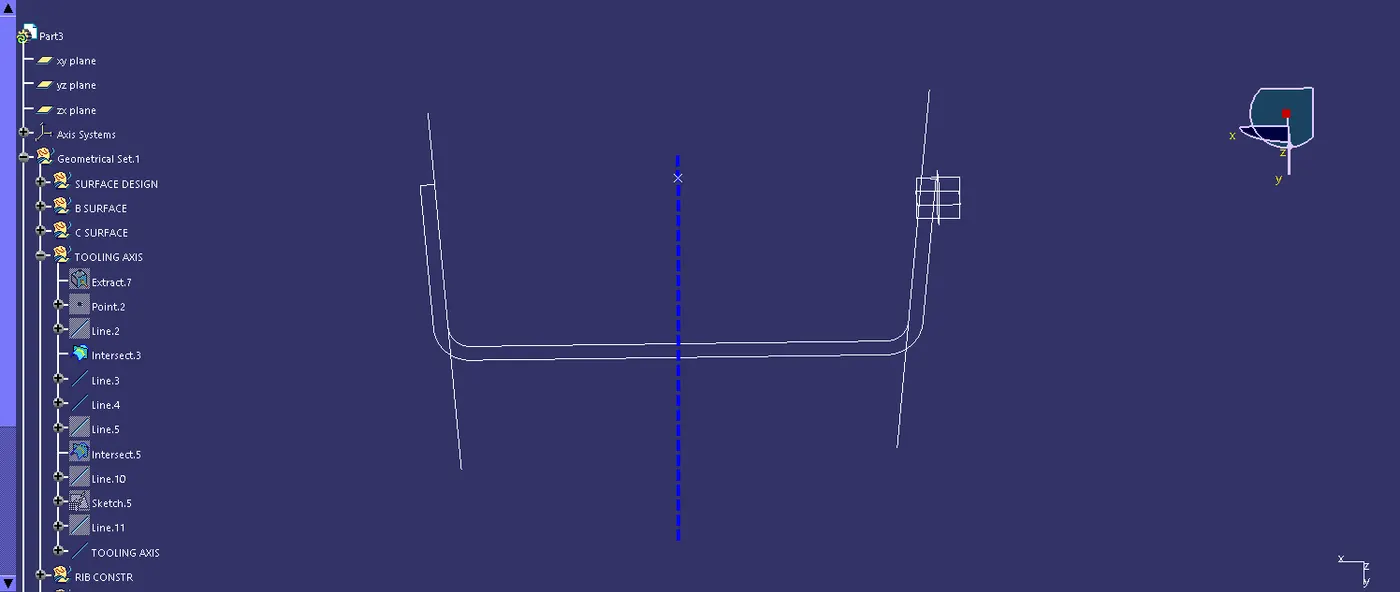
TOOLING AXIS CREATION
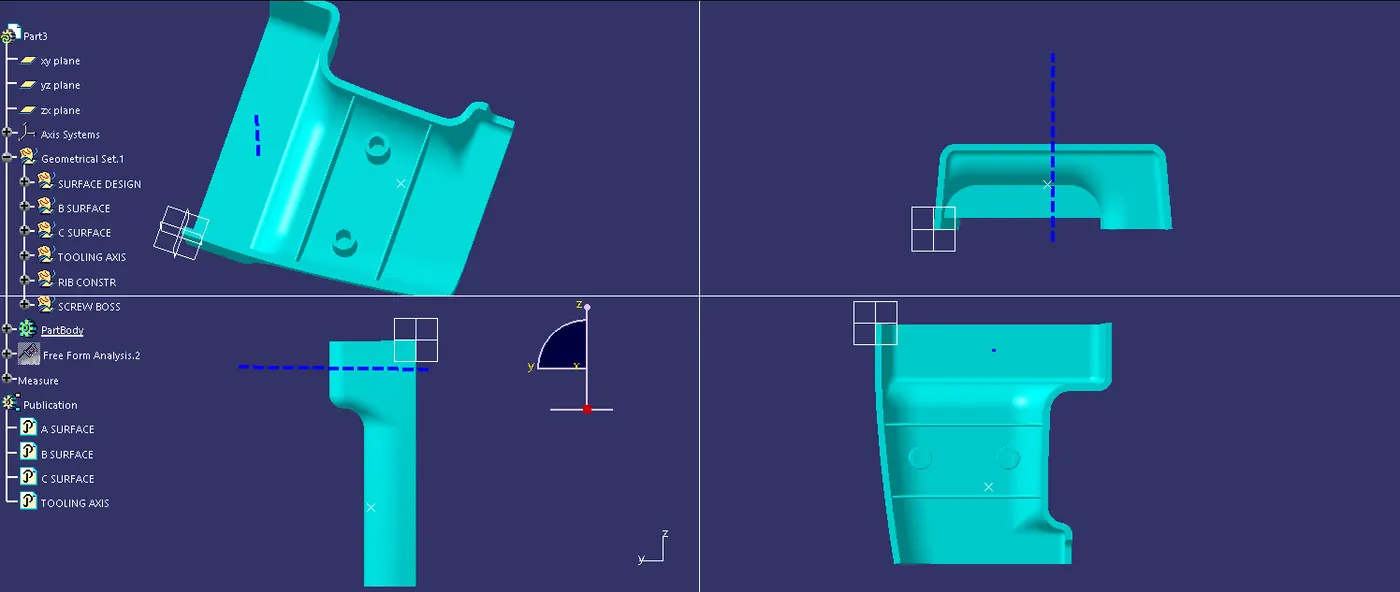
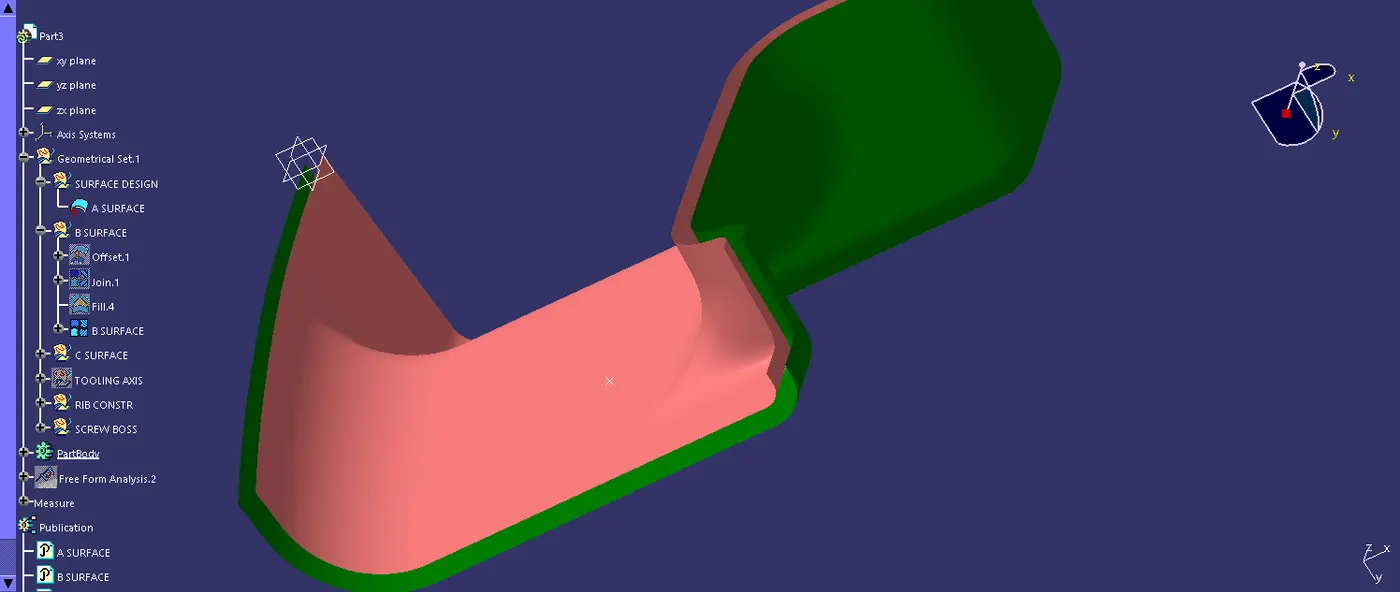
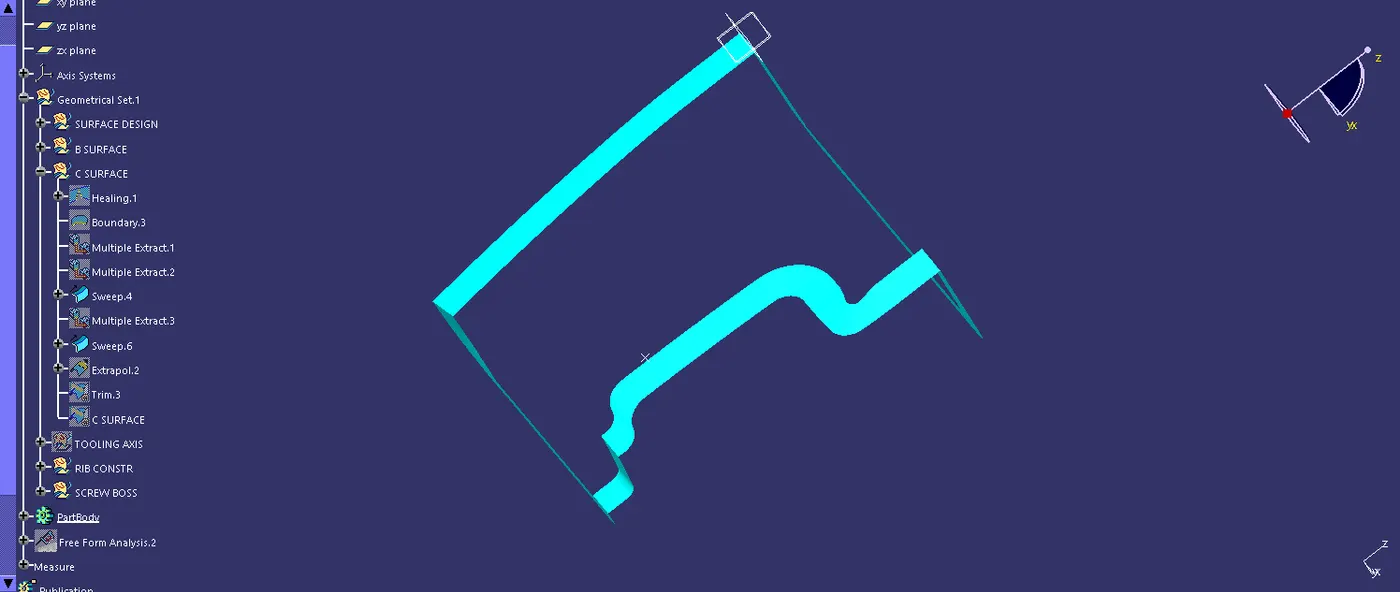
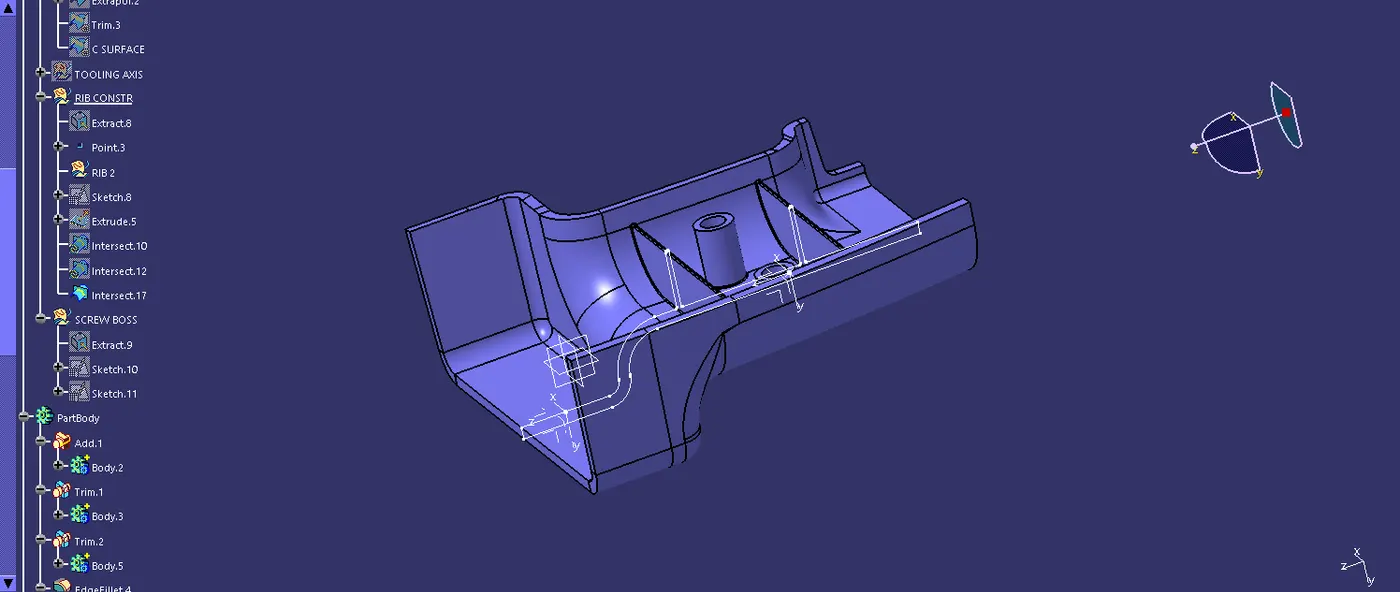
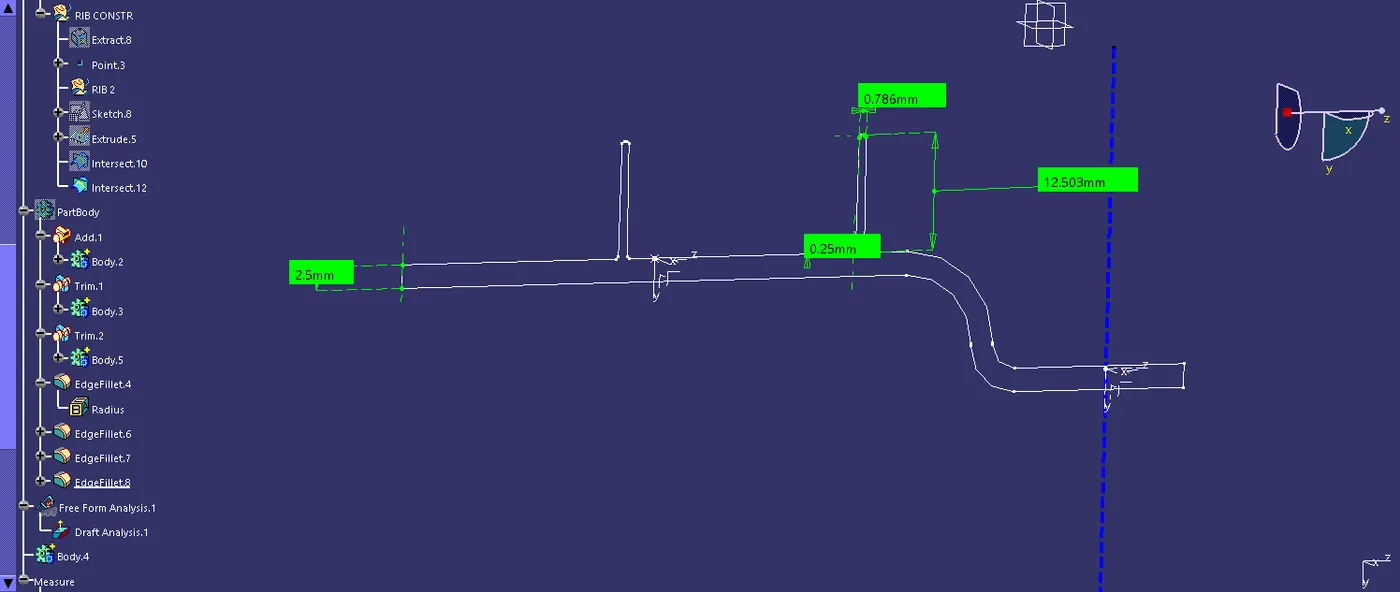
*Extracted the lower surface on the given A surface, then made a point on the extracted surface, with that point made axis system. now the intersection did by selecting the whole surface and the X -Y direction.
We make two lines on both sides of the intersection by using a point-to-point operation. with these two lines bisect the point which we created before ,now the line formed after the bisection is our tooling axis.
the other side has no draft angle so we are not taking that side.
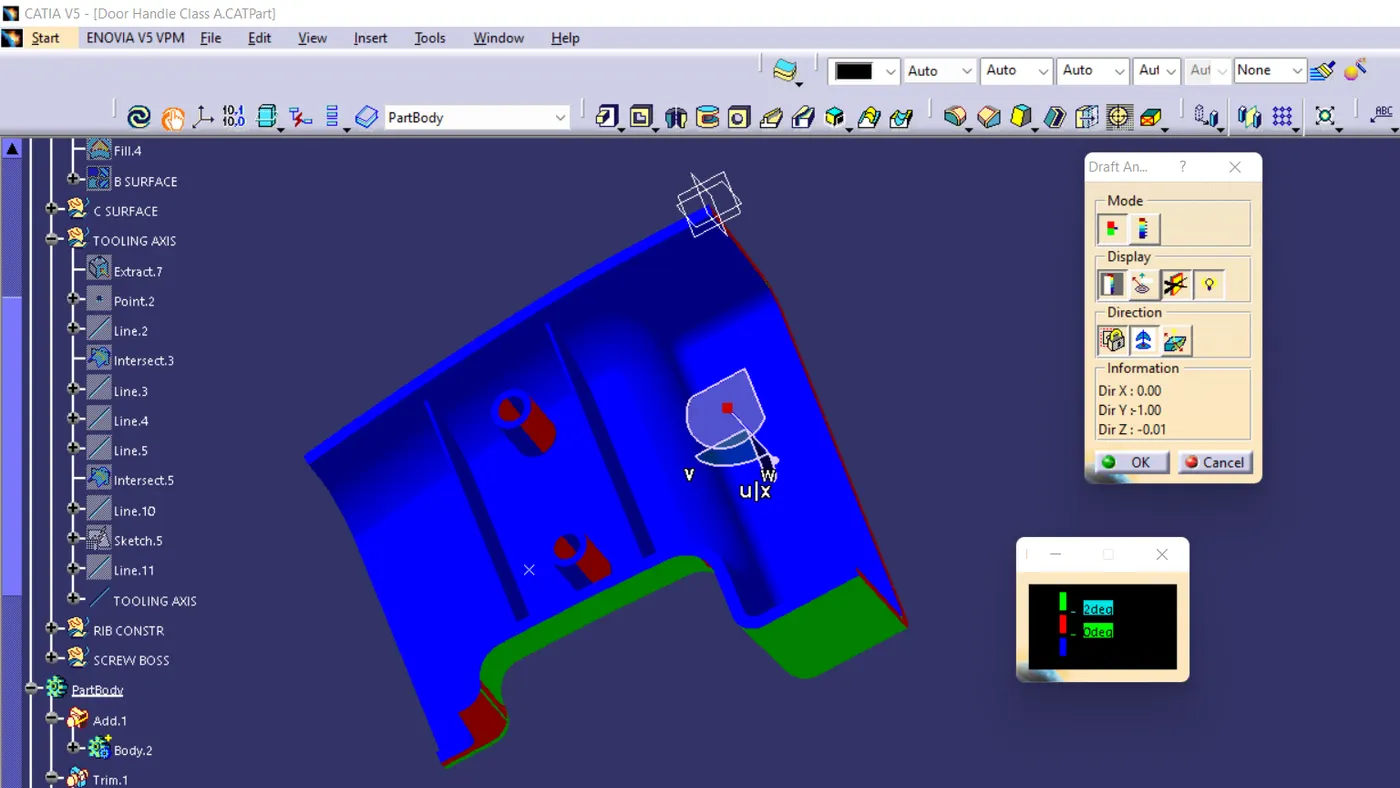
draft analysis
change the martial mode to the material- take the draft analysis-
draft analysis is made by the analysis tool,after the part is created the martial shading is changed to material by using the customize using parameter - choose the material option -after that come back to the feature draft analysis - here select
the compass to change the direction of tooling. -after clicking the compass icon align with the tooling axis - locking it using a nearby option called lock . by now a red cross will appear at the mouse pointer and the color of the part will turn green. blue or red or green shows the draft is good and attained good value .red shows the neutral .blue shows negative