Week 8 - Challenge 3 - Coin Holder Design
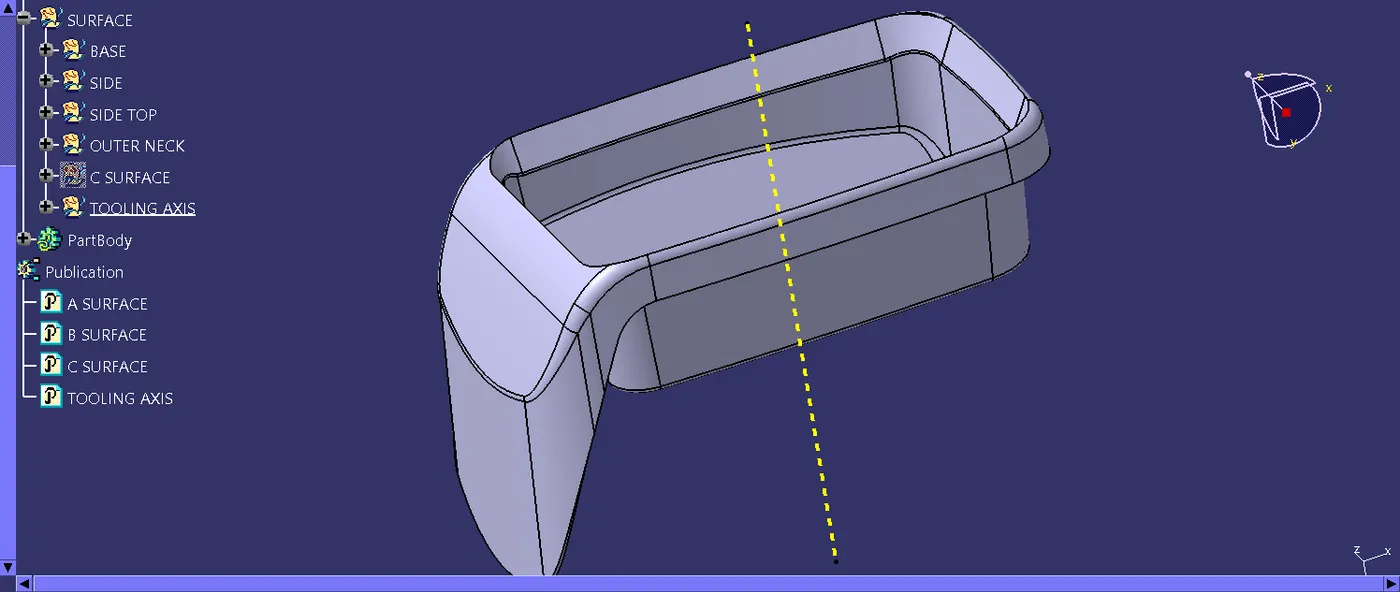
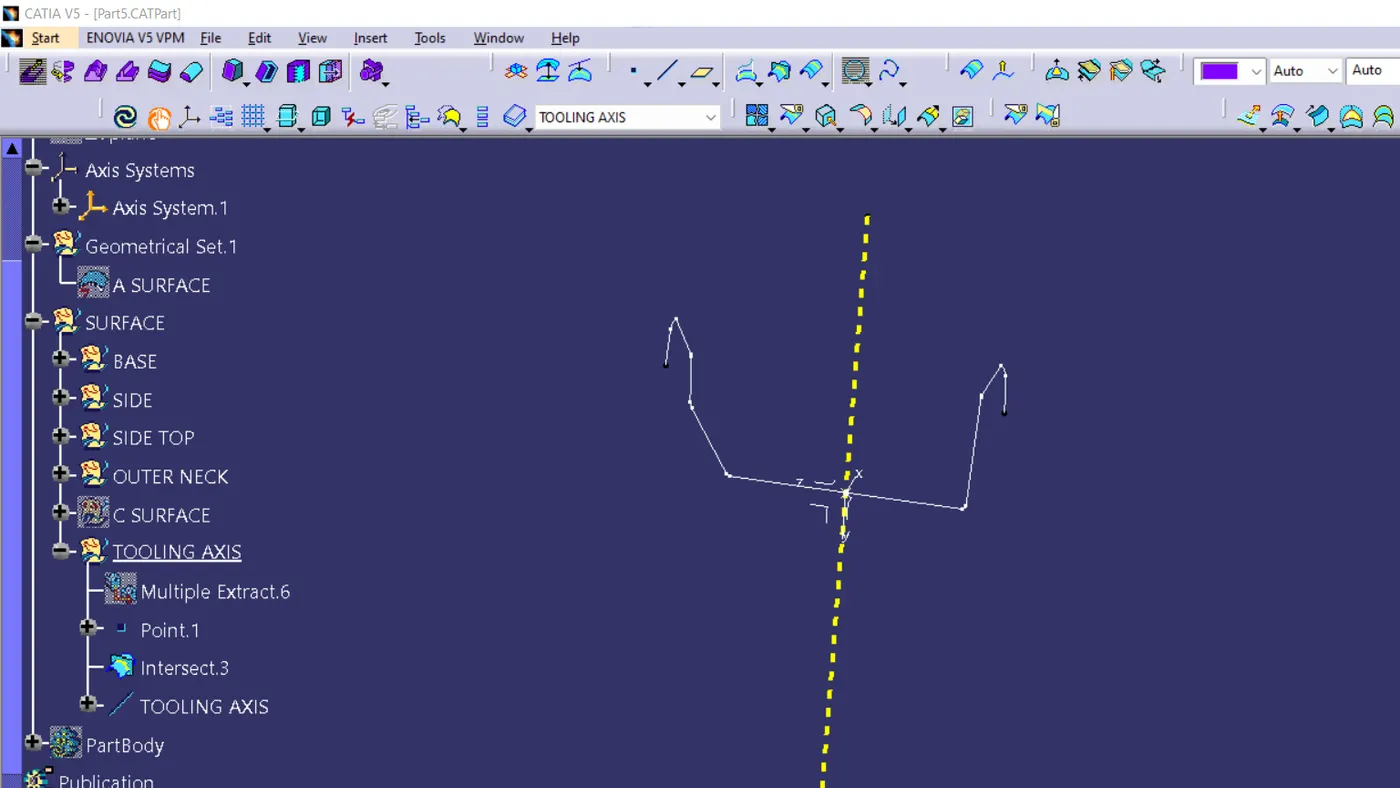
tooling axis creation
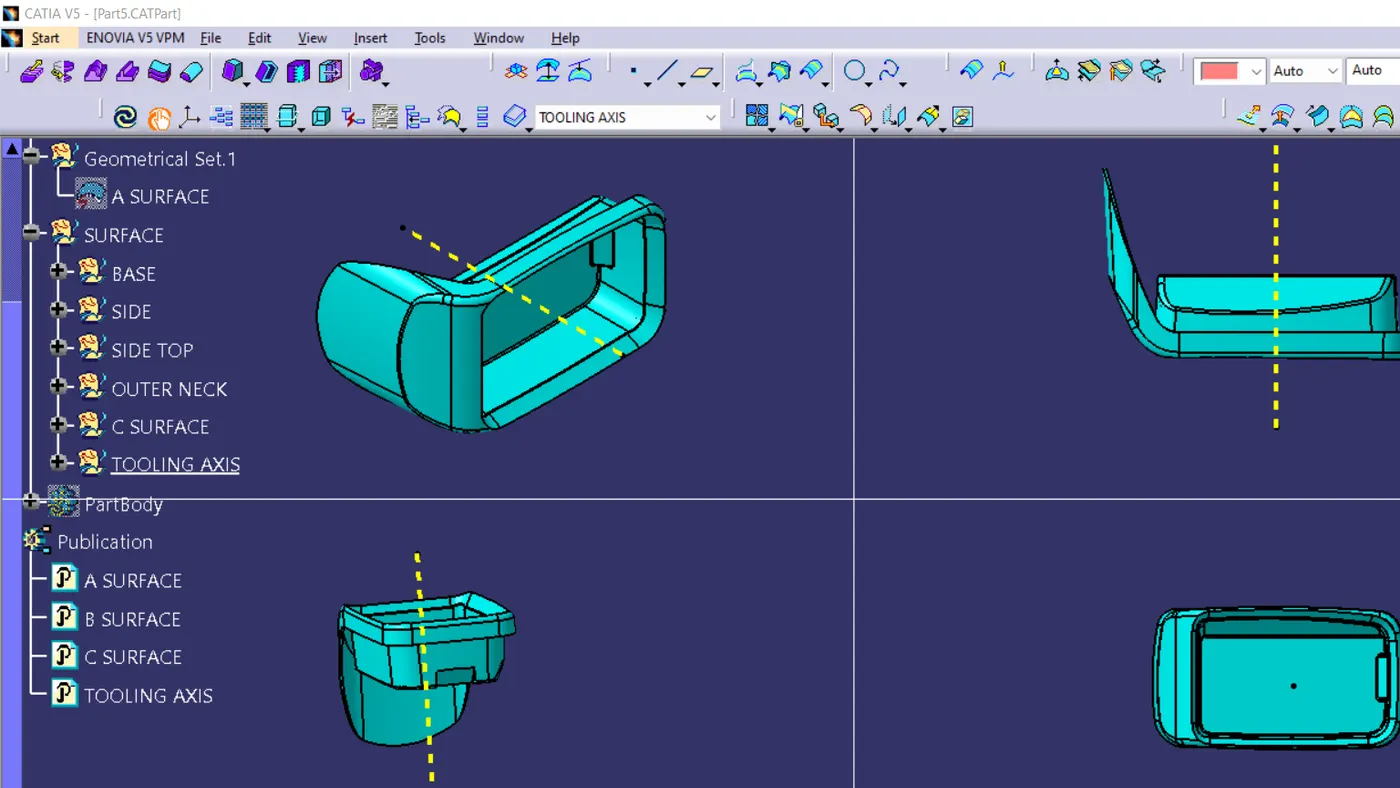
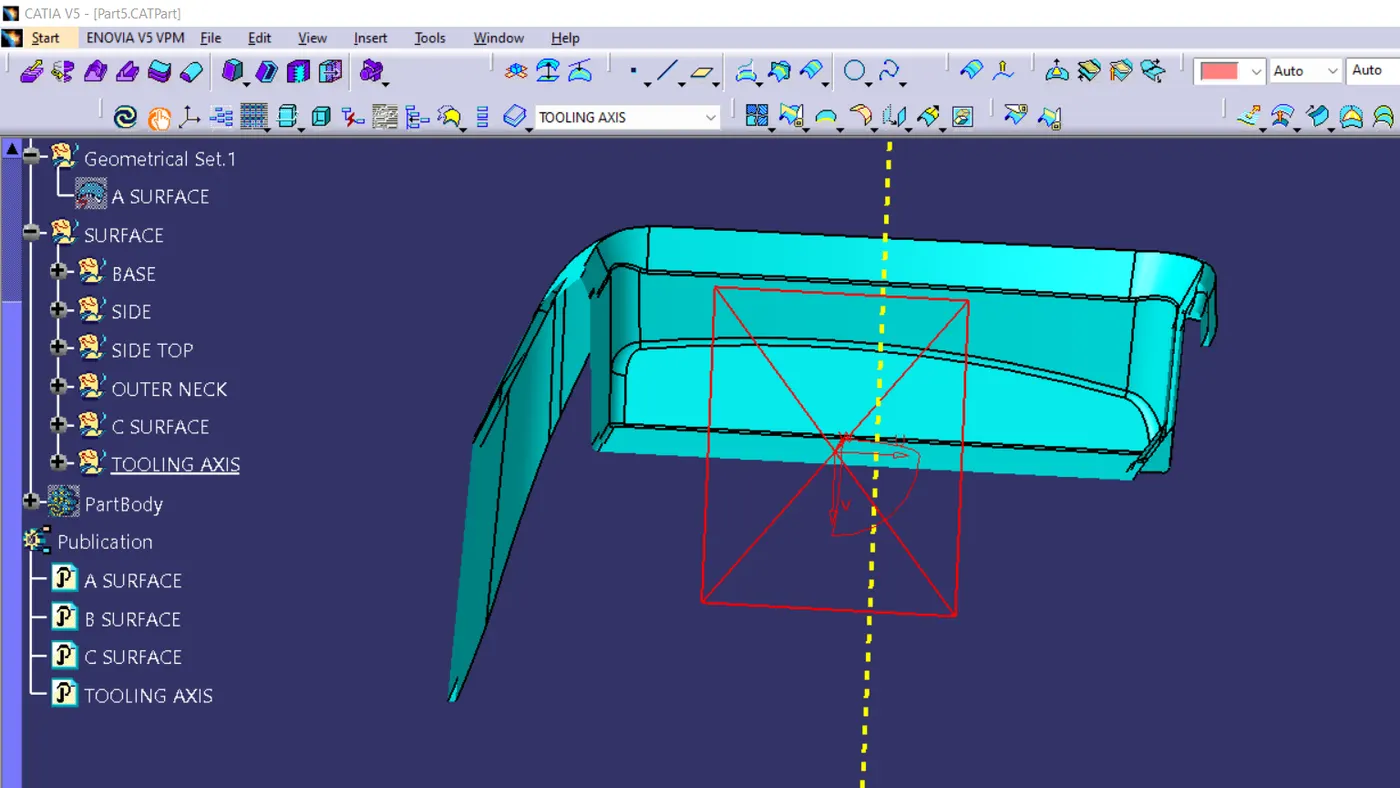
1st take the bottom surface of the part as the base. then extract it from the main part. make a point on the center using a point on the surface. put an axis on that point using the axis tool. after that form, the intersection of the part in the center by bisecting .to do this take the intersection tool select the point as the first element then select the z-y axis as the reference element
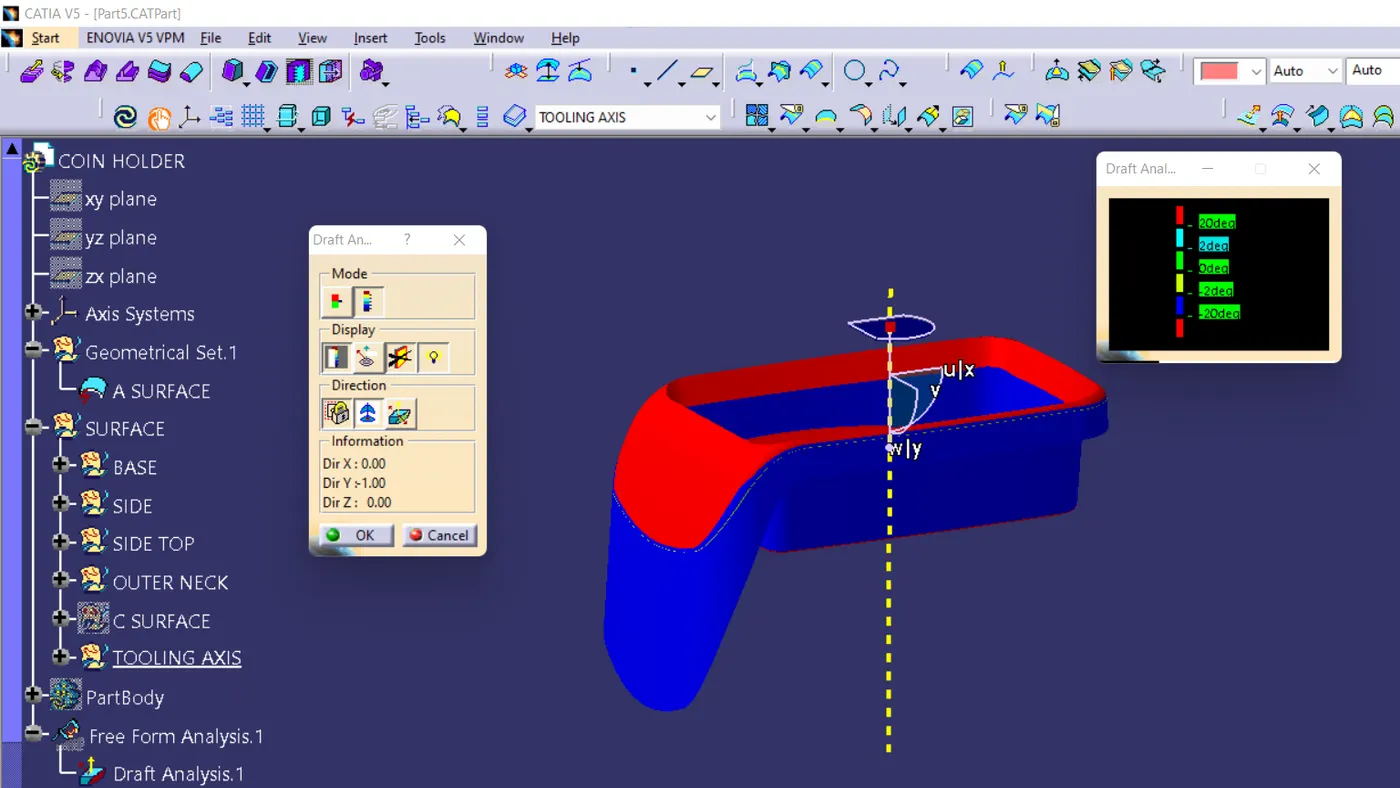
drafting analysis
change the martial mode to the material- take the draft analysis-
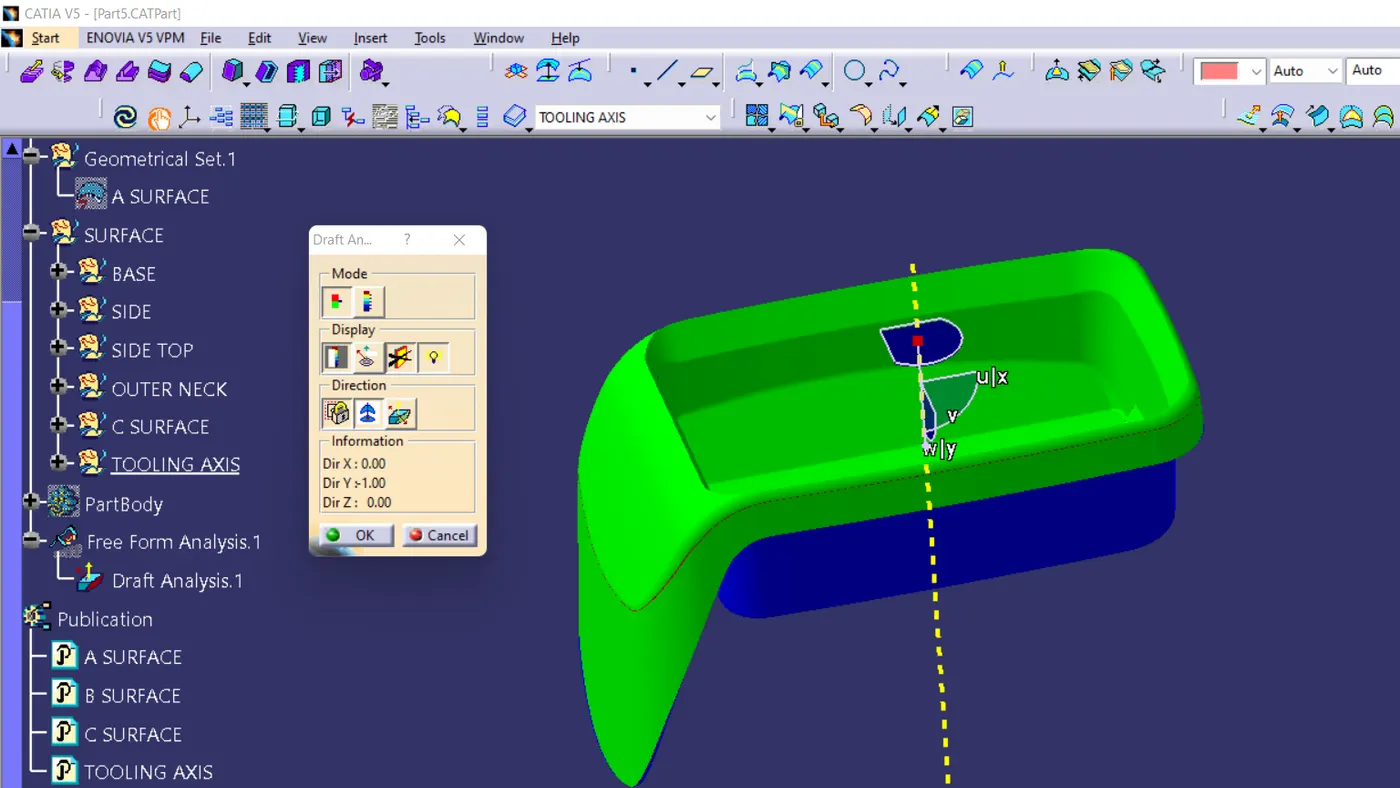
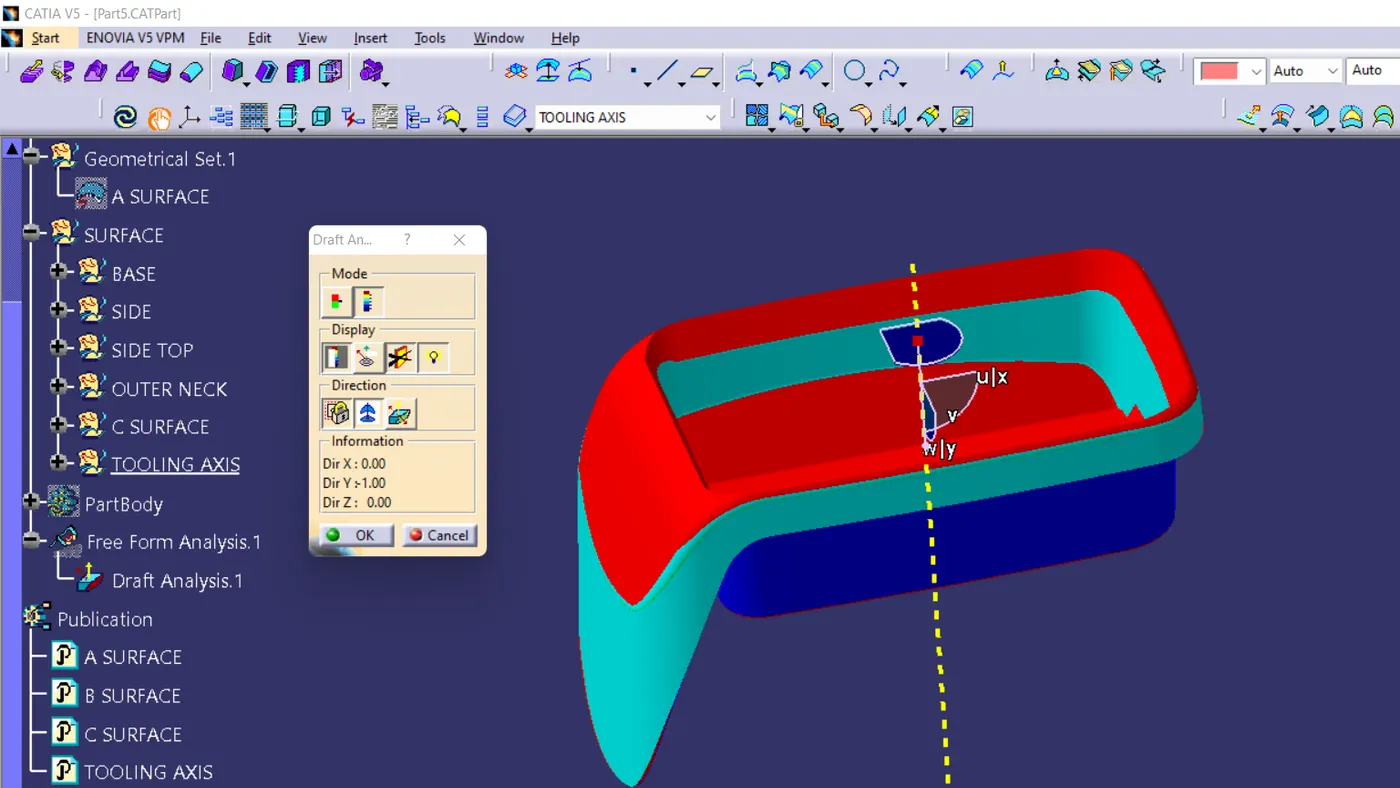
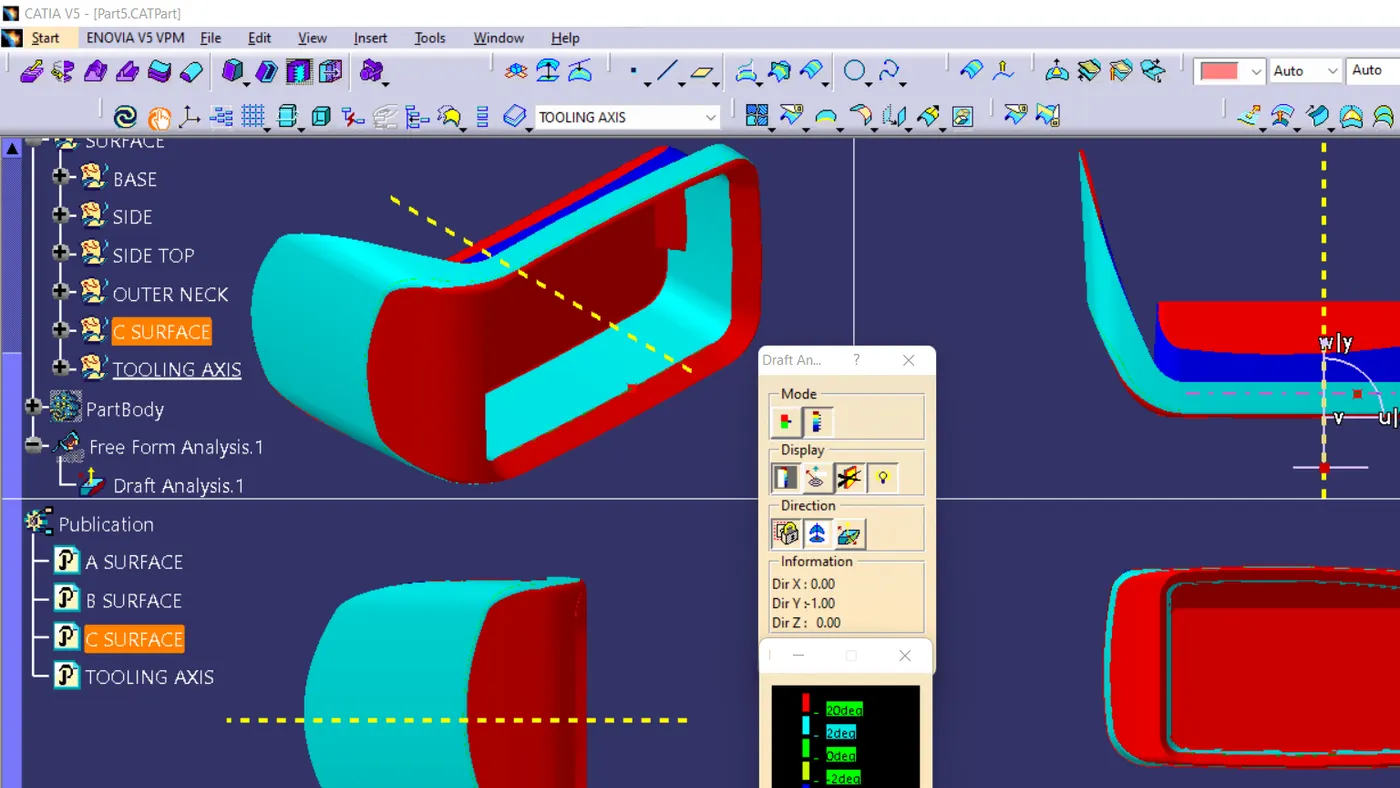
draft analysis is made by the analysis tool,after the part is created the martial shading is changed to material by using the customize using parameter - choose the material option -after that come back to the feature draft analysis - here select
the compass to change the direction of tooling. -after clicking the compass icon align with the tooling axis - locking it using a nearby option called lock . by now a red cross will appear at the mouse pointer and the color of the part will turn green. blue or red or green shows the draft is good and attained good value .red shows the neutral .blue shows negative