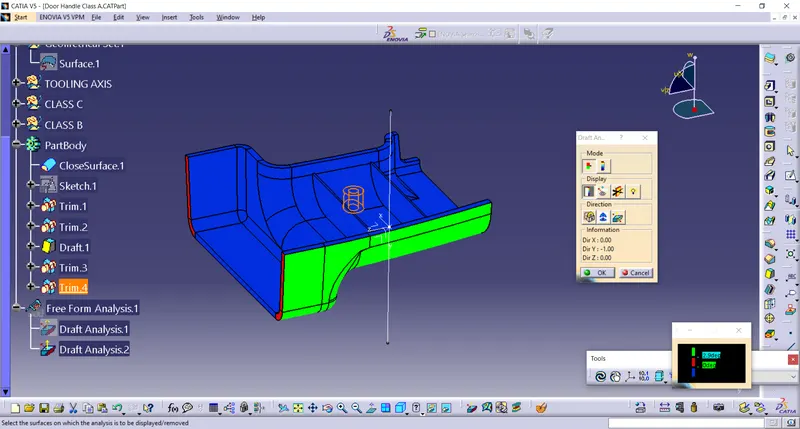
Week 9 - Attachment Feature Creation (Ribs & Screw Boss) - Challenge 1
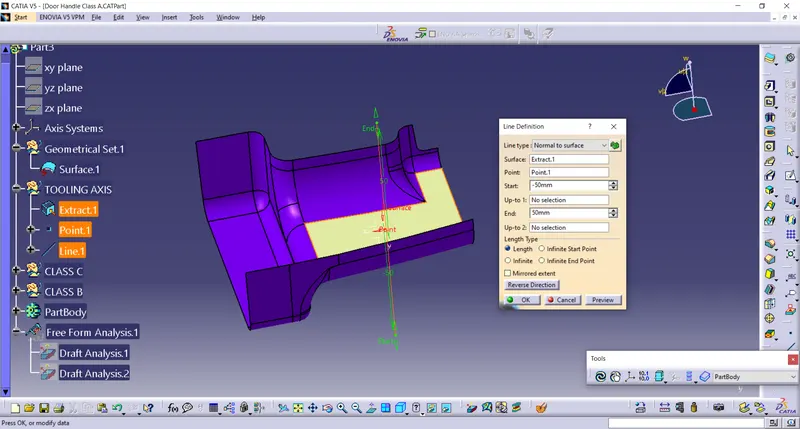
CREATING TOOLING AXIS
1. Extract surface and take a point on that.
2. create line using normal to surface.
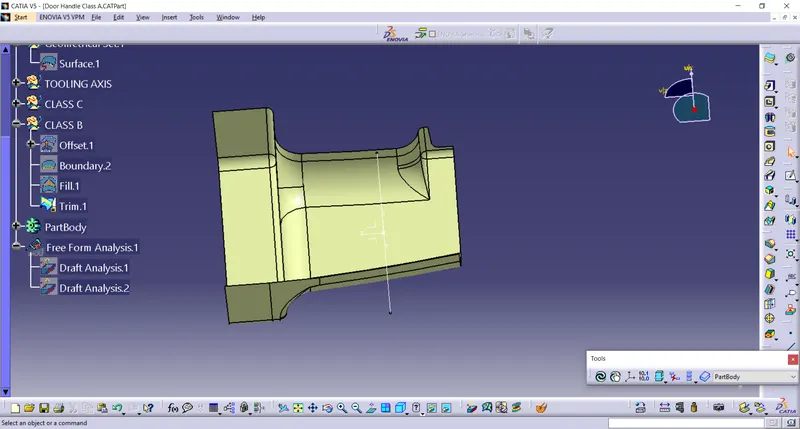
CLASS B
class b surface is created by using offset command .
During creating some patches are formed to closed that we used fill commaand with guide.
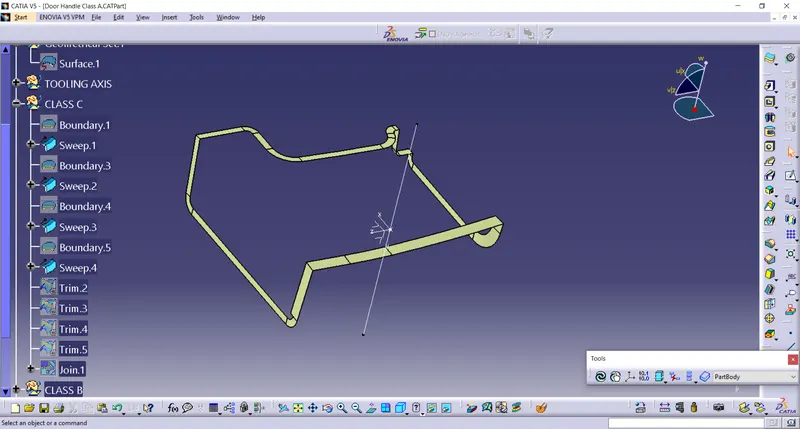
CLASS C
The class c surface is created with reference to surface at angle at 90 degree.
join class A, classB and class C
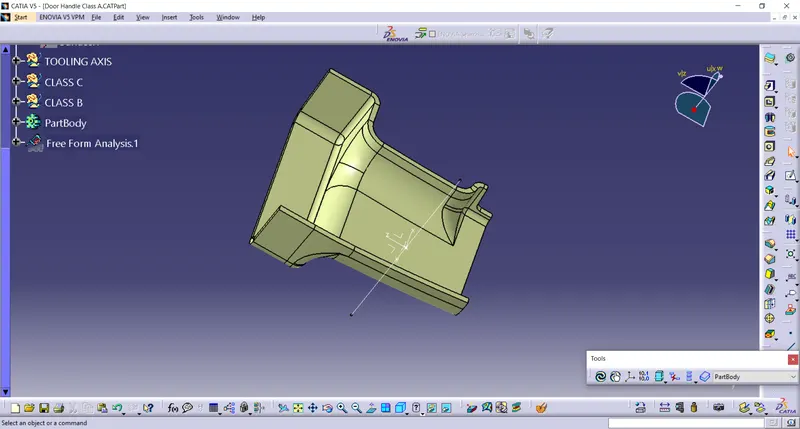
closed surface
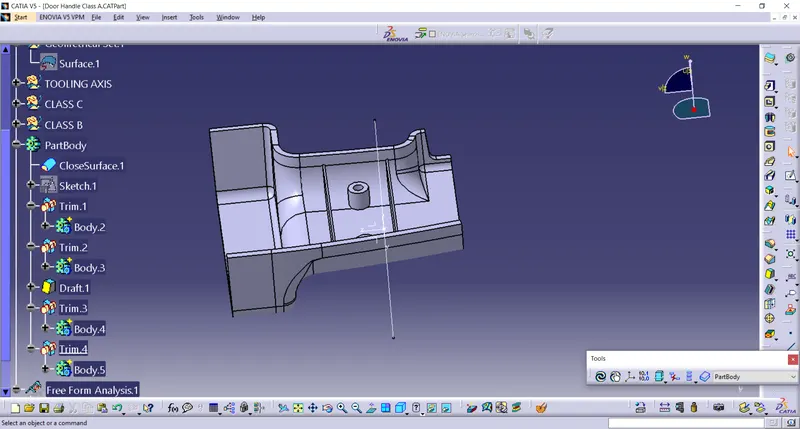
Draft analysis
- Take a compass and placed on the tooling axis and go to featured draft analysis.
- The green colour shows drafting angle 2.9 and above 2.9.
- Red colour indicates the angle zero degree.
- Blue colour indicates the negative draft angle.
class a draft analysis
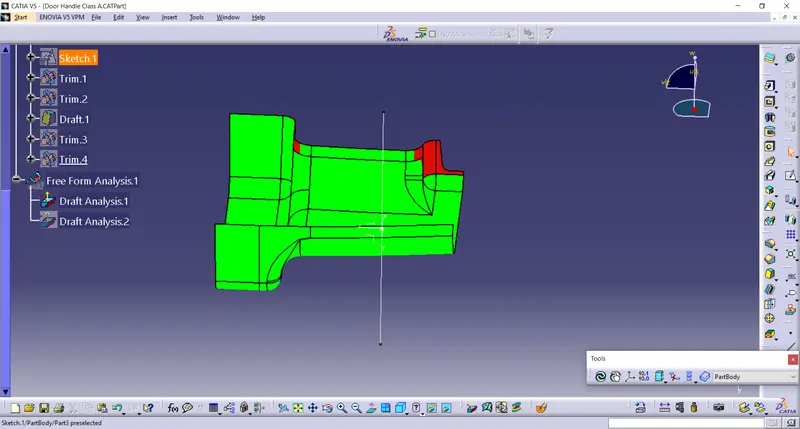
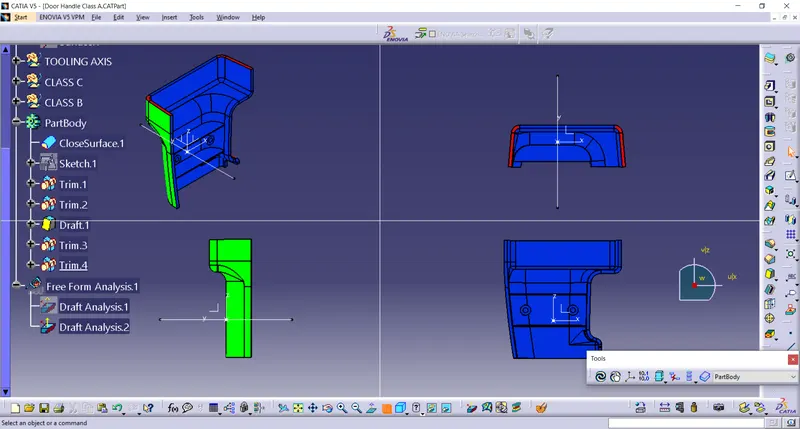
Draft analysis of closed surface.