Week 9 - Attachment Feature Creation - Challenge 2
AIM
Create the Dog House for the Door Trim considering the design rules
INTRODUCTION
DOG HOUSE
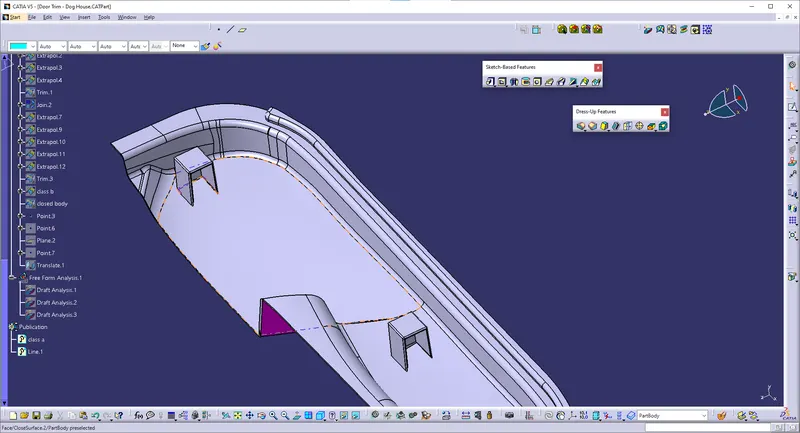
Dog house is an engineering feature used in plastic design. Dog houses are used as support feature. Sometimes other engineering features like snaps, locators, screw bosses are mounted on them to increase their strength.
Dog houses are subjected to draft analysis to prevent breakage of the component during ejection from the mould cavity. Dog house and oher engineering components are built on the B-surface.
OBJECTIVE
- Create Tooling axis for the given CLASS -A surface.
- Create the CLASS B and C surfaces of door trim using the given CLASS-A surface.
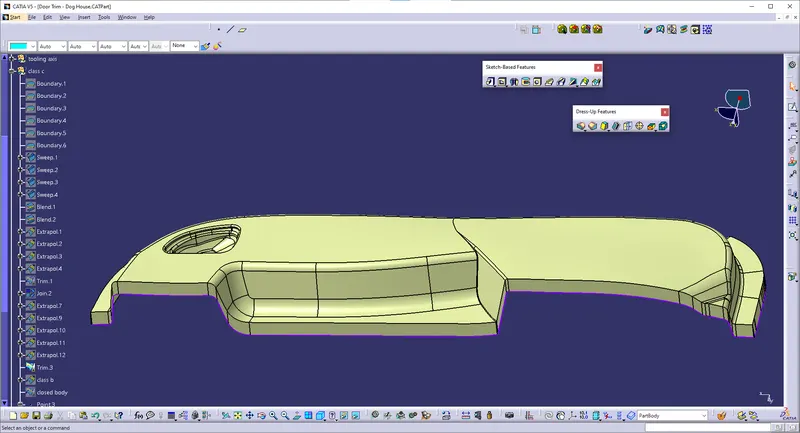
- Create final surface model and convert it into solid body using close surface command in the part design workbench.
- Create side core axis for the dog house
- Create Dog house on the B surface by considering the design rules.
- Perform draft analysis for both Class-A surface and Final part body.
CLASS A SURFACE:
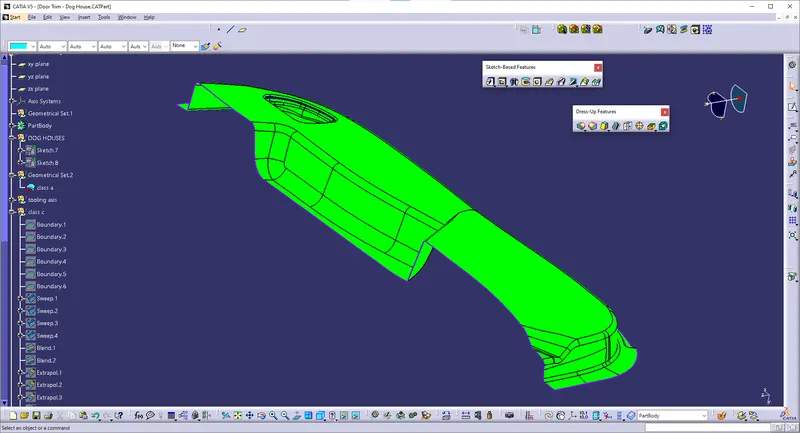
- Go to insert- analysis- feature draft analysis
- Align the tooling axis with the compass.
- Click on the surface and see that the surface is within the permissible limit of the draft values.
- The surface should be green and in the column nominal value 3deg given as input. hence the draft analysis on the class-A surface is successfully performe
Procedure for Tooling axis creation
- Check the best possible tooling direction by manually adjusting the compass.
- By analysing it is found that y axis as tooling direction would clear most of the faces without any difficulties.
- Now extract any surface and create a mid-point on it.
- Then create a dummy axis creating a line on the point and direction along the y axis.
- Perform draft analysis to find whether the given axis clearing the draft analysis. If not create a new tooling axis.
CLASS-B surface creation
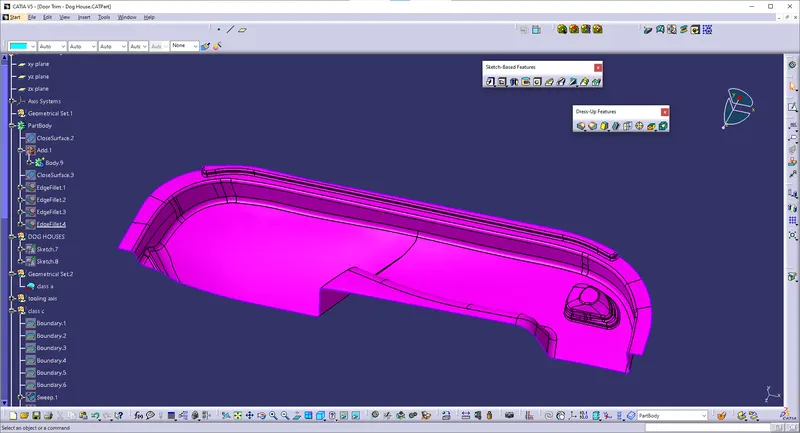
Class-B surface means thickness of a part it is not visible and is inside part. In other words, Class-B surface is a surface below a certain thickness from the class-A surface. This is the surface that contains engineering aspects of a model.
- Create offset surface of CLASS-A about 2.5mm inward direction.
- Check for the discontinuity and rework on the offset surface using extract, multi-extract, multi sections surface.
operations:
- extract
- untrim
- offset
- extrapol
- multiple extract
CLASS-C surface creation
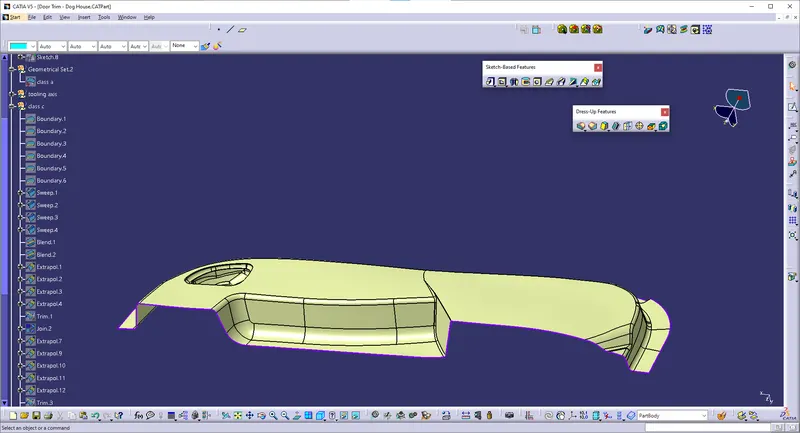
Surface that joins class-A and class-B surfaces is class-C surface. Class C is often specified for interior surfaces not readily visible, surfaces that will be covered by another part when assembled
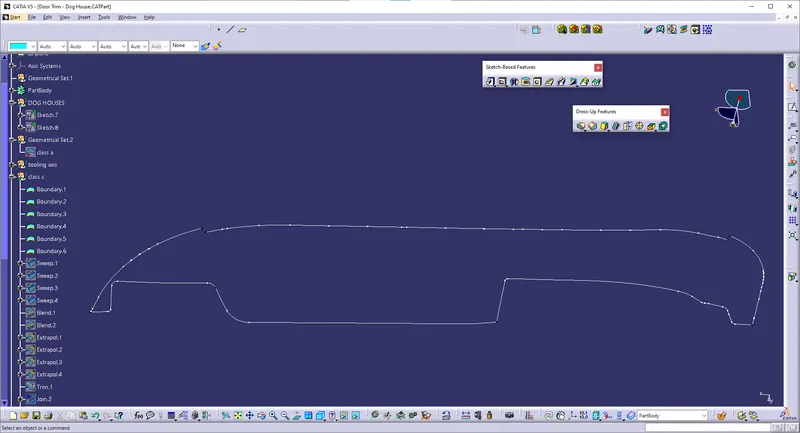
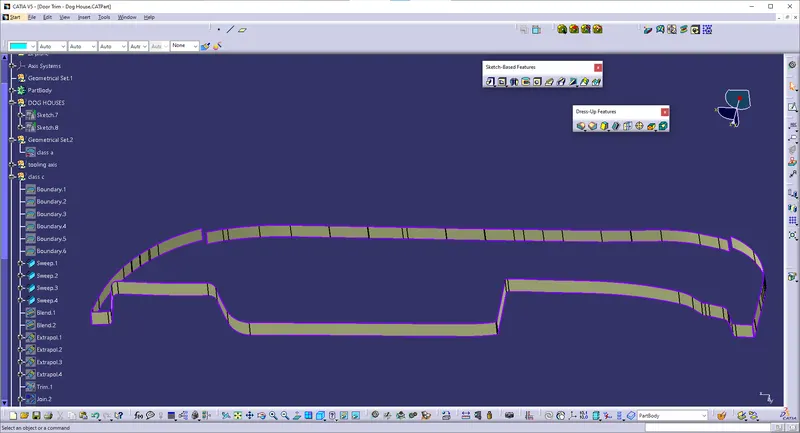
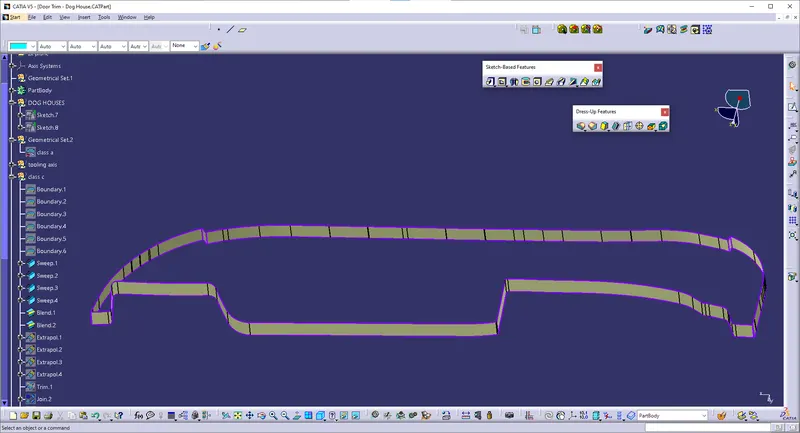
- Create the sweep surfaces with reference to surface and tooling axis by multi extracting the CLASS-A boundary
- Join the sweep surfaces by using commands like extrapolate, trim, multi section surface.
- Finally join all the sweep surfaces and ensure the continuity of the CLASS-C surface.
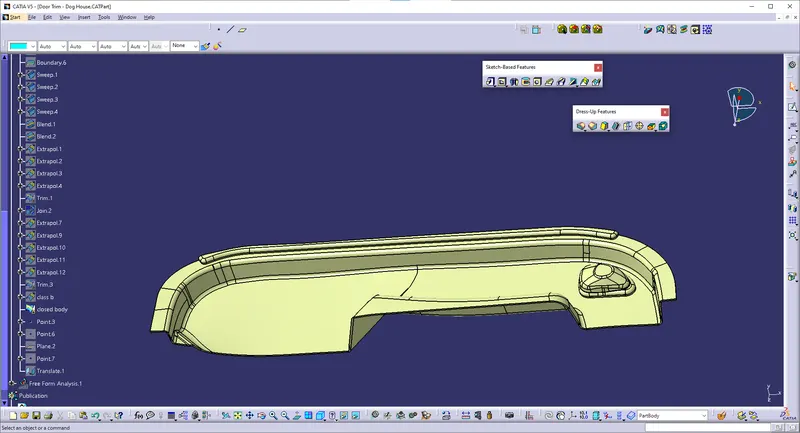
Procedure for creating the DOG HOUSE
- First step is to create a side core axis.
- I have chosen normal to the point method for creating the side core tooling axis.
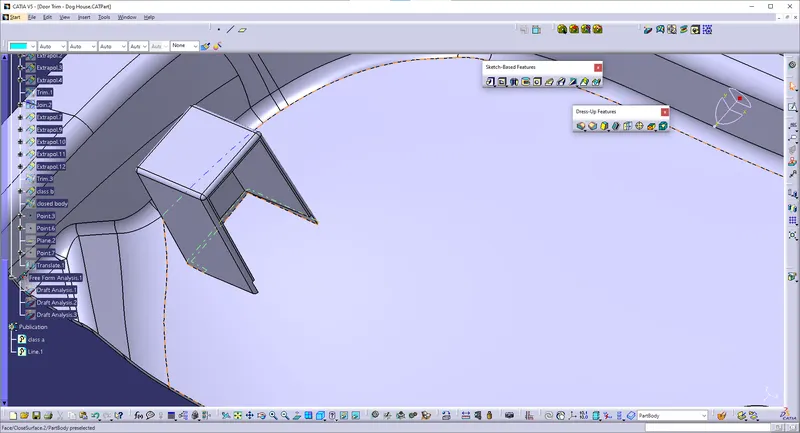
TOLLING AXIS FOR SURFACE C:
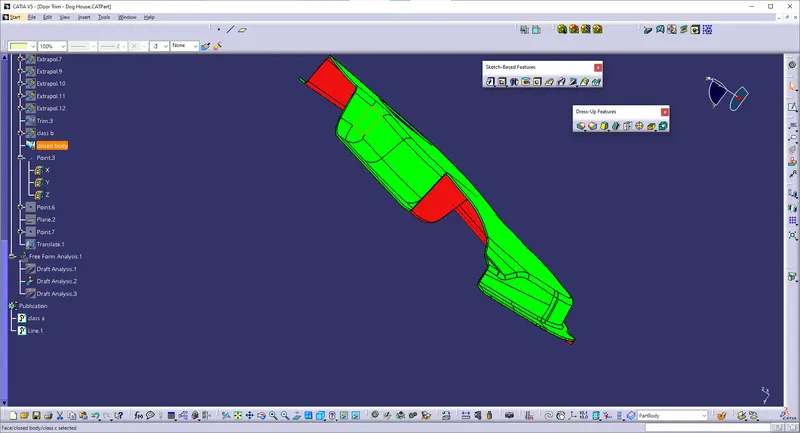
SOLID PART: