Week 9 - Attachment Feature Creation - Challenge 2
Aim:
Create the Screw boss and Dog House for the Centre console coin holder considering the design rules.
Introduction:
Screw Boss:
Screw bosses are used for the purpose of registration of mating parts or for attaching fasteners such as screws or accepting threaded inserts
Dog House:
Dog house is an engineering feature used in plastic trim design. Dog houses are used as supporting feature. Sometimes other engineering features like snaps; locators etc. are mounded on them to increase their strength.
Design Rules for the dog house:
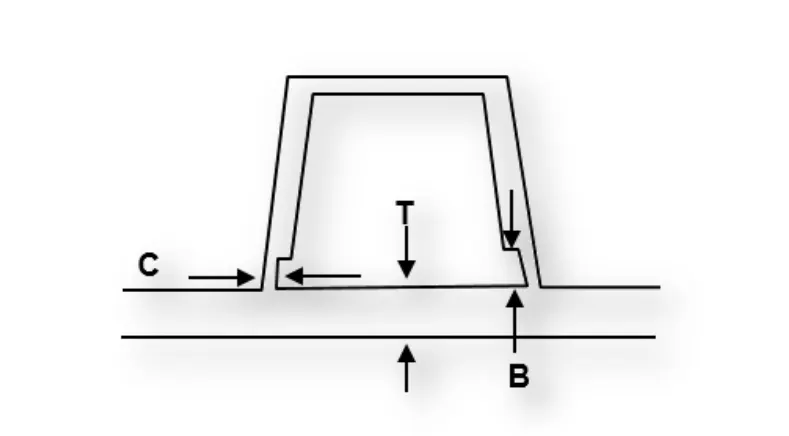
- Thickness - Doghouse wall thickness at the intersection of the part wall (C) should be 40% or less than the main wall stock (T)
- Height – Height of (B) should be between 3.0 – 6.0 mm
Methodology:
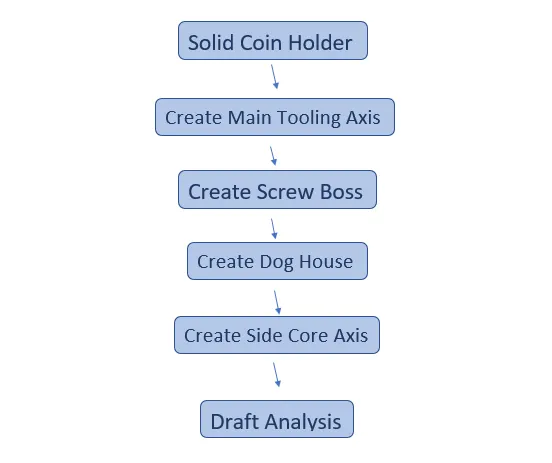
Create Screw Boss:
- Extract the Bottom surface of the coin holder
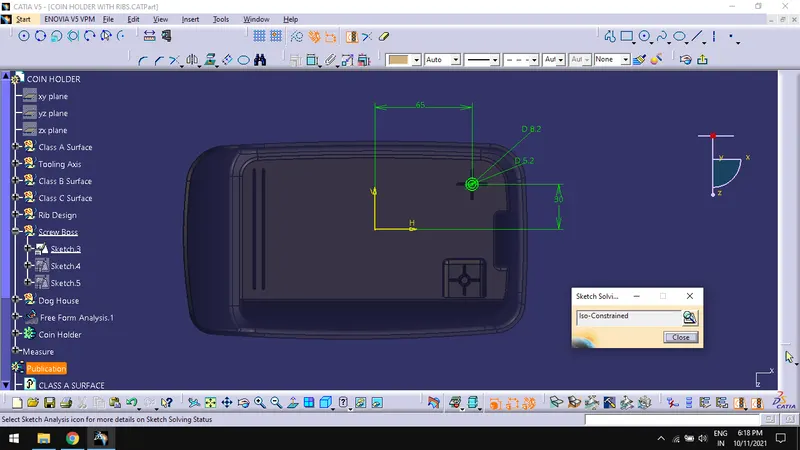
- Create a sketch with extract as the sketch position and vertex of main tooling axis as the origin.
- Draw two concentric circles and constrain them which act as the profile for extruding the boss.
- In part design workbench, Pad the sketch for 12mm and 1 mm for the other limits.
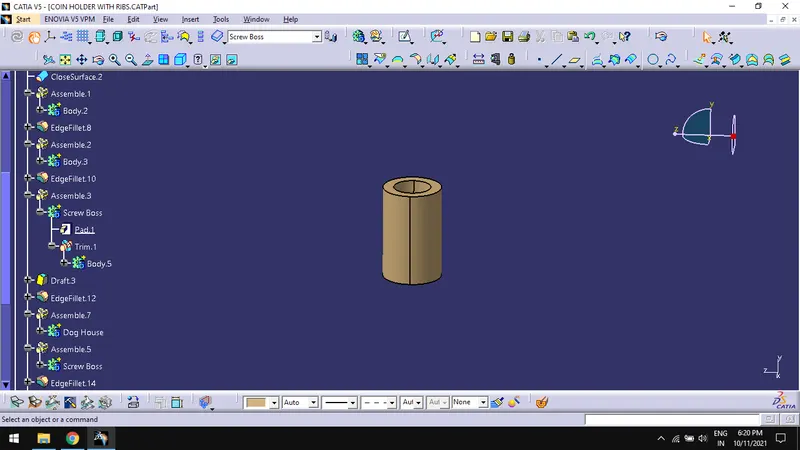
- Draft the face of pad for 0.5mm and extracted bottom surface as neutral element and main tooling axis as pulling direction.
- Create a sketch with extract as the sketch position and vertex of main tooling axis as the origin.
- Draw two lines which are 20mm long and perpendicular to each other and their midpoints coincide at the center point of the circles created in previous sketch.
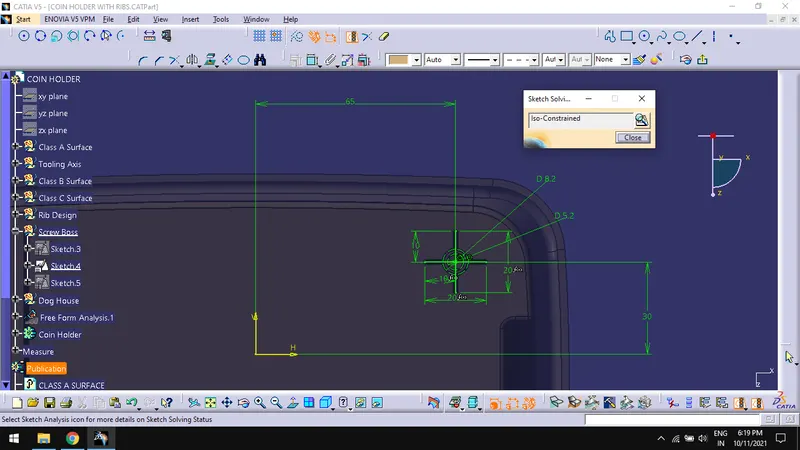
- Pad the sketch for 10mm and 1mm for other limits, make sure to check the thick feature while padding and 1 mm for thin pad with neutral fiber.
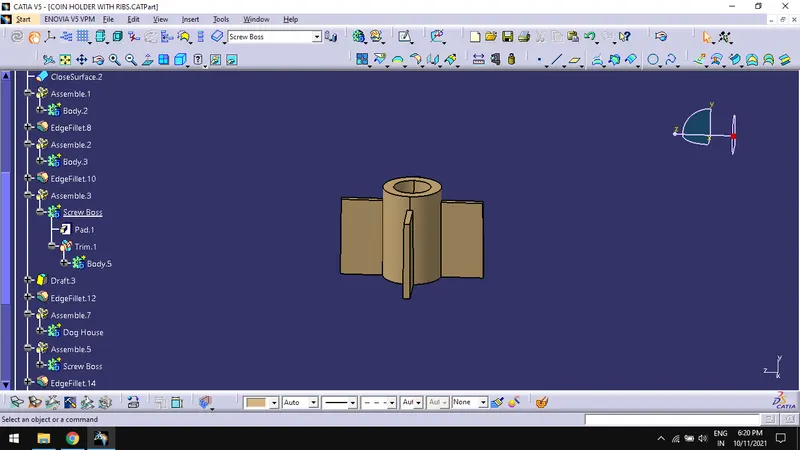
- Draft all face of pad for 0.50 and extracted bottom surface as neutral element and main tooling axis as pulling direction.
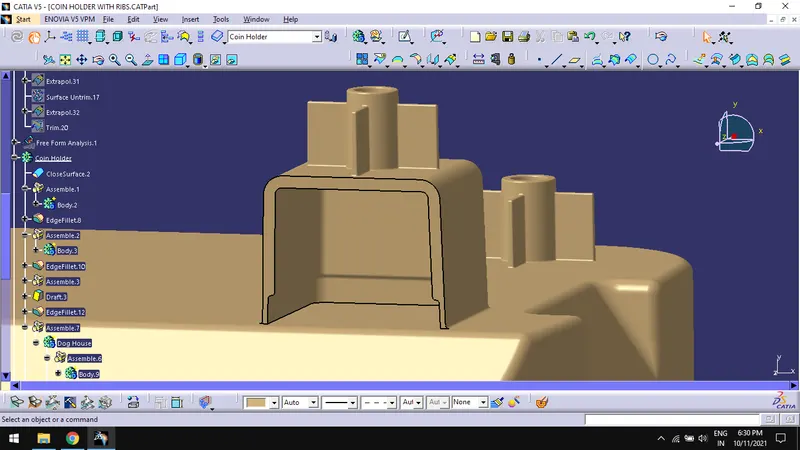
- Union trim the Screw boss and its gusset select the faces to remove and the assemble the screw boss to coin holder.
- Create the fillet for 0.5mm on all faces.
Create Dog House:
- Create a plane with ZX plane and a point.
- Create a sketch using the above plane and draw a profile for the dog house.
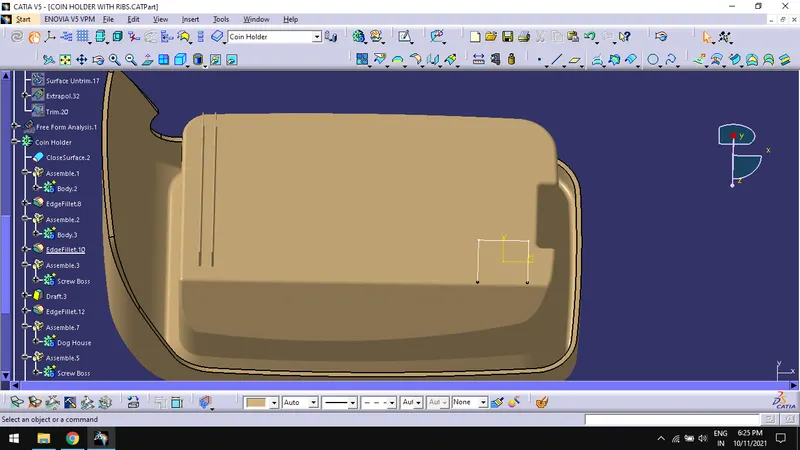
- Sweep the profile for 21mm and 1.5mm long with main tooling axis as draft direction at an angle of 1.50
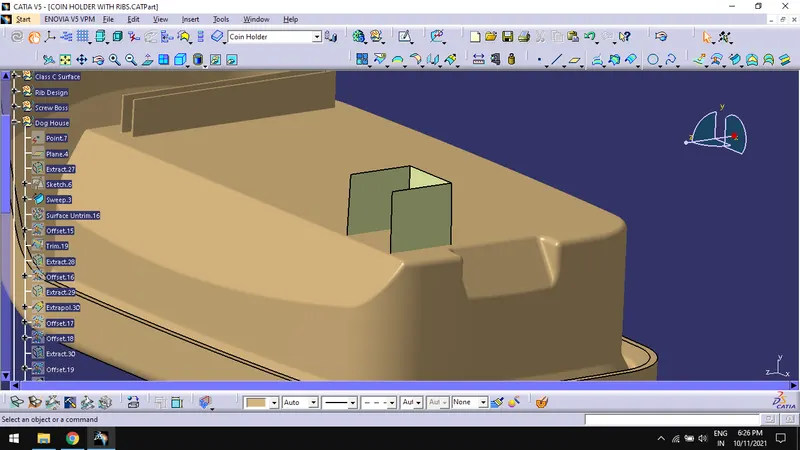
- Extract and untrim the bottom of class A surface.
- Offset the extracted class for 2.5mm.
- Again, Offset the surface for 20mm and trim the offset with sweep.
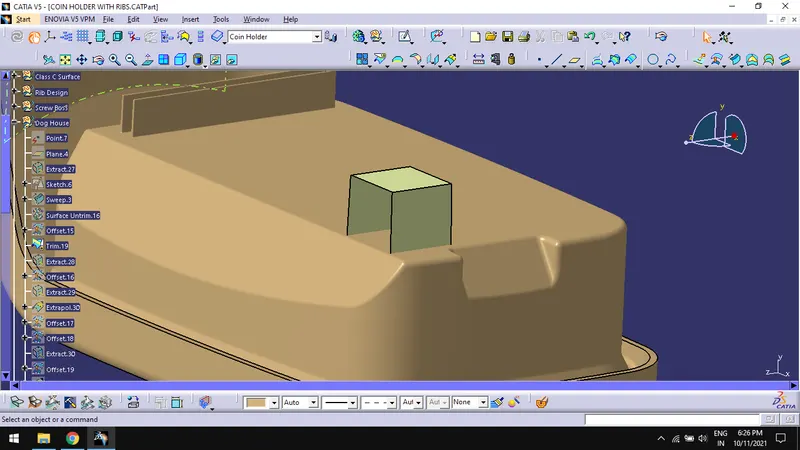
- In part design workbench, use thick surface command for the trimmed surface.
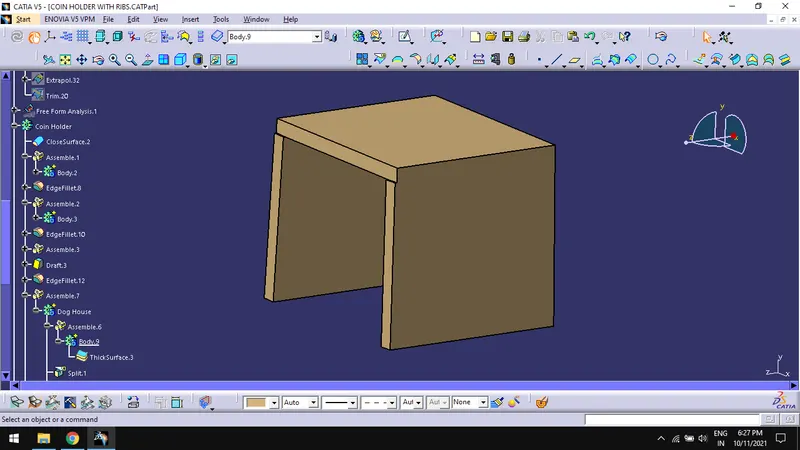
- Draft the inner faces of the solid for 0.50 using side core as pulling direction.
- Create fillets on the outer face for 3mm and 1mm for inner faces.
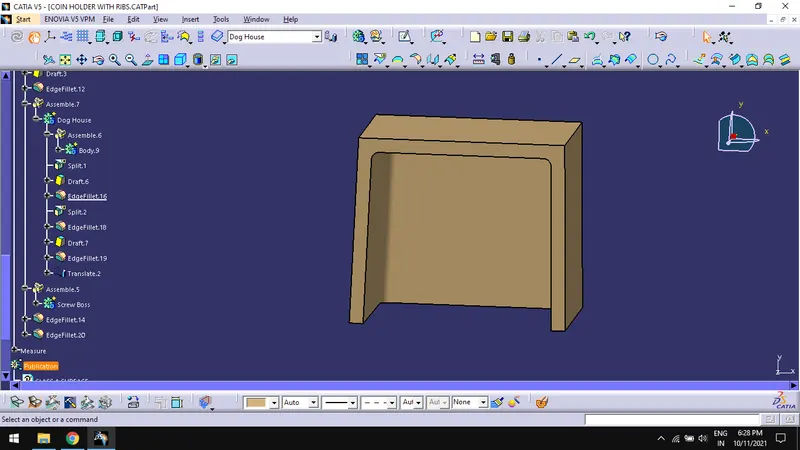
- In generative shape design, Extract the inner faces with tangent continuity.
- Offset the extract for 1mm outwards and also offset the class A surface extract for 4mm.
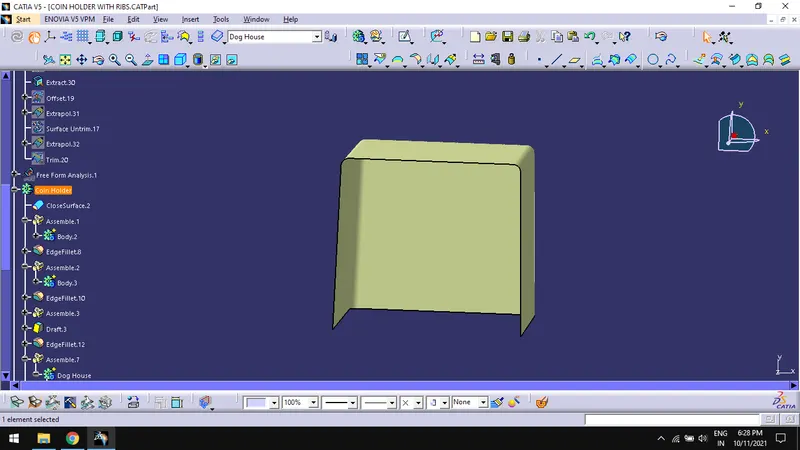
- Trim the above two offset surfaces.
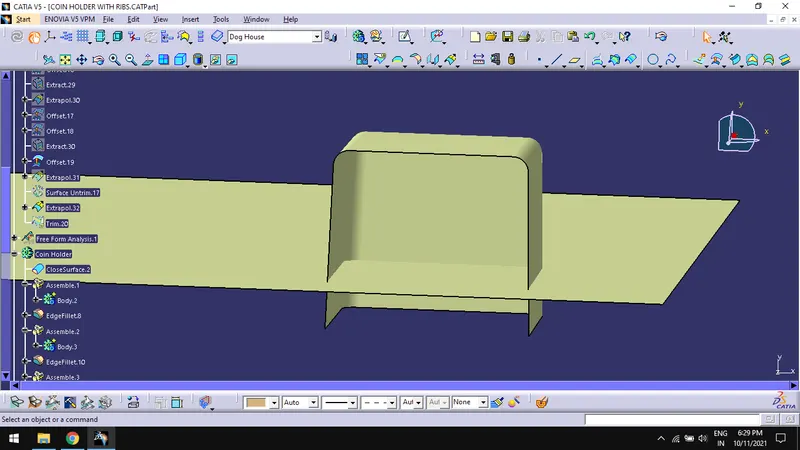
- Split the surface with body.
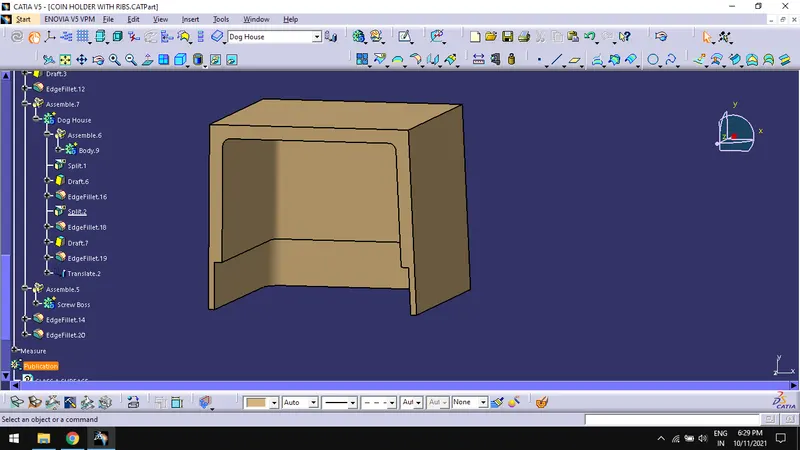
- Draft the face obtained for 0.50 using side core as pulling direction.
- Fillet the edges for 0.5mm.
- Assemble the dog house body to the coin holder.
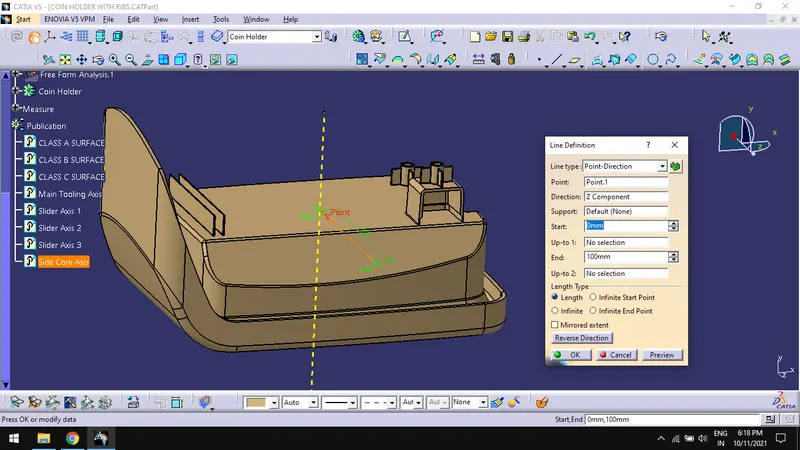
Create Side Core Axis:
- To create a side core axis, create a line in Z direction by using the previously created point which is used to create main tooling axis.
- Side core axis will be created perpendicular to the main tooling axis.
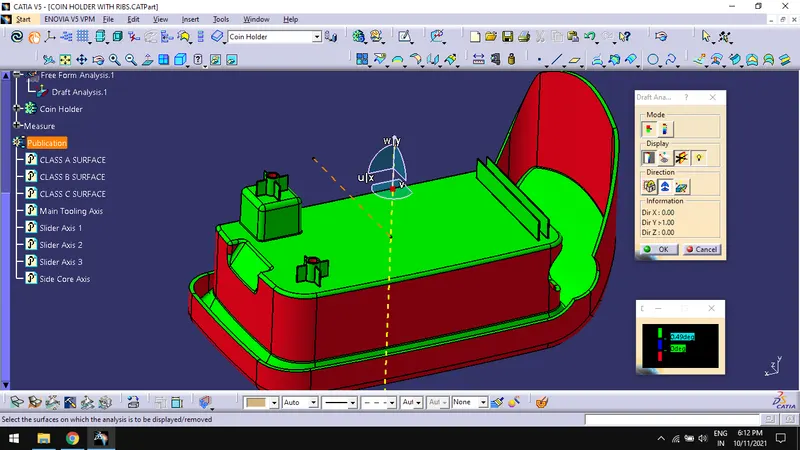
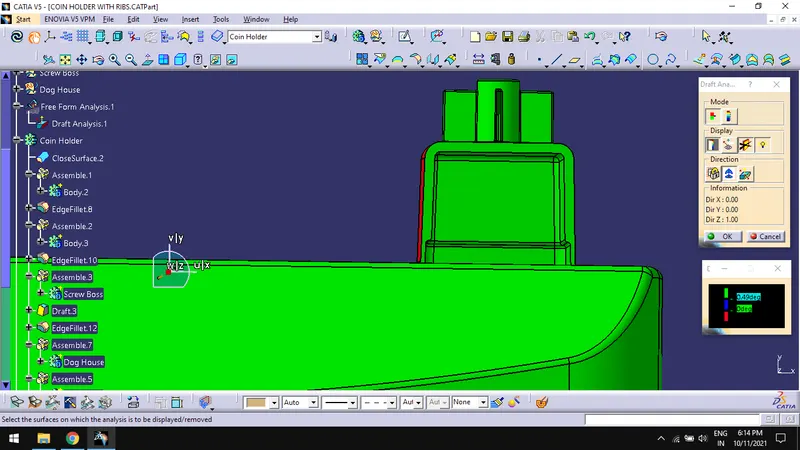
Draft Analysis:
- Do draft analysis for final component with tooling axis following the general draft analysis procedure.
- To find Draft analysis option, Go to Insert > Analysis > Feature Draft Analysis.
Tree Structure:
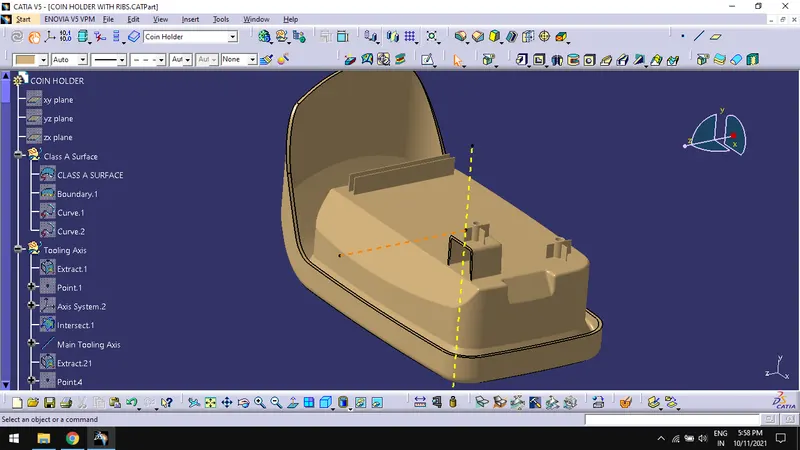
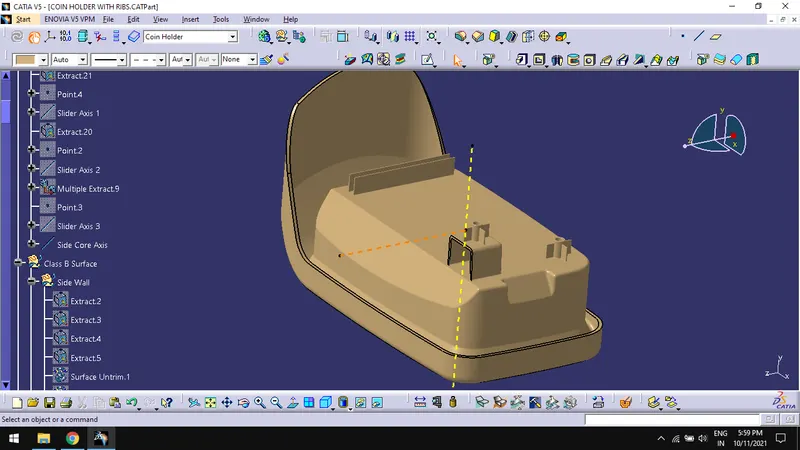
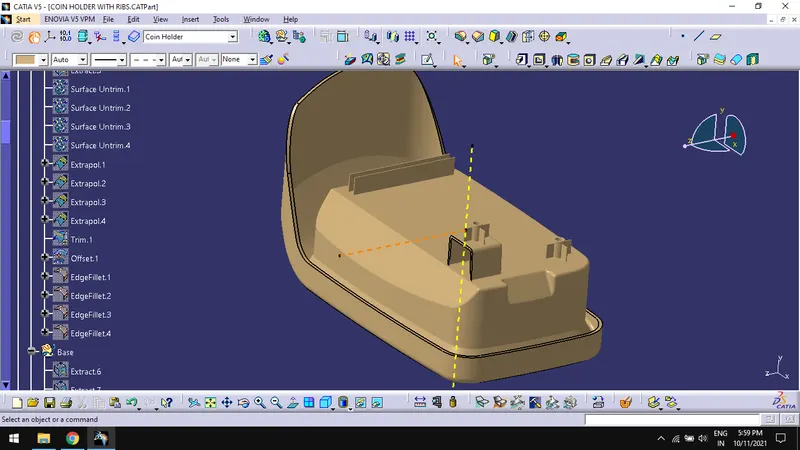
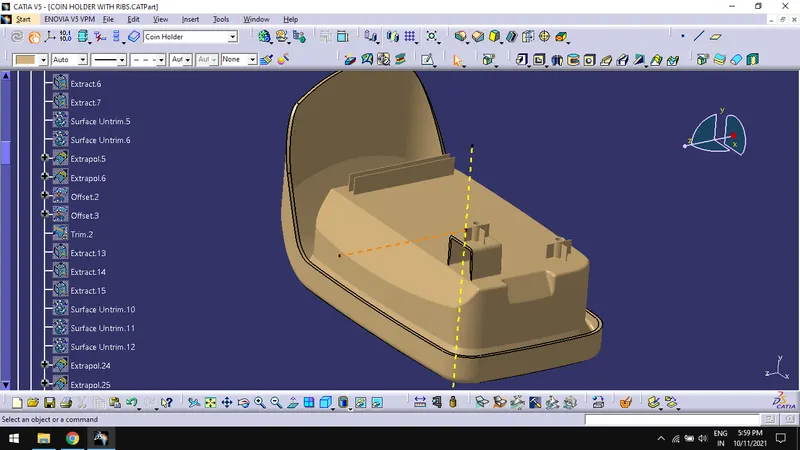
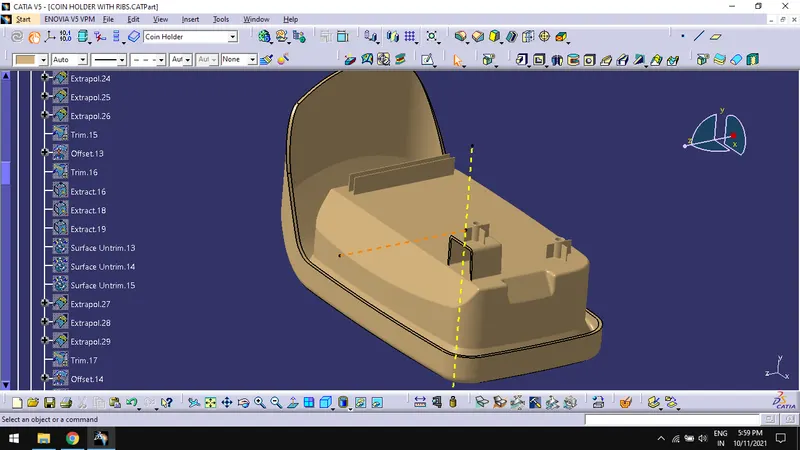
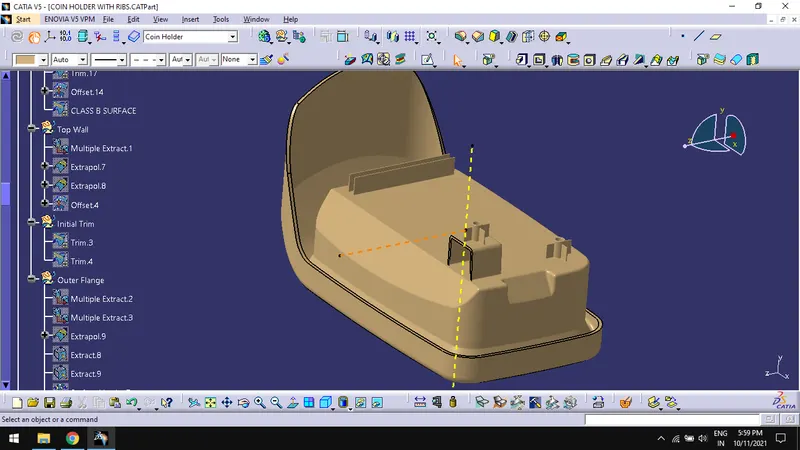
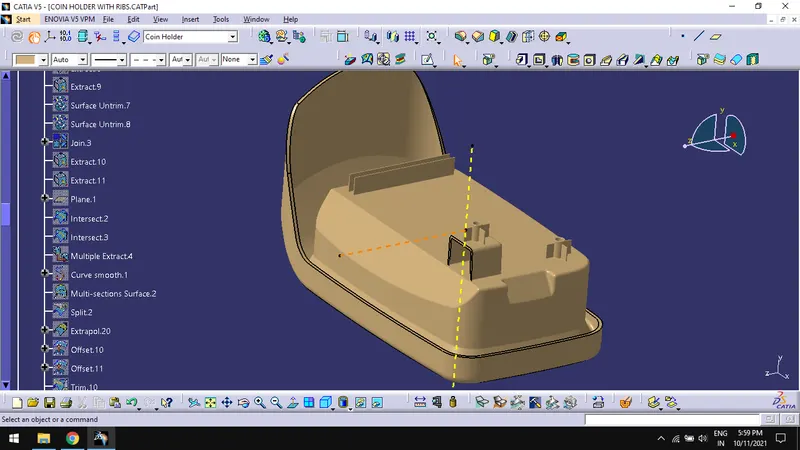
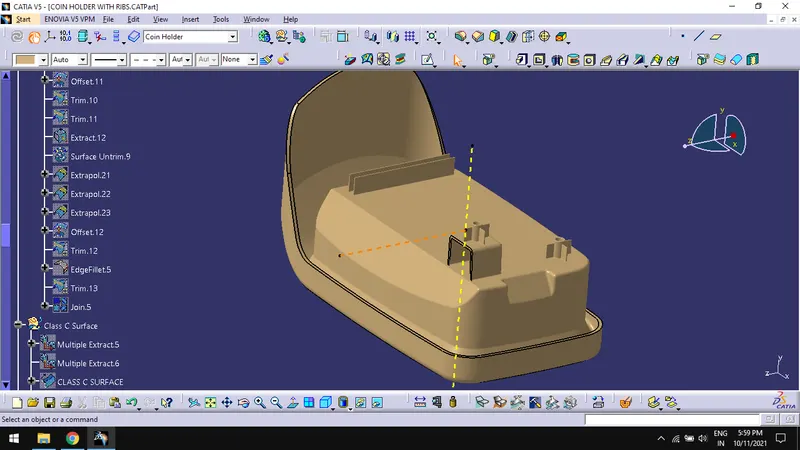
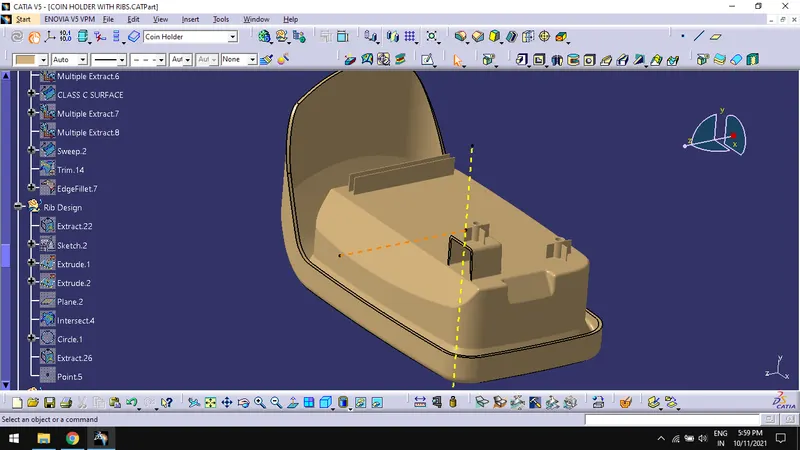
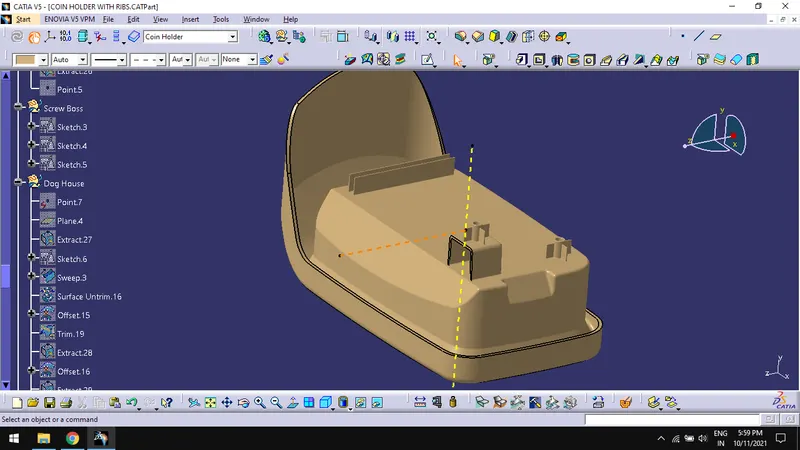
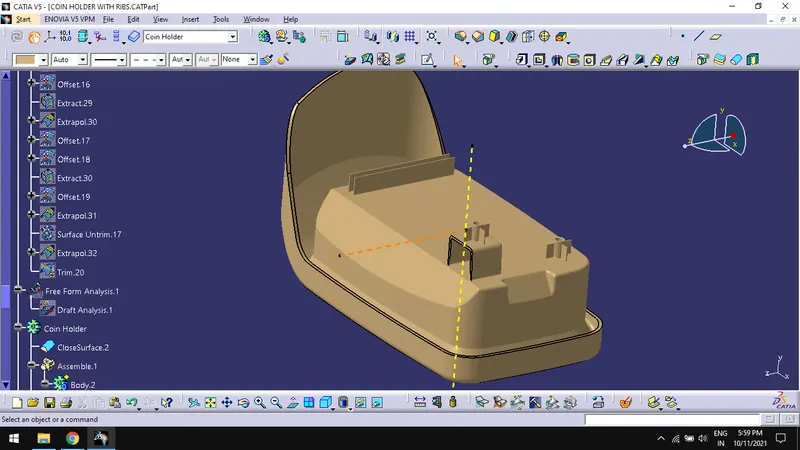
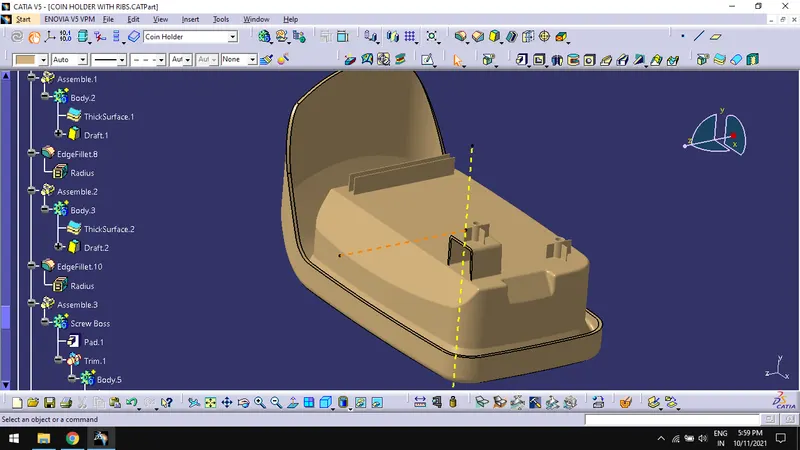
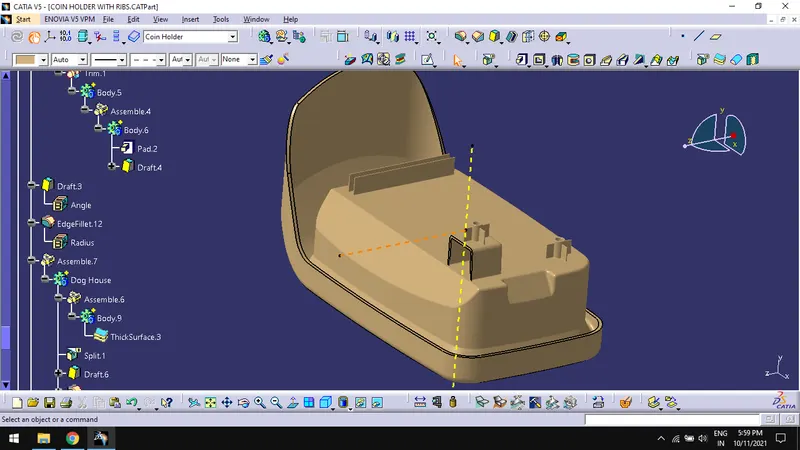
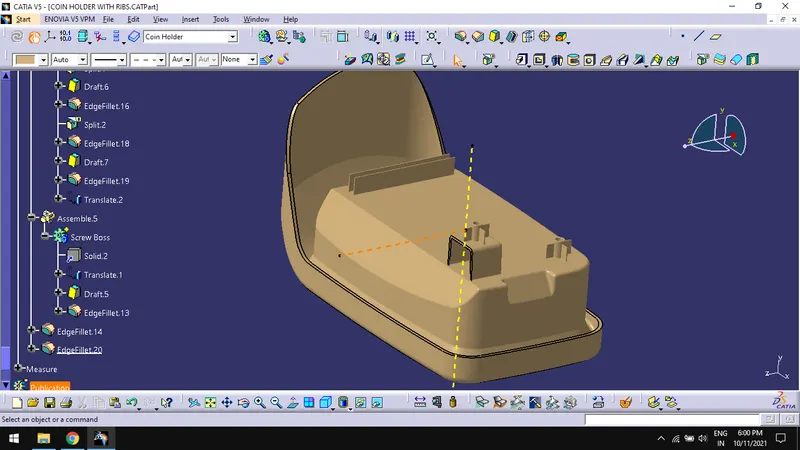
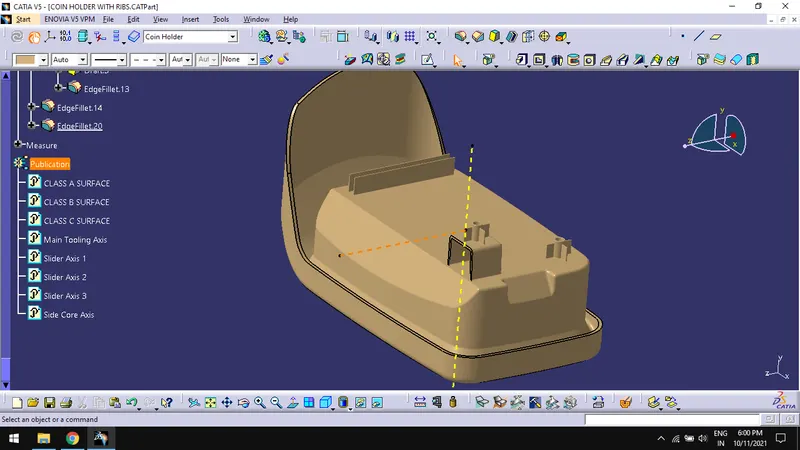
Different Views of the Component:
Isometric View:
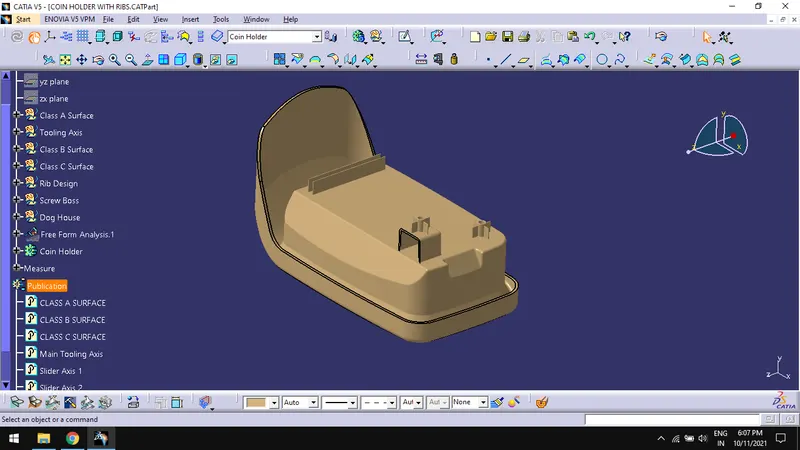
Front View:
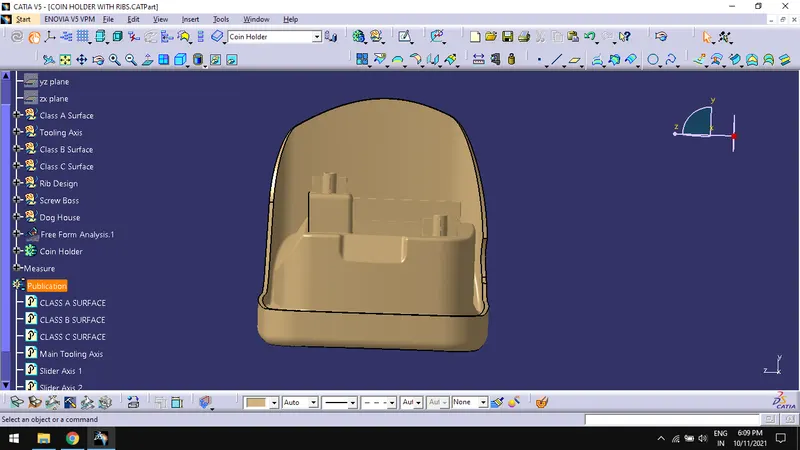
Side View:
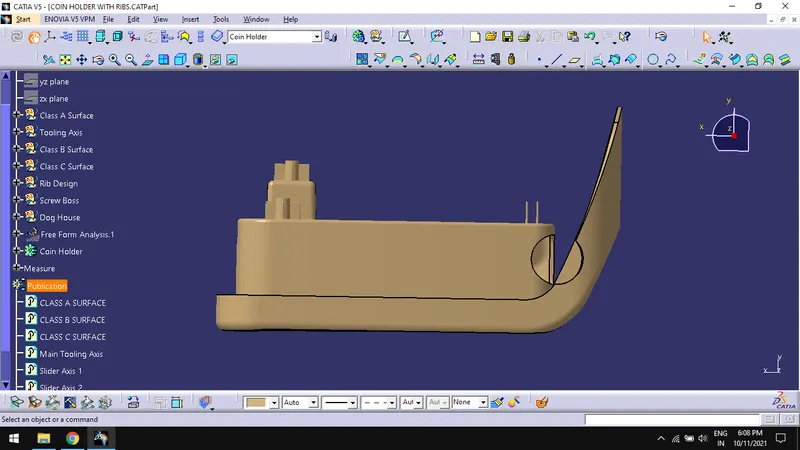
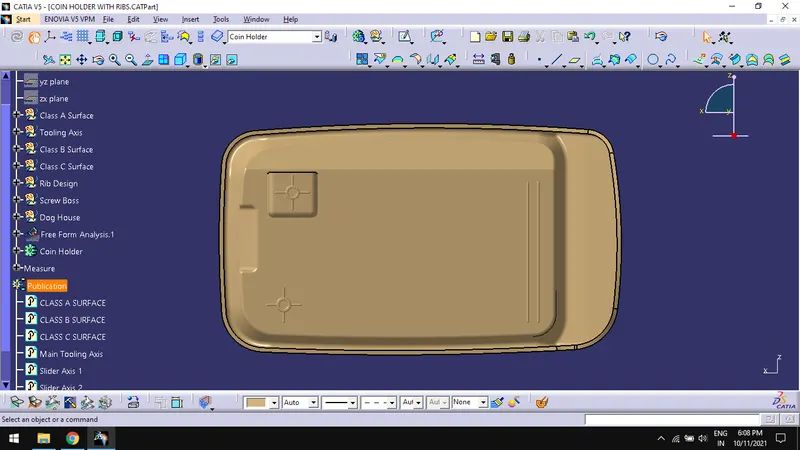
Top View:
Conclusion:
Thus, creating the Screw bosses and Dog House for the Centre console coin holder considering the design rules are done successfully.