Advanced Sheet Metal Design Using NX Cad Challenge_5_Odd Shaped Enclosure
TITLE OF THE PROJECT
Creation of odd shaped enclosure
OBJECTIVE
To create an odd shaped enclosure using sheet metal tools in Siemens NX.
INTRODUCTION
NX Sheet Metal provides a set of tools within the NX design environment that allows for simple and fast design of sheet metal parts, dependent on their material and manufacturing process.
Using NX Sheet Metal, parts can be created by using industry best practices and uniform workflows. Standard bending calculations, sheet metal features and advanced analysis tools all contribute to improving quality and reducing the cost of sheet metal parts. In addition, an accurate sheet metal pattern resulting from the design is correctly passed on to manufacturing and suppliers.
DESIGN METHODOLOGY:
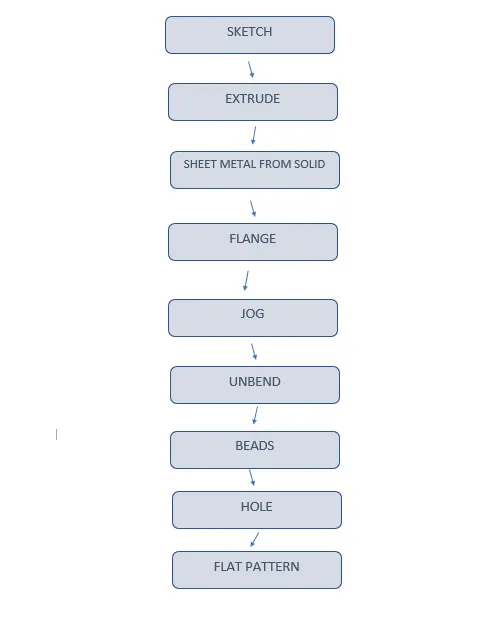
DESCRIPTION:
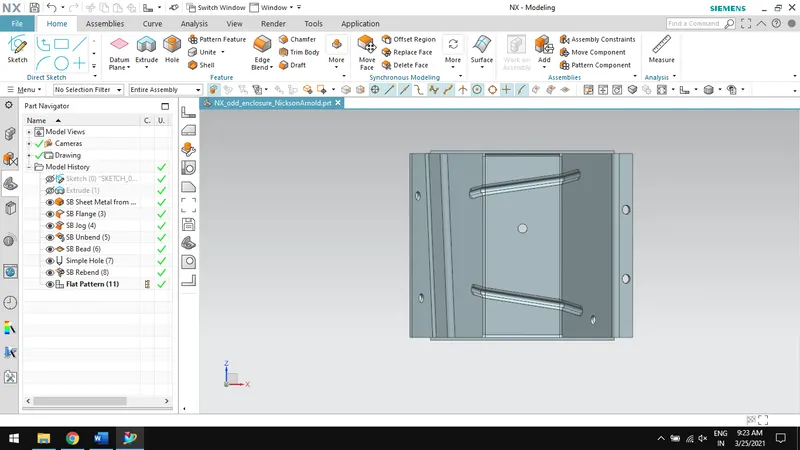
EXTRUDE:
Creates a feature by extruding a section along the vector.
SHEET METAL FROM SOLID:
Builds a sheet metal model that takes its shape from a collection of planar faces.
FLANGE:
Adds a flat flange at an angle planar face and adds bend between them.
JOG:
Modifies the model by lifting material on one side of the sketch line and adds flange to them.
UNBEND:
Flattens a bend and material adjacent to them.
BEAD:
Lift the material along the contour of a sketch that simulates stamping tool.
HOLE:
Adds hole to one or more solid bodies in a part or assembly with various options.
REBEND:
Restores unbend feature to its previous bent state.
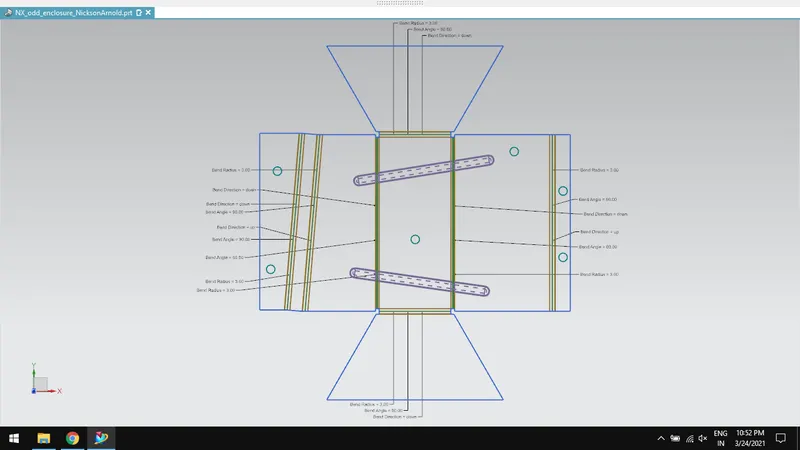
FLAT PATTERN:
Creates flat pattern feature from the formed sheet metal part.
CAD IMAGES:
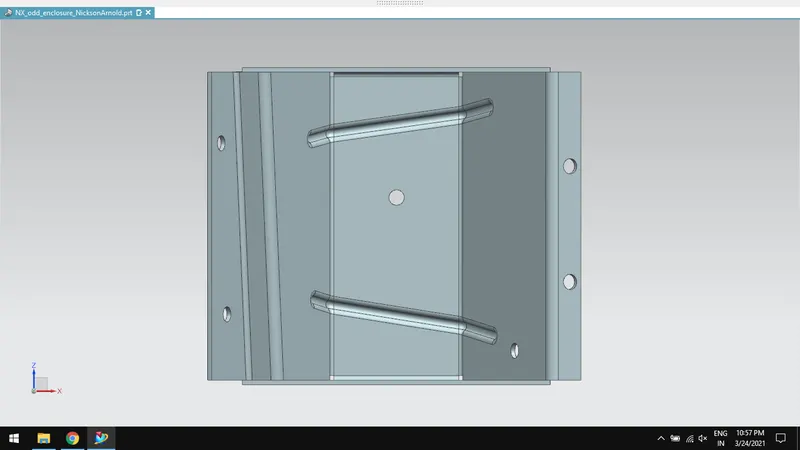
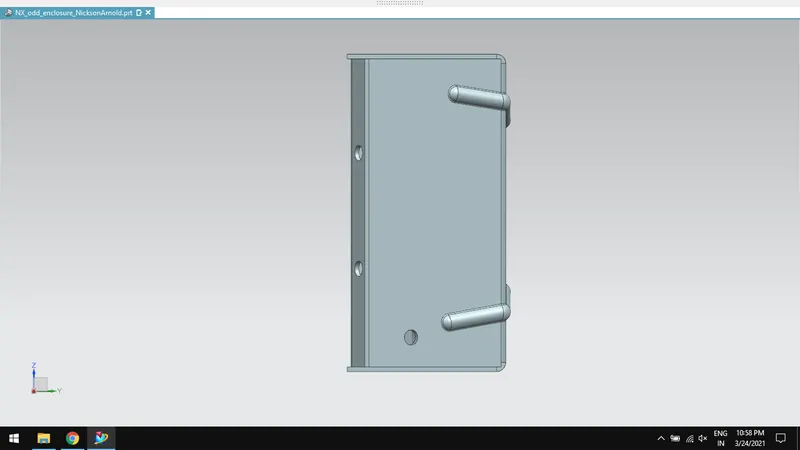
FRONT VIEW:
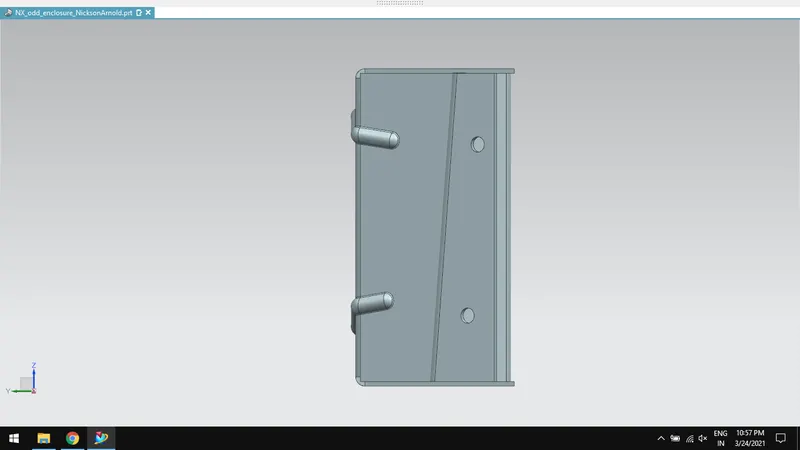
LEFTSIDE VIEW:
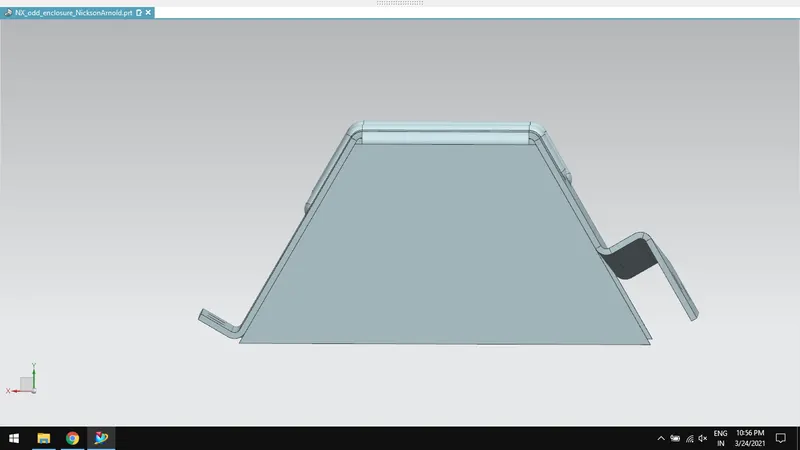
TOP VIEW:
RIGHTSIDE VIEW:
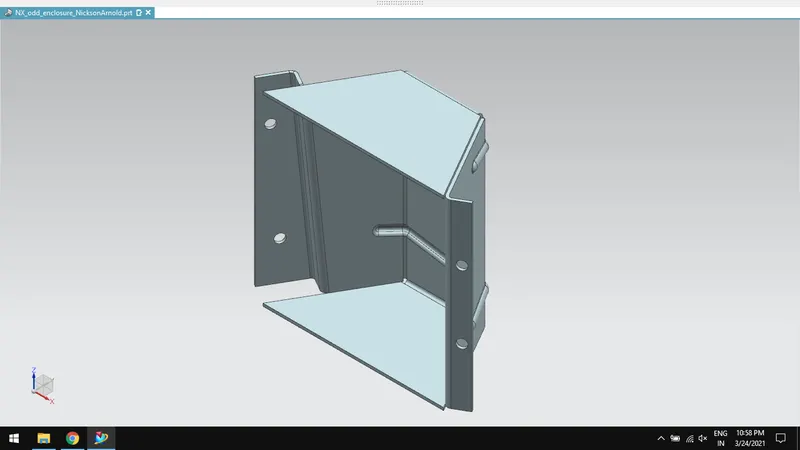
ISOMETRIC VIEW:
MODEL TREE IMAGES:
FLAT PATTERN IMAGE:
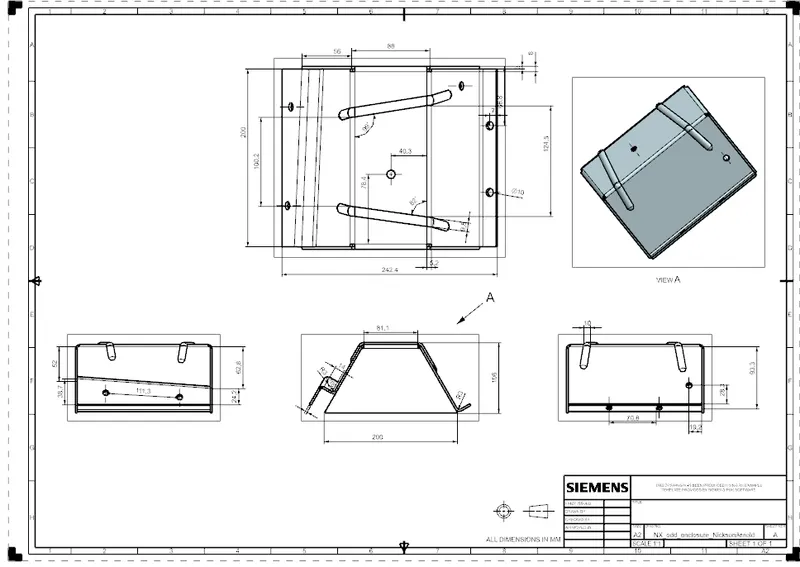
DRAWING SHEET IMAGE:
CONCLUSION:
Thus, creating an odd shaped enclosure is done using sheet metal tools in Siemens NX.