Assembly And Rendering Of Sunseeker Yacht
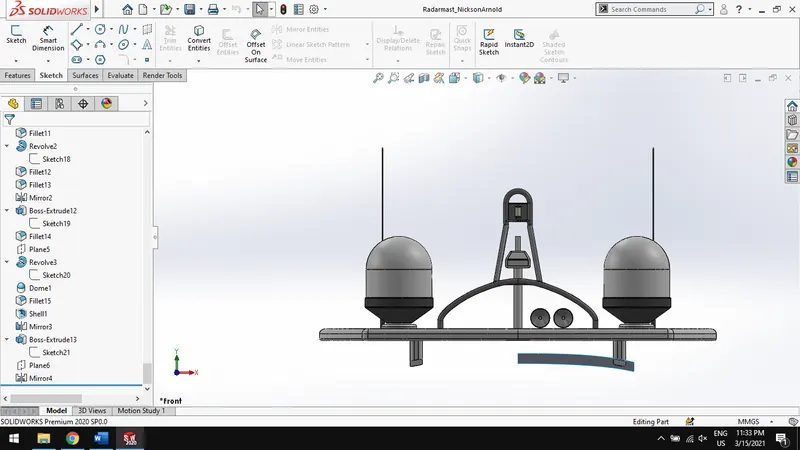
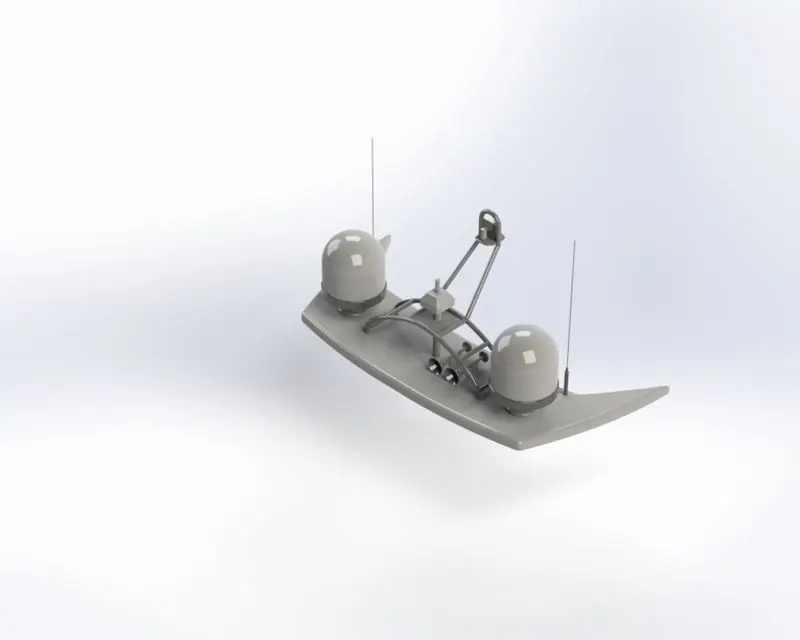
RADAR MAST OF YACHT:
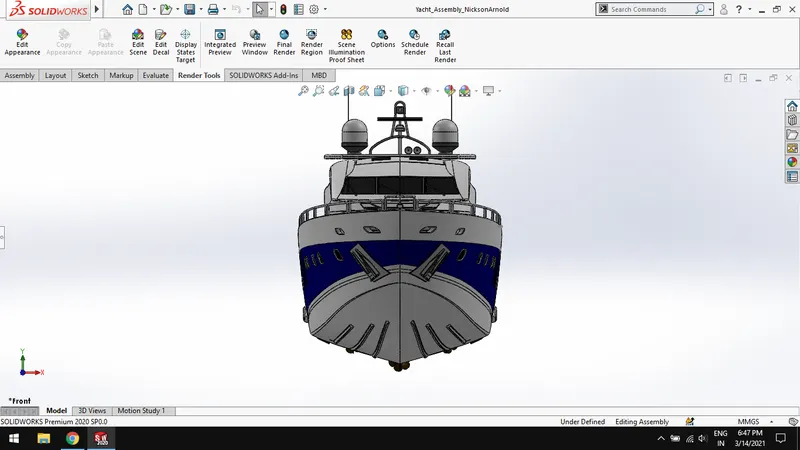
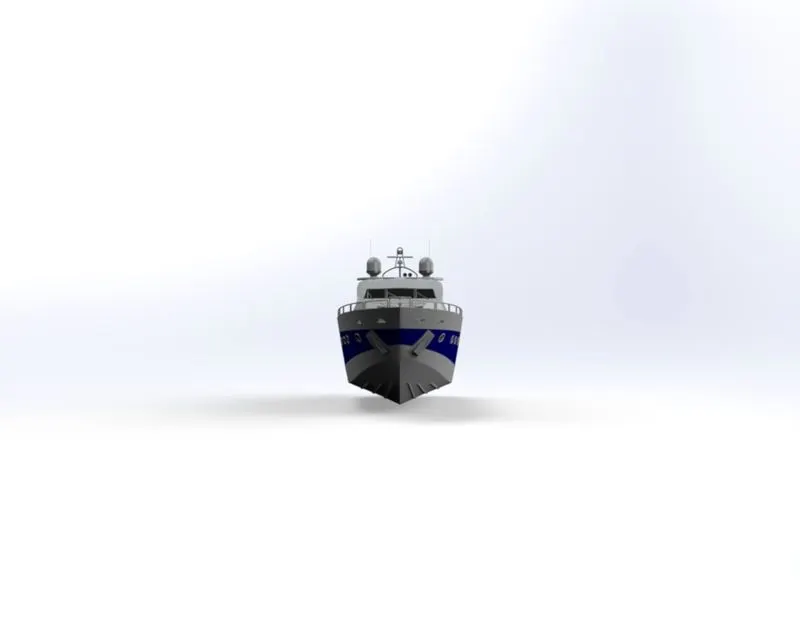
FRONT VIEW:
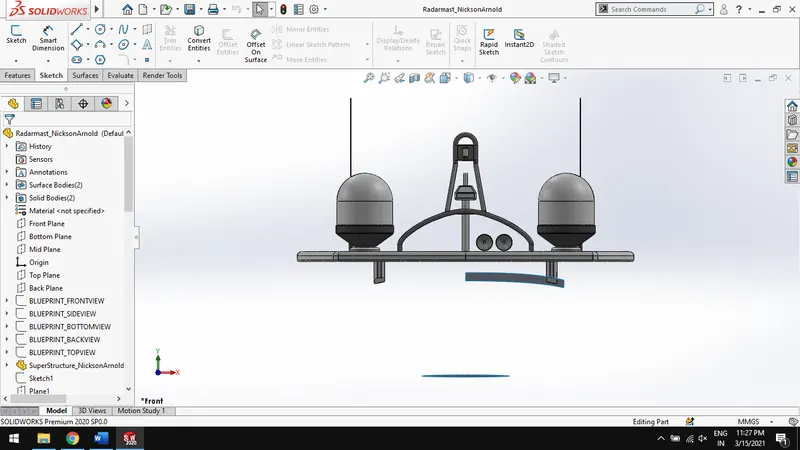
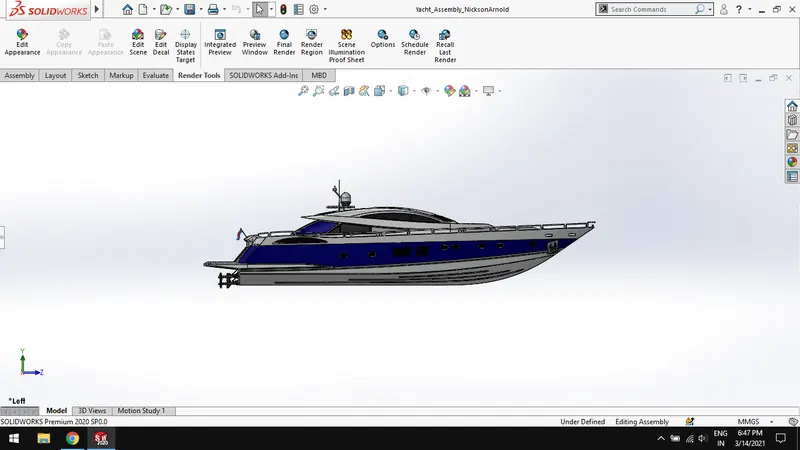
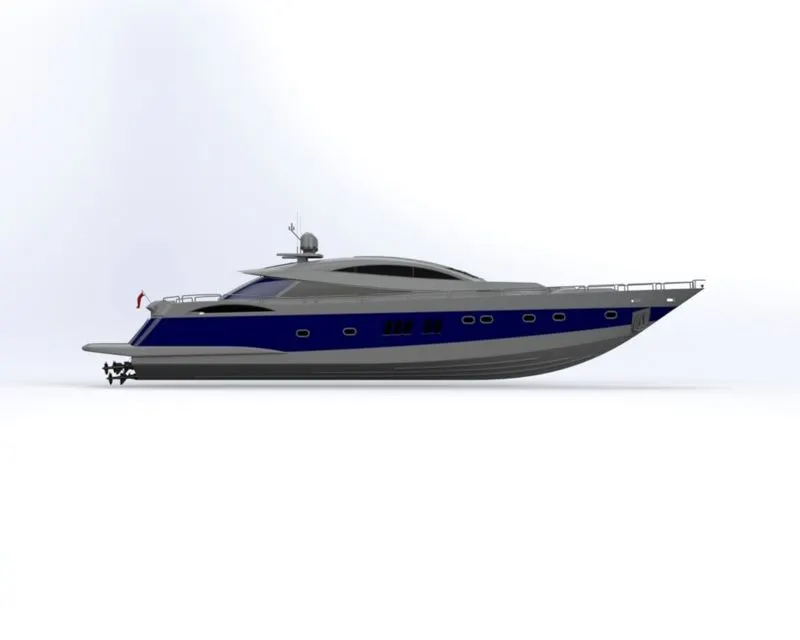
LEFT VIEW:
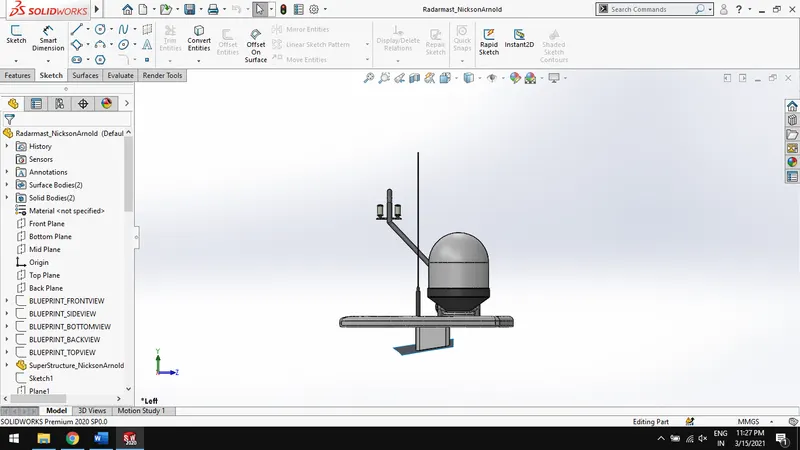
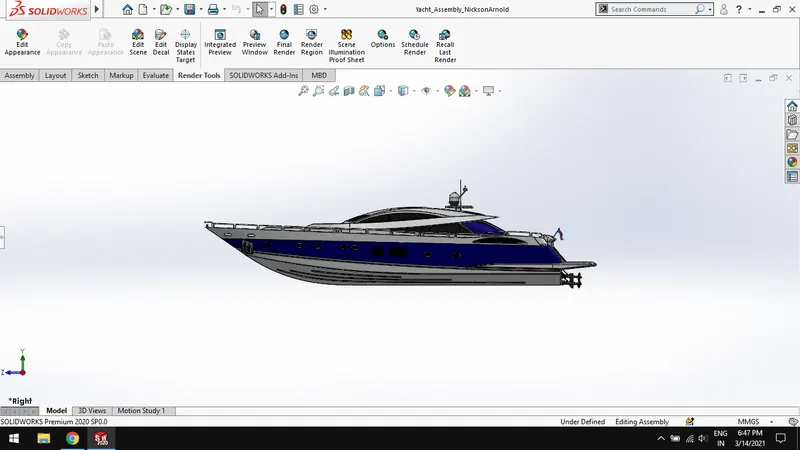
RIGHT VIEW:
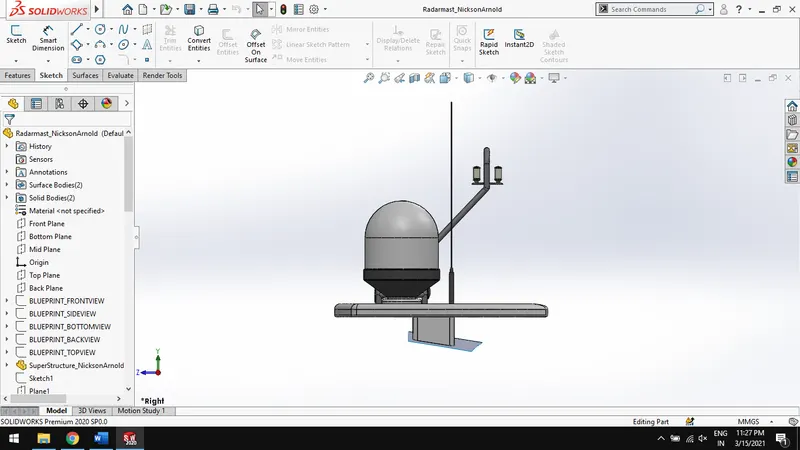
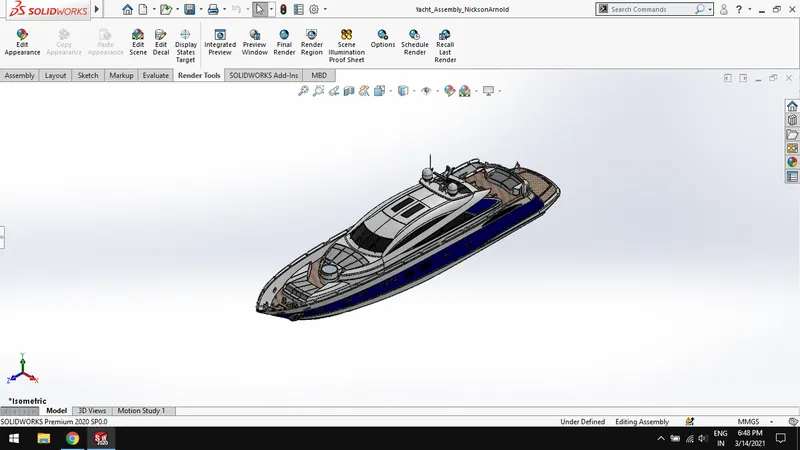
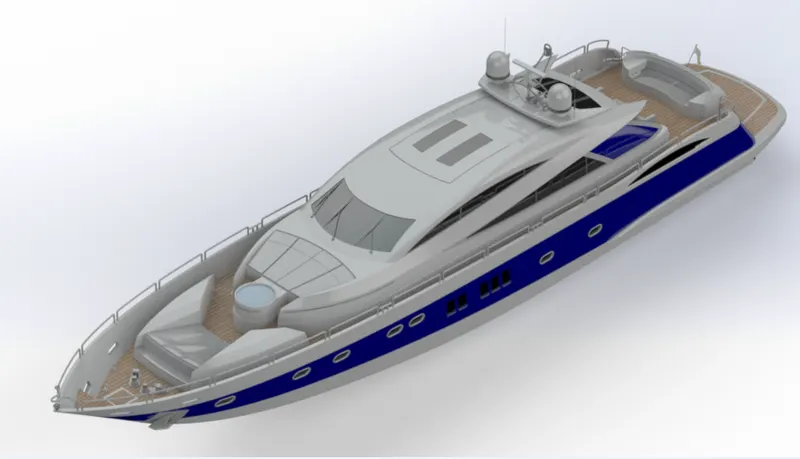
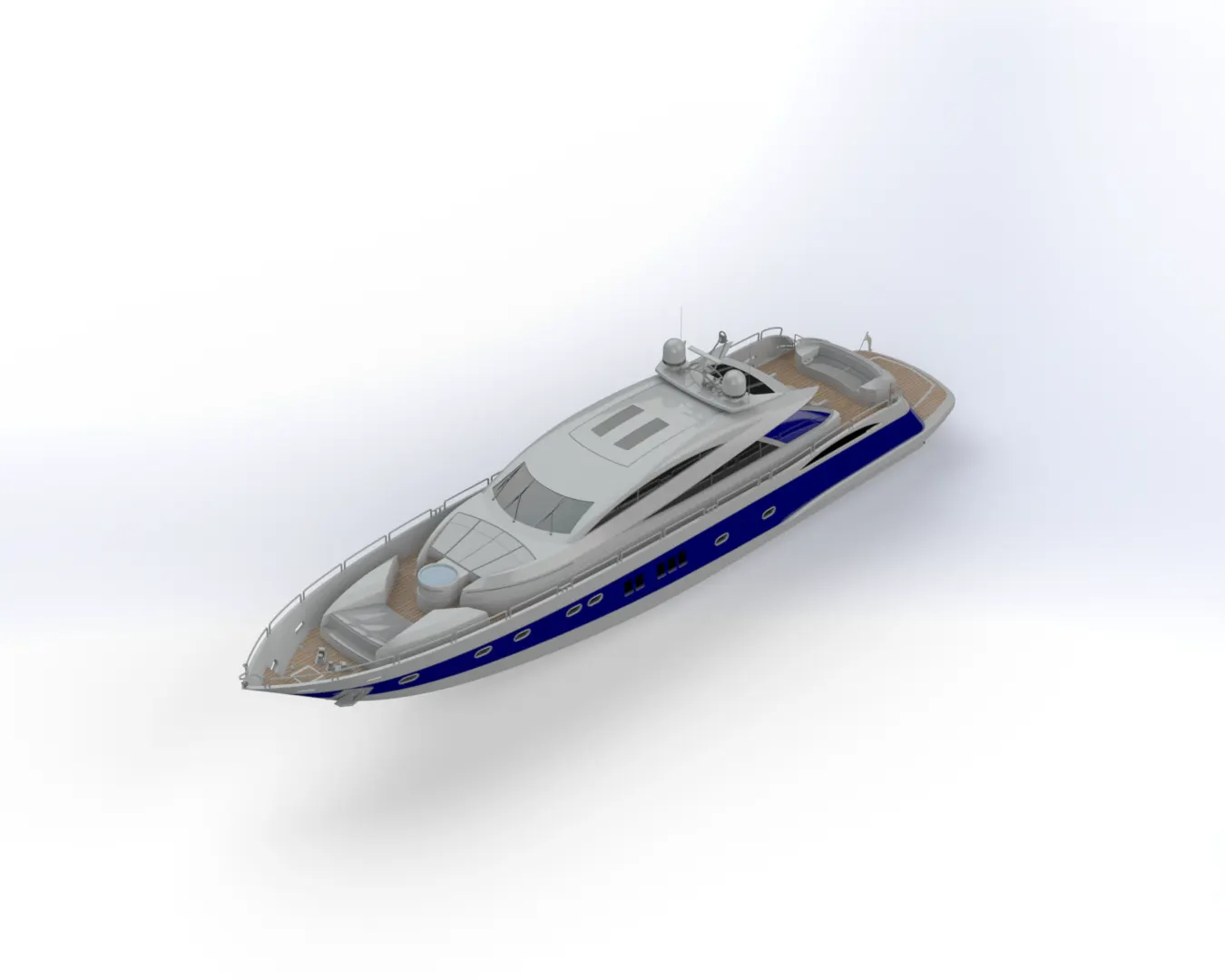
ISOMETRIC VIEW:
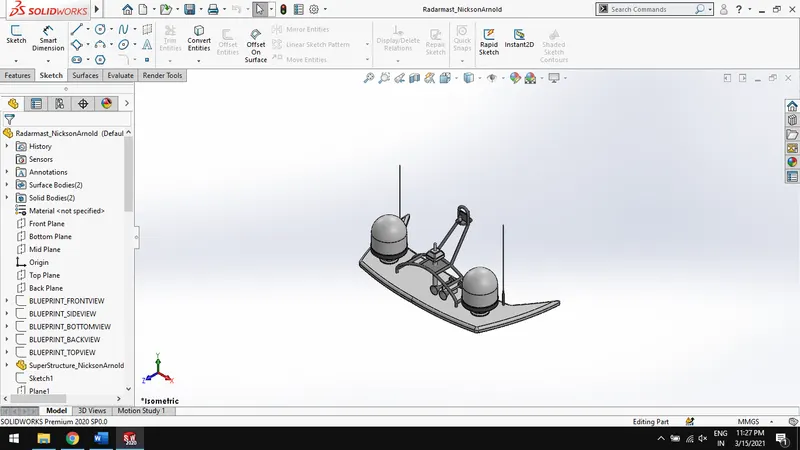
FEATURE TREE:
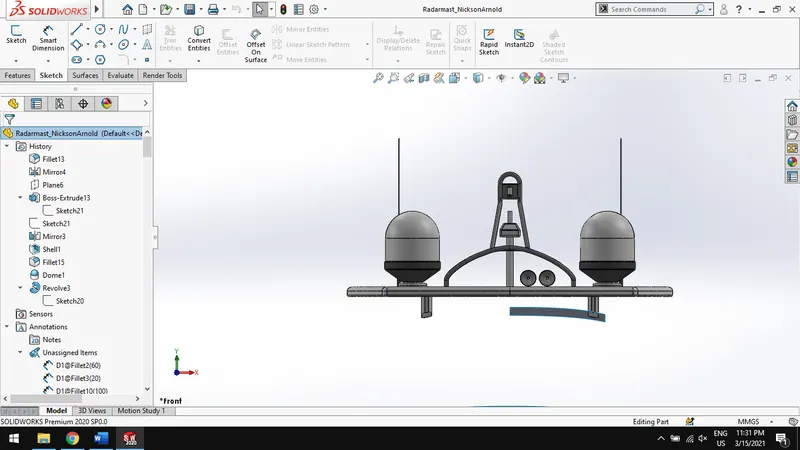
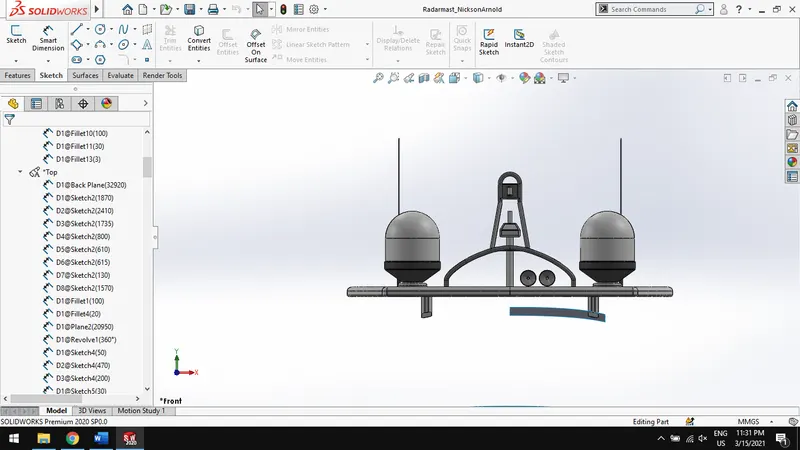
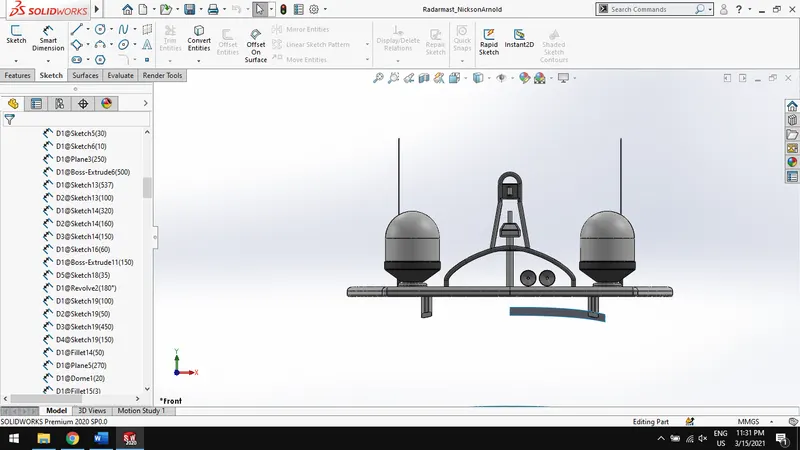
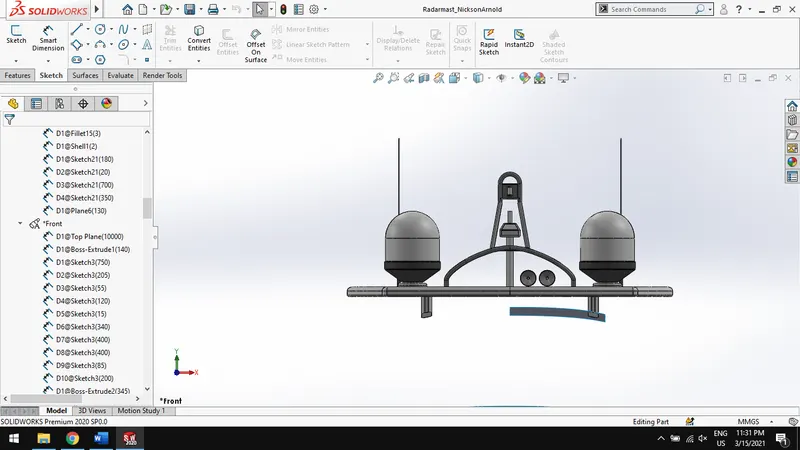
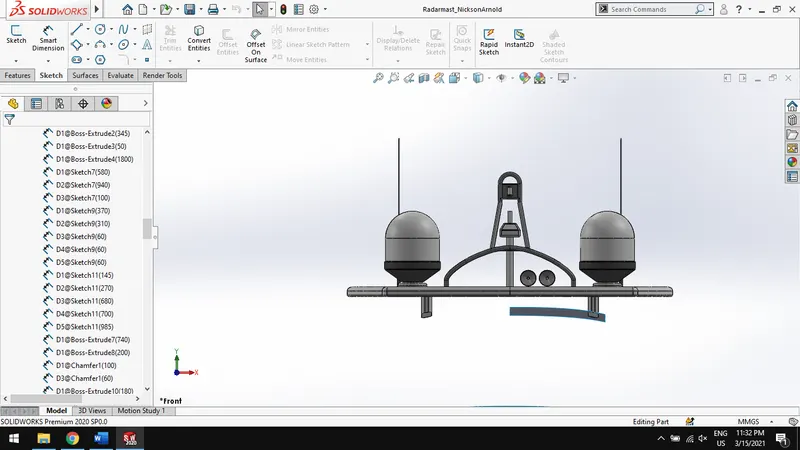
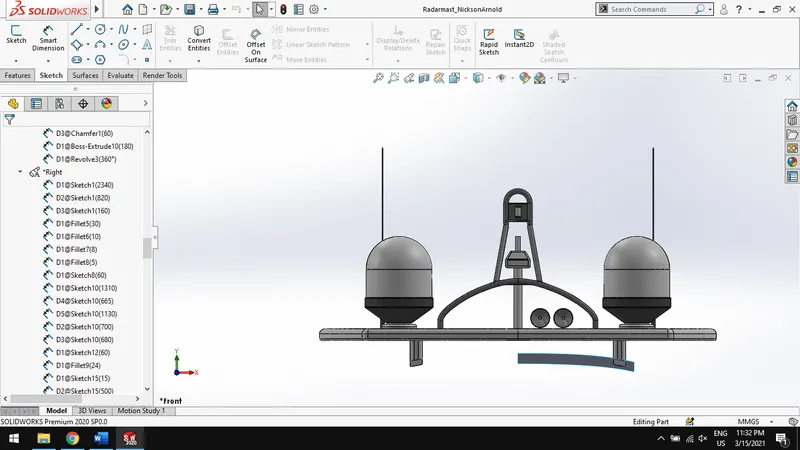
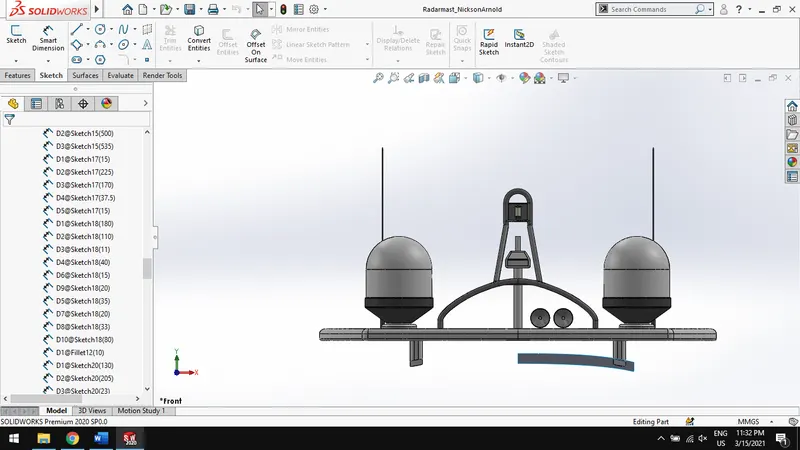
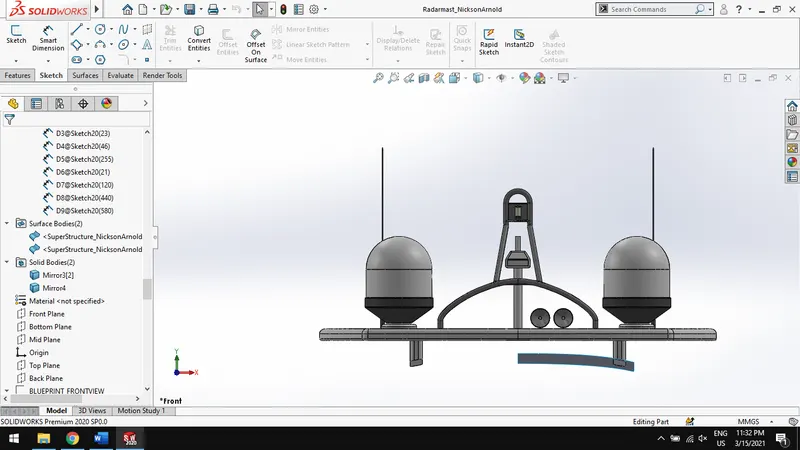
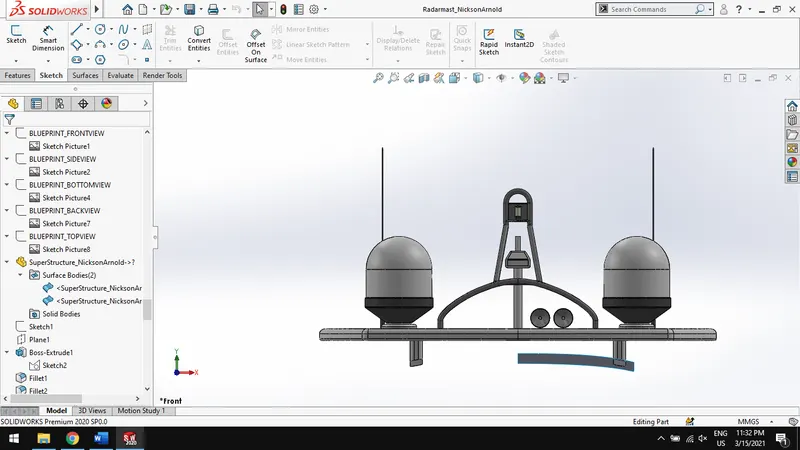
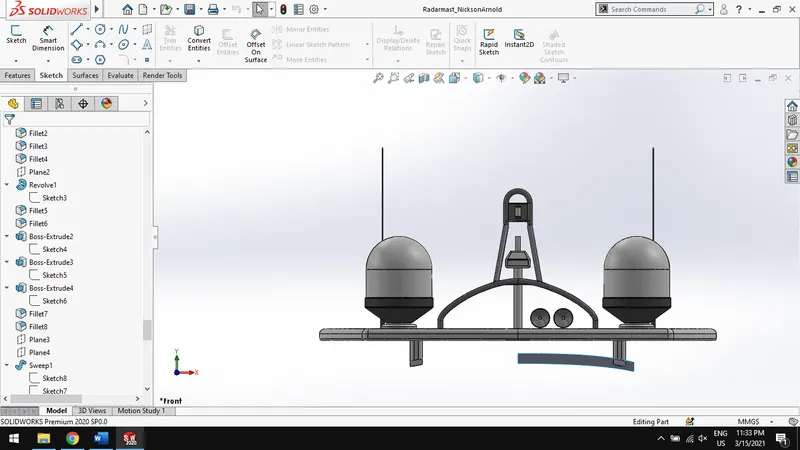
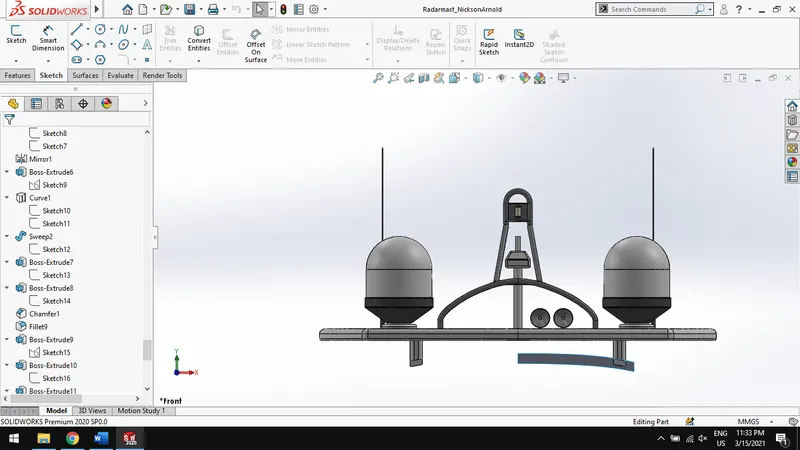
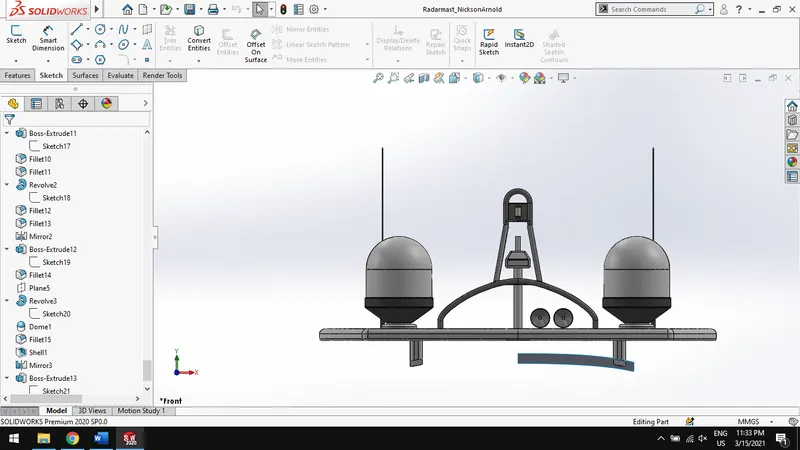
REPORT OF SUNSEEKER PREDATOR YACHT :
SURFACE MODELLING, ASSEMBLY AND PHOTO-REALISTIC RENDERING OF SUNSEEKER PREDATOR YACHT
OBJECTIVE:
- To design and assemble various parts of Sunseeker yacht using solidworks.
- To create a photorealistic rendering of Sunseeker yacht using solidworks visualize and photoview 360.
INTRODUCTION:
This project deals with Sunseeker yacht’s part modelling, surface modelling and photo-realistic rendering. The tool used for designing is Solidworks 2020 and tool used for rendering is Solidworks visualize 2020.
FOLLOWING PARTS WERE MODELLED:
- Propeller
- Radar
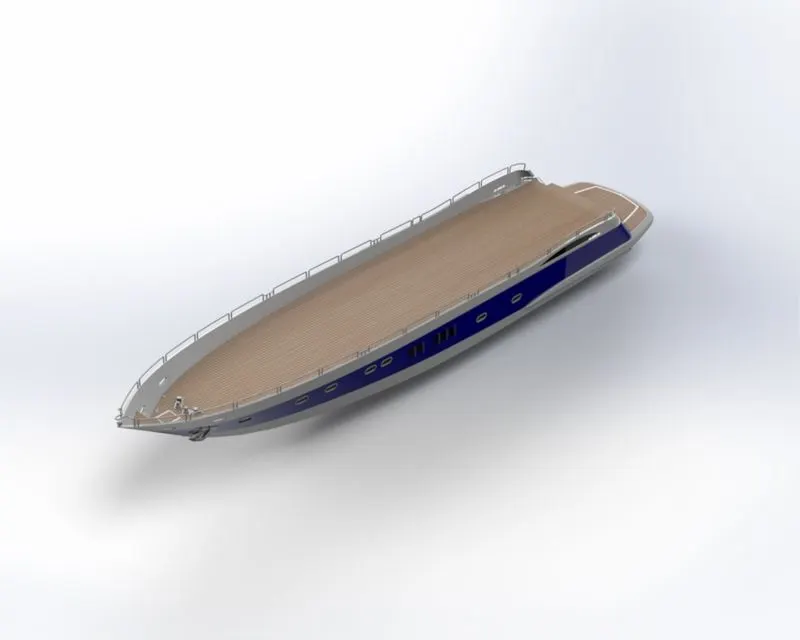
- Hull
- Garage door
- Rear seat
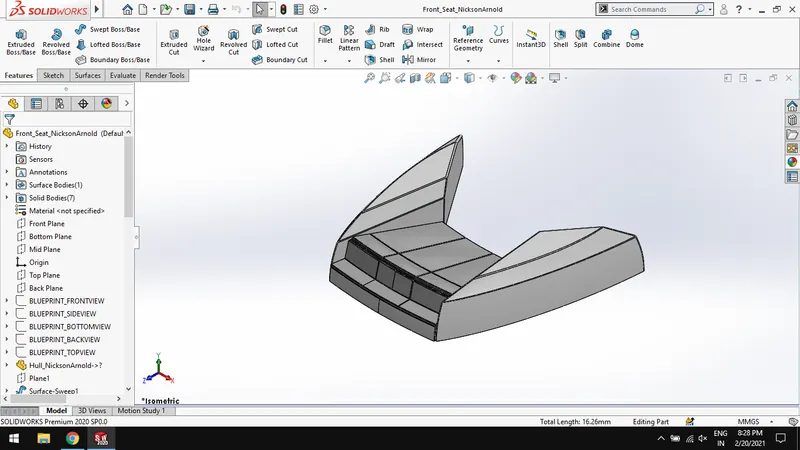
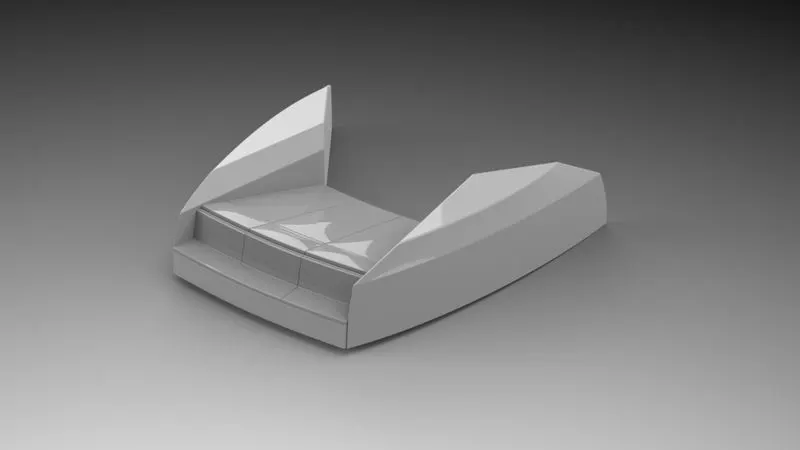
- Front seat
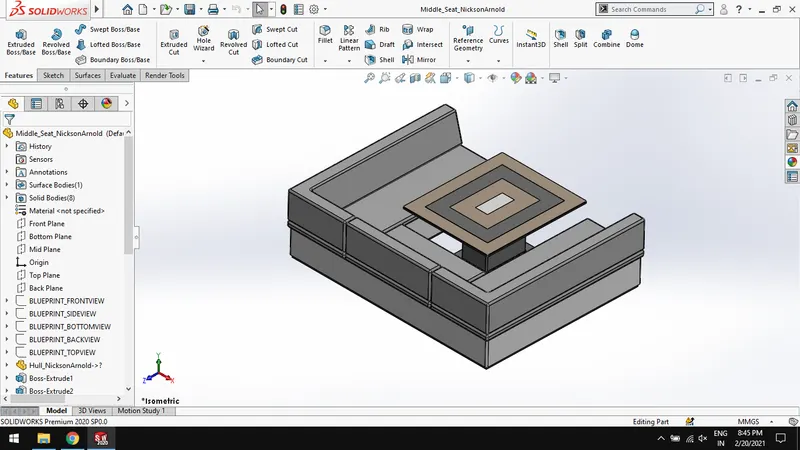
- Middle seat
- Super structure
- Radarmast
DESIGN METHODOLOGY OF SUNSEEKER PREDATOR YACHT
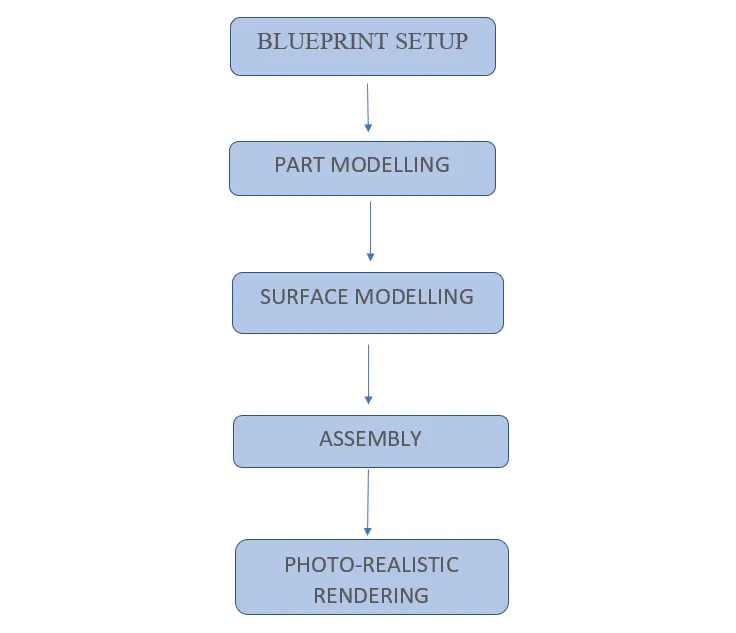
DESCRIPTION :
FEATURES USED IN PART MODELLING:
Sketching- a sketch is the base of 3D model
Convert entities - a tool allows users to make a copied projection of a given sketch, face or edges.
Trim – it is a handy tool to cut away a sketch geometry quickly.
Offset - Offset entities is a great tool for enlarging or shrinking your sketch geometry.
Mirror - Mirroring is another way that SolidWorks can create a “copy” of an existing object.
Extrude – it is used to extrude a base sketch into 3D model.
Revolve - This feature is used to revolve a 2D sketch along an axis or centerline.
Swept- Creates a sweep by moving a 2D profile along a 2D or 3D sketch path
Lofted- loft feature in solidworks allows you generate complex geometry in a single feature.
Extrude-cut - a handy feature to remove of a 3D model using 2D sketches.
Revolve-cut - Revolved cut removes materials by revolving a closed profile along an axis
Fillet - Fillet creates a rounded internal or external face on the part.
Chamfer- chamfer tool creates a beveled feature on selected edges, faces, or a vertex.
Shell- Shell feature hollows out the inside of the solid, leaving a shell of a specified wall thickness.
Reference geometry - it includes items such as planes, axes, coordinate systems, and points.
Curves – it is used to create several types of 3D curves such as projected curves and composite curves.
COMPONENTS WITH RENDERED IMAGES AND CAD IMAGES:
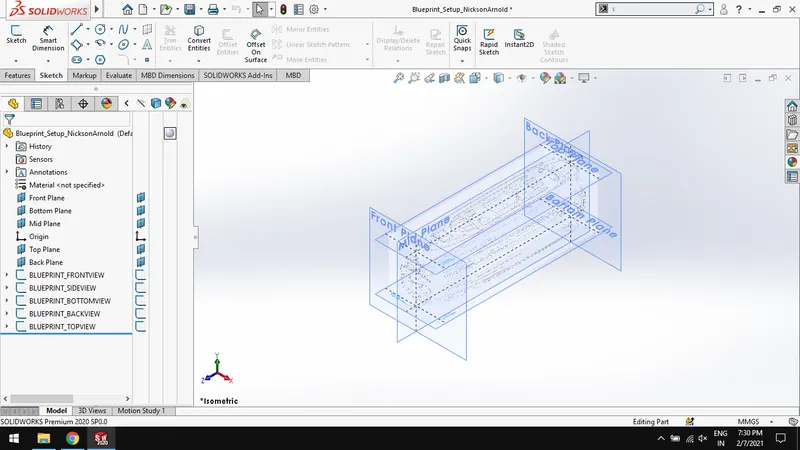
Blueprint setup
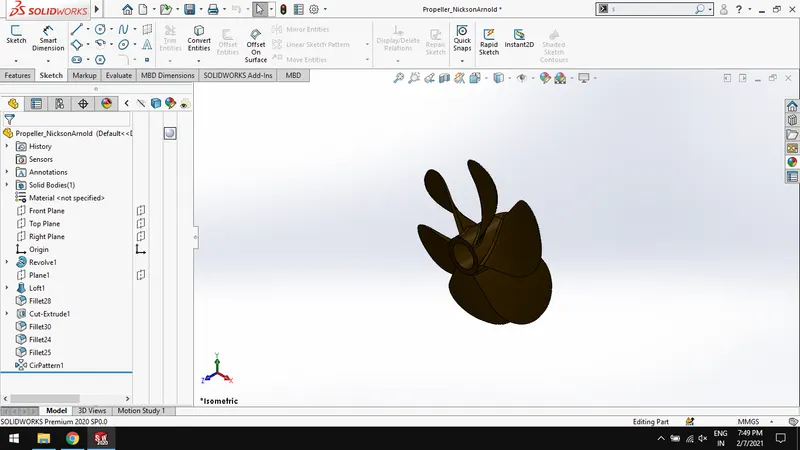
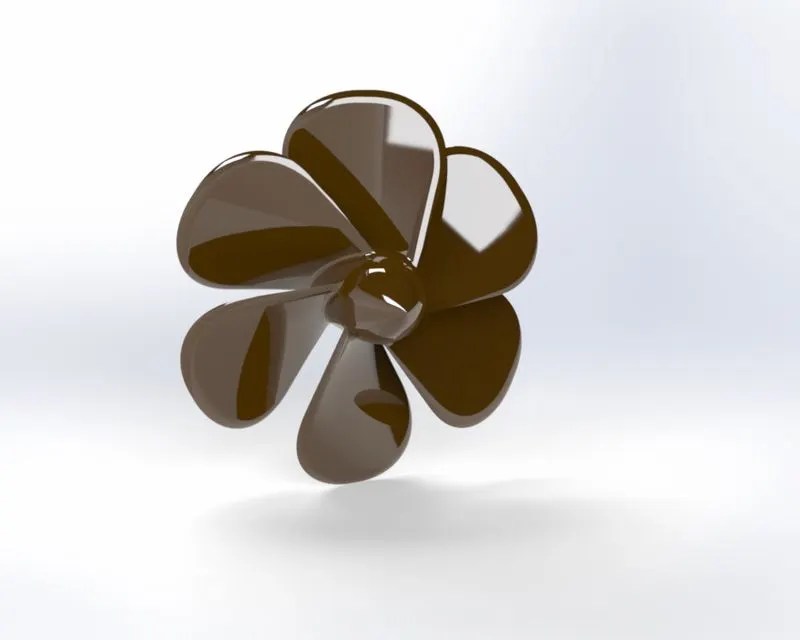
Propeller :
Features used to make:
Sketch
Revolve
Fillet
Extrude-cut
Circular pattern
Radar :
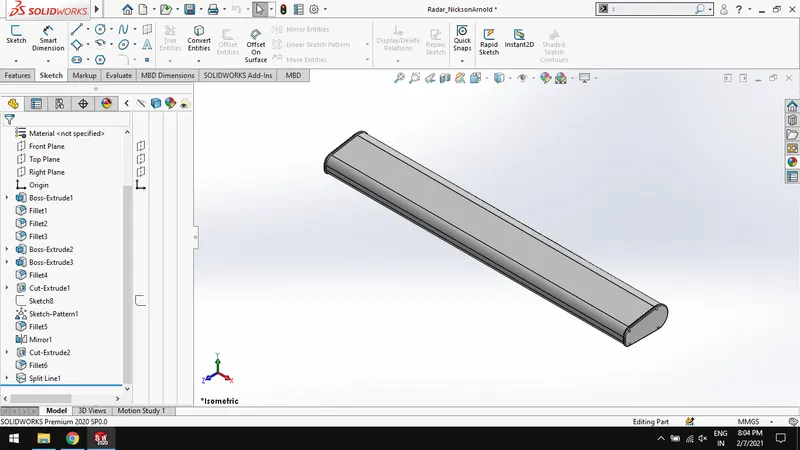
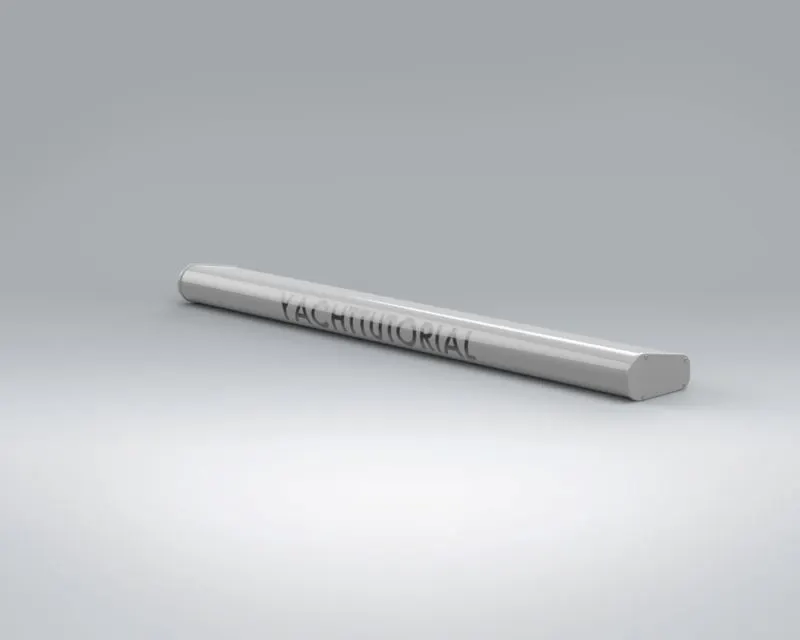
Features used to make:
Sketch
Extrude
Fillet
Sketch pattern
Split line
Hull :
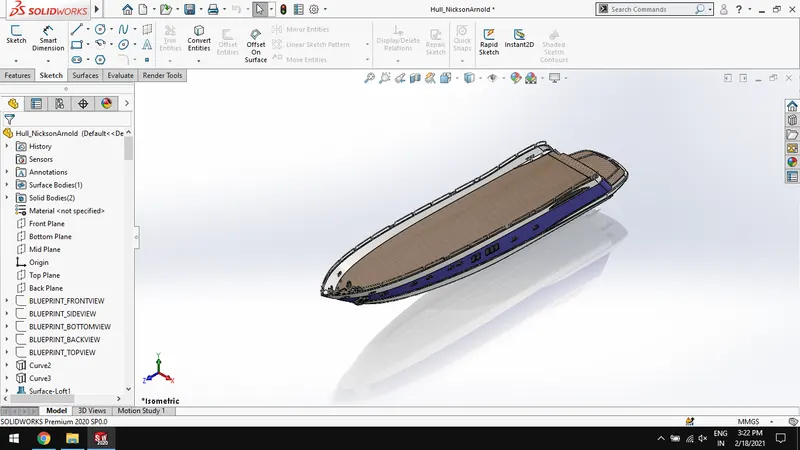
Features used to make:
Sketch
Project curve
Loft surface
Fill surface
Surface extrude
Shell
Dome
Combine
Front Seat:
Features used to make:
Sketch
Surface sweep
Surface knit
Surface extrude
Mirror
Dome
Revolve
Middle Seat :
Features used to make:
Sketch
Extrude
Extrude- cut
Surface sweep
Surface knit
Surface extrude
Mirror
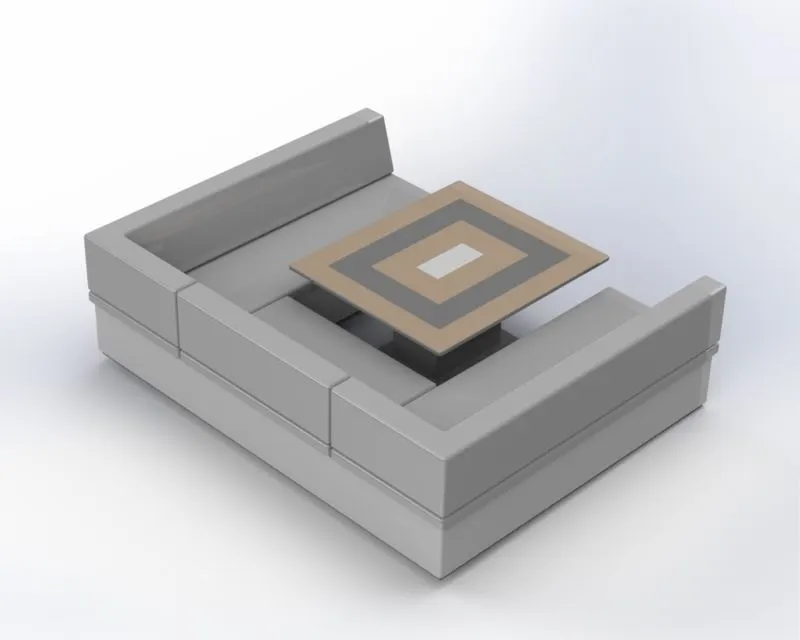
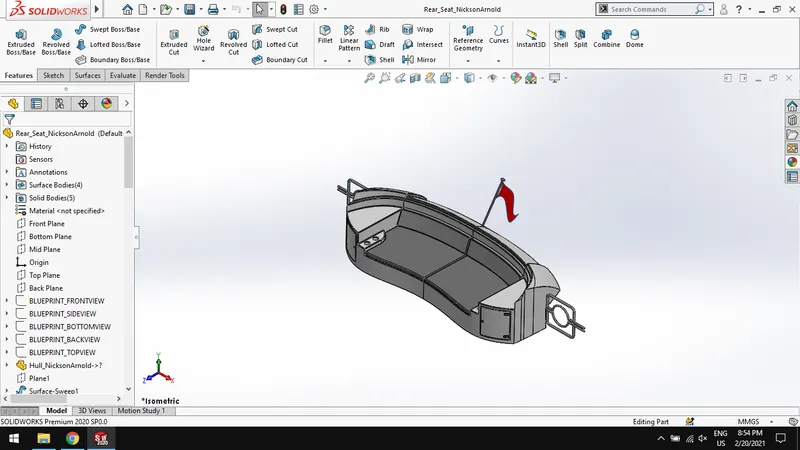
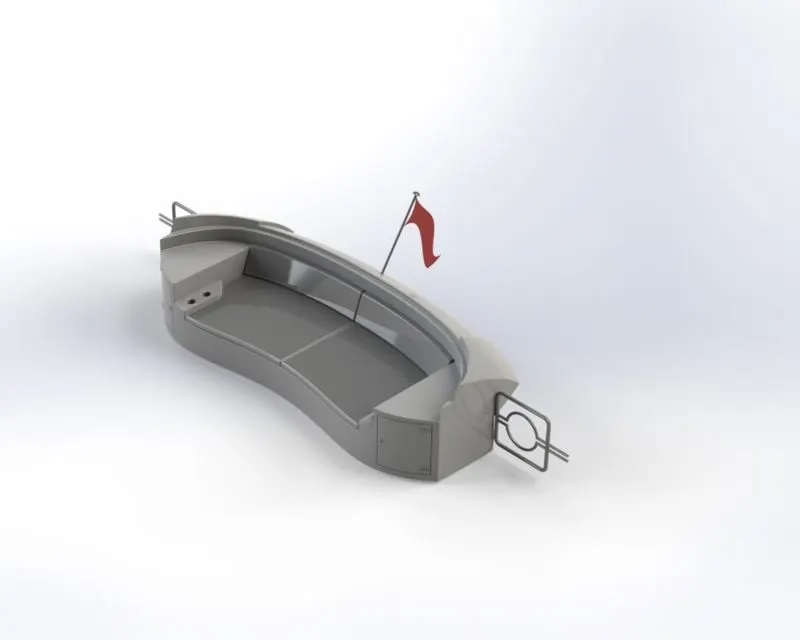
Rear Seat :
Features used to make:
Sketch
Boss extrude
Cut extrude
Fillet
Chamfer
Surface sweep
Surface offset
Surface trim
Ruled surface
Surface knit
Surface extend
Surface loft
Mirror
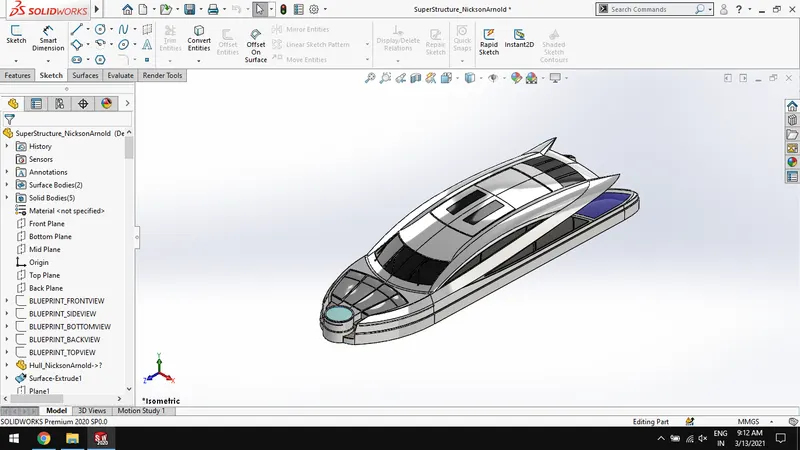
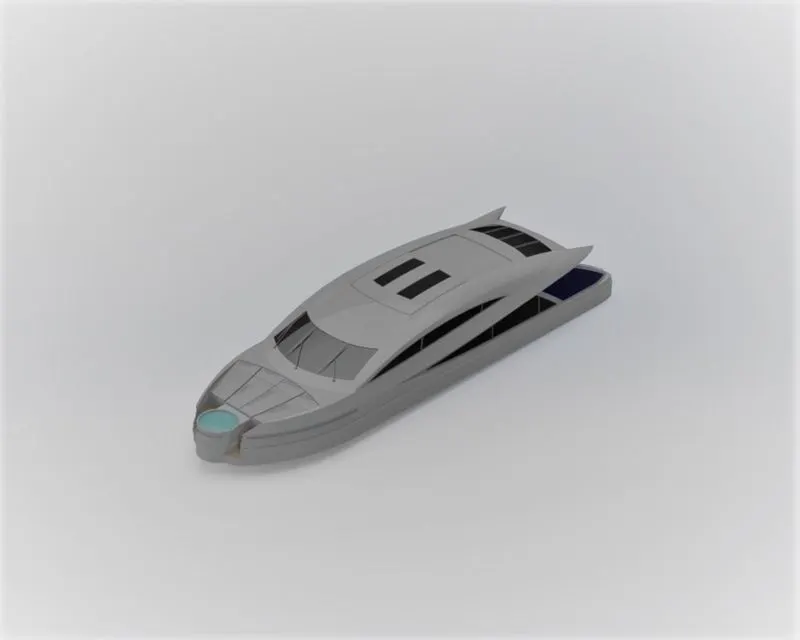
Super Structure :
Features used to make:
Sketch
Boss extrude
Cut extrude
Fillet
Chamfer
Loft surface
Fill surface
Surface extrude
Surface trim
Surface extend
Sweep
Plane
Curve
Project curve
Shell
Dome
Surface trim
Surface knit
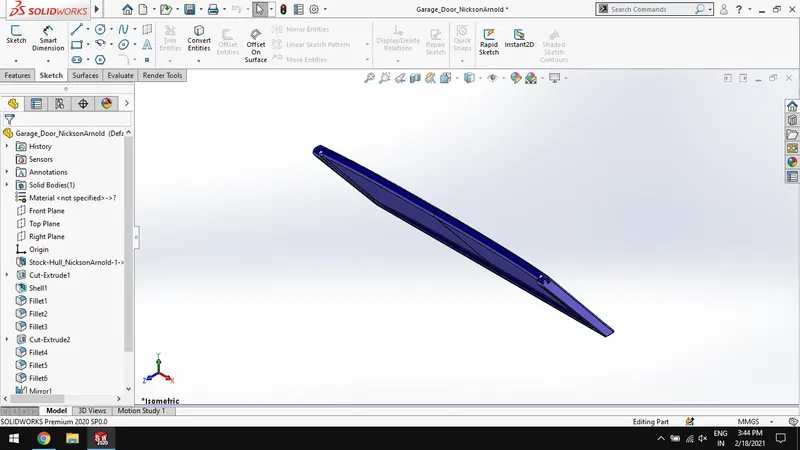
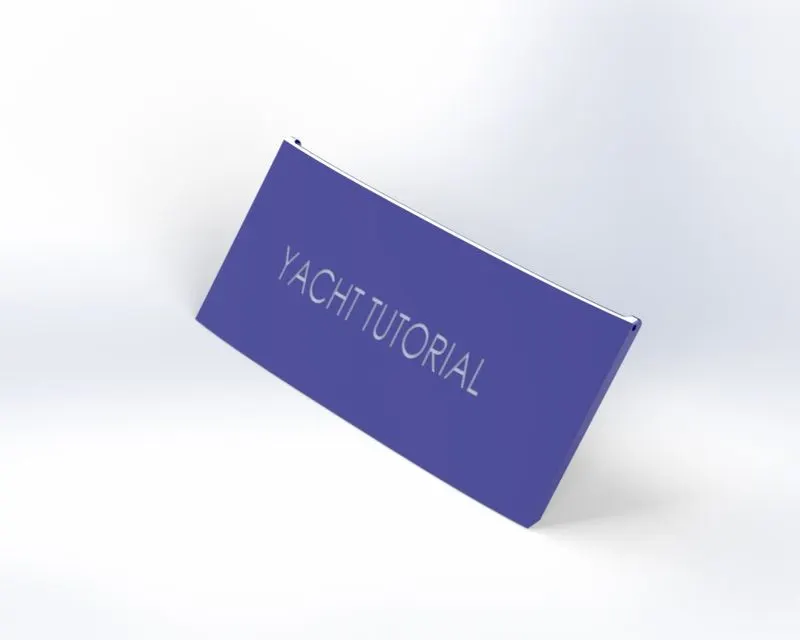
Garage door :
Features used to make:
Sketch
Extrude
Fillet
Cut- extrude
Shell
Mirror
RadarMast:
Features used to make:
Sketch
Extrude
Fillet
Revolve
Sweep
Curve
Dome
Shell
Mirror
ASSEMBLY OF SUNSEEKER PREDATOR YACHT
Features used for assembly:
Insert parts,
Mates :
coincide
concentric
distance
CAD MODELS AND RENDERED MODELS IMAGES:
Front view:
Leftside view:
Rightside view:
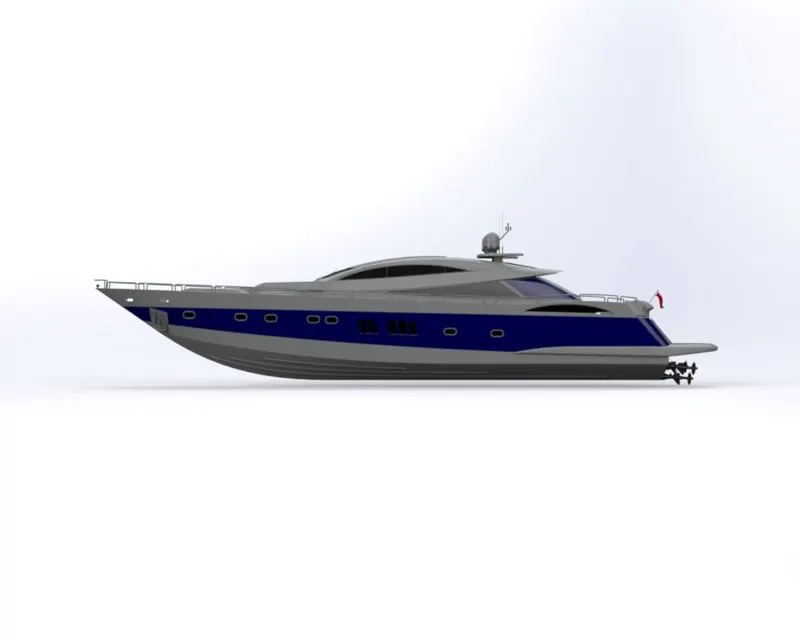
Isometric view:
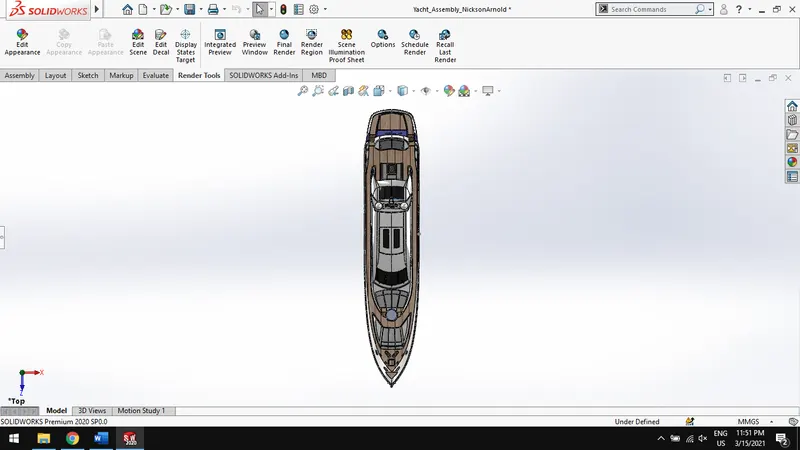
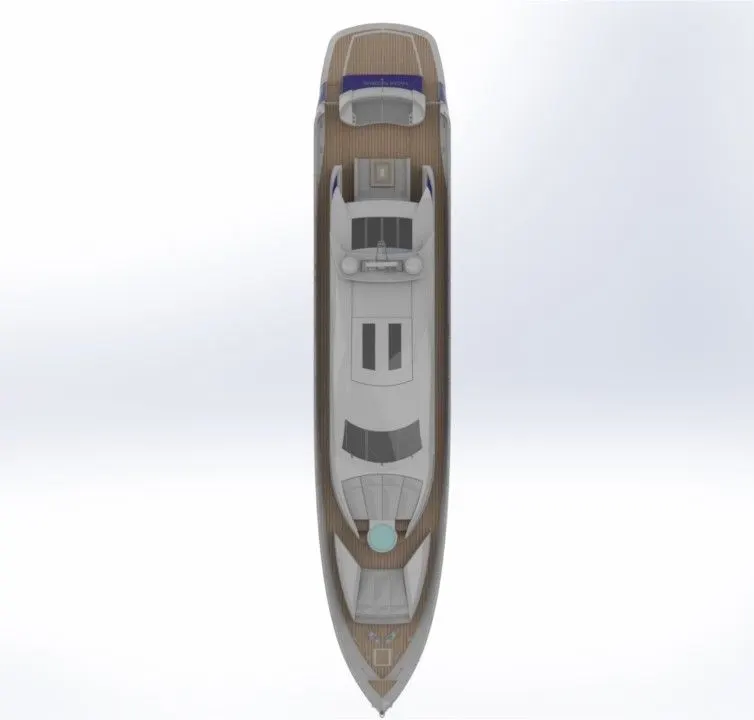
Top view
Camera setup view:
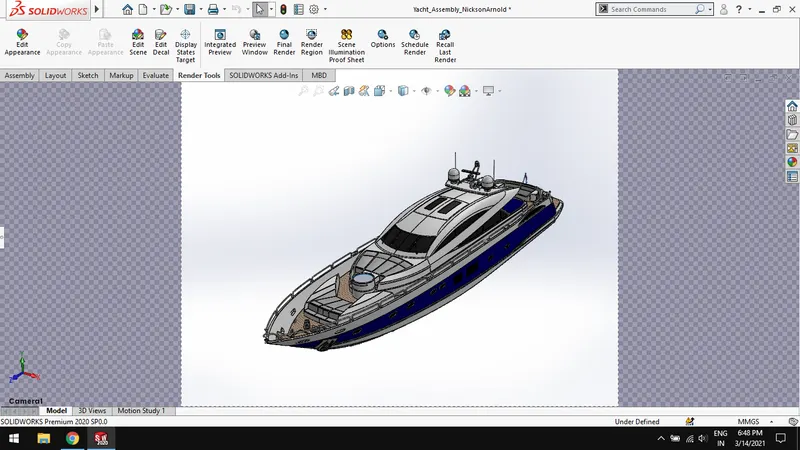
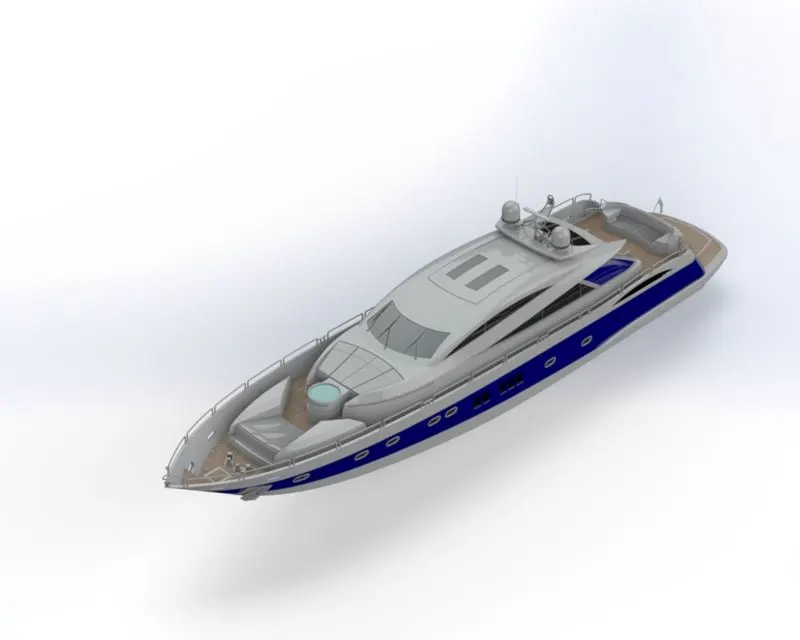
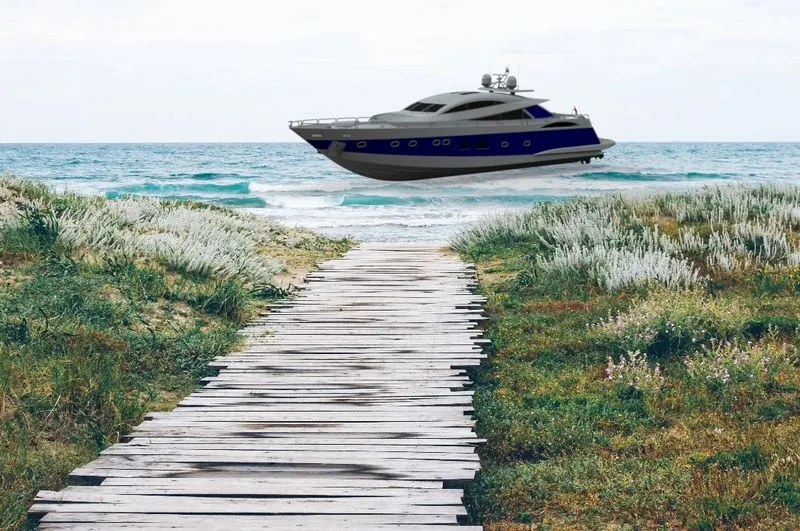
RENDERED WITH ENVIRONMENT:
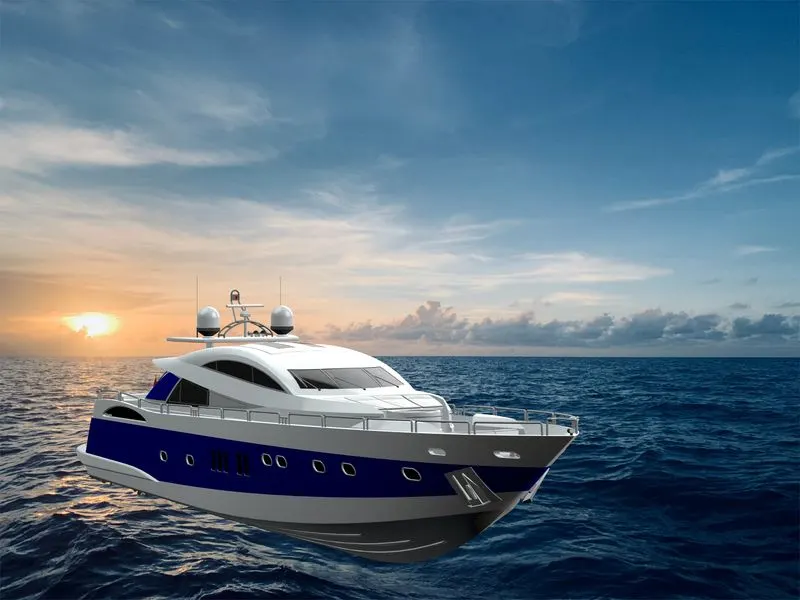
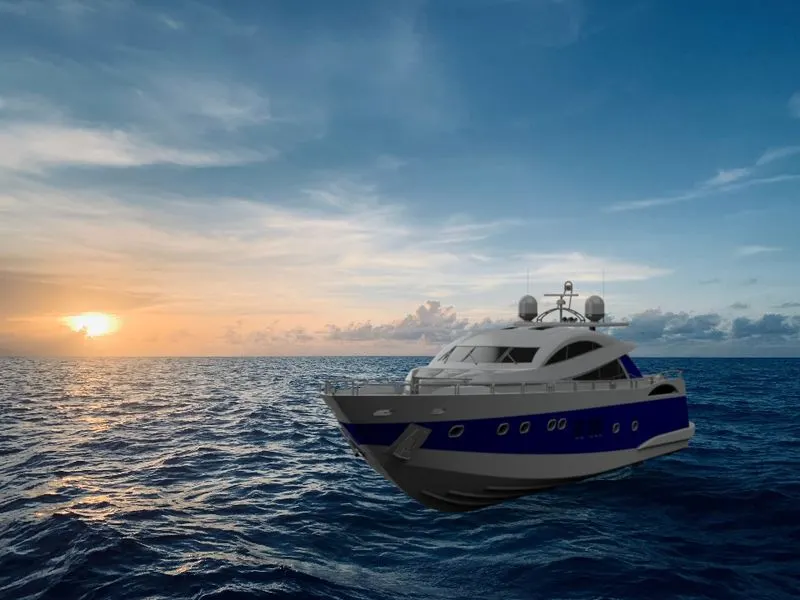
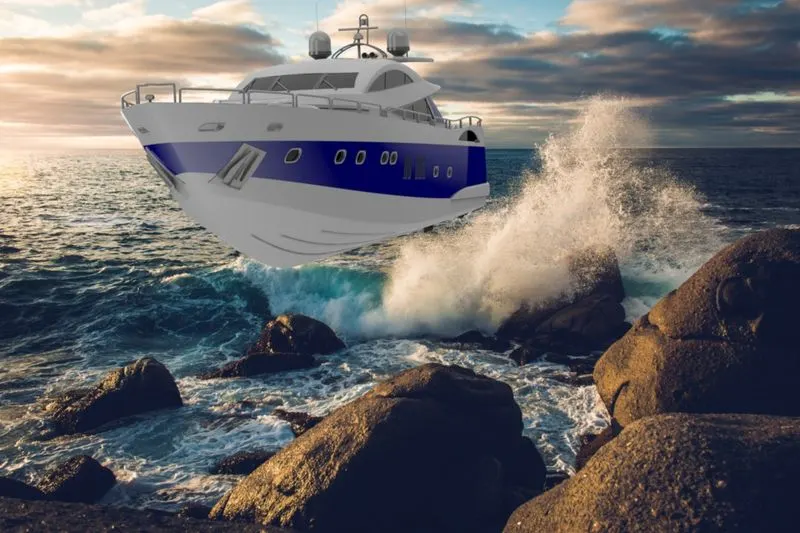
Conclusion:
- Thus, design and assemble various parts of sunseeker yacht are modelled using solidworks.
- The photo-realistic rendering of Sunseeker yacht are created using solidworks visualize and photoview 360.