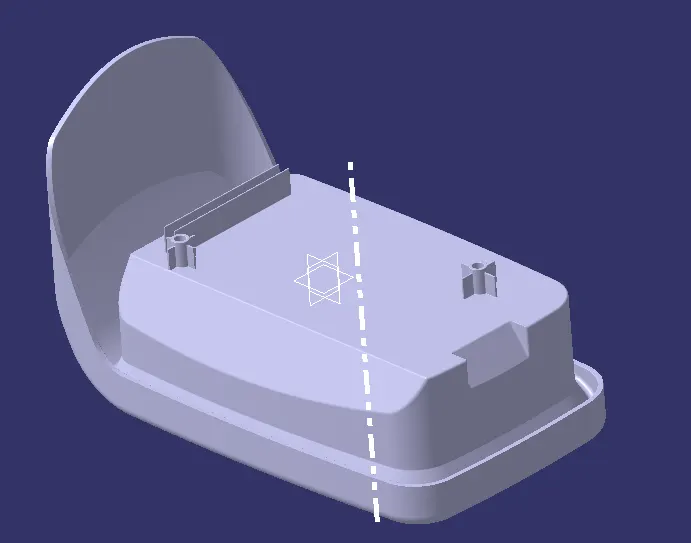
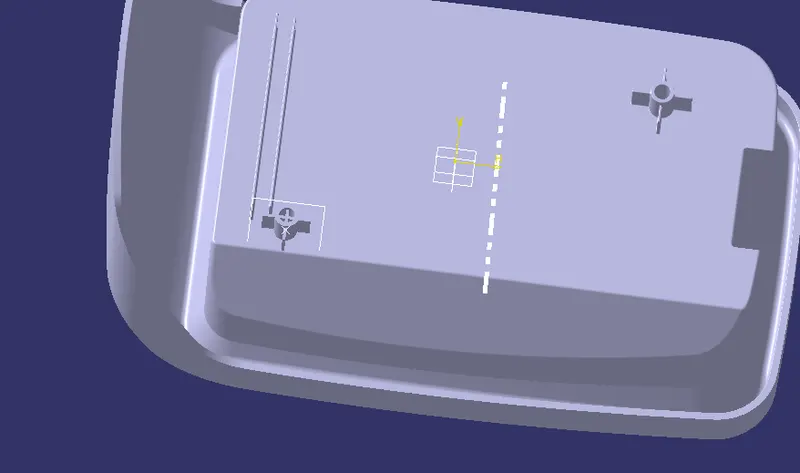
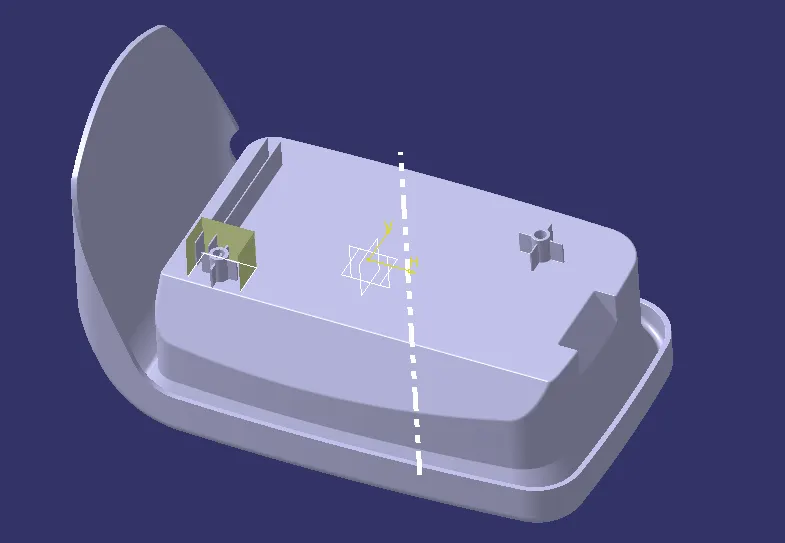
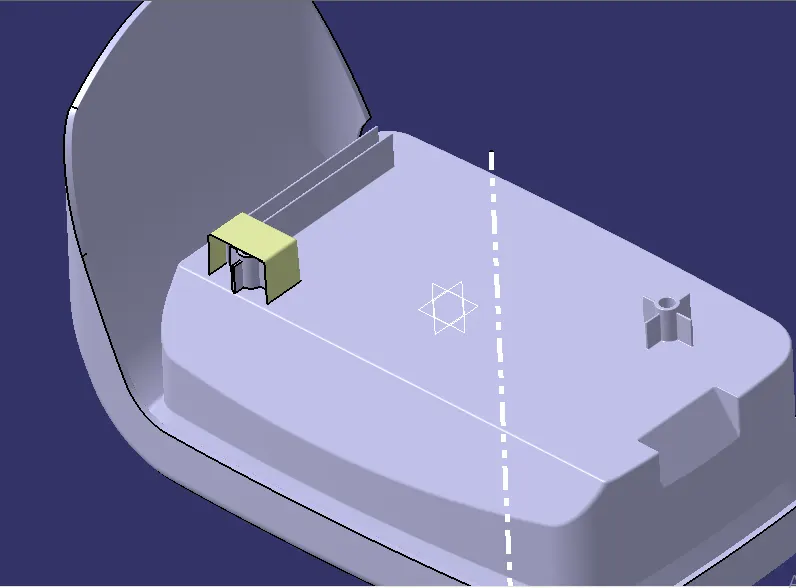
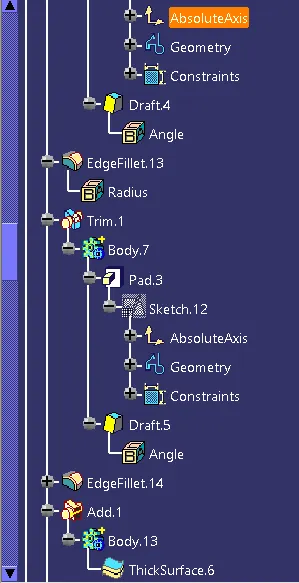
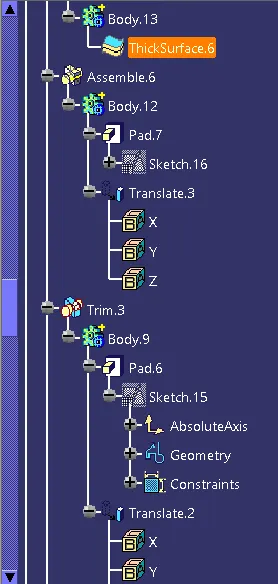
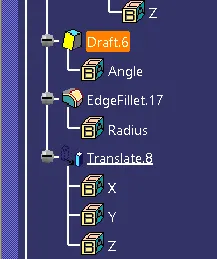
Week 9 - Attachment Feature Creation - Challenge 2
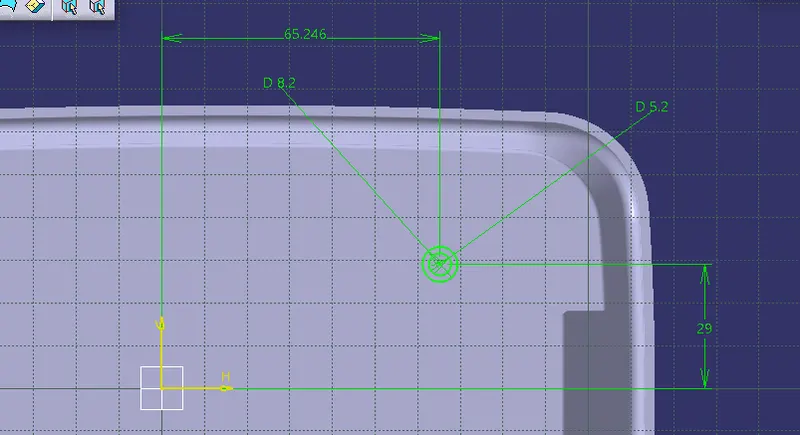
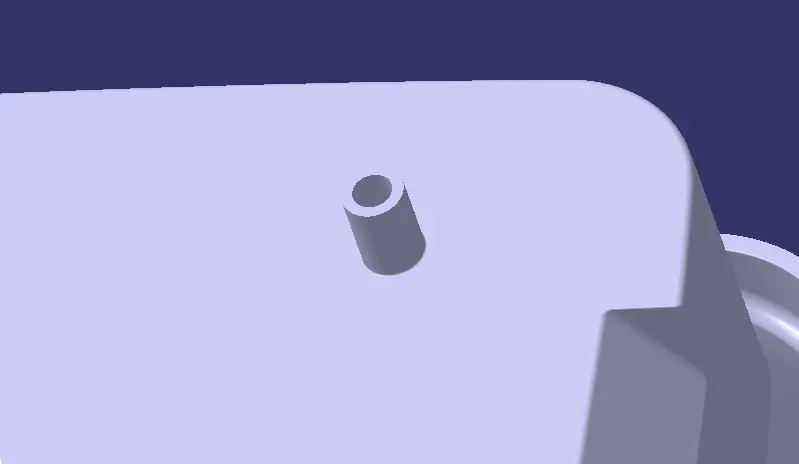
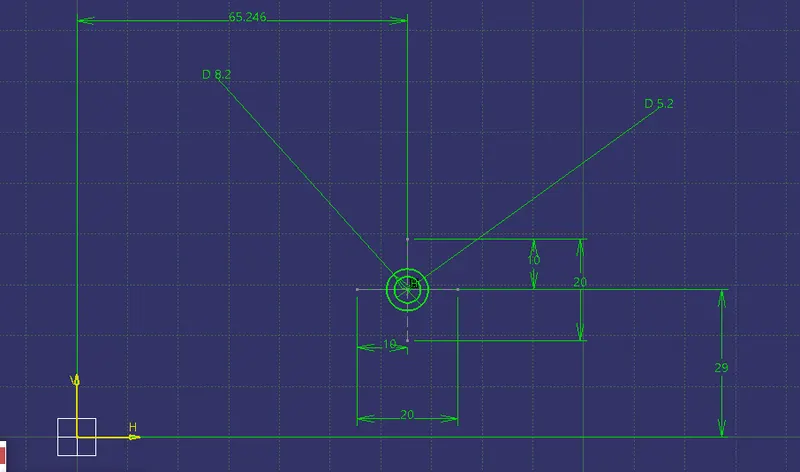
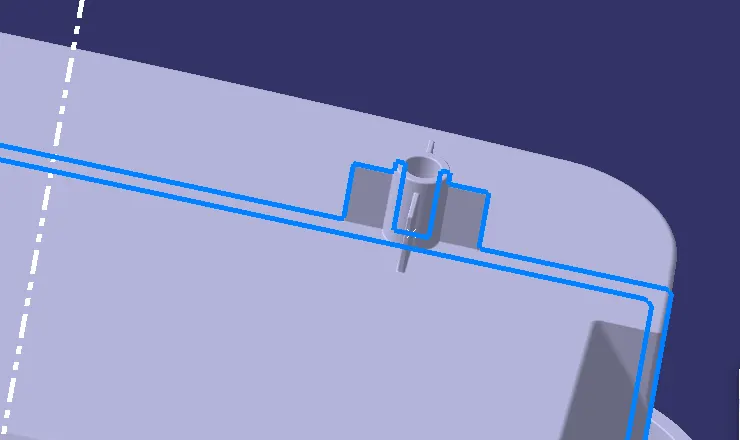
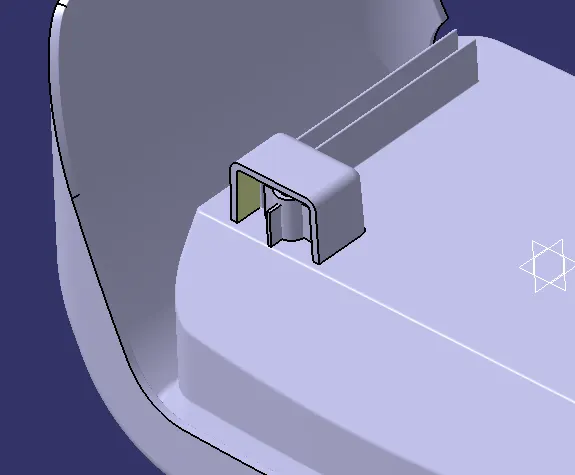
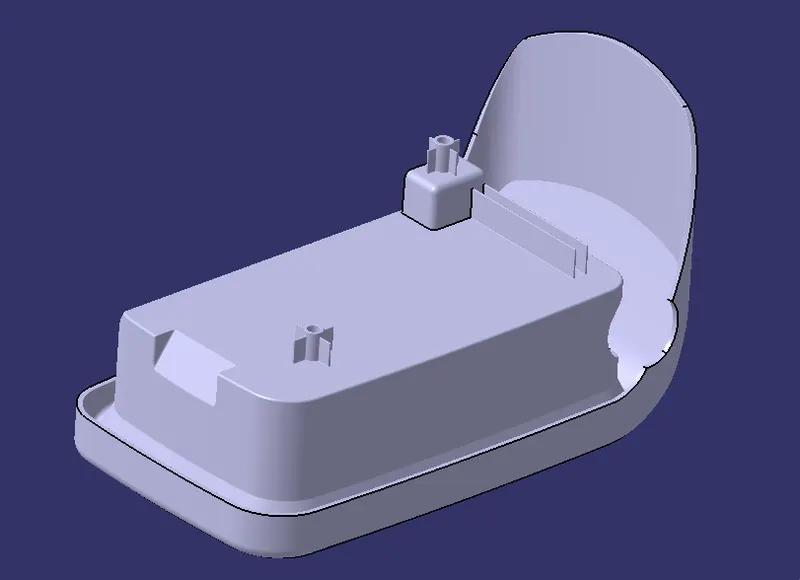
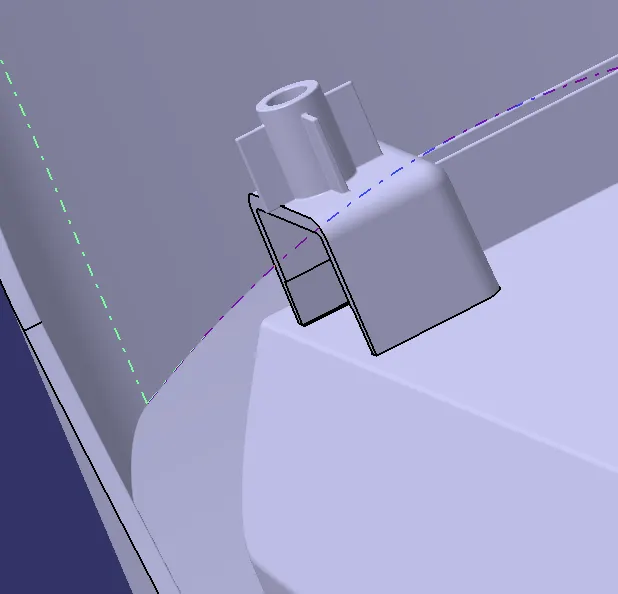
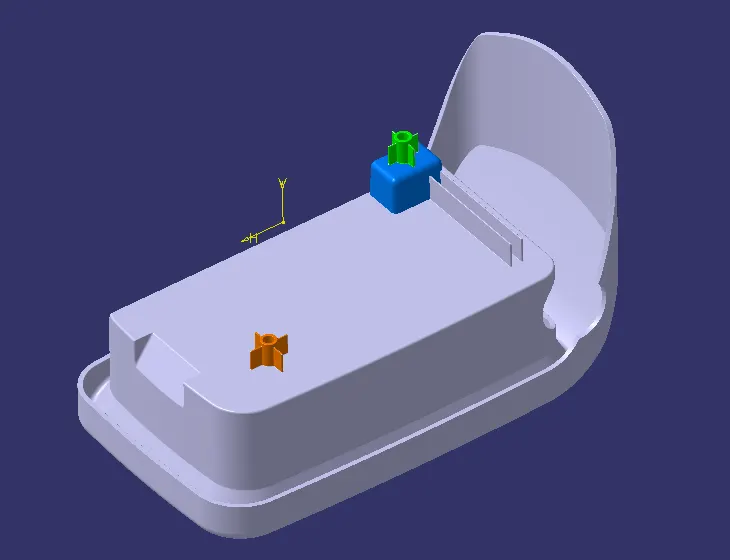
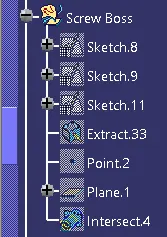
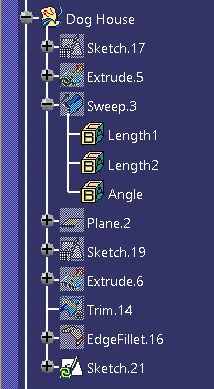
Aim : To create the boss and Dog House for the Centre console coin holder considering the design rules.
Given :
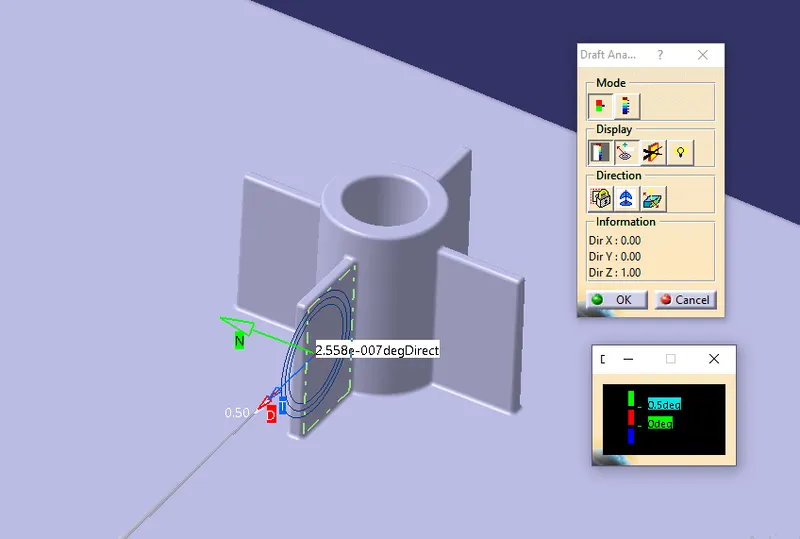
- Draft - 0.5 degrees on walls of boss
- Thickness - Typically 40%* of the nominal wall at the base.
- Height to Diameter Ratio - 3:1
- Radii - 0.25mm maximum radii
Draft Analysis : It helps to gather the draft angle on multiple surfaces without the need for manual measurements.
Draft Angle : It is the angle that the draft faces make with the pulling direction.
Pulling Direction : It allows you to define the coordinates and the type of the axis system.
Procedure :
Step1 : Import the Given Class A surface in the Catia Software.
Step 2 : Test The Boundaries of the surface.
Step 3 : To create a tooling axis, first make sure you have created a dummy axis.
Step 4 : Use intersect option in the toolbar, select the zx plane as the first reference and the class a surface as the second element.
Step 5 : Make a dummy axis
Step 6 : Now create lines seperating walls of the class a surface.
Step 7 : Using these two lines, create a tooling axis in x-direction.
Step 8 : Perform intersect option and create outer lining of the model, selecting yz plane
Step 9 : Again create two lines from the points on the side of the sketch using point to point command.
Step 10 : Create the Tooling Axis in the Z-Direction.
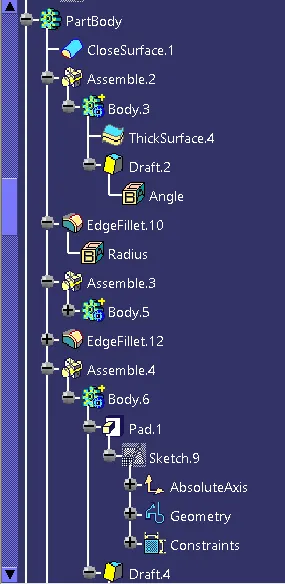
Step 11 : To perform draft analysis, select Feature draft analysis from insert menu.
Step 12 : The Draft should be 0.5mm
Step 13 : The radius should be 0.25mm