Attachment Feature Creation
AIM:
Create the dog house for the door trim
OBJECTIVE:
- Create the tooling axis
- Design the class B and class C surface by class A surface
- Make a Soild body from Surface
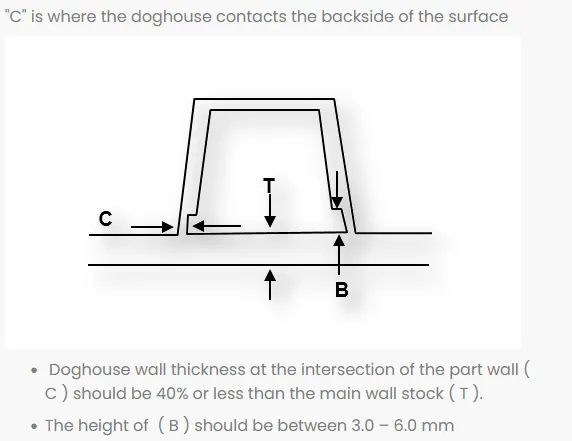
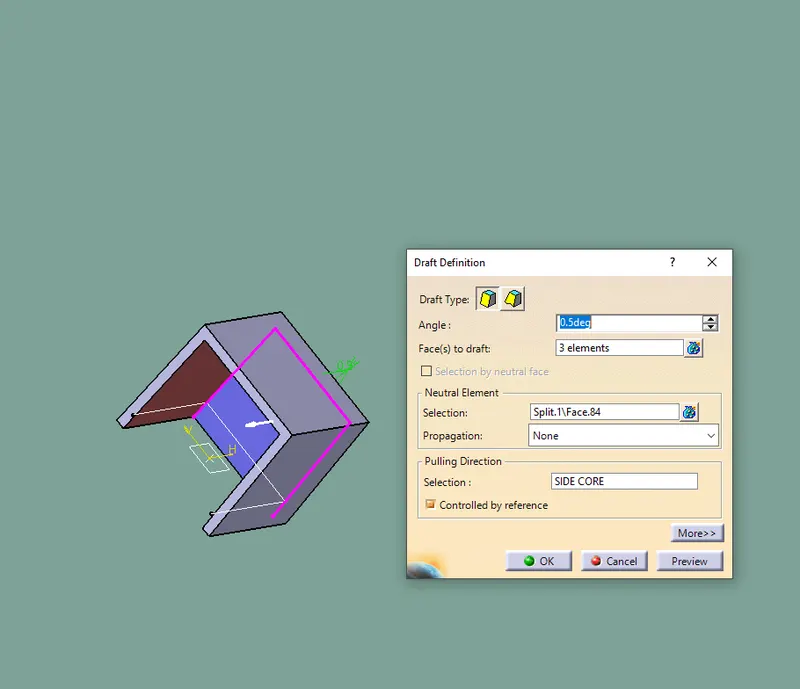
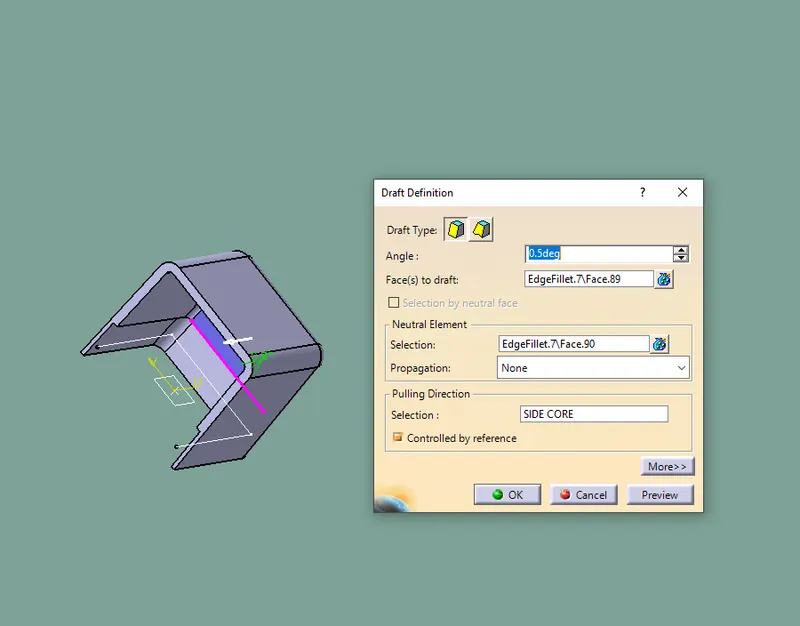
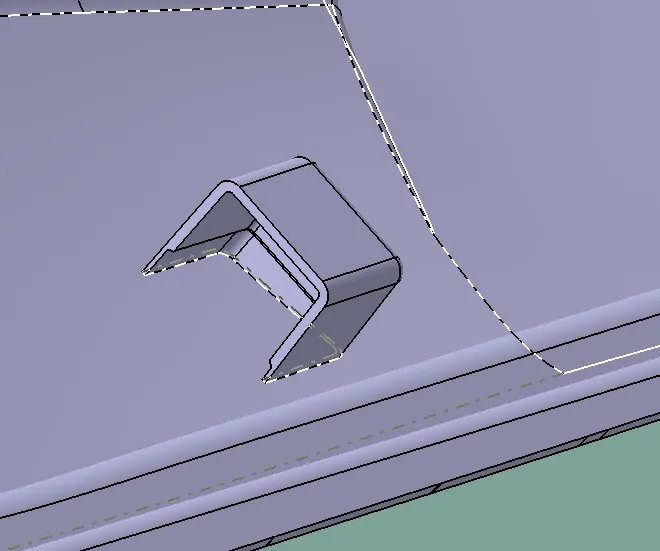
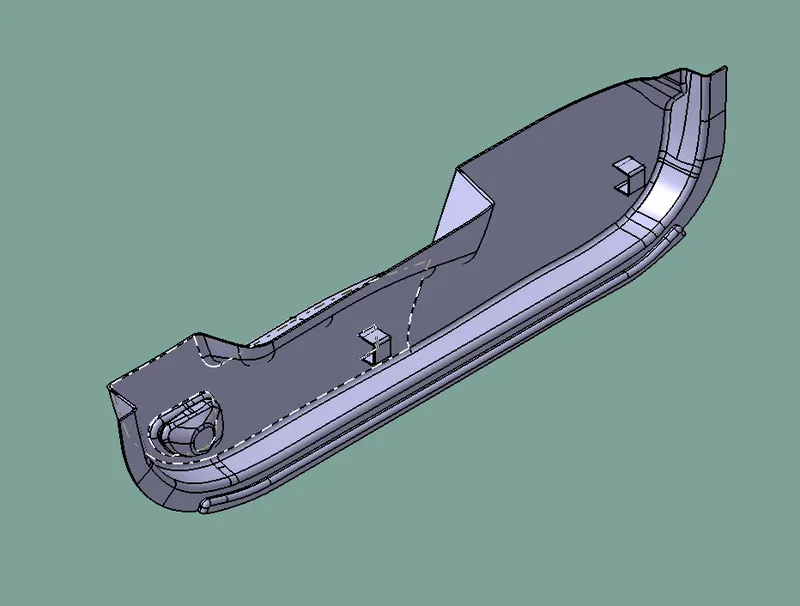
- Design the required dog house and analysis them
- Perform the draft analysis for the final component
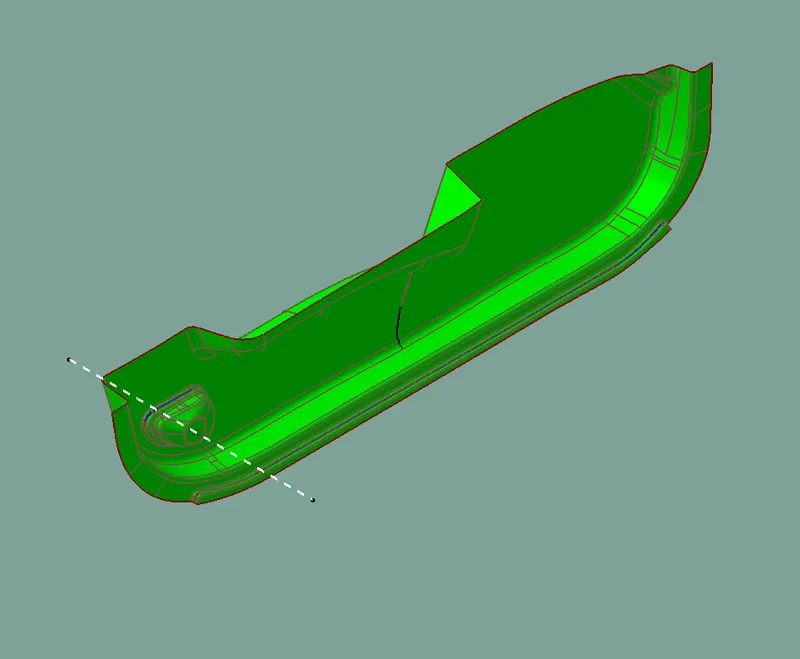
GIVEN CLASS A SURFACE:
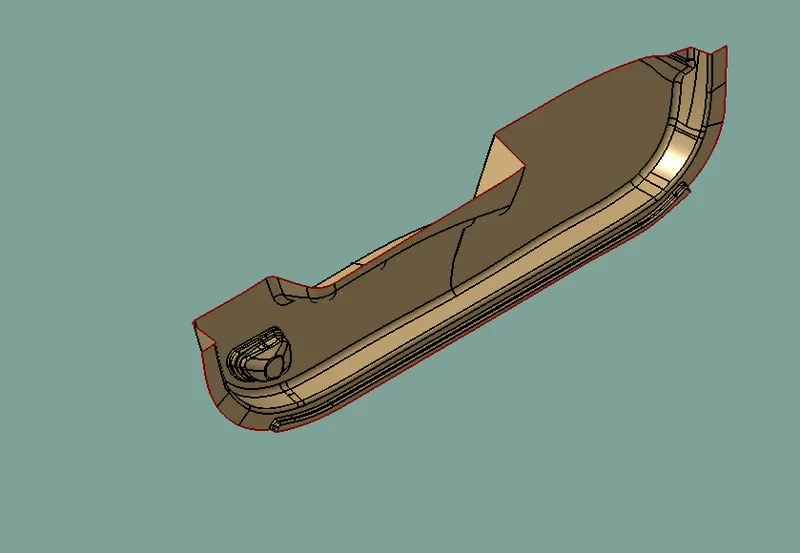
CREATE TOOLING AXIS:
For this model the normal method is used
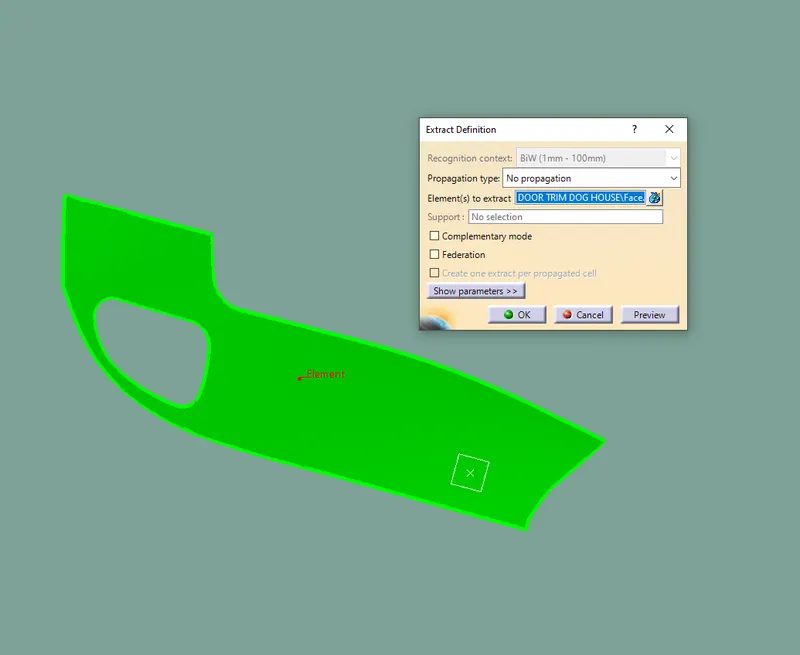
- Extact the plane surface from the class A surface
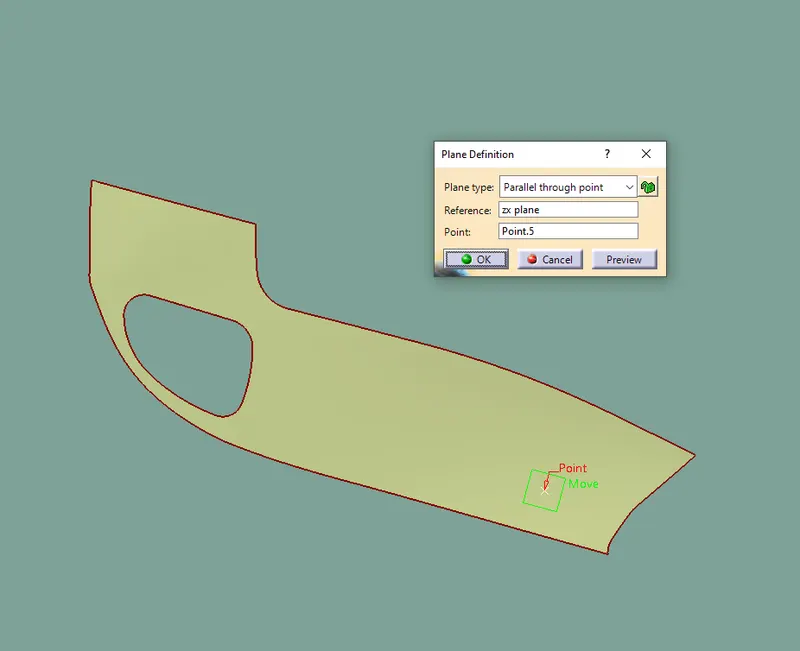
- Then create a point at that plane in centre by using point command
- Now create a line at that point
- At the direction of Y Axis
- That line is our tooling axis
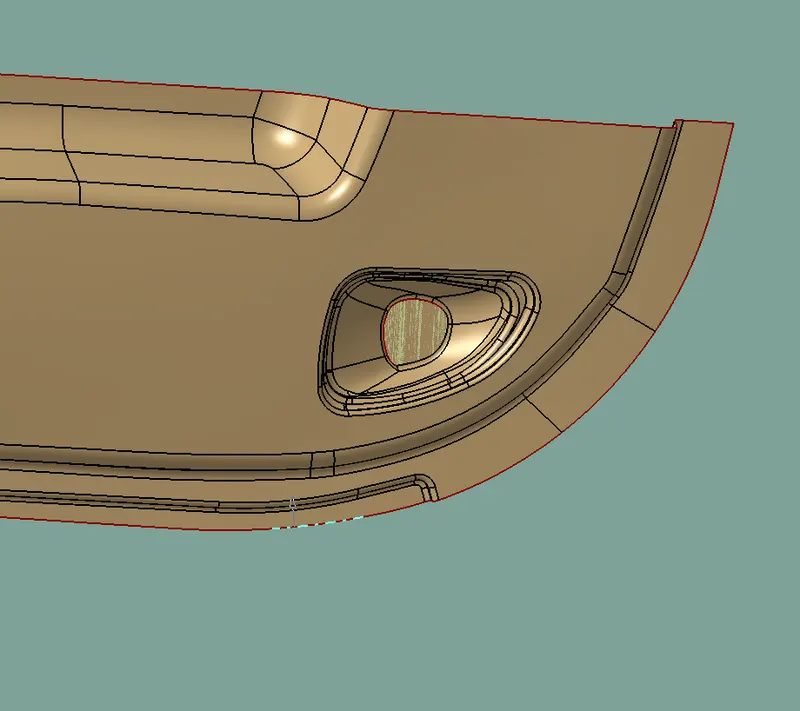
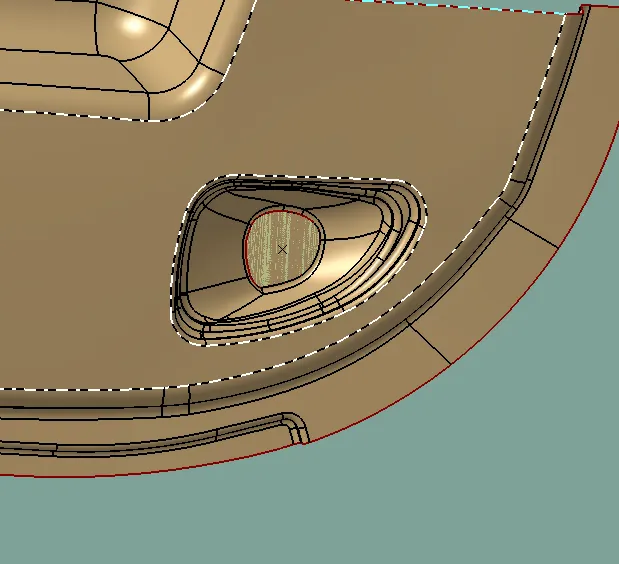
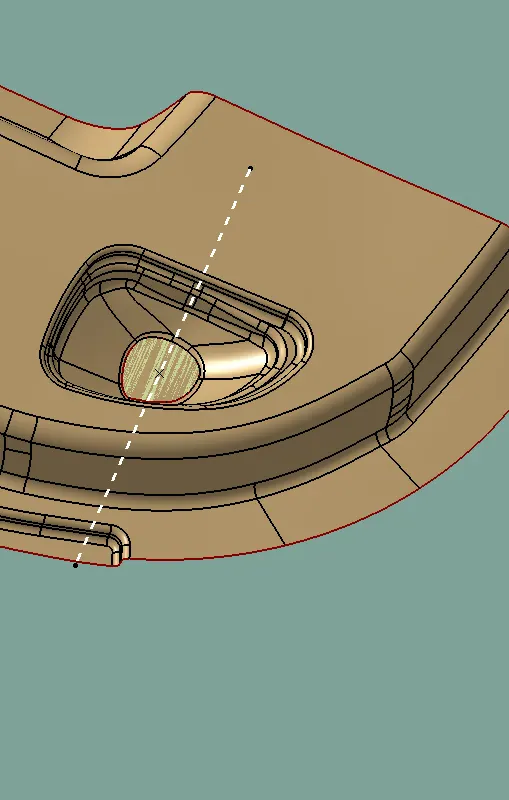
DRAFT ANALYSIS OF CLASS A
After creating a tooling axis we do the draft analysis . Before draft we have to make sure that in the view mode it is selected for the materials
After selecting the feature draft analysis tool we drag the compass from its position to the tooling axis then lock the compass.After that select anywhere on the component and it will give you the result
We Change the minimum draft for the component to 3 degree
We can use the running point to check the angle of the component
CREATING CLASS B SURFACE
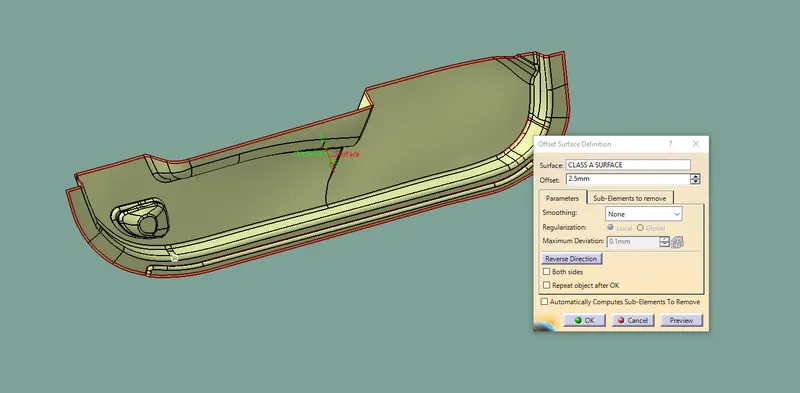
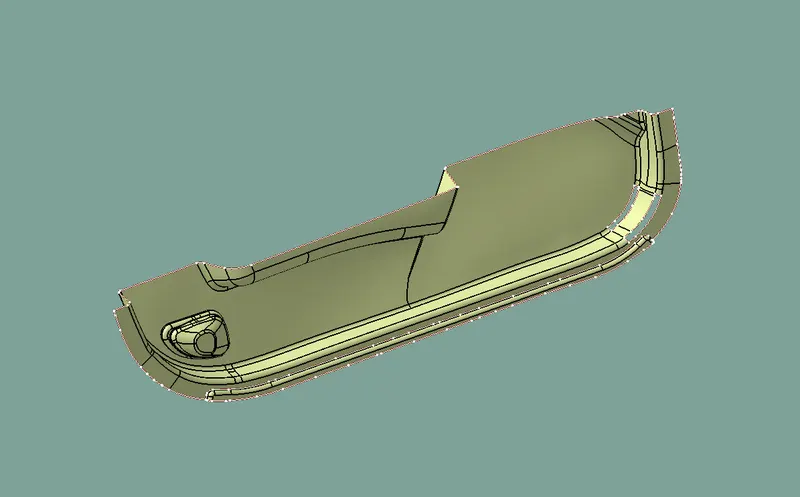
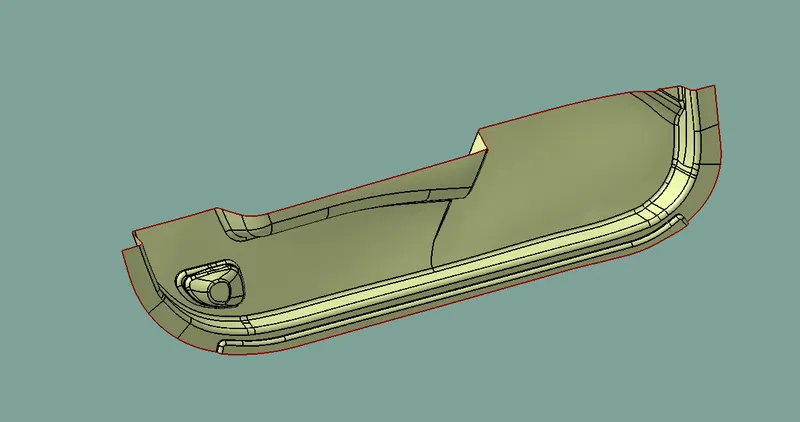
CREATING CLASS C SURAFCE
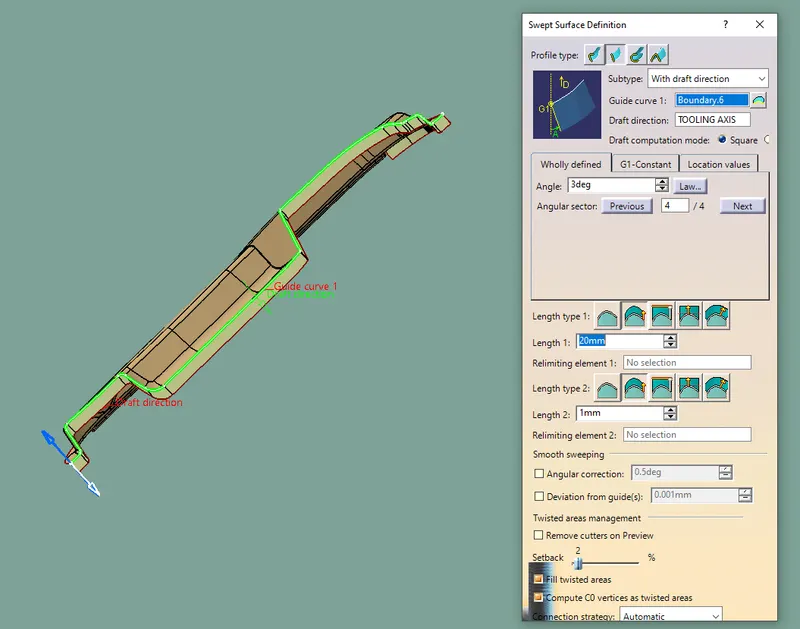
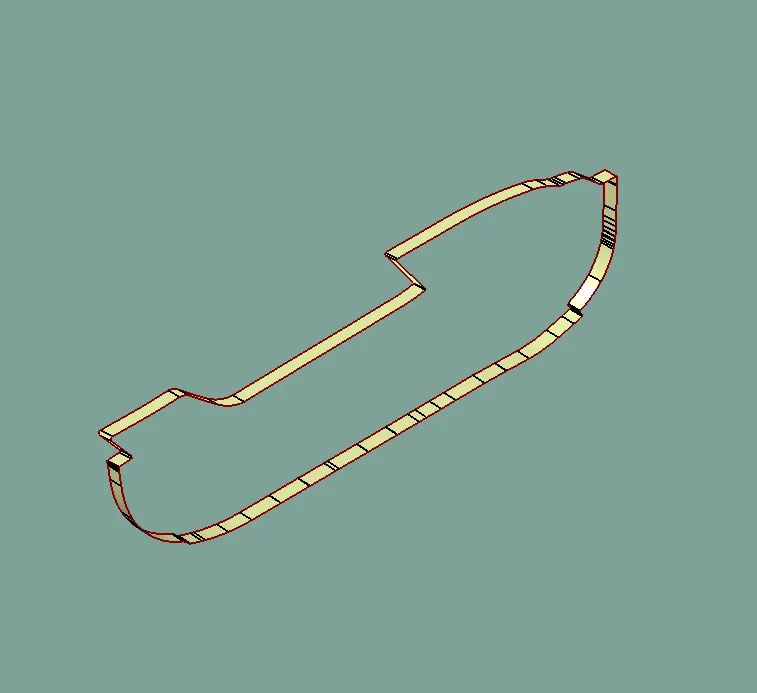
JOIN CLASS A AND C AND TRIM B
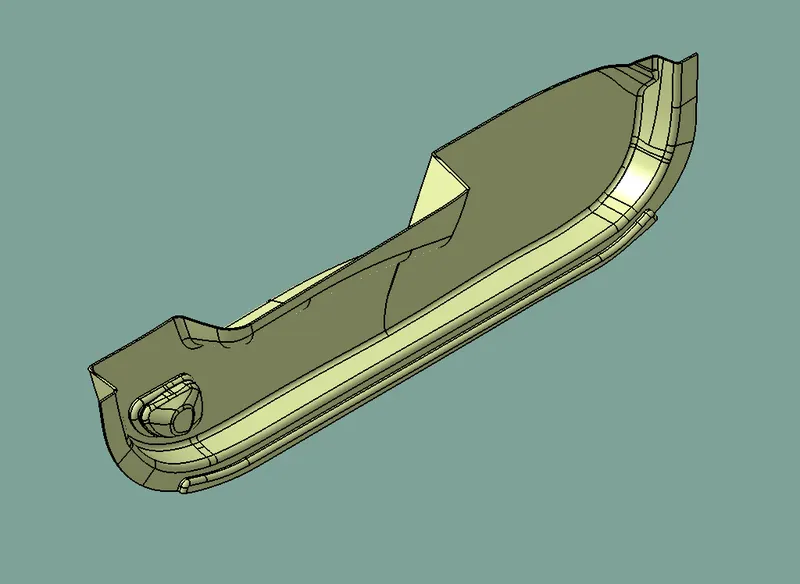
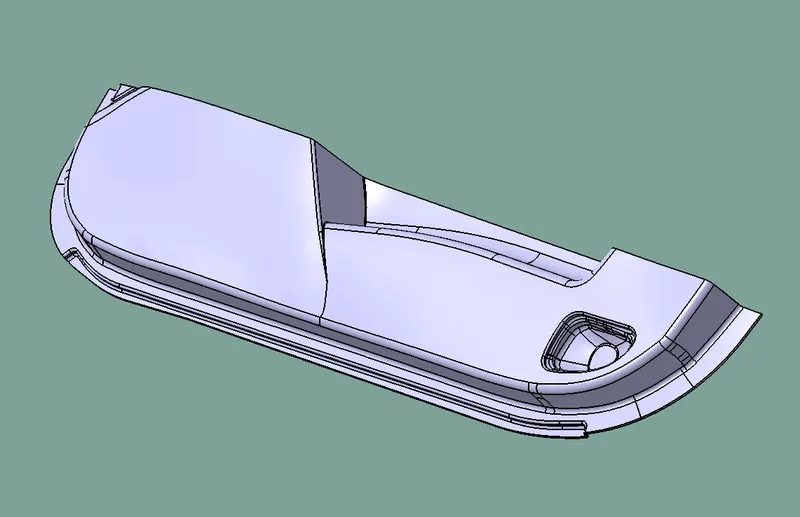
DOOR TRIM DRAFT ANALYSIS
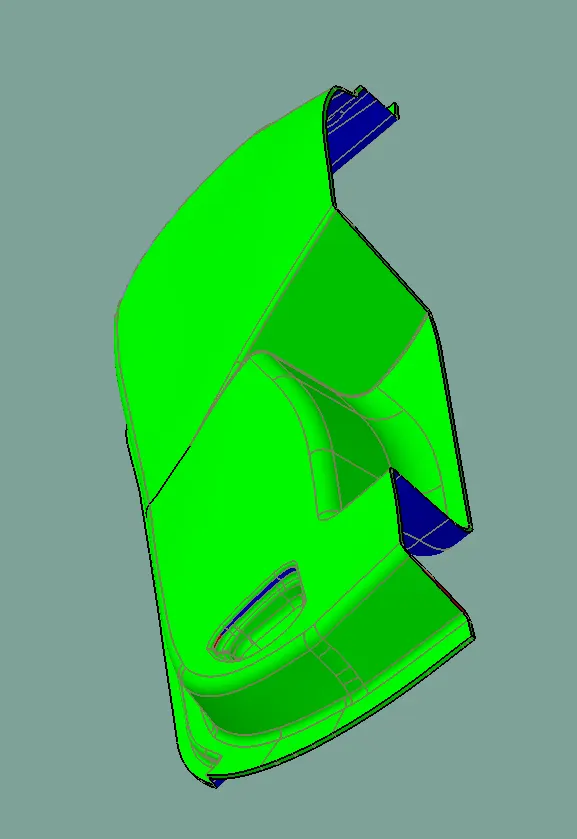
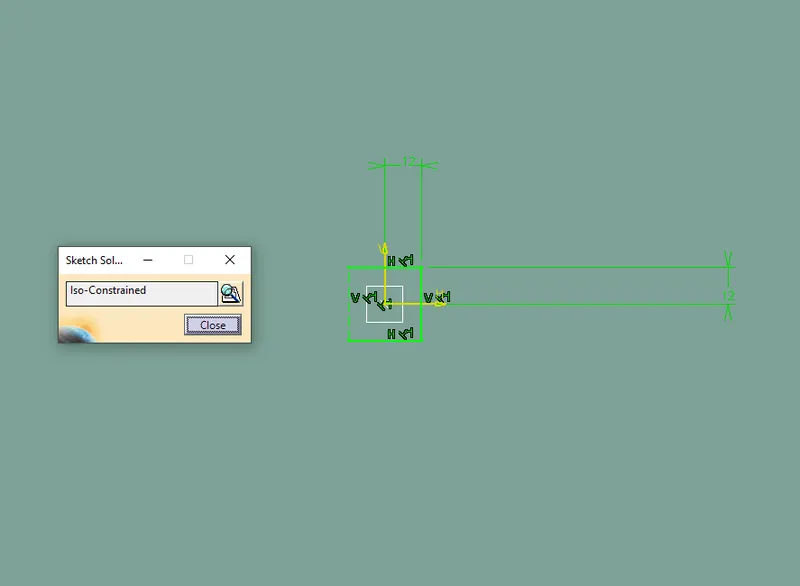
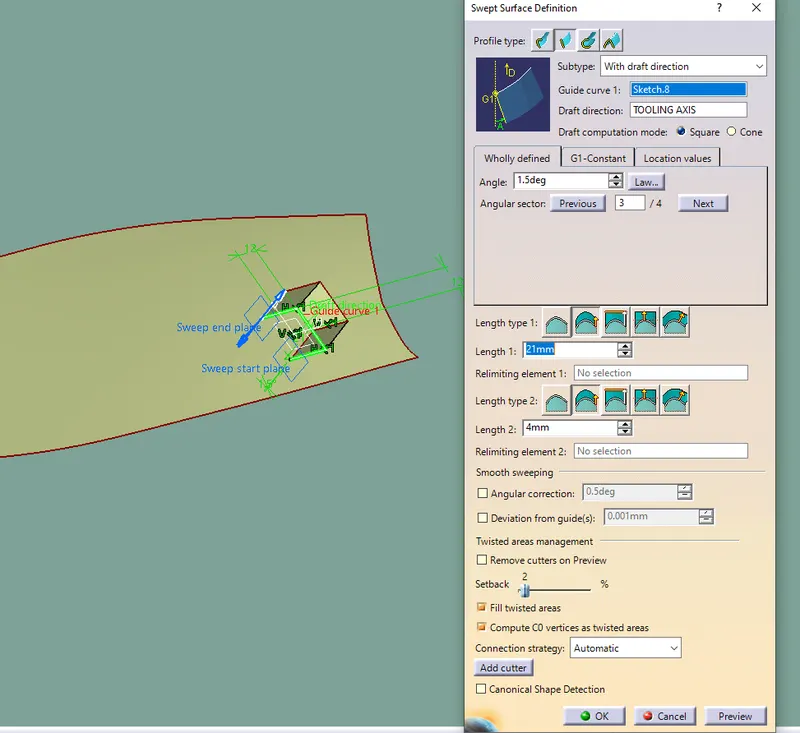
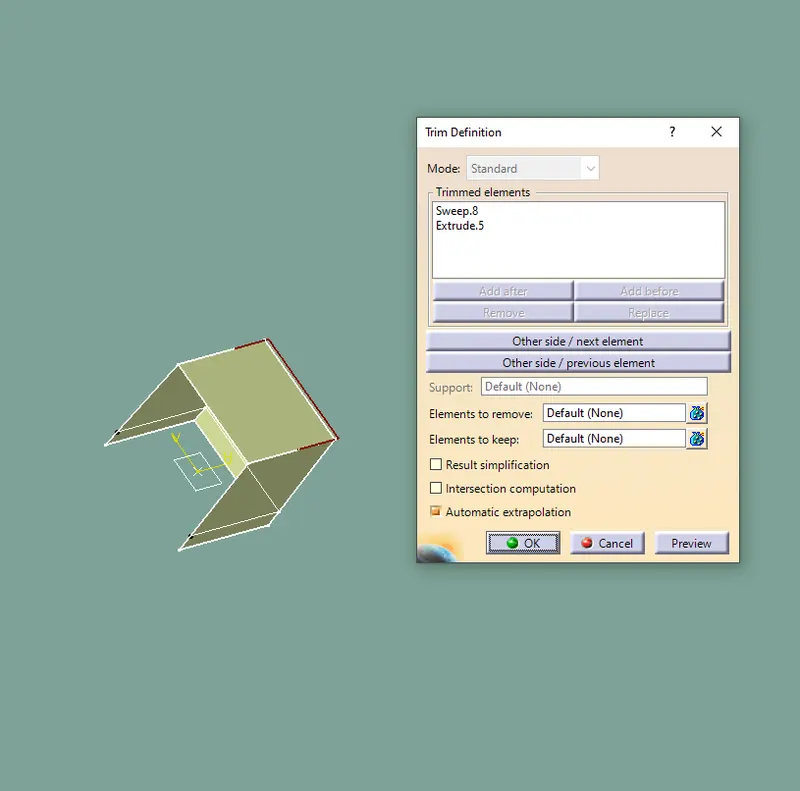
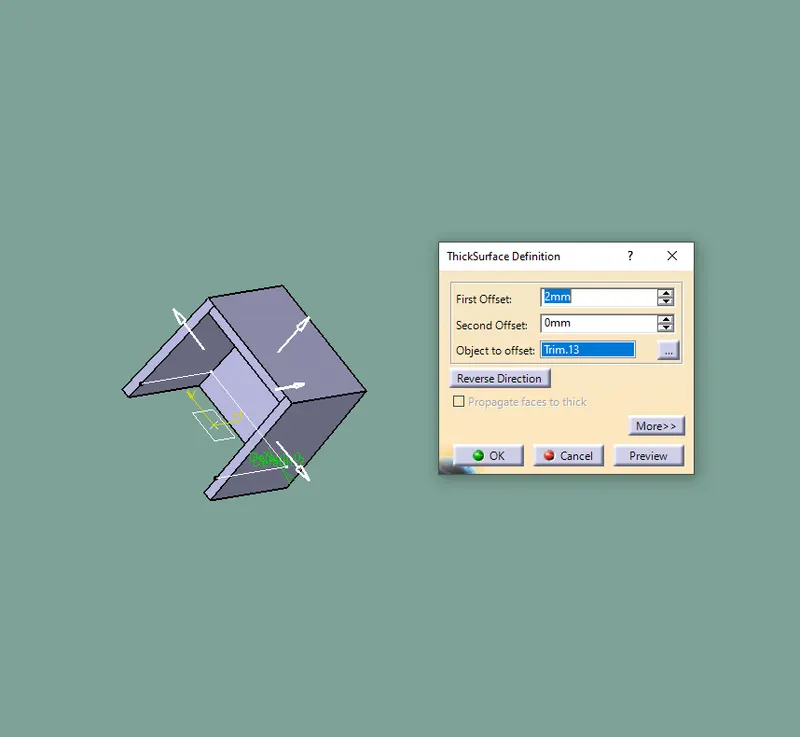
DOG HOUSE DESIGN
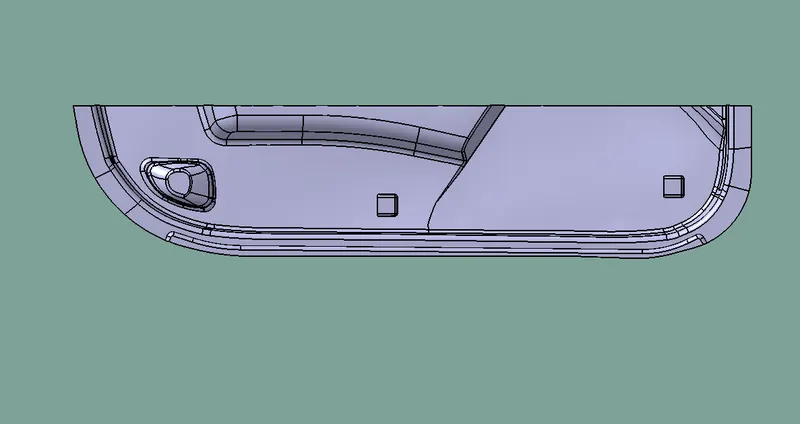
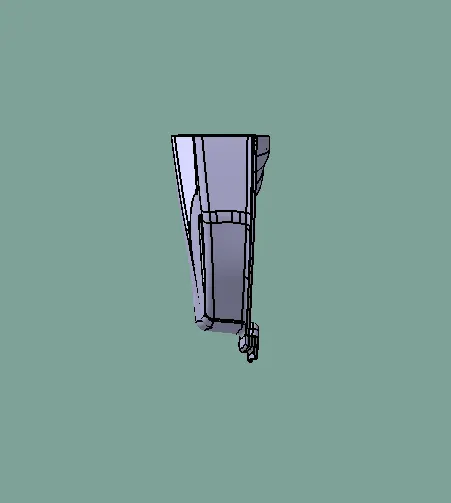
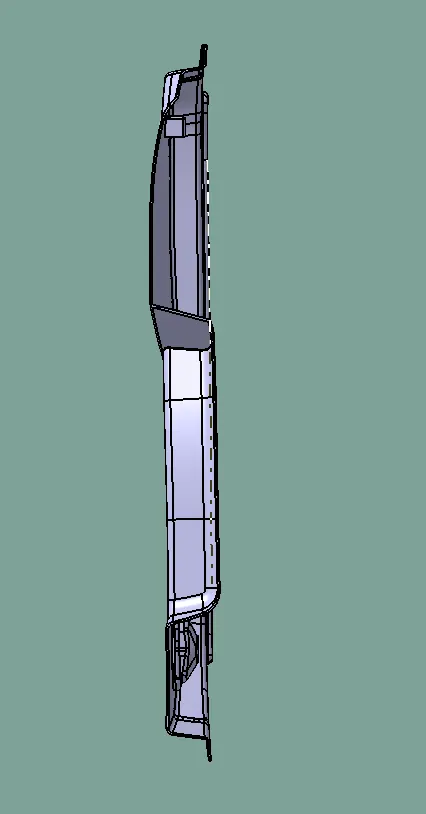
FINALTOOLING AXIS
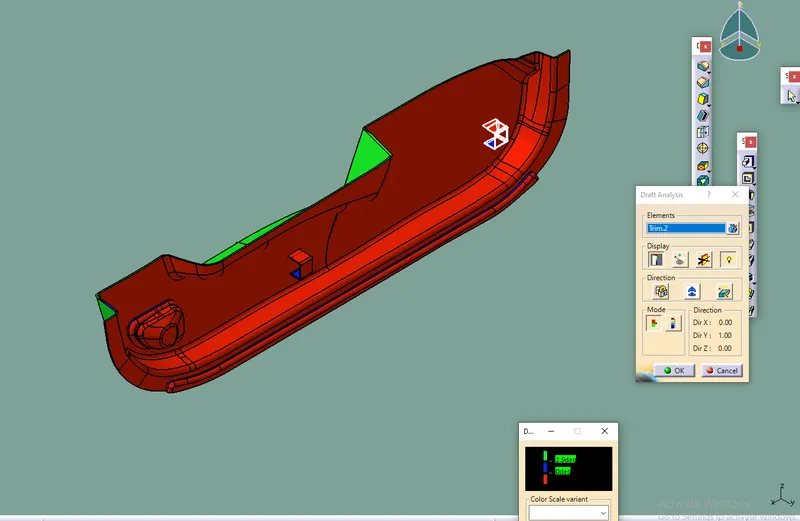
Thus the DRAFT ANALYSIS is carried out by tooling axis for the given Door trim And it is ready for the further operations